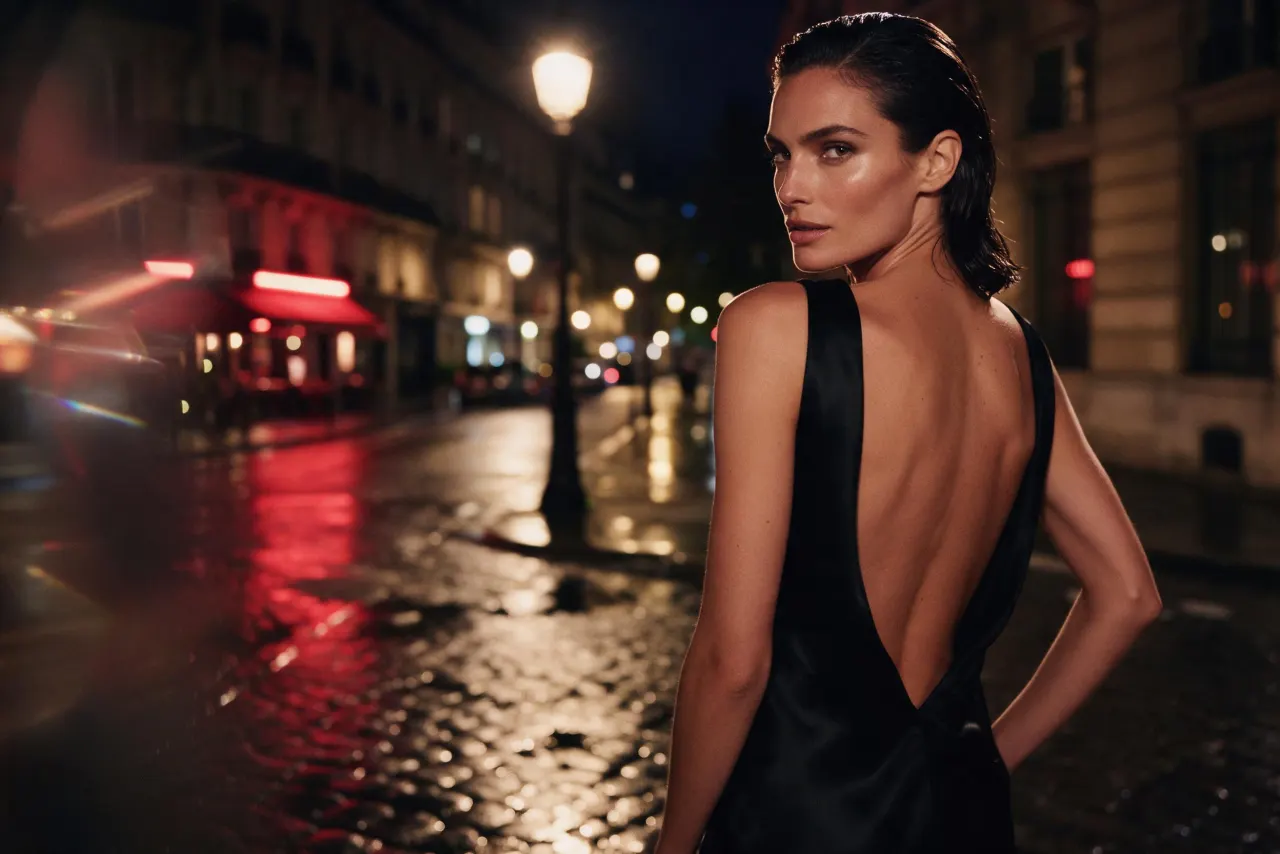
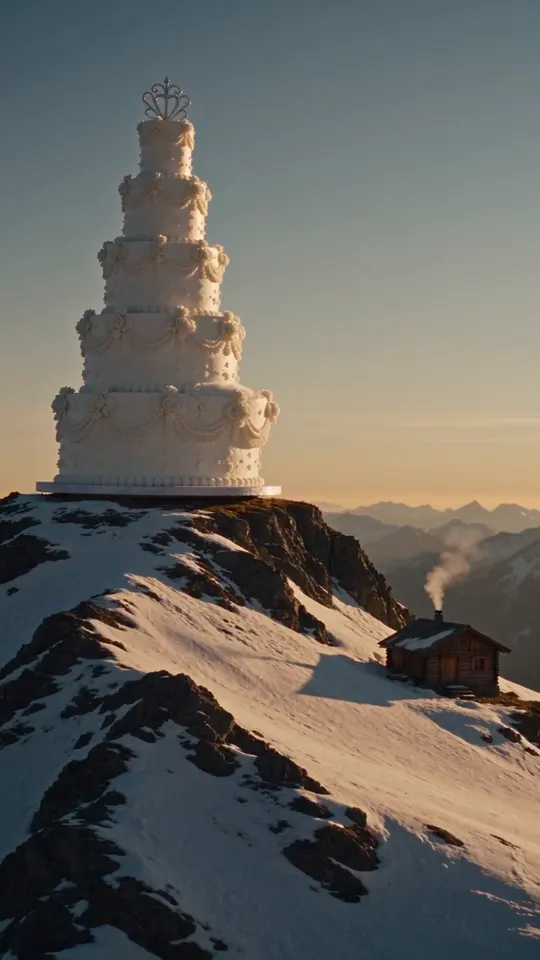
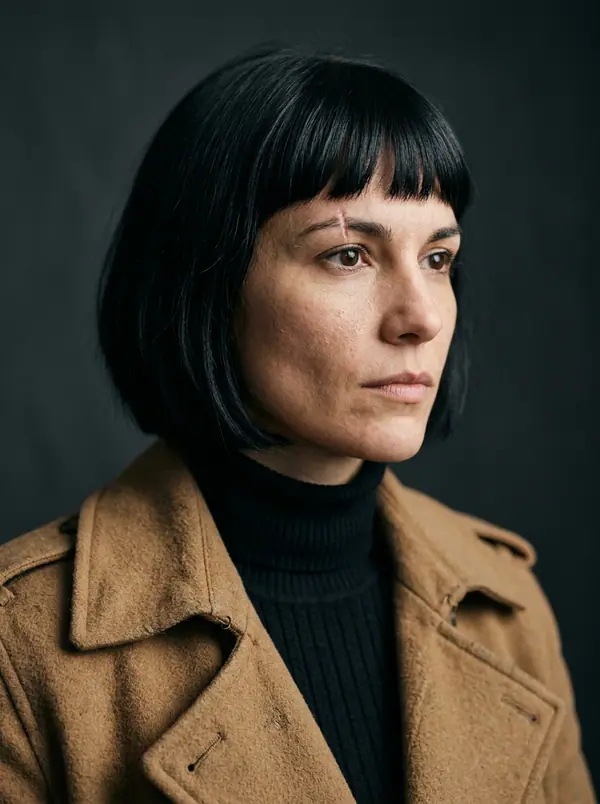
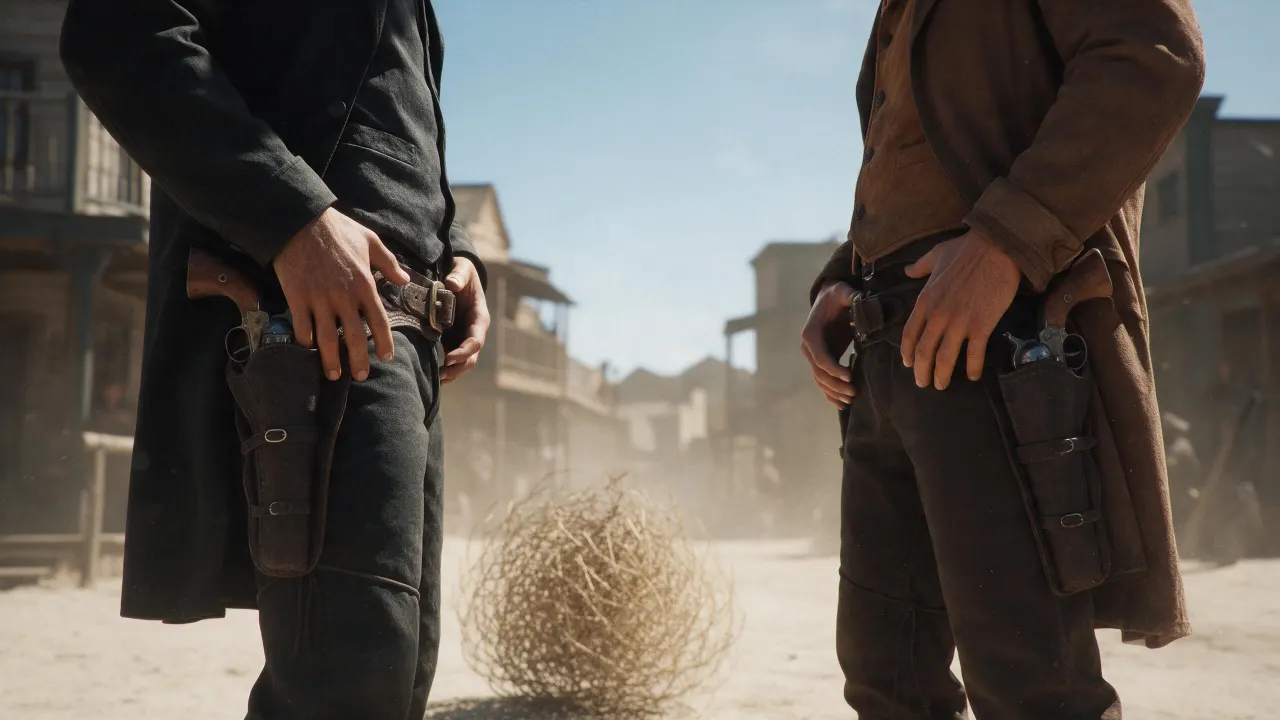
10月13日 01:39:36·完了 · 31 secで完了 · −10クレジット
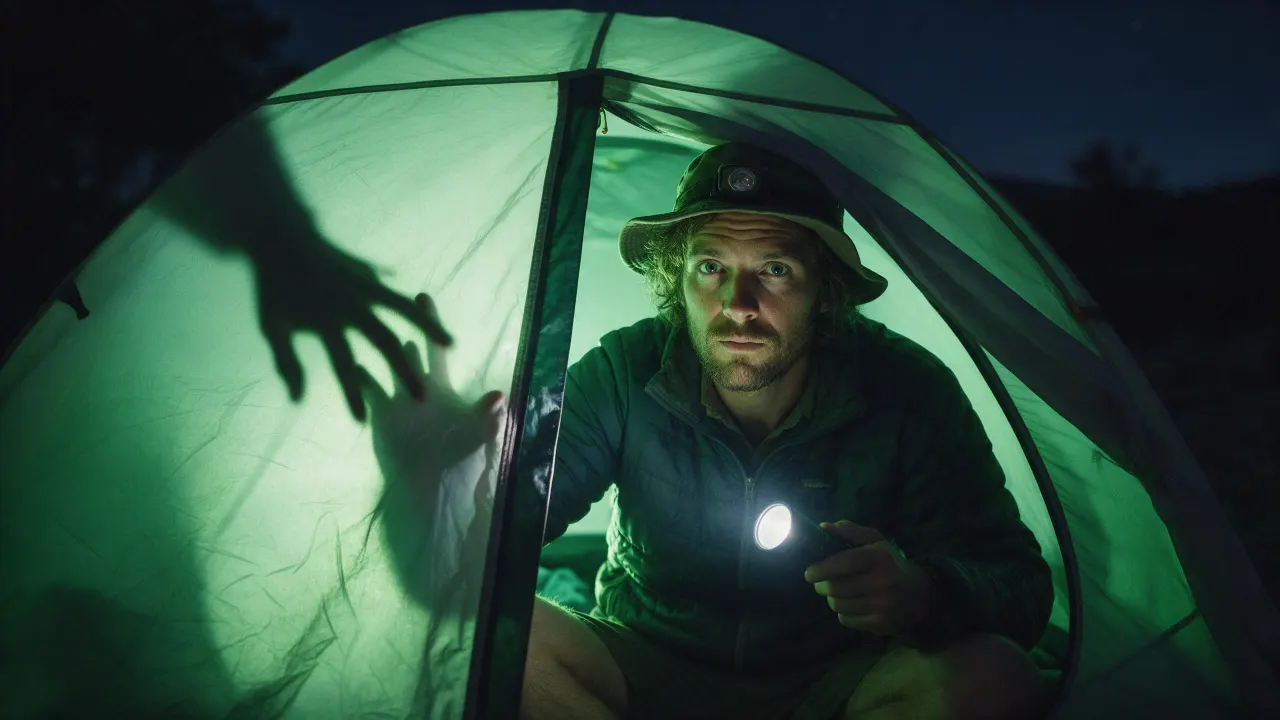
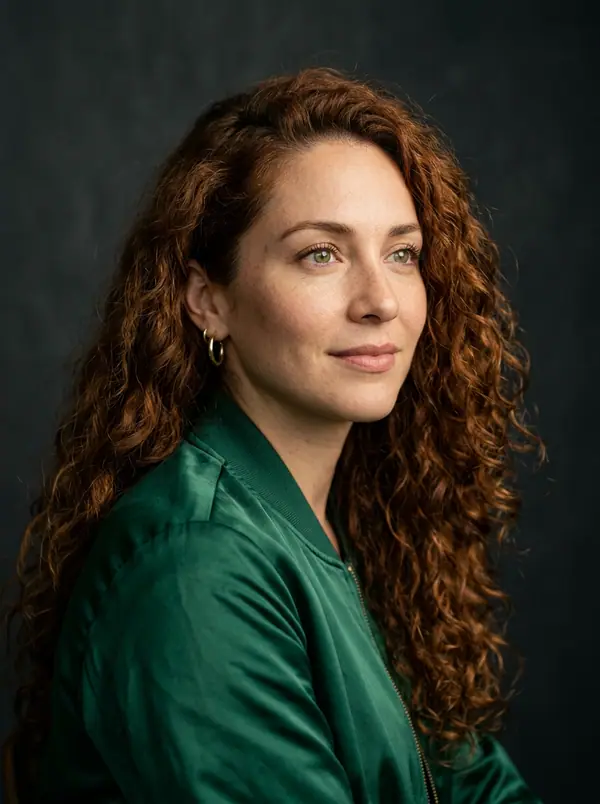
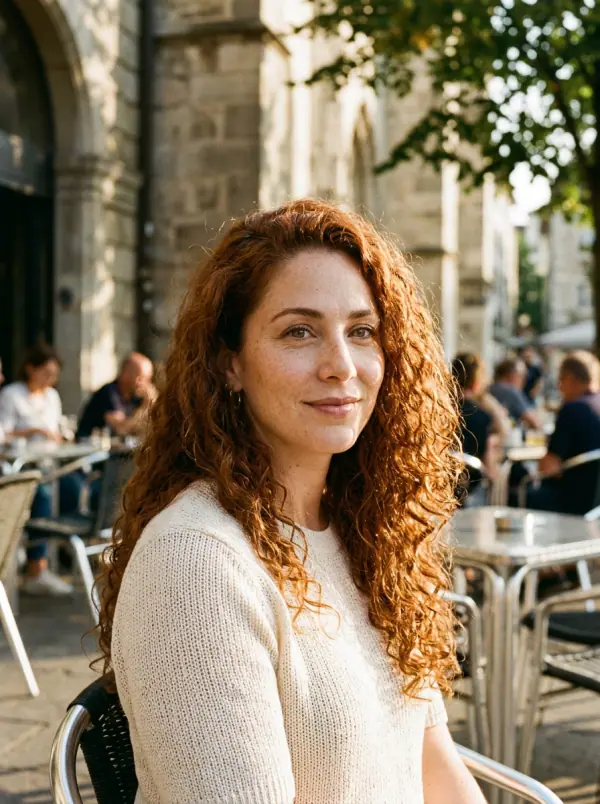
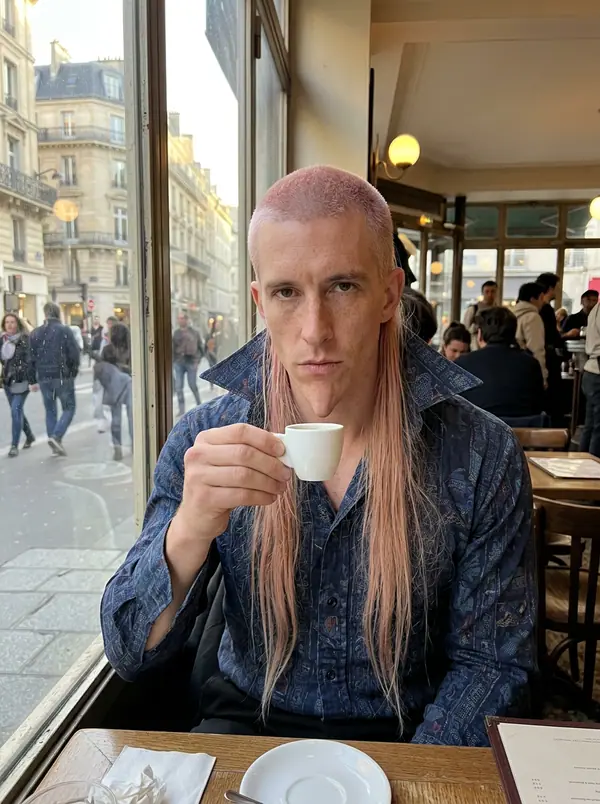
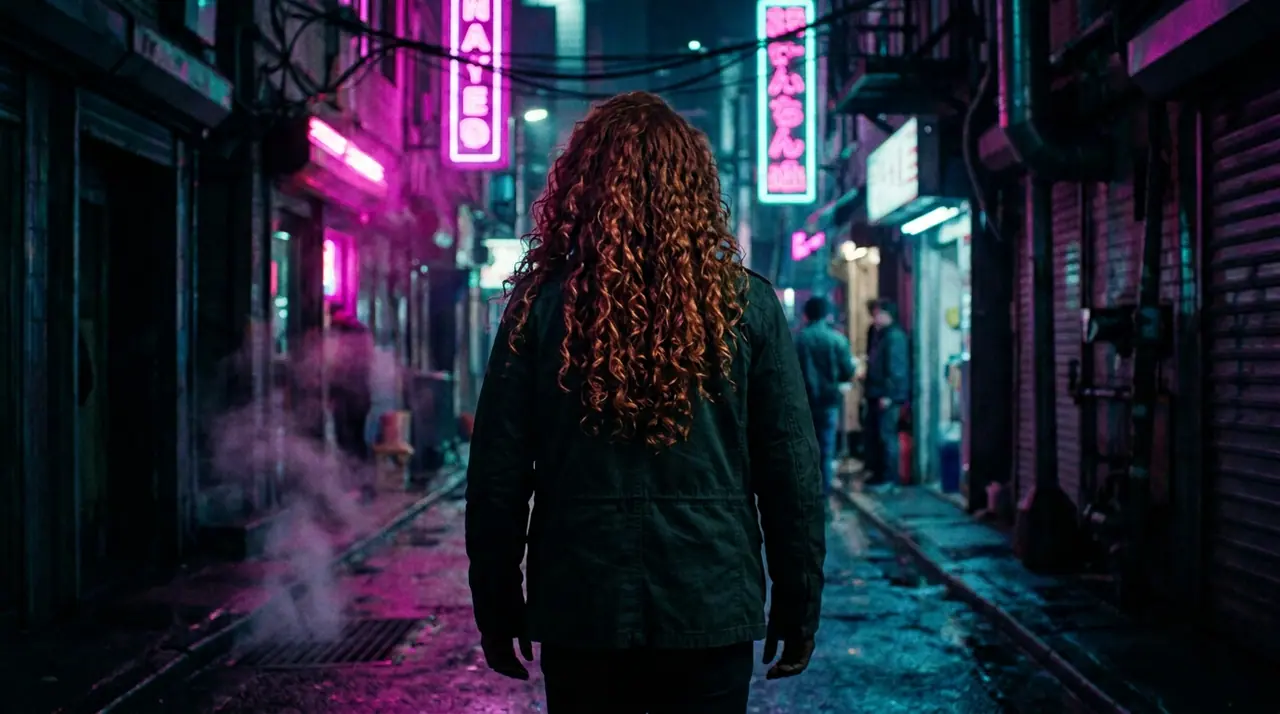
@Picture 1:男性を@Picture 2の女性に差し替え、ジャケットも路地もネオンもそのまま
Eroq One · 維持 · 1テイク
Tool
eroq extends a picture from a sentence: Image › Edit opens with "extend this picture beyond its edges: continue the scene naturally on every side", you add the picture and pick the new format. Eroq Uncensored and Krea2 render it to another ratio (a square into 16:9 or 9:16); Eroq One keeps your picture's frame, so the scene widens inside it.
40クレジット無料 · カード不要 · 全アカウントでプライベートモード
画像 · 作成
10月13日 01:39:36·完了 · 31 secで完了 · −10クレジット
@Picture 1:男性を@Picture 2の女性に差し替え、ジャケットも路地もネオンもそのまま
Eroq One · 維持 · 1テイク
10月13日 01:42:07·完了 · 26 secで完了 · −40クレジット
@Lena、自宅での自然な35mmポートレート、窓からの暖かい光、やわらかなフィルムグレイン
Eroq One · 3:4 · 4テイク

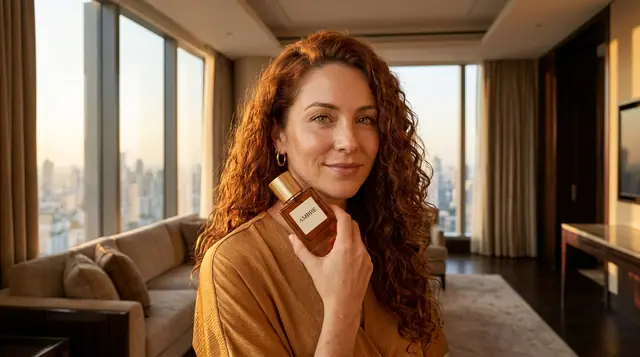

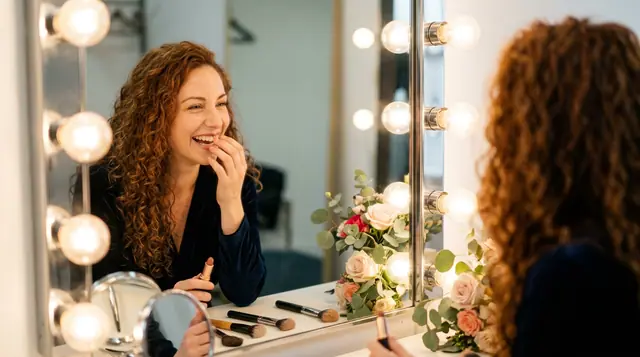
@Lena、自宅での自然な35mmポートレート、窓からの暖かい光、やわらかなフィルムグレイン
プライバシー
プライベート、そして制限なし
The whole picture is rendered again at the engine's size, with your picture as the guide: check that the original part still looks the way you want. It makes the scene wider, not the file larger: it is not an upscaler.
Clap · AIエージェント
Askで欲しい結果を伝えるだけ。Clapが必要なことを質問し、エンジンを選び、プロンプトを書き、プランの料金を出します。承認すると、すべてを生成してライブラリに保存します。完全自動で、あなたが承認するまで何も実行されません。
Ask · Clap
Clap · 6秒 考えました
3枚とも、レナのシートから同じ顔で。プランはこちらです。
プロダクション
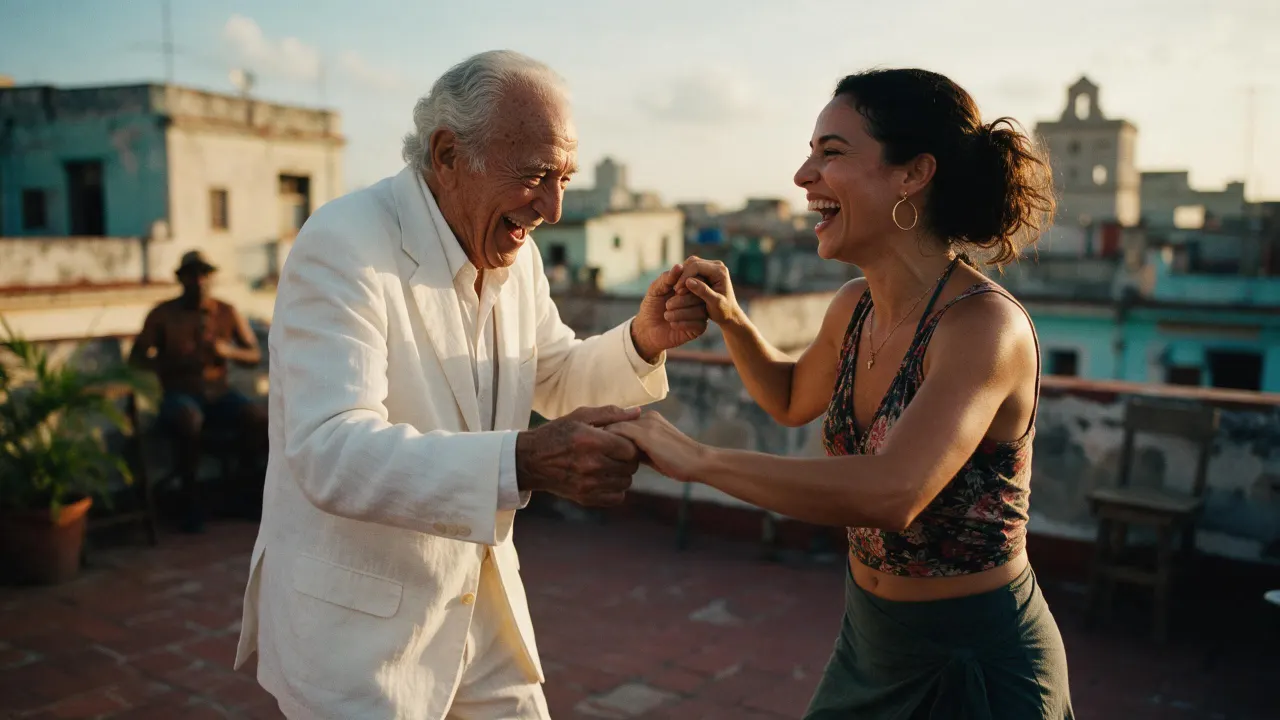
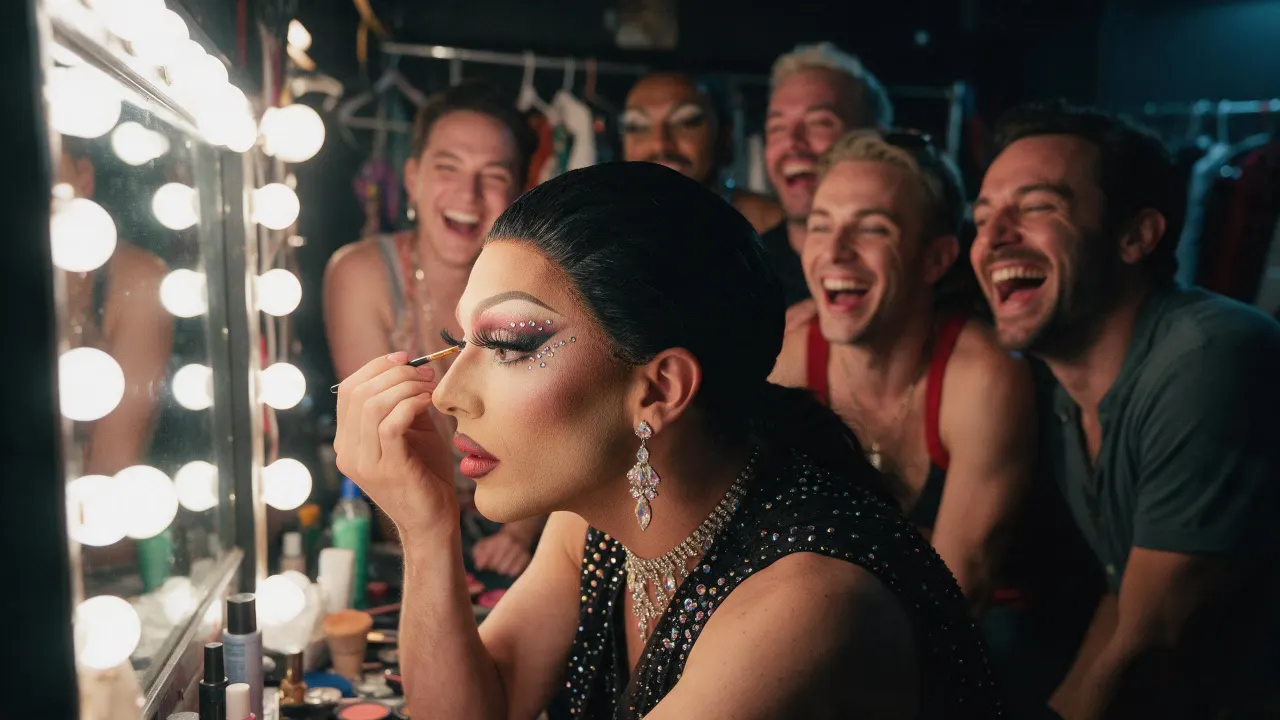
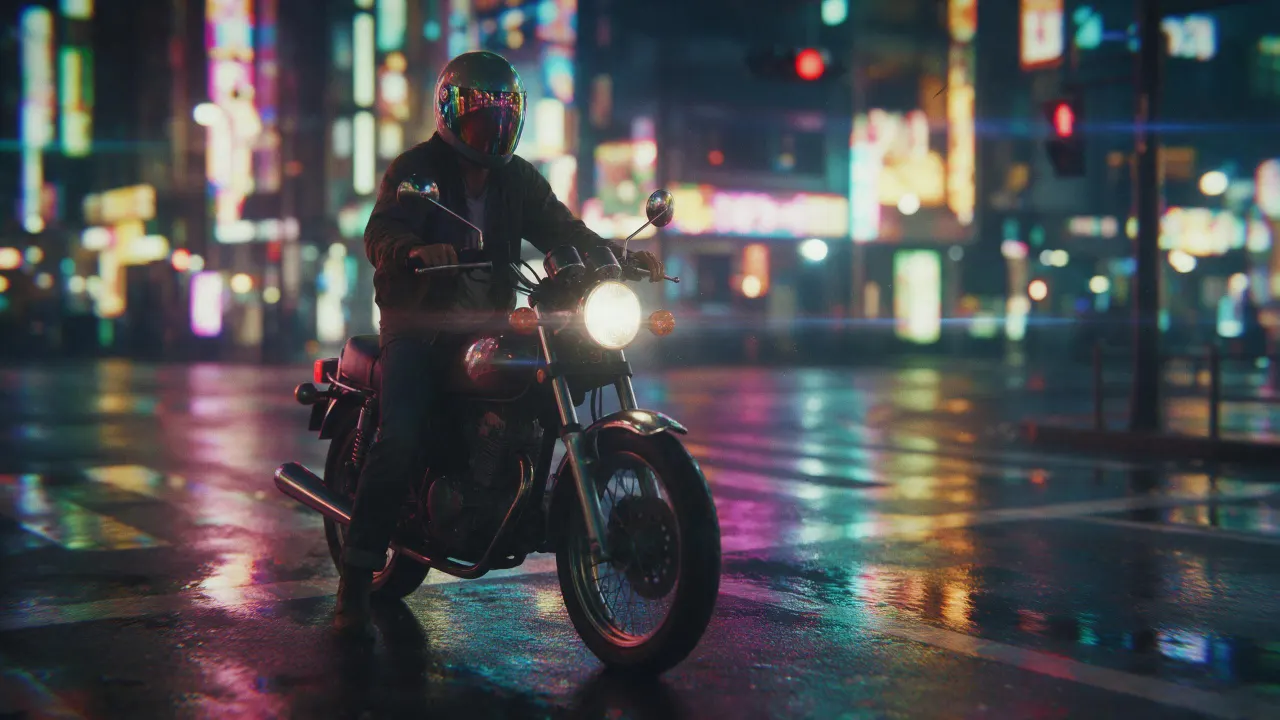
ライブラリに保存されます
Open the image extender recipe in Image › Edit, add the picture, pick Eroq Uncensored and Krea2 and a wider format, and generate. The editor continues the scene past the old edges.
Yes, on Eroq Uncensored and Krea2: pick 16:9 in Format and the scene is continued on the sides.
It keeps it close, not pixel for pixel: the whole frame is rendered again. Render a few takes and keep the one where the original reads best.
Free to start: every new account gets 40 free credits with no card, enough for 4 edits at 10 credits each. More credits start with a $10 pack (1,000 credits) or a plan from $15/month.
40クレジット無料 · カード不要 · 全アカウントでプライベートモード
さらに見る