

13 oct, 01:39:36 a.m.·Listo · Tardó 31 sec · −10 créditos
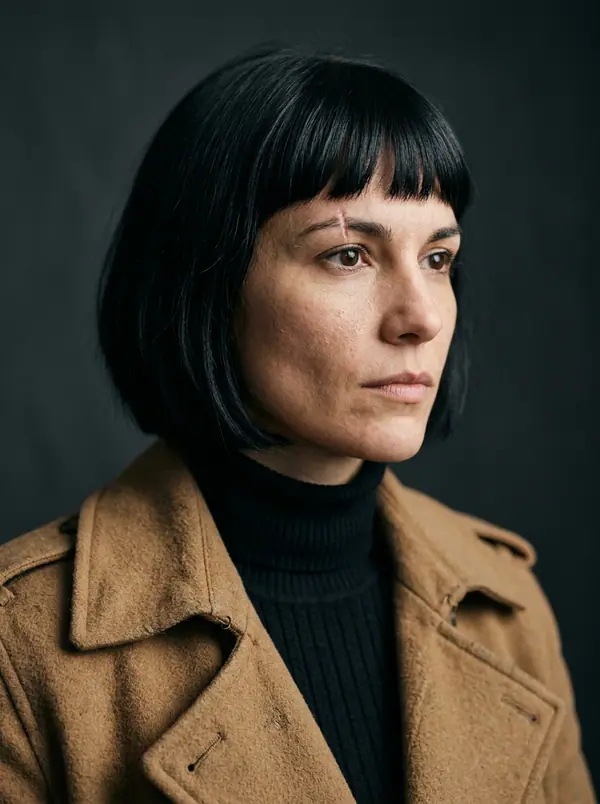
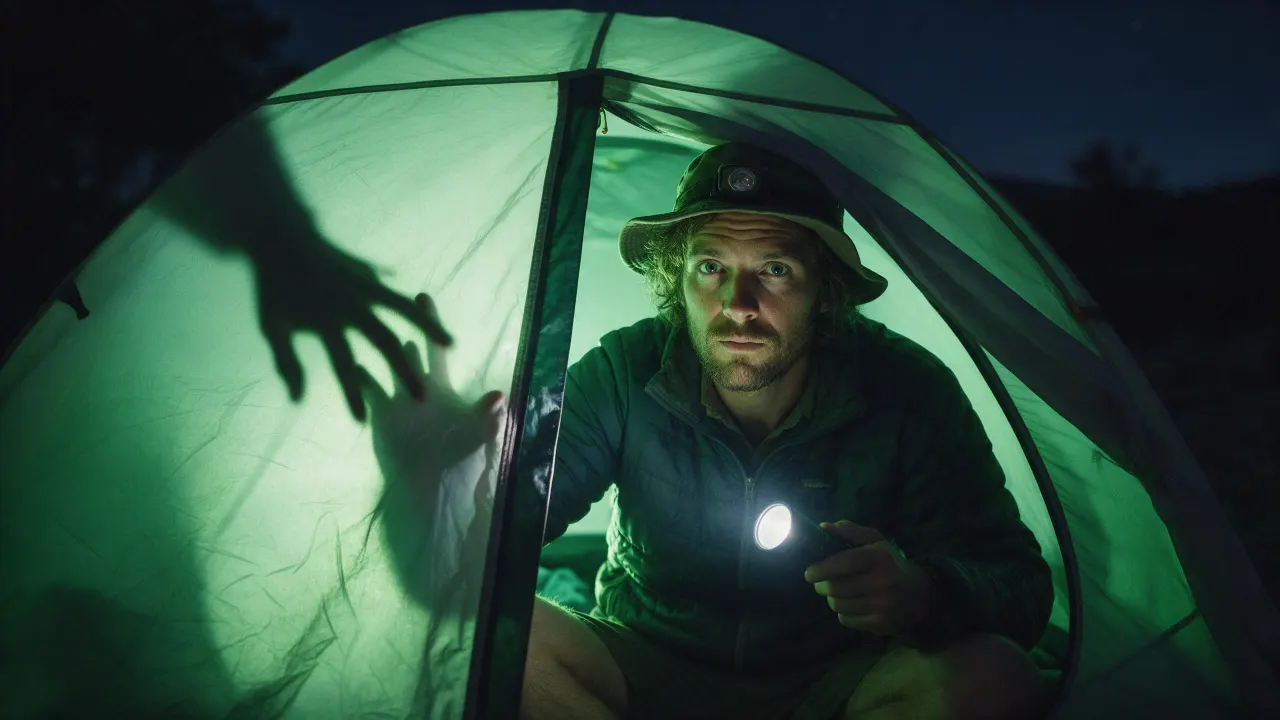
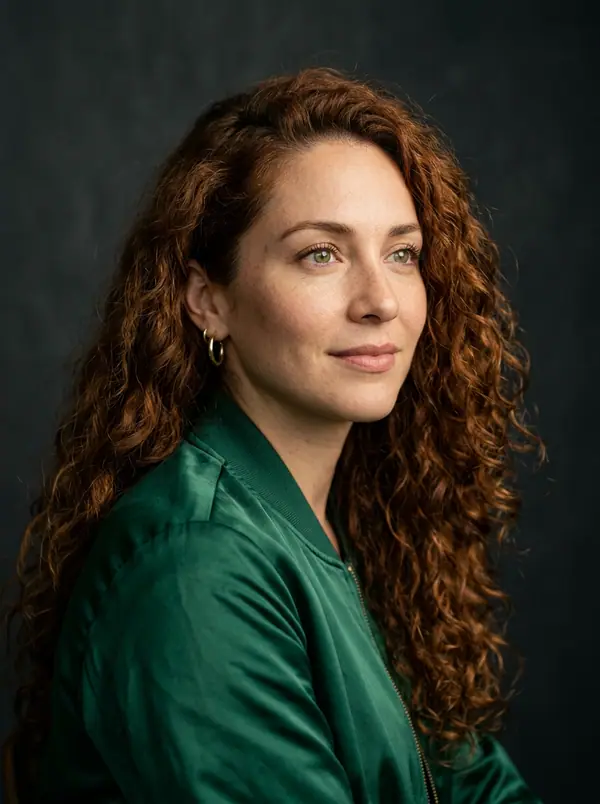
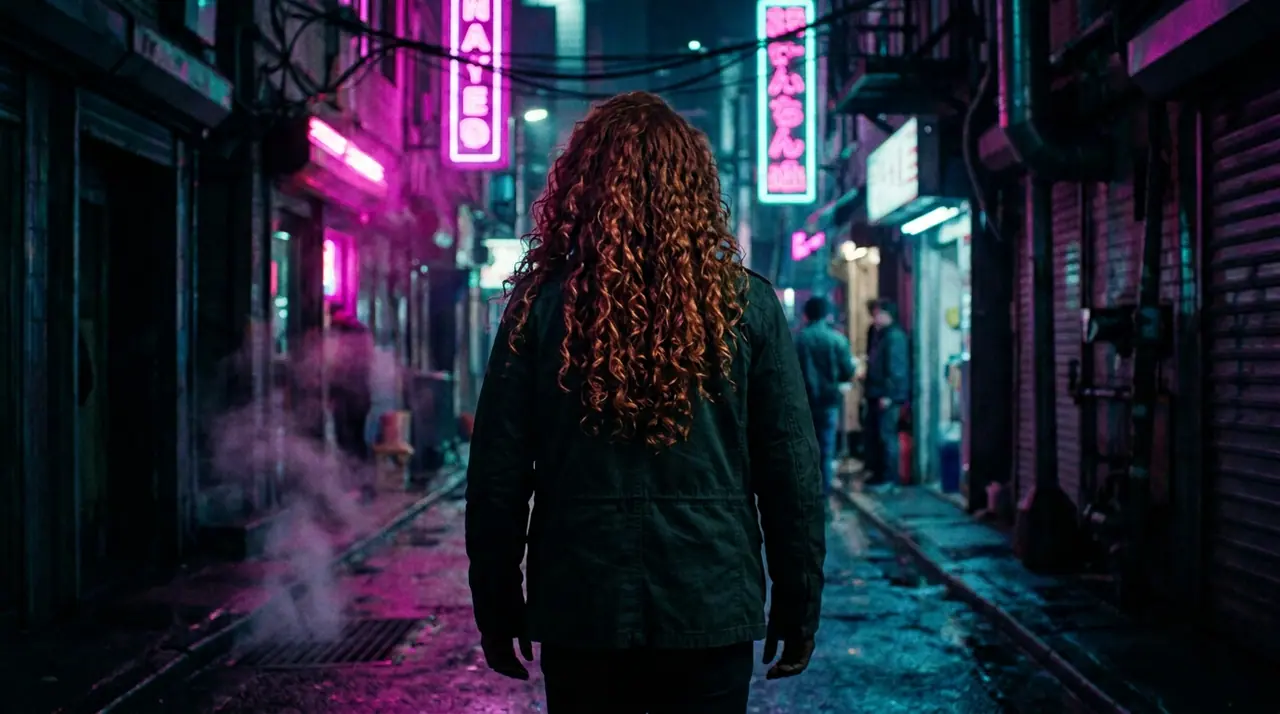
@Picture 1: cambia al hombre por la mujer de @Picture 2, misma chaqueta, mismo callejón, mismo neón
Eroq One · Mantener · 1 toma
Tool
eroq extends a picture from a sentence: Image › Edit opens with "extend this picture beyond its edges: continue the scene naturally on every side", you add the picture and pick the new format. Eroq Uncensored and Krea2 render it to another ratio (a square into 16:9 or 9:16); Eroq One keeps your picture's frame, so the scene widens inside it.
40 créditos gratis · sin tarjeta · modo privado en todas las cuentas
Imagen · Crear
13 oct, 01:39:36 a.m.·Listo · Tardó 31 sec · −10 créditos
@Picture 1: cambia al hombre por la mujer de @Picture 2, misma chaqueta, mismo callejón, mismo neón
Eroq One · Mantener · 1 toma
13 oct, 01:42:07 a.m.·Listo · Tardó 26 sec · −40 créditos
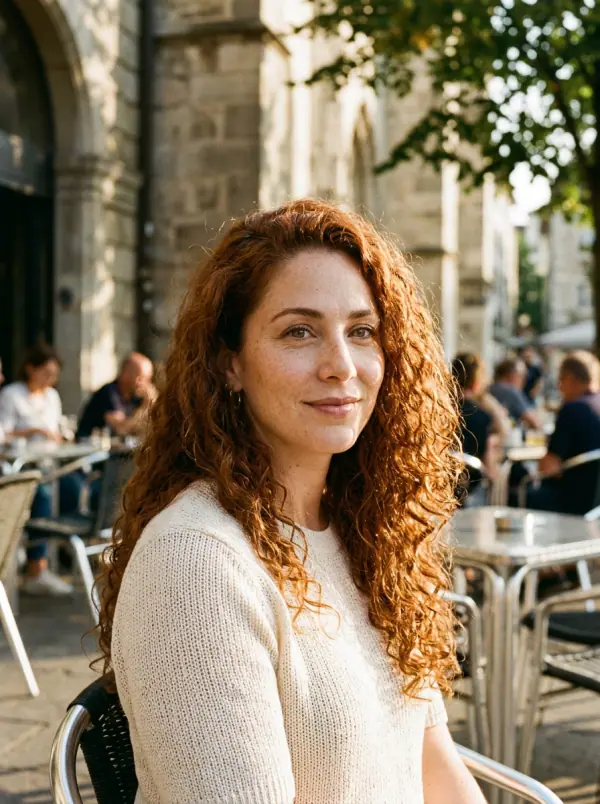
@Lena, retratos espontáneos en casa en 35 mm, luz cálida de ventana, grano suave
Eroq One · 3:4 · 4 tomas

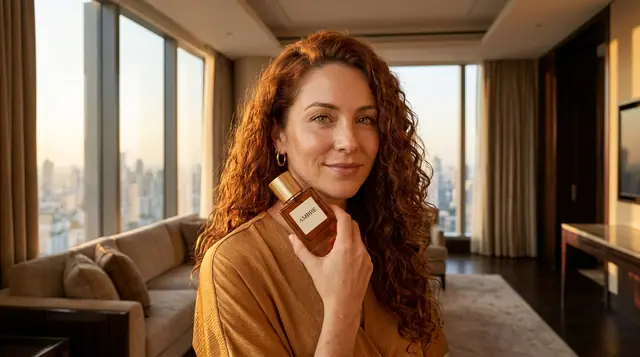
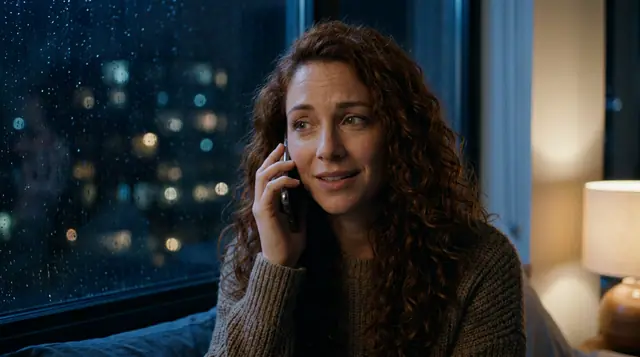
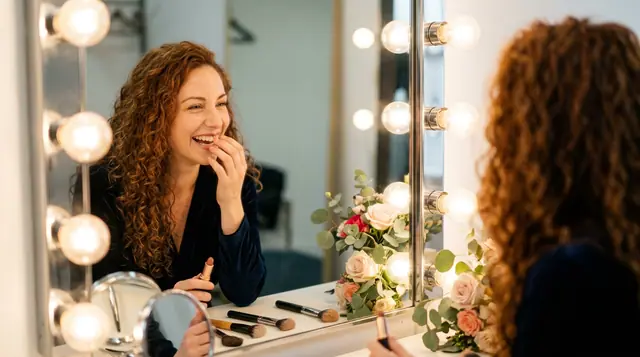
@Lena, retratos espontáneos en casa en 35 mm, luz cálida de ventana, grano suave
Privacidad
Privado y sin restricciones
The whole picture is rendered again at the engine's size, with your picture as the guide: check that the original part still looks the way you want. It makes the scene wider, not the file larger: it is not an upscaler.
Clap · agente de IA
Describe el resultado en Ask. Clap pregunta lo que necesita, elige los motores, escribe los prompts y calcula el precio del plan. Cuando lo apruebas, lo renderiza todo en tu biblioteca. Totalmente automático, y nada se ejecuta antes de que digas que sí.
Ask · Clap
Clap · Pensó durante 6s
Tres fotos, la misma cara desde la hoja de Lena. Este es el plan.
Producción
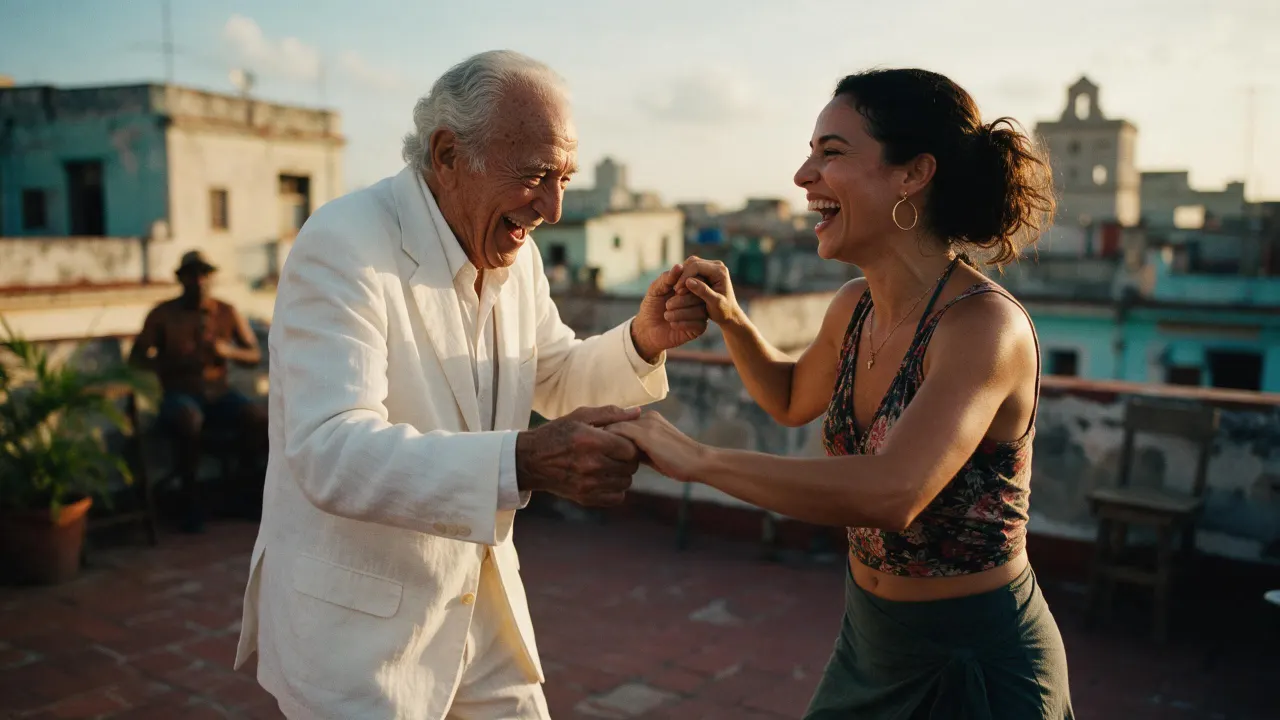
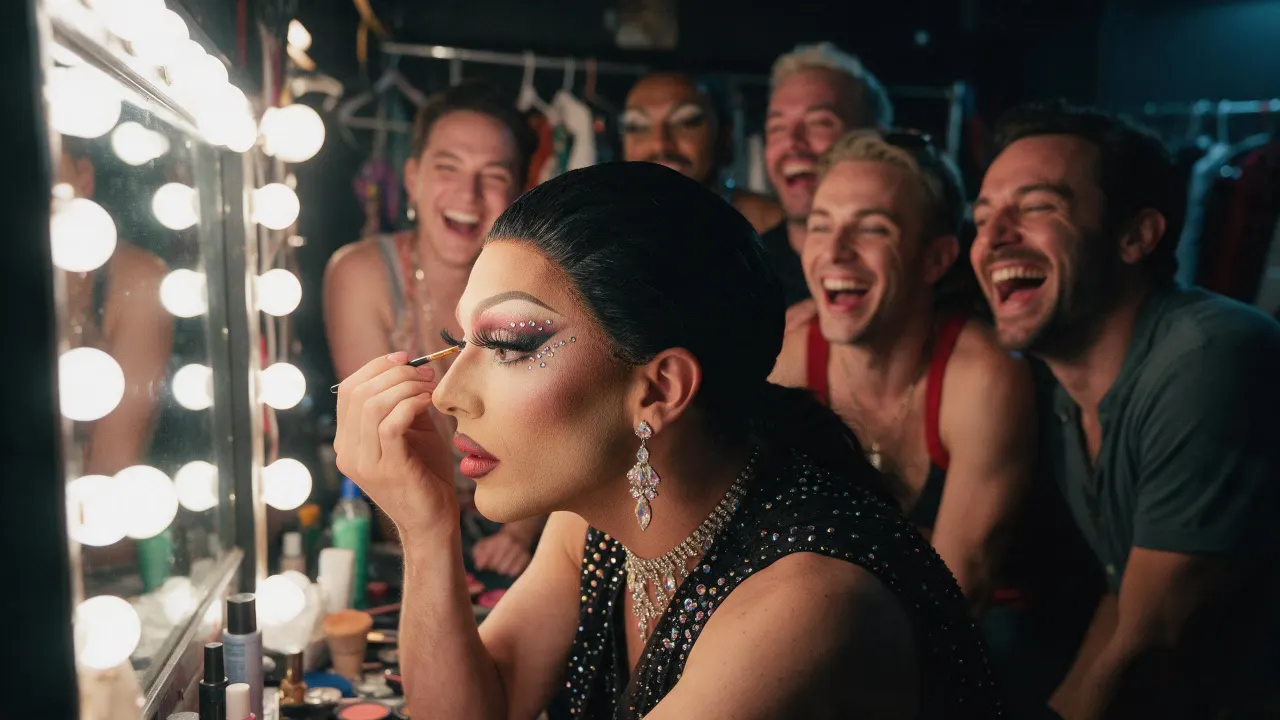
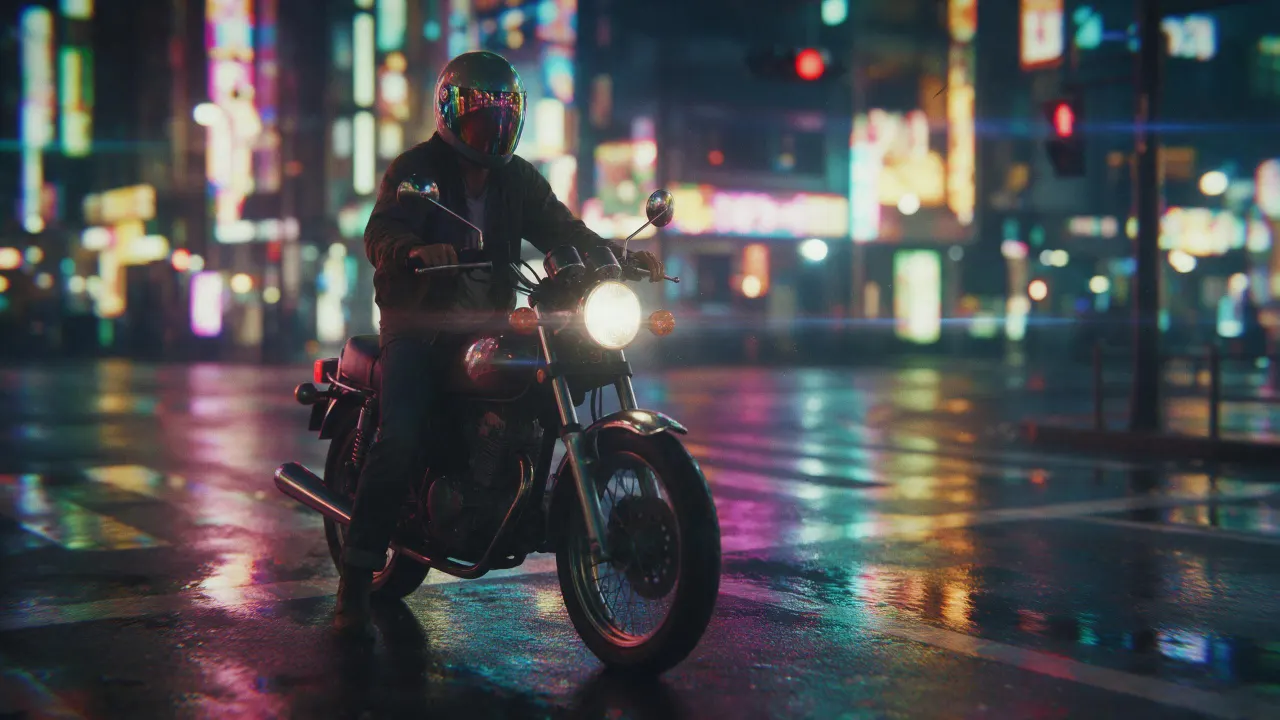
Guardado en tu biblioteca
Open the image extender recipe in Image › Edit, add the picture, pick Eroq Uncensored and Krea2 and a wider format, and generate. The editor continues the scene past the old edges.
Yes, on Eroq Uncensored and Krea2: pick 16:9 in Format and the scene is continued on the sides.
It keeps it close, not pixel for pixel: the whole frame is rendered again. Render a few takes and keep the one where the original reads best.
Free to start: every new account gets 40 free credits with no card, enough for 4 edits at 10 credits each. More credits start with a $10 pack (1,000 credits) or a plan from $15/month.
40 créditos gratis · sin tarjeta · modo privado en todas las cuentas
Sigue explorando