10月13日 01:39:36·已完成 · 耗时 31 sec · −10 积分
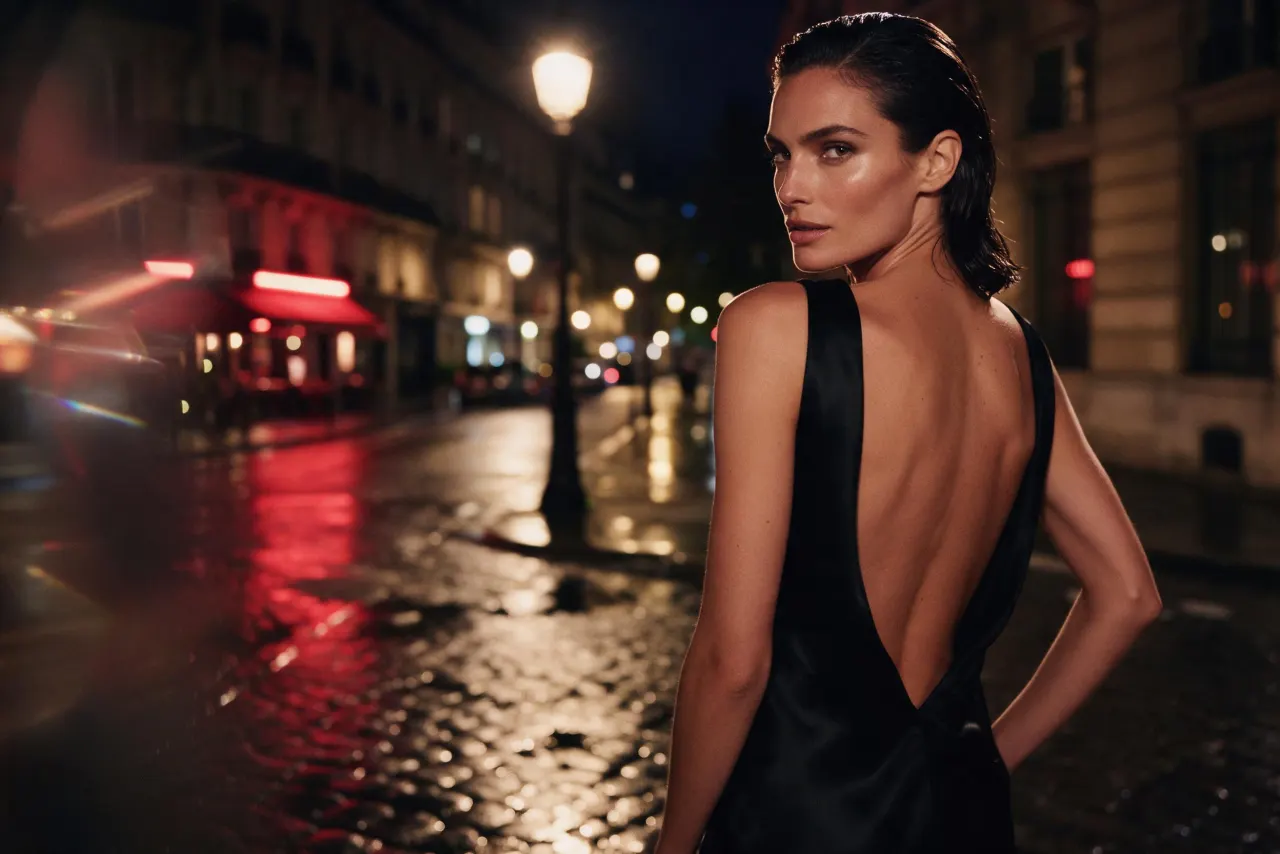
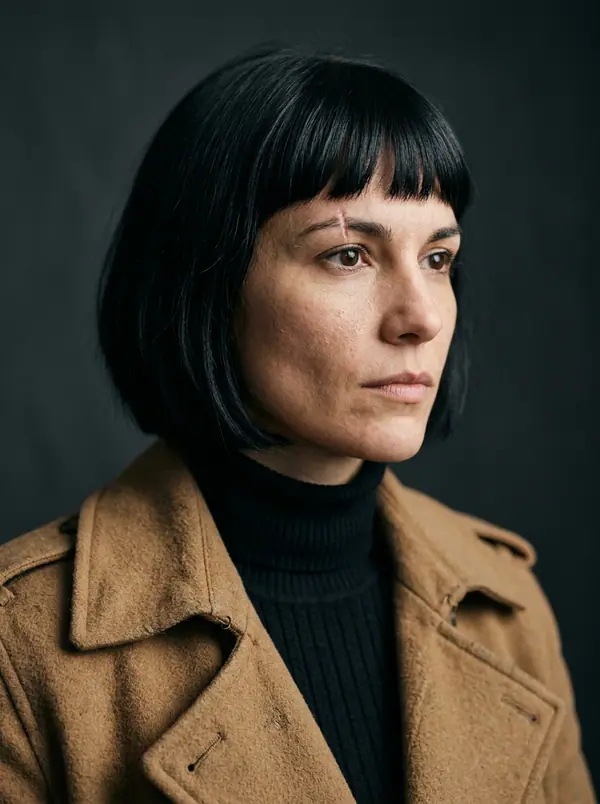
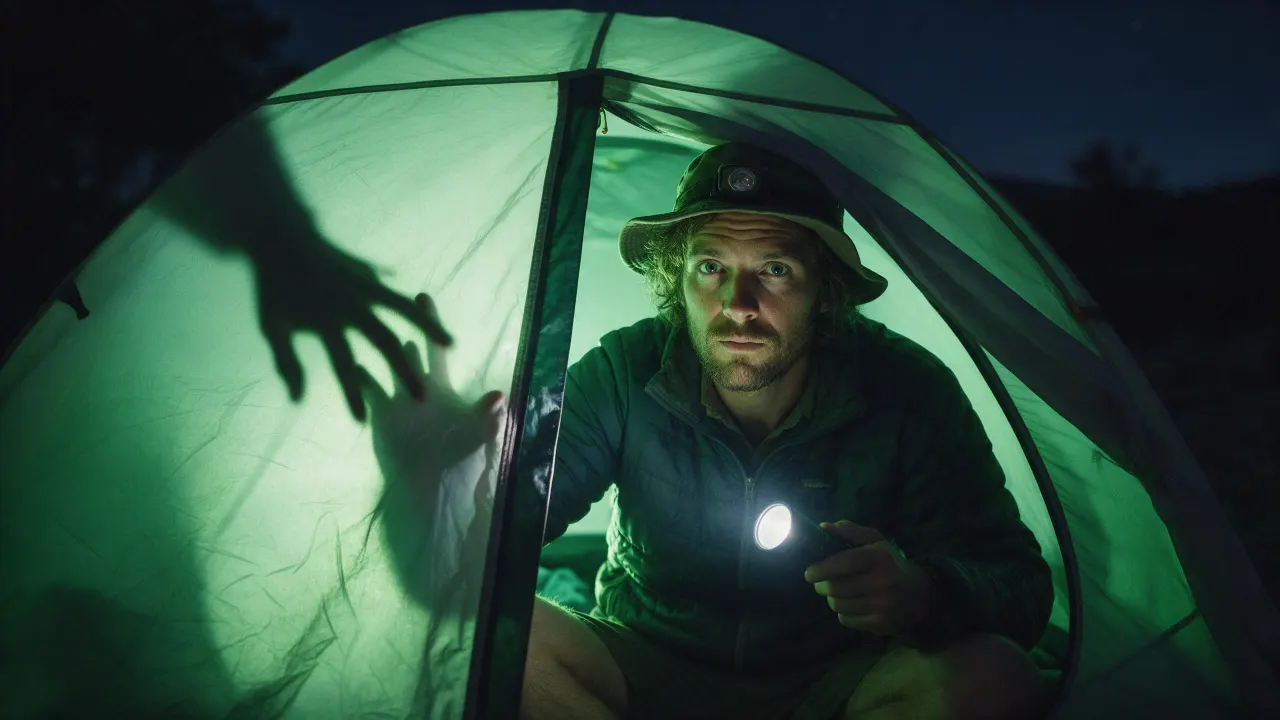
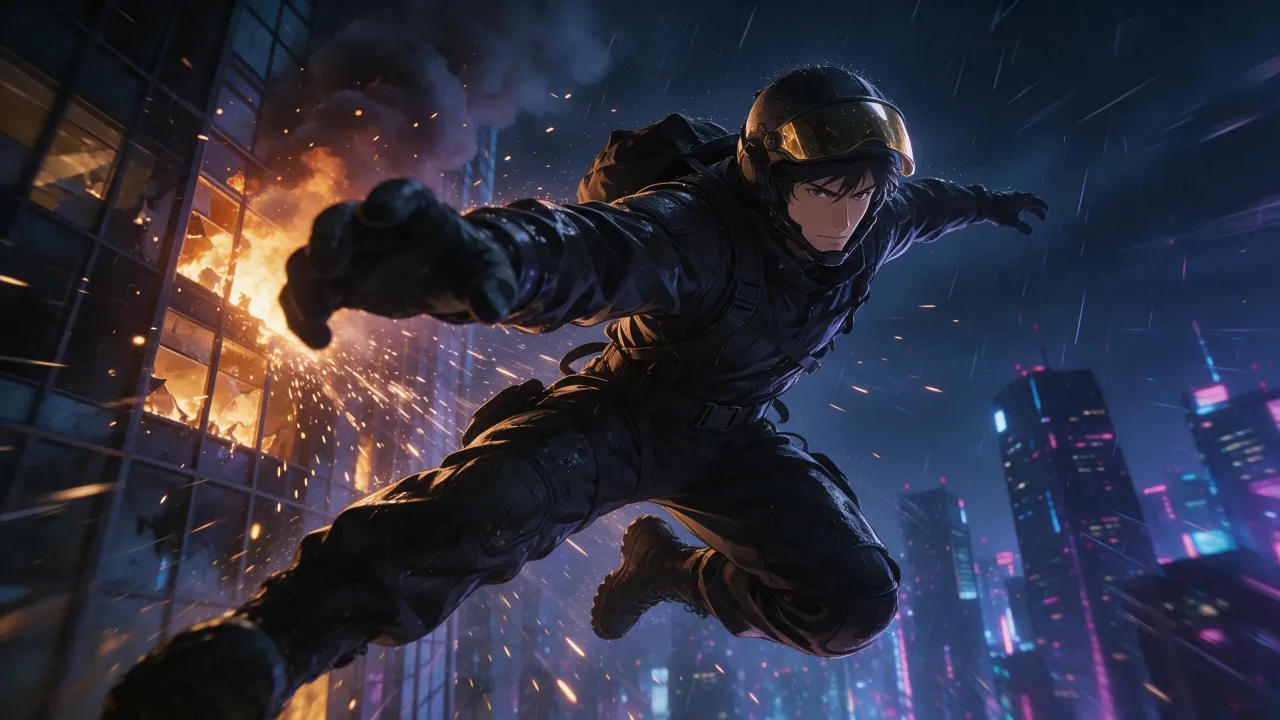
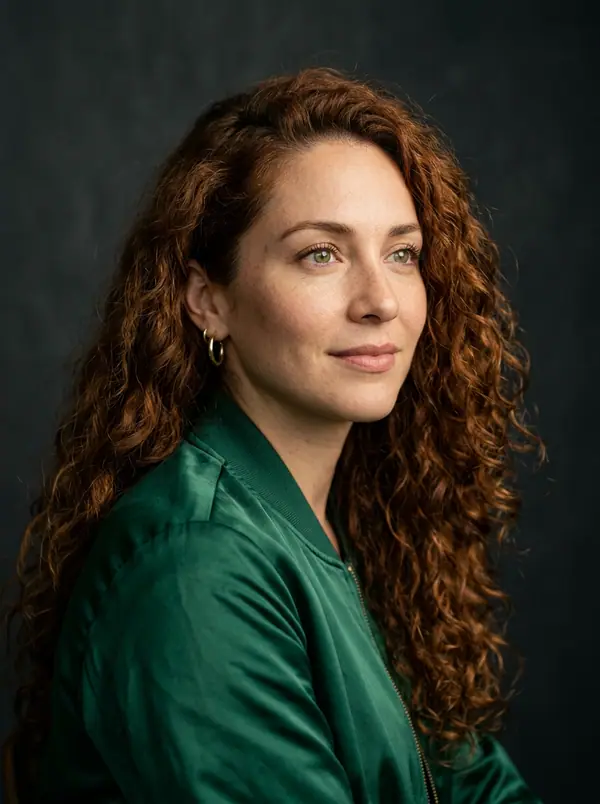
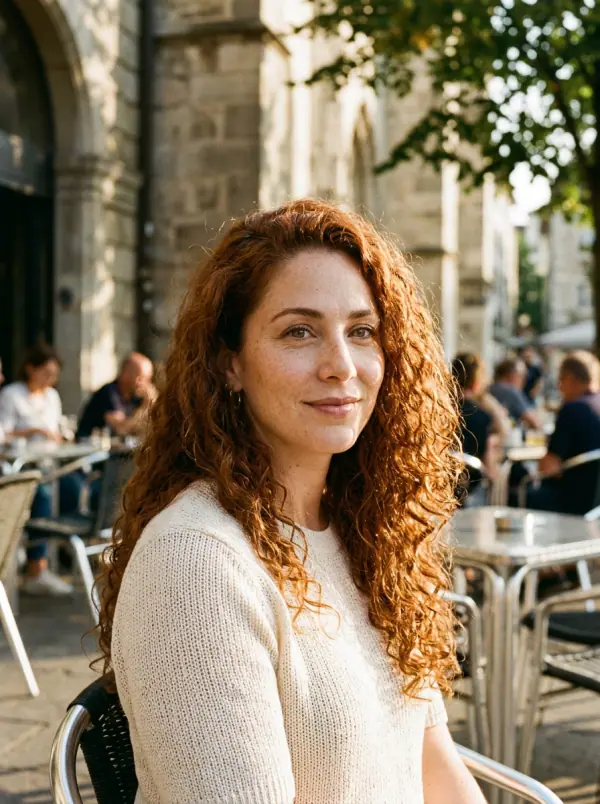
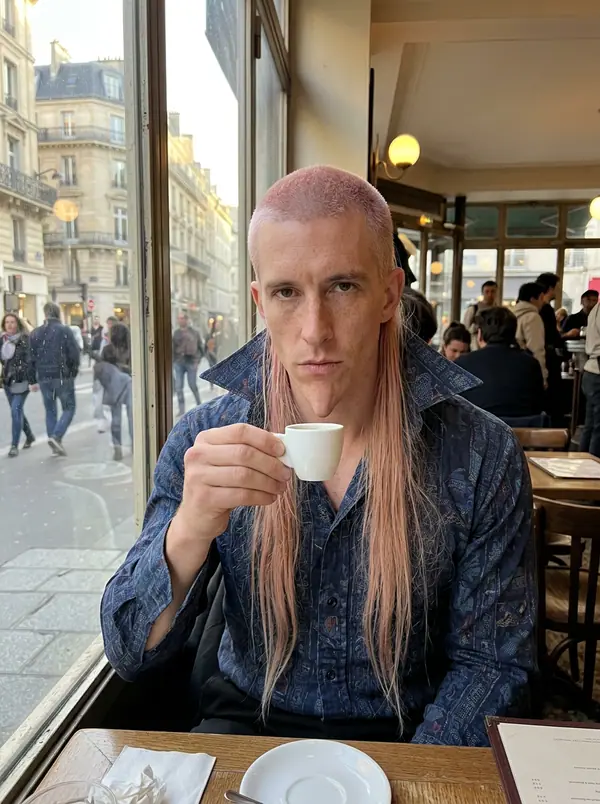
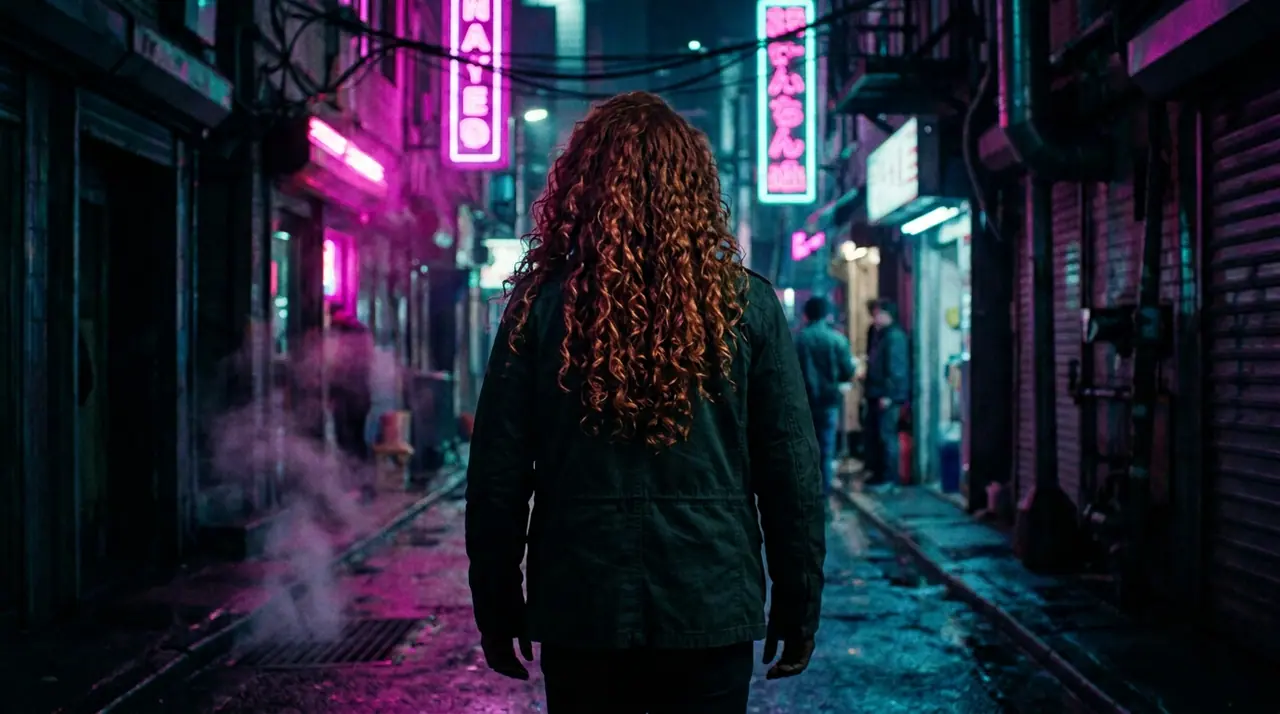
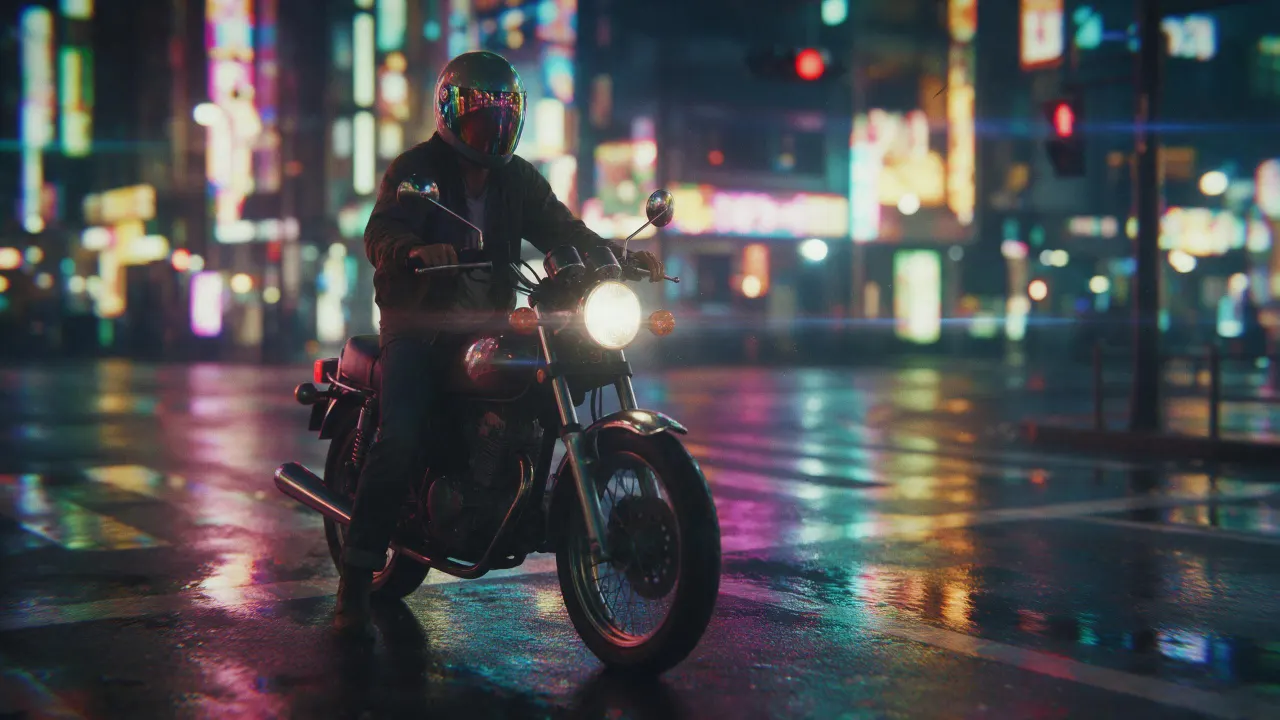
@Picture 1:把男人换成 @Picture 2 里的女人,夹克、小巷、霓虹都保持不变
Eroq One · 保持原样 · 1 个版本
Tool
eroq extends a picture from a sentence: Image › Edit opens with "extend this picture beyond its edges: continue the scene naturally on every side", you add the picture and pick the new format. Eroq Uncensored and Krea2 render it to another ratio (a square into 16:9 or 9:16); Eroq One keeps your picture's frame, so the scene widens inside it.
免费送 40 积分 · 无需绑卡 · 每个账号都有私密模式
图片 · 创作
10月13日 01:39:36·已完成 · 耗时 31 sec · −10 积分
@Picture 1:把男人换成 @Picture 2 里的女人,夹克、小巷、霓虹都保持不变
Eroq One · 保持原样 · 1 个版本
10月13日 01:42:07·已完成 · 耗时 26 sec · −40 积分
@Lena,居家随拍 35mm 人像,窗边暖光,柔和的胶片颗粒感
Eroq One · 3:4 · 4 个版本

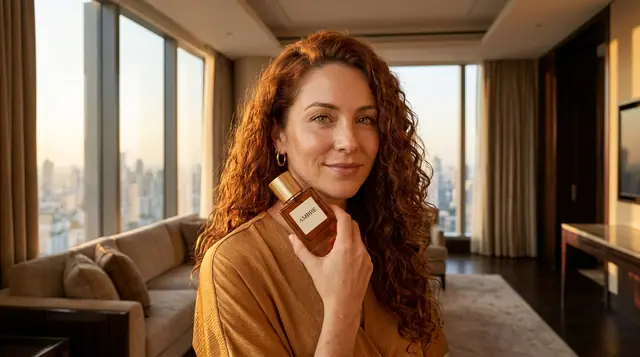

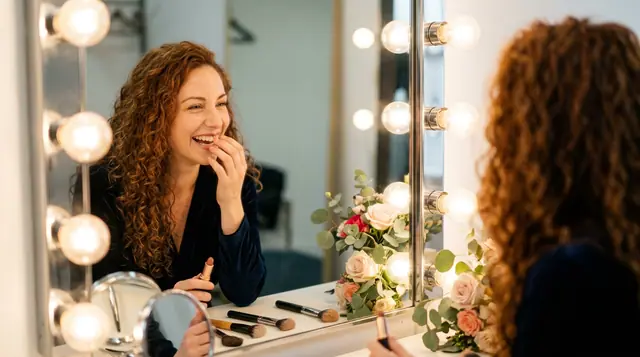
@Lena,居家随拍 35mm 人像,窗边暖光,柔和的胶片颗粒感
The whole picture is rendered again at the engine's size, with your picture as the guide: check that the original part still looks the way you want. It makes the scene wider, not the file larger: it is not an upscaler.
Clap · AI 智能体
在 Ask 里描述你想要的结果。Clap 会问清所需信息,挑选模型,写好提示词,并给出计划报价。你确认后,它会把所有内容生成到你的作品库。全程自动,你点头之前什么都不会运行。
Ask · Clap
Clap · 思考了 6 秒
三张画面,都是 Lena 设定图里的同一张脸。计划如下。
制作
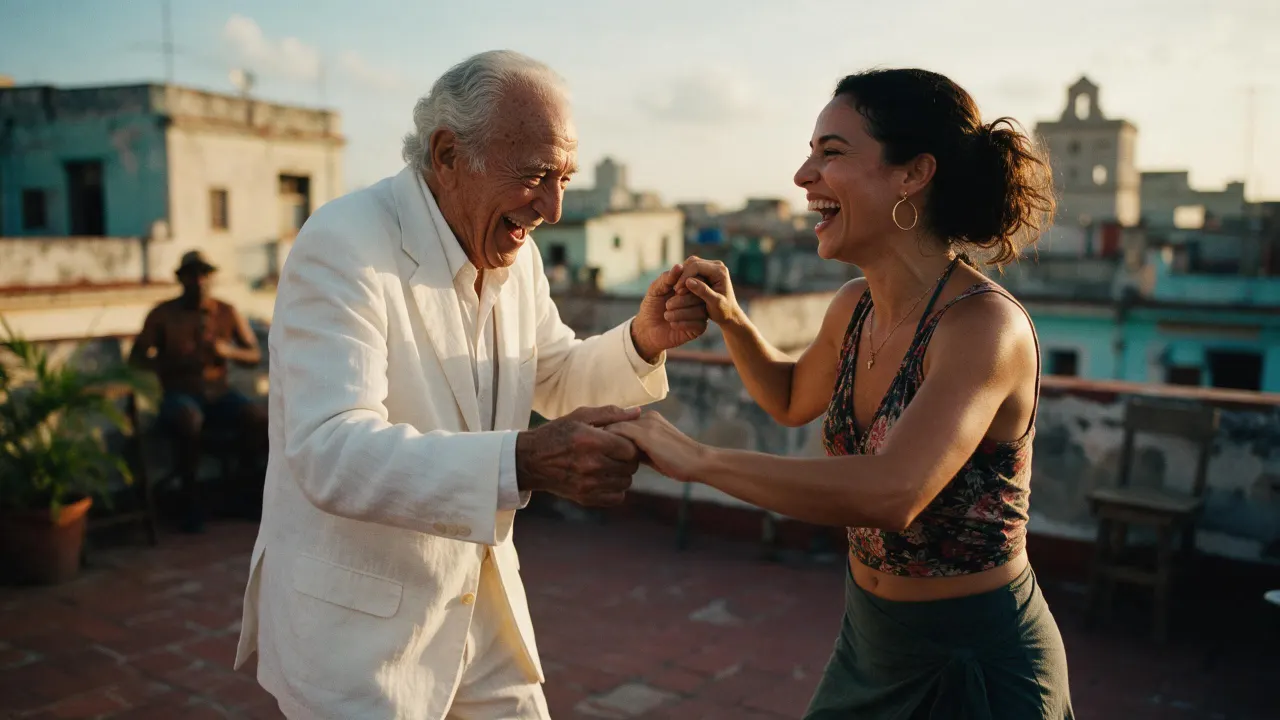
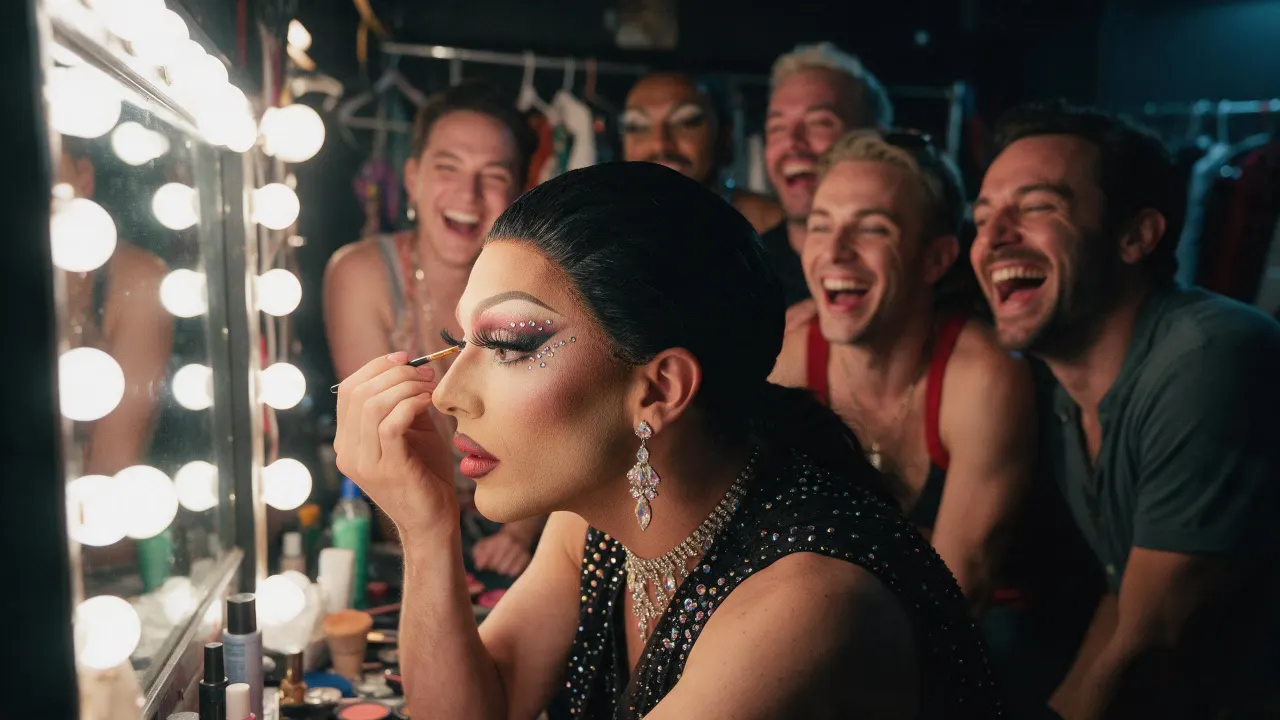
已保存到你的作品库
Open the image extender recipe in Image › Edit, add the picture, pick Eroq Uncensored and Krea2 and a wider format, and generate. The editor continues the scene past the old edges.
Yes, on Eroq Uncensored and Krea2: pick 16:9 in Format and the scene is continued on the sides.
It keeps it close, not pixel for pixel: the whole frame is rendered again. Render a few takes and keep the one where the original reads best.
Free to start: every new account gets 40 free credits with no card, enough for 4 edits at 10 credits each. More credits start with a $10 pack (1,000 credits) or a plan from $15/month.
免费送 40 积分 · 无需绑卡 · 每个账号都有私密模式
继续探索