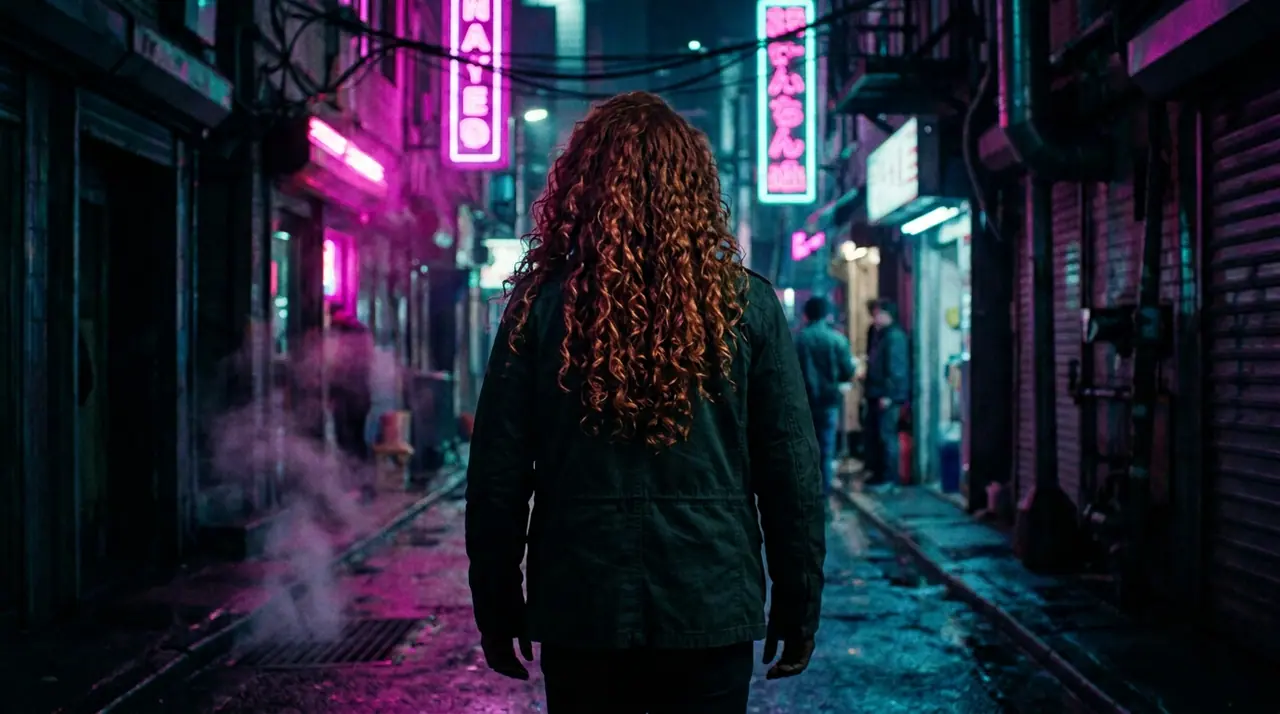
Oct 13, 01:39:36 AM·Ready · Took 31 sec · −10 credits
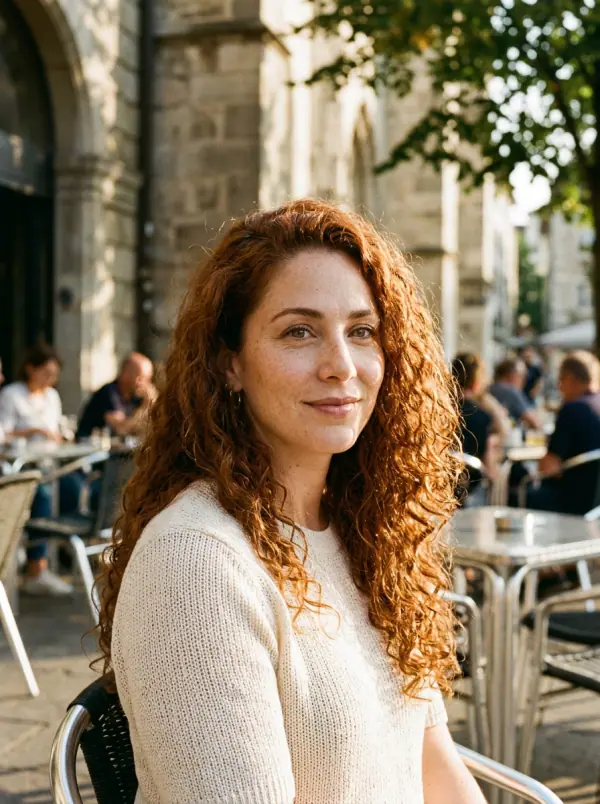
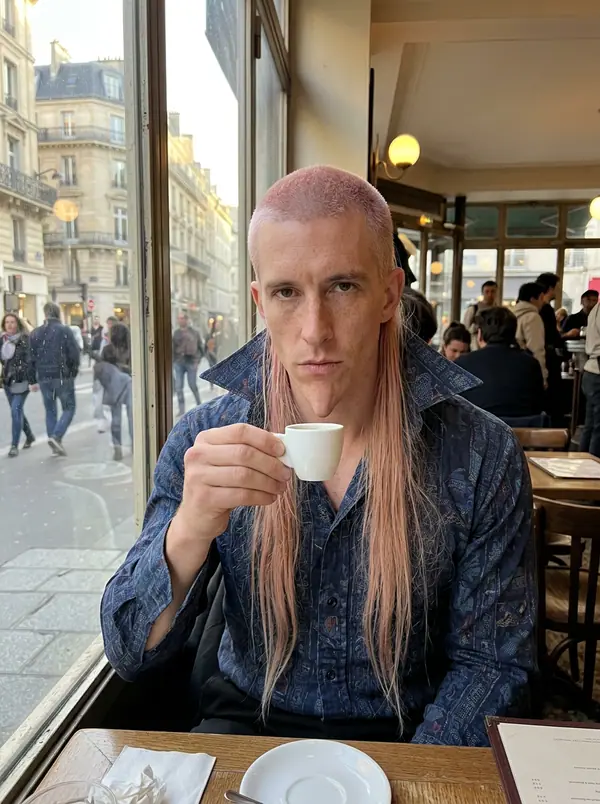
@Picture 1: swap the man for the woman in @Picture 2, same jacket, same alley, same neon
Eroq One · Retain · 1 take
Tool
eroq extends a picture from a sentence: Image › Edit opens with "extend this picture beyond its edges: continue the scene naturally on every side", you add the picture and pick the new format. Eroq Uncensored and Krea2 render it to another ratio (a square into 16:9 or 9:16); Eroq One keeps your picture's frame, so the scene widens inside it.
40 free credits · no card · private mode on every account
Image · Create
Oct 13, 01:39:36 AM·Ready · Took 31 sec · −10 credits
@Picture 1: swap the man for the woman in @Picture 2, same jacket, same alley, same neon
Eroq One · Retain · 1 take
Oct 13, 01:42:07 AM·Ready · Took 26 sec · −40 credits
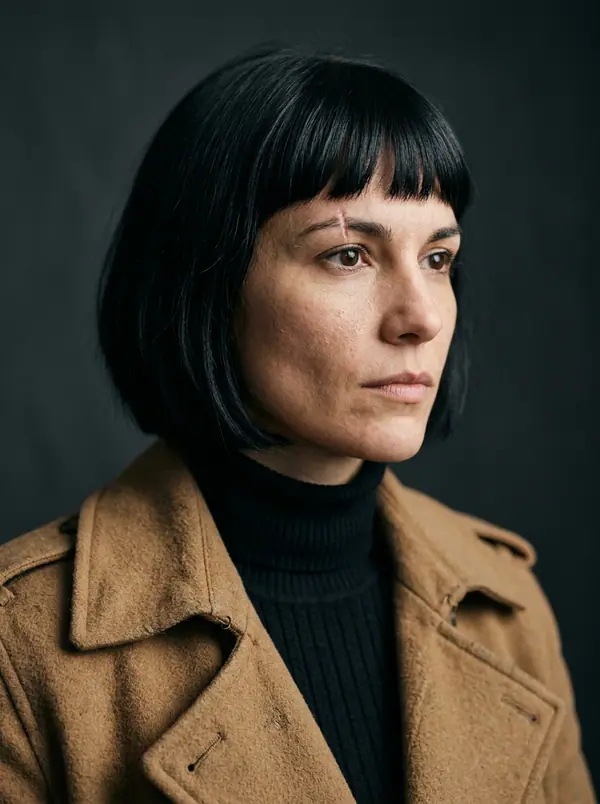
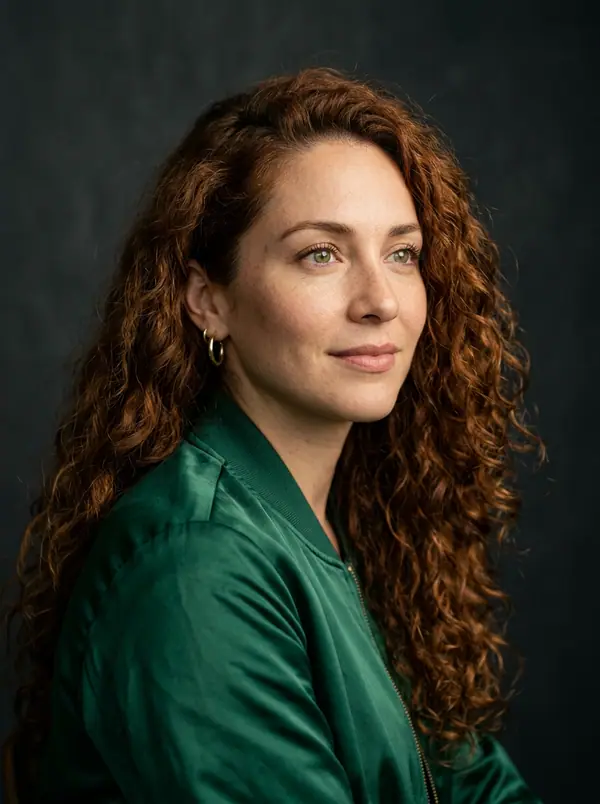
@Lena, candid 35mm portraits at home, warm window light, soft film grain
Eroq One · 3:4 · 4 takes
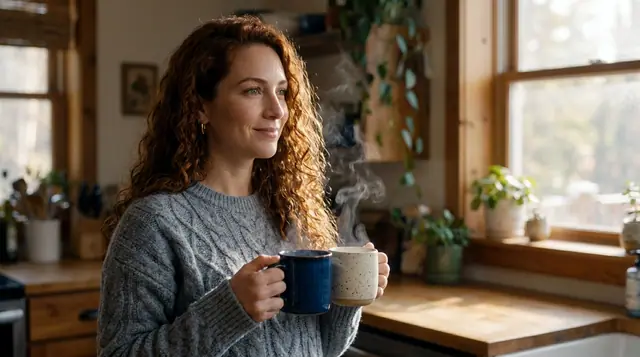
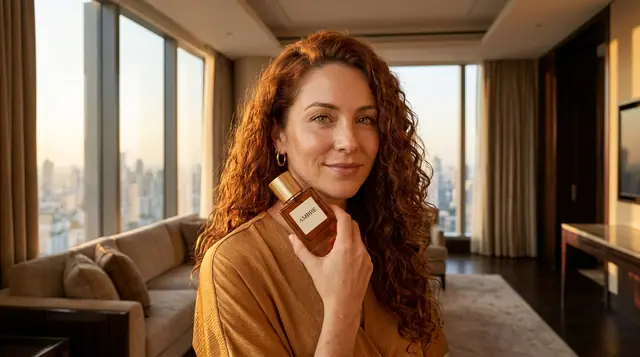
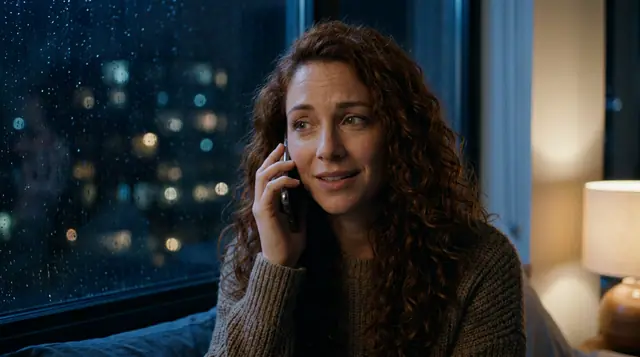
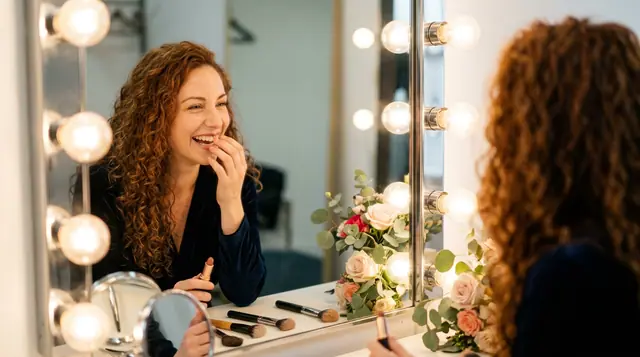
@Lena, candid 35mm portraits at home, warm window light, soft film grain
Privacy
Private and unrestricted
The whole picture is rendered again at the engine's size, with your picture as the guide: check that the original part still looks the way you want. It makes the scene wider, not the file larger: it is not an upscaler.
Clap · AI agent
Describe the result in Ask. Clap asks what it needs, picks the engines, writes the prompts and prices the plan. Once you approve, it renders everything into your library. Fully automated, and nothing runs before you say yes.
Ask · Clap
Clap · Thought for 6s
Three frames, the same face from Lena's sheet. Here is the plan.
Production
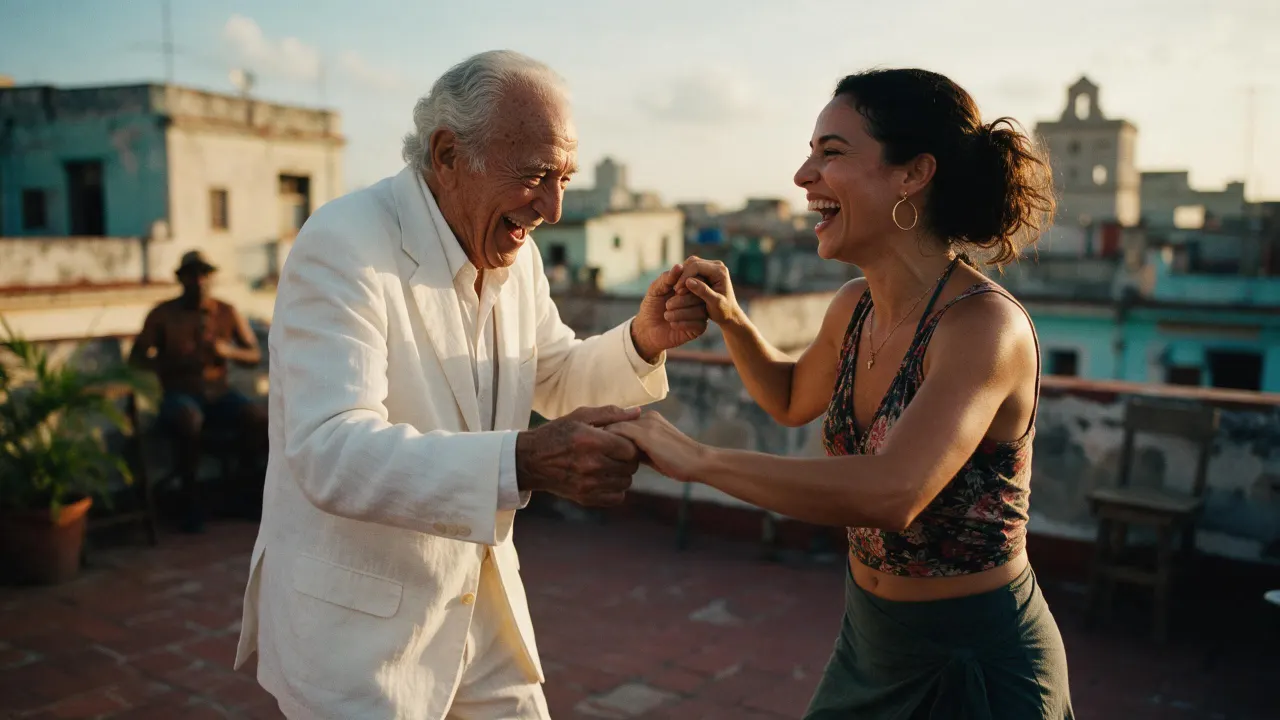
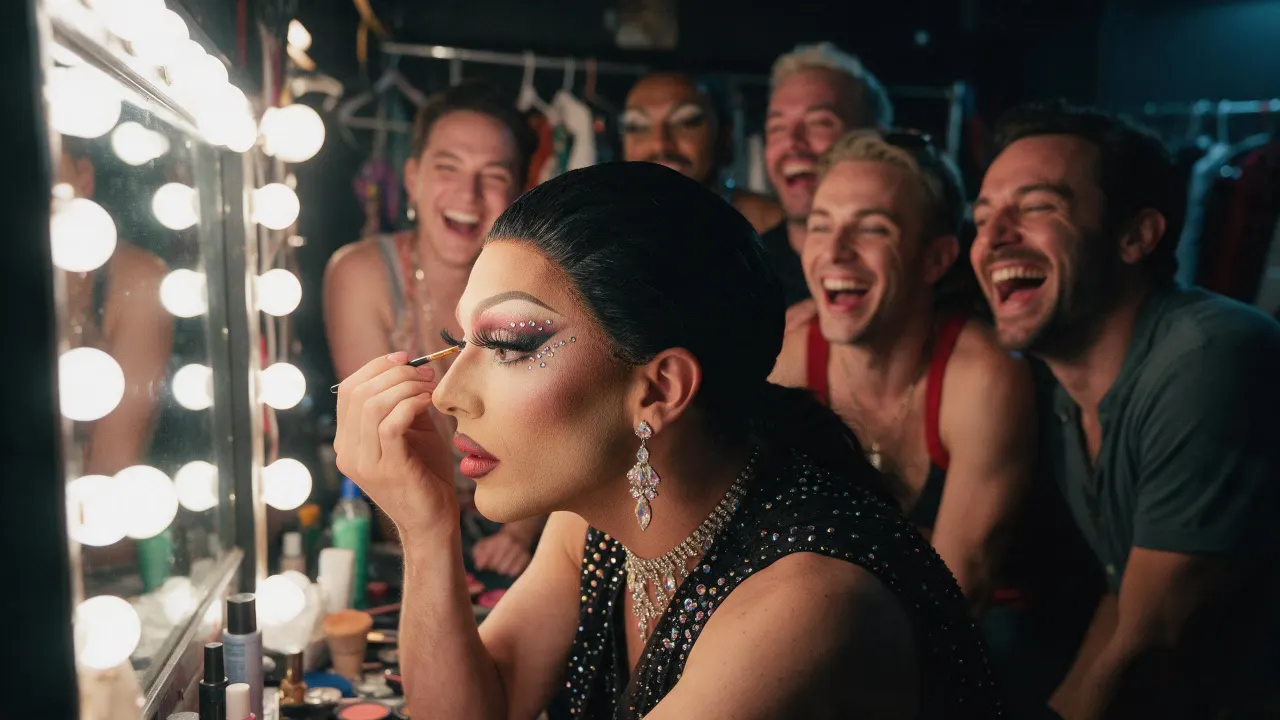
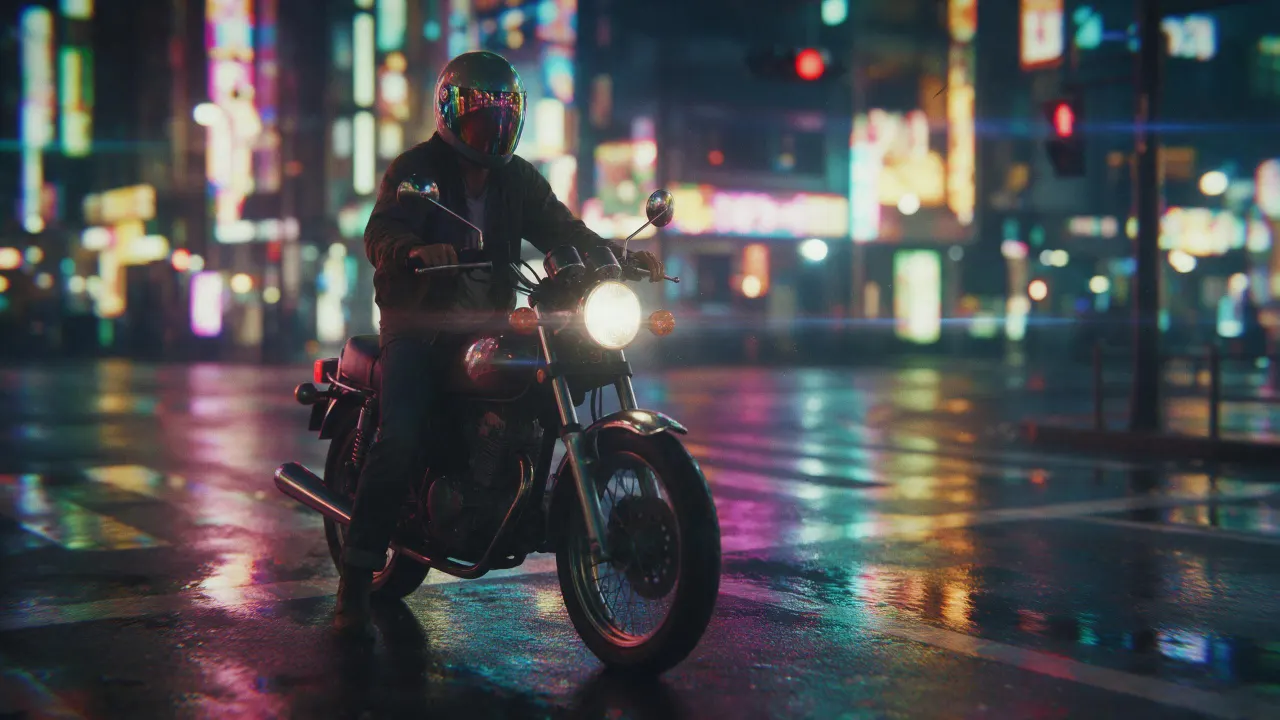
Saved to your library
Open the image extender recipe in Image › Edit, add the picture, pick Eroq Uncensored and Krea2 and a wider format, and generate. The editor continues the scene past the old edges.
Yes, on Eroq Uncensored and Krea2: pick 16:9 in Format and the scene is continued on the sides.
It keeps it close, not pixel for pixel: the whole frame is rendered again. Render a few takes and keep the one where the original reads best.
Free to start: every new account gets 40 free credits with no card, enough for 4 edits at 10 credits each. More credits start with a $10 pack (1,000 credits) or a plan from $15/month.
40 free credits · no card · private mode on every account
Keep exploring