13. Okt., 01:39:36·Fertig · Dauer 31 sec · −10 Credits
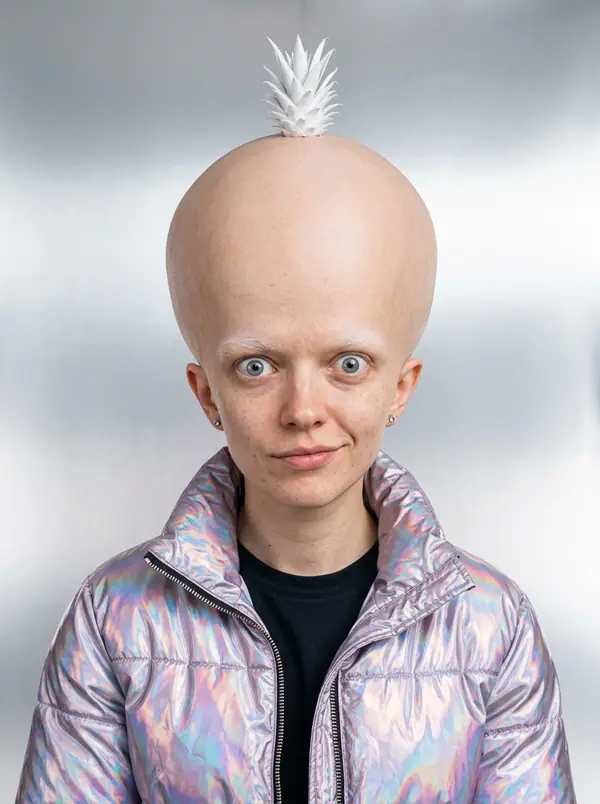
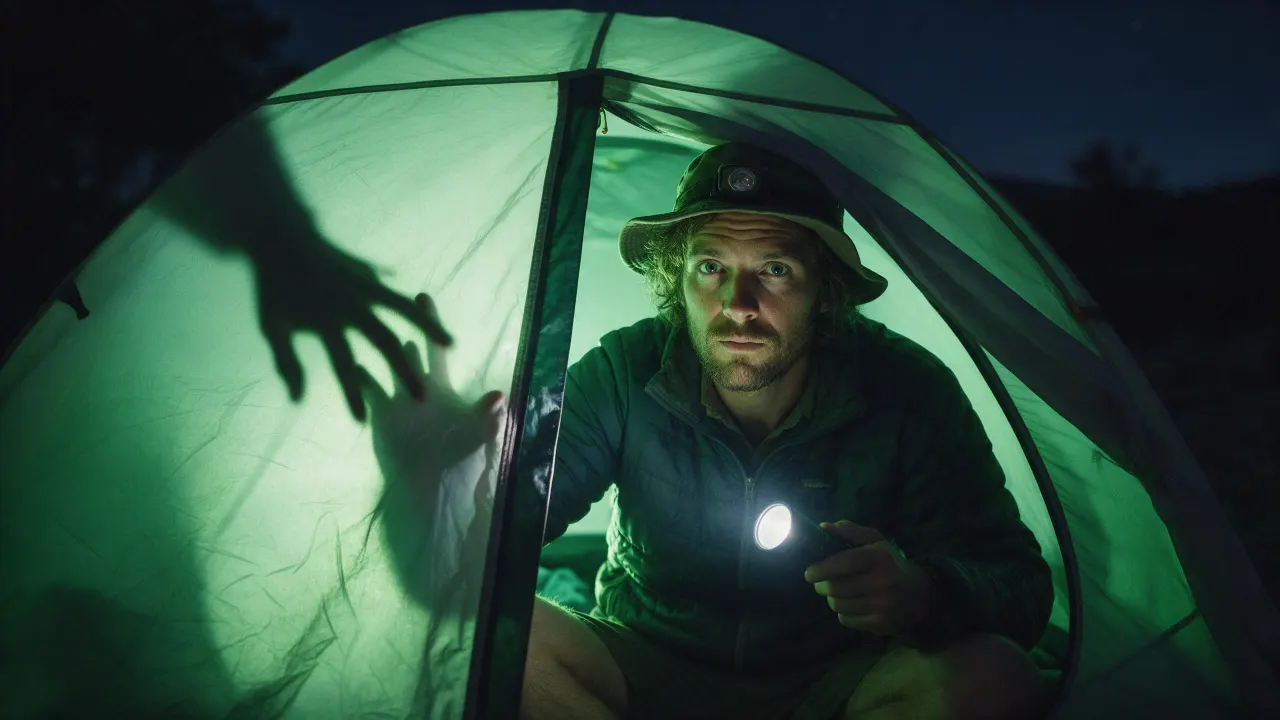
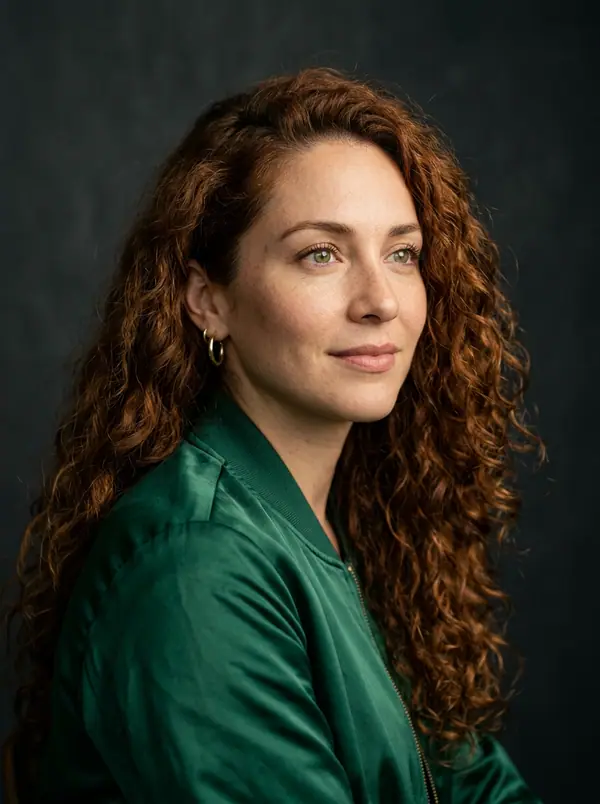
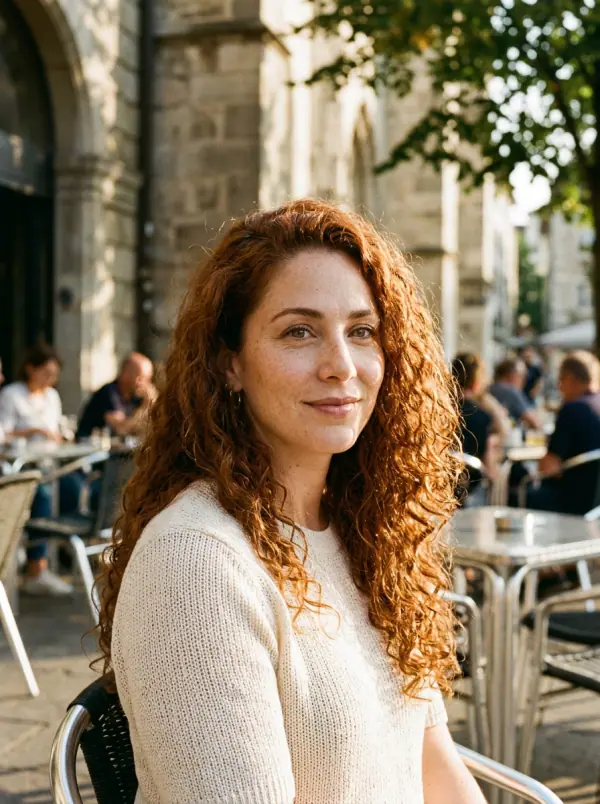
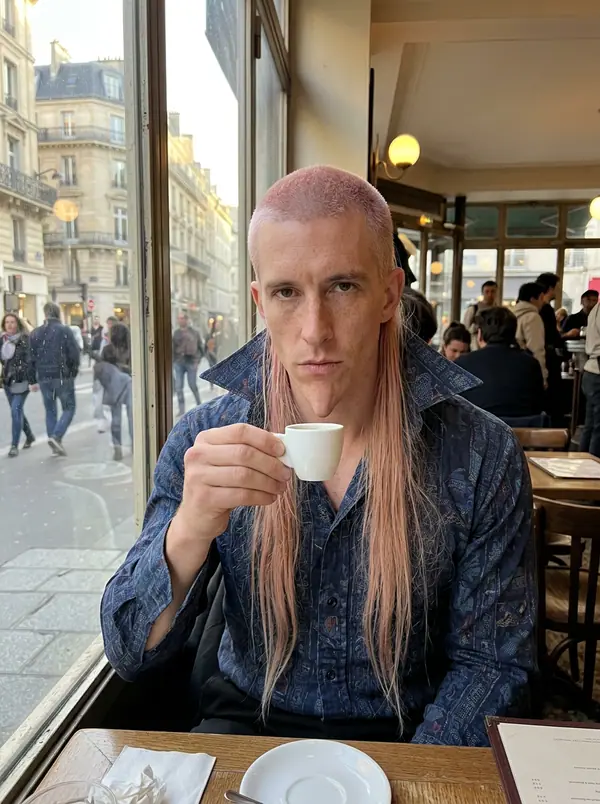
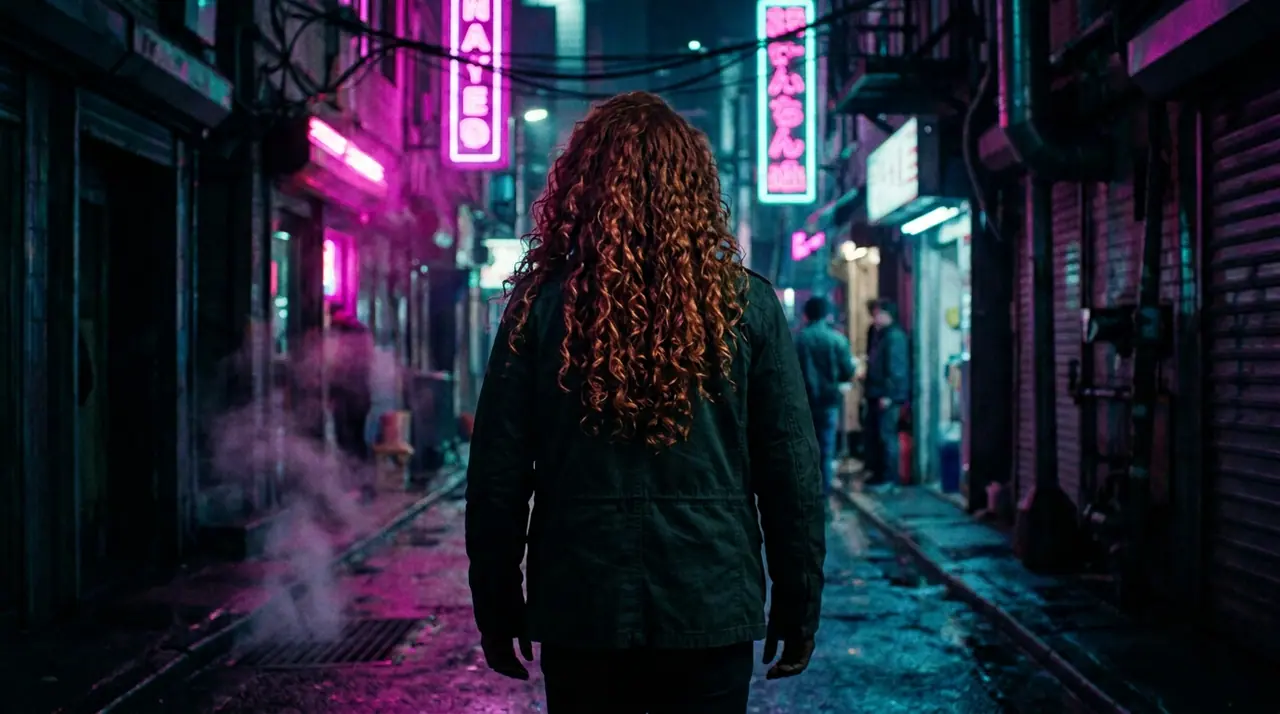
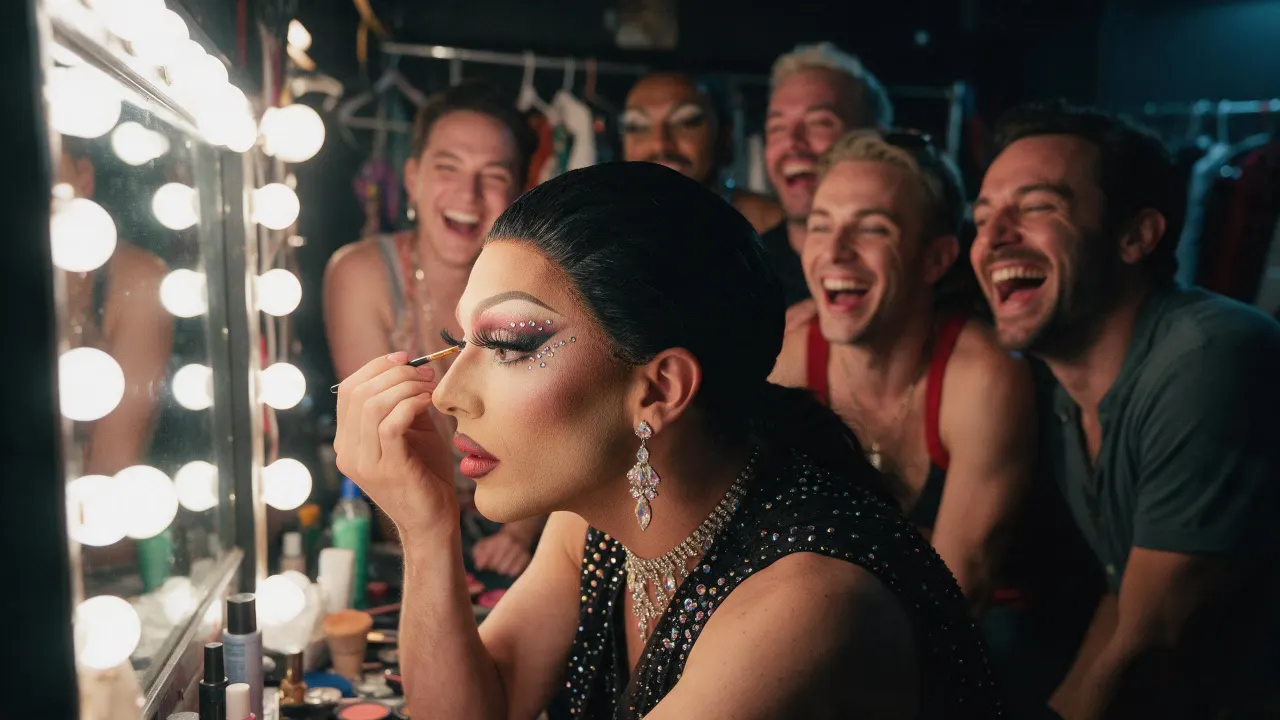
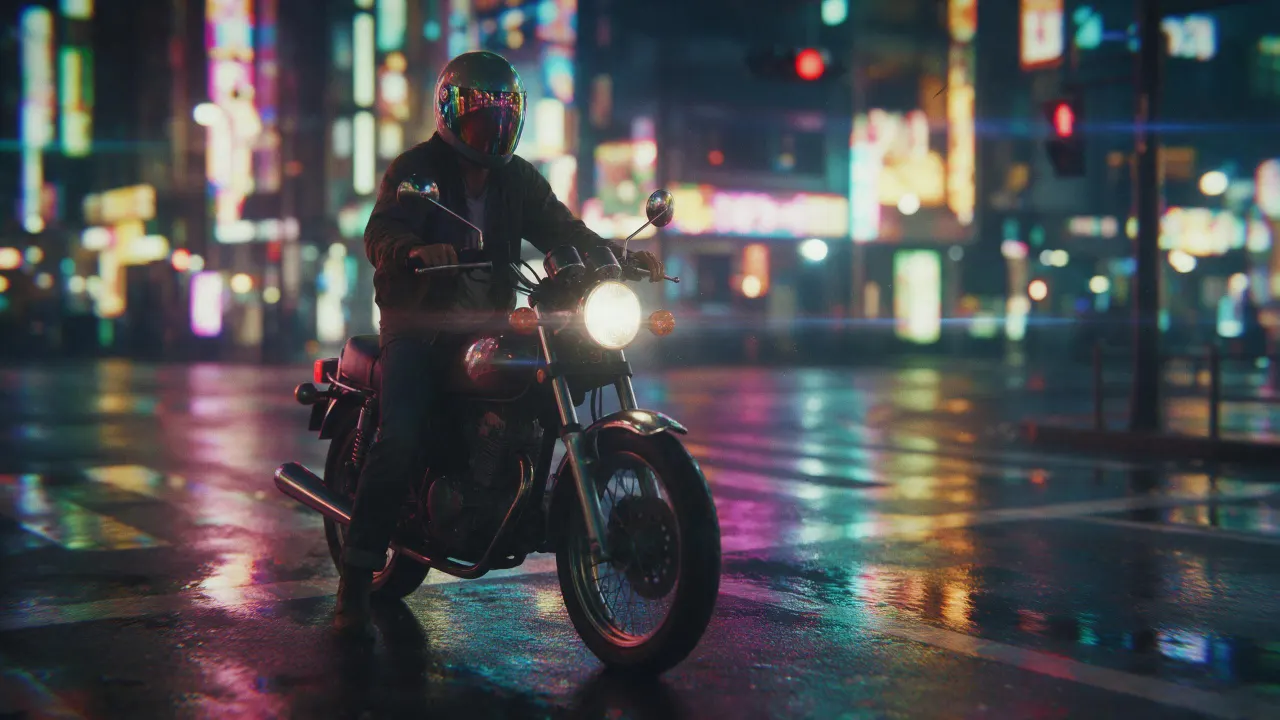
@Picture 1: tausch den Mann gegen die Frau aus @Picture 2, gleiche Jacke, gleiche Gasse, gleiches Neon
Eroq One · Beibehalten · 1 Take
Tool
eroq extends a picture from a sentence: Image › Edit opens with "extend this picture beyond its edges: continue the scene naturally on every side", you add the picture and pick the new format. Eroq Uncensored and Krea2 render it to another ratio (a square into 16:9 or 9:16); Eroq One keeps your picture's frame, so the scene widens inside it.
40 Gratis-Credits · keine Kreditkarte · Privatmodus für jedes Konto
Bild · Erstellen
13. Okt., 01:39:36·Fertig · Dauer 31 sec · −10 Credits
@Picture 1: tausch den Mann gegen die Frau aus @Picture 2, gleiche Jacke, gleiche Gasse, gleiches Neon
Eroq One · Beibehalten · 1 Take
13. Okt., 01:42:07·Fertig · Dauer 26 sec · −40 Credits
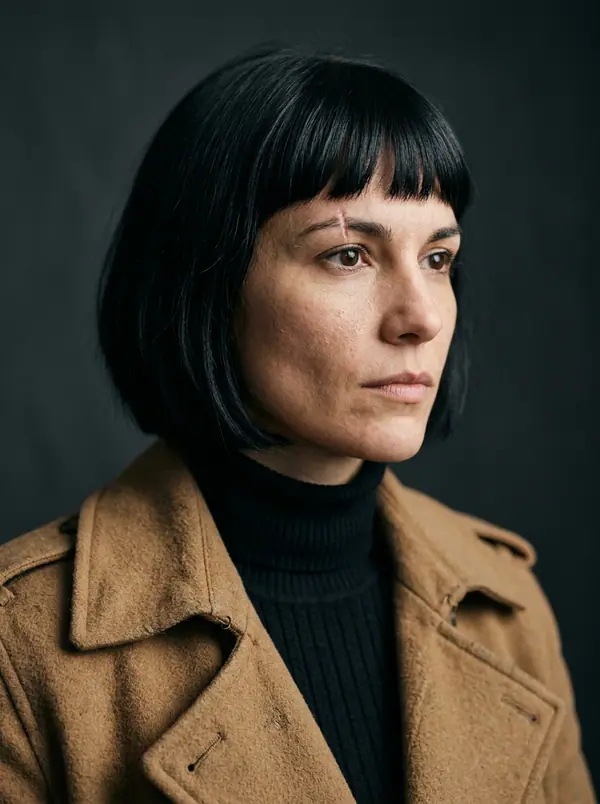
@Lena, ungestellte 35-mm-Porträts zu Hause, warmes Fensterlicht, feines Filmkorn
Eroq One · 3:4 · 4 Takes
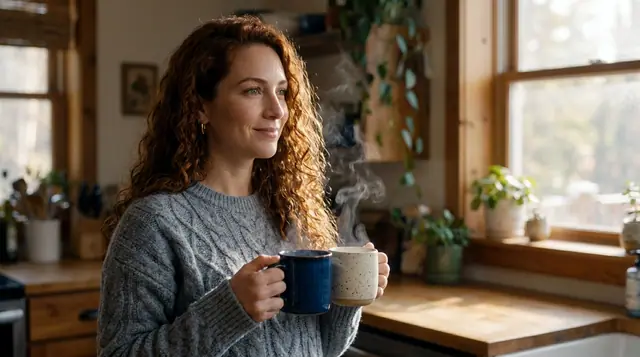
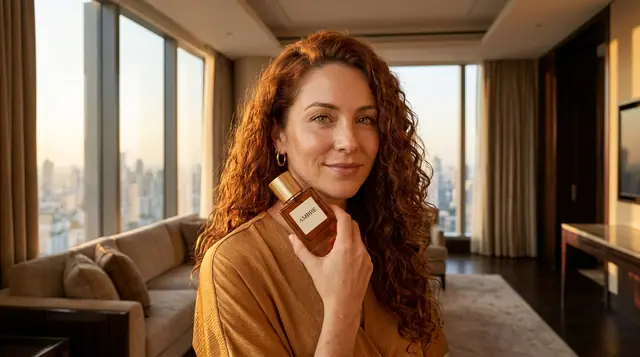
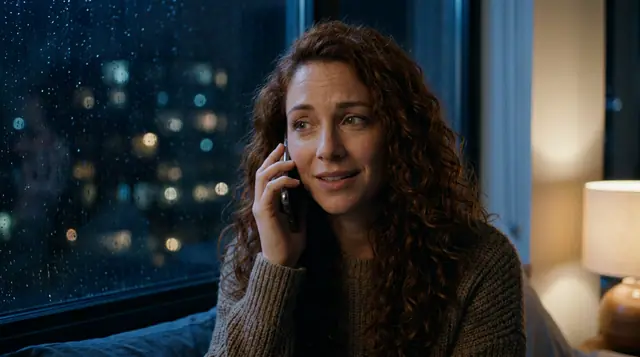
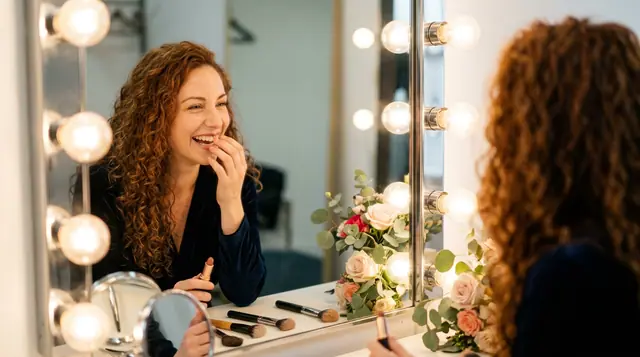
@Lena, ungestellte 35-mm-Porträts zu Hause, warmes Fensterlicht, feines Filmkorn
Privatsphäre
Privat und uneingeschränkt
The whole picture is rendered again at the engine's size, with your picture as the guide: check that the original part still looks the way you want. It makes the scene wider, not the file larger: it is not an upscaler.
Clap · KI-Agent
Beschreib das Ergebnis in Ask. Clap fragt, was es braucht, wählt die Engines, schreibt die Prompts und nennt den Preis des Plans. Sobald du zustimmst, rendert es alles in deine Bibliothek. Vollautomatisch, und nichts läuft, bevor du Ja sagst.
Ask · Clap
Clap · 6s nachgedacht
Drei Bilder, dasselbe Gesicht aus Lenas Sheet. Hier ist der Plan.
Produktion
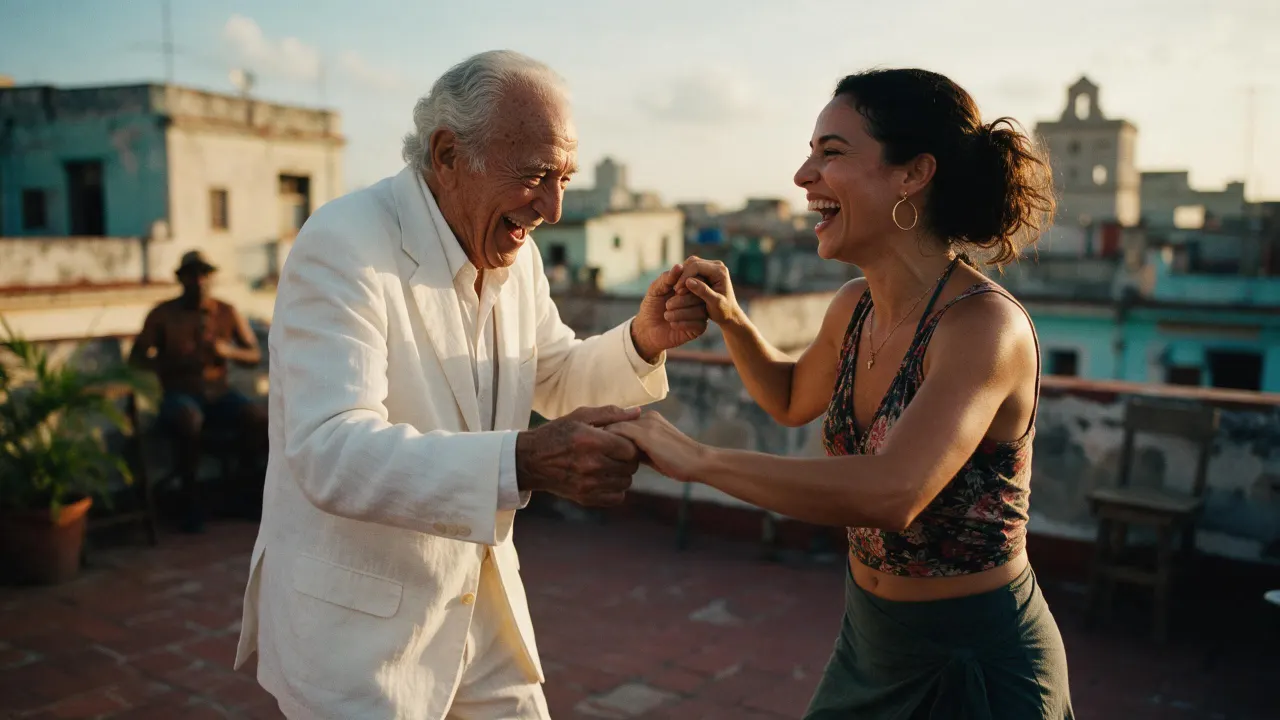
In deiner Bibliothek gespeichert
Open the image extender recipe in Image › Edit, add the picture, pick Eroq Uncensored and Krea2 and a wider format, and generate. The editor continues the scene past the old edges.
Yes, on Eroq Uncensored and Krea2: pick 16:9 in Format and the scene is continued on the sides.
It keeps it close, not pixel for pixel: the whole frame is rendered again. Render a few takes and keep the one where the original reads best.
Free to start: every new account gets 40 free credits with no card, enough for 4 edits at 10 credits each. More credits start with a $10 pack (1,000 credits) or a plan from $15/month.
40 Gratis-Credits · keine Kreditkarte · Privatmodus für jedes Konto
Weiter entdecken