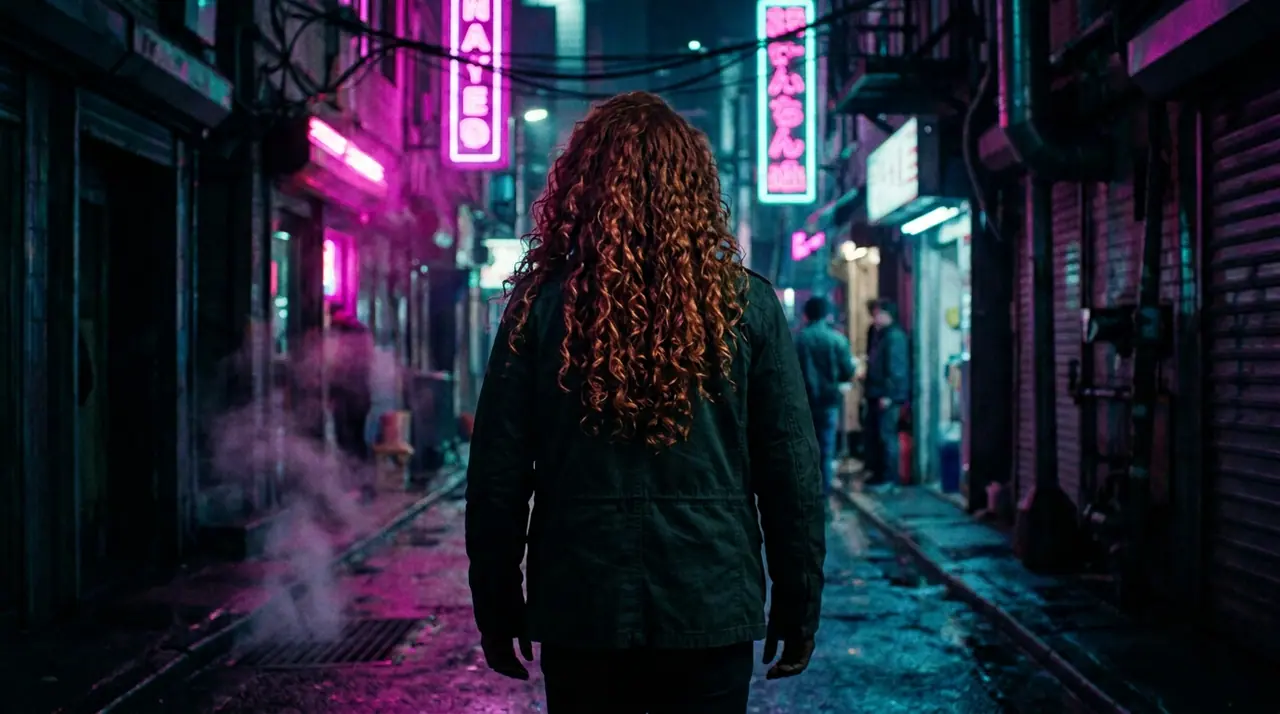
10월 13일 오전 01:39:36·완료 · 31 sec 소요 · −10 크레딧
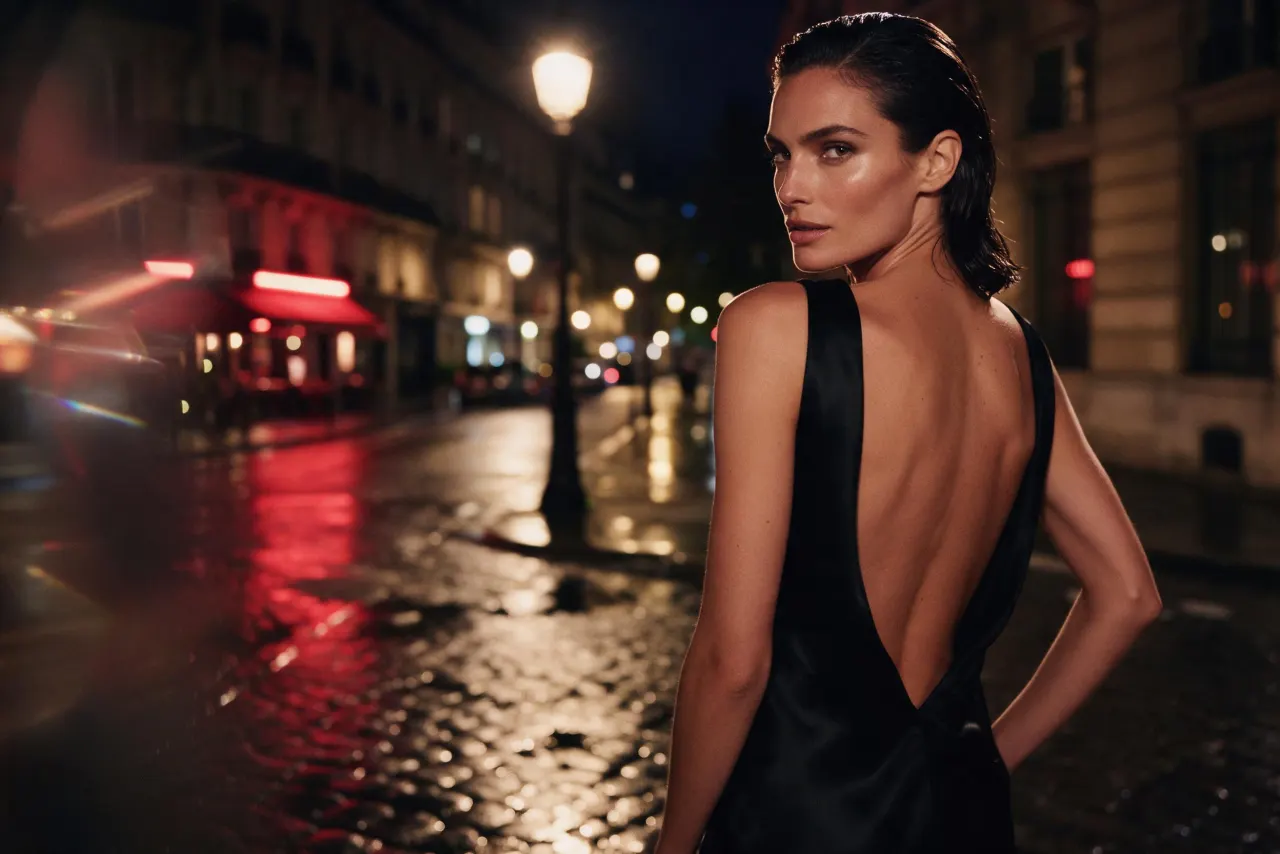
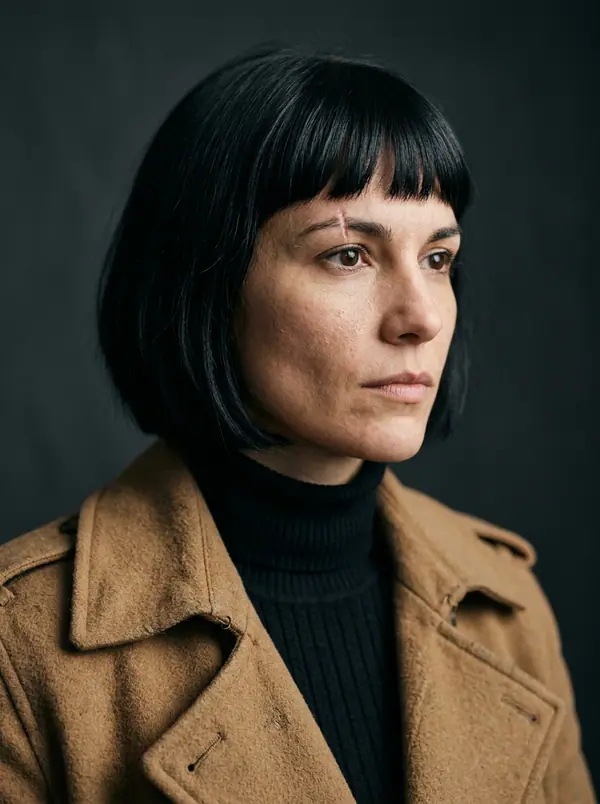
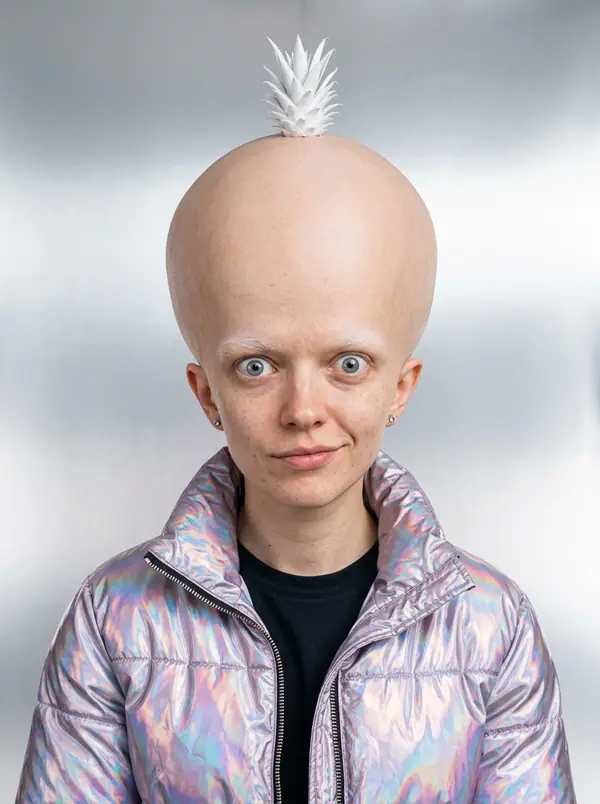
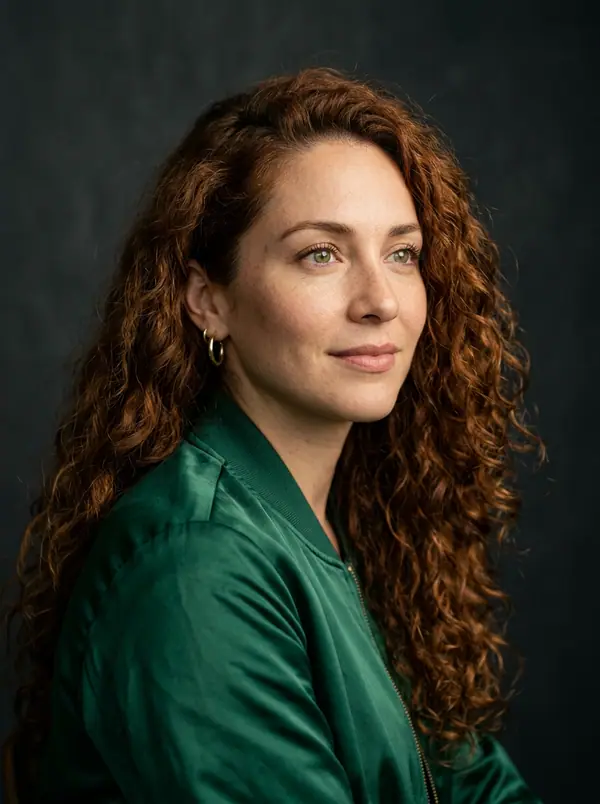
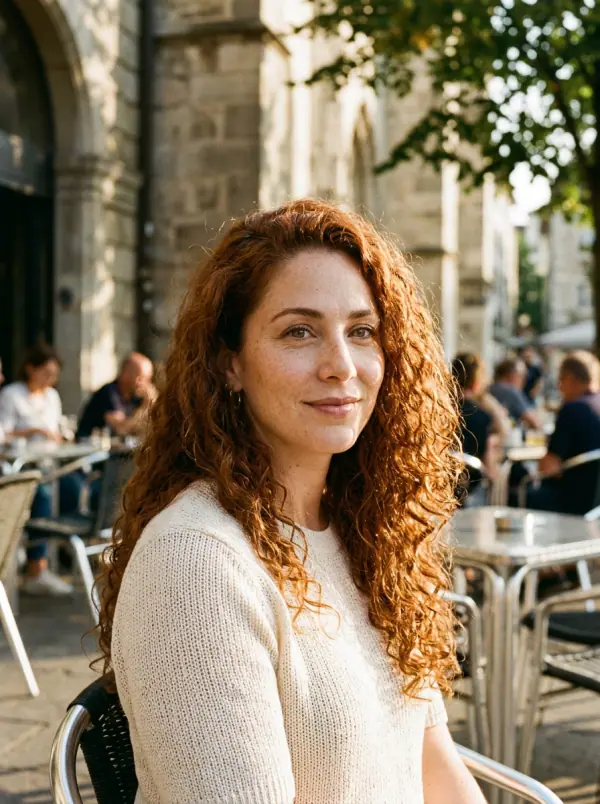
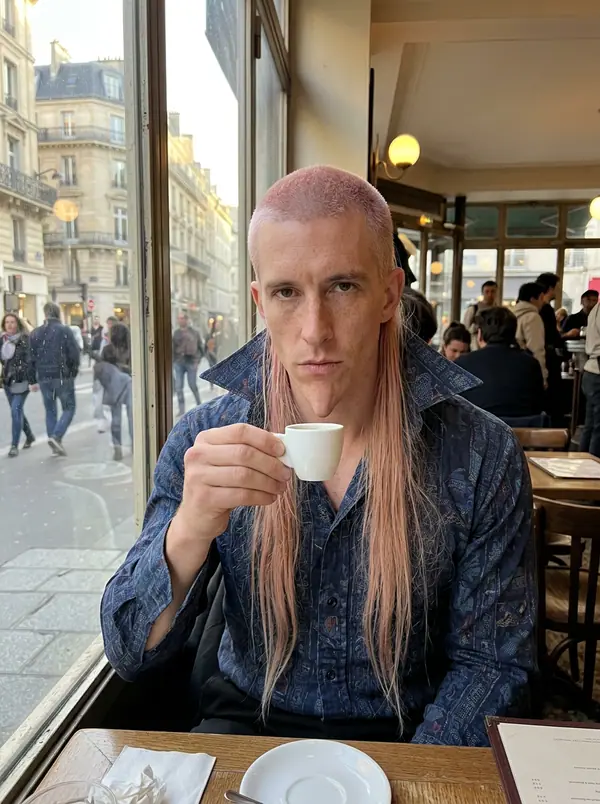
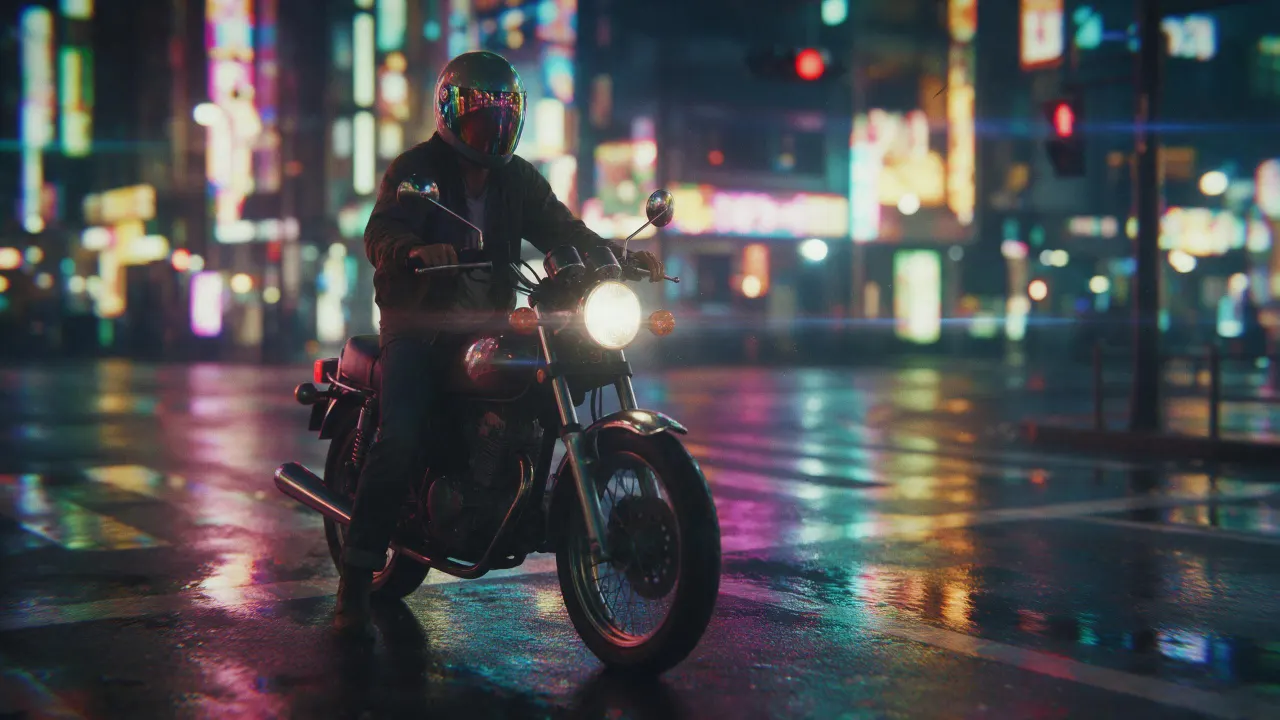
@Picture 1: 남자를 @Picture 2의 여자로 바꿔 줘, 재킷도 골목도 네온도 그대로
Eroq One · 유지 · 테이크 1개
Tool
eroq extends a picture from a sentence: Image › Edit opens with "extend this picture beyond its edges: continue the scene naturally on every side", you add the picture and pick the new format. Eroq Uncensored and Krea2 render it to another ratio (a square into 16:9 or 9:16); Eroq One keeps your picture's frame, so the scene widens inside it.
무료 크레딧 40개 · 카드 등록 불필요 · 모든 계정에 프라이빗 모드
이미지 · 생성
10월 13일 오전 01:39:36·완료 · 31 sec 소요 · −10 크레딧
@Picture 1: 남자를 @Picture 2의 여자로 바꿔 줘, 재킷도 골목도 네온도 그대로
Eroq One · 유지 · 테이크 1개
10월 13일 오전 01:42:07·완료 · 26 sec 소요 · −40 크레딧
@Lena, 집에서 찍은 자연스러운 35mm 인물 사진, 따뜻한 창가 빛, 부드러운 필름 그레인
Eroq One · 3:4 · 테이크 4개

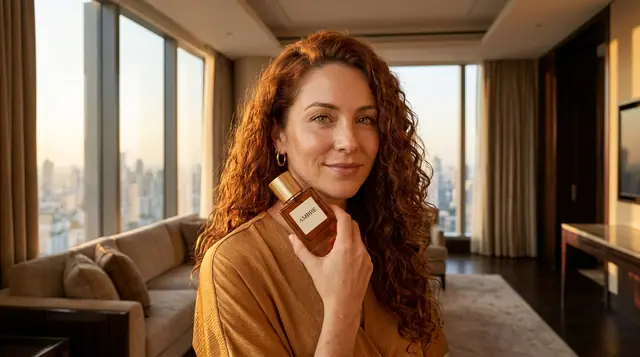

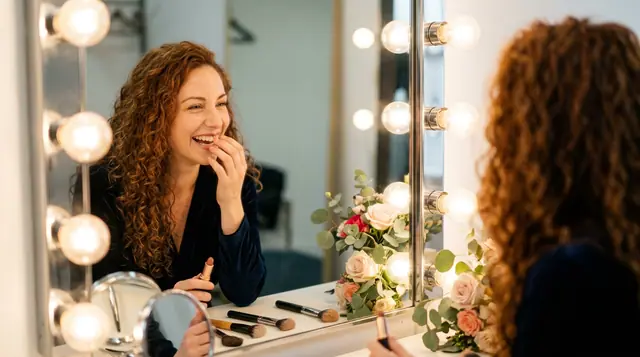
@Lena, 집에서 찍은 자연스러운 35mm 인물 사진, 따뜻한 창가 빛, 부드러운 필름 그레인
프라이버시
프라이빗하고, 제한 없이
The whole picture is rendered again at the engine's size, with your picture as the guide: check that the original part still looks the way you want. It makes the scene wider, not the file larger: it is not an upscaler.
Clap · AI 에이전트
Ask에서 원하는 결과를 설명하세요. Clap이 필요한 것을 묻고, 엔진을 고르고, 프롬프트를 쓰고, 플랜 가격을 보여 줘요. 승인하면 모든 것을 렌더링해 라이브러리에 저장해요. 완전 자동이고, 승인하기 전에는 아무것도 실행되지 않아요.
Ask · Clap
Clap · 6초 동안 생각함
세 장 모두 레나의 시트에서 같은 얼굴로. 플랜은 이렇습니다.
프로덕션
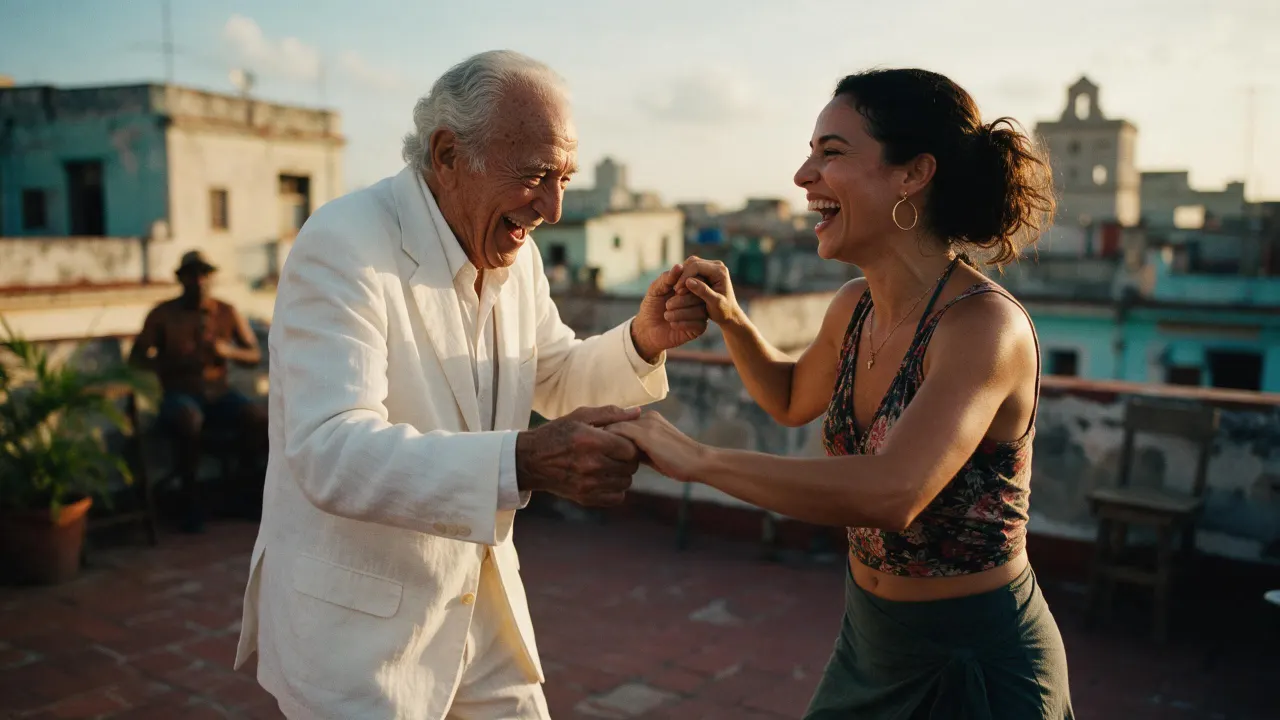
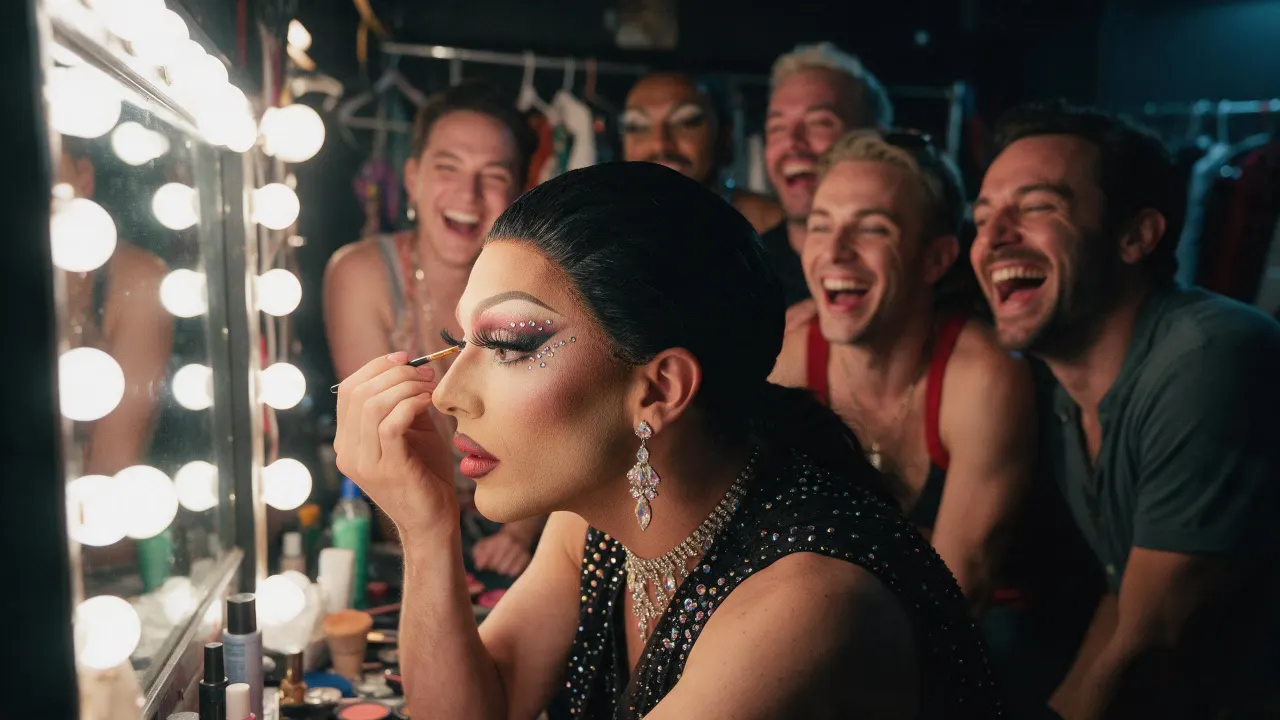
라이브러리에 저장돼요
Open the image extender recipe in Image › Edit, add the picture, pick Eroq Uncensored and Krea2 and a wider format, and generate. The editor continues the scene past the old edges.
Yes, on Eroq Uncensored and Krea2: pick 16:9 in Format and the scene is continued on the sides.
It keeps it close, not pixel for pixel: the whole frame is rendered again. Render a few takes and keep the one where the original reads best.
Free to start: every new account gets 40 free credits with no card, enough for 4 edits at 10 credits each. More credits start with a $10 pack (1,000 credits) or a plan from $15/month.
무료 크레딧 40개 · 카드 등록 불필요 · 모든 계정에 프라이빗 모드
더 둘러보기