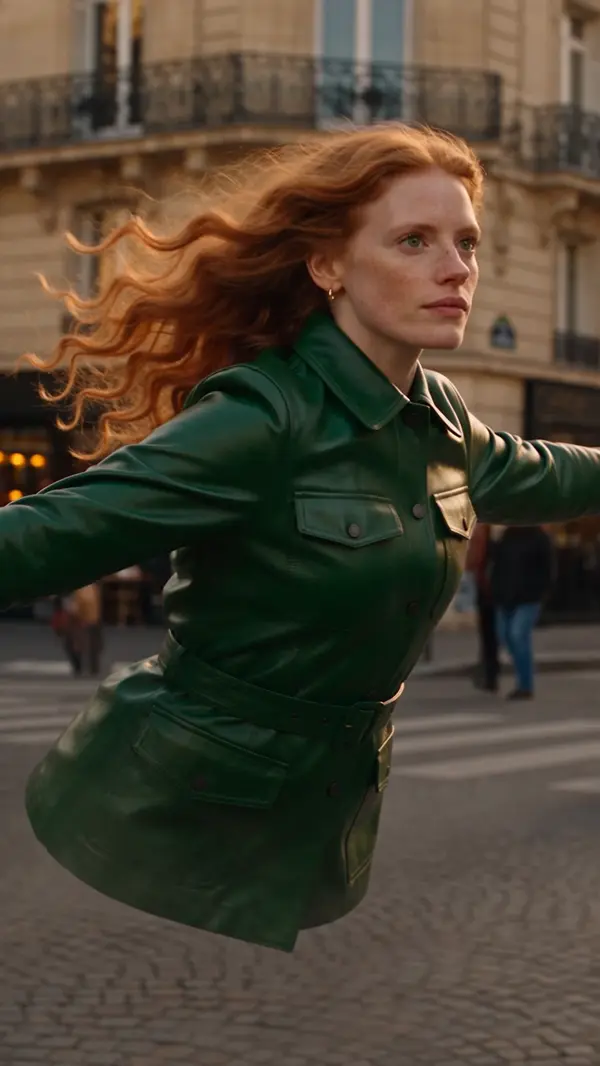
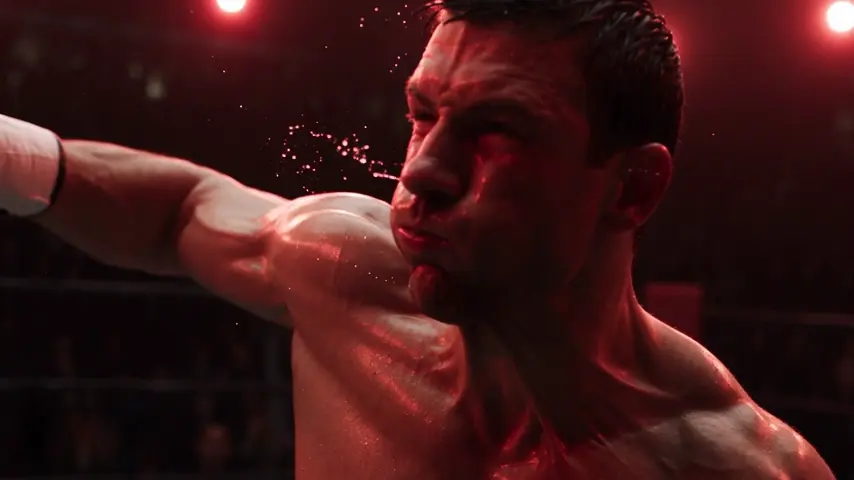
A discount on premium plans when you sign upGet your discount
eroq

Tool

AI video effects: your photo, in the trend

The effects that travel on TikTok and Reels start from a person and a trick: they fall in slow motion while their things float, they vanish and their clothes collapse, the camera dives through their eye into another world. The Effects tab of eroq Video holds 45 of them. Pick the effect first, bring one picture (a photo or one of your characters), add a few words if you like, and render it on the video engine you choose.

50 free credits · no card · private mode on every account

Video · Create

Create Replace Effects Editor
Add character

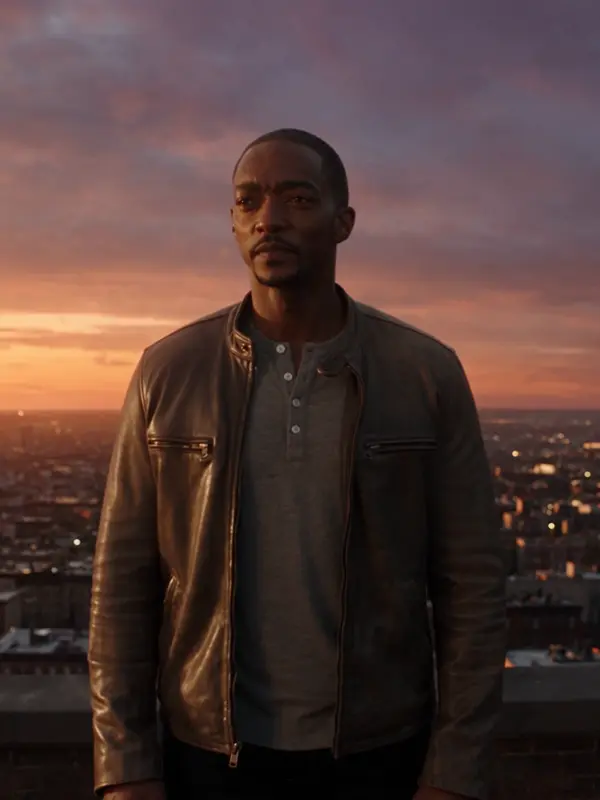
@Mara on a rooftop at dusk, her coat caught in the wind, the city lighting up below. anamorphic, 35mm. push-in

Syntax4s6s8s
Generate 816

Oct 13, 01:42:07 AM·Ready · Took 1 min 8 sec

@Mara on a rooftop at dusk, her coat caught in the wind, the city lighting up below. anamorphic, 35mm. push-in

Veo 3.1 Fast · 8s · 1080p · 16:9 · 2 takes
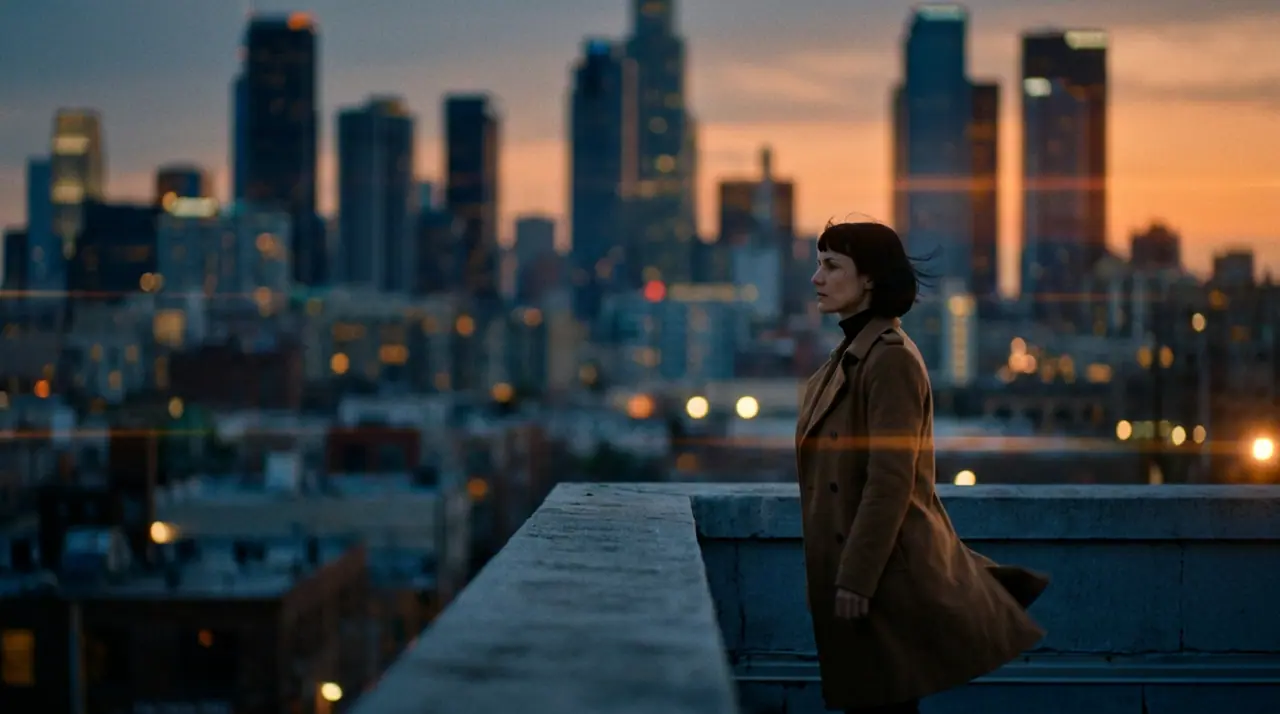
@Mara on a rooftop at dusk, her coat caught in the wind, the city lighting up below. anamorphic, 35mm. push-in
Extend Lead into
Effects
45: 6 camera, 20 transform, 12 action, 7 for your clip
Input
One picture (a photo or a character) and a few words, or a clip for the restyles
Length
5 seconds, snapped to the engine
Price
The engine's own: 145 credits on Motion One, 270 on Kling 3.0

How it works

  • →Pick an effect on the wall or in the picker: search it by name, filter Trending, Camera, Transform, Action or Your clip, or reopen one from Recent.
  • →Bring one picture, or start from one of your characters. Each effect says what works best: a face close up, a person in frame, an object on its own.
  • →Add a few words if you want: who they are, what they wear, where they are. The effect's own recipe writes the rest of the shot.
  • →Pick the engine and render. Want to change the shot itself? The effect's full prompt opens in Create, your picture kept.

How your picture rides

  • →As the first frame (16 effects): the effect happens to your picture, like Floating fall, Vanish or Eyes in.
  • →As the star (21 effects): your picture says who stars and the effect builds its own scene around them, like Wild ride, Smash and grab or Infinite clones.
  • →As the last frame: the clip lands on your picture, like Earth zoom, from orbit down to you in one move.
  • →And 6 effects restyle a clip you bring instead (Comic, Particles, Canvas, Tracking, Windows, Palette): they open Replace with the effect's instruction.

The effects, by family

6 camera tricks, 20 transformations, 12 action moments and 7 restyles of your own clip. Trending now: Floating fall, Vanish, Eyes in, Cutout, Wild ride, Incline, Smash and grab, Clones, Lidar transition, Infinite clones.

Engines and price

An effect is a director's recipe, not a new engine: it renders on the video engine you pick, at that engine's price for the clip's length. A 5-second effect costs 145 credits on Motion One and 270 on Kling 3.0. Effects that start from your picture need an engine that takes a first frame; the ones that build a scene around you need one that reads reference pictures, like Kling 3.0. The studio says when the engine you picked cannot serve the effect and points to one that can. A failed render refunds itself.

Clap · AI agent

Or let Clap make the clips

Describe the result in Ask. Clap asks what it needs, picks the engines, writes the prompts and prices the plan. Once you approve, it renders everything into your library. Fully automated, and nothing runs before you say yes.

  • 1Clap asks one question at a time and keeps the brief, the cast and the storyboard up to date.
  • 2The plan lists every render and its price before anything runs.
  • 3One click on Approve and everything renders. Failed takes refund themselves.
How Ask works

Ask · Clap

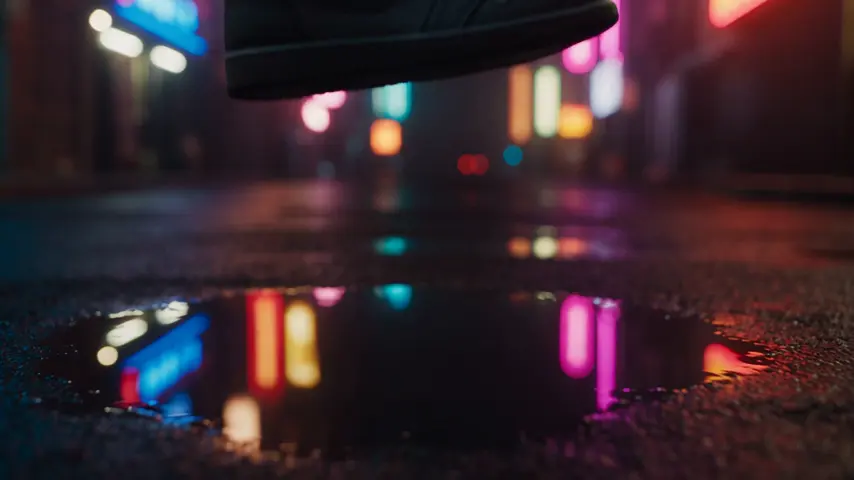
Three moody 5-second clips of Kai walking through neon rain, 16:9.

Clap · Thought for 6s

Three takes on the same move, each its own clip. Here is the plan.

Plan · 3 renders435 cr
Clip · Scene 1 · eroq Motion One · 5s · 16:9145 cr
Clip · Scene 2 · eroq Motion One · 5s · 16:9145 cr
Clip · Scene 3 · eroq Motion One · 5s · 16:9145 cr
Done · everything landed

Production

Saved to your library

Starting points

Every tile opens the studio with the prompt already written.

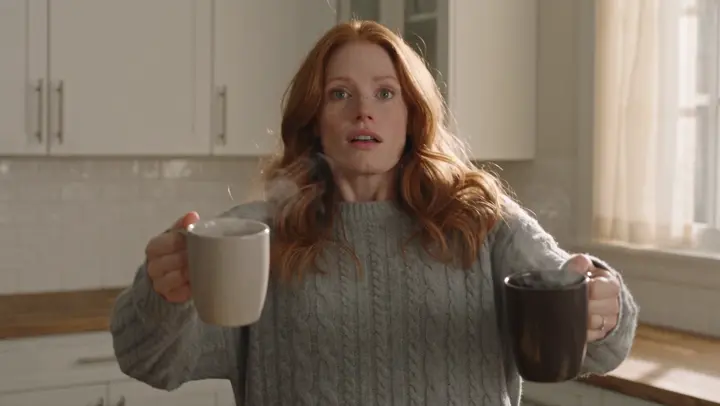
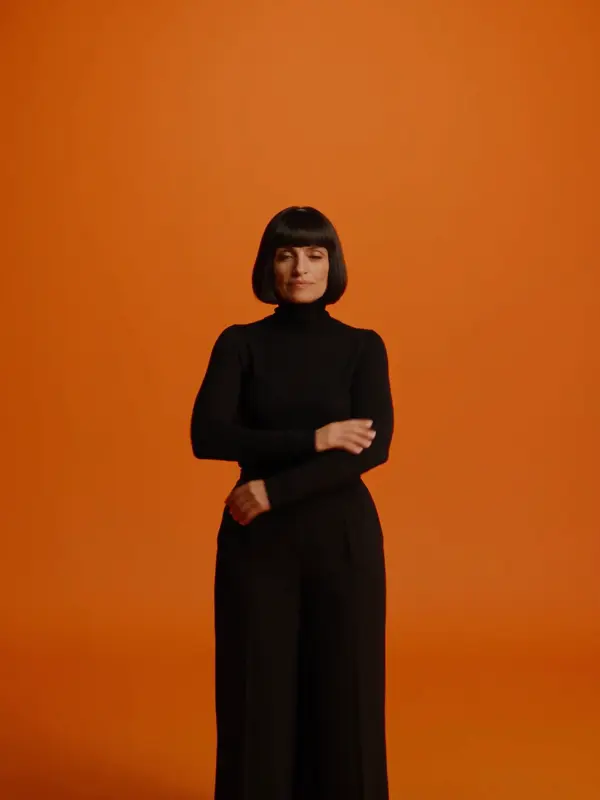
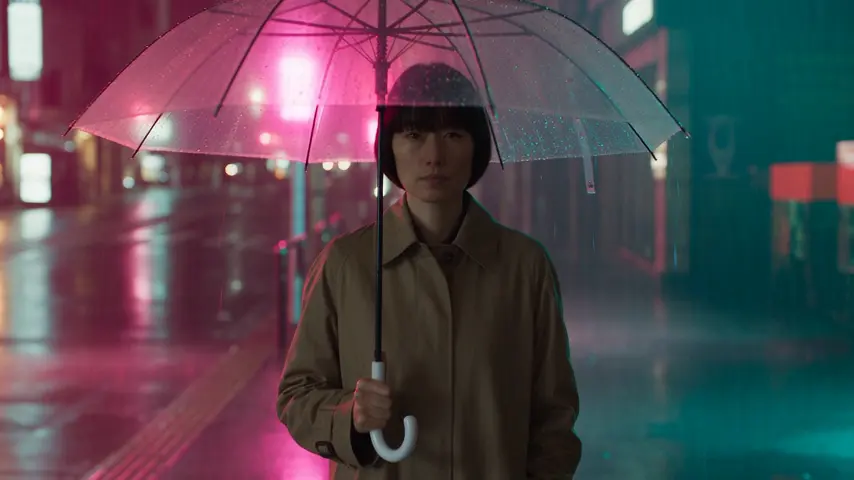
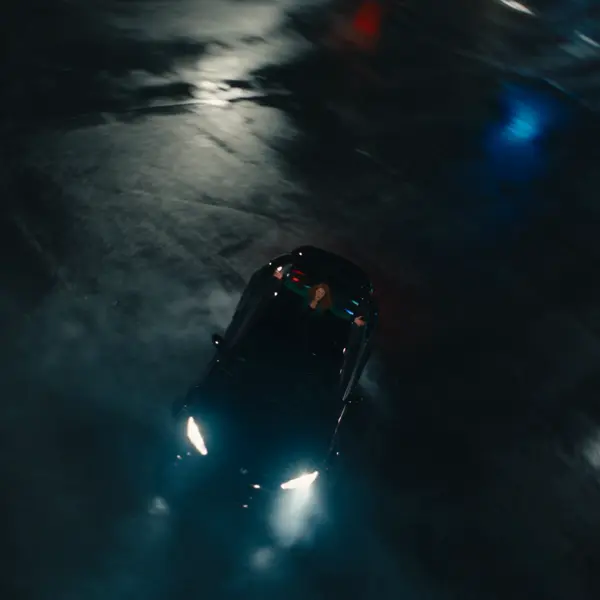
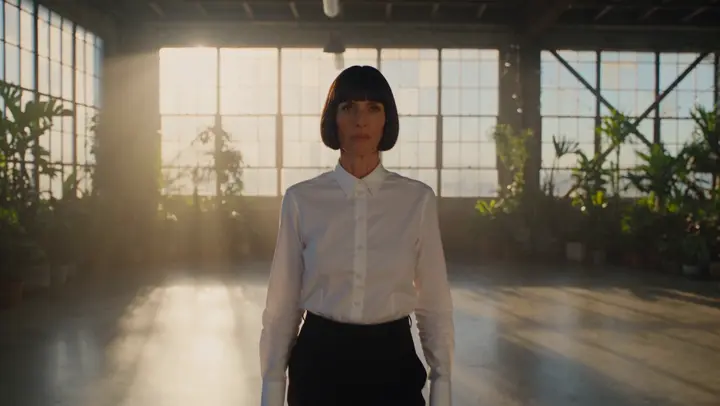
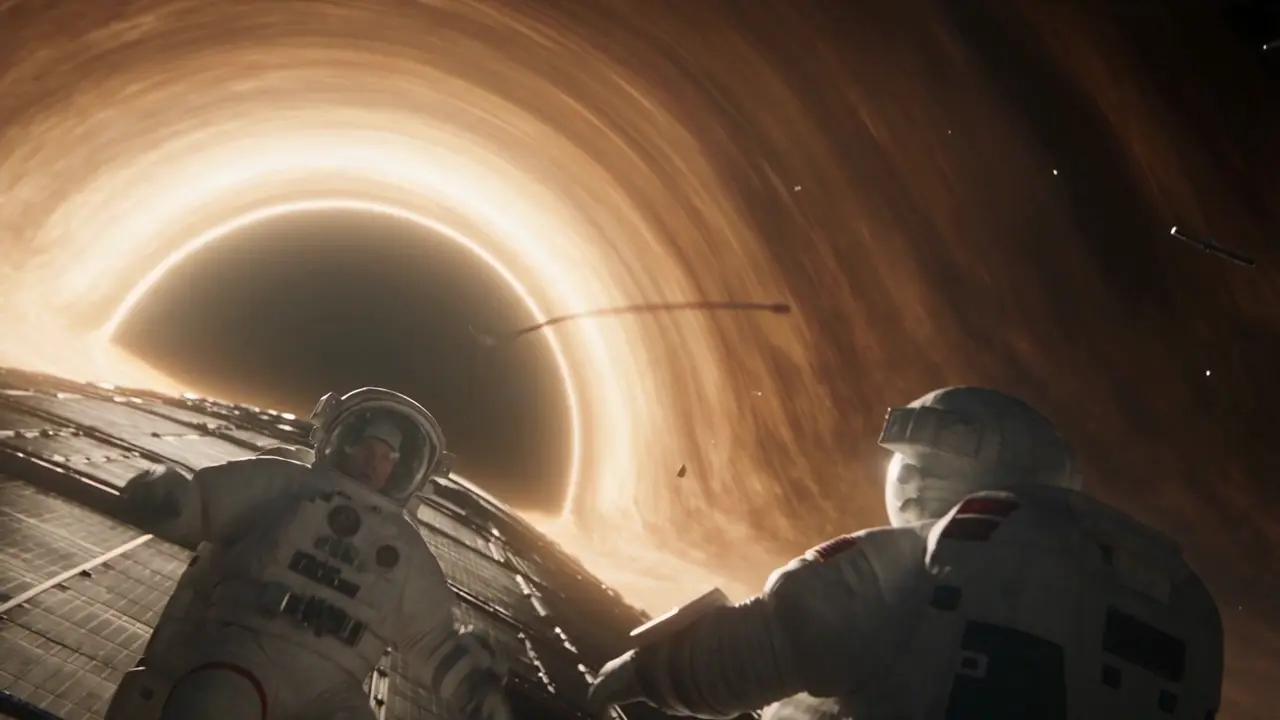
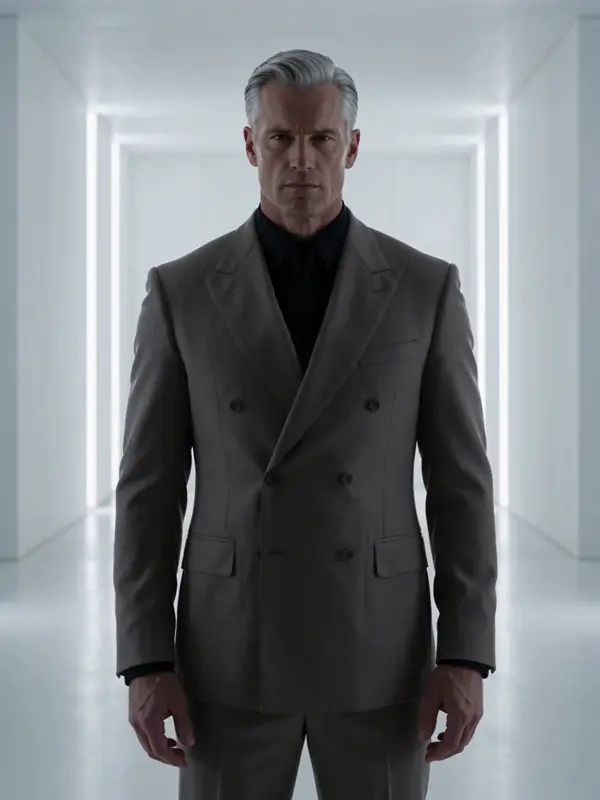
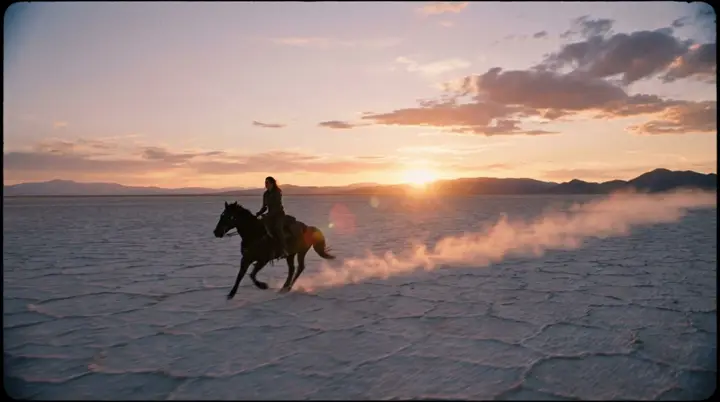
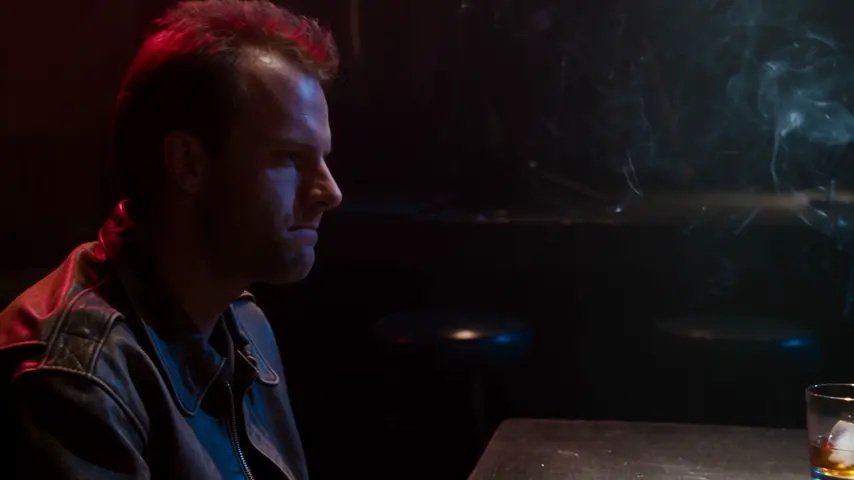
Floating fallA woman in her late twenties with long curly auburn hair, in a cozy grey sweater, holds two steaming coffee mugs in a sunlit kitchen; from the very first frame she tips backward into an extreme slow-motion fall, the mugs and her phone floating free around her, coffee hanging in droplets, the camera gliding past them in crisp close-upsOpen in the studio → High flipA man in a worn brown leather jacket stands on a city rooftop at dusk; the camera rises above him and flips overhead in one continuous move, revealing on the other side a woman in an emerald bomber jacket walking through a neon-lit Tokyo alley in the rainOpen in the studio → Studio slideAgainst a solid tangerine orange studio background, several copies of a woman with a sharp black bob in a black turtleneck appear at once at different sizes, angles and depths, and slide past one another in layered 3D motion, each one striking a different poseOpen in the studio → Wild rideA woman with long curly auburn hair rides on the roof of a black sports car drifting in tight circles on an empty city street at night, laughing, arms out, while the camera sweeps around her in an aggressive orbit, tyre smoke and motion blurOpen in the studio → ClonesIdentical clones of a woman with a black bob in a white shirt appear one after another throughout a sunlit loft, all mirroring her movements in perfect sync, while the original walks forward toward the camera, music-video energyOpen in the studio → MeltingA man with swept-back silver hair in a charcoal double-breasted suit stands in a white gallery and slowly melts into a glossy black puddle, his suit stretching into shiny liquid trails until everything pools on the polished floorOpen in the studio →

Frequently asked questions

What are AI video effects?

Short trend shots built around one trick (a slow-motion fall, a vanishing body, a dive through an eye) made from a single picture. On eroq each effect is a director's recipe the video engine follows, so you get the trend with your own subject.

Can I use a photo of myself?

Use a picture you have the rights to: yourself, someone who agreed, or one of your characters. Real, identifiable people without their consent are banned by the acceptable-use policy. Seedance engines refuse photos of real-looking people; the studio offers an engine that takes them.

How much does an effect cost?

What a 5-second clip costs on the engine you pick: 145 credits on Motion One, 270 on Kling 3.0. New accounts get 50 free credits, and a failed render refunds itself.

Which engines run the effects?

Any engine that takes the picture the way the effect needs it: a first frame for the effects that happen to your picture, reference pictures for the ones that build a scene around you, a last frame for the ones that land on it. The studio tells you when the engine you picked cannot, and points to one that can.

Can I change what happens in the effect?

Add a few words (who, what they wear, where) and they go where the recipe expects them. For more, open the effect's full prompt in Create, your picture kept, and edit it freely.

Do effects work on a video I already have?

6 of them do: Comic, Particles, Canvas, Tracking, Windows and Palette restyle a clip you bring, through Replace. The others start from a picture.

Keep exploring