

Ads Studio
The AI ad generator built around your brand
Paste your website and Clap reads it into a brand kit: logo, palette, fonts, tone of voice, selling points, audience and your products. Every ad is then made inside that brand, for the places it runs: Facebook and Instagram feeds, Stories & Reels, TikTok, Snapchat, Pinterest, Google Display, LinkedIn and X. Batches of static ads arrive in every size those places need, each with a headline, a primary text and a call to action cut to what the place shows, and you see each one in the app's own frame before you download it. Video ads come in eight formats with your own presenter. The Ad Multiplier turns one winning ad into new variants. Everything lands in the brand's own folder.
Opens the studio with this filled in. Sign up when you generate: 40 free credits, no card.
Ads Studio · AMBRE
AMBRE
Pictures with their text, in the size of each place they run
1Where will these ads run?
Sizes: 4:5 · 9:16. Headlines up to 40 characters, text up to 125.
2What do they sell?
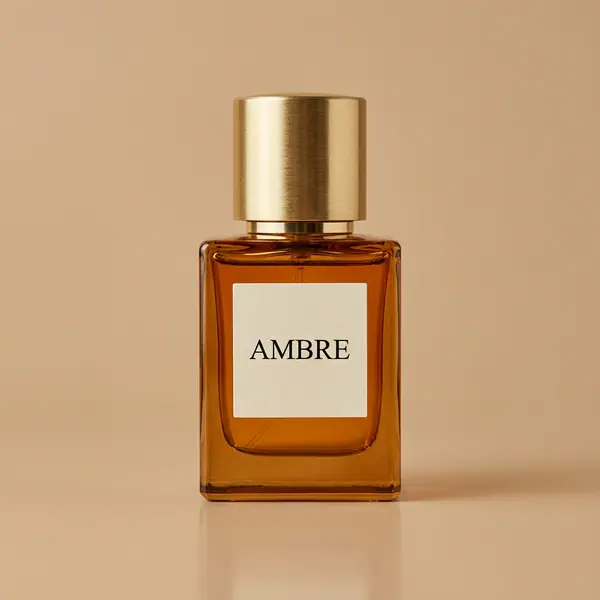 AMBREEau de parfum, 50 ml4
4 ads in 2 sizes: 8 pictures.
Planning is free. Each render is billed as it starts.
- Brand kit
- From a website or by hand · up to 6 colors · up to 8 products per import
- Static ads
- Up to 24 pictures per batch · sized for Facebook, Instagram, Stories & Reels, TikTok, Snapchat, Pinterest, Google Display, LinkedIn, X · copy in 14 languages
- Video ads
- 8 formats · framed for Stories & Reels, TikTok, Shorts, feeds or YouTube · 1 to 4 takes
- Ad Multiplier
- ×3, ×6, ×9 or ×12 variants of one ad
- Price
- From 10 credits a static ad on Eroq One · 130 credits a 10-second variant · planning free
From a website to a brand kit
- →Paste the address: Clap reads the site in about a minute and fills the kit. Logo (pick among the ones it found), up to five colors, fonts, tagline, tone, selling points, aesthetics, audience, a description and the social profiles.
- →Products come from the store itself: a Shopify or WooCommerce product feed, product structured data or the product pages. Up to 8 are offered at once; you keep the ones you want and each becomes an Element with its photo. Later, read any page of the site again (a collection, a product page) to add more.
- →You review every field before saving, and a live preview shows a feed post, a story and a square ad wearing the brand while you type. No website? Fill the same kit by hand.
- →Reading the site, writing the kit and planning ads are free. Only renders cost credits.
Static ads in batches, sized for where they run
- →Pick what the ads sell (the brand itself, or each product) and how many: up to 20 per product and 24 pictures per batch.
- →Clap gives each ad its own selling angle (offer, benefit, ingredient, how it is used, social proof, problem and solution…) and writes the headline, the primary text and the call to action, in any of 14 languages, cut to what the places show: 40 characters of headline and 125 of text on Meta, 100 on TikTok. The button is one the ads managers offer (Shop now, Learn more…).
- →Pick where the ads run: Facebook and Instagram feeds, Stories & Reels, TikTok, Snapchat, Pinterest, Google Display, LinkedIn and X. Each ad renders once per size they need (4:5 for the feeds, 9:16 full screen, 2:3 for a pin, 1.91:1 for Google Display, 1:1 for LinkedIn and X). Turn on "Headline on the picture" to set the headline and the button on it; in a full-screen Story the text stays clear of the app's buttons.
- →The recommended engines look at the product's picture (its look sheet, or its photo) and keep the product exact: Eroq One at 10 credits a picture, Krea2 and Eroq Uncensored.
- →Open an ad to see it in the frame of every place it runs (a Facebook post, an Instagram post, a Story, a TikTok, a pin), check each text against what the place shows, and download the picture at its exact size: 1080×1350 for a feed, 1080×1920 for a Story.
Video ads in eight formats
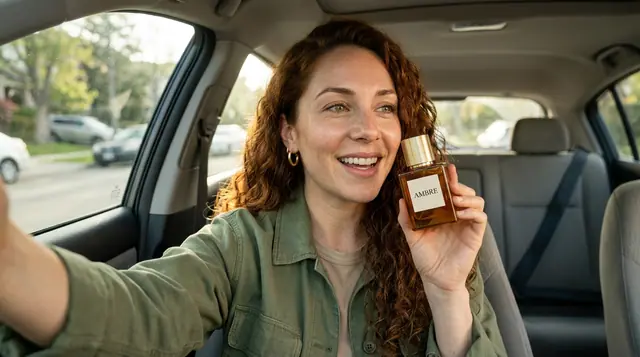
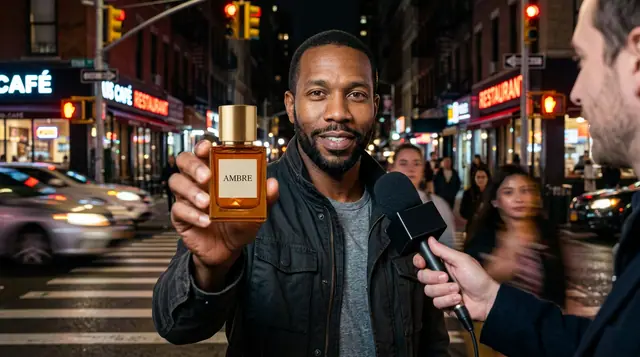
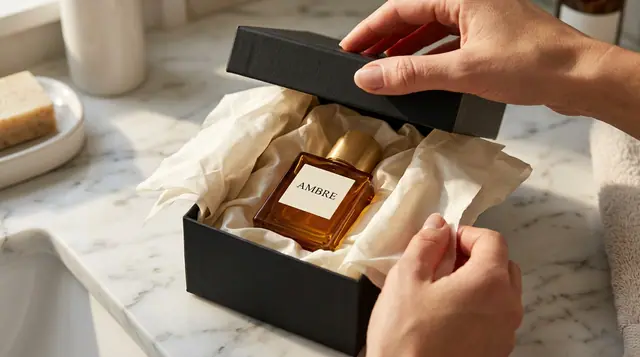
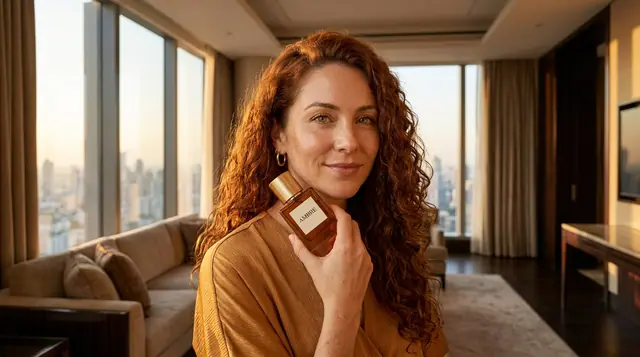
UGC testimonial, product hero, unboxing, in real life, glow-up reveal, street interview, luxury macro and problem → fix. Pick where it runs (Stories & Reels, TikTok, YouTube Shorts, a feed or YouTube: the frame follows), the product, the format and a presenter (one of your own Characters, the same face from ad to ad), let Clap write the spoken line in your language, and render one to four takes on an engine with sound. 16 video engines are available, from Motion One to Veo 3.1.
The Ad Multiplier
Take the ad that works and ask for ×3, ×6, ×9 or ×12 variants. Each variant gets a new character, outfit, location or product while the motion, the cut, the timing and the original audio stay; burned-in captions can go. Clap looks at the ad and writes every variant, then each one renders as an edit of the same clip: 130 credits for a 10-second variant.
What it does not do
- →It does not publish to Meta, TikTok or YouTube yet: each ad downloads at the exact size its place asks for (or comes over the API), its headline, primary text and button ready to paste in your ads manager.
- →It does not read your results. Spend, CTR and ROAS stay in your ads manager; eroq makes the creatives.
Clap · AI agent
Or let Clap make the ad
Describe the result in Ask. Clap asks what it needs, picks the engines, writes the prompts and prices the plan. Once you approve, it renders everything into your library. Fully automated, and nothing runs before you say yes.
- 1Clap asks one question at a time and keeps the brief, the cast and the storyboard up to date.
- 2The plan lists every render and its price before anything runs.
- 3One click on Approve and everything renders. Failed takes refund themselves.
Ask · Clap
Clap · Thought for 6s
The keyframe first, then the clip from it, then the voiceover. Here is the plan.
Production

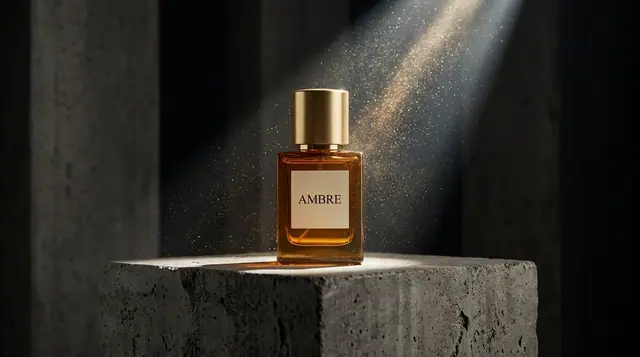
Saved to your library
Frequently asked questions
Is the AI ad generator free to try?
Every new account gets 40 free credits. Reading your website, filling the brand kit and planning ads with Clap are free; each render is billed as it starts, and a failed render refunds itself.
Will my product look like my product?
Yes, on the engines that read pictures: Eroq One, Krea2 and Eroq Uncensored look at the product's look sheet, or at its photo when it has no sheet, and the studio recommends them for product ads. Engines that read words only describe the product instead of showing it.
Does it write the ad copy?
Clap writes the selling angle, the headline, the primary text and the call to action of every static ad, in 14 languages, plus the spoken lines of video ads and the variants of the Ad Multiplier. It uses only what your brand kit states: no invented prices, discounts or reviews.
Can it publish my ads to Meta or TikTok?
Not yet. Each ad opens in the frame of the app it runs in, then downloads at the exact size the place asks for, its headline, primary text and button ready to copy into your ads manager, where you also read the results.
Do I need a website?
No. Create the brand kit by hand (name, selling points, aesthetics, fonts, audience, description, socials) and add products from a photo or a product page link: a physical product is shown as itself, a virtual one (an app, a course, a subscription) on a screen.
Which platforms does it make ads for?
Facebook and Instagram feeds, Stories & Reels, TikTok, Snapchat, Pinterest, Google Display, LinkedIn and X, plus YouTube Shorts and YouTube for video. Pick one place or several: each ad comes in the size each place needs, its copy cut to what the place shows, and you preview it in that app's frame.
Can I add products later?
Yes. In the brand's Products tab, read any page of your site again (a collection, a product page, the home page), tick the products it lists and add them; or add one from a photo or its page link.
Keep exploring