

















Tool
Flows: AI workflow automation for your content
Some work comes back every day: a clip for the morning post, a caption for every render, a voiceover for every new product. Flows does it for you. On a canvas, like Make or Zapier, you chain the steps (a trigger, Clap writing a prompt or a caption, an image, a video or a voice line rendering, a folder, a webhook, and soon a post to TikTok, YouTube Shorts or Instagram Reels) and the flow runs on its own: on a schedule, after a render, from the API or from any app that sends a webhook. A post always waits for your click.
50 free credits · no card · private mode on every account
Flows · Daily coffee clip
On a schedule
Every day · 09:00
Clap writes
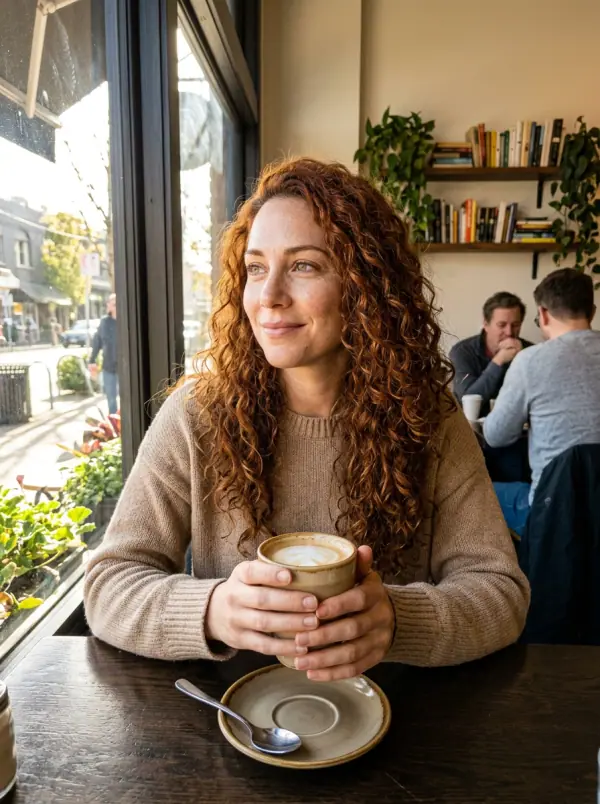
A barista slides a latte across the counter…
 3
3Generate a video
Seedance 2.5 · 8s · 9:16
Clap writes
Your morning, one sip at a time #coffee
Post to socials
Posted to TikTok
Save to a folder
Daily clips
- Triggers
- Run button or API · after a render · schedule · webhook (Zapier, Make, n8n)
- Steps
- Image, video, voice · Clap or a named model writes · folder, webhook, post · up to 24 per flow
- API
- /v1/flows: create, edit, delete, run, follow and stop runs · flow.run.* webhooks
- Plans
- Build on every plan · run and publish on Studio and up
- Price
- Each render at its engine's price · Clap's writing included
Four ways to start
- →When I run it: the Run button, or a call to the API (POST /v1/flows/{id}/runs), with a prompt or a picture asked at the start when the flow needs one.
- →After a render: attach a flow to a render with Then run in Image, Video or Voice, run it from a card of your Library, or let it watch a folder.
- →On a schedule: every day or every week, at the hour you pick, in your time zone.
- →When a webhook is called: a secret URL that Zapier, Make, n8n or any app can call, its fields usable in every step.
The steps
- →Create: generate an image, a video or a voice line on the engine you pick. A video can start from the image of an earlier step.
- →Write: Clap writes a caption, a prompt or a script, about what an earlier step made (it sees the picture). Name Claude, GPT, Gemini or Grok to write instead, per step.
- →Deliver: save to a folder of your Library, send to Discord, Slack or your own endpoint. Posting to TikTok, YouTube Shorts and Instagram Reels, with each platform's AI label, is coming soon: the platforms are still reviewing the app.
- →Any step reads what the steps before it made: a prompt writes {{#2}}, a caption describes the clip of step 3. Up to 24 steps per flow, branches included.
You stay in control
A flow is a draft until you publish it: a draft runs only from its editor, with Run once at the foot of the canvas, and every bubble shows its step running, done, or what it rendered. A post never goes out on its own: the run waits, a card says the clip is ready, you check it and click Post. A run that fails refunds its renders, and the flow shows the price of a run before you start it.
Start from a sentence, or from Claude
Describe the automation to Clap on the studio home ("every morning, a 5-second clip about coffee, captioned, ready to post") and it builds the flow for you, as a draft. 7 suggestions start from a ready canvas: caption and post every clip you make, a clip, its caption, on tiktok, a fresh clip every morning or from a still to a reel. With eroq connected over MCP, Claude or ChatGPT can list, create, edit and run your flows.
Frequently asked questions
What can I automate with Flows?
Anything made of eroq's steps: a daily clip written and rendered on its own, a caption for every render, a voiceover for every new product, a picture turned into a clip and filed. Steps render images, videos and voice lines, write with Clap, file renders in folders and send webhooks; posting to TikTok, YouTube Shorts and Instagram Reels is coming soon.
Does a flow post without me?
No. The post step puts the run on hold: a card shows the clip and its caption, and it goes out only when you click Post.
Can Zapier, Make or n8n start a flow?
Yes. Add the trigger When a webhook is called: the flow gets a secret URL any app can call, and the fields it sends can be used in every step. A flow can also send its results back to them, with flow.run webhooks or a callback URL.
Which plan do I need?
Every account can build flows. Running them and putting them online (schedule, folder, API, webhook) need the Studio plan or above. Renders cost their engine's usual price; Clap's writing is included.
Can I run a flow from my code?
Yes: POST /v1/flows/{id}/runs starts it, with a prompt or a picture when it asks for one, GET follows the run, and /v1/flows creates and edits flows. Claude and ChatGPT can do the same over MCP.
Keep exploring