










Tool
AI video upscaler
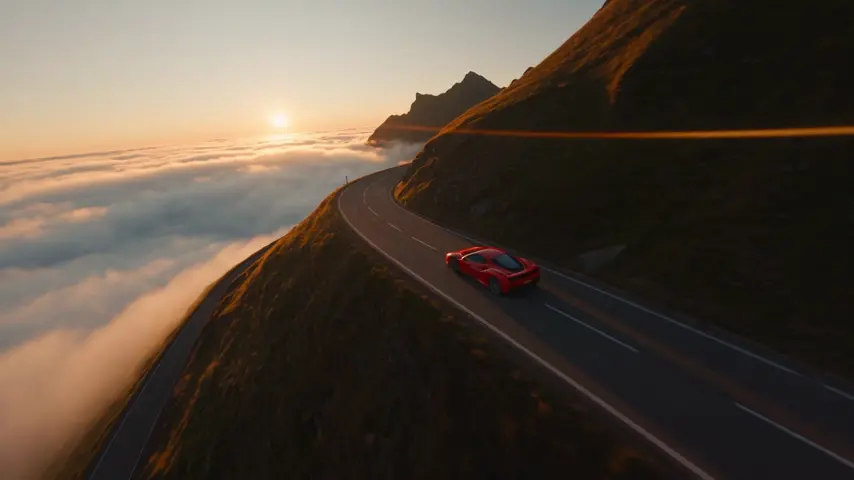
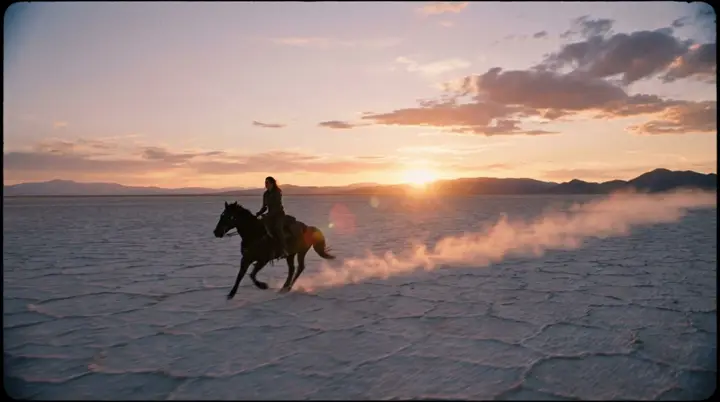
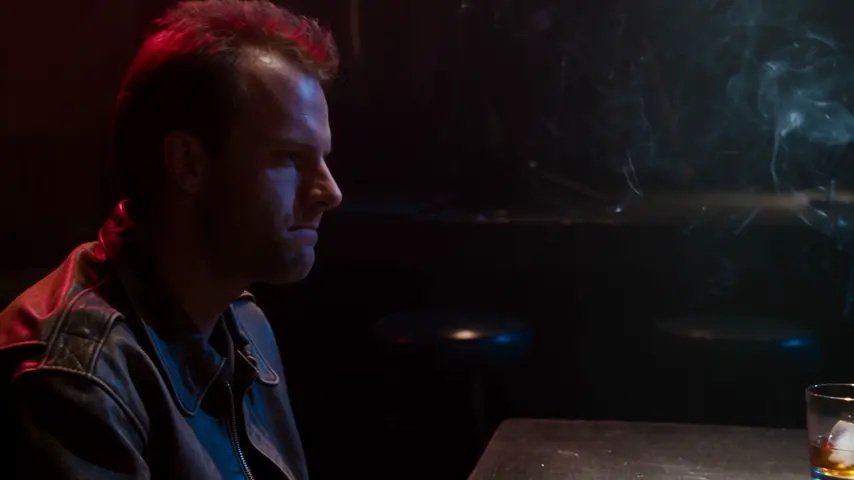
eroq Upscale takes a clip you already have, a render from any engine or a file you upload, and brings it to 1080p or 2K: every frame restored by a video diffusion upscaler on our own GPUs, the frame rate and the sound kept, nothing sent to a third party. Open it in Video › Edit, or press Upscale on any take.
50 free credits · no card · private mode on every account
- Source
- Any clip of 1 to 30 s, up to 900 frames and 200 MB: a render or an upload
- Output
- 1080p or 2K (2K: Creator and up)
- Kept
- Length, frame rate and sound
- Price
- 9 credits / s at 1080p, 14 at 2K, 5 s minimum
- Runs on
- eroq's own GPUs: the clip never leaves eroq
- API
- POST /v1/videos/edits with model "eroq-upscale"
How it works
- →1 · Open Video › Edit and pick Upscale, then drop a clip or pick one from your Library. Or press Upscale on a take in Create or Edit.
- →2 · Pick 1080p or 2K (2K comes with Creator).
- →3 · Upscale. The clip keeps its length, its frame rate and its sound; the result lands in your Library, with a before/after to compare.
What upscaling does
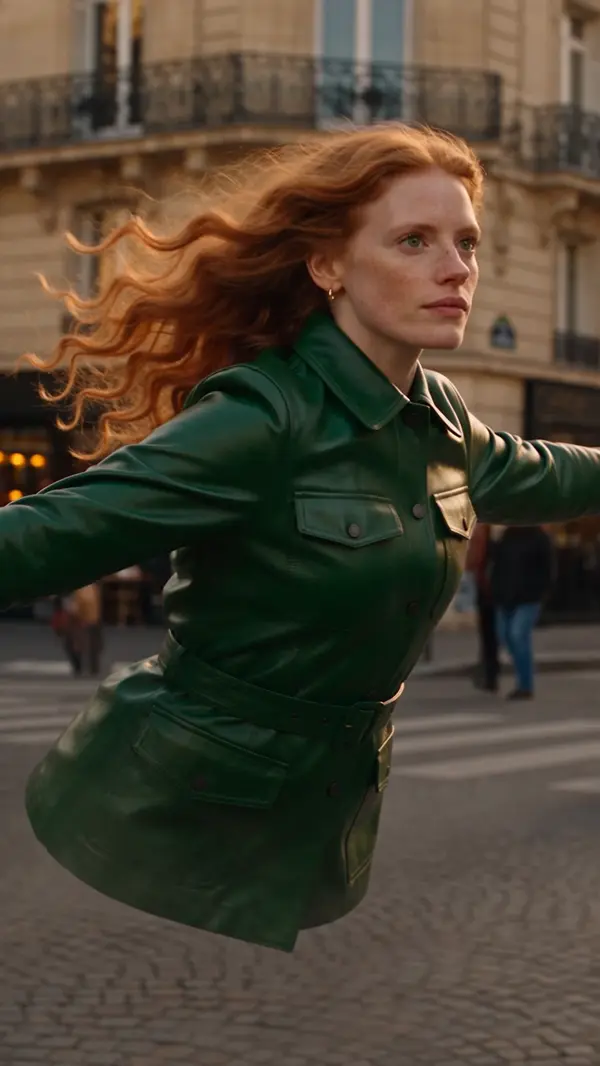
The upscaler restores detail at the larger size: edges, textures, skin, lettering. It does not change the motion, the framing or what is in the shot, and it cannot add what was never filmed: a soft face comes back the same face, sharper. A clip that is already that sharp is turned down before anything is billed.
Pricing
9 credits per second of clip at 1080p, 14 at 2K, billed 5 seconds at least: a 5-second clip is 45 credits at 1080p, a 10-second clip 90 (140 at 2K), and the 30-second maximum 420 at 2K. An upscale that fails refunds itself.
Frequently asked questions
Can I upscale a video I did not make on eroq?
Yes. Upload any clip up to 30 seconds and 200 MB (a phone video, an export from another tool) and pick 1080p or 2K.
Does upscaling change the motion or the sound?
No. The clip keeps its length, its frame rate and its soundtrack; only the picture gets larger and sharper.
How long does it take?
A few minutes for a short clip, longer at 2K and for long clips. It runs in the background: the queue keeps tracking it while you work.
Is my clip private?
The upscaler runs on eroq's own GPUs, so the clip is never sent to a third-party provider. The source you upload is kept in Storage › Edit, and the result lands in your Library.
Can I upscale from the API?
Yes: POST /v1/videos/edits with model "eroq-upscale", the source (an upload: or creation: id) and resolution 1080p or 2K. No prompt.
Keep exploring