

10月13日 01:42:07·完了 · 1 min 8 secで完了 · −816クレジット
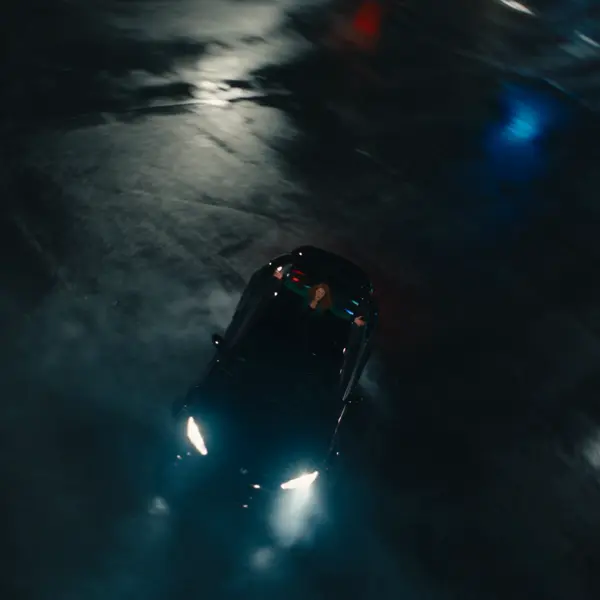
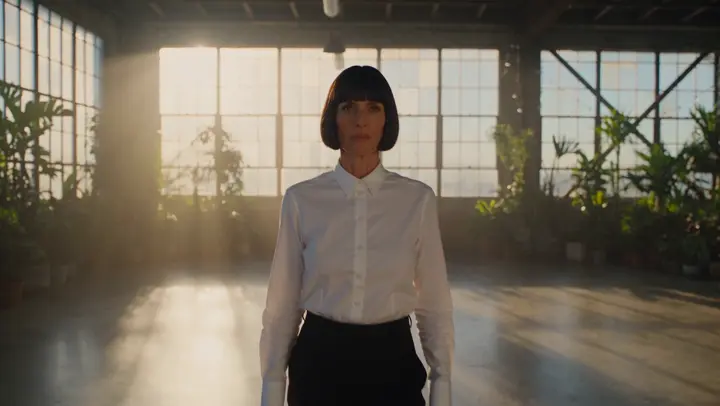
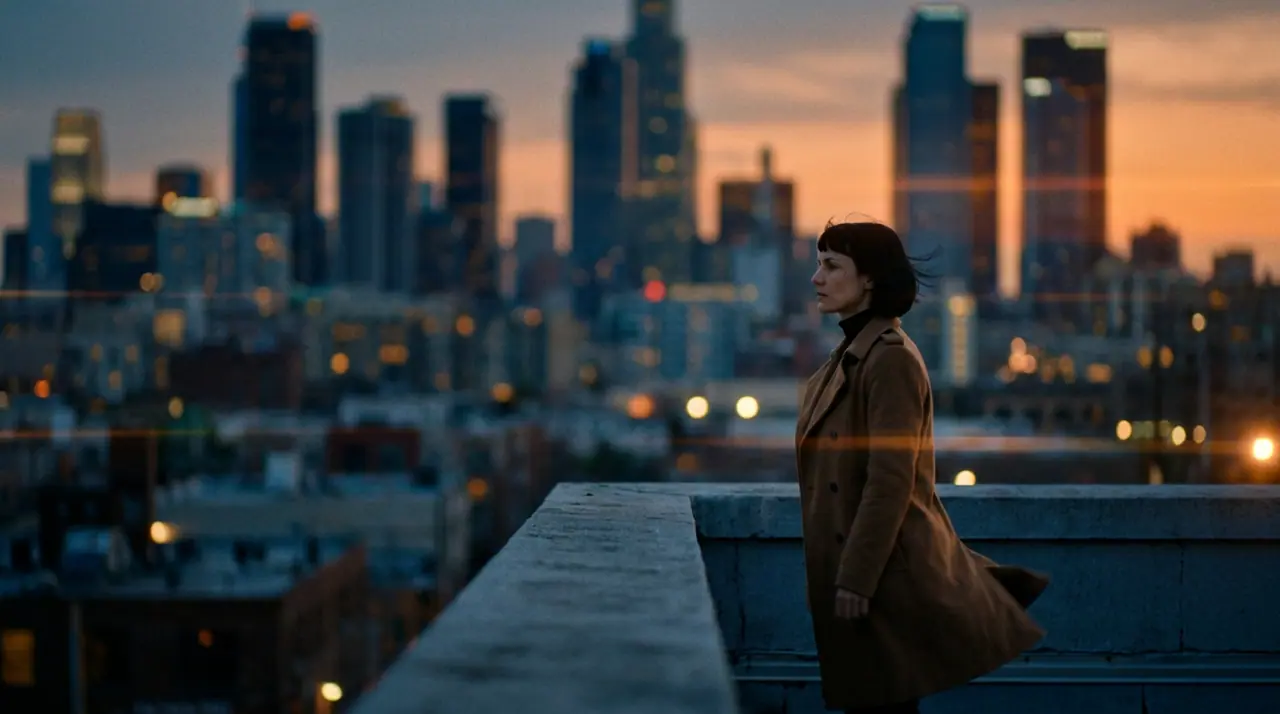
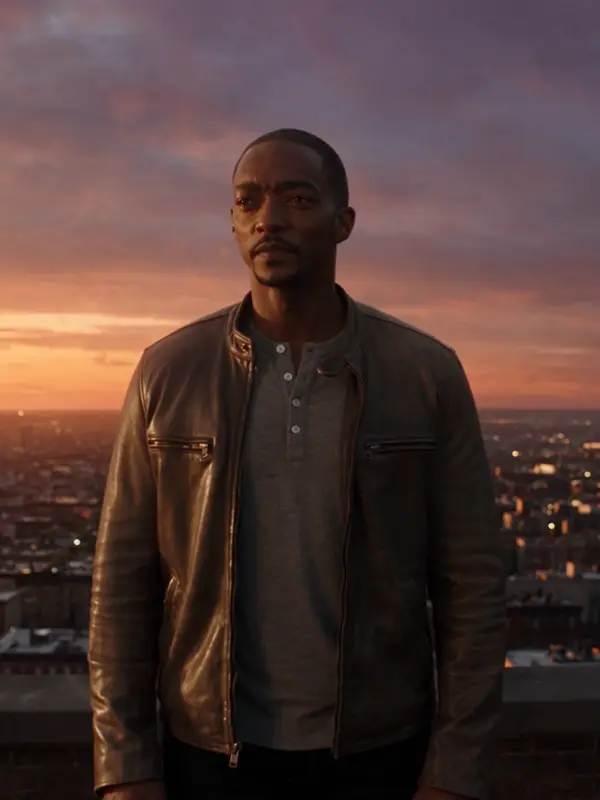
@Maraが夕暮れの屋上に立つ。コートが風にあおられ、眼下の街に灯りがともる。アナモルフィック、35ミリフィルム。 プッシュイン
Veo 3.1 Fast · 8s · 1080p · 16:9 · 2テイク

続きを作る 前を作る
Tool
eroq renders bullet time from a prompt: Video opens with "bullet-time: time freezes and the camera orbits 360° around the subject of the first frame", you add your photo as the first frame (a jump, a pose, a product) and render. Bullet time is also one of the 24 camera moves of the Syntax menu, and a ready effect in Video › Effects.
入力した内容でスタジオが開きます。生成するときに登録:無料40クレジット、カード不要。
動画 · 作成
10月13日 01:42:07·完了 · 1 min 8 secで完了 · −816クレジット
@Maraが夕暮れの屋上に立つ。コートが風にあおられ、眼下の街に灯りがともる。アナモルフィック、35ミリフィルム。 プッシュイン
Veo 3.1 Fast · 8s · 1080p · 16:9 · 2テイク
@Maraが夕暮れの屋上に立つ。コートが風にあおられ、眼下の街に灯りがともる。アナモルフィック、35ミリフィルム。 プッシュイン
The recipe, the camera move (write "bullet time" in any prompt), or the Bullet time effect, which starts from a picture of a person and needs no prompt at all.
Clap · AIエージェント
Askで欲しい結果を伝えるだけ。Clapが必要なことを質問し、エンジンを選び、プロンプトを書き、プランの料金を出します。承認すると、すべてを生成してライブラリに保存します。完全自動で、あなたが承認するまで何も実行されません。
Ask · Clap
Clap · 6秒 考えました
同じ動きを3テイク、それぞれ別のクリップに。プランはこちらです。
プロダクション
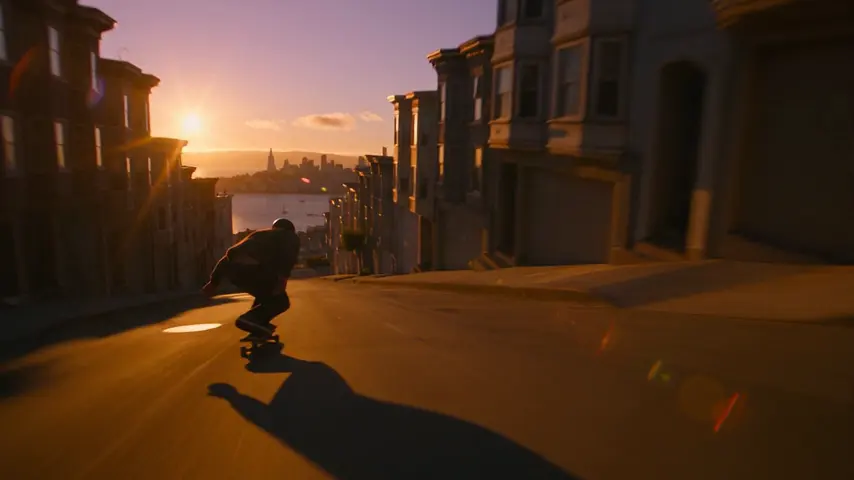
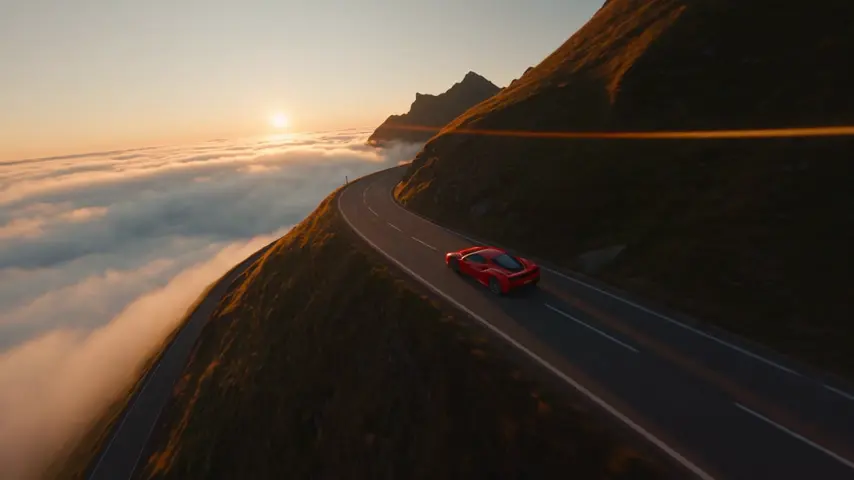
ライブラリに保存されます
ひとつ選ぶと、上の入力欄に入ります。そのまま生成できます。
プライバシー
プライベート、そして制限なし
Open the bullet time recipe in Video, add a photo as the first frame (or describe the moment) and render: time freezes and the camera orbits around the subject.
Yes: the photo is the first frame and the orbit starts from it. Your own face, or one you have consent for.
Yes: the Bullet time effect in Video › Effects starts from a picture of a person, no prompt needed.
Free to start: every new account gets 40 free credits with no card. A clip costs from 50 credits for five seconds on eroq Motion One at 480p, shown before you click, and a failed render refunds itself. More credits start with a $10 pack (1,000 credits) or a plan from $15/month.
入力した内容でスタジオが開きます。生成するときに登録:無料40クレジット、カード不要。
さらに見る