

10月13日 01:42:07·已完成 · 耗时 1 min 8 sec · −816 积分
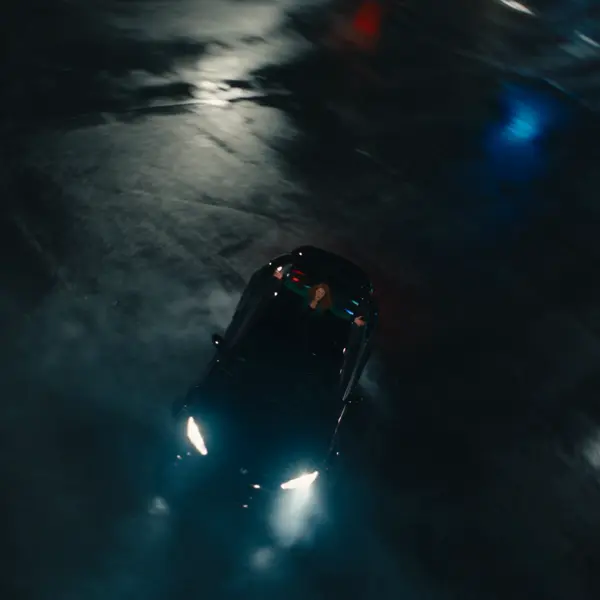
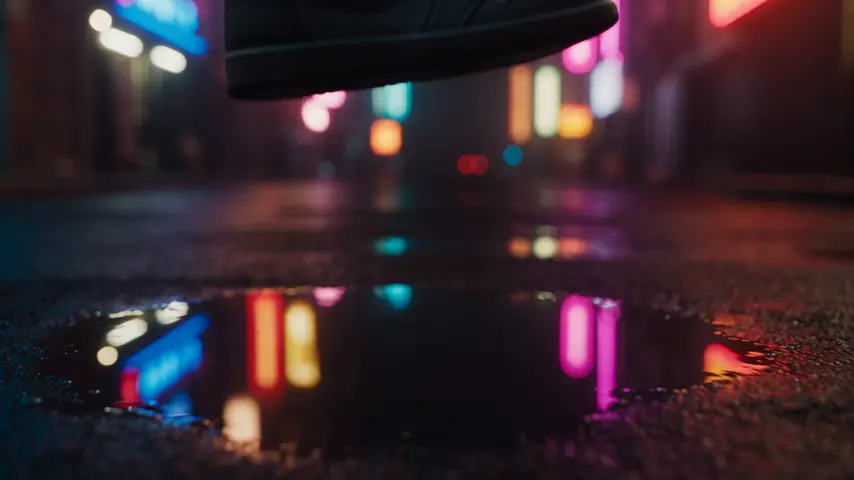
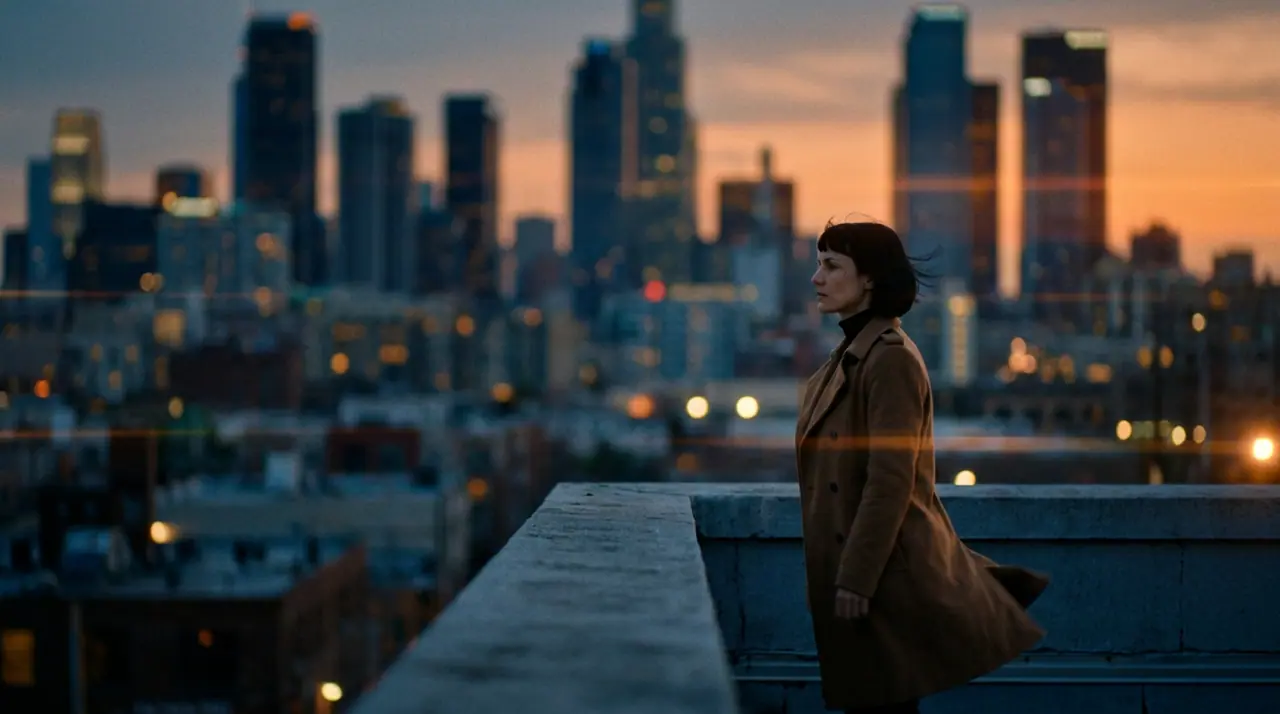
@Mara 站在黄昏的天台上,风掀起她的大衣,脚下的城市渐次亮起灯火。变形宽银幕镜头,35mm 胶片。 推镜头
Veo 3.1 Fast · 8s · 1080p · 16:9 · 2 个版本

向后延伸 向前延伸
Tool
eroq renders bullet time from a prompt: Video opens with "bullet-time: time freezes and the camera orbits 360° around the subject of the first frame", you add your photo as the first frame (a jump, a pose, a product) and render. Bullet time is also one of the 24 camera moves of the Syntax menu, and a ready effect in Video › Effects.
打开工作室并自动填好内容。生成时再注册:免费送 40 积分,无需绑卡。
视频 · 创作
10月13日 01:42:07·已完成 · 耗时 1 min 8 sec · −816 积分
@Mara 站在黄昏的天台上,风掀起她的大衣,脚下的城市渐次亮起灯火。变形宽银幕镜头,35mm 胶片。 推镜头
Veo 3.1 Fast · 8s · 1080p · 16:9 · 2 个版本
@Mara 站在黄昏的天台上,风掀起她的大衣,脚下的城市渐次亮起灯火。变形宽银幕镜头,35mm 胶片。 推镜头
The recipe, the camera move (write "bullet time" in any prompt), or the Bullet time effect, which starts from a picture of a person and needs no prompt at all.
Clap · AI 智能体
在 Ask 里描述你想要的结果。Clap 会问清所需信息,挑选模型,写好提示词,并给出计划报价。你确认后,它会把所有内容生成到你的作品库。全程自动,你点头之前什么都不会运行。
Ask · Clap
Clap · 思考了 6 秒
同一个运镜拍三条,每条都是独立片段。计划如下。
制作
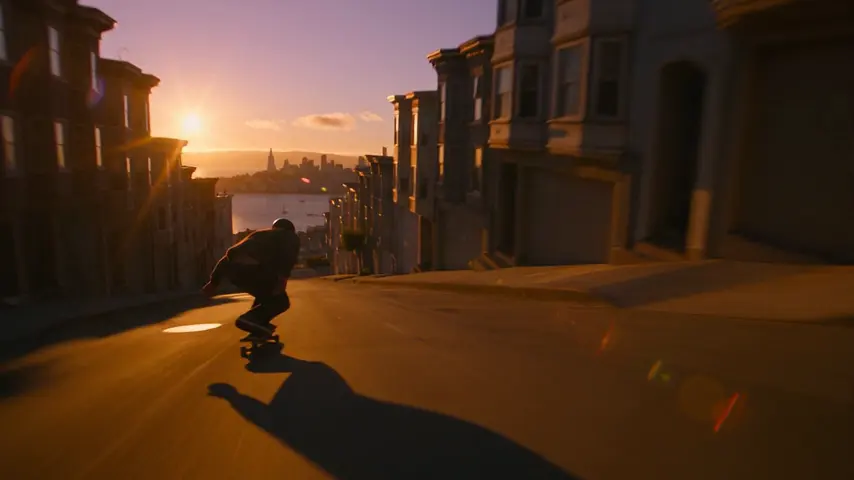
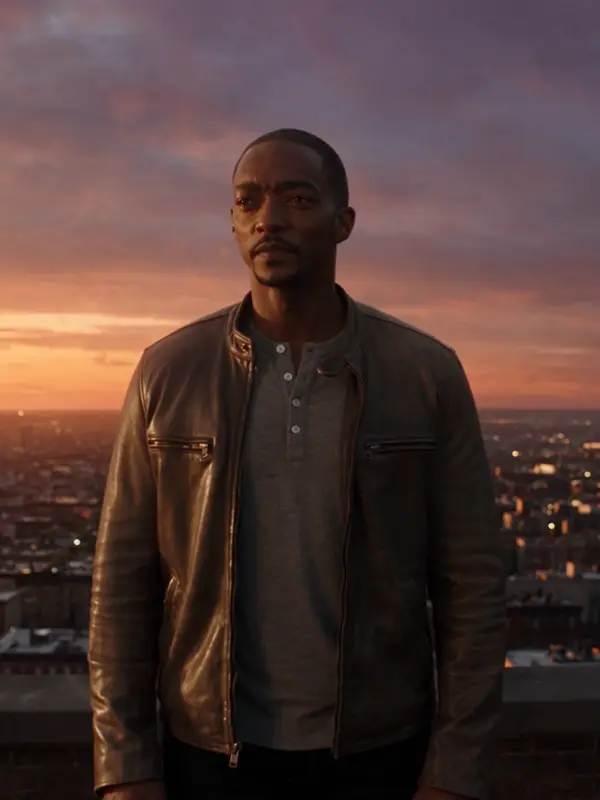
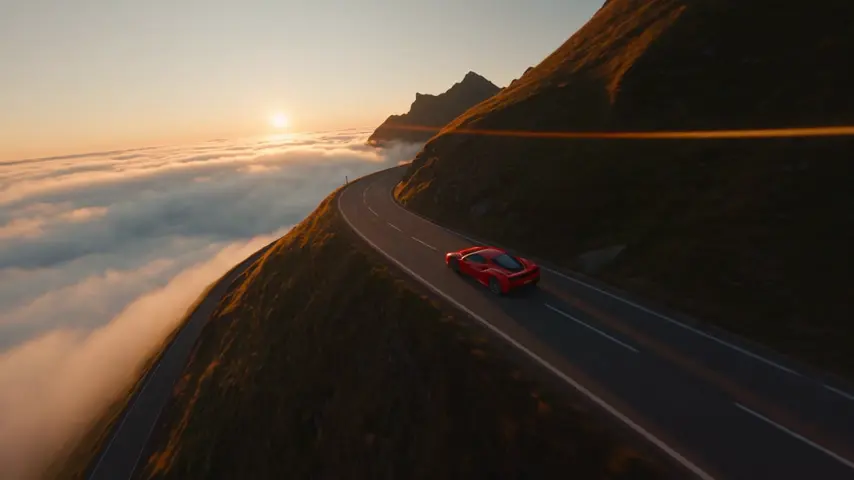
已保存到你的作品库
选一个:它会填进顶部的输入框,直接就能生成。
Open the bullet time recipe in Video, add a photo as the first frame (or describe the moment) and render: time freezes and the camera orbits around the subject.
Yes: the photo is the first frame and the orbit starts from it. Your own face, or one you have consent for.
Yes: the Bullet time effect in Video › Effects starts from a picture of a person, no prompt needed.
Free to start: every new account gets 40 free credits with no card. A clip costs from 50 credits for five seconds on eroq Motion One at 480p, shown before you click, and a failed render refunds itself. More credits start with a $10 pack (1,000 credits) or a plan from $15/month.
打开工作室并自动填好内容。生成时再注册:免费送 40 积分,无需绑卡。
继续探索