Black Friday

50 % de descuento en un año entero de cualquier plan

Aprovechar
eroq

Tool

AI bullet time video

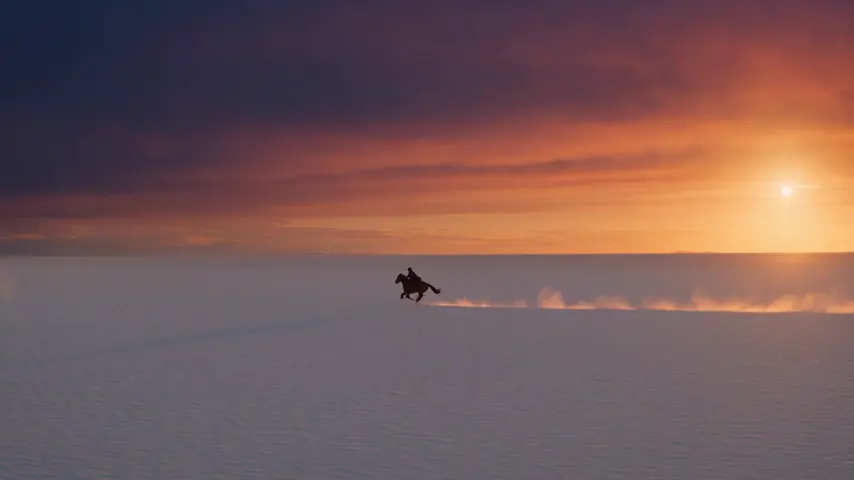
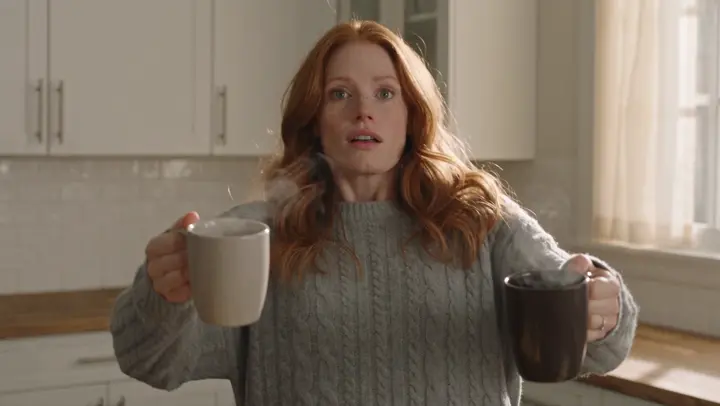
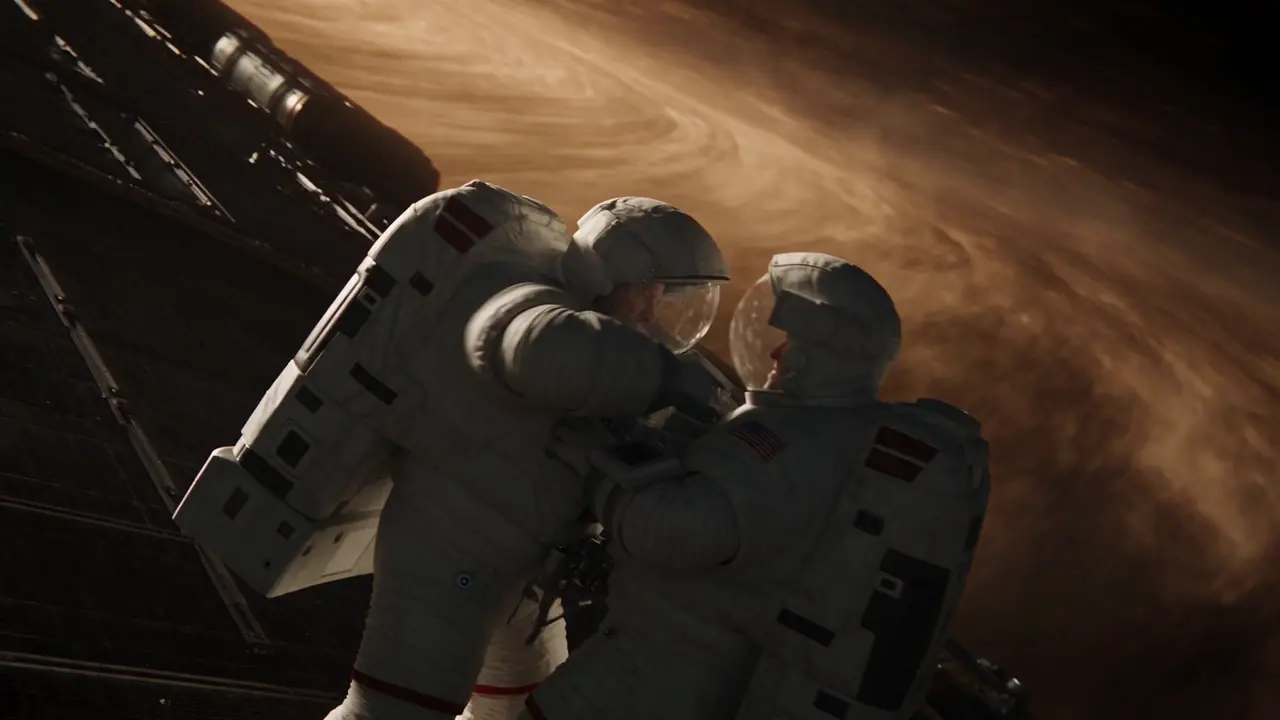
eroq renders bullet time from a prompt: Video opens with "bullet-time: time freezes and the camera orbits 360° around the subject of the first frame", you add your photo as the first frame (a jump, a pose, a product) and render. Bullet time is also one of the 24 camera moves of the Syntax menu, and a ready effect in Video › Effects.

Video

Abre el estudio con esto ya escrito. Regístrate al generar: 40 créditos gratis, sin tarjeta.

Video · Crear

13 oct, 01:42:07 a.m.·Listo · Tardó 1 min 8 sec

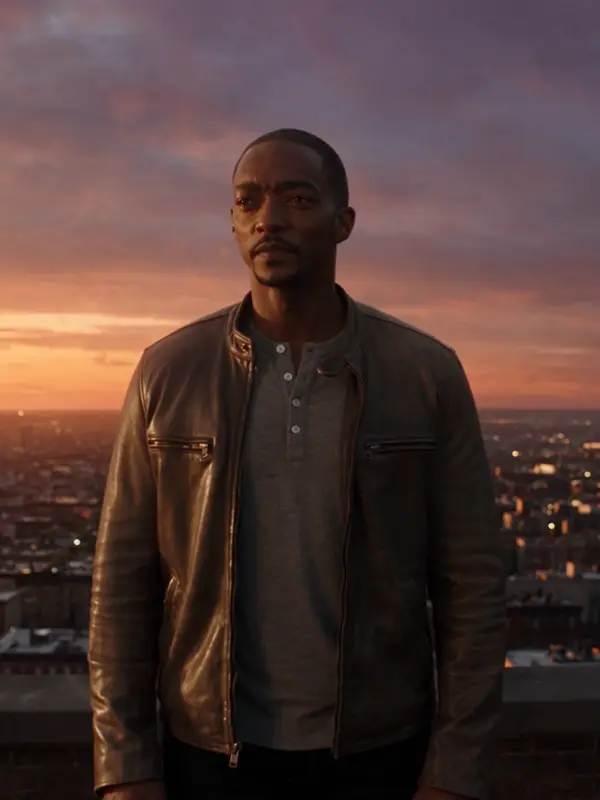
@Mara en una azotea al atardecer, el abrigo al viento, la ciudad encendiéndose a sus pies. lente anamórfica, película de 35 mm. acercamiento lento

Veo 3.1 Fast · 8s · 1080p · 16:9 · 2 tomas
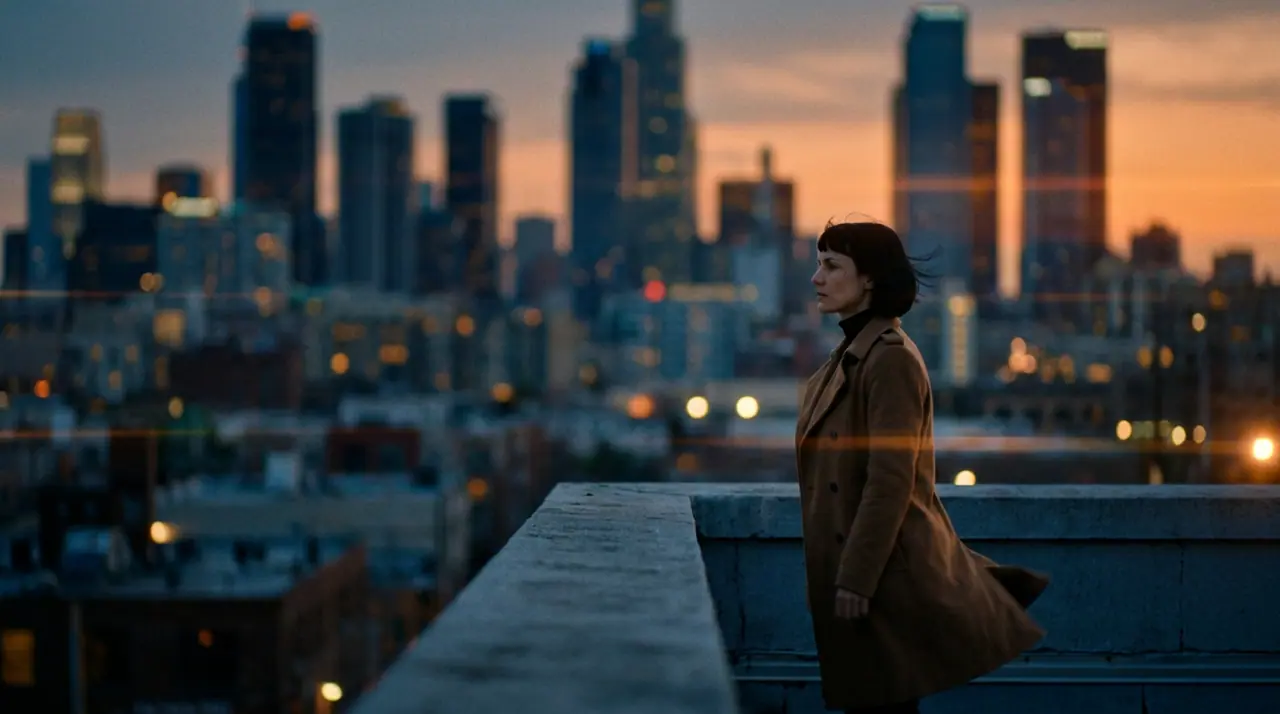
@Mara en una azotea al atardecer, el abrigo al viento, la ciudad encendiéndose a sus pies. lente anamórfica, película de 35 mm. acercamiento lento
Extender Preceder
Crear Edit Nuevo Replace Popular Efectos
Añadir personaje

@Mara en una azotea al atardecer, el abrigo al viento, la ciudad encendiéndose a sus pies. lente anamórfica, película de 35 mm. acercamiento lento

Veo 3.1 Fast Sintaxis4s6s8s
Generar 816
Start from
A photo as first frame, or words
Also
The Bullet time camera move and effect
Price
The clip's price, from 50 credits for five seconds on eroq Motion One at 480p

How it works

  • →1 · Open the bullet time recipe.
  • →2 · Add a photo as the first frame, or describe the frozen moment in words.
  • →3 · Render. The camera orbits; the subject stays frozen in mid-air.

What freezes well

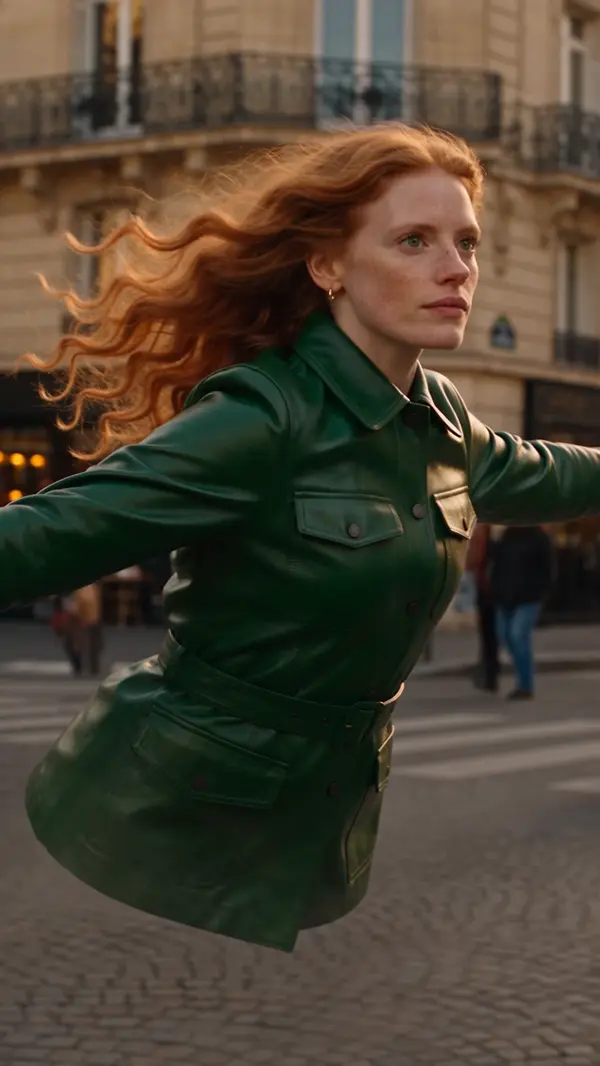
  • →A jump at its highest point, hair and clothes in the air.
  • →A splash: a drink poured, a wave breaking, a glass shattering.
  • →A product with something flying around it: petals, powder, water drops.

Three ways in

The recipe, the camera move (write "bullet time" in any prompt), or the Bullet time effect, which starts from a picture of a person and needs no prompt at all.

Clap · agente de IA

O deja que Clap haga los clips

Describe el resultado en Ask. Clap pregunta lo que necesita, elige los motores, escribe los prompts y calcula el precio del plan. Cuando lo apruebas, lo renderiza todo en tu biblioteca. Totalmente automático, y nada se ejecuta antes de que digas que sí.

  • 1Clap hace una pregunta a la vez y mantiene al día el brief, el reparto y el storyboard.
  • 2El plan muestra cada render y su precio antes de que se ejecute nada.
  • 3Un clic en Aprobar y todo se renderiza. Las tomas fallidas se reembolsan solas.

Ask · Clap

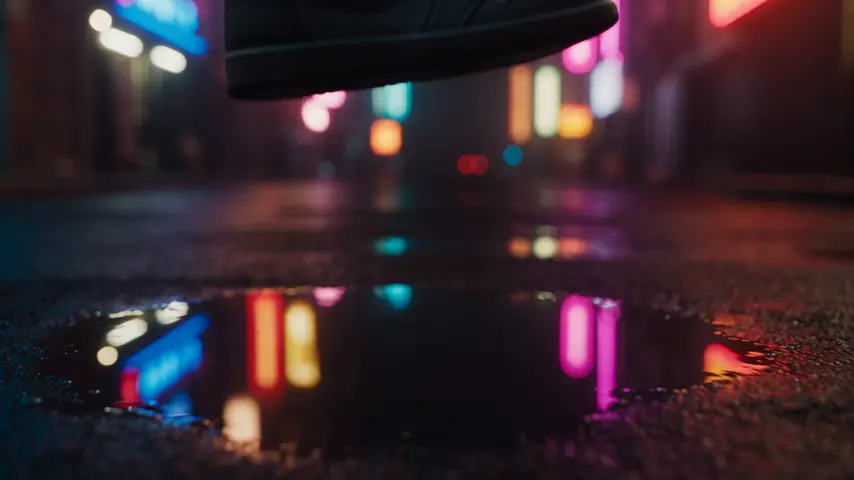
Tres clips de 5 segundos con ambiente: Kai caminando bajo la lluvia de neón, 16:9.

Clap · Pensó durante 6s

Tres tomas del mismo movimiento, cada una su propio clip. Este es el plan.

Plan · 3 renders435 cr
Clip · Escena 1 · eroq Motion One · 5s · 16:9145 cr
Clip · Escena 2 · eroq Motion One · 5s · 16:9145 cr
Clip · Escena 3 · eroq Motion One · 5s · 16:9145 cr
Listo · todo entregado

Producción

Guardado en tu biblioteca

Puntos de partida

Elige uno: va al cuadro de arriba, listo para generar.

The Bullet time effectTime freezes for a sweeping 360° moveAbrir en el estudio →

Privacidad

Privado y sin restricciones

  • →Sin filtros en los motores propios de eroq: una política escrita en su lugar.
  • →No conservan nada y nada se entrena con tu trabajo.
  • →El modo privado no guarda ningún archivo.

Preguntas frecuentes

How do I make a bullet time effect?

Open the bullet time recipe in Video, add a photo as the first frame (or describe the moment) and render: time freezes and the camera orbits around the subject.

Can I do it from my own photo?

Yes: the photo is the first frame and the orbit starts from it. Your own face, or one you have consent for.

Is there a one-click version?

Yes: the Bullet time effect in Video › Effects starts from a picture of a person, no prompt needed.

Is it free?

Free to start: every new account gets 40 free credits with no card. A clip costs from 50 credits for five seconds on eroq Motion One at 480p, shown before you click, and a failed render refunds itself. More credits start with a $10 pack (1,000 credits) or a plan from $15/month.

Pruébalo gratis

Video

Abre el estudio con esto ya escrito. Regístrate al generar: 40 créditos gratis, sin tarjeta.

Sigue explorando
