



Oct 13, 01:42:07 AM·Ready · Took 1 min 8 sec · −816 credits
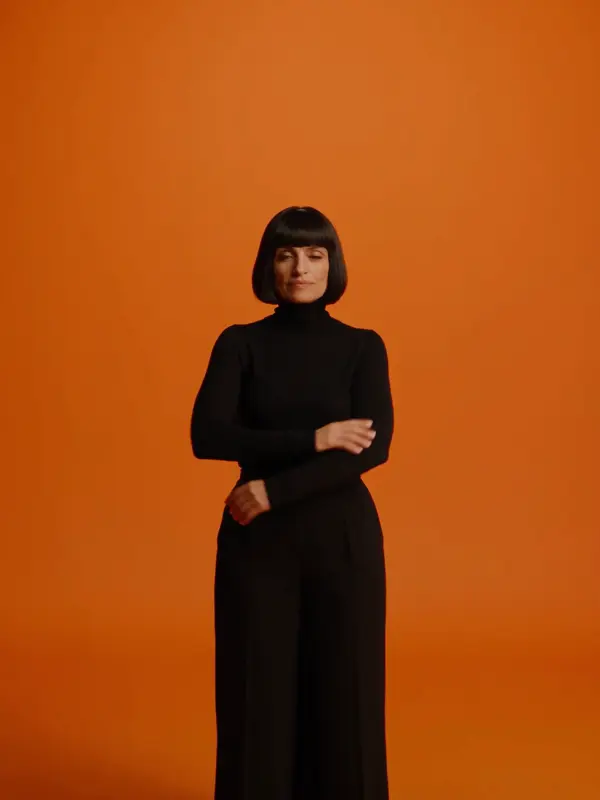
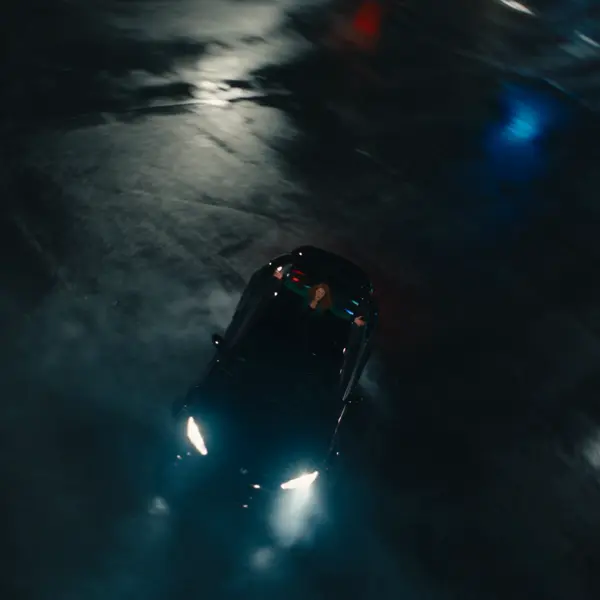
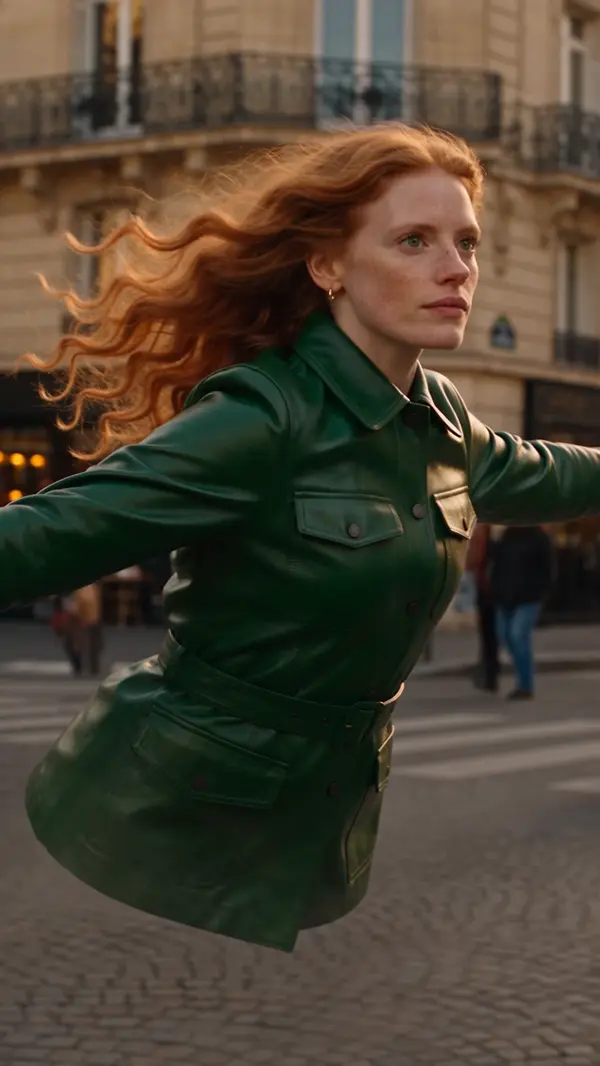
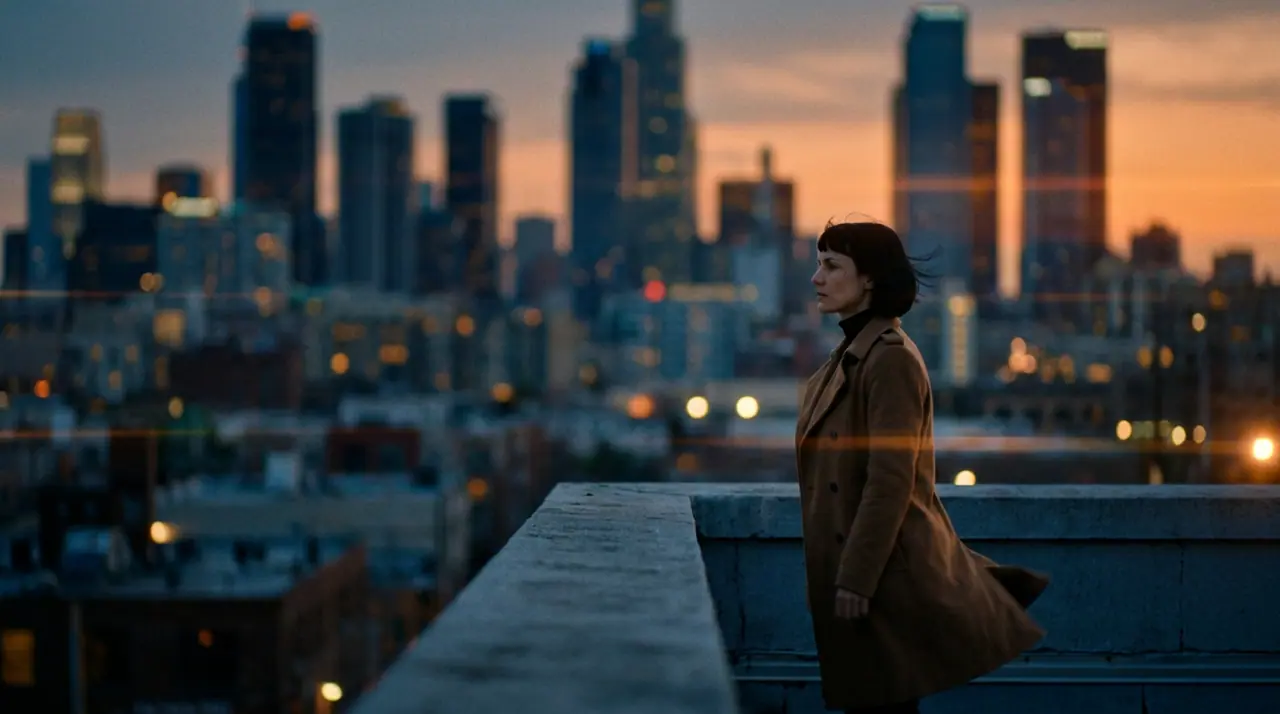
@Mara on a rooftop at dusk, her coat caught in the wind, the city lighting up below. anamorphic, 35mm. push-in
Veo 3.1 Fast · 8s · 1080p · 16:9 · 2 takes

Extend Lead into
Tool
eroq renders bullet time from a prompt: Video opens with "bullet-time: time freezes and the camera orbits 360° around the subject of the first frame", you add your photo as the first frame (a jump, a pose, a product) and render. Bullet time is also one of the 24 camera moves of the Syntax menu, and a ready effect in Video › Effects.
Opens the studio with this filled in. Sign up when you generate: 40 free credits, no card.
Video · Create
Oct 13, 01:42:07 AM·Ready · Took 1 min 8 sec · −816 credits
@Mara on a rooftop at dusk, her coat caught in the wind, the city lighting up below. anamorphic, 35mm. push-in
Veo 3.1 Fast · 8s · 1080p · 16:9 · 2 takes
@Mara on a rooftop at dusk, her coat caught in the wind, the city lighting up below. anamorphic, 35mm. push-in
The recipe, the camera move (write "bullet time" in any prompt), or the Bullet time effect, which starts from a picture of a person and needs no prompt at all.
Clap · AI agent
Describe the result in Ask. Clap asks what it needs, picks the engines, writes the prompts and prices the plan. Once you approve, it renders everything into your library. Fully automated, and nothing runs before you say yes.
Ask · Clap
Clap · Thought for 6s
Three takes on the same move, each its own clip. Here is the plan.
Production
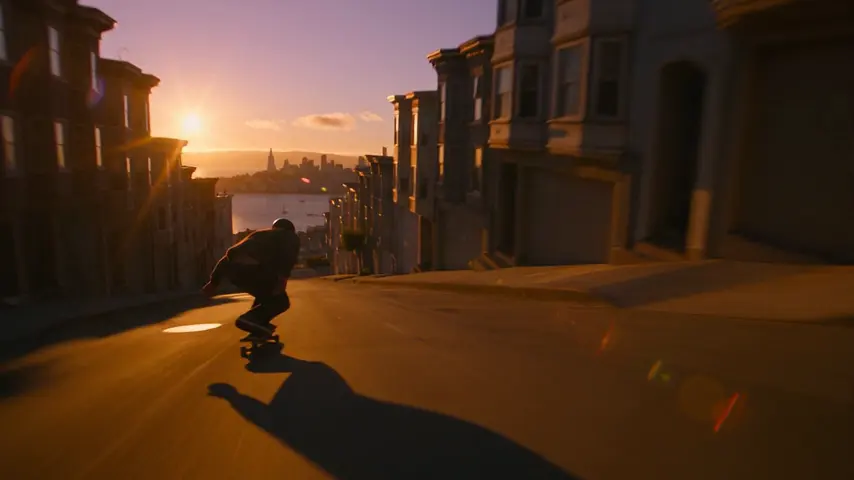
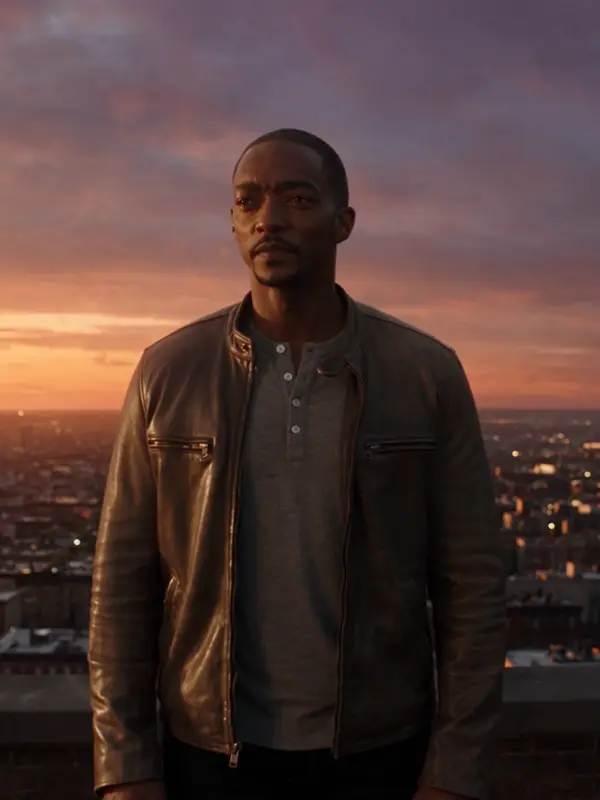
Saved to your library
Pick one: it goes into the box at the top, ready to generate.
Privacy
Private and unrestricted
Open the bullet time recipe in Video, add a photo as the first frame (or describe the moment) and render: time freezes and the camera orbits around the subject.
Yes: the photo is the first frame and the orbit starts from it. Your own face, or one you have consent for.
Yes: the Bullet time effect in Video › Effects starts from a picture of a person, no prompt needed.
Free to start: every new account gets 40 free credits with no card. A clip costs from 50 credits for five seconds on eroq Motion One at 480p, shown before you click, and a failed render refunds itself. More credits start with a $10 pack (1,000 credits) or a plan from $15/month.
Opens the studio with this filled in. Sign up when you generate: 40 free credits, no card.
Keep exploring