





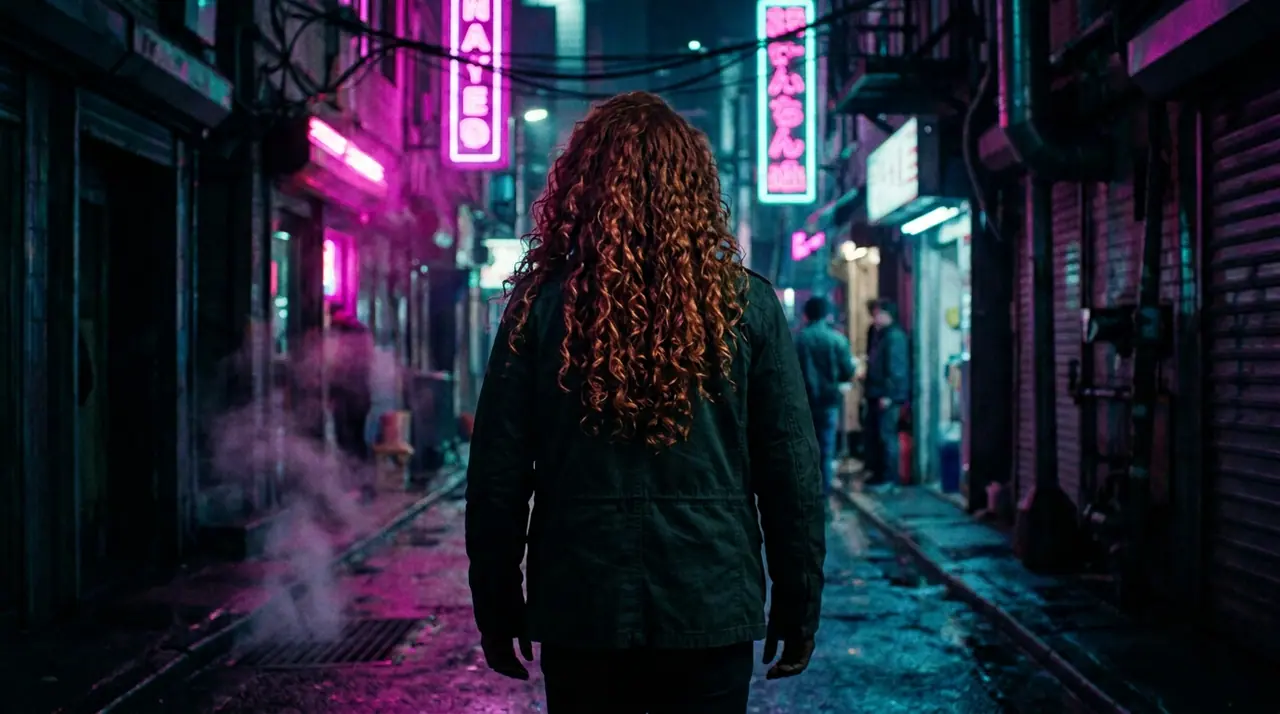
10月13日 01:39:36·完了 · 31 secで完了 · −10クレジット
@Picture 1:男性を@Picture 2の女性に差し替え、ジャケットも路地もネオンもそのまま
Eroq One · 維持 · 1テイク
Tool
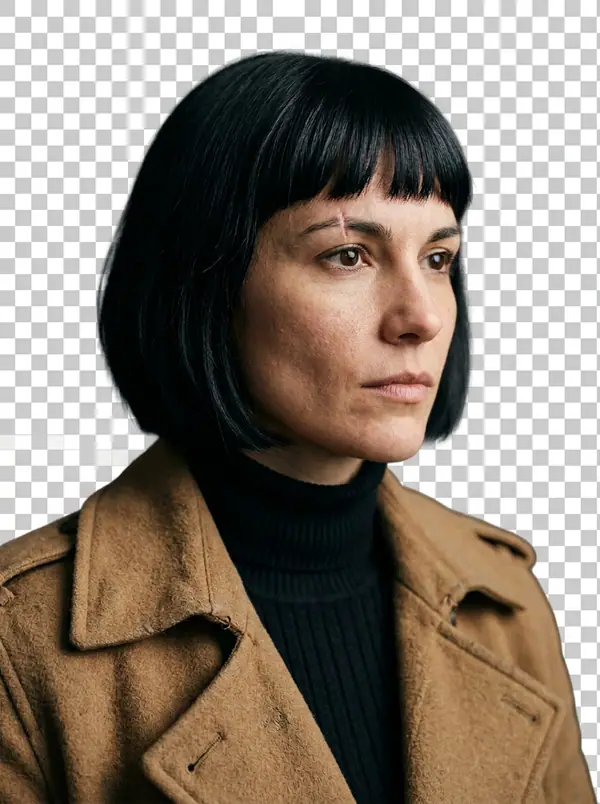
eroq removes a picture's background in one click: open Image › Remove background, add the picture, and eroq Cutout gives it back as a transparent PNG at its own size, the subject's edges and hair kept. It costs 5 credits a picture on eroq's own GPUs, and Video › Edit does the same for clips.
40クレジット無料 · カード不要 · 全アカウントでプライベートモード
画像 · 作成
10月13日 01:39:36·完了 · 31 secで完了 · −10クレジット
@Picture 1:男性を@Picture 2の女性に差し替え、ジャケットも路地もネオンもそのまま
Eroq One · 維持 · 1テイク
10月13日 01:42:07·完了 · 26 secで完了 · −40クレジット
@Lena、自宅での自然な35mmポートレート、窓からの暖かい光、やわらかなフィルムグレイン
Eroq One · 3:4 · 4テイク




@Lena、自宅での自然な35mmポートレート、窓からの暖かい光、やわらかなフィルムグレイン
Video › Edit › Remove background keeps the person of a clip, every frame, with its sound: 2 credits a second, up to 30 seconds.
Clap · AIエージェント
Askで欲しい結果を伝えるだけ。Clapが必要なことを質問し、エンジンを選び、プロンプトを書き、プランの料金を出します。承認すると、すべてを生成してライブラリに保存します。完全自動で、あなたが承認するまで何も実行されません。
Ask · Clap
Clap · 6秒 考えました
3枚とも、レナのシートから同じ顔で。プランはこちらです。
プロダクション
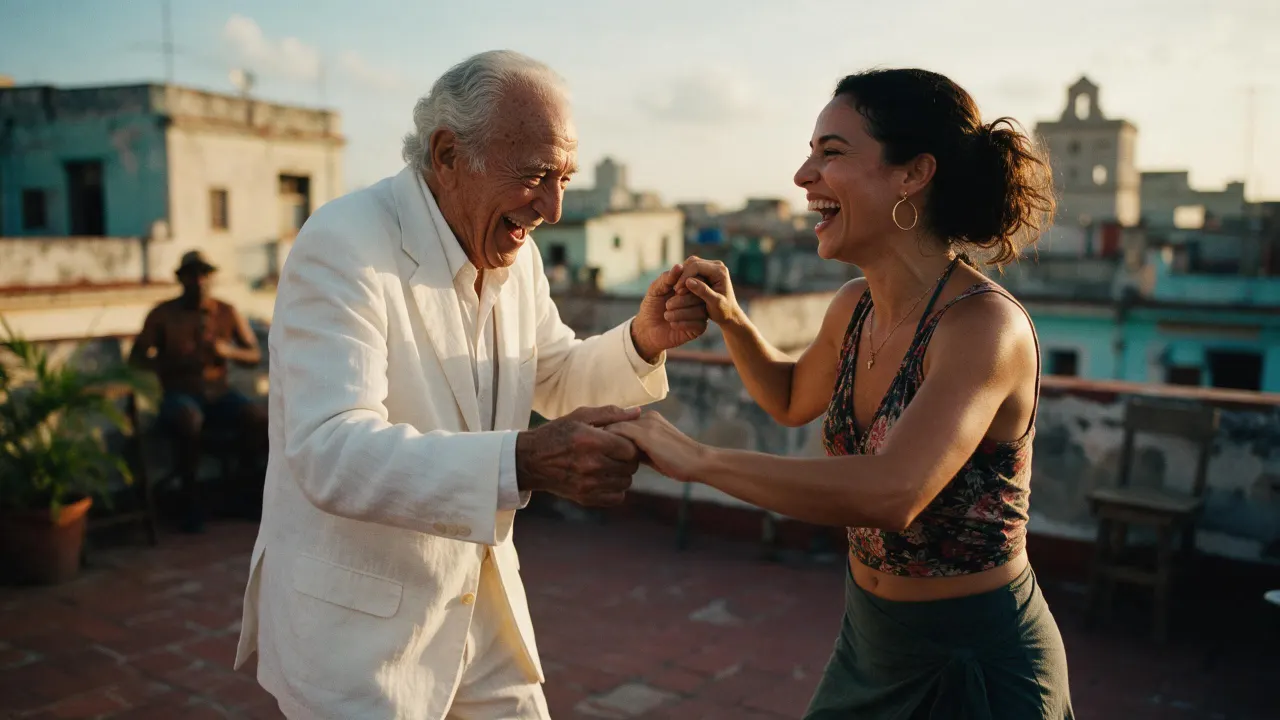

ライブラリに保存されます
各タイルを押すと、そのトレンドがすぐ使える状態でスタジオに開きます。
プライバシー
プライベート、そして制限なし
Open Image › Remove background, add the picture and press Remove background. You get the subject on a transparent background, as a PNG at the picture's own size.
Yes: the PNG keeps the subject and nothing else, ready to lay on any color, picture or page.
Yes: add the cutout to Image › Edit and describe the scene ("on a marble countertop, soft window light"). The editor draws the new background around your subject.
Yes, in Video › Edit › Remove background: eroq Cutout keeps the person on every frame, on a transparent background or a green screen, at 2 credits a second of clip.
Free to start: every new account gets 40 free credits with no card, 8 cutouts at 5 credits each. A cutout that fails refunds itself. More credits start with a $10 pack (1,000 credits) or a plan from $15/month.
Yes: POST /v1/images/remove-background with a file or one of your media keys returns the transparent PNG, at the same price.
40クレジット無料 · カード不要 · 全アカウントでプライベートモード
さらに見る