




13 oct., 01:39:36·Prêt · Durée : 31 sec · −10 crédits
@Picture 1 : remplace l’homme par la femme de @Picture 2, même veste, même ruelle, mêmes néons
Eroq One · Conserver · 1 prise

Tool
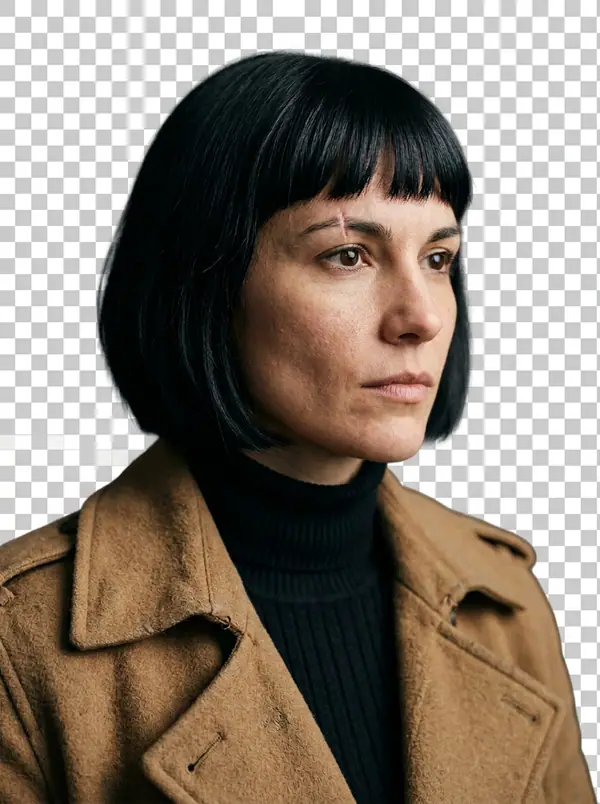
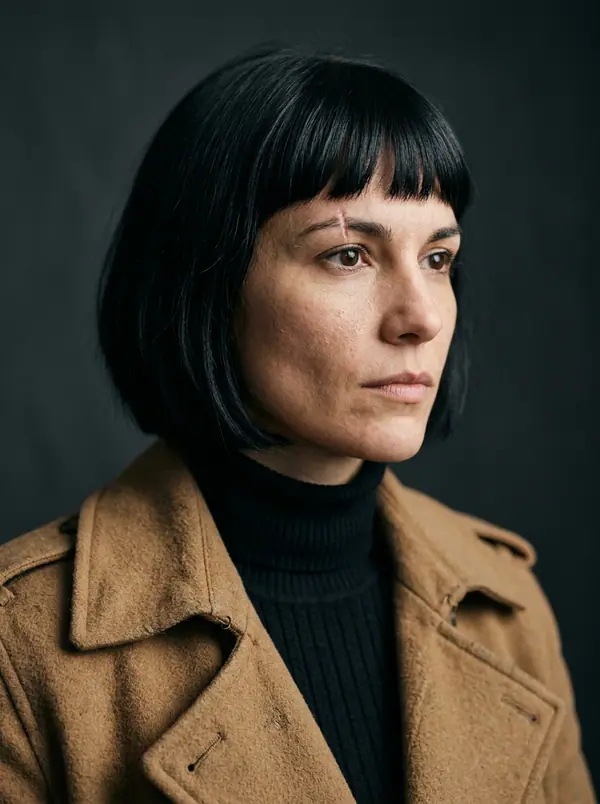
eroq removes a picture's background in one click: open Image › Remove background, add the picture, and eroq Cutout gives it back as a transparent PNG at its own size, the subject's edges and hair kept. It costs 5 credits a picture on eroq's own GPUs, and Video › Edit does the same for clips.
40 crédits offerts · sans carte · mode privé sur chaque compte
Image · Créer
13 oct., 01:39:36·Prêt · Durée : 31 sec · −10 crédits
@Picture 1 : remplace l’homme par la femme de @Picture 2, même veste, même ruelle, mêmes néons
Eroq One · Conserver · 1 prise
13 oct., 01:42:07·Prêt · Durée : 26 sec · −40 crédits
@Lena, portraits spontanés en 35mm à la maison, lumière chaude de fenêtre, grain argentique doux
Eroq One · 3:4 · 4 prises




@Lena, portraits spontanés en 35mm à la maison, lumière chaude de fenêtre, grain argentique doux
Video › Edit › Remove background keeps the person of a clip, every frame, with its sound: 2 credits a second, up to 30 seconds.
Clap · agent IA
Décris le résultat dans Ask. Clap demande ce qu’il lui faut, choisit les moteurs, écrit les prompts et chiffre le programme. Dès que tu valides, il génère tout dans ta bibliothèque. Entièrement automatisé, et rien ne se lance avant ton feu vert.
Ask · Clap
Clap · Réflexion : 6s
Trois images, le même visage tiré de la fiche de Lena. Voici le programme.
Production



Enregistré dans ta bibliothèque
Chaque vignette ouvre sa trend dans le studio, prête à l’emploi.
Confidentialité
Privé et sans restrictions
Open Image › Remove background, add the picture and press Remove background. You get the subject on a transparent background, as a PNG at the picture's own size.
Yes: the PNG keeps the subject and nothing else, ready to lay on any color, picture or page.
Yes: add the cutout to Image › Edit and describe the scene ("on a marble countertop, soft window light"). The editor draws the new background around your subject.
Yes, in Video › Edit › Remove background: eroq Cutout keeps the person on every frame, on a transparent background or a green screen, at 2 credits a second of clip.
Free to start: every new account gets 40 free credits with no card, 8 cutouts at 5 credits each. A cutout that fails refunds itself. More credits start with a $10 pack (1,000 credits) or a plan from $15/month.
Yes: POST /v1/images/remove-background with a file or one of your media keys returns the transparent PNG, at the same price.
40 crédits offerts · sans carte · mode privé sur chaque compte
Continue l’exploration