





13 oct, 01:39:36 a.m.·Listo · Tardó 31 sec · −10 créditos
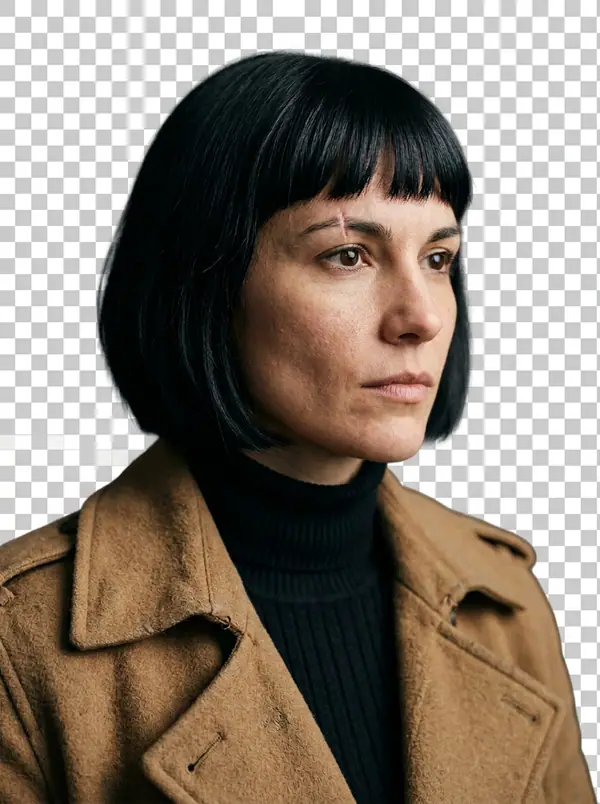
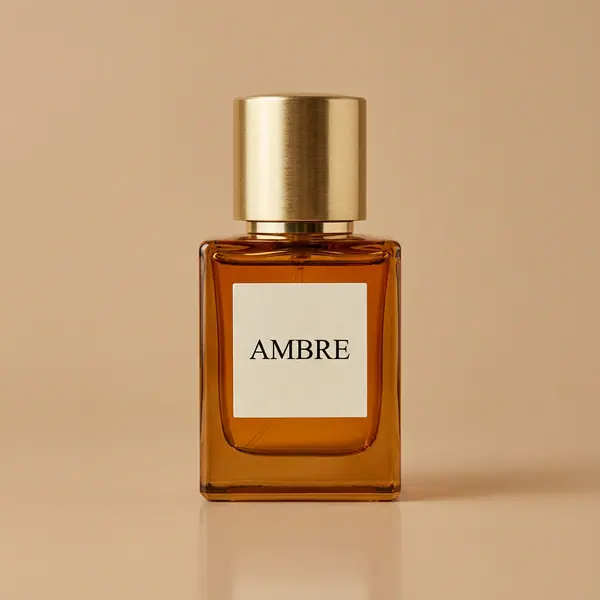
@Picture 1: cambia al hombre por la mujer de @Picture 2, misma chaqueta, mismo callejón, mismo neón
Eroq One · Mantener · 1 toma

Tool
eroq removes a picture's background in one click: open Image › Remove background, add the picture, and eroq Cutout gives it back as a transparent PNG at its own size, the subject's edges and hair kept. It costs 5 credits a picture on eroq's own GPUs, and Video › Edit does the same for clips.
40 créditos gratis · sin tarjeta · modo privado en todas las cuentas
Imagen · Crear
13 oct, 01:39:36 a.m.·Listo · Tardó 31 sec · −10 créditos
@Picture 1: cambia al hombre por la mujer de @Picture 2, misma chaqueta, mismo callejón, mismo neón
Eroq One · Mantener · 1 toma
13 oct, 01:42:07 a.m.·Listo · Tardó 26 sec · −40 créditos
@Lena, retratos espontáneos en casa en 35 mm, luz cálida de ventana, grano suave
Eroq One · 3:4 · 4 tomas




@Lena, retratos espontáneos en casa en 35 mm, luz cálida de ventana, grano suave
Video › Edit › Remove background keeps the person of a clip, every frame, with its sound: 2 credits a second, up to 30 seconds.
Clap · agente de IA
Describe el resultado en Ask. Clap pregunta lo que necesita, elige los motores, escribe los prompts y calcula el precio del plan. Cuando lo apruebas, lo renderiza todo en tu biblioteca. Totalmente automático, y nada se ejecuta antes de que digas que sí.
Ask · Clap
Clap · Pensó durante 6s
Tres fotos, la misma cara desde la hoja de Lena. Este es el plan.
Producción



Guardado en tu biblioteca
Cada tarjeta abre su tendencia en el estudio, lista para usar.
Privacidad
Privado y sin restricciones
Open Image › Remove background, add the picture and press Remove background. You get the subject on a transparent background, as a PNG at the picture's own size.
Yes: the PNG keeps the subject and nothing else, ready to lay on any color, picture or page.
Yes: add the cutout to Image › Edit and describe the scene ("on a marble countertop, soft window light"). The editor draws the new background around your subject.
Yes, in Video › Edit › Remove background: eroq Cutout keeps the person on every frame, on a transparent background or a green screen, at 2 credits a second of clip.
Free to start: every new account gets 40 free credits with no card, 8 cutouts at 5 credits each. A cutout that fails refunds itself. More credits start with a $10 pack (1,000 credits) or a plan from $15/month.
Yes: POST /v1/images/remove-background with a file or one of your media keys returns the transparent PNG, at the same price.
40 créditos gratis · sin tarjeta · modo privado en todas las cuentas
Sigue explorando