




Oct 13, 01:39:36 AM·Ready · Took 31 sec · −10 credits
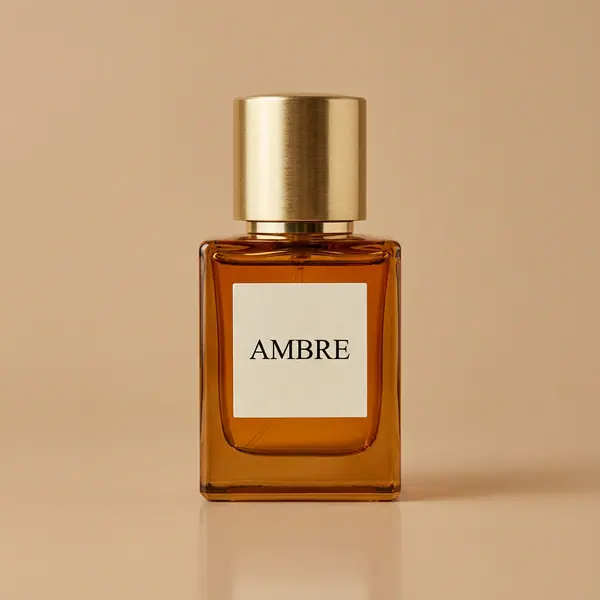
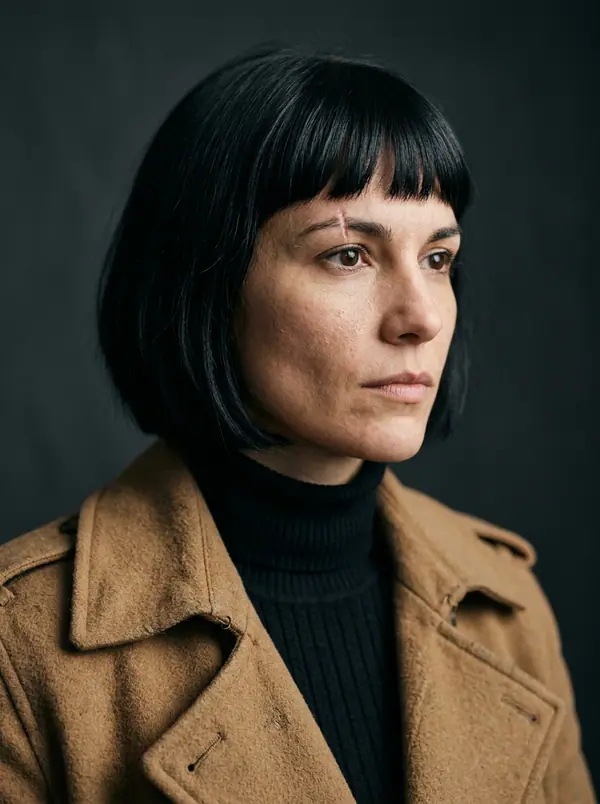
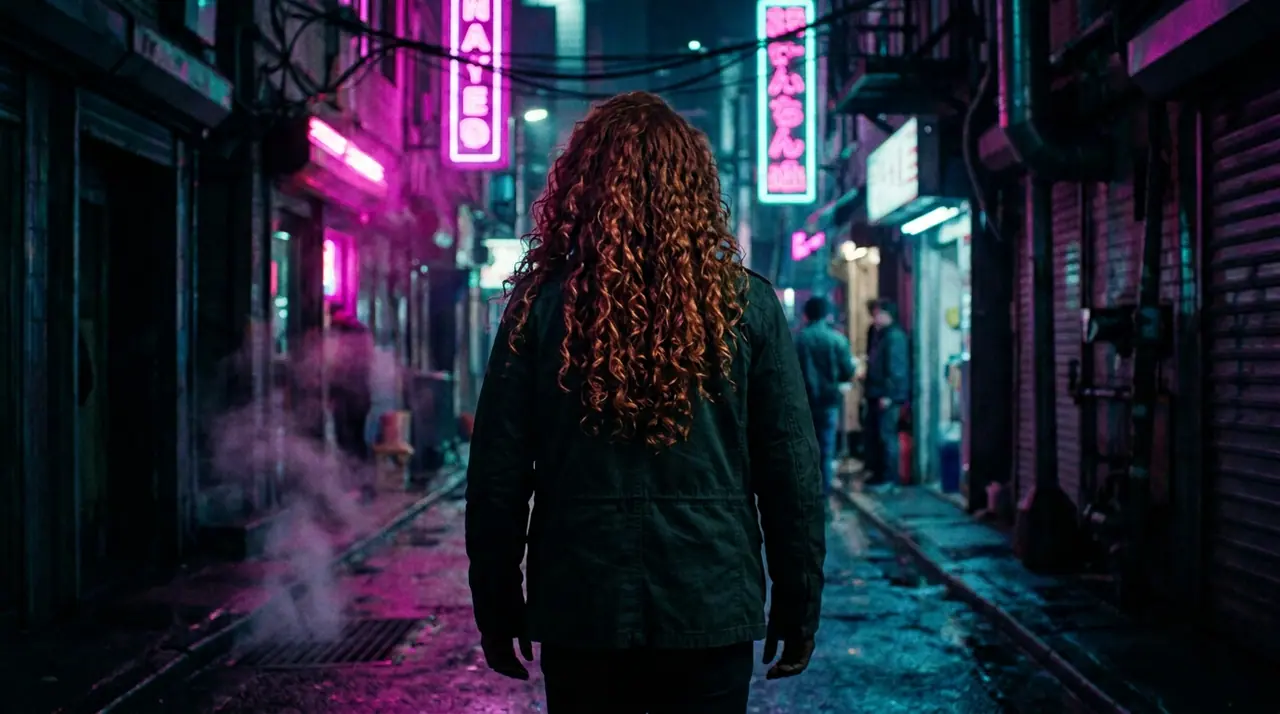
@Picture 1: swap the man for the woman in @Picture 2, same jacket, same alley, same neon
Eroq One · Retain · 1 take
Tool
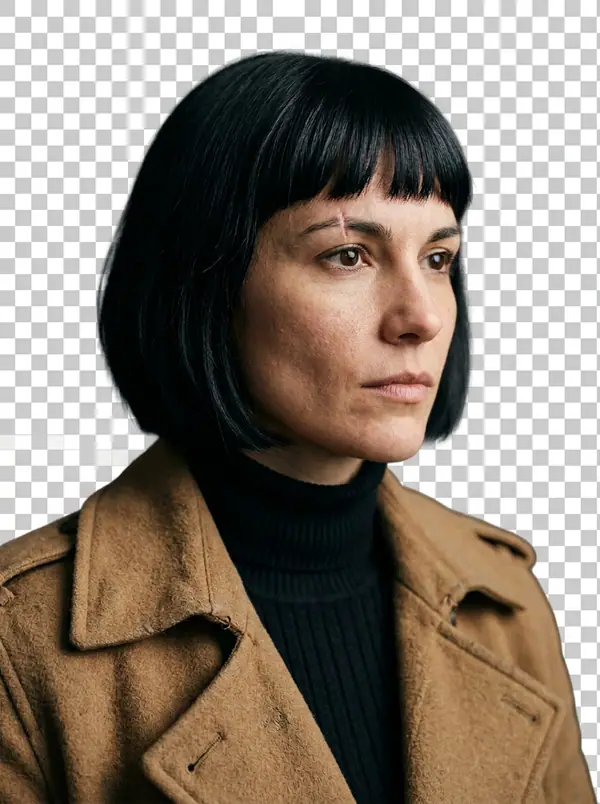
eroq removes a picture's background in one click: open Image › Remove background, add the picture, and eroq Cutout gives it back as a transparent PNG at its own size, the subject's edges and hair kept. It costs 5 credits a picture on eroq's own GPUs, and Video › Edit does the same for clips.
40 free credits · no card · private mode on every account
Image · Create
Oct 13, 01:39:36 AM·Ready · Took 31 sec · −10 credits
@Picture 1: swap the man for the woman in @Picture 2, same jacket, same alley, same neon
Eroq One · Retain · 1 take
Oct 13, 01:42:07 AM·Ready · Took 26 sec · −40 credits
@Lena, candid 35mm portraits at home, warm window light, soft film grain
Eroq One · 3:4 · 4 takes




@Lena, candid 35mm portraits at home, warm window light, soft film grain
Video › Edit › Remove background keeps the person of a clip, every frame, with its sound: 2 credits a second, up to 30 seconds.
Clap · AI agent
Describe the result in Ask. Clap asks what it needs, picks the engines, writes the prompts and prices the plan. Once you approve, it renders everything into your library. Fully automated, and nothing runs before you say yes.
Ask · Clap
Clap · Thought for 6s
Three frames, the same face from Lena's sheet. Here is the plan.
Production



Saved to your library
Each tile opens its trend in the studio, ready to go.
Privacy
Private and unrestricted
Open Image › Remove background, add the picture and press Remove background. You get the subject on a transparent background, as a PNG at the picture's own size.
Yes: the PNG keeps the subject and nothing else, ready to lay on any color, picture or page.
Yes: add the cutout to Image › Edit and describe the scene ("on a marble countertop, soft window light"). The editor draws the new background around your subject.
Yes, in Video › Edit › Remove background: eroq Cutout keeps the person on every frame, on a transparent background or a green screen, at 2 credits a second of clip.
Free to start: every new account gets 40 free credits with no card, 8 cutouts at 5 credits each. A cutout that fails refunds itself. More credits start with a $10 pack (1,000 credits) or a plan from $15/month.
Yes: POST /v1/images/remove-background with a file or one of your media keys returns the transparent PNG, at the same price.
40 free credits · no card · private mode on every account
Keep exploring