




10月13日 01:42:07·完了 · 1 min 8 secで完了 · −816クレジット
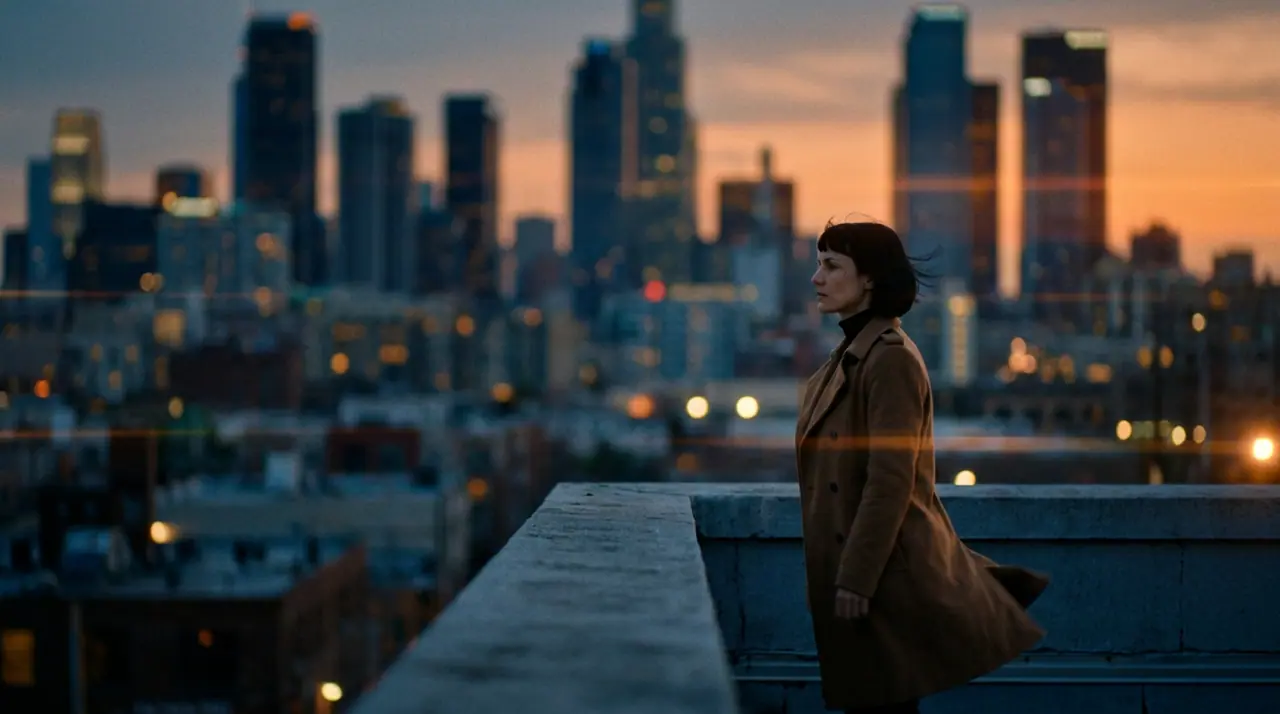
@Maraが夕暮れの屋上に立つ。コートが風にあおられ、眼下の街に灯りがともる。アナモルフィック、35ミリフィルム。 プッシュイン
Veo 3.1 Fast · 8s · 1080p · 16:9 · 2テイク

続きを作る 前を作る
Tool
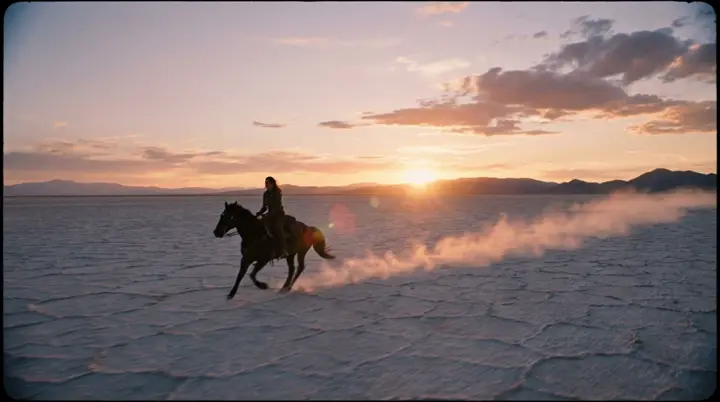
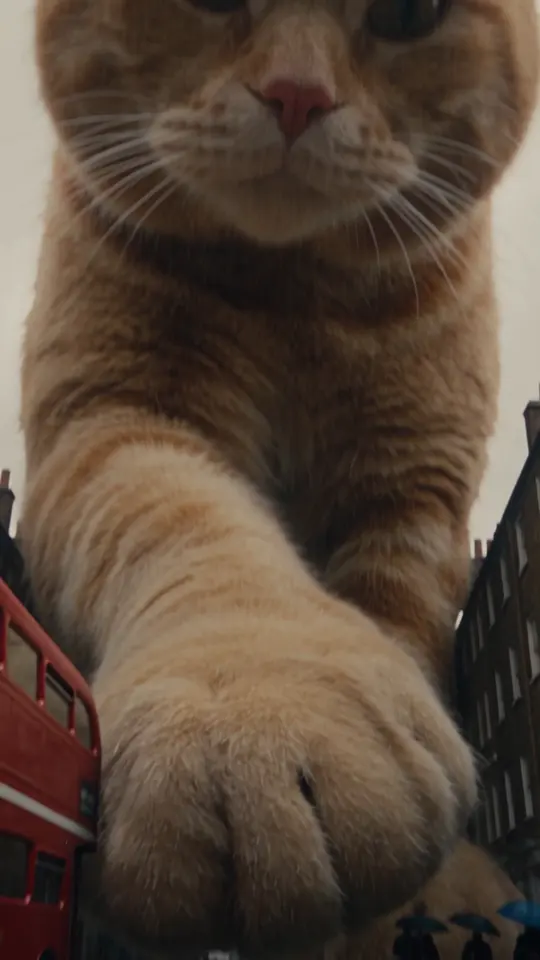
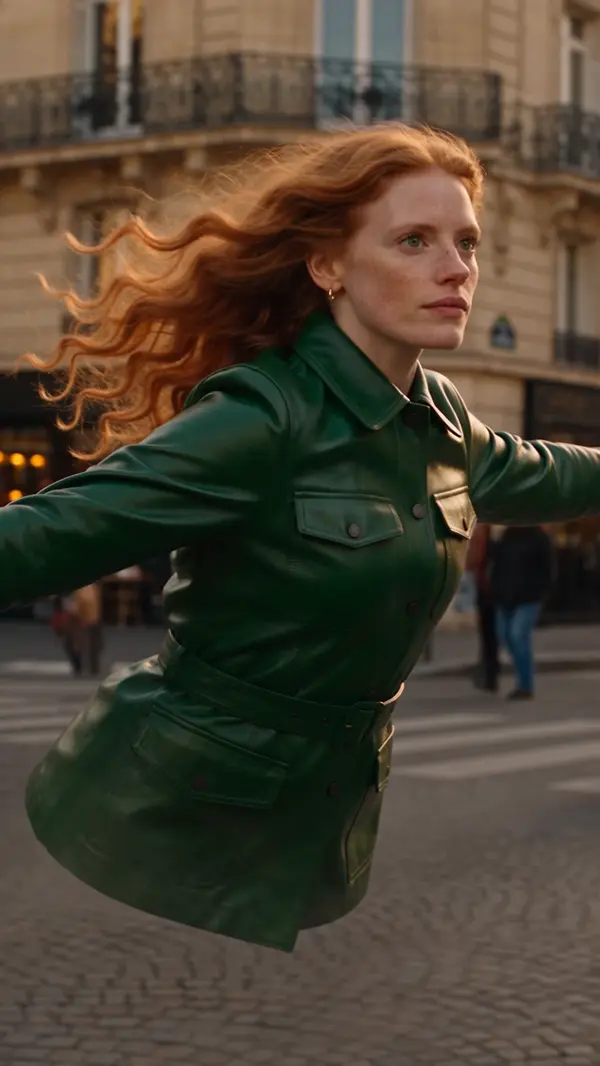
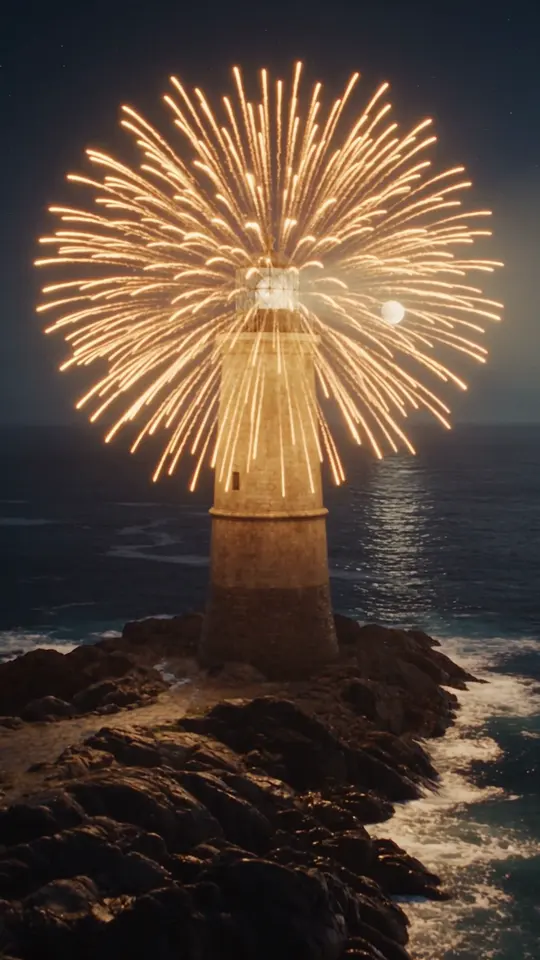
eroq makes a transition from two pictures: Video opens with "a seamless cinematic transition from the first frame to the last frame" written, you add the picture it starts on and the one it lands on, and the engine renders the move between them. Eroq Motion One, Seedance, Veo, Kling and Hailuo take a last frame; between your own clips, the Editor adds 7 cut transitions for free.
40クレジット無料 · カード不要 · 全アカウントでプライベートモード
動画 · 作成
10月13日 01:42:07·完了 · 1 min 8 secで完了 · −816クレジット
@Maraが夕暮れの屋上に立つ。コートが風にあおられ、眼下の街に灯りがともる。アナモルフィック、35ミリフィルム。 プッシュイン
Veo 3.1 Fast · 8s · 1080p · 16:9 · 2テイク
@Maraが夕暮れの屋上に立つ。コートが風にあおられ、眼下の街に灯りがともる。アナモルフィック、35ミリフィルム。 プッシュイン
Between clips, the Editor's transitions cost nothing: crossfade, fade through black, dip to white, zoom cut, whip pan, spin and glitch cut.
Clap · AIエージェント
Askで欲しい結果を伝えるだけ。Clapが必要なことを質問し、エンジンを選び、プロンプトを書き、プランの料金を出します。承認すると、すべてを生成してライブラリに保存します。完全自動で、あなたが承認するまで何も実行されません。
Ask · Clap
Clap · 6秒 考えました
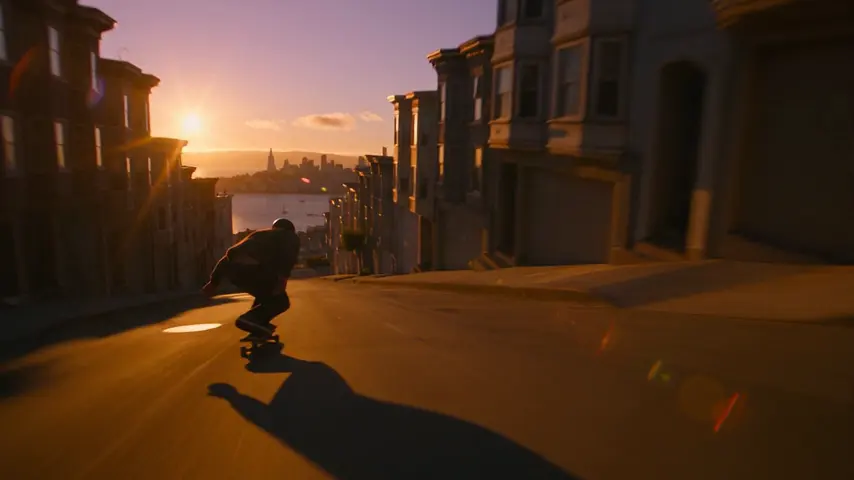
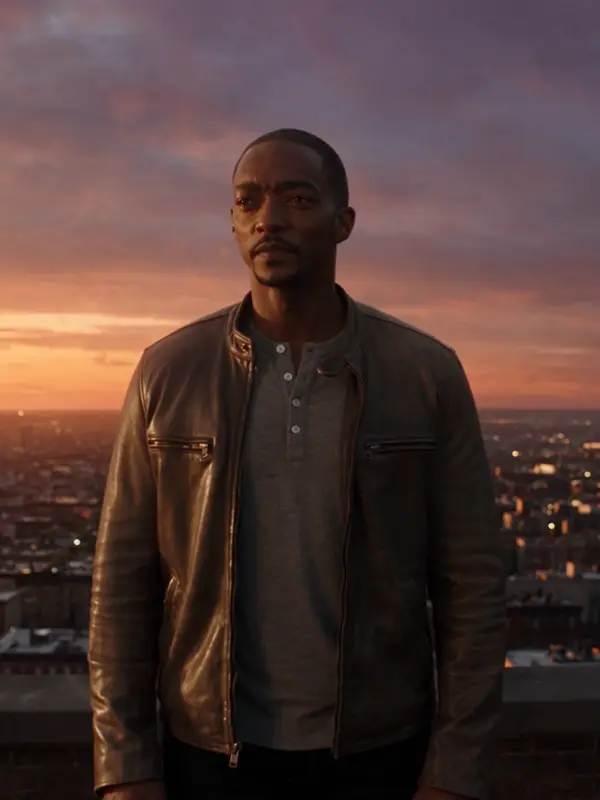
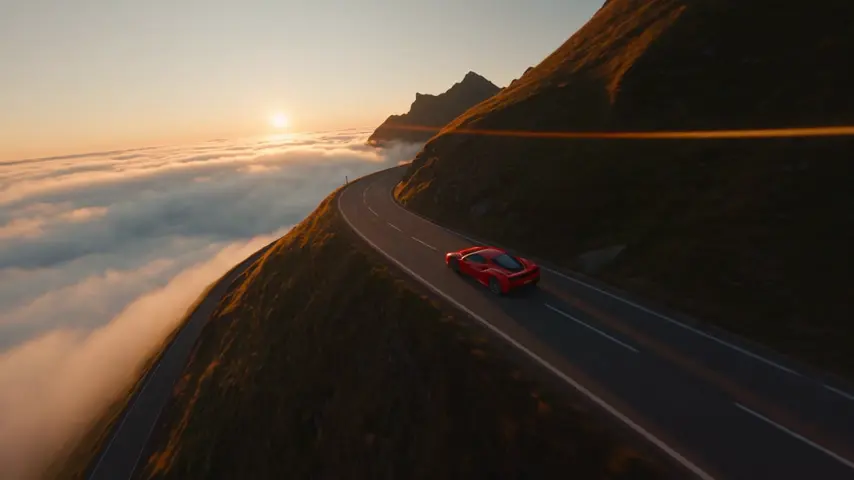
同じ動きを3テイク、それぞれ別のクリップに。プランはこちらです。
プロダクション
ライブラリに保存されます
プライバシー
プライベート、そして制限なし
Open the transition recipe in Video, add the two pictures as the first and the last frame on an engine that takes both, and render: the clip travels from one to the other.
Eroq Motion One, Seedance, Veo, Kling and Hailuo.
Yes, in the Editor, at no credit cost: crossfade, fade through black, dip to white, zoom cut, whip pan, spin and glitch cut.
Free to start: every new account gets 40 free credits with no card. A clip costs from 50 credits for five seconds on eroq Motion One at 480p, shown before you click, and a failed render refunds itself. More credits start with a $10 pack (1,000 credits) or a plan from $15/month.
40クレジット無料 · カード不要 · 全アカウントでプライベートモード
さらに見る