








10월 13일 오전 01:42:07·완료 · 1 min 8 sec 소요 · −816 크레딧
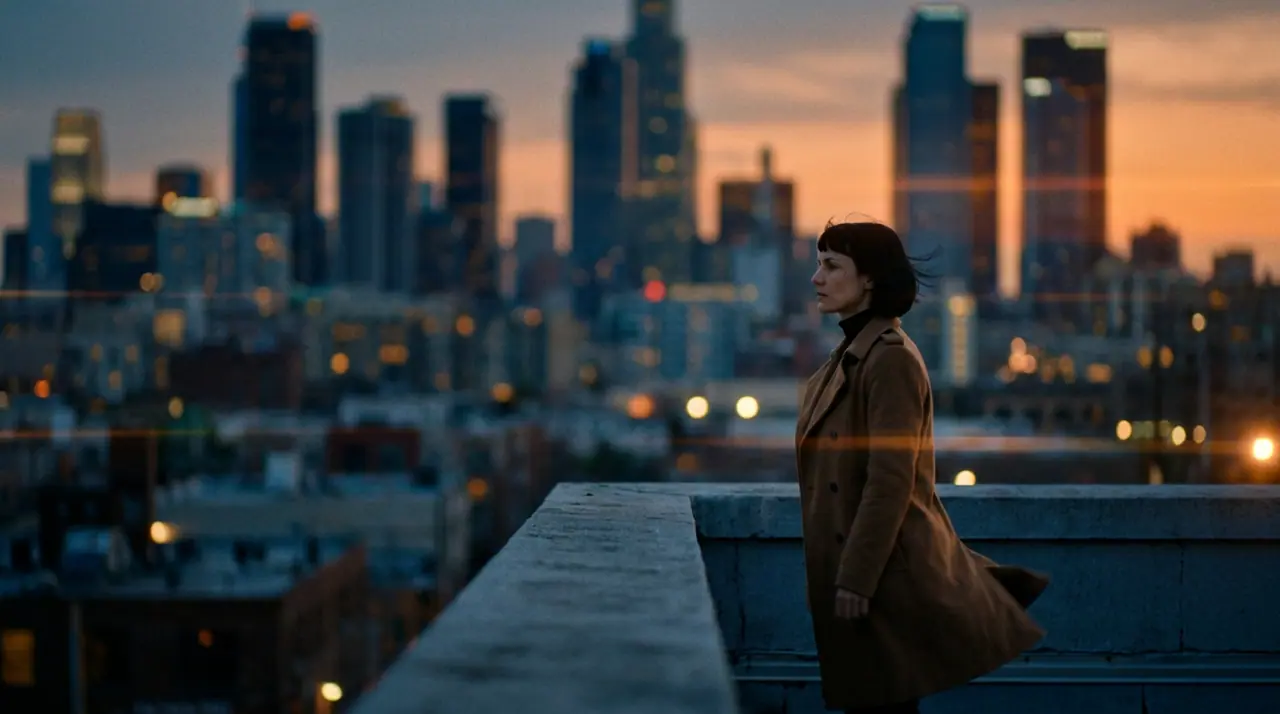
@Mara가 해 질 녘 옥상에 서 있다. 코트가 바람에 날리고, 발아래 도시에 불이 켜진다. 아나모픽, 35밀리 필름. 푸시 인
Veo 3.1 Fast · 8s · 1080p · 16:9 · 테이크 2개

이어 만들기 앞 샷 만들기
Tool
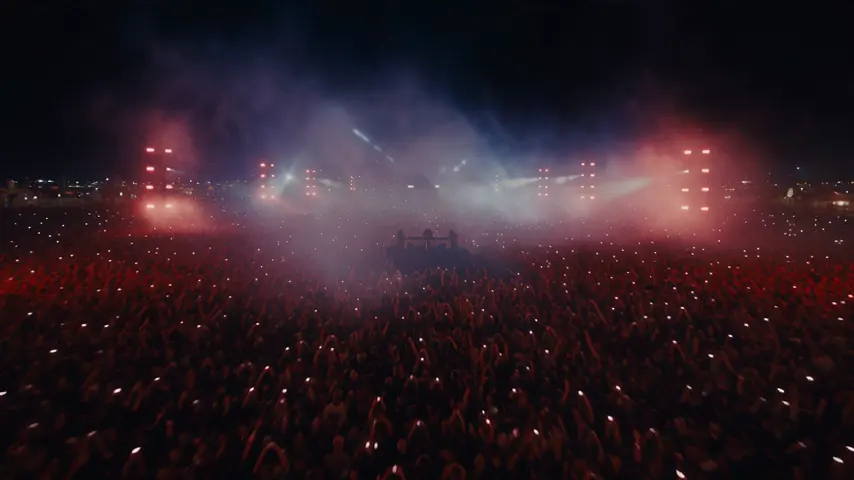
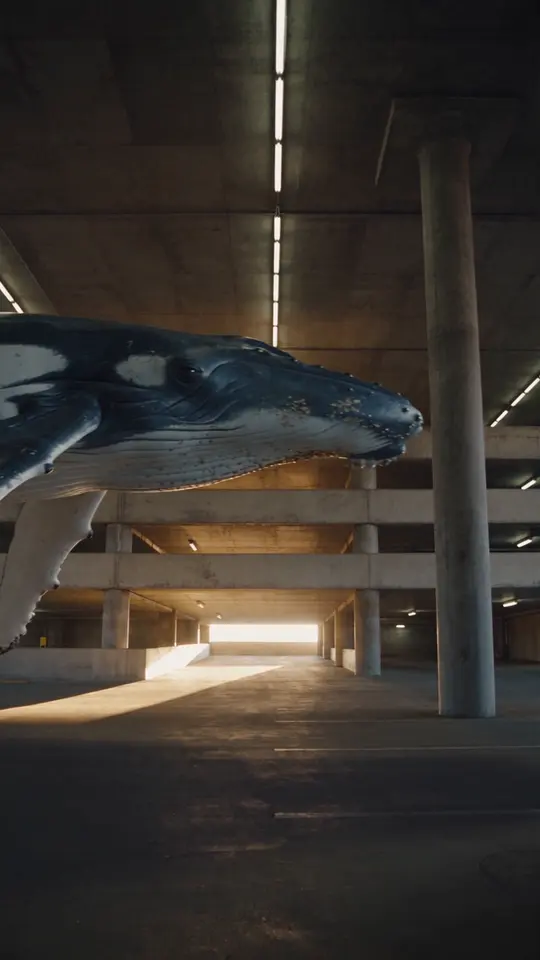
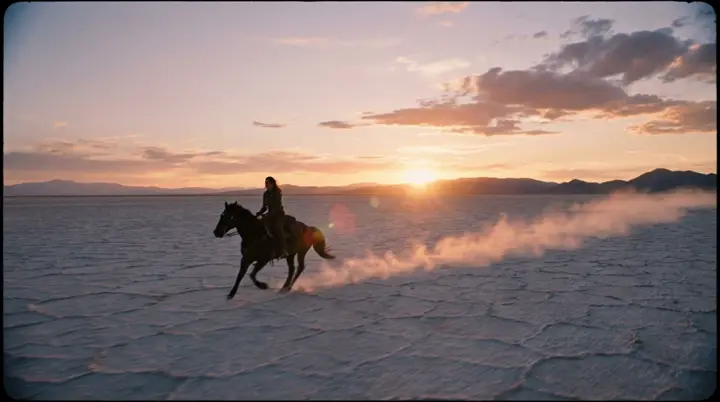
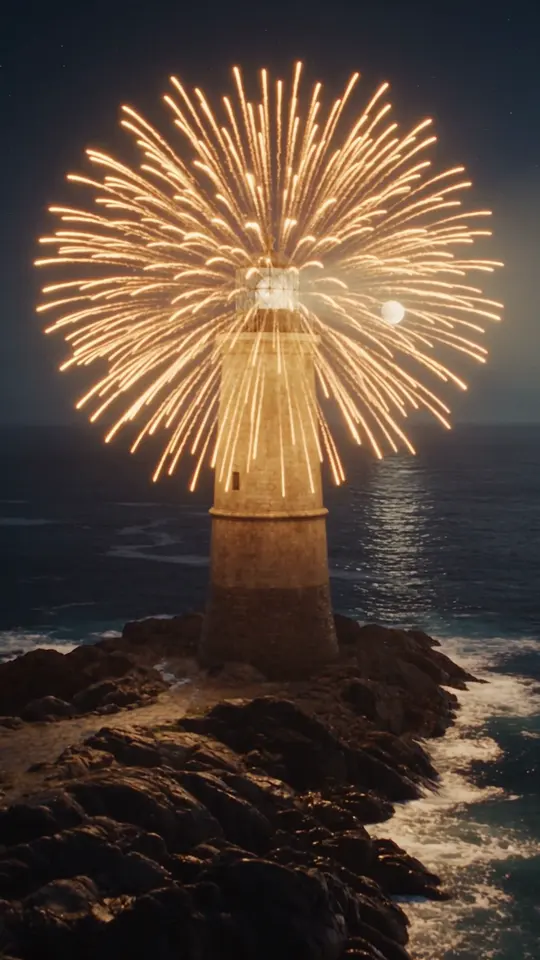
eroq makes a transition from two pictures: Video opens with "a seamless cinematic transition from the first frame to the last frame" written, you add the picture it starts on and the one it lands on, and the engine renders the move between them. Eroq Motion One, Seedance, Veo, Kling and Hailuo take a last frame; between your own clips, the Editor adds 7 cut transitions for free.
무료 크레딧 40개 · 카드 등록 불필요 · 모든 계정에 프라이빗 모드
동영상 · 생성
10월 13일 오전 01:42:07·완료 · 1 min 8 sec 소요 · −816 크레딧
@Mara가 해 질 녘 옥상에 서 있다. 코트가 바람에 날리고, 발아래 도시에 불이 켜진다. 아나모픽, 35밀리 필름. 푸시 인
Veo 3.1 Fast · 8s · 1080p · 16:9 · 테이크 2개
@Mara가 해 질 녘 옥상에 서 있다. 코트가 바람에 날리고, 발아래 도시에 불이 켜진다. 아나모픽, 35밀리 필름. 푸시 인
Between clips, the Editor's transitions cost nothing: crossfade, fade through black, dip to white, zoom cut, whip pan, spin and glitch cut.
Clap · AI 에이전트
Ask에서 원하는 결과를 설명하세요. Clap이 필요한 것을 묻고, 엔진을 고르고, 프롬프트를 쓰고, 플랜 가격을 보여 줘요. 승인하면 모든 것을 렌더링해 라이브러리에 저장해요. 완전 자동이고, 승인하기 전에는 아무것도 실행되지 않아요.
Ask · Clap
Clap · 6초 동안 생각함
같은 움직임을 3테이크로, 각각 별도 클립으로. 플랜은 이렇습니다.
프로덕션
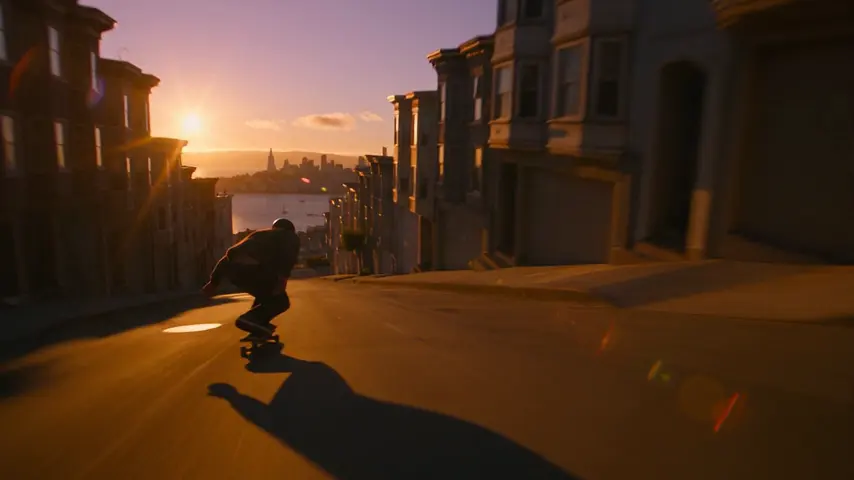

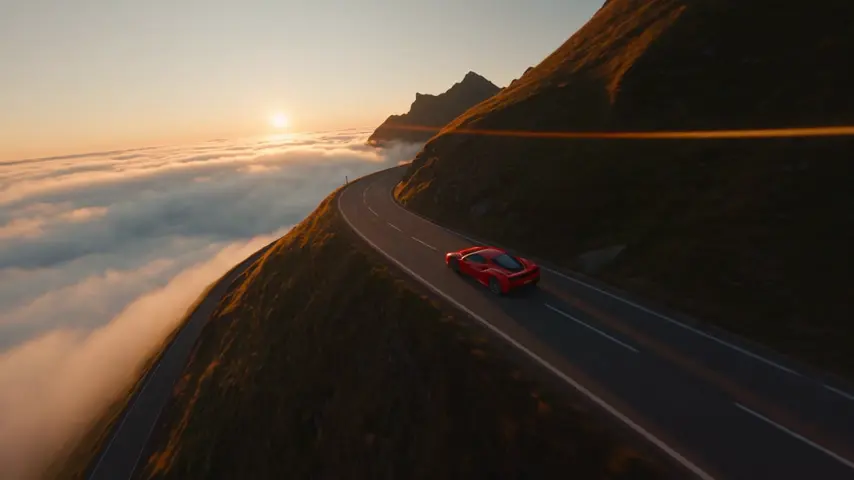
라이브러리에 저장돼요
프라이버시
프라이빗하고, 제한 없이
Open the transition recipe in Video, add the two pictures as the first and the last frame on an engine that takes both, and render: the clip travels from one to the other.
Eroq Motion One, Seedance, Veo, Kling and Hailuo.
Yes, in the Editor, at no credit cost: crossfade, fade through black, dip to white, zoom cut, whip pan, spin and glitch cut.
Free to start: every new account gets 40 free credits with no card. A clip costs from 50 credits for five seconds on eroq Motion One at 480p, shown before you click, and a failed render refunds itself. More credits start with a $10 pack (1,000 credits) or a plan from $15/month.
무료 크레딧 40개 · 카드 등록 불필요 · 모든 계정에 프라이빗 모드
더 둘러보기