A discount on premium plans when you sign upGet your discount
eroq

Halloween

AI pumpkin head photoshoot

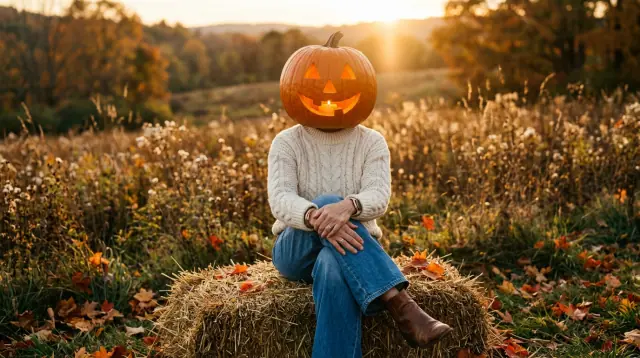
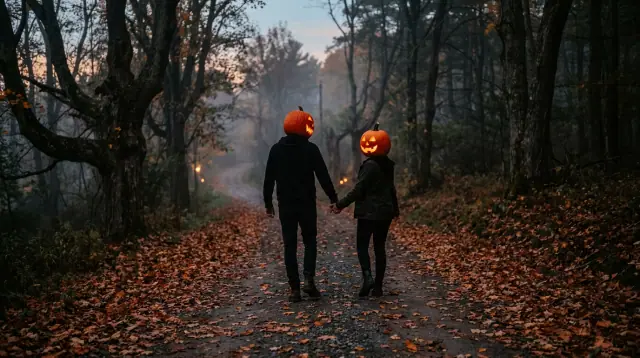
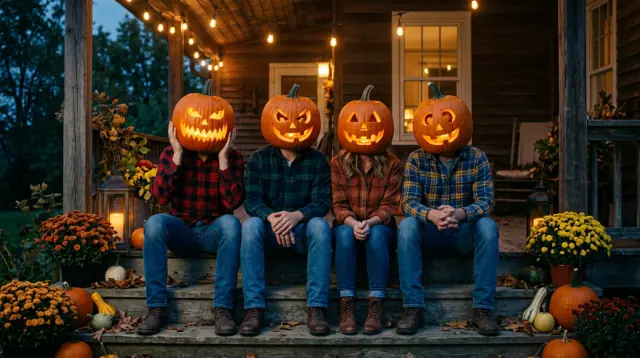
The pumpkin head photoshoot is one of the big fall trends on TikTok and Instagram: an outfit, a pose, and a carved jack-o'-lantern where the head should be, often two of them for a couple or four for a group of friends. Done for real, it takes a hollowed pumpkin, a friend with a camera and a sore neck. Here it takes one full-body photo: the image studio keeps your outfit, your hands and your pose, and swaps only the head for a glowing jack-o'-lantern. Then Animate makes it turn slowly to the camera.

Image

Opens the studio with this filled in. Sign up when you generate: 40 free credits, no card.

Image · Create

Add character

@Lena, candid 35mm portraits at home, warm window light, soft film grain

4 takesEnhance
Generate 40

Oct 13, 01:42:07 AM·Ready · Took 26 sec

@Lena, candid 35mm portraits at home, warm window light, soft film grain

Eroq One · 3:4 · 4 takes
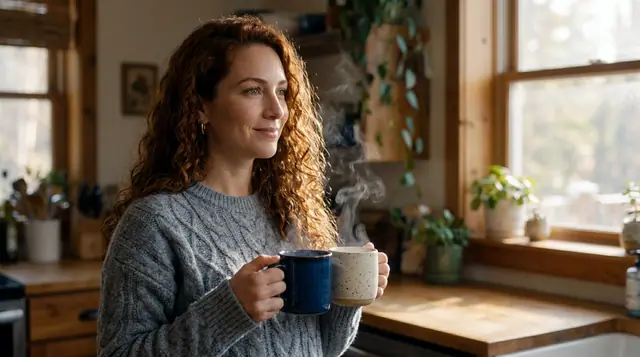
@Lena, candid 35mm portraits at home, warm window light, soft film grain

Oct 13, 01:39:36 AM·Ready · Took 31 sec

@Picture 1: swap the man for the woman in @Picture 2, same jacket, same alley, same neon

Eroq One · Retain · 1 take
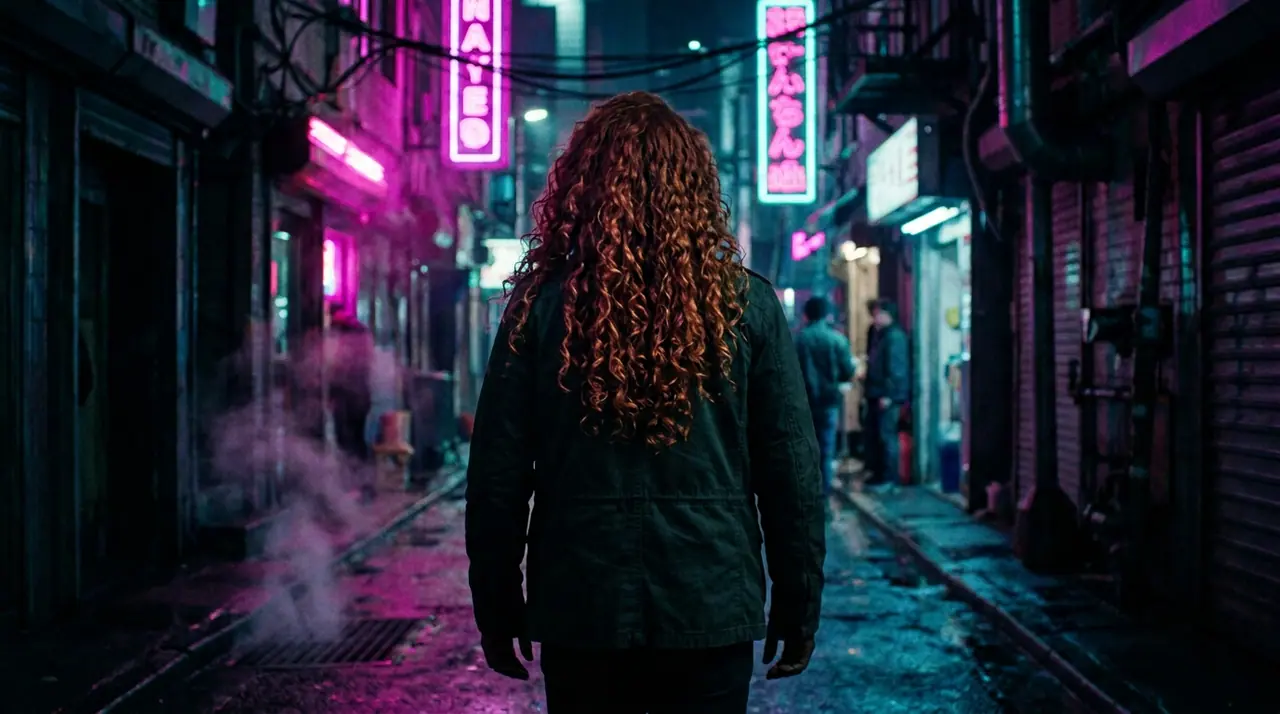
@Picture 1: swap the man for the woman in @Picture 2, same jacket, same alley, same neon
Clear this temporary feed
Input
One full-body photo (solo, couple or friends), or a character
How
Edit tab: the head becomes a jack-o'-lantern, the rest kept; Create: a new scene, your outfit as a reference
Then
Animate: a five-second clip of the slow turn
Price
10 credits an edit on Eroq One; 40 free credits at signup

How to do the pumpkin head trend with AI

  • →Pick a full-body photo with the outfit and the pose in view, in good light. For a couple or friends, one photo with everyone in it.
  • →Open the Edit tab of the image studio, drop the photo and say what changes: « replace the head with a carved jack-o'-lantern glowing from inside, keep the outfit, the hands and the pose ». Or start from one of the looks below.
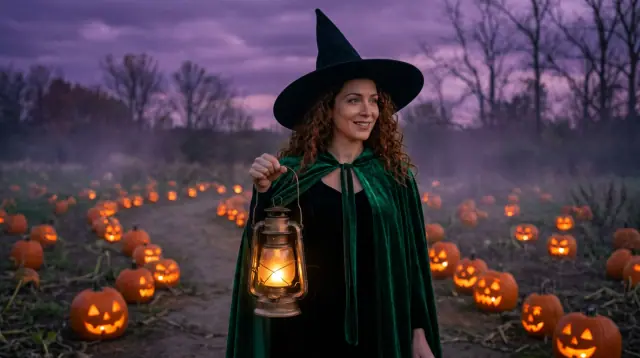
  • →Want a new setting instead (a golden field, a foggy road, a porch with string lights)? Stay in Create, describe the scene and attach your photo as a reference for the outfit.
  • →Press Animate on the best take: the pumpkin head turns slowly to the camera, the candle flickering inside.

Make it look like the real photoshoot

  • →Outfits: a cream knit and denim, matching black outfits for a couple, flannels for a group of friends.
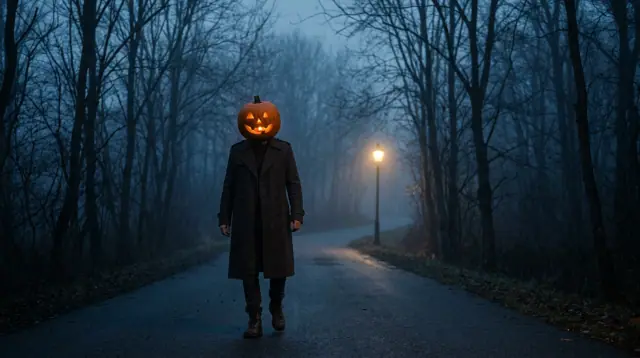
  • →Light: golden hour in a field, blue hour on a porch, one streetlamp in the fog for the spooky version.
  • →Carving: triangle eyes and a toothy grin, or a different face for each friend.
  • →Framing: full body from a low angle; a couple seen from behind, walking hand in hand.
  • →The glow: write « glowing from inside » and the carved face lights up like a candle is in it.

Price

An edit on Eroq One costs 10 credits a take. New accounts get 40 free credits, no card: 4 pumpkin heads to start. The clip from Animate starts at 35 credits for five seconds on eroq Motion One (480p). A failed render refunds itself.

Clap · AI agent

Or let Clap make the series

Describe the result in Ask. Clap asks what it needs, picks the engines, writes the prompts and prices the plan. Once you approve, it renders everything into your library. Fully automated, and nothing runs before you say yes.

  • 1Clap asks one question at a time and keeps the brief, the cast and the storyboard up to date.
  • 2The plan lists every render and its price before anything runs.
  • 3One click on Approve and everything renders. Failed takes refund themselves.
How Ask works

Ask · Clap

Three portraits of Lena for a summer lookbook, golden hour, 3:4.

Clap · Thought for 6s

Three frames, the same face from Lena's sheet. Here is the plan.

Plan · 3 renders30 cr
Still · 1 · Eroq Uncensored · 3:410 cr
Still · 2 · Eroq Uncensored · 3:410 cr
Still · 3 · Eroq Uncensored · 3:410 cr
Done · everything landed

Production

Saved to your library

Starting points

Pick one: it goes into the box at the top, ready to generate.

The slow turnA tall figure in a long dark coat with a carved jack-o'-lantern head stands in the middle of a misty country road at night and slowly turns to face the camera, candlelight flickering inside the carved face, a single streetlamp behind, cold blue fog and a warm orange glowOpen in the studio →

Frequently asked questions

What is the pumpkin head photoshoot trend?

A fall photoshoot where the people wear their usual outfits and pose as usual, but each head is a carved jack-o'-lantern. Couples and groups of friends do it together, often outdoors at golden hour or on a porch with string lights.

Can I do the pumpkin head trend with AI from one photo?

Yes. Drop a full-body photo in the Edit tab and ask for the head to become a glowing jack-o'-lantern while the outfit, the hands and the pose stay. A few seconds later you have the photoshoot without carving anything.

Can I do it as a couple or with friends?

Yes: use one photo with everyone in it, and ask for a different carved face on each pumpkin if you like. Everyone in the photo should be 18 or older and agree to it.

Can I do the pumpkin head trend with my kids?

No. The trend shows up with families too, but photos of minors are never allowed on eroq: everyone in the picture is 18 or older, solo, as a couple or with friends.

Is it free?

New accounts get 40 free credits, no card: enough for 4 edits on Eroq One at 10 credits each. More takes need a pack (from $10) or a plan.

Can the pumpkin head move in a video?

Press Animate under the picture: it becomes the first frame of a clip, and the prompt says what happens (a slow turn to the camera, the candle flickering). From 35 credits for five seconds.

Keep exploring