Oct 13, 01:42:07 AM·Ready · Took 1 min 8 sec · −816 credits
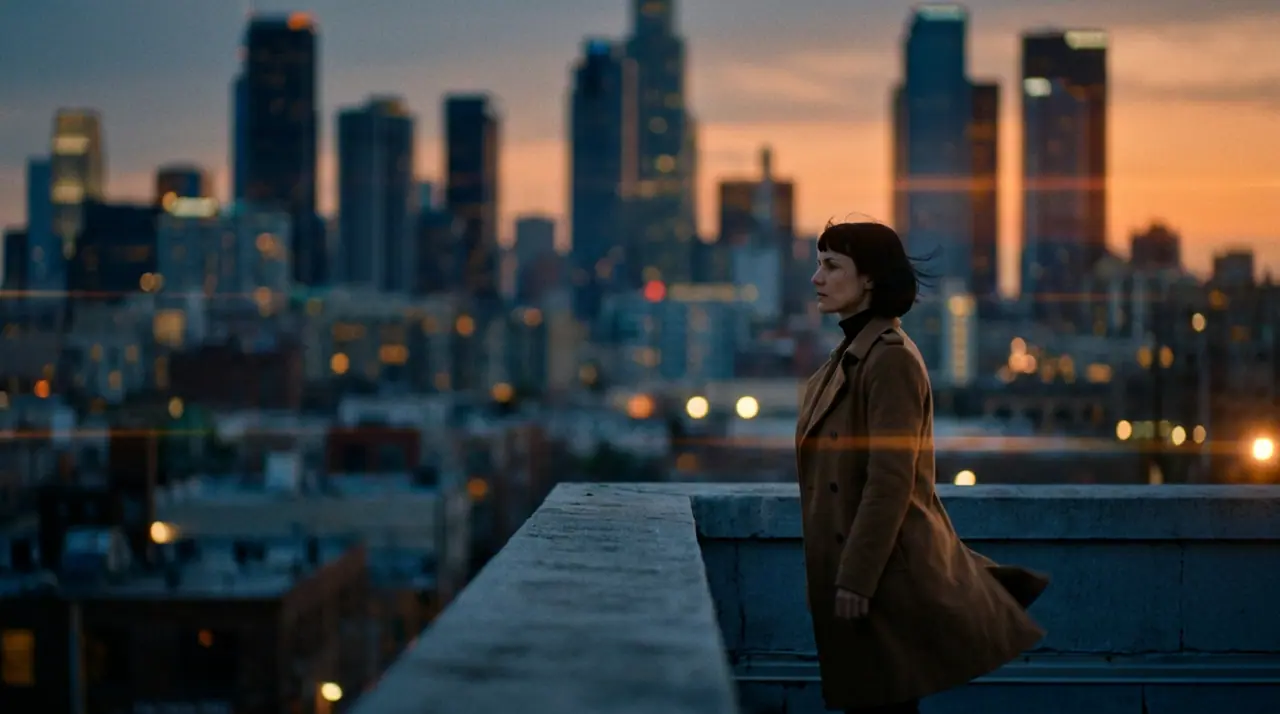
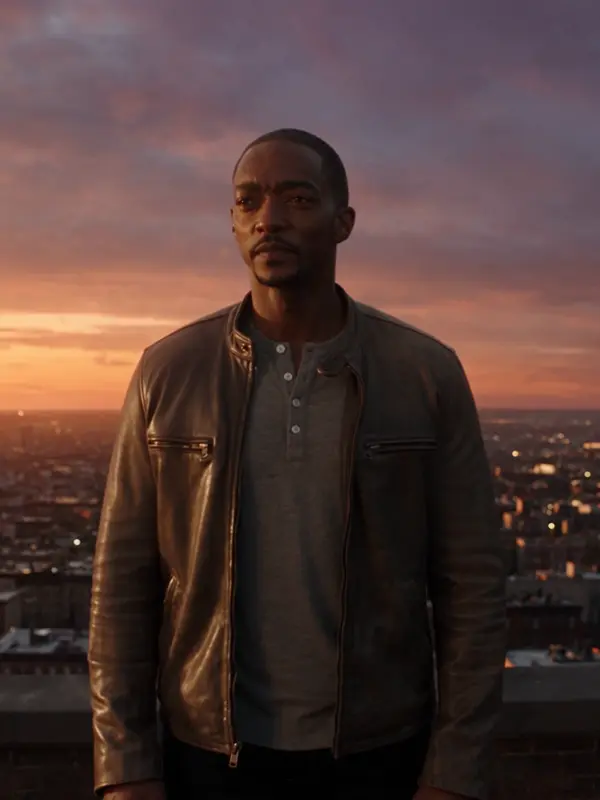
@Mara on a rooftop at dusk, her coat caught in the wind, the city lighting up below. anamorphic, 35mm. push-in
Veo 3.1 Fast · 8s · 1080p · 16:9 · 2 takes

Extend Lead into
Halloween
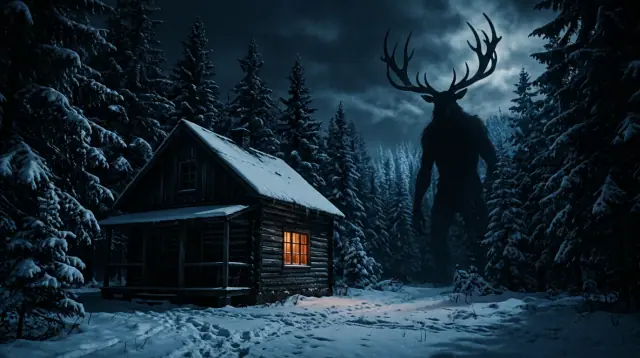
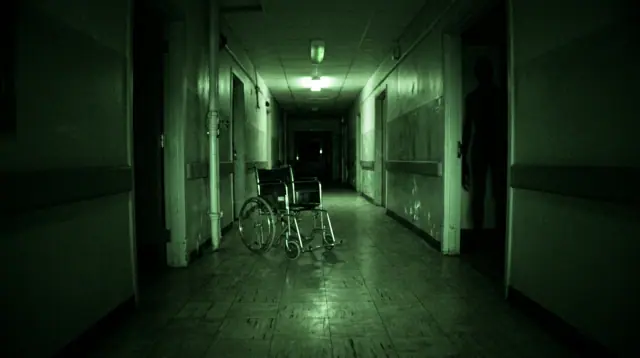
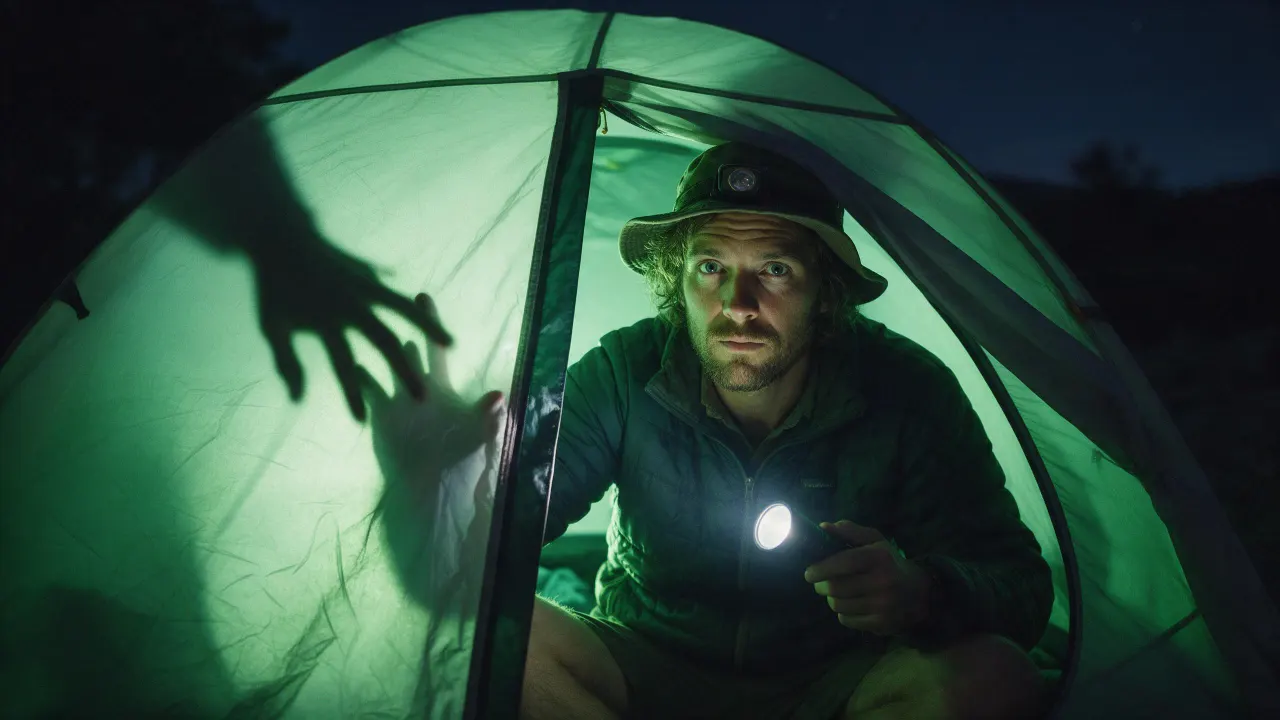
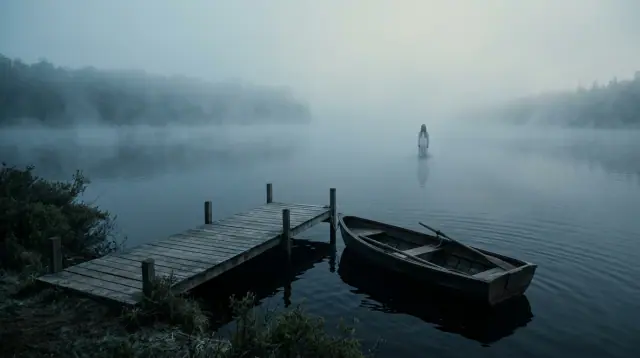
Horror lives in what you do not see yet: a corridor too long, a reflection a beat late, a shape at the edge of the trees. Write the shot, or start from a still, and render it on 16 video engines: Seedance, Veo, Kling, Hailuo, Runway, Wan and Grok, plus eroq Motion One, our own engine, which renders dark fiction within a written policy instead of watering it down.
Opens the studio with this filled in. Sign up when you generate: 40 free credits, no card.
Video · Create
@Mara on a rooftop at dusk, her coat caught in the wind, the city lighting up below. anamorphic, 35mm. push-in
Oct 13, 01:42:07 AM·Ready · Took 1 min 8 sec · −816 credits
@Mara on a rooftop at dusk, her coat caught in the wind, the city lighting up below. anamorphic, 35mm. push-in
Veo 3.1 Fast · 8s · 1080p · 16:9 · 2 takes
Filtered engines often turn down or soften dark scenes. eroq Motion One, our own engine, renders horror as written, within the acceptable-use policy: fiction only, nothing involving minors, no real identifiable people without their consent, nothing illegal. Motion One makes 5 to 15-second clips from a prompt, a first frame, or a first and a last frame, from 7 credits a second (480p). A render an engine refuses gives its credits back.
Seedance 2.5, Veo 3.1, Kling 3.0 Pro and Seedance 2.0 render sound with the picture. For the rest, the music studio writes a score, the voice studio reads a narrator or a whisper, and your characters keep their face and their voice from one scene to the next.
Clap · AI agent
Describe the result in Ask. Clap asks what it needs, picks the engines, writes the prompts and prices the plan. Once you approve, it renders everything into your library. Fully automated, and nothing runs before you say yes.
Ask · Clap
Clap · Thought for 6s
Three takes on the same move, each its own clip. Here is the plan.
Production
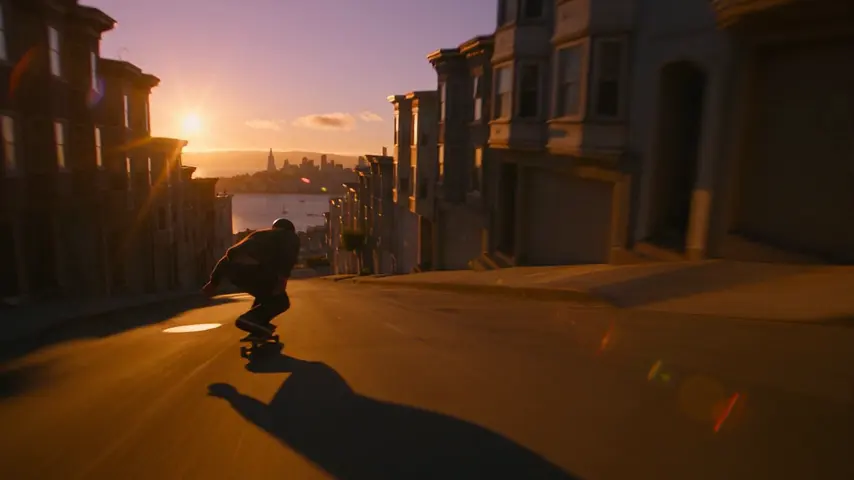
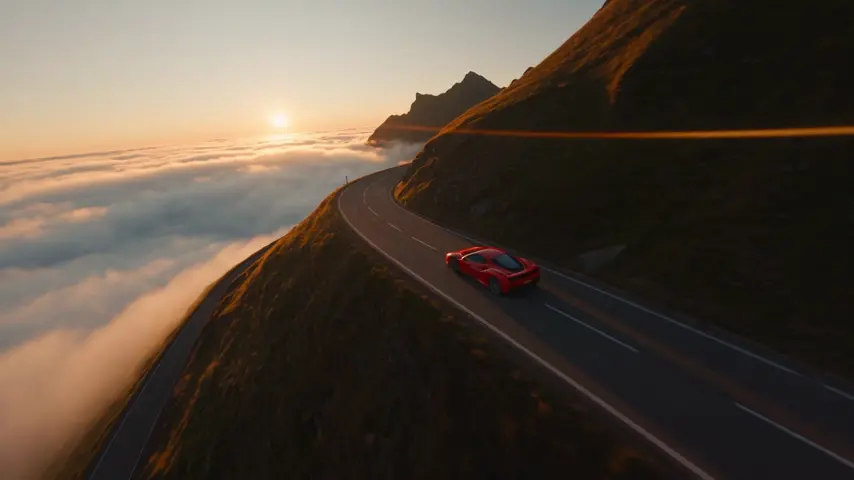
Saved to your library
Pick one: it goes into the box at the top, ready to generate.
Yes. Describe the shot (the place, the light, what moves) or start from a still, and a video engine renders it as a clip, from five seconds. On eroq that is 16 engines in one studio, and the clips cut together in the Editor.
Third-party engines apply their own filters and some soften or refuse dark scenes. eroq Motion One, our own engine, renders dark fiction within the acceptable-use policy (fiction only, nothing involving minors, no real identifiable people without their consent, nothing illegal). A refused or failed render gives its credits back.
Each render is one shot: up to 10 seconds on a free account and up to 30 on the plans that go furthest, depending on the engine. A longer film is several shots, written scene by scene in Cinema or cut in the Editor.
Yes: save a Character (a few photos, a name) and cast it, or start from a still of them. Real, identifiable people need their consent, and minors are never allowed.
What the engine charges for the length and the resolution: from 35 credits for five seconds on eroq Motion One (480p). New accounts get 40 free credits, enough for one five-second eroq Motion One clip at 480p (35 credits).
Some engines render sound with the picture. The Editor adds music and sounds on a timeline, the music studio writes a score, and the voice studio reads a narrator.
Keep exploring