
Oct 13, 01:42:07 AM·Ready · Took 26 sec · −40 credits
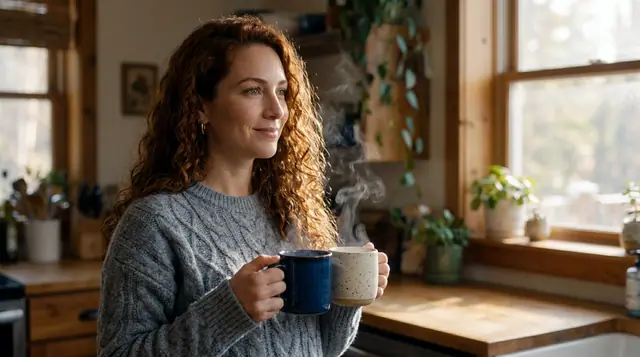
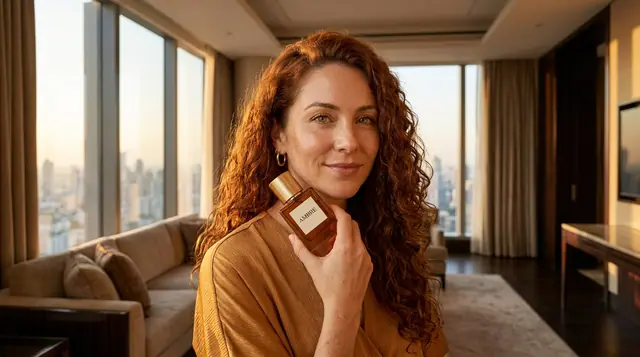
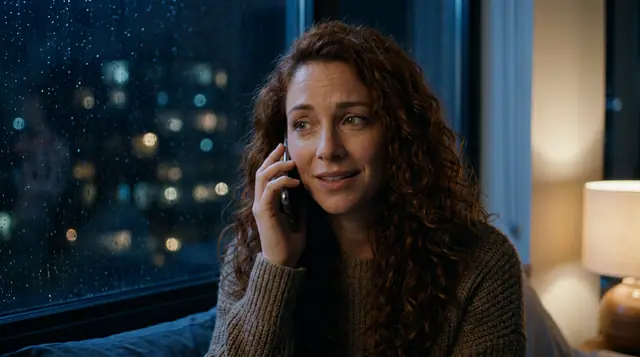
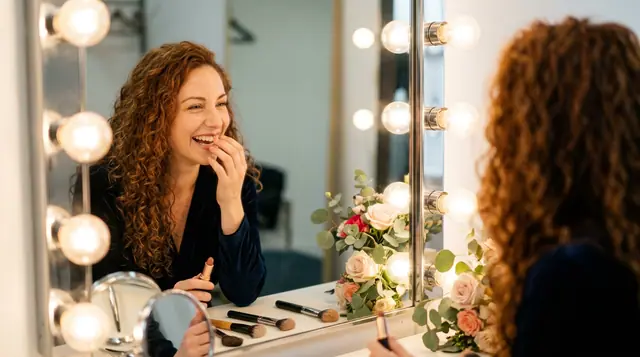
@Lena, candid 35mm portraits at home, warm window light, soft film grain
Eroq One · 3:4 · 4 takes
Halloween
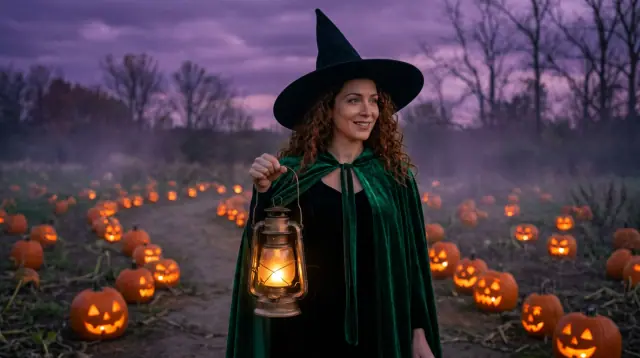
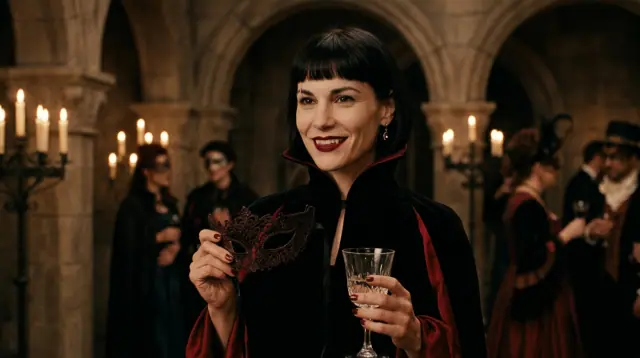
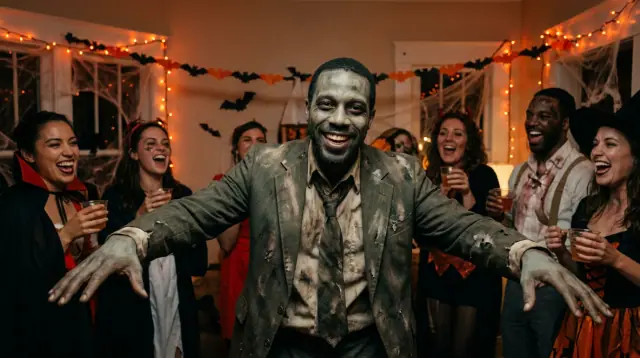
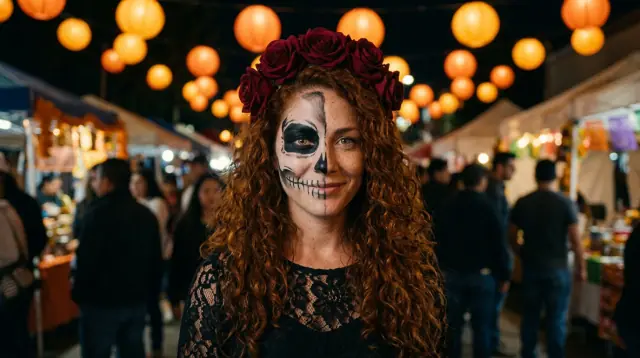
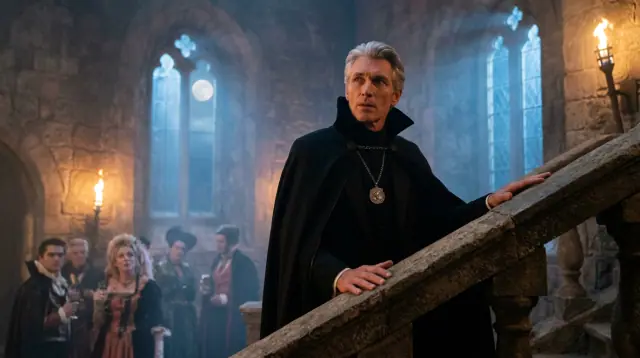
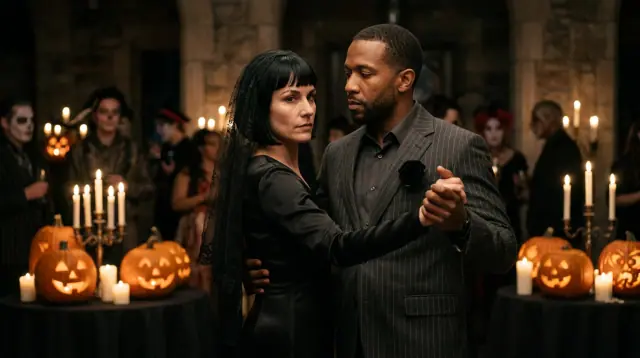
Try a costume before you buy it, or skip the costume altogether: the picture wears it for you. Add one photo of yourself (or of someone who agreed), or pick one of your characters, then describe the look: vampire countess, pumpkin-patch witch, party zombie, half-skull face paint, a gothic couple. Your Halloween AI photo comes back in seconds, your face kept, from 10 credits a picture, on 13 image engines.
Opens the studio with this filled in. Sign up when you generate: 40 free credits, no card.
Image · Create
@Lena, candid 35mm portraits at home, warm window light, soft film grain
Oct 13, 01:42:07 AM·Ready · Took 26 sec · −40 credits
@Lena, candid 35mm portraits at home, warm window light, soft film grain
Eroq One · 3:4 · 4 takes
Oct 13, 01:39:36 AM·Ready · Took 31 sec · −10 credits
@Picture 1: swap the man for the woman in @Picture 2, same jacket, same alley, same neon
Eroq One · Retain · 1 take
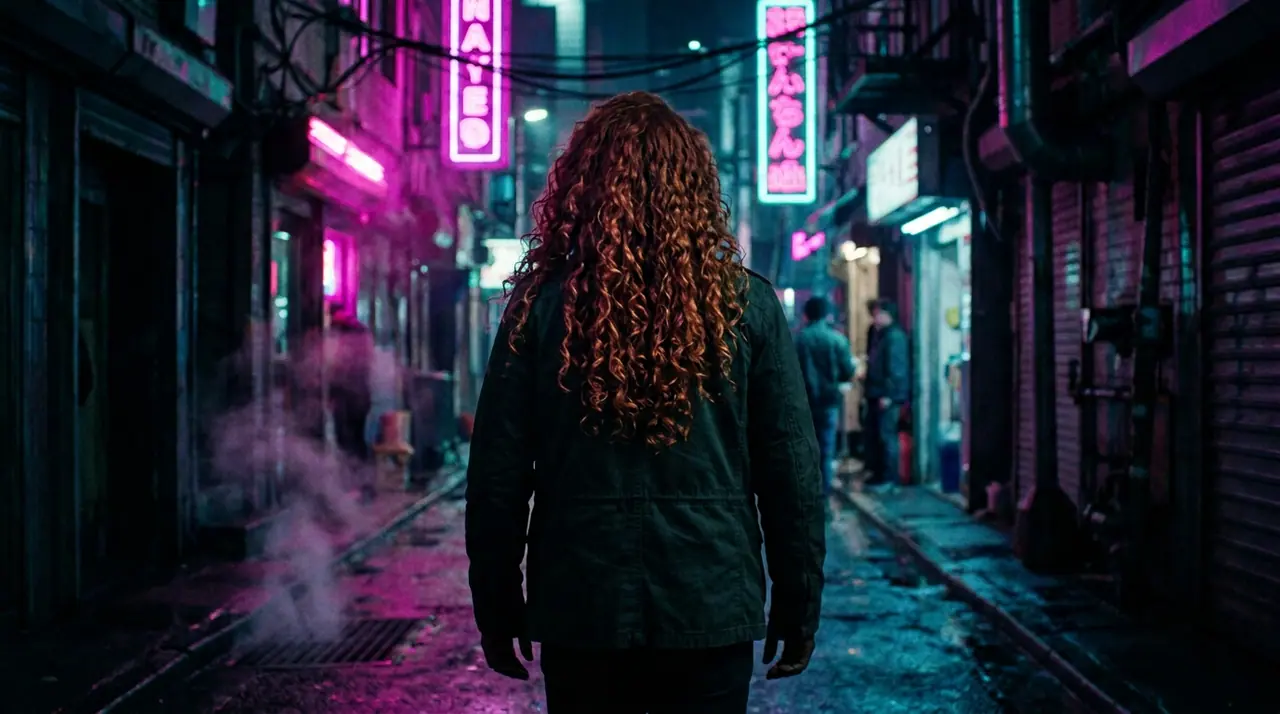
References hold a face for one picture: up to ten on Eroq One, four on Krea2 and Eroq Uncensored. To wear five costumes without re-uploading, save yourself as a Character once (a few photos, a name) and type @ in any prompt. The same character then stars in your clips, with its own voice. In the Edit tab, Eroq One changes the photo you already have by instruction: « put her in a witch costume, keep everything else ».
From 10 credits a picture, the same at every format. New accounts get 40 free credits, enough for 4 costume pictures, no card. After that, a $10 pack (1,000 credits) or a plan from $15/month. A failed render refunds itself.
Clap · AI agent
Describe the result in Ask. Clap asks what it needs, picks the engines, writes the prompts and prices the plan. Once you approve, it renders everything into your library. Fully automated, and nothing runs before you say yes.
Ask · Clap
Clap · Thought for 6s
Three frames, the same face from Lena's sheet. Here is the plan.
Production
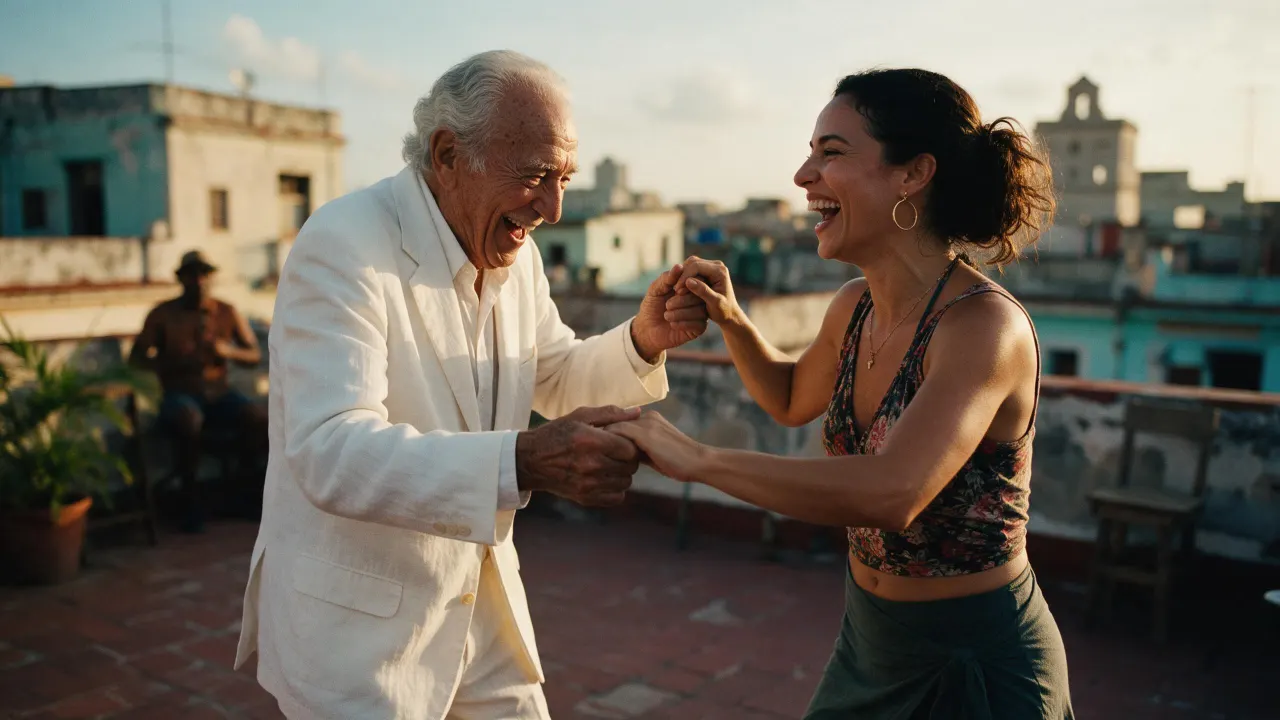
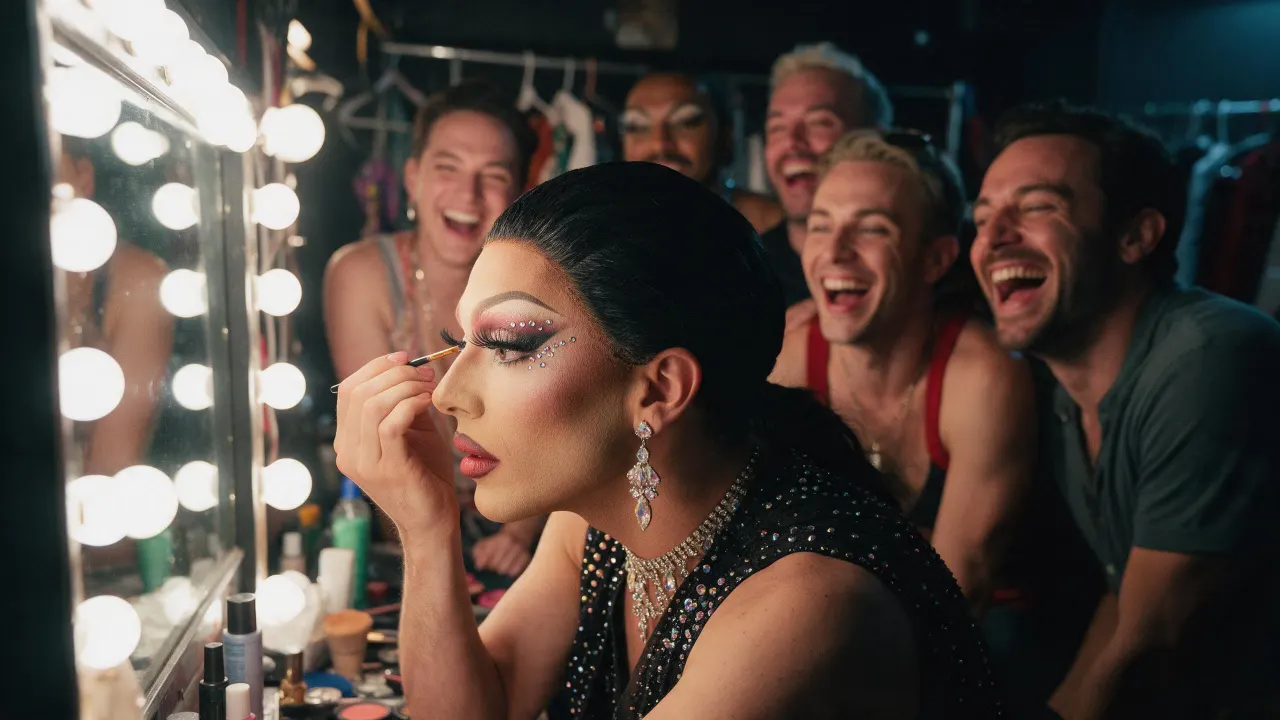
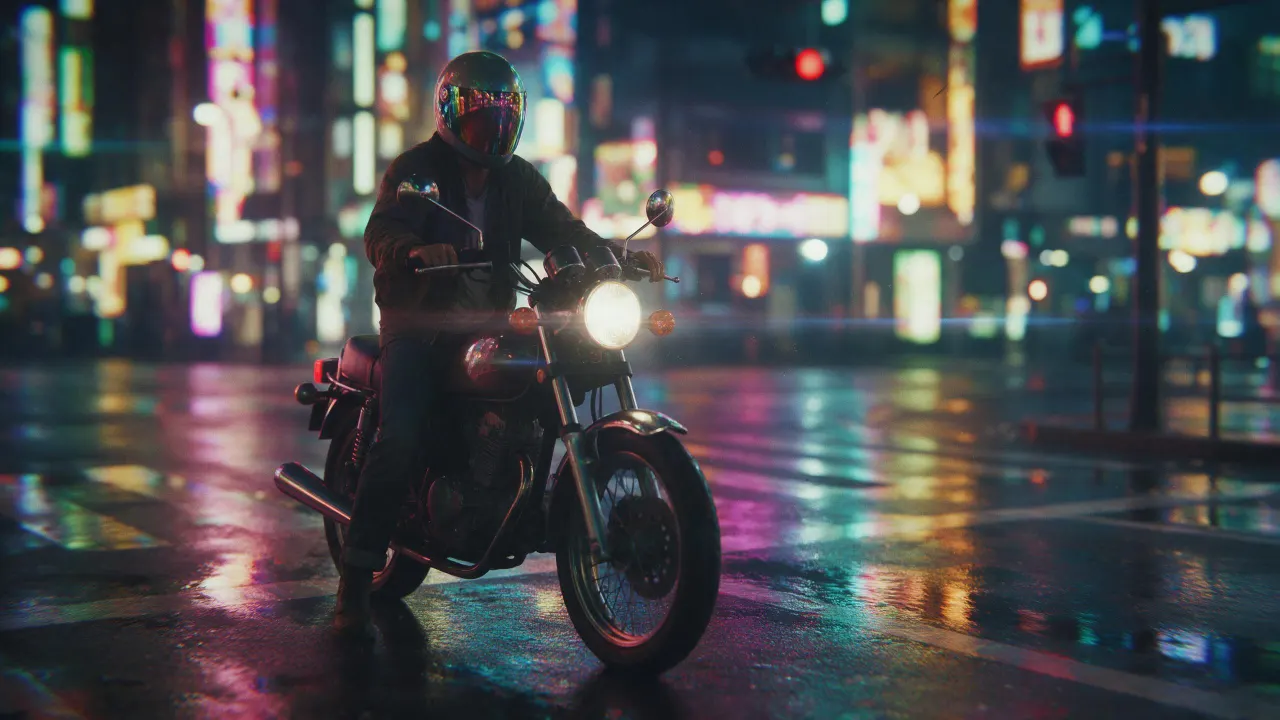
Saved to your library
Pick one: it goes into the box at the top, ready to generate.
New accounts get 40 free credits, enough for 4 pictures on the engines from 10 credits, no card needed. More pictures take a pack (from $10) or a plan.
Yes: yourself, or someone who agreed to it. Real, identifiable people without their consent are banned by the acceptable-use policy, and photos of minors are never allowed, in costume or not.
Attach your photo as a reference on each render, or save yourself once as a Character and type @ in the prompt: the face then holds across pictures and video clips.
Yes: attach a photo of each person (up to ten references on Eroq One) or @mention two characters, and describe the matching costume.
Press Animate under the picture: it opens the video studio with your picture as the first frame. A five-second clip starts at 35 credits on eroq Motion One (480p).
3:4 or 1:1 for a feed post or a profile picture, 9:16 for a Story, a Reel cover or a TikTok. The price is the same at every format.
Keep exploring