





Tool
Replace a person in a photo
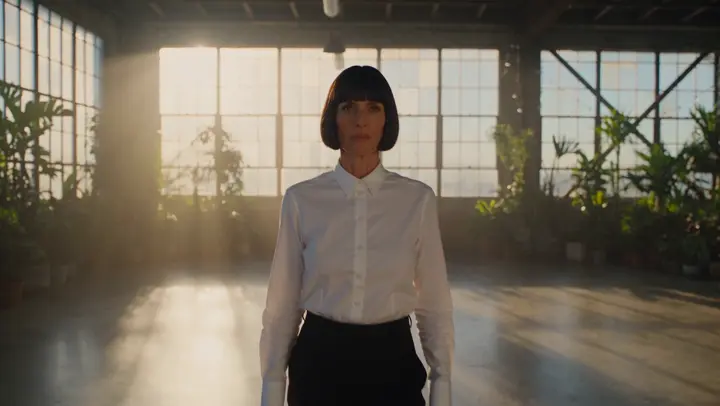
To replace a person in a photo, upload the picture and a photo of the new person to the eroq Character swap (photo) app and press Generate: the new person takes the same place, pose and outfit, under the same light and in the same setting. It is for shots you have the right to edit, with people who agreed, when the picture is right but the person in it needs to change.
40 free credits · no card · private mode on every account
- App
- Character swap (photo), in the eroq studio: one click, no prompt to write
- Input
- The photo to change and your photo, or one of your characters
- Output
- A picture
- Price
- 124 credits a picture, shown before you click
- Plans
- Every plan, free accounts included
- Policy
- Fiction only · 18 or older · no real people without consent
Privacy
Private and unrestricted
- →No filter on eroq's own engines: one written policy instead.
- →They keep nothing, and nothing trains on your work.
- →Private mode keeps no file at all.
How it works
- →1 · Upload the photo to change.
- →2 · Add the new person: your own photo, one of someone who agreed, or a character.
- →3 · Press Generate and compare the two.
When replacing the person makes sense
- →A stand-in posed for the shoot, and the real model is added later.
- →A brand moves its lifestyle photos over to its own AI character.
- →A creator reuses a great location shot with a different collaborator, with their OK.
- →A photographer shows a client a concept with the client's own face.
For a clean result
- →Pick a photo where the person is in full view, not cut off or turned away.
- →Use a sharp, well-lit photo of the new person, facing the camera.
- →The outfit stays from the original photo; change it after with the Outfit swap app.
- →Hands and faces half hidden by objects may need another Generate.
Frequently asked questions
Can I remove a person from a photo instead?
This app replaces a person, it does not remove one. To erase someone or something, use the Inpaint app instead.
Will the background change?
No, the setting, the framing and everything around the person stay as in the photo. Only the person changes, lit like the rest of the scene.
Do I need permission?
Yes. Use photos you have the right to edit and a new person who agreed, never a stranger or a public figure.
Does the new person wear the original outfit?
Yes, the new person wears the same outfit in the same pose. To change the clothes as well, run the Outfit swap app on the result.
Is the Character swap (photo) app free?
You can open the app and set it up without an account. A picture costs 124 credits, shown on the button before you click, and a failed render gives the credits back. Every new account gets 40 free credits with no card; more credits start with a $10 pack (1,000 credits) or a plan from $15/month.
Try it free
40 free credits · no card · private mode on every account
Keep exploring