Tool
AI face swap for photos
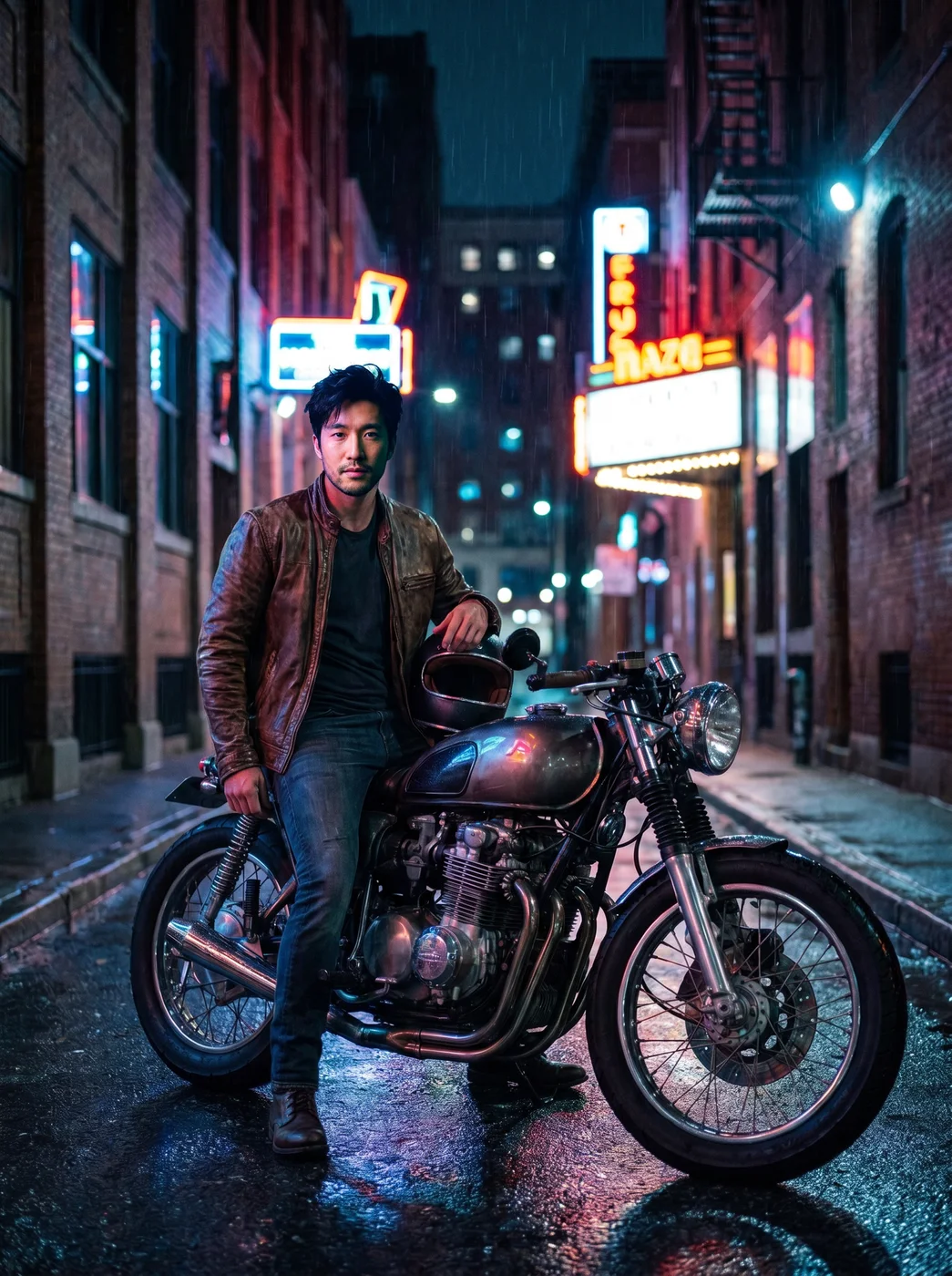
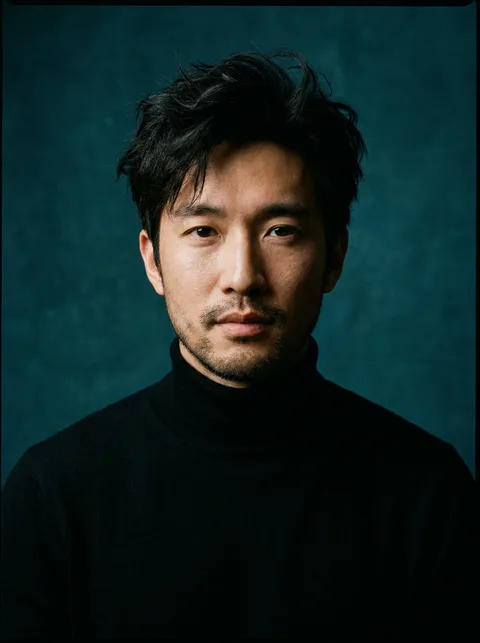
The eroq Face swap app puts your face on the person in another photo, blended to their skin tone and lit by the light of that photo. The hair, pose, outfit, framing and background of the photo you change stay exactly as they were.
40 free credits · no card · private mode on every account
- App
- Face swap (photo), in the eroq studio: one click, no prompt to write
- Input
- The photo to change and a photo of the face, or one of your characters
- Output
- A picture
- Price
- 124 credits a picture, shown before you click
- Plans
- Every plan, free accounts included
- Policy
- Fiction only · 18 or older · no real people without consent
Privacy
Private and unrestricted
- →No filter on eroq's own engines: one written policy instead.
- →They keep nothing, and nothing trains on your work.
- →Private mode keeps no file at all.
How it works
- →1 · Upload the photo to change: one person, the face in view.
- →2 · Add the face: your own photo or one of someone who agreed, or pick one of your characters.
- →3 · Press Generate and download the result.
What it is good for
- →Seeing yourself in a costume, a period outfit or a fantasy scene.
- →Trying a hairstyle: your face on a photo of the cut you are thinking about.
- →A themed party invitation with your face in the picture.
- →Testing a look for a profile picture before a real shoot.
For a better match
- →A sharp, front-facing photo of the face, softly lit, nothing covering it.
- →A similar head angle in both photos blends best.
- →One person in the photo to change; with several, the app may pick the wrong face.
- →Skin tone and light follow the photo you change, so the face can look warmer or cooler.
Frequently asked questions
How do I face swap a photo?
Upload the photo to change, add a clear photo of your face and press Generate. The hair, pose, outfit and background of the first photo stay.
Can I swap faces with a celebrity?
No. The app is for your own face, or one you have consent for; real, identifiable people without their consent are against the policy.
Will my face still be recognizable?
The app is made to keep your features and blend them into the light and skin tone of the new photo. A sharp, front-facing face photo gives the closest match.
Can I use one of my characters as the face?
Yes: pick the character instead of uploading a face photo, and the app puts their face on the person in the photo.
Is the Face swap (photo) app free?
You can open the app and set it up without an account. A picture costs 124 credits, shown on the button before you click, and a failed render gives the credits back. Every new account gets 40 free credits with no card; more credits start with a $10 pack (1,000 credits) or a plan from $15/month.
Try it free
40 free credits · no card · private mode on every account
Keep exploring