Tool
Remove blemishes from a photo
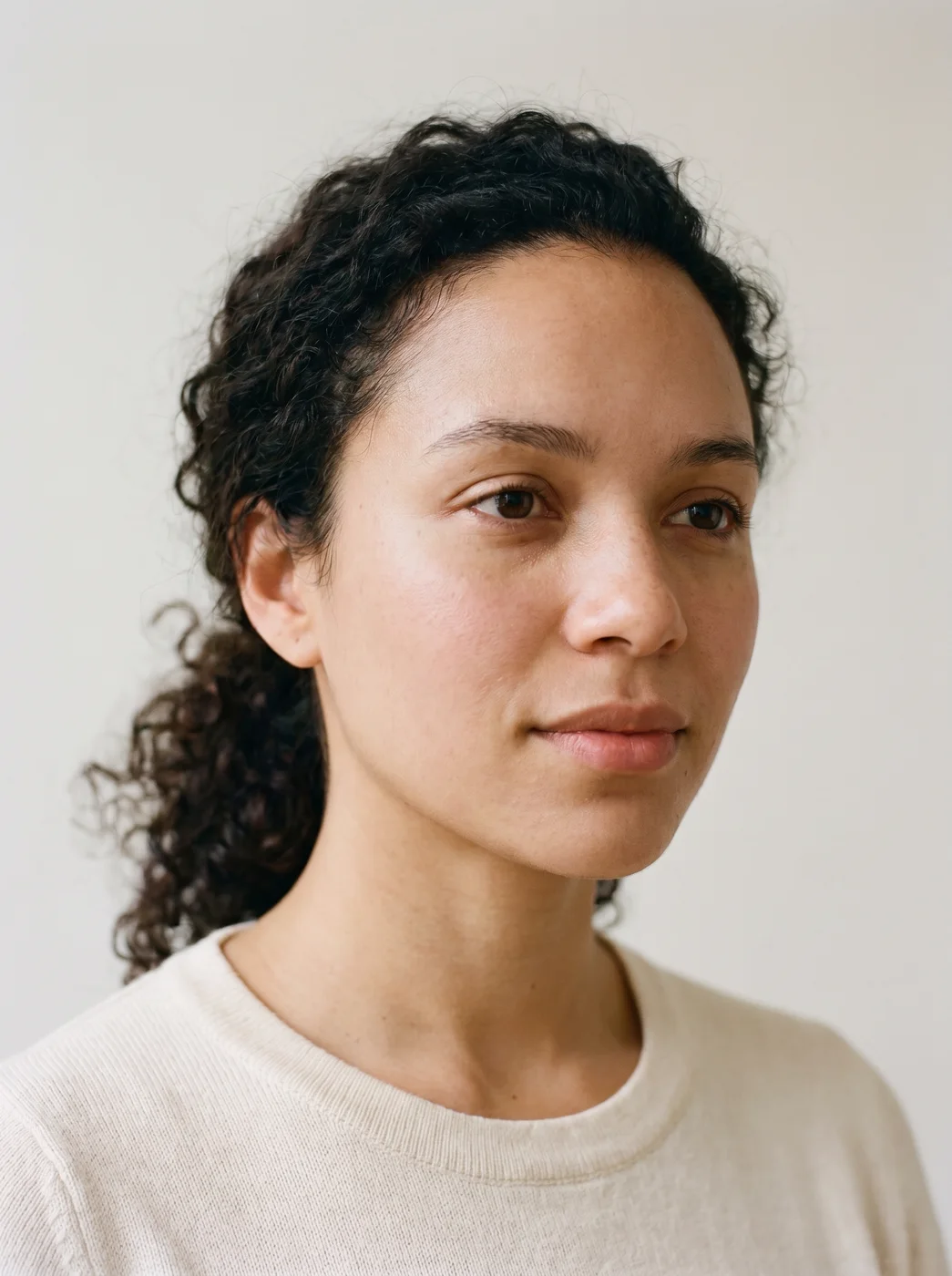
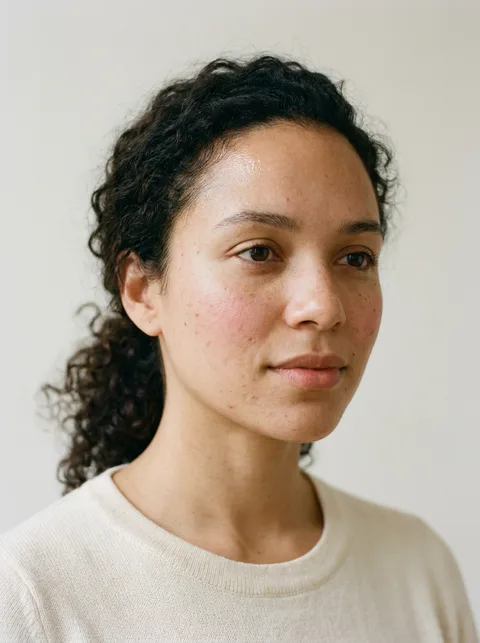
To remove blemishes from a photo, upload it to the eroq Skin retouch app: it softens spots and redness, evens the tone and keeps the real texture of the skin. It works on the whole face at once, so there is no brush to drag and no area to mask.
40 free credits · no card · private mode on every account
- App
- Skin retouch, in the eroq studio: one click, no prompt to write
- Input
- Your photo
- Output
- A picture
- Price
- 124 credits a picture, shown before you click
- Plans
- Every plan, free accounts included
- Policy
- Fiction only · 18 or older · no real people without consent
Privacy
Private and unrestricted
- →No filter on eroq's own engines: one written policy instead.
- →They keep nothing, and nothing trains on your work.
- →Private mode keeps no file at all.
How it works
- →1 · Upload the photo: yours, or of someone who agreed.
- →2 · Nothing to pick: spots, redness and shine are handled together.
- →3 · Press Generate and download the cleaner version.
What it takes care of
- →Small spots and breakouts, softened rather than painted over.
- →Redness around the nose, the chin and the cheeks.
- →An uneven tone from mixed light or a tired day.
- →Shine from a flash or the sun on the forehead and nose.
For the best result
- →Start from the original photo, not one that already went through a beauty filter.
- →A sharp photo: blur hides texture, and the retouch has less to keep.
- →One person, the face clearly in view and large in the frame.
- →A large or raised mark may still show; run the Inpaint app on it by name.
Frequently asked questions
Can AI remove acne from a photo?
It softens it: spots and redness fade and the tone evens out, while the pores stay so the skin still looks real. A large mark may stay visible; the Inpaint app can take it on by name.
Does it work on a wedding or event photo?
Yes, as long as the face is clearly in view. Flash shine and redness are what it softens best, and the outfit, the hair and the background are left as they were.
How is it different from a beauty filter?
A filter blurs the whole face. The app evens the tone and softens spots but keeps pores and texture, so the result looks like your skin on a good day.
Is my original photo changed?
No. The app makes a new picture next to it, so you can keep whichever you prefer.
Is the Skin retouch app free?
You can open the app and set it up without an account. A picture costs 124 credits, shown on the button before you click, and a failed render gives the credits back. Every new account gets 40 free credits with no card; more credits start with a $10 pack (1,000 credits) or a plan from $15/month.
Try it free
40 free credits · no card · private mode on every account
Keep exploring