Tool
AI relight
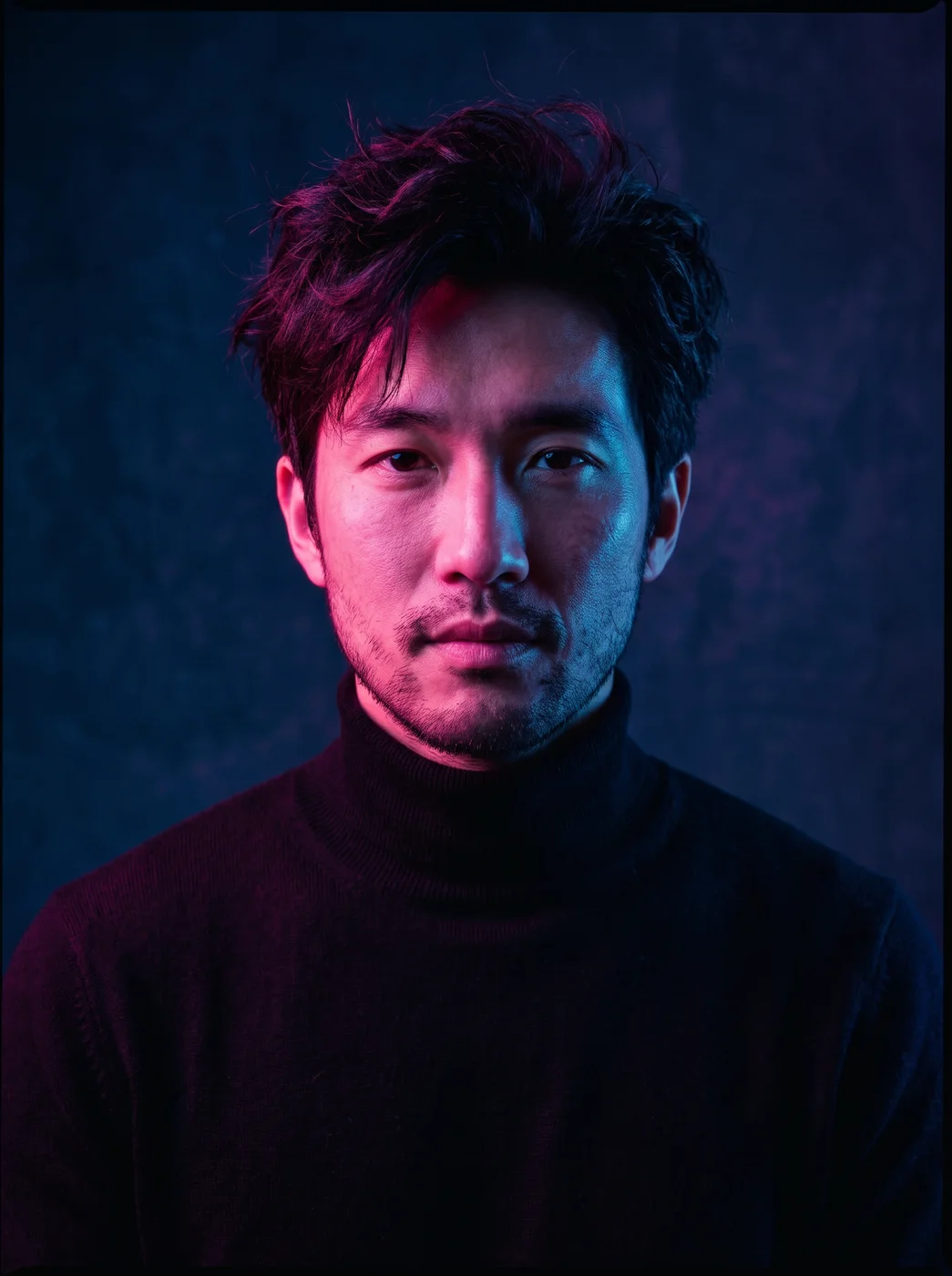
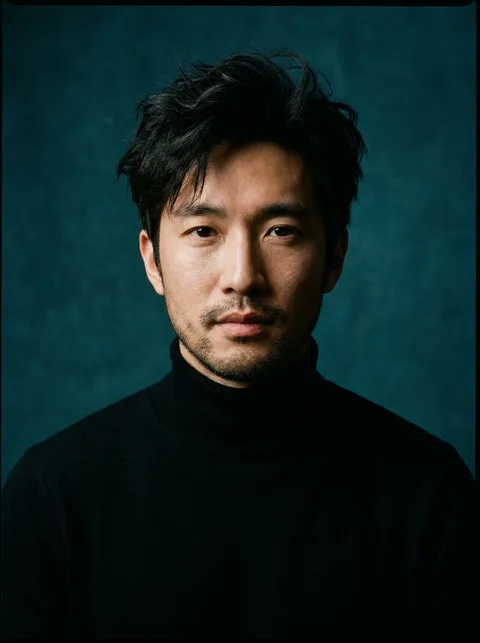
The eroq Relight app changes the light in a photo and nothing else: pick golden hour, neon, studio, moonlight or candlelight, and the light and its shadows are redrawn while people, faces, poses, framing and objects stay the same. Upload the photo, choose the light and press Generate.
40 free credits · no card · private mode on every account
- App
- Relight, in the eroq studio: one click, no prompt to write
- Input
- A photo
- Output
- A picture
- Price
- 124 credits a picture, shown before you click
- Plans
- Every plan, free accounts included
- Policy
- Fiction only · 18 or older · no real people without consent
Privacy
Private and unrestricted
- →No filter on eroq's own engines: one written policy instead.
- →They keep nothing, and nothing trains on your work.
- →Private mode keeps no file at all.
How it works
- →1 · Upload the photo; if a face is in it, your own or someone's who agreed.
- →2 · Pick the light: Golden hour, Neon, Studio, Moonlight or Candlelight.
- →3 · Press Generate and compare the result with the original.
What it's good for
- →Saving a photo taken under flat office light or a grey sky.
- →Giving a portrait a warm golden-hour glow after the sun has gone.
- →Turning a night-out photo into a neon-lit scene.
- →A moody moonlight or candlelight version for a story or a cover.
What stays the same
- →The people, their faces and their poses.
- →The framing and the shape of the photo.
- →Every object in the scene, in the same place.
- →Only the light and the shadows it casts are new.
Frequently asked questions
How do I change the lighting of a photo with AI?
Open the Relight app, upload the photo, pick a light and press Generate. The app redraws the light and shadows and leaves the rest of the photo as it is.
Will it change my face?
No, faces, poses and people stay the same; only the light and its shadows change. A strong coloured light like neon still changes how skin and hair look.
Can it fix a blurry or very dark photo?
It changes the light, not the sharpness: a blurry photo stays blurry. A dark photo can come out brighter, but details the camera never caught cannot come back.
Can I relight one of my characters?
Relight works on an uploaded photo, so a saved character cannot stand in. Download a render of your character and upload it here.
Is the Relight app free?
You can open the app and set it up without an account. A picture costs 124 credits, shown on the button before you click, and a failed render gives the credits back. Every new account gets 40 free credits with no card; more credits start with a $10 pack (1,000 credits) or a plan from $15/month.
Try it free
40 free credits · no card · private mode on every account
Keep exploring