Tool
Pixel art character from a photo
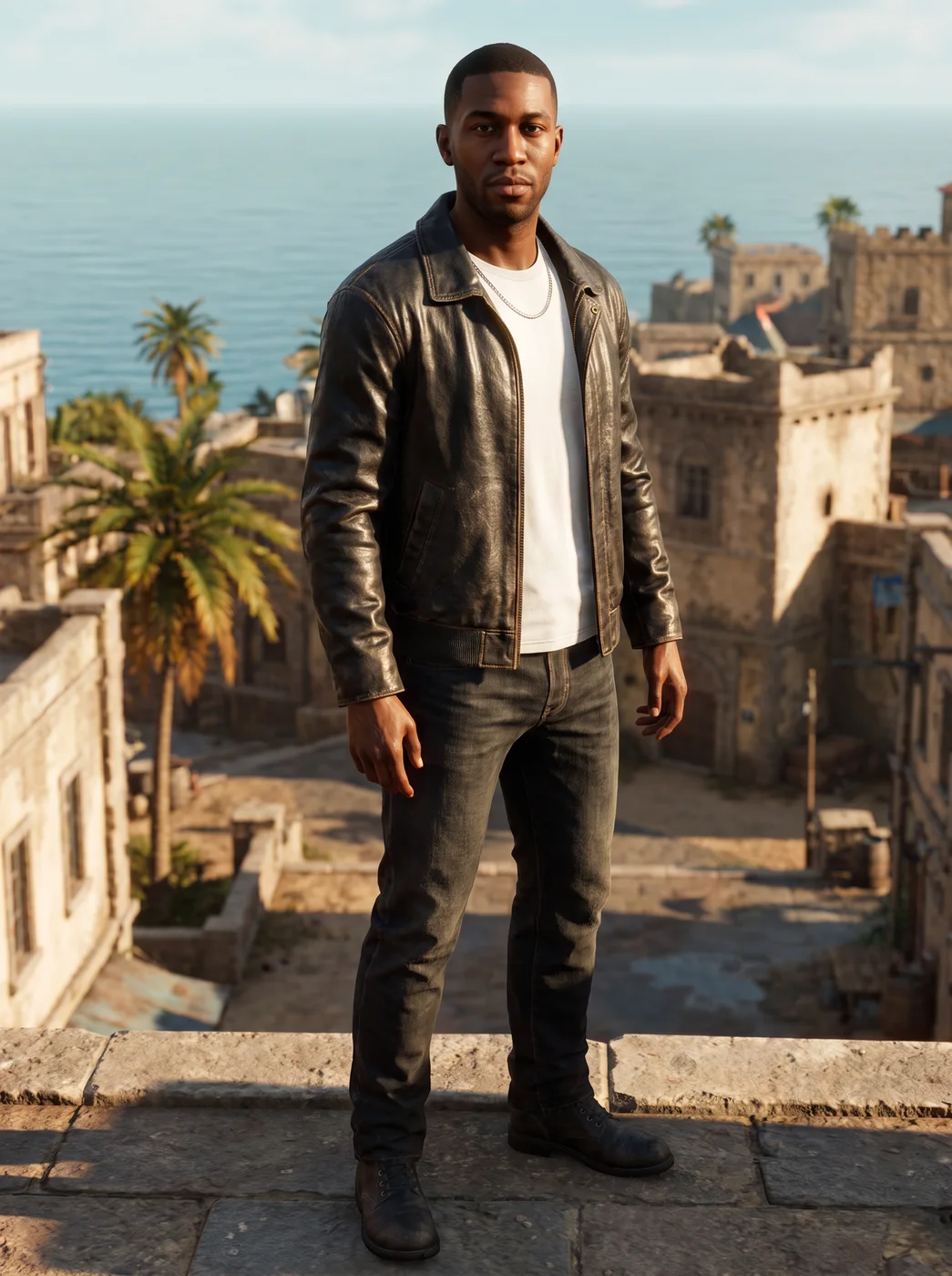
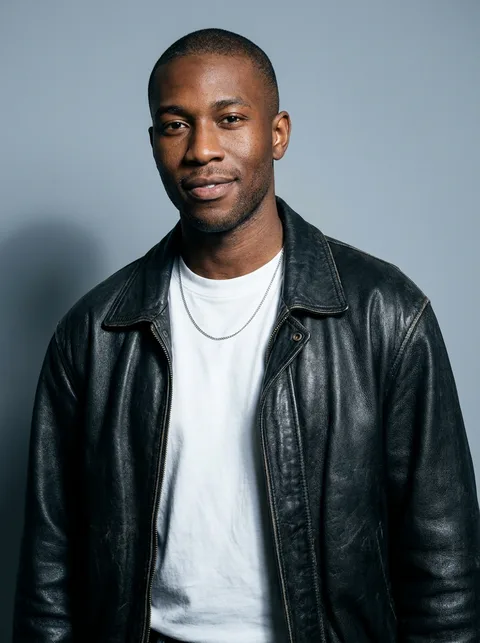
To make a pixel art character from a photo, open the eroq Game character app, upload the photo, choose the Pixel art style and press Generate. You get a full-body retro game hero with your hair, colours and silhouette, as a still or a short animated clip.
40 free credits · no card · private mode on every account
- App
- Game character, in the eroq studio: one click, no prompt to write
- Input
- Your photo, or one of your characters
- Output
- A picture, or a 5-second clip made from it
- Price
- 124 credits a picture · 614 credits with the clip, shown before you click
- Plans
- Every plan, free accounts included
- Policy
- Fiction only · 18 or older · no real people without consent
Privacy
Private and unrestricted
- →No filter on eroq's own engines: one written policy instead.
- →They keep nothing, and nothing trains on your work.
- →Private mode keeps no file at all.
How it works
- →1 · Upload your own photo, or one of someone who agreed, or pick one of your characters.
- →2 · Set Game style to Pixel art.
- →3 · Press Generate, then Make it move if you want it animated.
Where a pixel art you works
- →A retro avatar for a Twitch, Discord or forum profile.
- →A mascot for a gaming channel's intro or end screen.
- →Concept art for a retro game hero before a pixel artist draws the sprites.
- →Matching pixel portraits of a whole friend group, each with their OK.
What pixel art keeps, and what it drops
- →Kept best: hair, colours and silhouette, the things that read at low resolution.
- →Simplified: small facial features, fine patterns and tiny accessories.
- →It is one image in a pixel style, not a sprite sheet or a tile set.
- →For a playable game, a pixel artist still needs to draw the animation frames.
Frequently asked questions
Can I use the result as a game sprite?
Not directly: it is a single image in a pixel art look, not a sprite sheet with frames. It works as concept art or an avatar.
Does pixel art keep my face?
It keeps what reads in pixels: your hair, your colours and your general look. Fine facial detail is simplified, as in any pixel art.
Can the pixel character move?
Yes, Make it move turns the finished picture into a 5-second clip without sound.
Can I make pixel art of my saved character?
Yes, pick one of your characters instead of uploading a photo, then choose Pixel art.
Is the Game character app free?
You can open the app and set it up without an account. A picture costs 124 credits (614 credits with the clip), shown on the button before you click, and a failed render gives the credits back. Every new account gets 40 free credits with no card; more credits start with a $10 pack (1,000 credits) or a plan from $15/month.
Try it free
40 free credits · no card · private mode on every account
Keep exploring