Tool
AI video game character
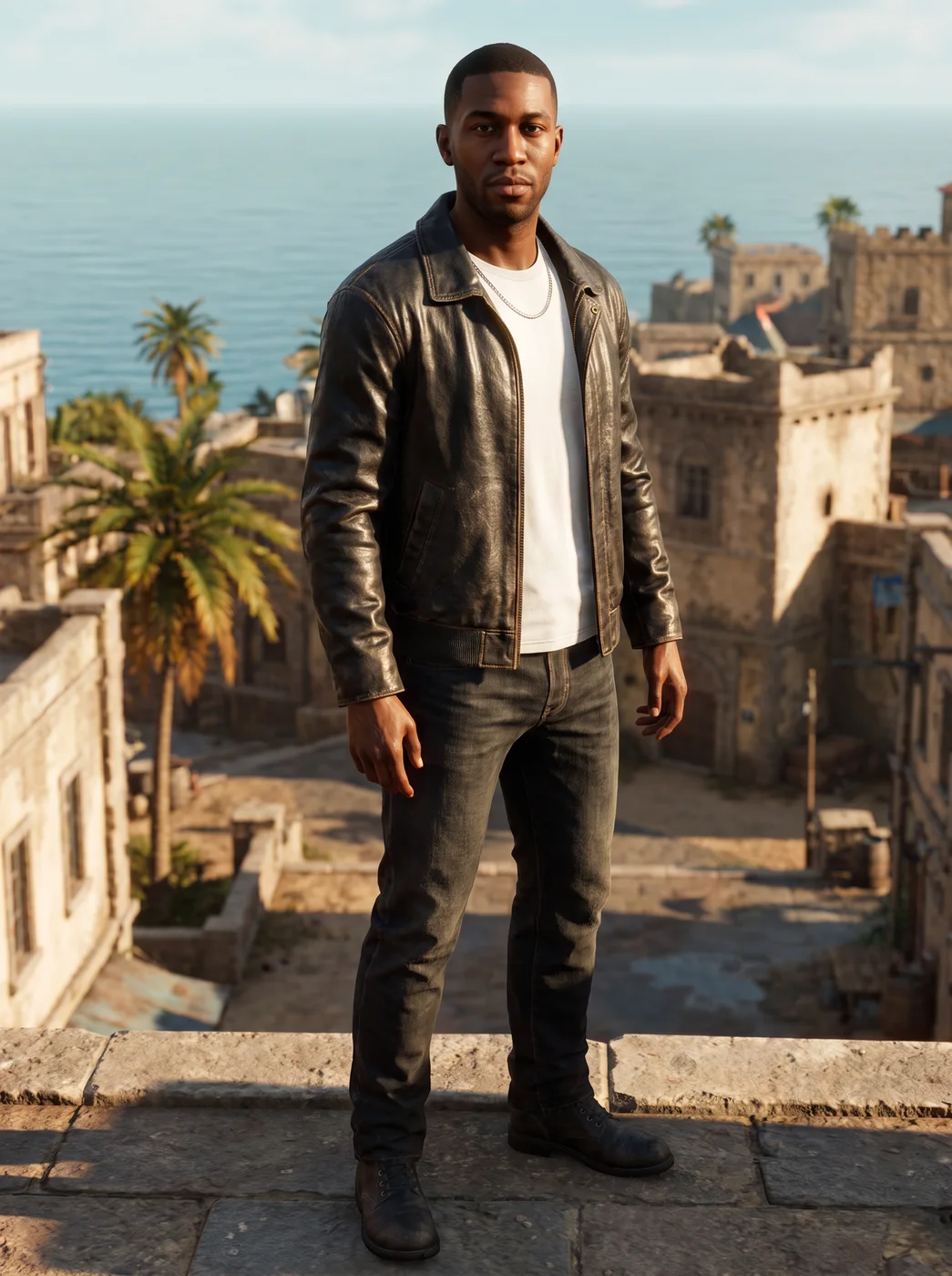
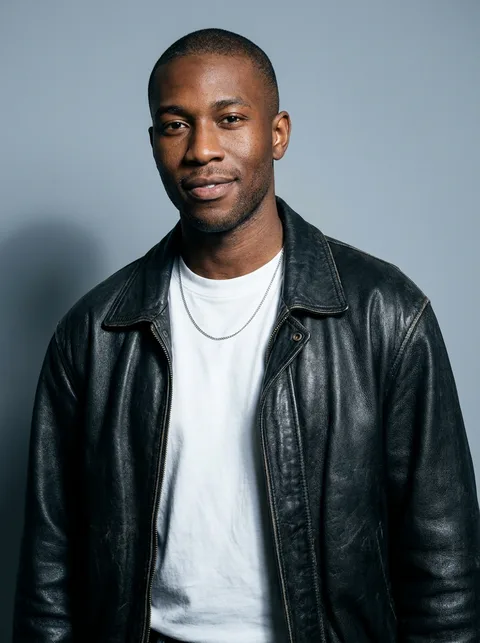
The eroq Game character app turns your photo into a playable video game character, full body in a heroic stance, in the style you pick: open world, fantasy RPG, fighting game or pixel art. Your face, hair and features stay recognisable, and the result can be a still or a 5-second clip.
40 free credits · no card · private mode on every account
- App
- Game character, in the eroq studio: one click, no prompt to write
- Input
- Your photo, or one of your characters
- Output
- A picture, or a 5-second clip made from it
- Price
- 124 credits a picture · 614 credits with the clip, shown before you click
- Plans
- Every plan, free accounts included
- Policy
- Fiction only · 18 or older · no real people without consent
Privacy
Private and unrestricted
- →No filter on eroq's own engines: one written policy instead.
- →They keep nothing, and nothing trains on your work.
- →Private mode keeps no file at all.
How it works
- →1 · Upload your own photo, or one of someone who agreed, or pick one of your characters.
- →2 · Pick a game style, then Image for the still or Video for a 5-second clip.
- →3 · Press Generate; Make it move turns a finished still into a clip later.
What it's good for
- →A gamer avatar for a stream, a server or a forum profile.
- →Character art for a tabletop campaign or a game night invite.
- →A cover or a thumbnail for a gaming video.
- →A friend as the hero of their favourite genre, with their OK, as a gift.
- →Concept art for an indie game hero, starting from a real face that agreed.
What to expect
- →Full body in a heroic stance, so the face is smaller than in a portrait.
- →Your face, hair and features carry over; the outfit may change to fit the style.
- →It is a picture or a clip, not a 3D model you can import into a game.
- →The clip is 5 seconds of motion, without sound.
Frequently asked questions
How do I turn myself into a video game character?
Open the Game character app, upload your photo or pick a character, choose a style and press Generate. You get a full-body game character with your face and hair.
Which game styles can I pick?
Open world, Fantasy RPG, Fighting game and Pixel art. Each gives the character a different look, from a realistic hero to a retro sprite style.
Can I get a 3D model to use in a game?
No, the app makes a picture or a short clip in an in-game look. It is not a 3D file you can rig or import.
Can my game character move?
Yes. Choose Video before generating, or press Make it move on a finished picture, for a 5-second clip without sound.
Is the Game character app free?
You can open the app and set it up without an account. A picture costs 124 credits (614 credits with the clip), shown on the button before you click, and a failed render gives the credits back. Every new account gets 40 free credits with no card; more credits start with a $10 pack (1,000 credits) or a plan from $15/month.
Try it free
40 free credits · no card · private mode on every account
Keep exploring