Tool
Faceless video generator
eroq makes a faceless video in two tools: Cinema turns your script into B-roll shots with no presenter (tell the Director "no faces on camera"), and the voice studio reads the narration in one of 24 voices or your own clone. Lay the voice-over under the shots in Cinema's Edit tab and export one MP4.
Opens the studio with this filled in. Sign up when you generate: 40 free credits, no card.


Cinema · Neon Rain
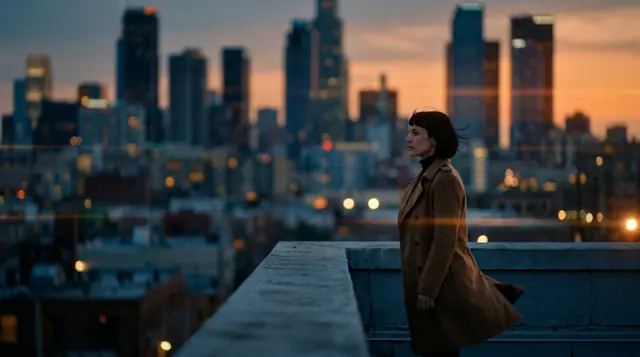 0:00 / 0:39
Cast
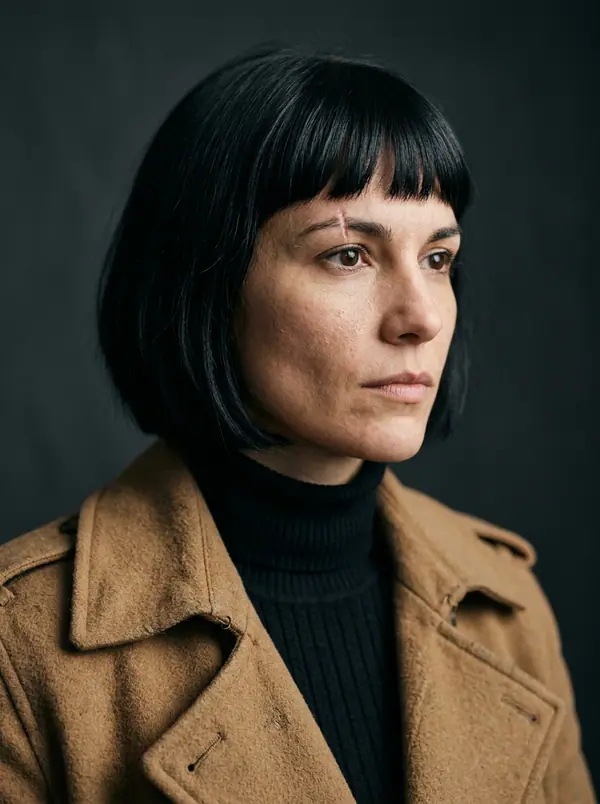 Mara
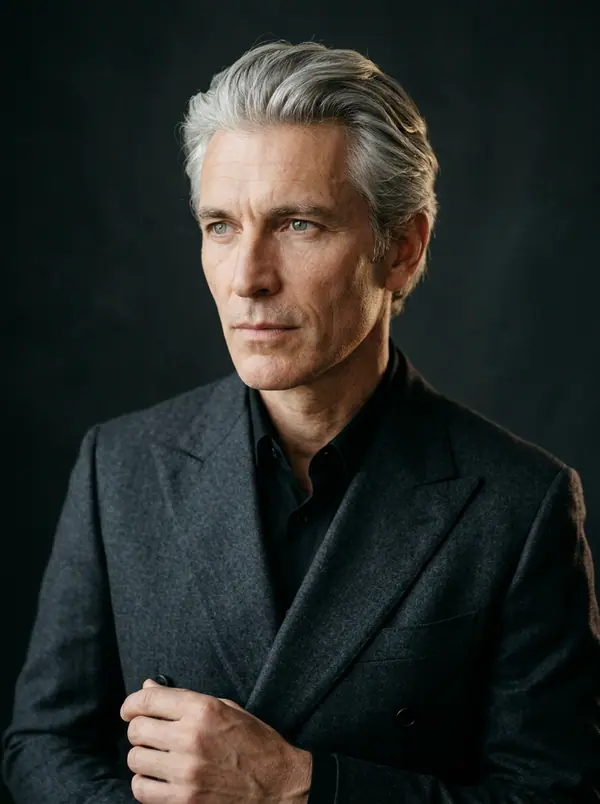 Ivo
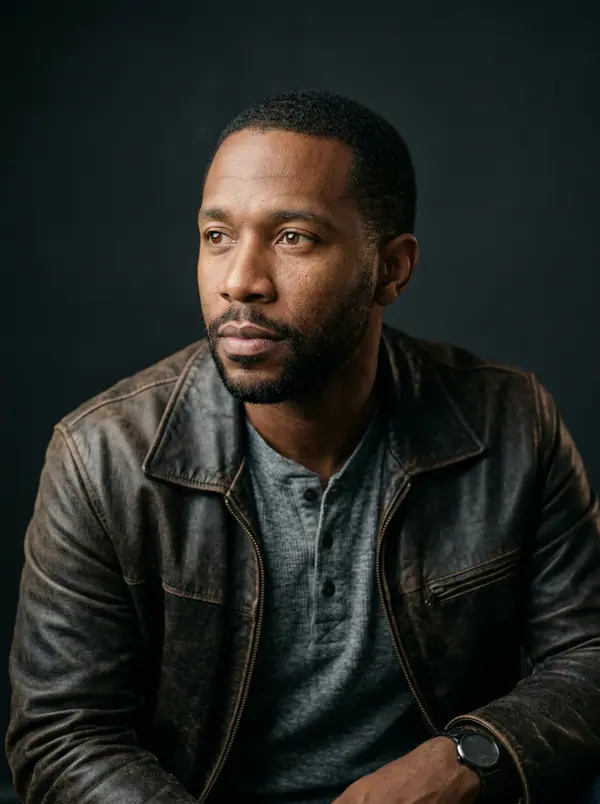 Kai
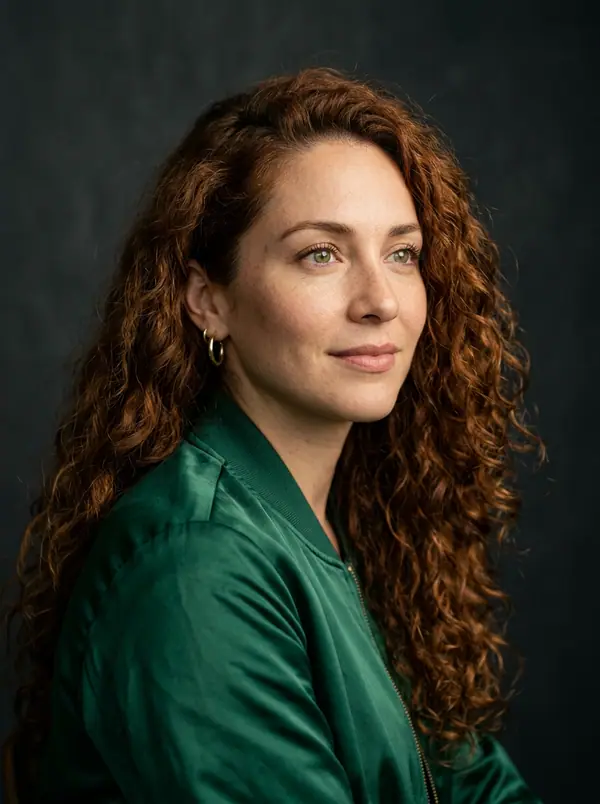 Lena
Shots
6 shots · 39 s
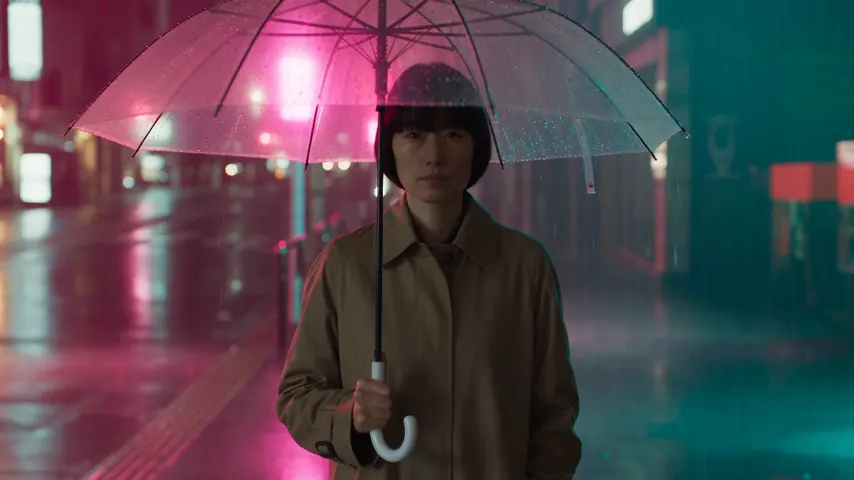
16 sDusk. @Mara looks down at the city she is about to leave.
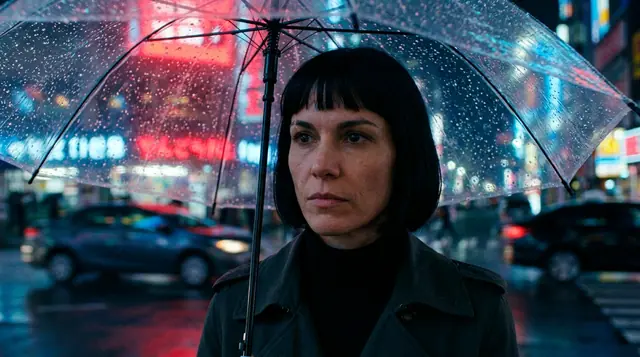 25 s
Rain on her umbrella. The car is waiting across the street.
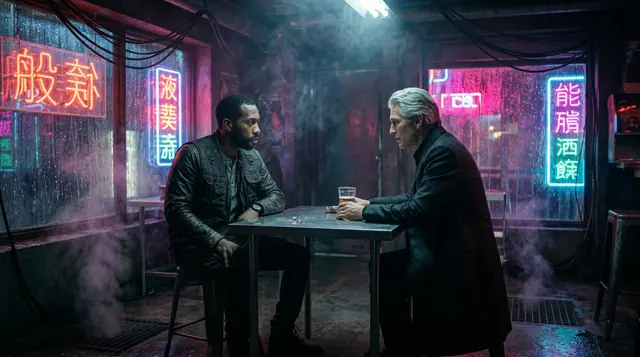 38 s
@Ivo slides an envelope across the table. @Kai doesn't touch it.
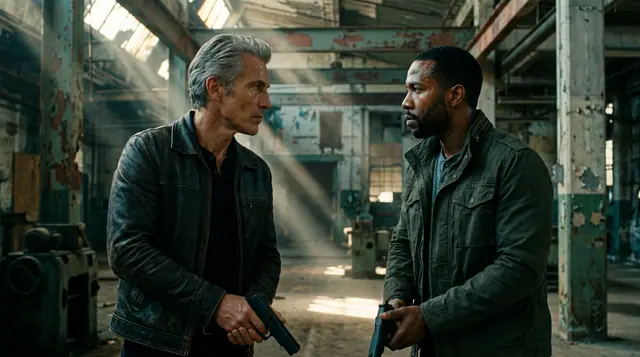 48 s
@Ivo and @Kai face off. Nobody moves first.
 56 s
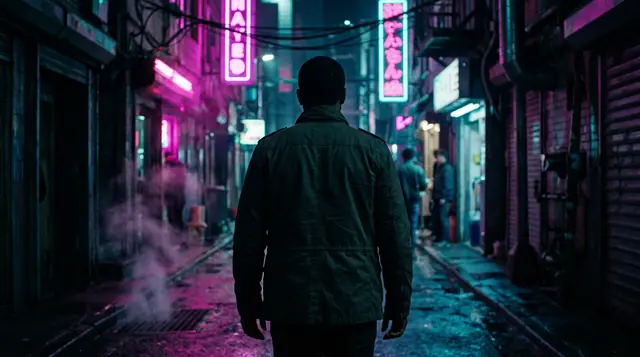
@Kai walks out alone into the neon.
 66 s
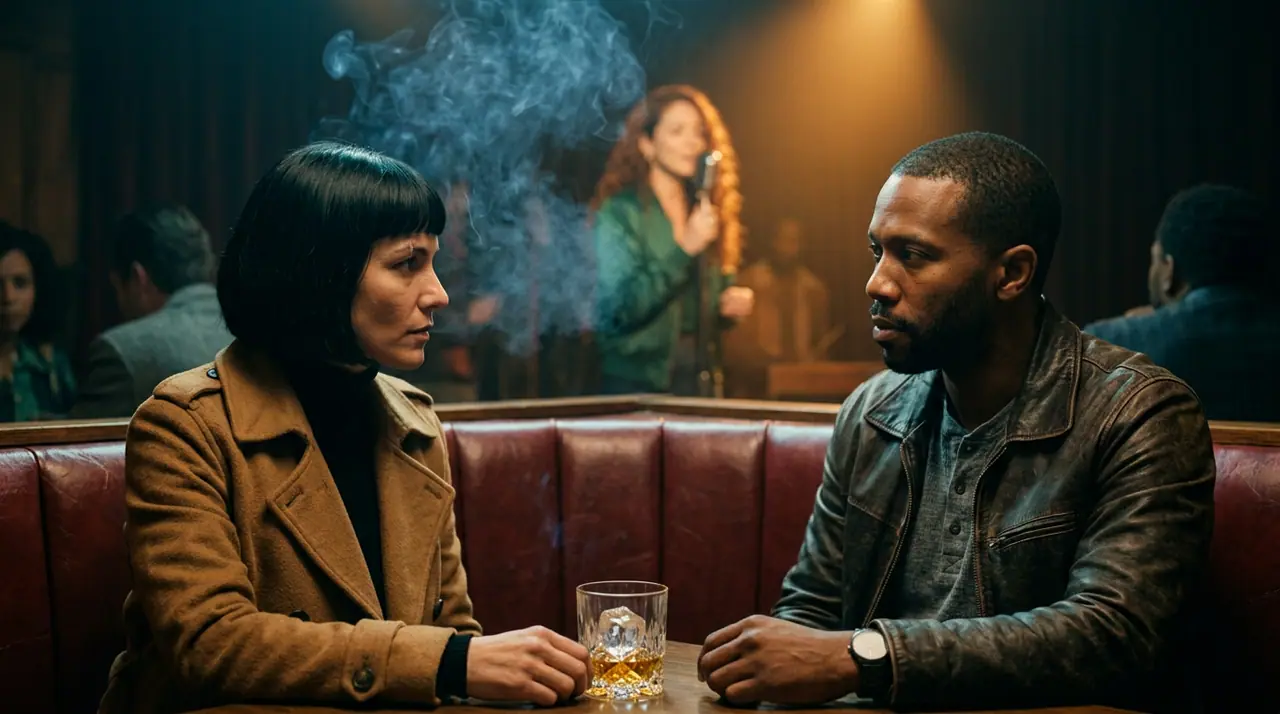
@Mara, @Lena and @Kai: one last drink before the train.
Every shot is in the film
Seedance 2.5 · 16:9 · 720p
- Pictures
- Cinema: B-roll shots from your script
- Narration
- 24 voices or your clone · 13 languages
- Price
- Each shot at its engine's price · narration 3 credits per 100 characters
- Export
- One MP4, in your browser
How to make one
- →1 · Cinema: paste the script and ask for B-roll, no faces on camera. Shoot.
- →2 · Voice: paste the same script, pick a voice and render the narration (3 credits per 100 characters on eroq Voice One).
- →3 · Back in Cinema's Edit tab: the narration on an audio lane, music under it, subtitles, export.
What to put on screen
- →Hands at work, objects, places, maps, archive-style shots: what the narration talks about.
- →Slow camera moves (push-in, pan, aerial) give a calm documentary pace.
- →A Style element keeps one look across every video of the channel.
One channel, every day
Flows can run the routine for you on a schedule (the Studio plan and up): a script written, the clips and the voice rendered, the result filed or waiting for your Post.
Clap · AI agent
Or let Clap make the whole film
Describe the film in Ask. Clap asks what it needs, writes each scene and its lines, casts your characters, storyboards the film and prices the plan. Once you approve, it renders each shot, and one click opens the cut in Cinema. Fully automated, from one sentence to a timeline.
- 1Clap asks one question at a time and keeps the brief, the cast and the storyboard up to date.
- 2The plan lists every render and its price before anything runs.
- 3One click on Approve and everything renders. Failed takes refund themselves.
Ask · Clap
Clap · Thought for 6s
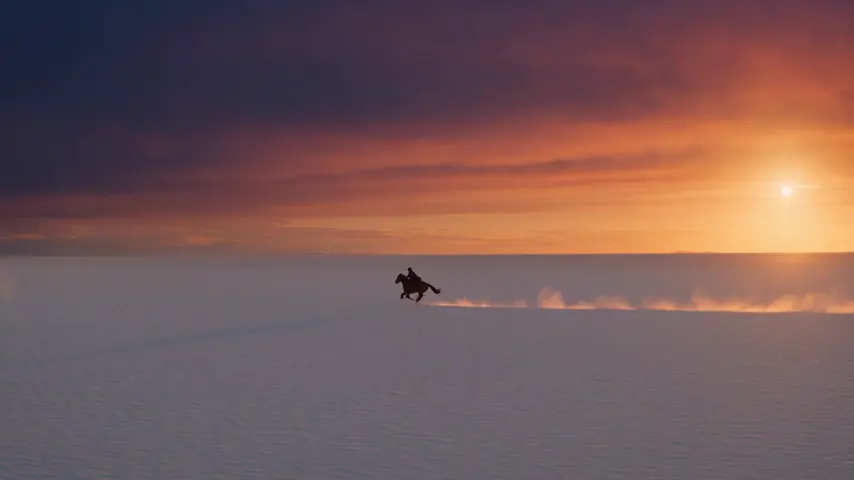
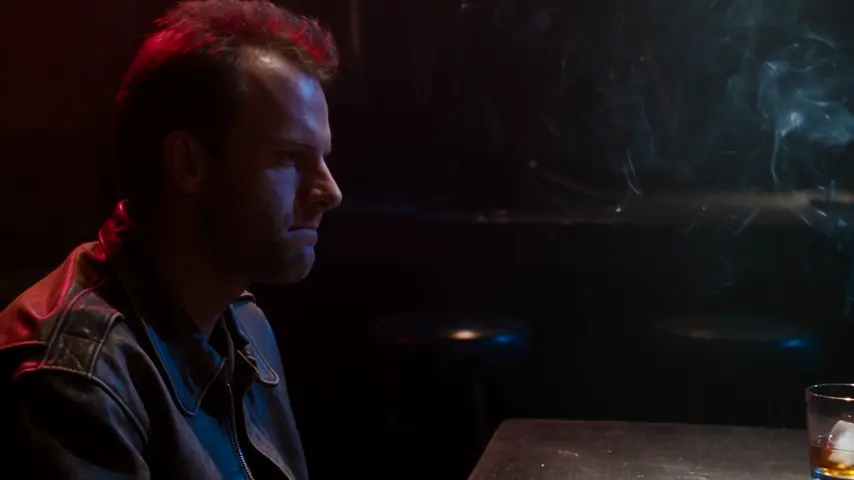
The storyboard is ready: three scenes, a neo-noir look, Mara, Kai and Ivo cast from their sheets. Here is the plan.
Production
The cut opens in Cinema
Starting points
Pick one: it goes into the box at the top, ready to generate.
Privacy
Private and unrestricted
- →No filter on eroq's own engines: one written policy instead.
- →They keep nothing, and nothing trains on your work.
- →Private mode keeps no file at all.
Frequently asked questions
What is a faceless video?
A video where no one appears on camera: footage, objects and places carry the picture, and a narrator's voice carries the story. Many YouTube and TikTok channels run on them.
Is there one button that does it all?
Not one button: Cinema makes the shots, the voice studio the narration, and Cinema's Edit tab joins them. Flows can chain the steps on a schedule.
Can I use my own voice?
Yes: clone it from a clean minute of speech in the voice studio and pick the clone for the narration.
How much does a minute cost?
About 27 credits of narration (a minute is roughly 900 characters on eroq Voice One), plus each shot at its engine's price, shown before you shoot.
Is it free?
Free to start: every new account gets 40 free credits with no card. A clip costs from 50 credits for five seconds on eroq Motion One at 480p, shown before you click, and a failed render refunds itself. More credits start with a $10 pack (1,000 credits) or a plan from $15/month.
Try it free
Opens the studio with this filled in. Sign up when you generate: 40 free credits, no card.
Keep exploring