Tool
Faceless video generator
eroq makes a faceless video in two tools: Cinema turns your script into B-roll shots with no presenter (tell the Director "no faces on camera"), and the voice studio reads the narration in one of 24 voices or your own clone. Lay the voice-over under the shots in Cinema's Edit tab and export one MP4.
Öffnet das Studio mit allem ausgefüllt. Registrier dich beim Generieren: 40 Gratis-Credits, keine Kreditkarte.


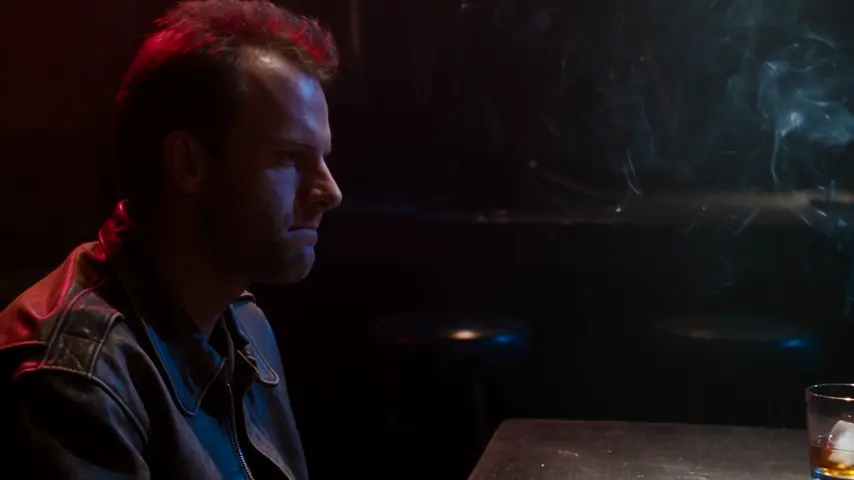
Cinema · Neon Rain
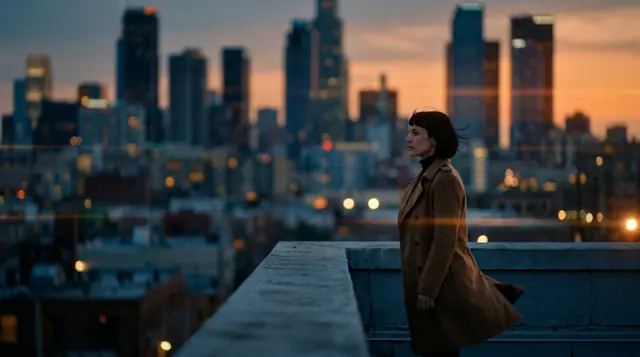 0:00 / 0:39
Besetzung
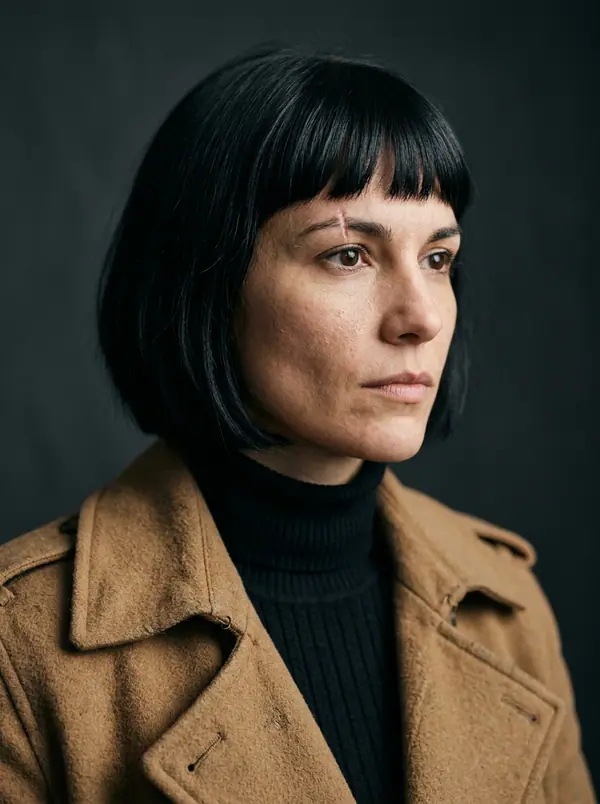 Mara
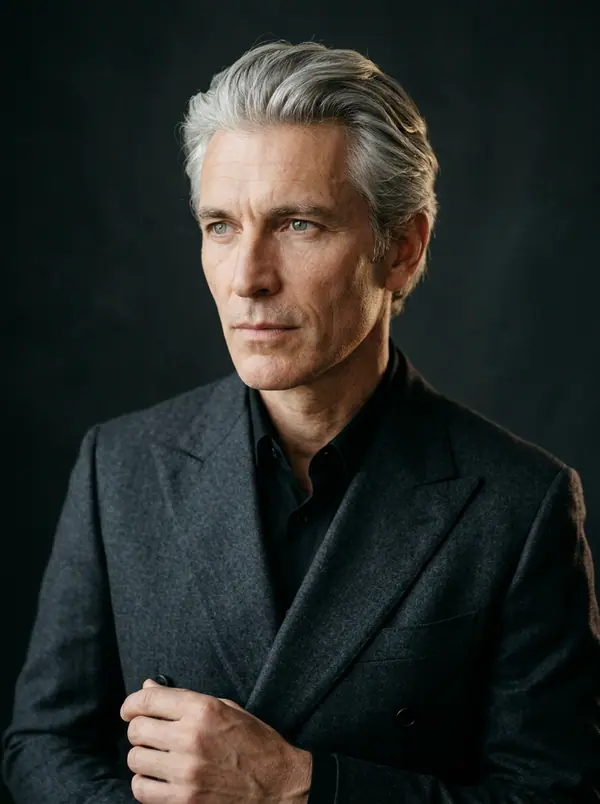 Ivo
 Kai
 Lena
Einstellungen
6 Einstellungen · 39 s
16 sAbenddämmerung. @Mara blickt auf die Stadt, die sie gleich verlässt.
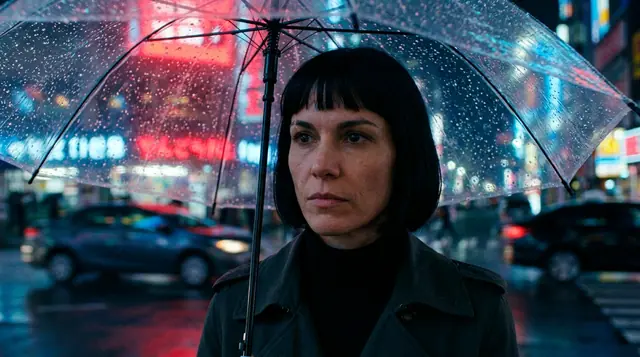 25 s
Regen auf ihrem Schirm. Auf der anderen Straßenseite wartet der Wagen.
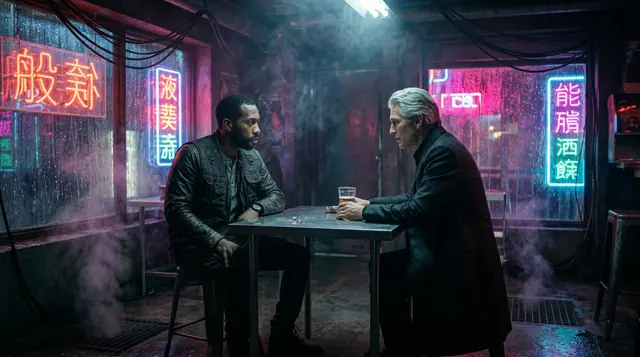 38 s
@Ivo schiebt einen Umschlag über den Tisch. @Kai rührt ihn nicht an.
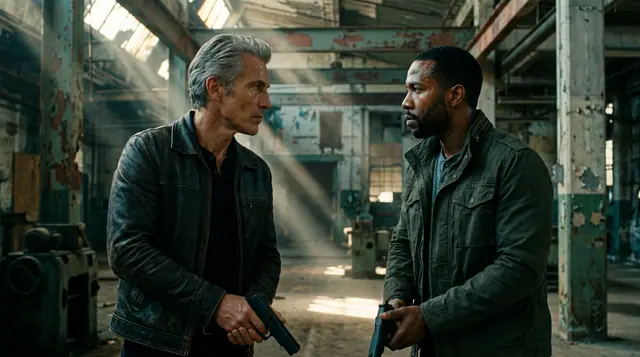 48 s
@Ivo und @Kai stehen sich gegenüber. Keiner bewegt sich zuerst.
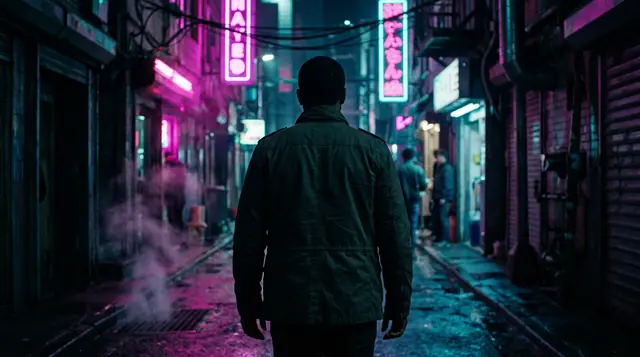 56 s
@Kai geht allein hinaus ins Neonlicht.
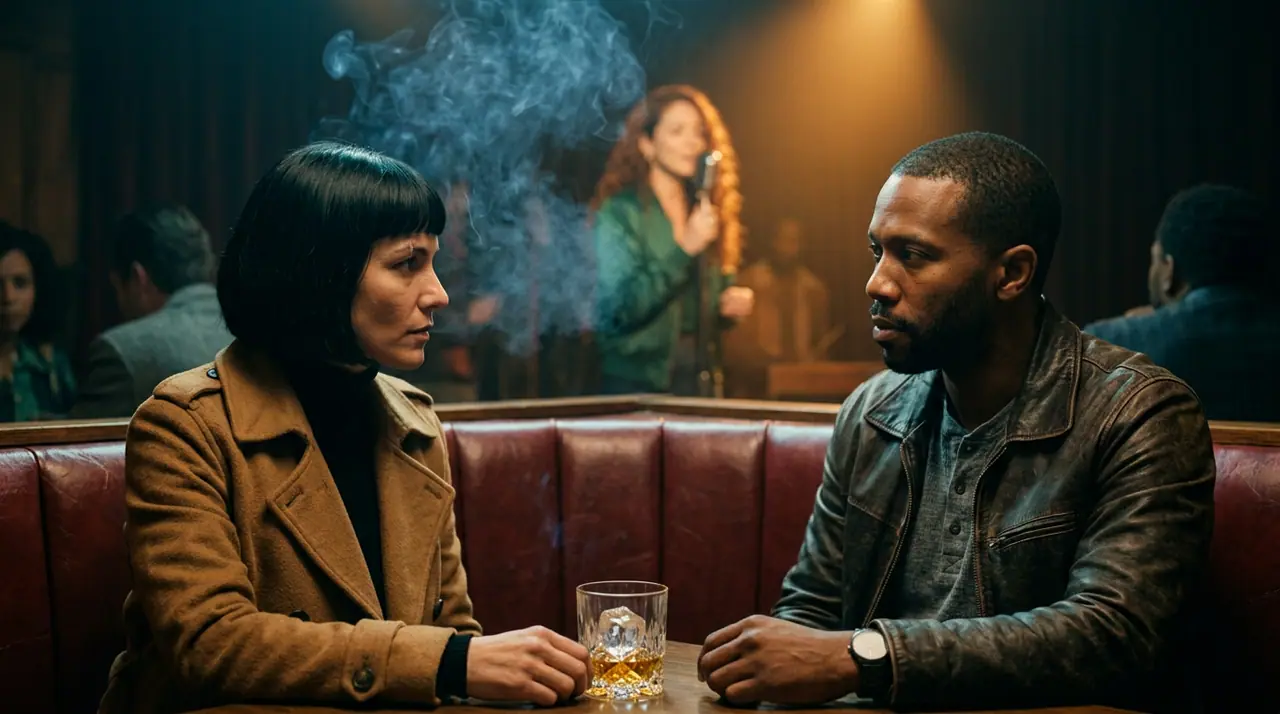 66 s
@Mara, @Lena und @Kai: ein letzter Drink vor dem Zug.
Alle Einstellungen sind im Film
Seedance 2.5 · 16:9 · 720p
- Pictures
- Cinema: B-roll shots from your script
- Narration
- 24 voices or your clone · 13 languages
- Price
- Each shot at its engine's price · narration 3 credits per 100 characters
- Export
- One MP4, in your browser
How to make one
- →1 · Cinema: paste the script and ask for B-roll, no faces on camera. Shoot.
- →2 · Voice: paste the same script, pick a voice and render the narration (3 credits per 100 characters on eroq Voice One).
- →3 · Back in Cinema's Edit tab: the narration on an audio lane, music under it, subtitles, export.
What to put on screen
- →Hands at work, objects, places, maps, archive-style shots: what the narration talks about.
- →Slow camera moves (push-in, pan, aerial) give a calm documentary pace.
- →A Style element keeps one look across every video of the channel.
One channel, every day
Flows can run the routine for you on a schedule (the Studio plan and up): a script written, the clips and the voice rendered, the result filed or waiting for your Post.
Clap · KI-Agent
Oder lass Clap den ganzen Film machen
Beschreib den Film in Ask. Clap fragt nach, was es braucht, schreibt jede Szene mit ihren Dialogen, besetzt deine Charaktere, erstellt das Storyboard und berechnet den Preis des Plans. Sobald du freigibst, rendert es jede Einstellung, und ein Klick öffnet den Schnitt in Cinema. Vollautomatisch, von einem Satz bis zur Timeline.
- 1Clap stellt eine Frage nach der anderen und hält Briefing, Besetzung und Storyboard aktuell.
- 2Der Plan zeigt jedes Render und seinen Preis, bevor irgendetwas läuft.
- 3Ein Klick auf Freigeben, und alles wird gerendert. Fehlgeschlagene Takes erstatten sich selbst.
Ask · Clap
Clap · 6s nachgedacht
Das Storyboard steht: drei Szenen, ein Neo-Noir-Look, Mara, Kai und Ivo aus ihren Charakterblättern besetzt. Hier ist der Plan.
Produktion


Der Schnitt öffnet sich in Cinema
Startideen
Wähl einen aus: Er landet im Feld oben, bereit zum Generieren.
Privatsphäre
Privat und uneingeschränkt
- →Kein Filter auf den eigenen Engines von eroq: stattdessen eine schriftliche Richtlinie.
- →Sie behalten nichts, und nichts wird mit deiner Arbeit trainiert.
- →Der Privatmodus speichert keine einzige Datei.
Häufig gestellte Fragen
What is a faceless video?
A video where no one appears on camera: footage, objects and places carry the picture, and a narrator's voice carries the story. Many YouTube and TikTok channels run on them.
Is there one button that does it all?
Not one button: Cinema makes the shots, the voice studio the narration, and Cinema's Edit tab joins them. Flows can chain the steps on a schedule.
Can I use my own voice?
Yes: clone it from a clean minute of speech in the voice studio and pick the clone for the narration.
How much does a minute cost?
About 27 credits of narration (a minute is roughly 900 characters on eroq Voice One), plus each shot at its engine's price, shown before you shoot.
Is it free?
Free to start: every new account gets 40 free credits with no card. A clip costs from 50 credits for five seconds on eroq Motion One at 480p, shown before you click, and a failed render refunds itself. More credits start with a $10 pack (1,000 credits) or a plan from $15/month.
Kostenlos ausprobieren
Öffnet das Studio mit allem ausgefüllt. Registrier dich beim Generieren: 40 Gratis-Credits, keine Kreditkarte.
Weiter entdecken