Tool
AI outfit swap
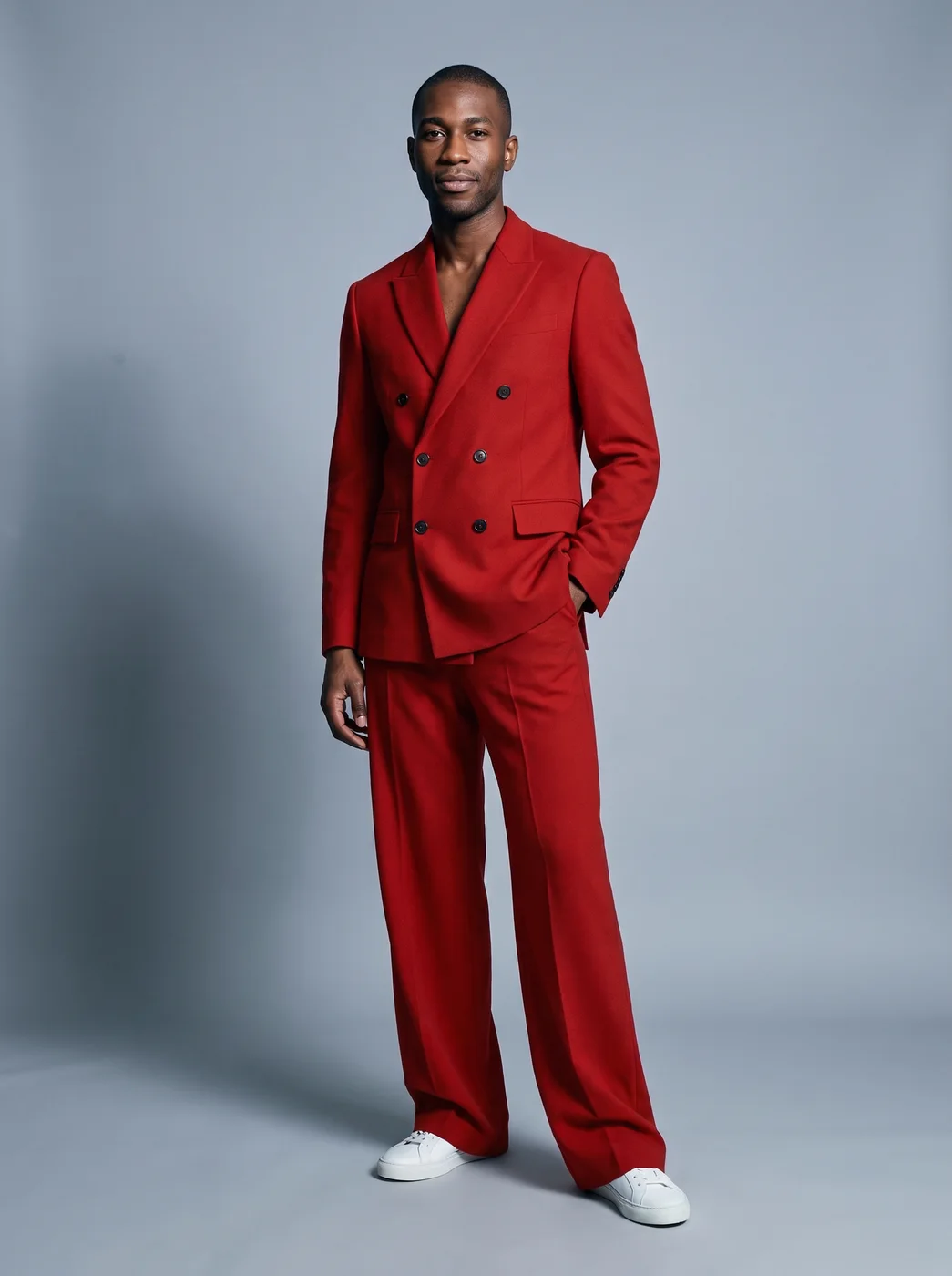
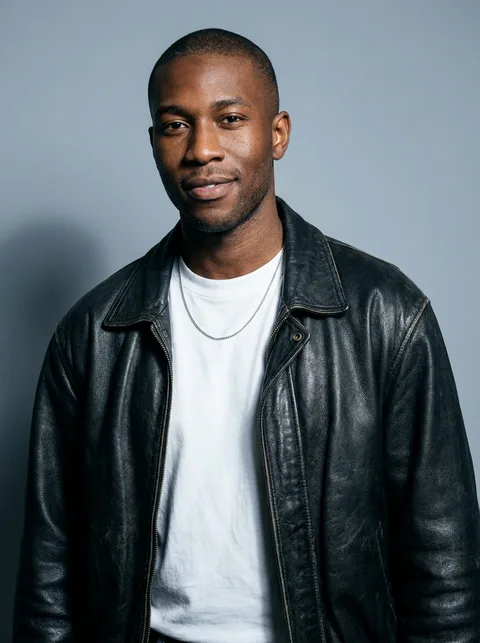
The eroq Outfit swap app dresses the person in your photo in the outfit from a second picture, with the same garments, colors, fabric and fit. Your face, hair, body, pose, light and background stay exactly as they were.
40 free credits · no card · private mode on every account
- App
- Outfit swap, in the eroq studio: one click, no prompt to write
- Input
- Your photo and a photo of the outfit, or one of your characters
- Output
- A picture
- Price
- 124 credits a picture, shown before you click
- Plans
- Every plan, free accounts included
- Policy
- Fiction only · 18 or older · no real people without consent
Privacy
Private and unrestricted
- →No filter on eroq's own engines: one written policy instead.
- →They keep nothing, and nothing trains on your work.
- →Private mode keeps no file at all.
How it works
- →1 · Upload your photo (your own, or of someone who agreed), or pick one of your characters.
- →2 · Add the outfit: a photo of someone wearing the look you want.
- →3 · Press Generate and see yourself in it.
What it is good for
- →Trying a look you saw in a shop window, a magazine or a street photo.
- →Planning what to wear to a wedding, an interview or a night out.
- →Showing a stylist or a tailor the idea before a fitting.
- →Seeing a friend's outfit on you before you borrow it.
For a good result
- →Your photo: standing, the body in view, arms not hiding the clothes.
- →The outfit photo: the whole look visible, sharp, in good light.
- →Similar framing in both helps: full body with full body, waist up with waist up.
- →Small prints, logos and lettering on clothes may come out redrawn; check them.
Frequently asked questions
How do I change clothes in a photo with AI?
Upload your photo, add a photo of the outfit and press Generate. The app dresses you in it and keeps your face, pose and background.
Does the outfit photo need a person in it?
The app is made for an outfit someone is wearing. For a product photo, a flat lay or clothes on a hanger, the Virtual try-on app is the better fit.
Does it keep my face and body?
Yes: your face, hair, body and pose stay as they were, and only the clothes change. The garments take the shape of your body with the cut of the original.
Can I use a photo of someone else?
For your photo, use your own or one of a person who agreed. The outfit photo only gives the clothes; the face of the person wearing them is not used.
Is the Outfit swap app free?
You can open the app and set it up without an account. A picture costs 124 credits, shown on the button before you click, and a failed render gives the credits back. Every new account gets 40 free credits with no card; more credits start with a $10 pack (1,000 credits) or a plan from $15/month.
Try it free
40 free credits · no card · private mode on every account
Keep exploring