Tool
AI mural generator
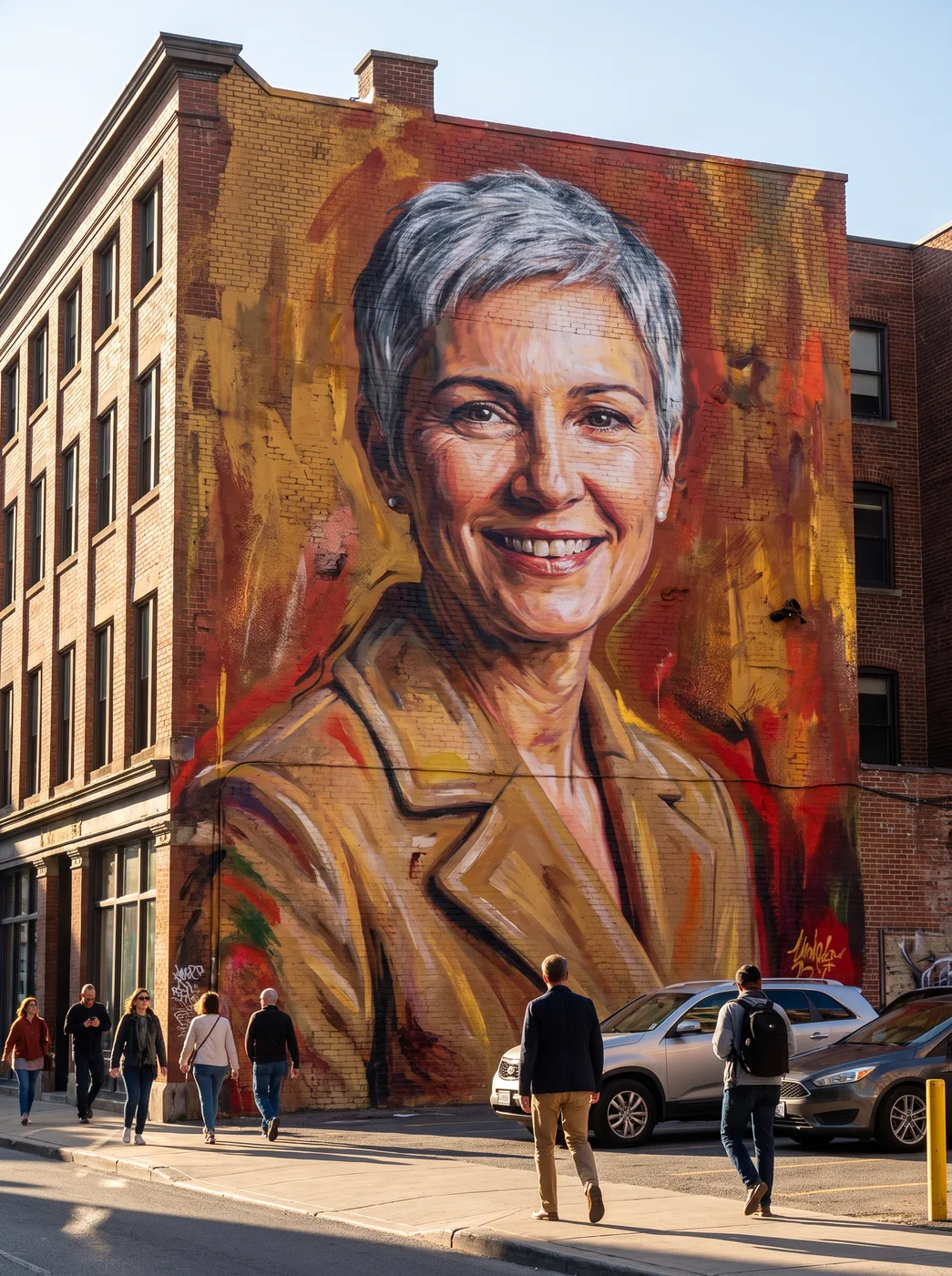
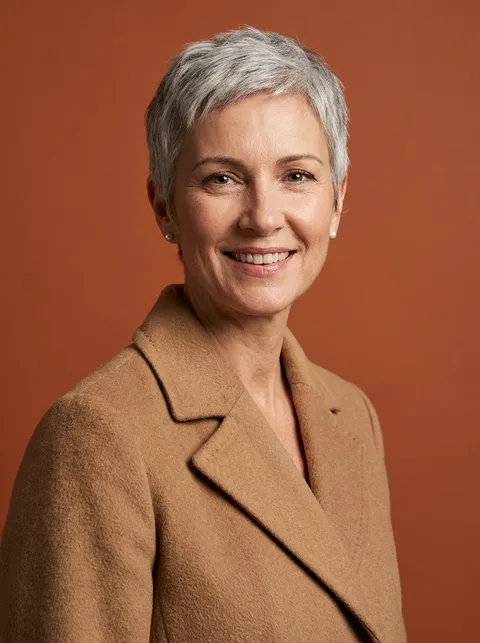
The eroq Mural app paints your photo as a huge street mural across the side of a brick building, with bold brush strokes, spray-paint details and people walking by for scale. Upload a photo or pick a character, press Generate, and keep the still or turn it into a 5-second clip.
40 free credits · no card · private mode on every account
- App
- Mural, in the eroq studio: one click, no prompt to write
- Input
- A photo, or one of your characters
- Output
- A picture, or a 5-second clip made from it
- Price
- 124 credits a picture · 614 credits with the clip, shown before you click
- Plans
- Every plan, free accounts included
- Policy
- Fiction only · 18 or older · no real people without consent
Privacy
Private and unrestricted
- →No filter on eroq's own engines: one written policy instead.
- →They keep nothing, and nothing trains on your work.
- →Private mode keeps no file at all.
How it works
- →1 · Upload your own photo, or one of someone who agreed, or pick one of your characters.
- →2 · Choose Image for the still, or Video for the picture plus a 5-second clip.
- →3 · Press Generate; on a finished still, Make it move adds the clip later.
What it's good for
- →A profile picture or a cover that looks like street art.
- →A short clip of the street around your mural for a story or a reel.
- →Muralists sketching how a portrait wall could look before pitching it.
- →A recurring visual for an AI character's page.
What to expect
- →The brick building, the sunny afternoon and the passers-by are part of every result.
- →The likeness comes through in paint: bold strokes, not a copy of the photo.
- →The clip is 5 seconds of motion, without sound.
- →The result is a photo of a wall; crop it if you only want the painting.
Frequently asked questions
How do I turn my photo into a mural?
Open the Mural app, upload your photo or pick a character, and press Generate. You get a photoreal picture of a street mural of you on a brick building.
Can the mural move?
Yes. Choose Video before you generate, or press Make it move on a finished picture, for a 5-second clip without sound.
Will people recognise me in the mural?
The app keeps the likeness while painting it in bold brush strokes and spray paint, so the face reads as you. A clear, front-facing photo gives the closest result.
Can I choose the wall or the city?
No, the scene is set: a brick building on a sunny afternoon, people on the sidewalk below. What changes is who is painted.
Is the Mural app free?
You can open the app and set it up without an account. A picture costs 124 credits (614 credits with the clip), shown on the button before you click, and a failed render gives the credits back. Every new account gets 40 free credits with no card; more credits start with a $10 pack (1,000 credits) or a plan from $15/month.
Try it free
40 free credits · no card · private mode on every account
Keep exploring