Tool
AI billboard generator
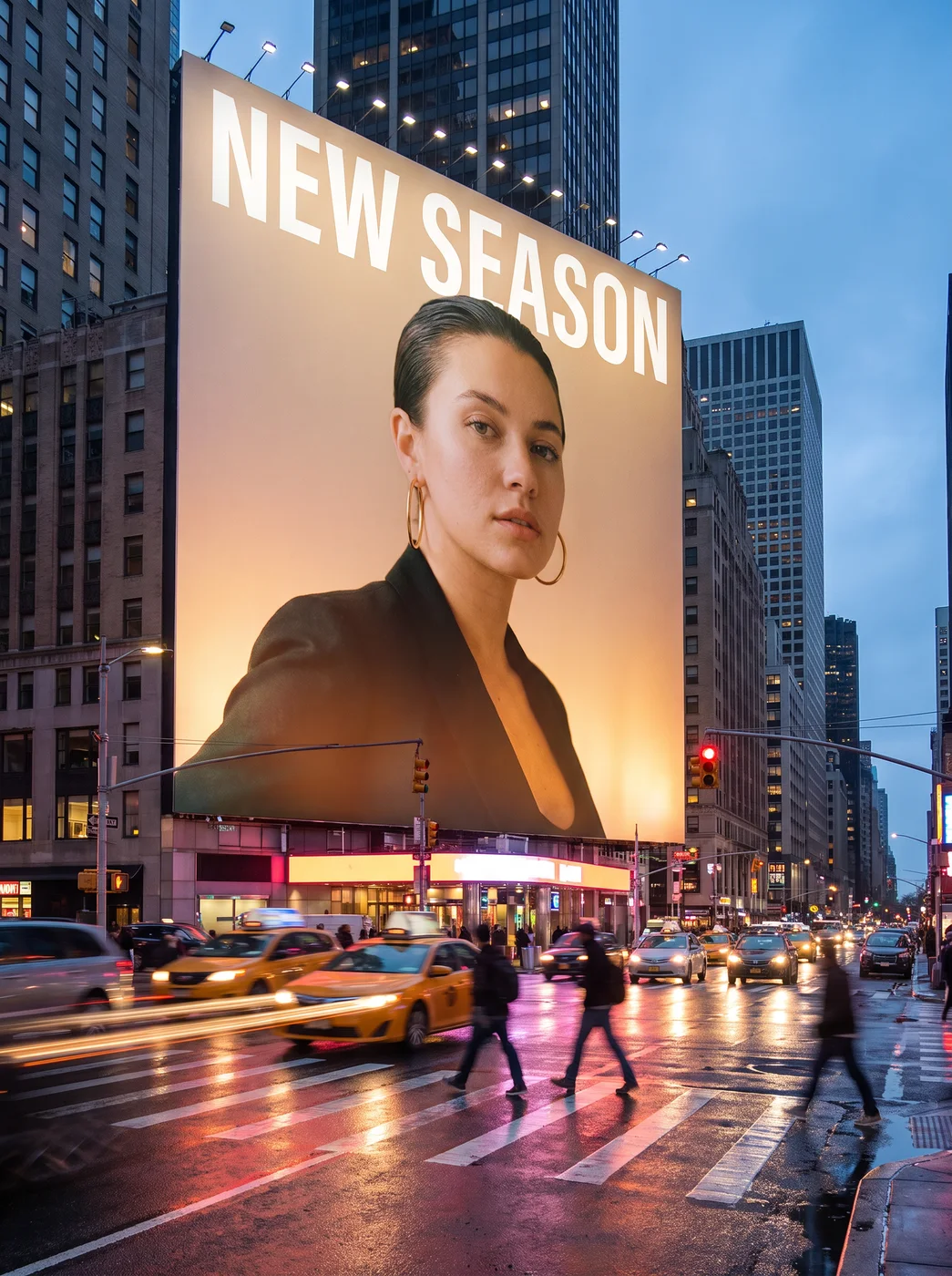
The eroq Billboard app puts your photo on a giant illuminated billboard above a busy city street at dusk, seen from the sidewalk looking up. Add a short line of text if you want one, press Generate, and you get a photoreal still with no prompt to write.
40 free credits · no card · private mode on every account
- App
- Billboard, in the eroq studio: one click, no prompt to write
- Input
- Your photo, or one of your characters
- Output
- A picture
- Price
- 124 credits a picture, shown before you click
- Plans
- Every plan, free accounts included
- Policy
- Fiction only · 18 or older · no real people without consent
Privacy
Private and unrestricted
- →No filter on eroq's own engines: one written policy instead.
- →They keep nothing, and nothing trains on your work.
- →Private mode keeps no file at all.
How it works
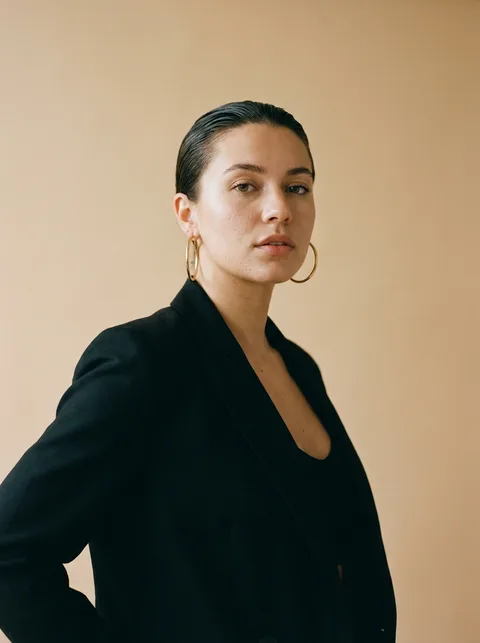
- →1 · Upload your own photo, or one of someone who agreed, or pick one of your characters.
- →2 · Type the billboard text if you want one, a short line like NOW SHOWING.
- →3 · Press Generate and download the still: your portrait fills the billboard above the street.
What it's good for
- →Announcing a launch, a show or a new single with your face in lights.
- →A campaign mockup for a personal brand before paying for real ad space.
- →A poster image for a podcast, a tour date or a film premiere.
- →A recurring ad look for an AI character you post with every week.
What stays the same
- →Your face, hair and outfit, as in the photo you upload.
- →The scene: a city street at dusk, wet asphalt, car light trails, people crossing below.
- →The view: from street level, looking up at the billboard.
- →The text is drawn by the app: keep it short and check the spelling before you post.
Frequently asked questions
How do I put my photo on a billboard?
Open the Billboard app, upload your photo or pick one of your characters, and press Generate. The app places a campaign-style portrait of you on a lit billboard over a city street.
Can I write my own text on the billboard?
Yes, the Billboard text field takes a short line of up to 40 characters. The app draws the lettering, so a few words in capitals come out cleanest; check the spelling before you share it.
Does it keep my face?
Yes. The portrait on the billboard keeps your face, hair and outfit from the photo; only the setting is new.
Can I use it to promote my brand?
Yes, for a personal brand, an artist or a mascot character: the billboard shows a portrait of the person or character you add. It is a mockup picture, not booked ad space, and it is not built for a logo or a product shot.
Is the Billboard app free?
You can open the app and set it up without an account. A picture costs 124 credits, shown on the button before you click, and a failed render gives the credits back. Every new account gets 40 free credits with no card; more credits start with a $10 pack (1,000 credits) or a plan from $15/month.
Try it free
40 free credits · no card · private mode on every account
Keep exploring