blog/trends·Oct 1, 2026·6 min·by the eroq team
How to make the AI crying trend: smile, cry, walk away
A smile, trembling lips, real tears and a walk into the night. Where the AI crying trend comes from and how to make it with your character, not a photo.
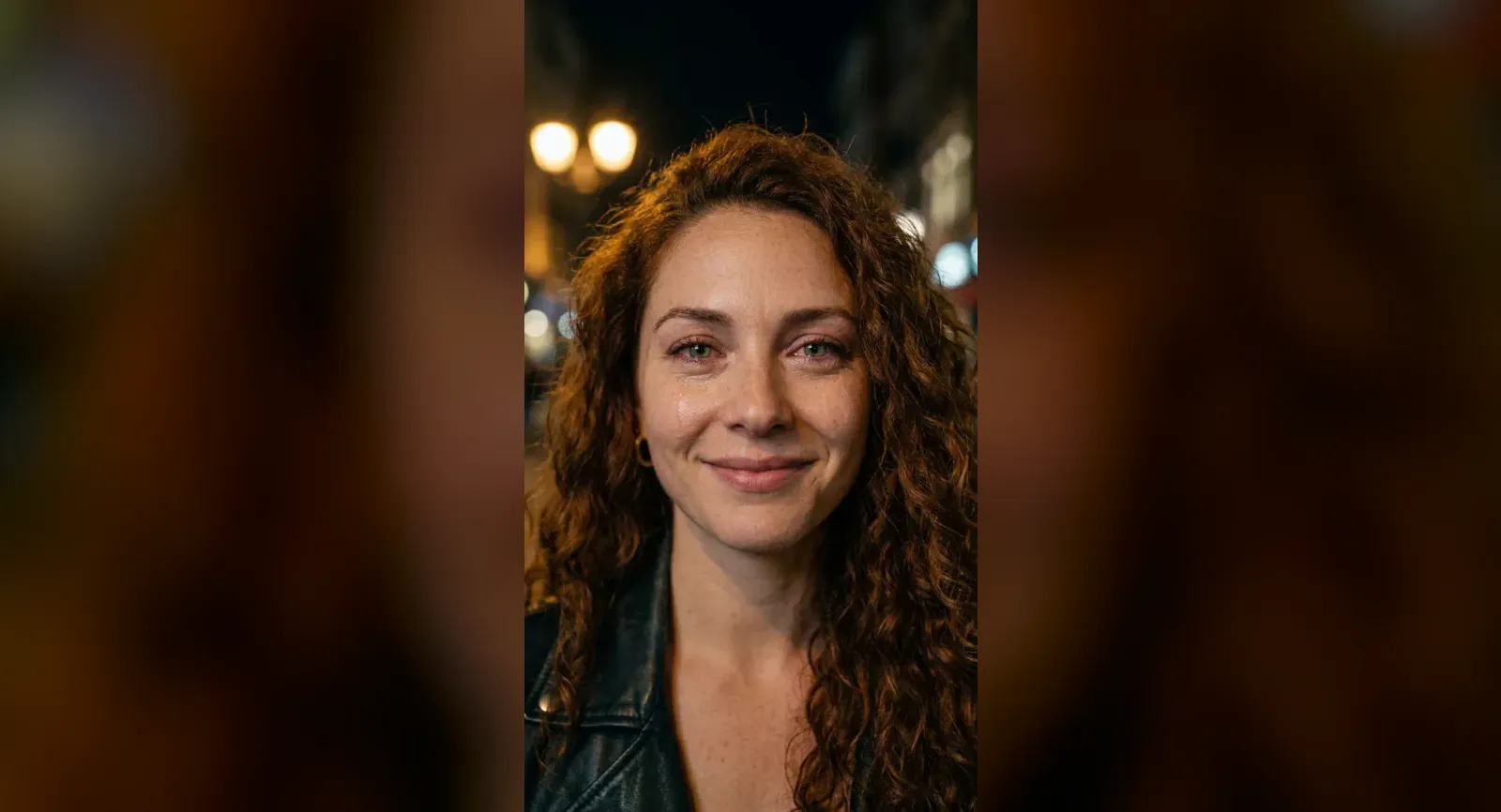
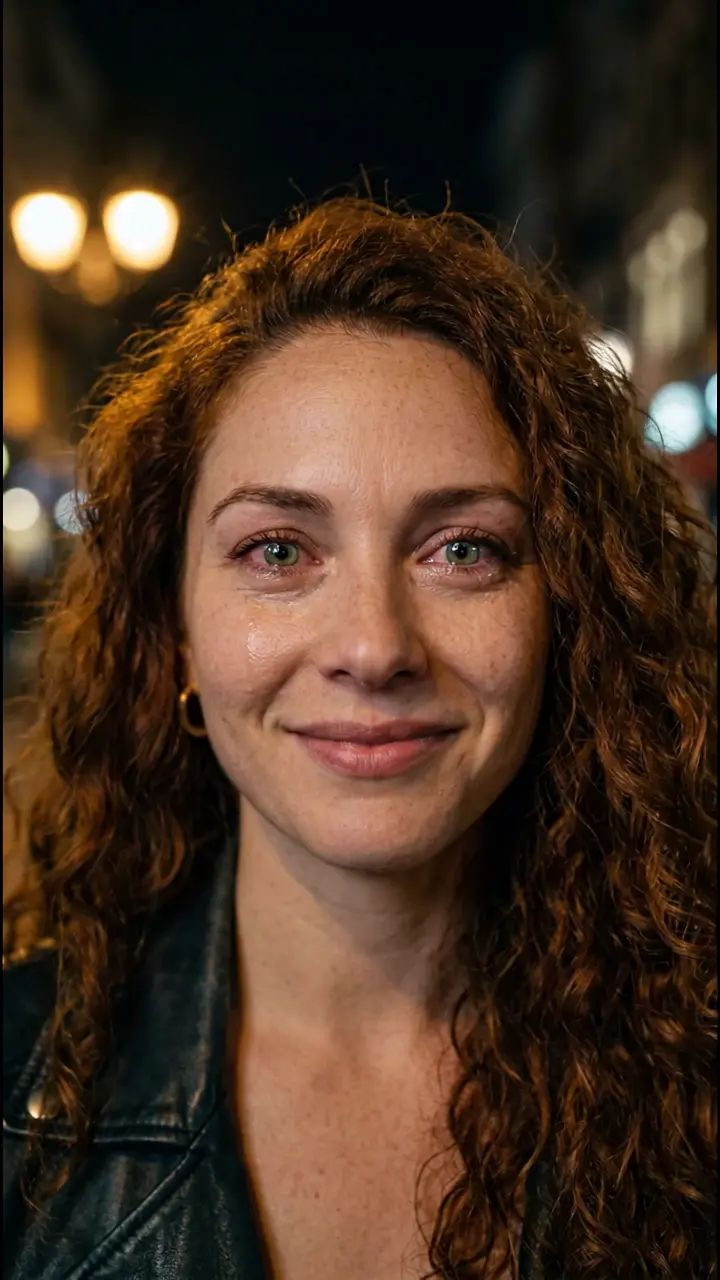 8s
8sMake it in eroq
Smile, cry, walk away
eroq · reference clip
8 s clip · 1 character · 64 credits on Replace
The AI crying trend is the ten-second micro-drama all over Reels and TikTok since the end of September 2026. Someone smiles into the camera, their lips start to tremble, real tears roll down, and they turn and walk away down a street at night. Each one starts from a single photo, and the caption does the rest: a fake breakup, a joke about money, a "crying era". This guide covers where the format comes from, why it travels so well, and how to make your own version in eroq with a character you made, using the ready-made Smile, cry, walk away template.
Where the AI crying trend comes from
AI crying templates have been around since 2025. What is new is the format: three beats in about ten seconds, smile, tears, walk away. That version appeared on Instagram Reels and TikTok between September 26 and 28, 2026, and spread within days. In a sample of 26 Reels from that first wave, the median clip ran 10.1 seconds.
It is not the crying filter that went viral in 2022, which painted tears over a live camera. The 2026 trend generates a whole scene from one picture: the street, the light, the tears and the exit.
Why this format works so well as a trend
- A story in three beats. A smile, a crack, an exit: a beginning, a middle and an end in a few seconds, readable with the sound off.
- Nobody has to act. The trembling lip and the tears are the engine's job, not yours.
- The street sets the mood. Warm streetlamps, a dark sky, city lights out of focus: most versions borrow the look of a drama's sad scene. Some add a blurred figure in the foreground, which turns it into a breakup; others move it to a rainy street.
- The caption makes the joke. The same clip carries a fake heartbreak, a joke about money or a compliment to your own crying face. The video stays, the caption changes.
How the trend versions are made
Most versions come out of a trend template: upload one photo, press a button, get the scene. Whatever face is in that photo gets the tears, including people who never agreed to it.
eroq takes the other road, the one Replace is built for: keep a finished shot and change one thing in it. The template is a reference clip we made, eight vertical seconds of Lena, one of our fictional characters, smiling, crying and walking away down a night street. You swap Lena for your character, and every expression, the timing, the street and the camera stay. Nobody's photo is used without their say, and your own face works too: build a character from your photos. That is what Characters are for: the same person in every shot, whatever the scene asks of them.
Make it in eroq with the Smile, cry, walk away template
- Open the template. Click Use the template on the card at the top of this page, or open it directly. In the studio, it sits on the Replace tab of Video under Trending templates, and under Trending now on your studio home. The eight-second vertical clip loads from eroq: nothing to download, nothing to trim. No account yet? You sign up first and land on the same page.
- Cast your character. The composer shows one slot, for the lead. Pick a character and the instruction writes itself: the woman with long curly auburn hair becomes yours, with the exact same expressions and timing. No character yet? Create one from a few photos and a description; it opens in a new tab, so the template stays loaded.
- Choose the engine. Replace reads your character's description and costs 8 credits per second of clip. Replace Pro paints your character from their look sheet into the first frame, so the face really matches, and costs 74 credits per second, from the Creator plan.
- Click Replace. The edit takes a few minutes and lands in Creations. The smile, the tears, the turn and the walk come from the reference clip.
- Write the caption. That is where the joke lives. The clip comes back silent and in 9:16, ready for Reels, TikTok or Shorts: add the music in the app when you post.
Getting a good result
- Give your character a look sheet if you use Replace Pro. It only paints characters that have one; without a sheet, the edit falls back to their written description and the face can drift, which shows in a close-up. Make the sheet in the character's Identity tab, and read consistent characters in AI video for how a sheet holds a face.
- Say what they wear. The instruction gives your character their own face, hair and build, and says nothing about clothes. For a specific outfit, the clip's black leather jacket or one of their own, add it after their name: the text stays editable after the template writes it.
- Compare before you post. Drag the divider across the frame to compare the reference with your version. If a beat goes missing (tears that vanish, a smile that comes back), click Replace again.
What it costs
| Engine | The whole clip | Notes |
|---|---|---|
| Replace | 64 credits | Reads your character's description |
| Replace Pro | 592 credits | Plus 10 credits for the painted first frame, Creator plan |
The price on the Replace button follows the length of the clip, and the trim bar can shorten it, though the three beats need the full eight seconds. Credits come with every plan, and an edit that fails is refunded.
Whose face gets the tears
The trend runs on photos of real people, and that is where it can go wrong: a clip of someone crying is personal, even as a joke. Our clip stars Lena, who does not exist. On eroq you cast characters you made: an original character, yourself, or a friend who agreed to it. The usage policy asks for characters who are 18 or older and rules out real, identifiable people without their consent. If the face is real, ask first.
More trends, same idea
Smile, cry, walk away sits in the Trending now row of the studio home, next to the ceiling fan trend and the Hotel Lobby template, which both start from the original viral clip. Every format is collected under Trends, and the guide to vertical clips covers formats, lengths and engines for TikTok and Reels.
FAQ
What is the AI crying trend?
A short vertical clip made from one picture: the person smiles at the camera, their lips tremble, real tears roll down, and they turn and walk away down a street at night.
How long is an AI crying trend video?
About ten seconds: in a sample of 26 Reels from the first wave, the median ran 10.1 seconds. The eroq template's reference clip runs eight, with the same three beats.
Is it the same as the crying filter?
No. The crying filter that went viral in 2022 painted tears over a live camera. The 2026 trend generates the whole scene, street and exit included, from one picture.
Can I make an AI crying video of someone else?
Only with their consent: real, identifiable people need it under the usage policy. Cast yourself, an original character, or someone who said yes.
Which engine should I use for the AI crying trend?
Replace Pro, if your character has a look sheet: it paints their face into the first frame and the edit follows it, which matters in a close-up. Replace reads the written description and costs less.
How much does the AI crying template cost?
The whole eight-second clip costs 64 credits on Replace and 592 credits on Replace Pro. The Replace button shows the exact price before you click.
8sMake it in eroq
Smile, cry, walk away
eroq · reference clip
8 s clip · 1 character · 64 credits on Replace