Tool
AI plush toy from a photo
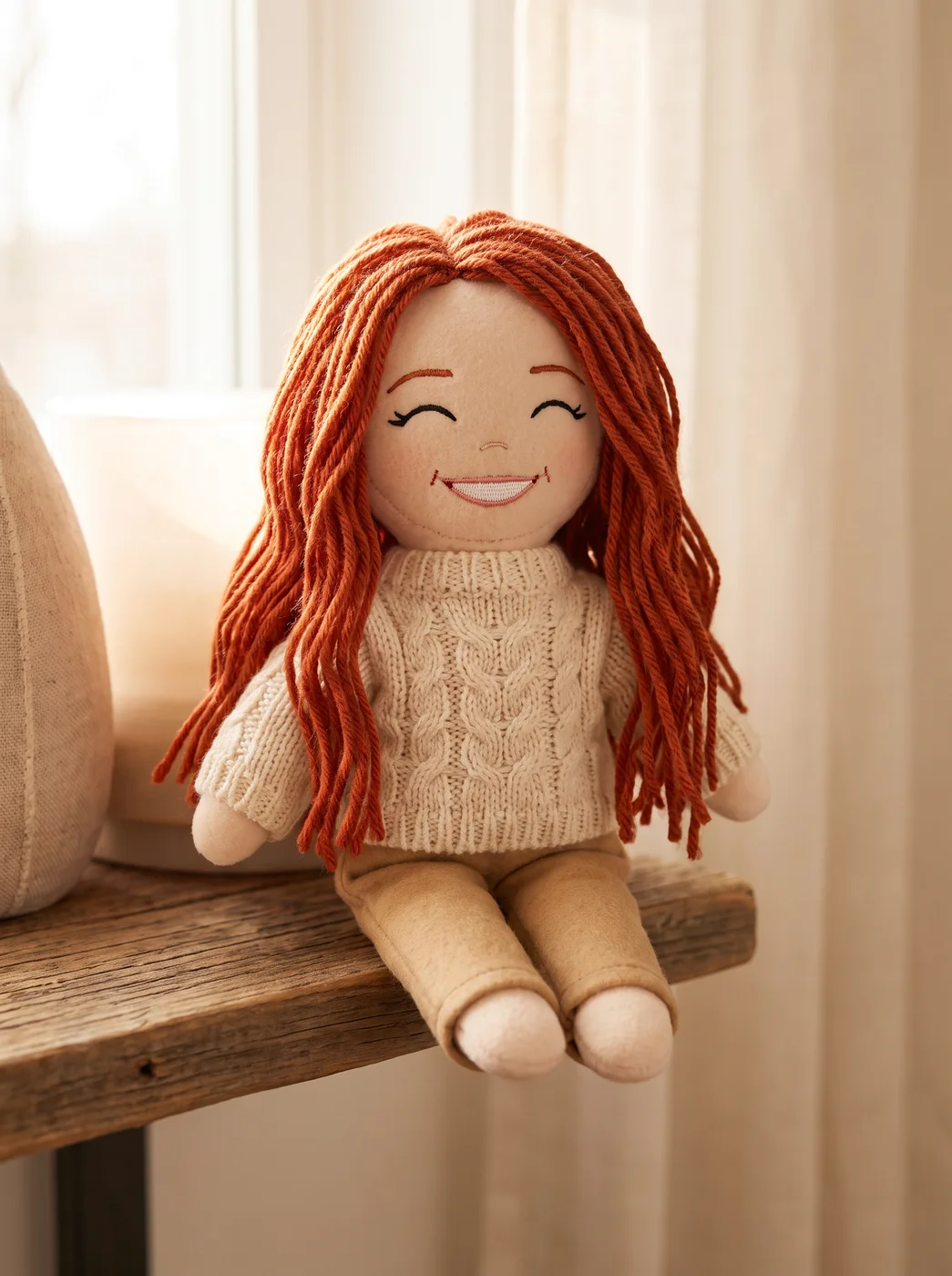
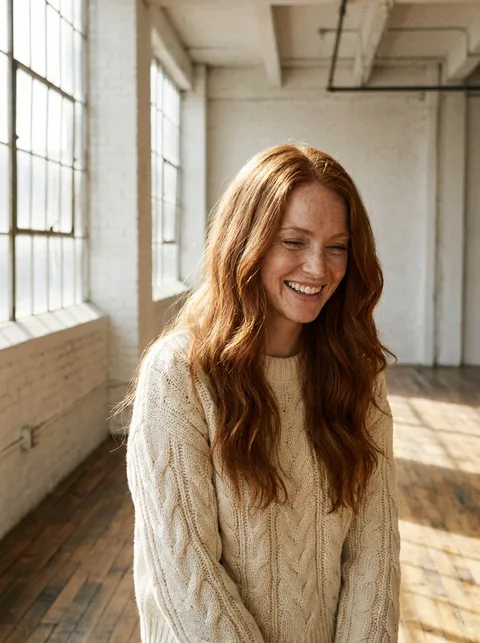
The eroq Plushie app shows what a custom plush toy made from a photo would look like: a felt doll with yarn hair, an embroidered face and a knitted copy of the outfit, photographed on a shelf. Use the picture to plan a gift or as a reference for a plush maker; the app does not sew or ship a toy.
40 free credits · no card · private mode on every account
- App
- Plushie, in the eroq studio: one click, no prompt to write
- Input
- A photo, or one of your characters
- Output
- A picture, or a 5-second clip made from it
- Price
- 124 credits a picture · 614 credits with the clip, shown before you click
- Plans
- Every plan, free accounts included
- Policy
- Fiction only · 18 or older · no real people without consent
Privacy
Private and unrestricted
- →No filter on eroq's own engines: one written policy instead.
- →They keep nothing, and nothing trains on your work.
- →Private mode keeps no file at all.
How it works
- →1 · Upload the photo of the person, your own or one of someone who agreed.
- →2 · Press Generate for the plush preview.
- →3 · Download it, share it, or send it to the plush maker you choose.
Gift ideas
- →An anniversary surprise: your partner as a plush, on a card or as a reveal.
- →A farewell picture for a colleague who is leaving the team.
- →A best-friend pair, one plush each, for a birthday post.
- →A family group chat gift: a grandparent as a plush, with their agreement.
Working with a plush maker
- →Send the preview with the original photo: the maker needs both.
- →Point out the hair colour and outfit details you want matched.
- →A sewn plush is simpler: expect fewer stitches and flatter features than the picture.
- →The maker decides size and materials; the preview only shows the look.
Frequently asked questions
Does eroq make the actual plush toy?
No, eroq makes the picture only. Independent plush makers often work from a photo, and this preview shows them the look you want.
Can I turn my partner's photo into a plush?
Yes, if they agreed to it. Use a clear photo where their hair and outfit are easy to see.
What photo works best for a plush?
A front-facing photo with the whole face visible, in an outfit with clear colours. The app copies the hair and the outfit, so those should be easy to read.
Can I print the picture as a card?
Yes, download it and print it, or send it as a message. It is a portrait-format photo of the plush on a shelf.
Is the Plushie app free?
You can open the app and set it up without an account. A picture costs 124 credits (614 credits with the clip), shown on the button before you click, and a failed render gives the credits back. Every new account gets 40 free credits with no card; more credits start with a $10 pack (1,000 credits) or a plan from $15/month.
Try it free
40 free credits · no card · private mode on every account
Keep exploring