




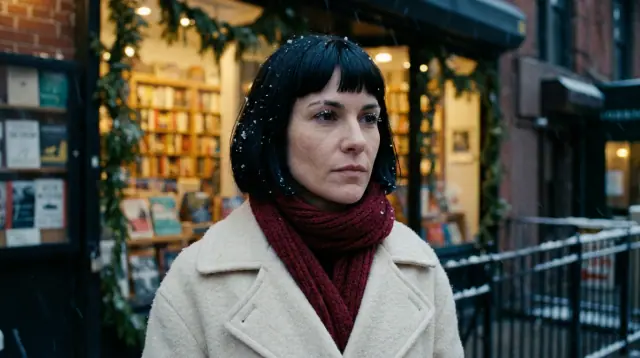


Oct 13, 01:42:07 AM·Ready · Took 1 min 8 sec · −816 credits
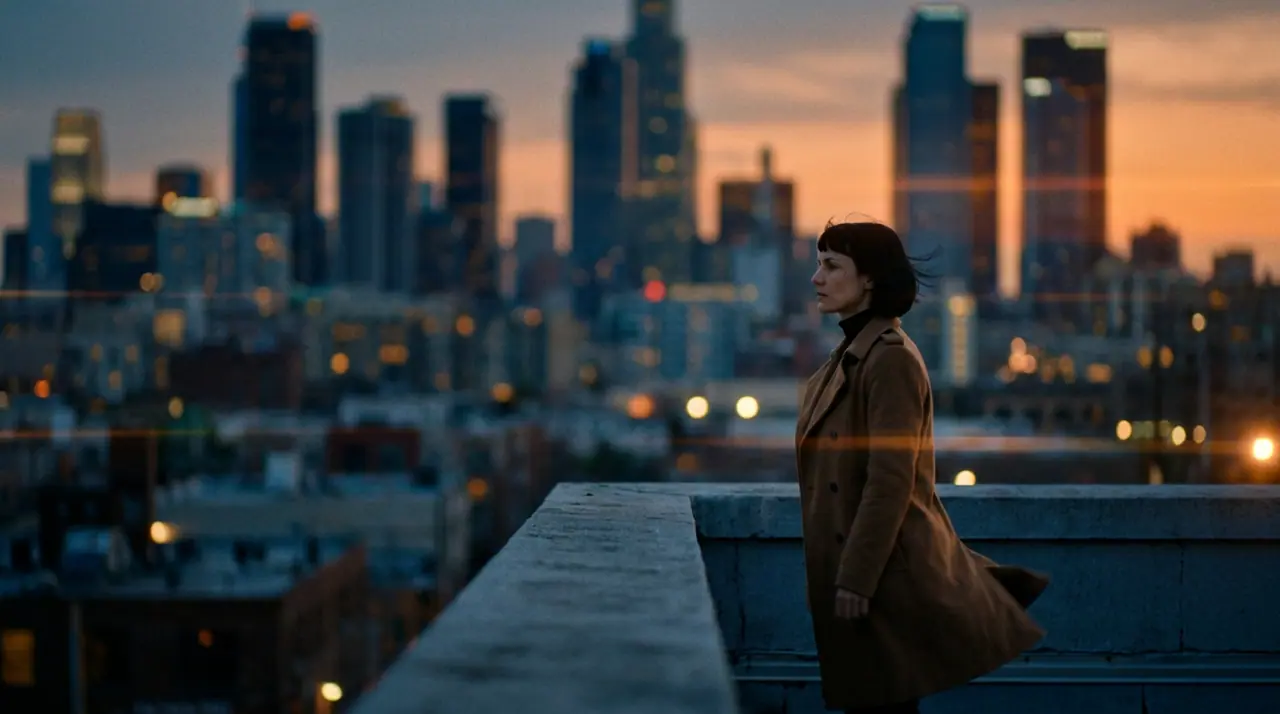
@Mara on a rooftop at dusk, her coat caught in the wind, the city lighting up below. anamorphic, 35mm. push-in
Veo 3.1 Fast · 8s · 1080p · 16:9 · 2 takes
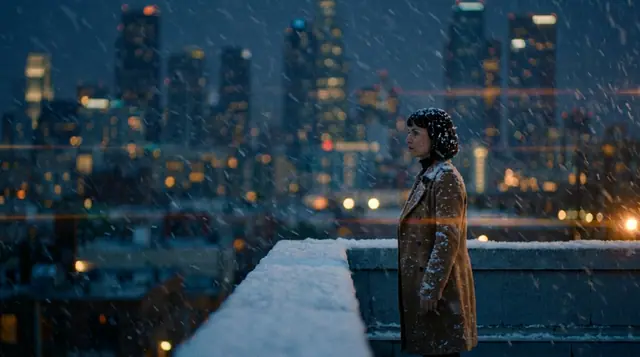
Extend Lead into
50% off your first month of any plan — Hobby, Creator and Studio, monthly, until Sunday at midnight UTC
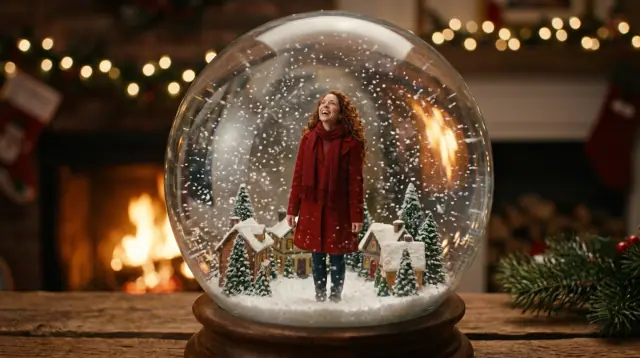
Christmas
A Christmas card that moves, a snow globe with you inside, a sleigh over a sleeping village, the two of you at a frosted window: write the scene or start from a photo, and render it on 16 video engines (Seedance, Veo, Kling, Hailuo, Runway, Wan and Grok, plus eroq Motion One, our own engine). Add a song from the music studio, cut the clips together in the Editor, and send it as a video card, a Story or a holiday ad.
Opens the studio with this filled in. Sign up when you generate: 40 free credits, no card.
Video · Create
@Mara on a rooftop at dusk, her coat caught in the wind, the city lighting up below. anamorphic, 35mm. push-in
Oct 13, 01:42:07 AM·Ready · Took 1 min 8 sec · −816 credits
@Mara on a rooftop at dusk, her coat caught in the wind, the city lighting up below. anamorphic, 35mm. push-in
Veo 3.1 Fast · 8s · 1080p · 16:9 · 2 takes
Save yourself, a friend who agreed, or an invented character as a Character once (a few photos, a name) and cast them in any clip: the same face in the card, the snow globe and the sleigh. Real, identifiable people need their consent, and minors are never allowed, so family videos with children are out.
What the engine charges for the length and the resolution, shown on the Generate button before you render: from 50 credits for five seconds on eroq Motion One (480p). New accounts get 40 free credits, no card, enough for the Christmas pictures you will animate (from 10 credits each). After that, a $10 pack (1,000 credits) or a plan from $15/month. A failed render refunds itself.
Clap · AI agent
Describe the result in Ask. Clap asks what it needs, picks the engines, writes the prompts and prices the plan. Once you approve, it renders everything into your library. Fully automated, and nothing runs before you say yes.
Ask · Clap
Clap · Thought for 6s
Three takes on the same move, each its own clip. Here is the plan.
Production
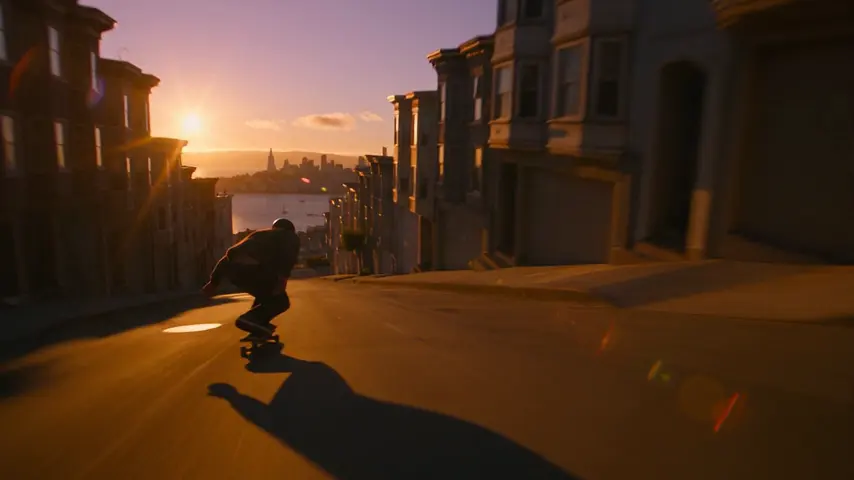
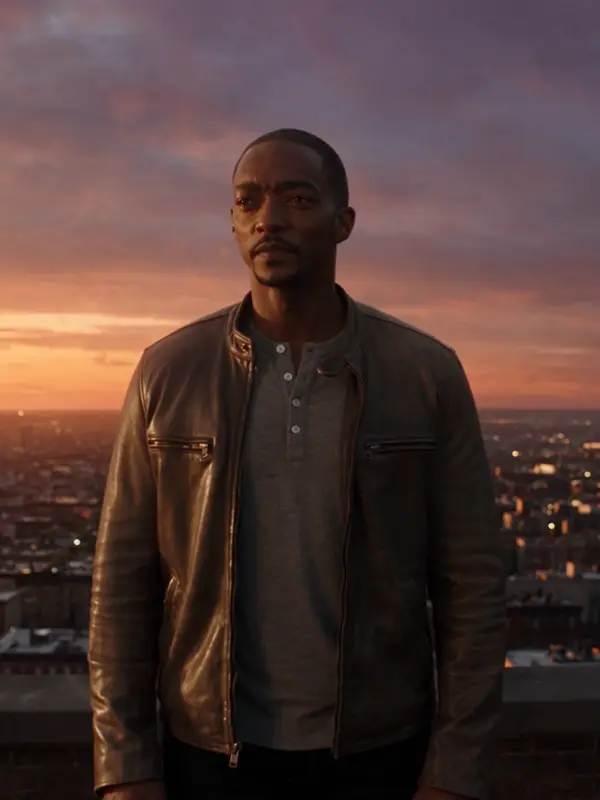
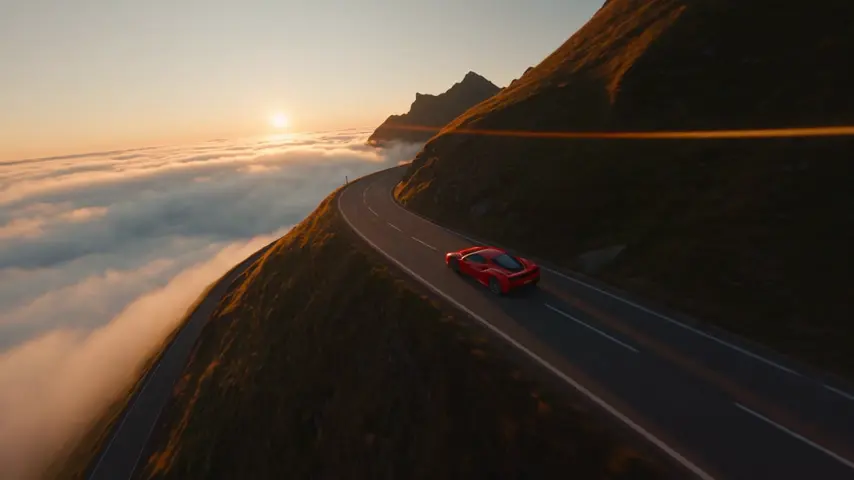
Saved to your library
Pick one: it goes into the box at the top, ready to generate.
Yes: press Animate under any picture in the image studio, or drop your own photo in the video studio as the first frame, and describe what moves. The face in the photo holds.
Start from a photo of yourself (or a character), then describe the scene inside the globe and the shake: « inside a glass snow globe on a mantel, the snow swirls as it is shaken ». Five seconds is enough.
Some engines render sound with the picture. For a song of your own, the music studio writes and sings one from a sentence, and the Editor lays it under your clips.
No. Photos and videos of minors are never allowed on eroq. Everything here works with people 18 or older, with pets and with original characters.
What the engine charges for the length and the resolution: from 50 credits for five seconds on eroq Motion One (480p), shown before you render. New accounts get 40 free credits.
9:16 for a Story, a Reel or a TikTok, 16:9 for YouTube or a TV screen, 1:1 for a feed post. Pick the format before you render.
Keep exploring