blog/trends·Nov 25, 2026·6 min·by the eroq team
The Office AI episode — make an episode of your own office mockumentary
AI episodes in the style of The Office are everywhere. How to make your own office mockumentary: talking heads, a boss who loves the camera, pranks.
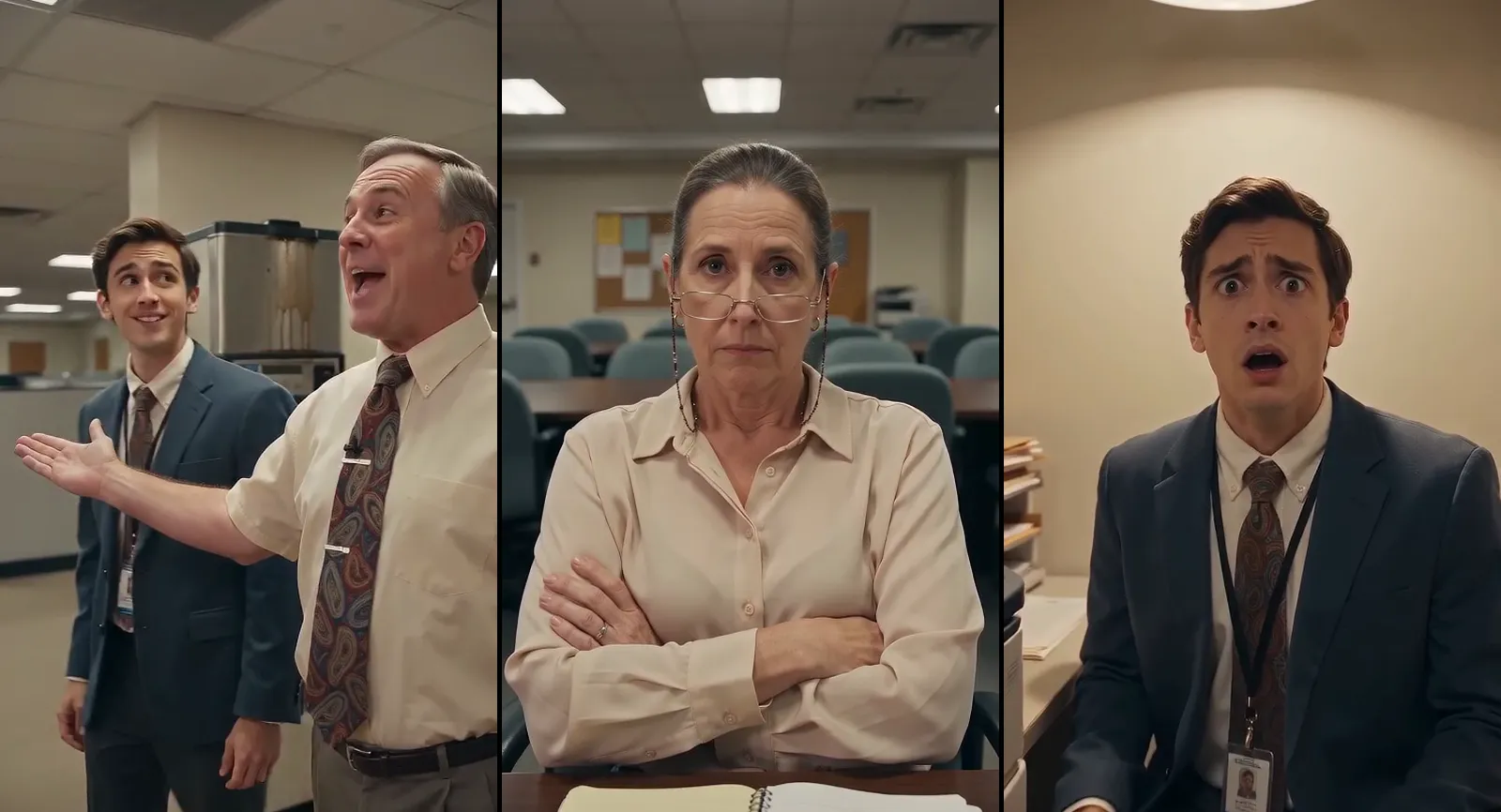
Scroll for a minute in 2026 and you will find an AI-made scene that looks like a lost episode of The Office. A boss who thinks he is hilarious. A coworker who stares into the camera. A prank on someone's desk. In the comments, people say they would watch whole seasons. This guide covers why the format works so well with AI, the codes that make a scene read as a mockumentary, and how to make an episode of your own office show in eroq, with generated actors or with your own characters.
Why the mockumentary works with AI
- The camera is part of the joke. A documentary crew follows the office, and a look into the lens says more than a line.
- The scenes are short. A talking head, a prank, a reaction. Each one fits in a few seconds.
- The set is plain. A beige open-plan office, flat fluorescent light, a printer that jams. It looks real without effort.
- Everyone has worked with these people. The boss, the prankster and the new hire are in every office.
The codes of an office mockumentary
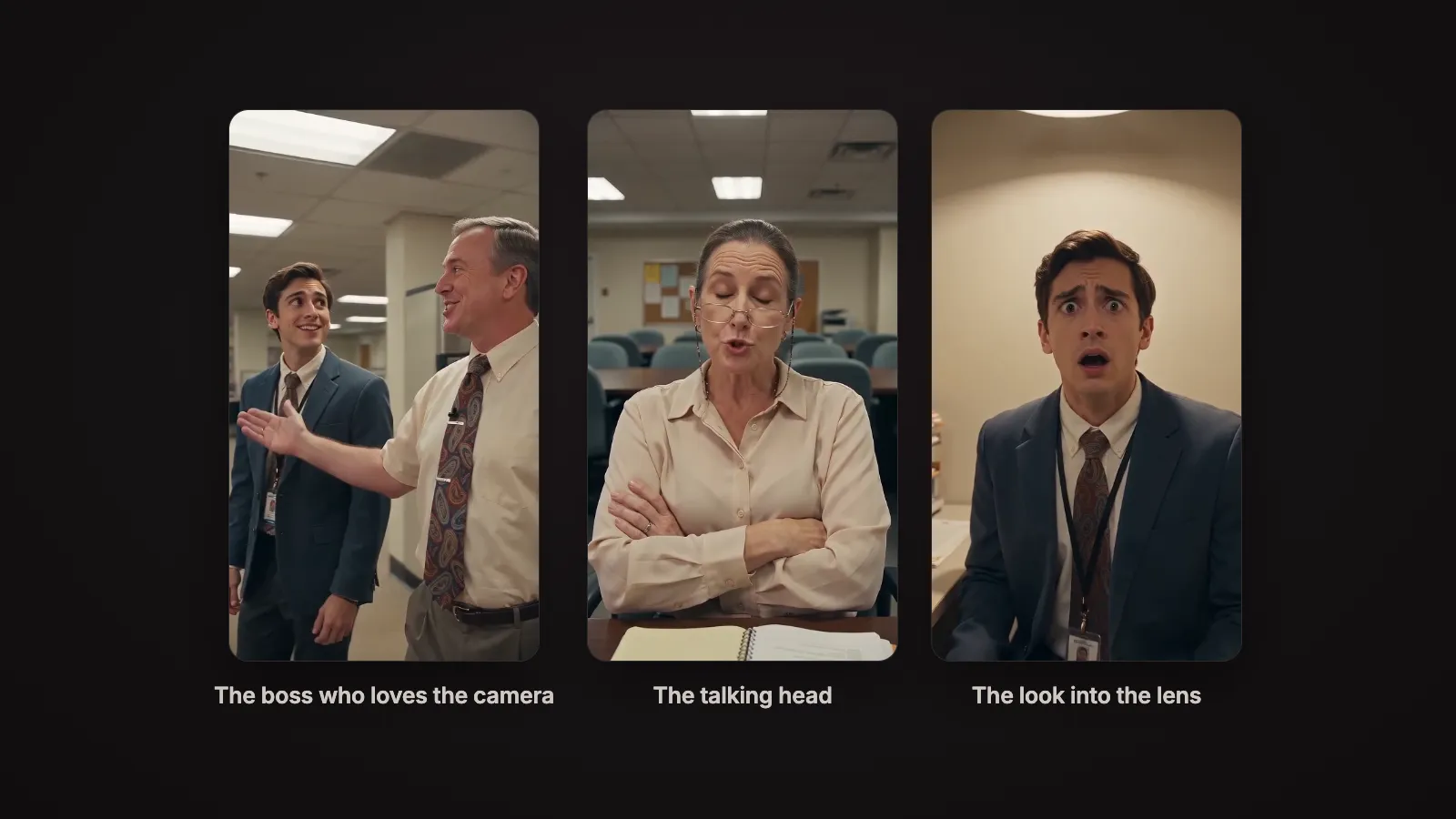
- The talking head. One person on a chair in the conference room, speaking to the crew, often saying the opposite of what we just saw.
- The boss who loves the camera. He sits too close to the lens, calls meetings nobody wanted and waits for laughs that never come.
- The prank. Something on a coworker's desk is moved, wrapped or hidden, followed by a deadpan look at the camera.
- The look into the lens. A long silent stare, then a tiny smirk. It is the show's punchline.
- The handheld camera. It catches things a second late, pans fast and zooms in at the worst moment.
Make your episode in eroq
The The Office episode trend in Cinema is a mockumentary ready to cast, with three roles: the boss, the prankster and the new hire.
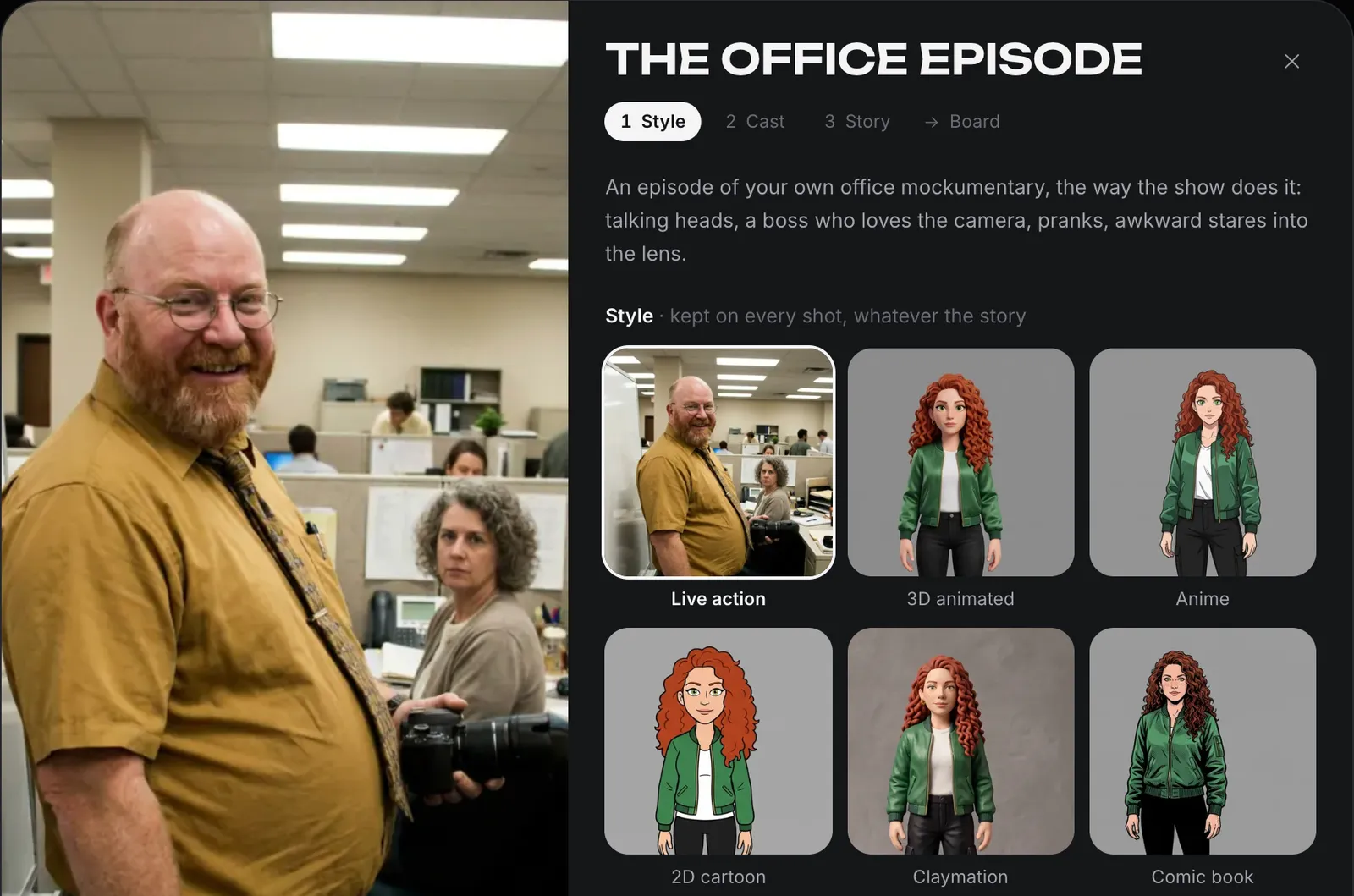
- Open the trend. In the studio, go to Cinema, then Trends, and open The Office episode.
- Pick the style. Live action is played by generated actors, in the look of a documentary: natural light, real skin, a handheld camera. To star your own characters, pick an animated look instead: 3D animated, anime, 2D cartoon, claymation or comic book. The style is kept on every shot.
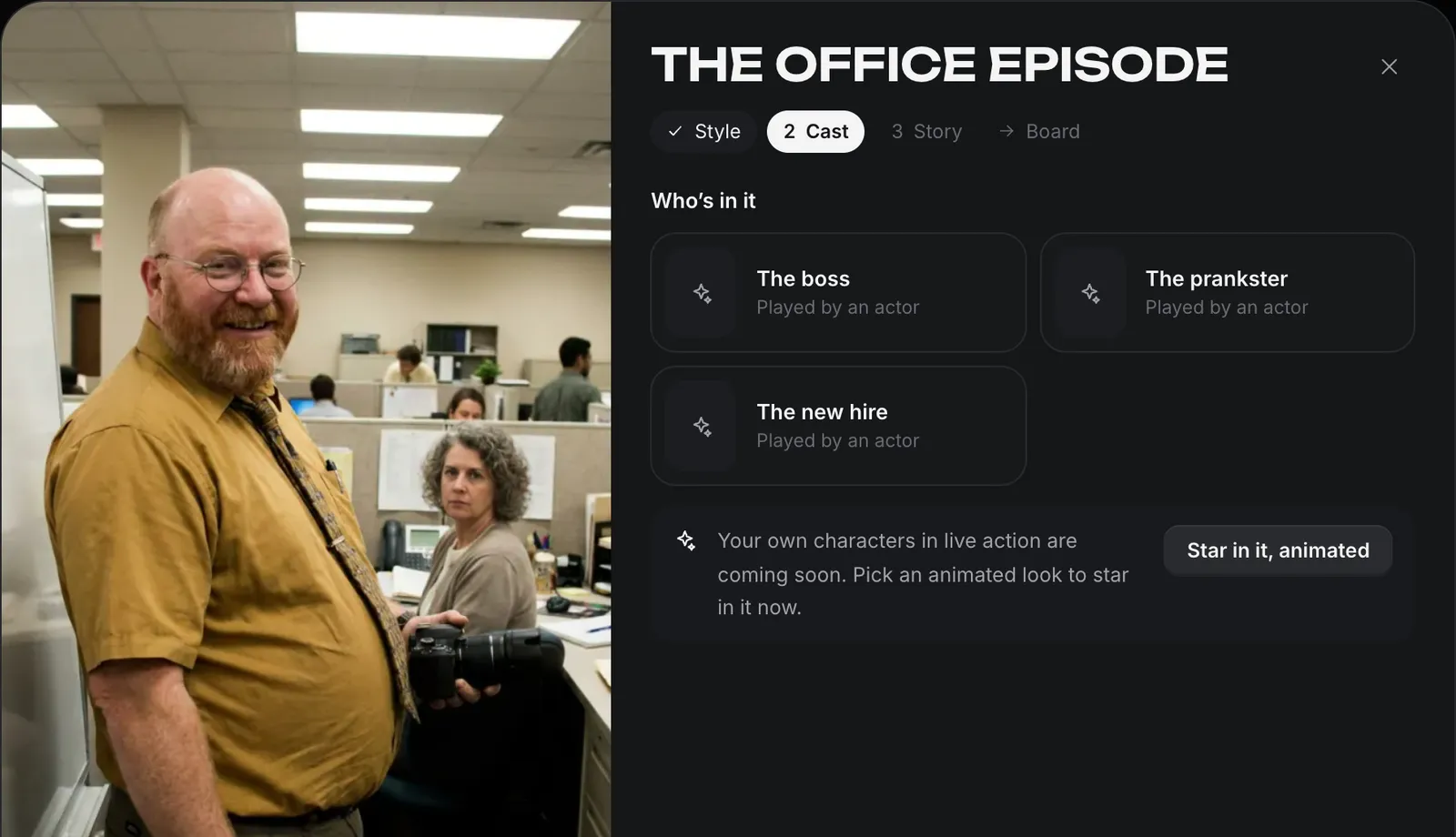
- Cast it. In live action, the actors are made for you. In an animated look, put your characters in the roles, up to five in all. One cast picture of them is made first, in the style you picked. A role you leave empty is cast for you.
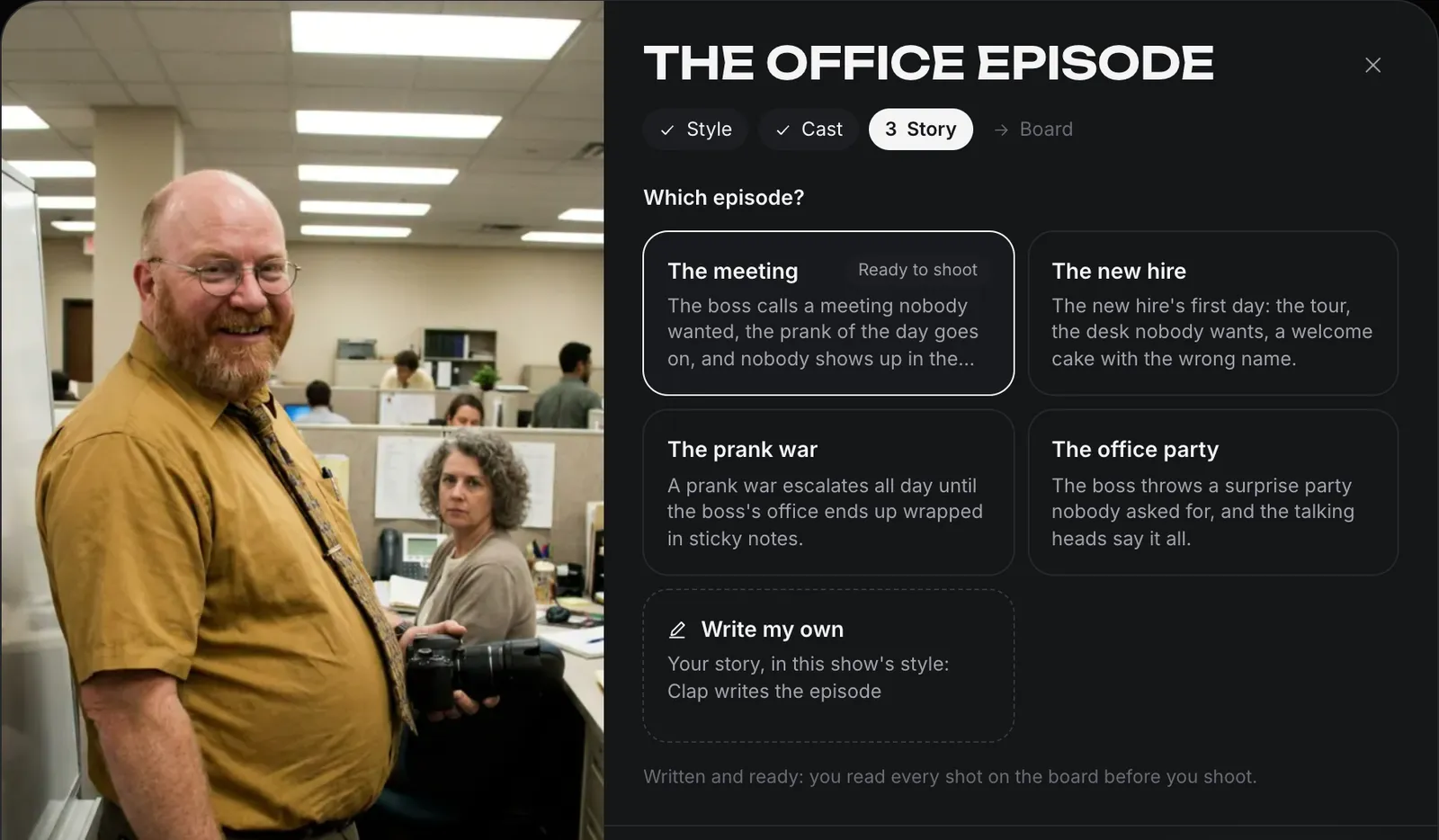
- Pick the episode. « The meeting » is written and ready to shoot: the boss calls a meeting nobody wanted, the prank of the day goes on, and nobody shows up in the end. « The new hire », « The prank war » and « The office party » are pitches that Clap, eroq's creative agent, writes with your cast. Or pick « Write my own » and tell what happens in your office.
- Read the board. Make it mine opens the board, with every shot and every line to change. Nothing is spent until you press Shoot.
- Shoot, then publish. The edit, the music and the titles happen in the same film. Publish posts the cut to TikTok, YouTube Shorts and Instagram Reels from your connected accounts, or shares it in the eroq community.
Live action or animated
Live action today means generated actors: people who do not exist, playing your script. Your own face in live action is coming soon. Until then, your characters star in the episode animated, and the cast picture keeps who they are in the look you pick. A claymation office is a good joke on its own.
Tips for a funnier episode
- Write the talking heads first. They carry the jokes. Give each person one line, said straight to the camera.
- Let the silence play. A stare that lasts a second too long is the punchline. Do not fill it with a line.
- Contradict the scene. The boss says everyone loves his meetings, then the next shot shows an empty room.
- Use your own office. Your coffee machine, your Monday meeting. Inside jokes work better than famous ones.
- Make it a season. Keep the same cast and go from the meeting to the new hire to the party, one episode at a time.
Keep it yours
The trend is a format, not a copy of the show. It uses no character, actor, name or quote from The Office, and your episodes should not either. Write your own office, your own boss and your own lines. If you cast your coworkers, ask them first, and everyone must be 18 or older. The Office belongs to its owners, and eroq is not affiliated with the show.
FAQ
How do I make an AI episode of The Office?
You make an episode of your own office mockumentary, in the same style. Open Cinema in the eroq studio, go to Trends and pick The Office episode. Choose live action or an animated look, cast the boss, the prankster and the new hire, and pick an episode. You read every shot on the board before you press Shoot.
Can I put myself and my coworkers in it?
Yes, animated for now. Create characters from your photos, pick an animated look and cast them in the roles. Your own face in live action is coming soon. Only cast people who agreed, everyone 18 or older.
Can I use the real show's characters or quotes?
No. The trend is a format, played with your own characters and lines. The Office belongs to its owners, and eroq is not affiliated with the show.
Can I post the episode to TikTok, Shorts and Reels?
Yes. Publish posts the cut to TikTok, YouTube Shorts and Instagram Reels from your connected accounts. You can also export the file or share it in the eroq community.
How much does an episode cost?
The trend sheet shows an estimate of the credits before you start, and nothing is spent until you press Shoot. New accounts start with 40 free credits, and the rest comes from a pack or a plan.
More shows to make
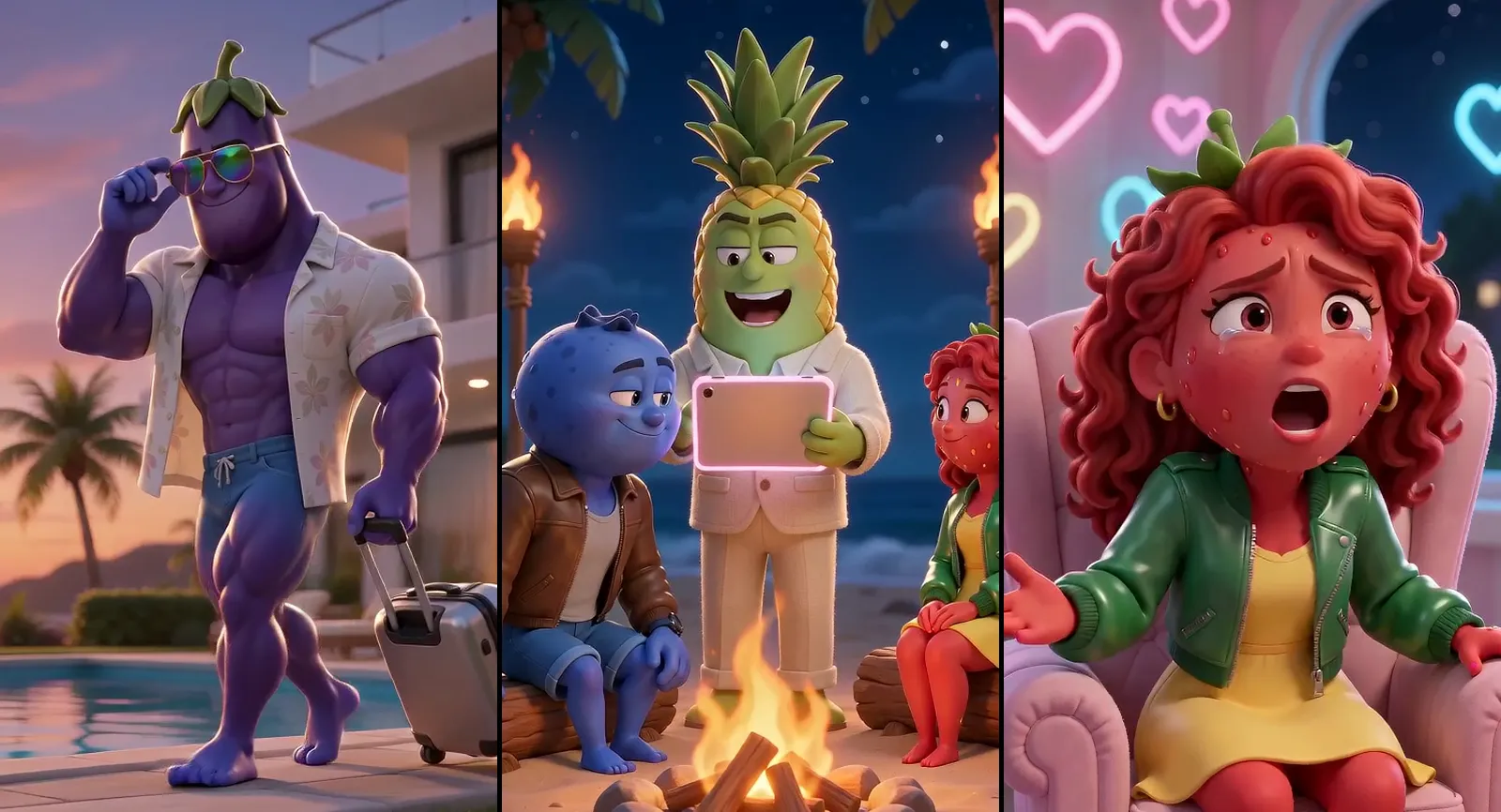
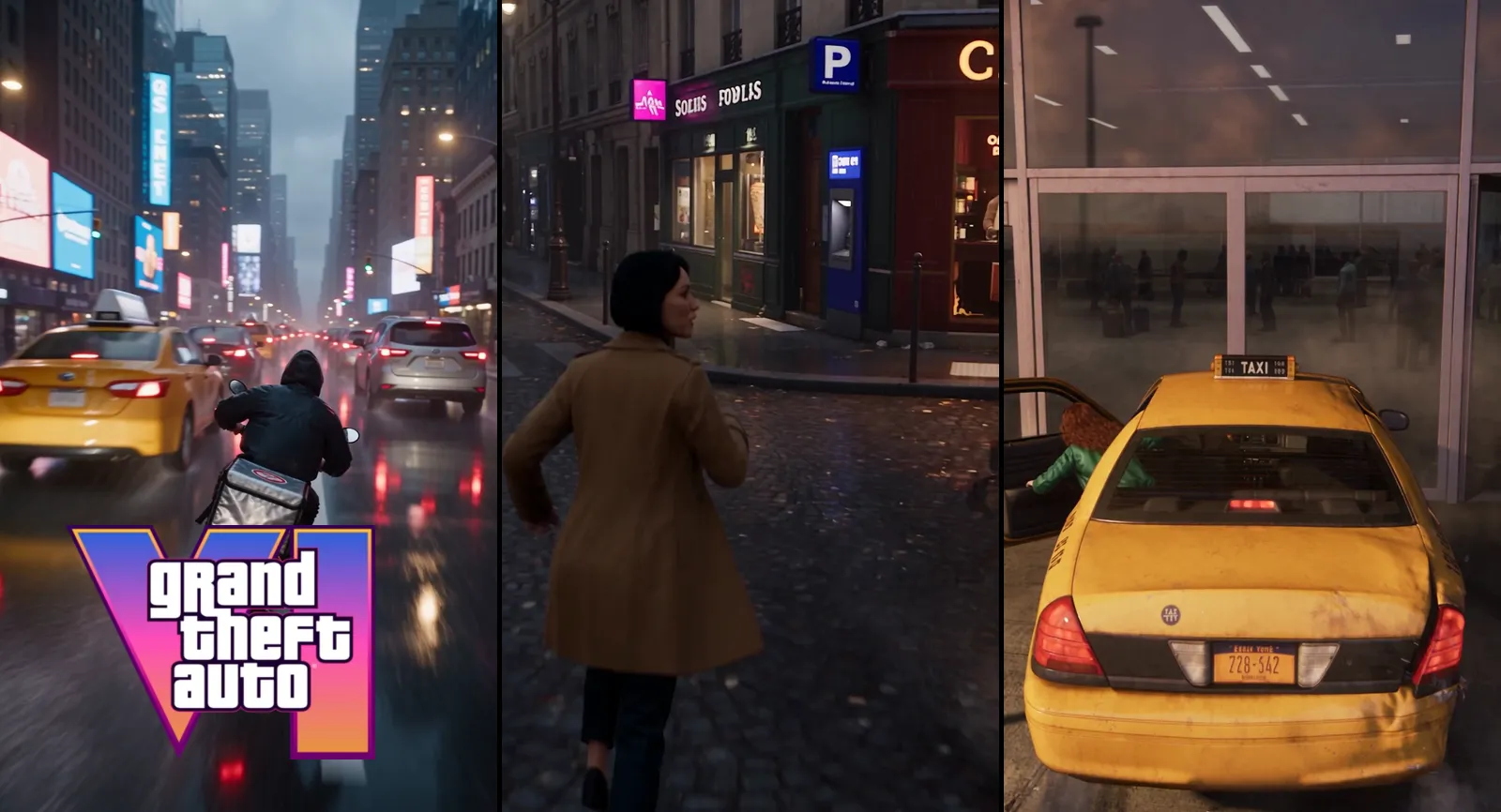
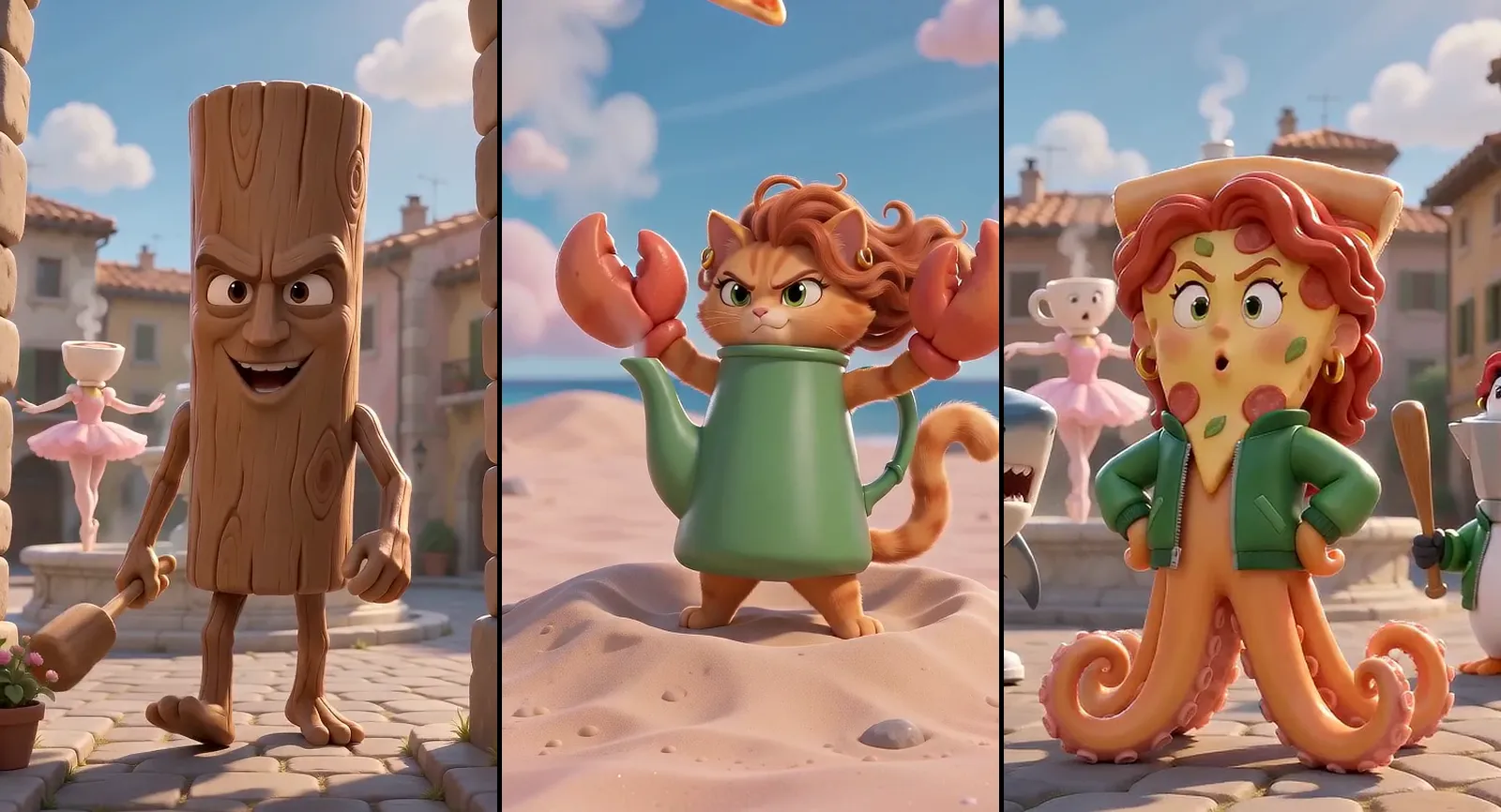
How to make an animated web series turns one episode into a show. For animated formats, read Fruit Love Island with AI and Italian brainrot with AI. GTA gameplay with AI tells your story as a game, and AI video trends this week has every trend of the moment.

Privacy
Private and unrestricted
- No filter on eroq's own engines: one written policy instead.
- They keep nothing, and nothing trains on your work.
- Private mode keeps no file at all.