blog/use-cases·Nov 25, 2026·5 min·by the eroq team
GTA-style ads with AI — turn your business into an open-world mission
Since an estate agent's GTA mission reel went around, local businesses want the same ad. How the format works, missions that sell, and how to make yours in eroq from a few lines.
Make these trends
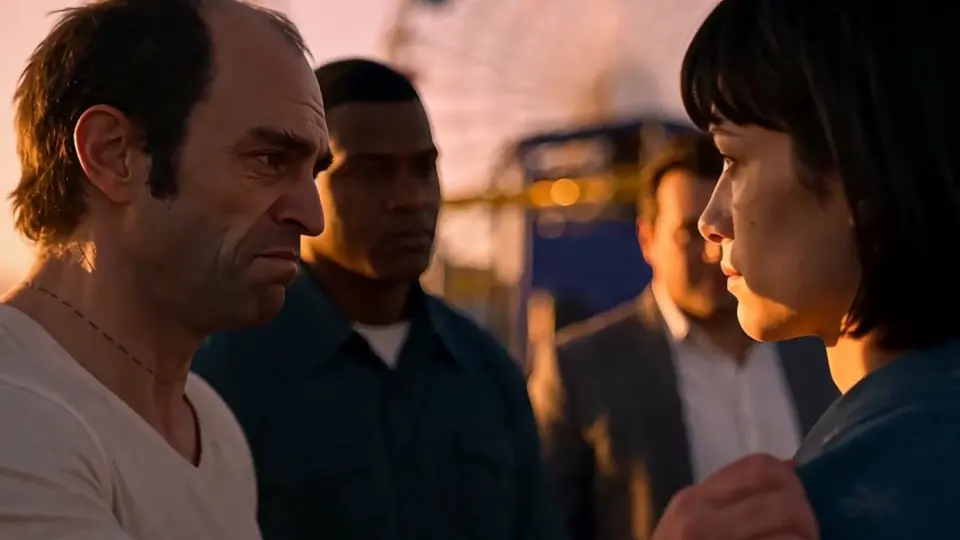
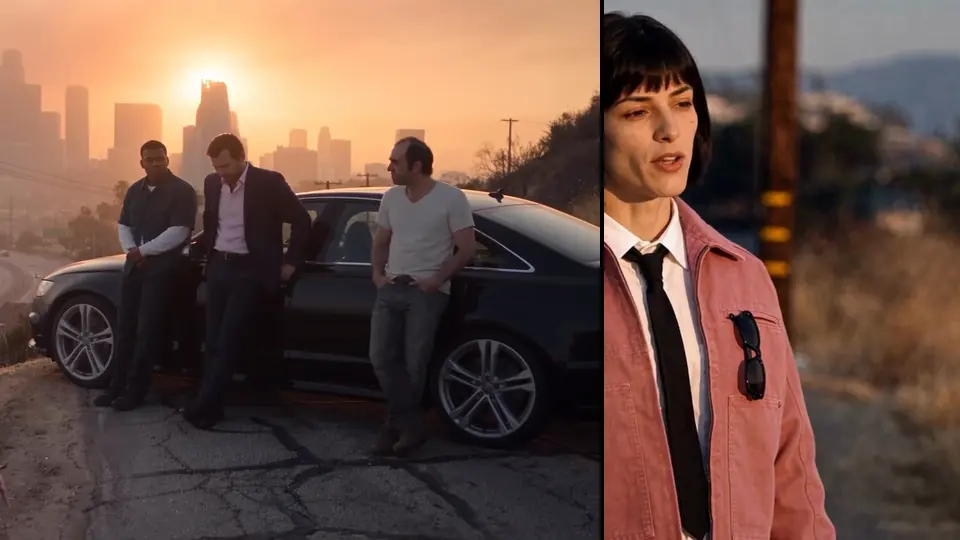
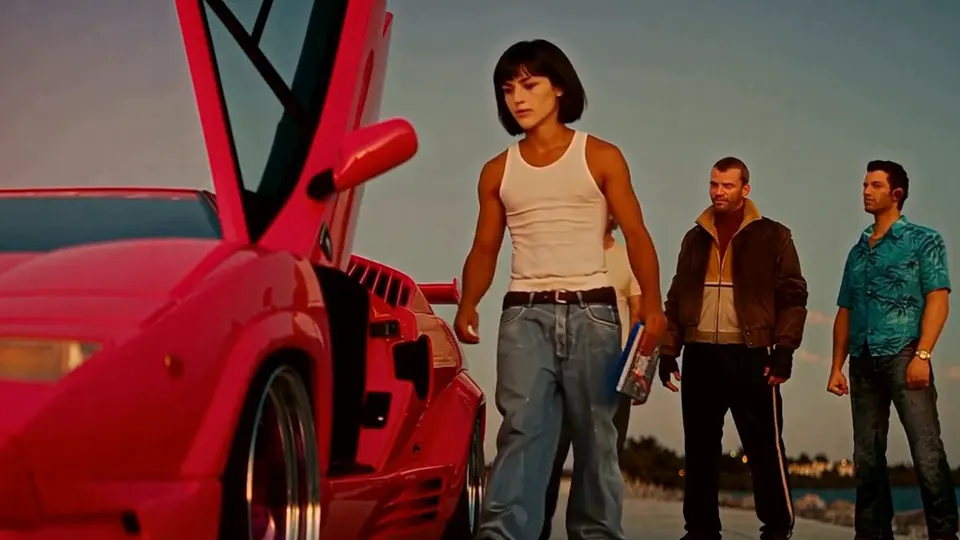
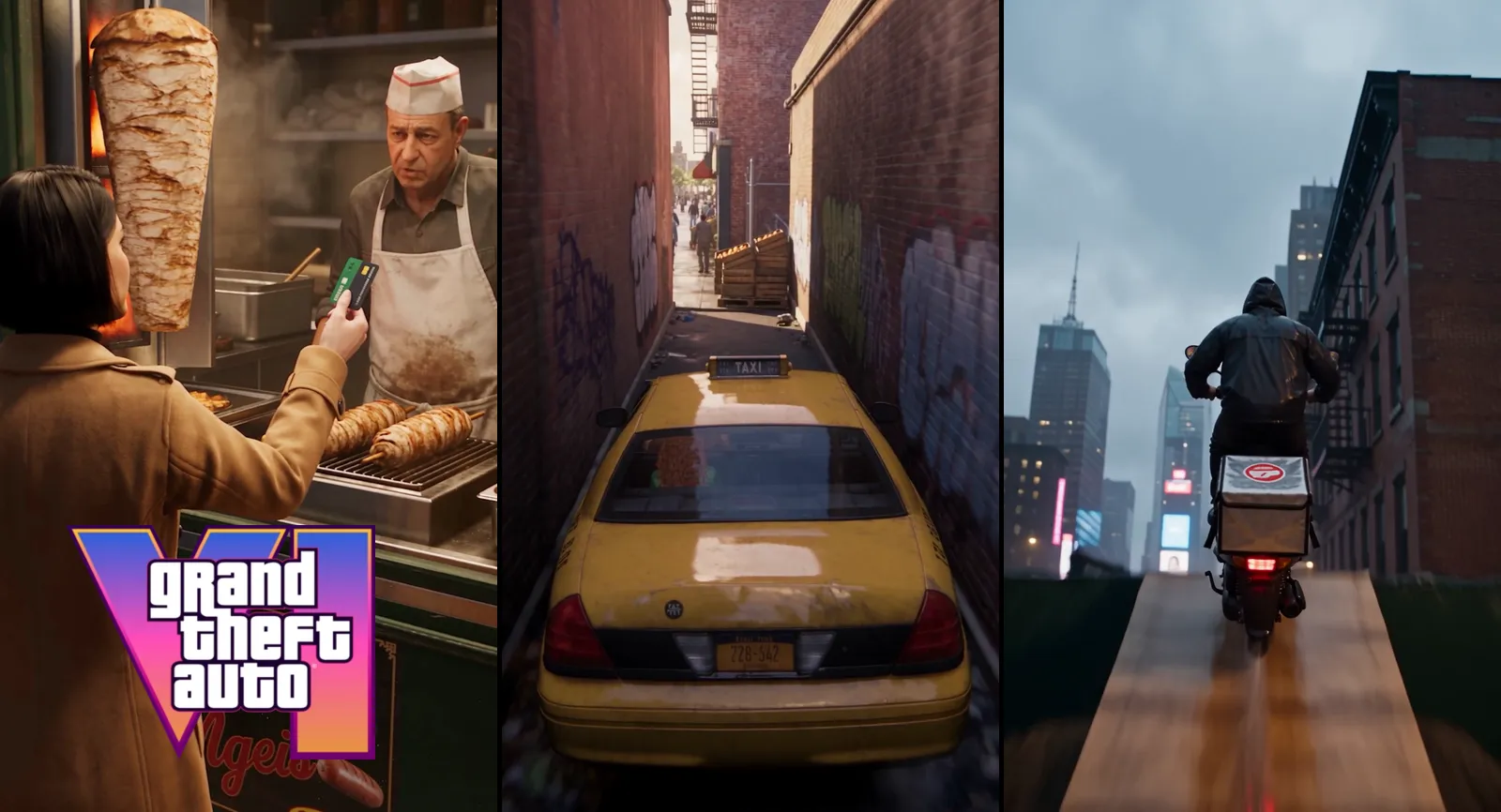
On 19 November 2026, the day GTA 6 came out, Joseph Harris Estate Agents, an agency in Teesside, posted an ad that plays like a GTA mission. The agent drives a supercar down the high street, walks into the agency and shakes the seller's hand, and the SOLD sign is already up when the hero gets home. The comments asked how to make it, and other businesses have been asking ever since. This guide covers why the format sells, which missions work for which business, and how to make yours in eroq from a few lines, with your team as the cast.
Why a mission sells better than a classic ad
- People watch it as a game, not as an ad. The camera behind the player and the city around them make it entertainment from the first second.
- The customer's problem becomes the objective. « Sell my house », « fix this haircut », « get the pizza there hot ». The viewer knows what is at stake straight away.
- Your business is the payoff. The mission ends at your door, with your team solving the problem.
- It is shareable. People send a funny mission to friends. They rarely do that with a classic ad.
Missions that work, by business
- Estate agent. « I need to sell my house. » The hero drives to the agency, and it is sold before they get home.
- Barber or hairdresser. A haircut disaster an hour before a wedding, fixed against the clock.
- Gym. From the couch to a new record, in one take.
- Restaurant or takeaway. A delivery race across town that arrives hot.
- Garage or car dealer. A breakdown on the road turns into a test drive.
- Wedding, events, photographer. The hero is late for the big day, and your team saves it.
The rule is the same each time: one problem, one obstacle, one solution, your name said out loud in a line.
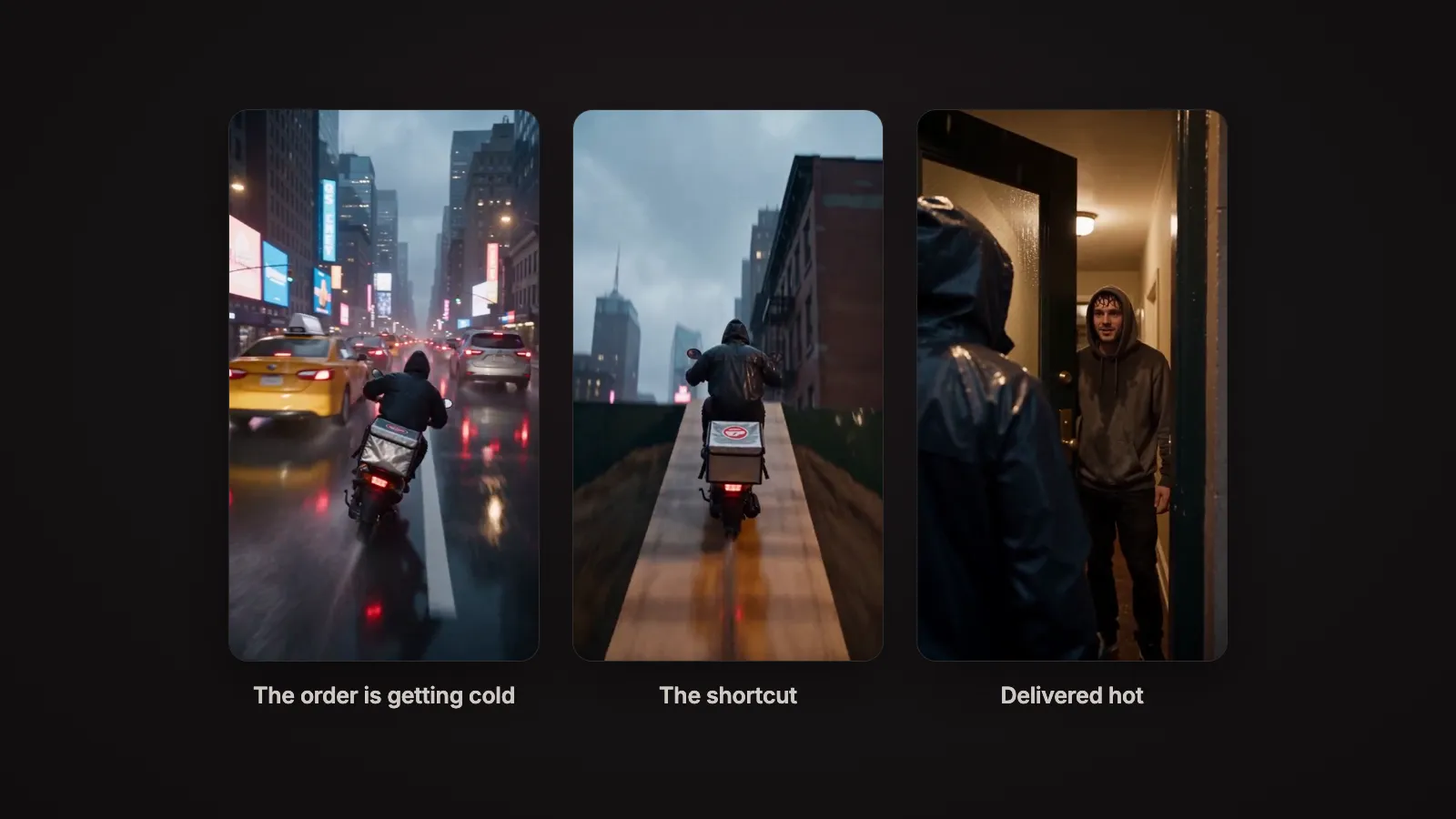
Make your ad in eroq
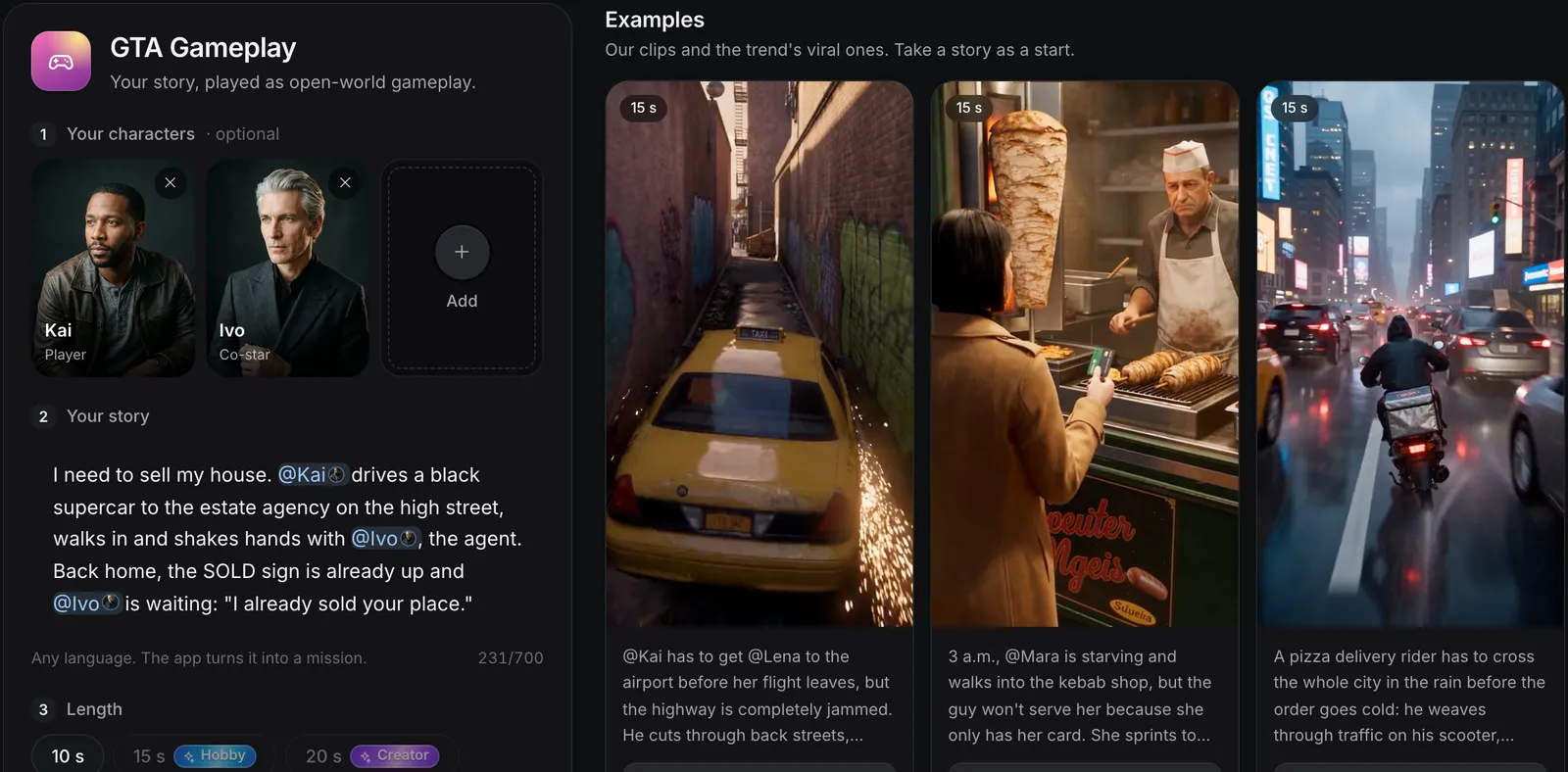
- Cast your team. Create each person as a character from their photos, with their consent. You can also design characters if nobody wants to appear.
- Open the app. In the studio, go to Apps, then GTA Gameplay, and add your characters. The first one is the player.
- Write the mission. Use a few lines: the customer's problem, the drive to you, the solution, the payoff. For example: « I need to sell my house. @Kai drives a black supercar to the estate agency on the high street, walks in and shakes hands with @Ivo, the agent. Back home, the SOLD sign is already up and @Ivo is waiting: "I already sold your place." »
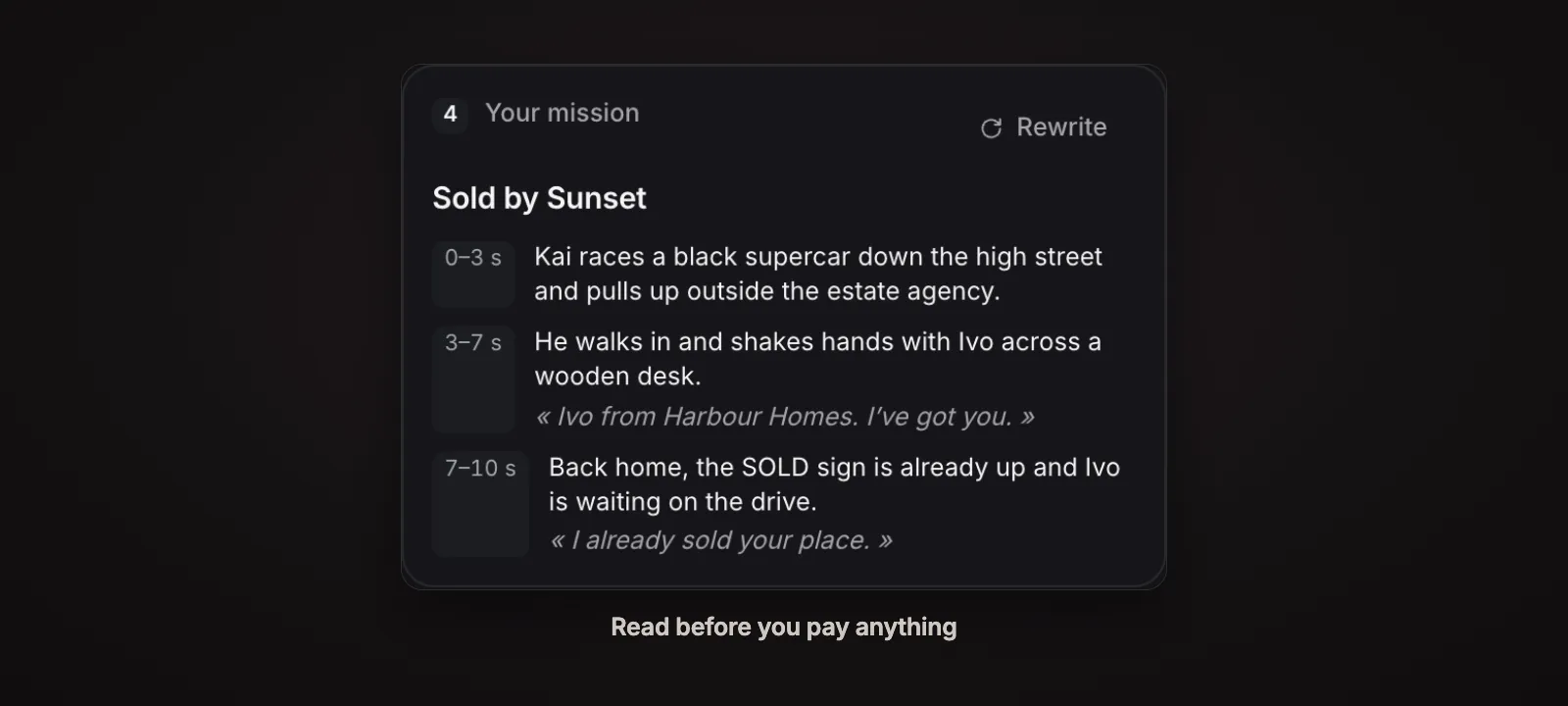
- Read it, then Generate. Press Write my mission to see the story moment by moment, for free. Pick the length and the quality, and the price shows on the button before you click.
- Finish it in the Editor. The clip has no text on screen. Add your logo, your address and a call to action in the Editor, then post it.
For a longer ad in several places, the GTA gameplay episode trend in Cinema gives you three takes to cast with your team. From Publish, you post the cut to TikTok, YouTube Shorts and Instagram Reels from your own accounts.
What to write so the clip sells
- Say your name in a line. The clip draws no text, so a line like « Ivo from Harbour Homes, I've got you » gives viewers your name.
- Describe your shop. « A purple shopfront on a busy high street » or « a glass office with a wooden desk » gives the scene a place that looks like yours.
- One goal, one obstacle. Fifteen seconds hold one mission, not three.
- End on the payoff. The SOLD sign, the fresh cut, the hot pizza: the last moment is the one people remember.
Keep it right
- Only people who agreed to be in it, everyone 18 or older.
- Your own brand, never a game's logo, characters or map. The clip shows original places in the style of open-world games.
- Check your ad platform's rules for AI-made videos before you promote it.
FAQ
How do I make a GTA-style ad for my business?
Create your team as characters and open the GTA Gameplay app in the eroq studio. Write the mission (the customer's problem, the drive to you, the solution) and press Write my mission. Read it, pick the length and the quality, then Generate. Add your logo and contact details in the Editor.
Can I run it as a paid ad?
Yes, the clip is yours to post and promote. It shows original characters and places in the style of open-world games, never a game's logo or characters. GTA belongs to Rockstar Games and Take-Two Interactive, and eroq is not affiliated with them. Check your ad platform's rules for AI-made videos.
Can my real shop appear in it?
Describe your shop in the story and the clip builds a place like it. Your real logo goes on in the Editor, because the clip itself draws no text.
Who can be in the ad?
Your team, from their photos and with their consent, or characters you design. Nobody real can appear without their agreement, and everyone must be 18 or older.
How much does an ad cost?
Writing the mission is free. Generate shows its price before you click, from the length and the quality, plus the cast picture when you add characters. A render that fails is refunded. Credits come from a pack or a plan.
More on the format
How to turn your own story into GTA gameplay covers the trend for everyone else. The GTA-style ad generator page sums up the method, and Marketing makes the other formats of your campaign.
Privacy
Private and unrestricted
- No filter on eroq's own engines: one written policy instead.
- They keep nothing, and nothing trains on your work.
- Private mode keeps no file at all.