13. Okt., 01:39:36·Fertig · Dauer 31 sec · −10 Credits
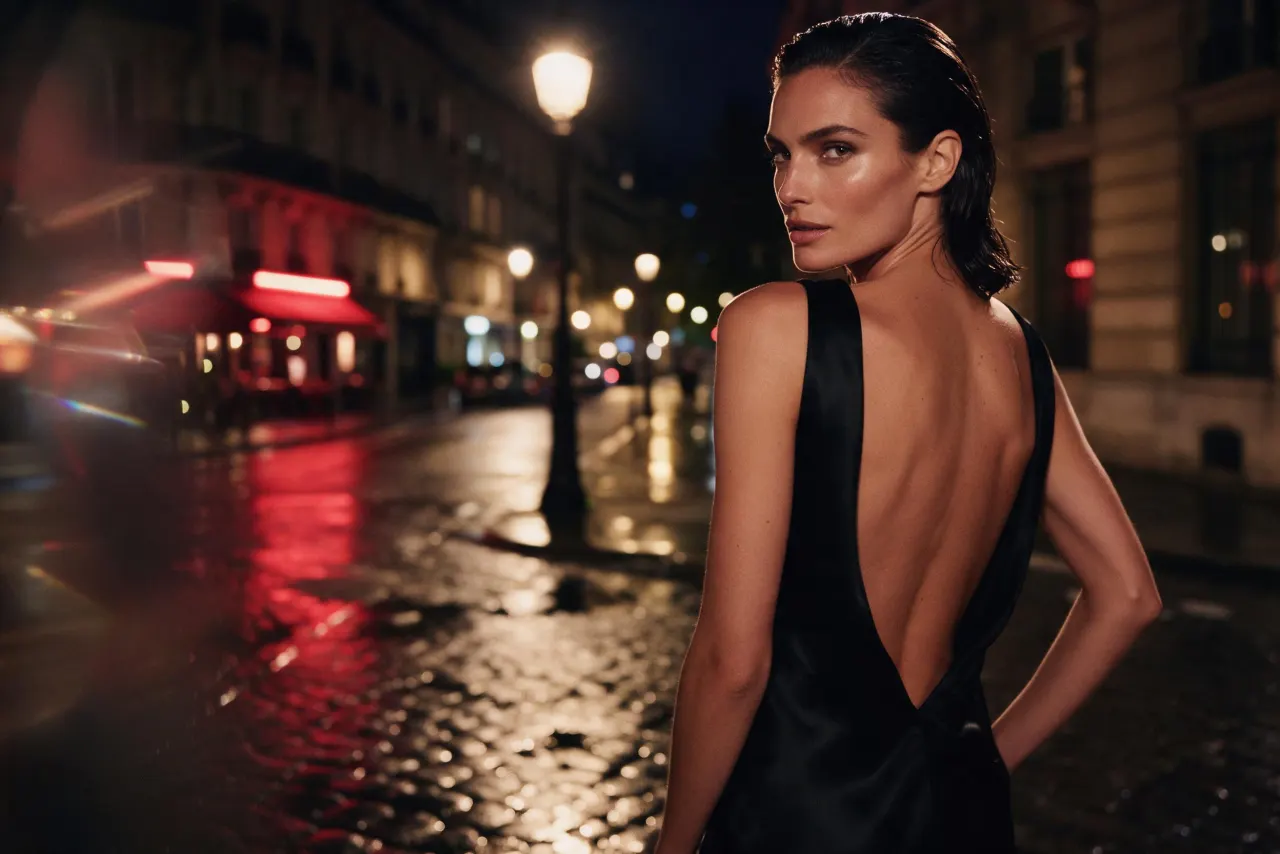
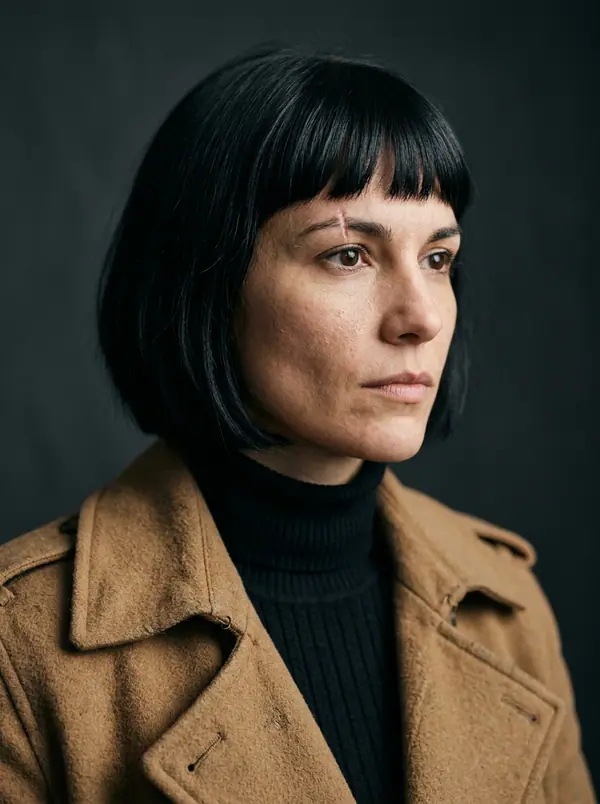
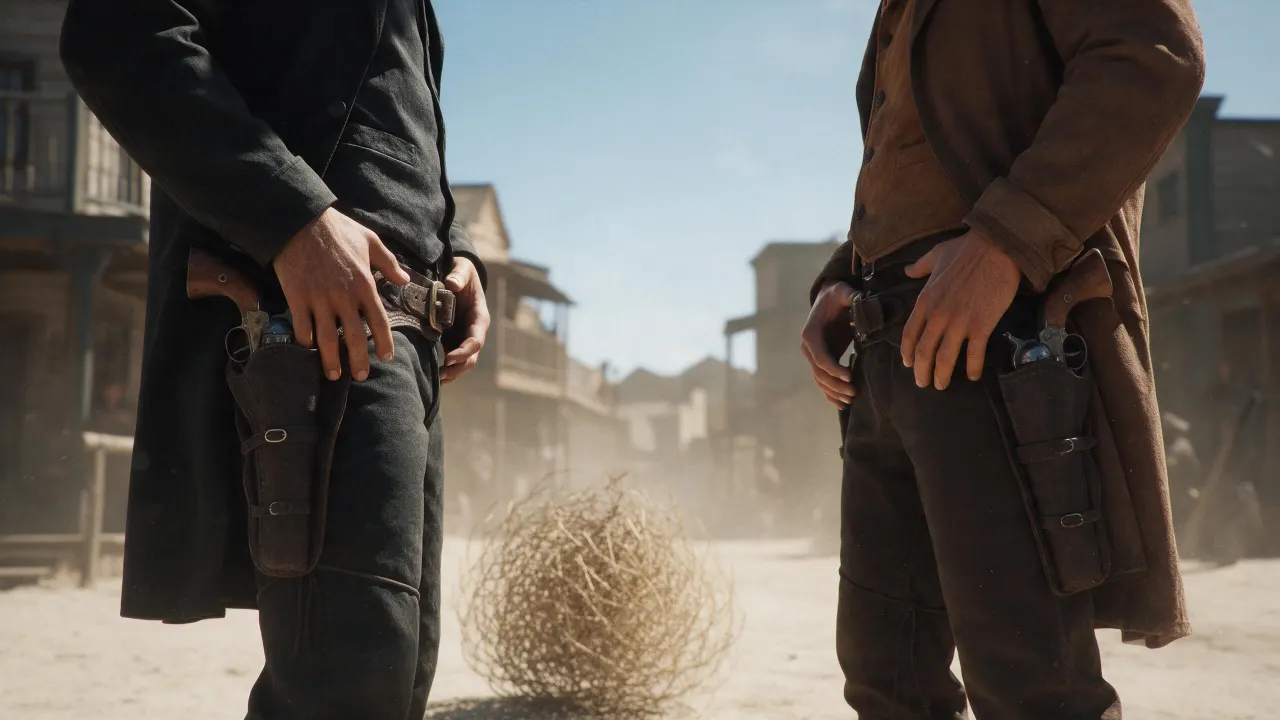
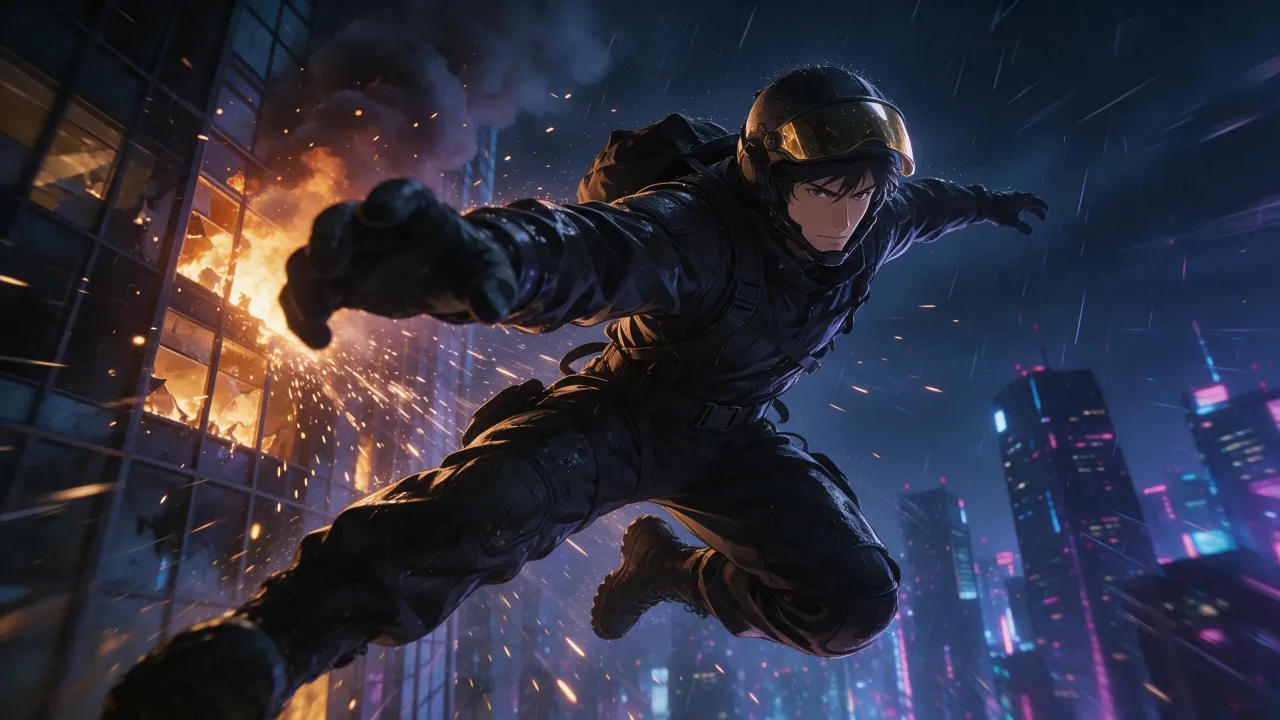
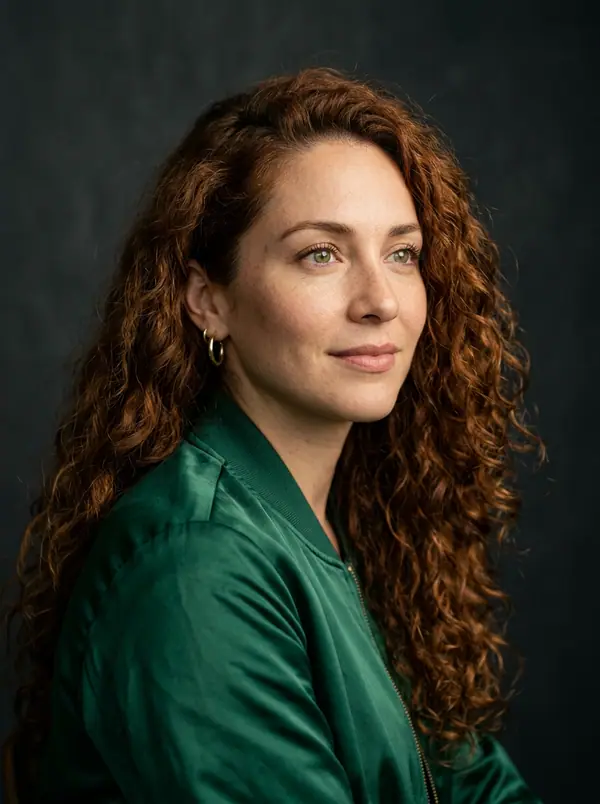
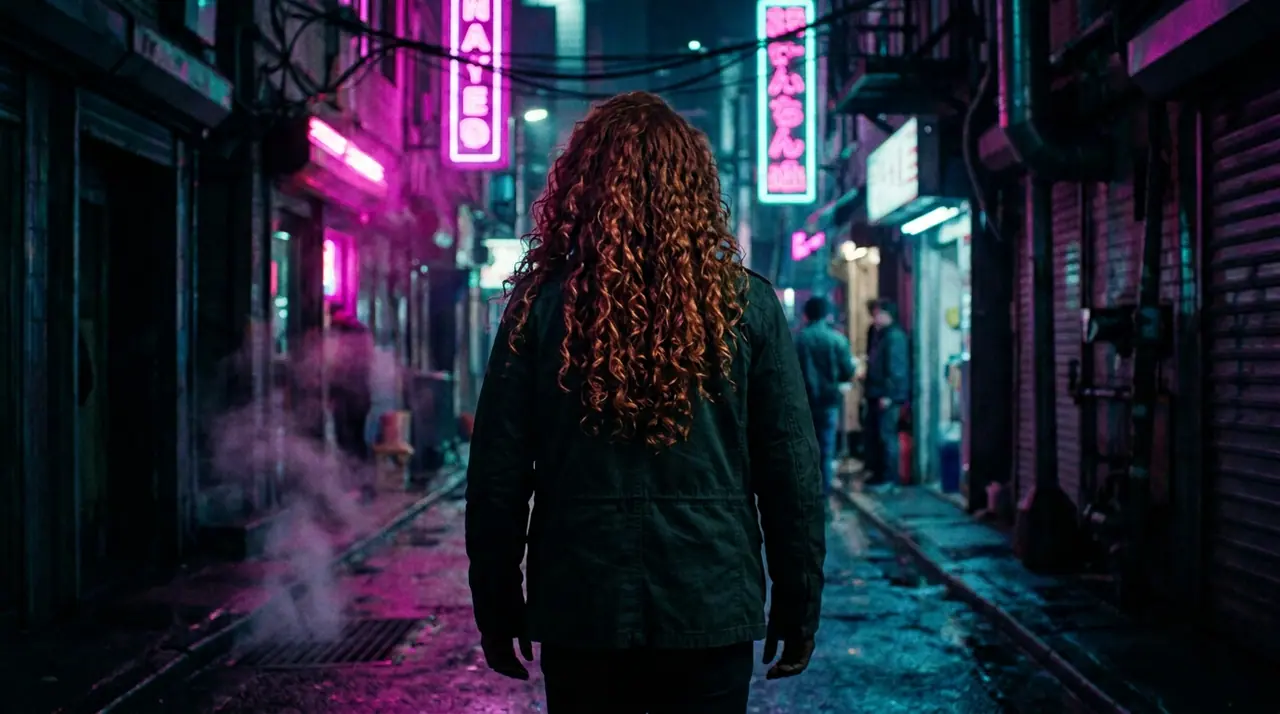
@Picture 1: tausch den Mann gegen die Frau aus @Picture 2, gleiche Jacke, gleiche Gasse, gleiches Neon
Eroq One · Beibehalten · 1 Take
Tool
eroq edits a picture from a sentence: in Image › Edit, add your photo or a render, write what should change ("make it night", "give her a red coat"), and the editor renders the change while the rest holds. Eroq Uncensored, Krea2 and Eroq One all edit, from 10 credits a picture, and Private mode keeps the picture in your browser only.
40 Gratis-Credits · keine Kreditkarte · Privatmodus für jedes Konto
Bild · Erstellen
13. Okt., 01:39:36·Fertig · Dauer 31 sec · −10 Credits
@Picture 1: tausch den Mann gegen die Frau aus @Picture 2, gleiche Jacke, gleiche Gasse, gleiches Neon
Eroq One · Beibehalten · 1 Take
13. Okt., 01:42:07·Fertig · Dauer 26 sec · −40 Credits
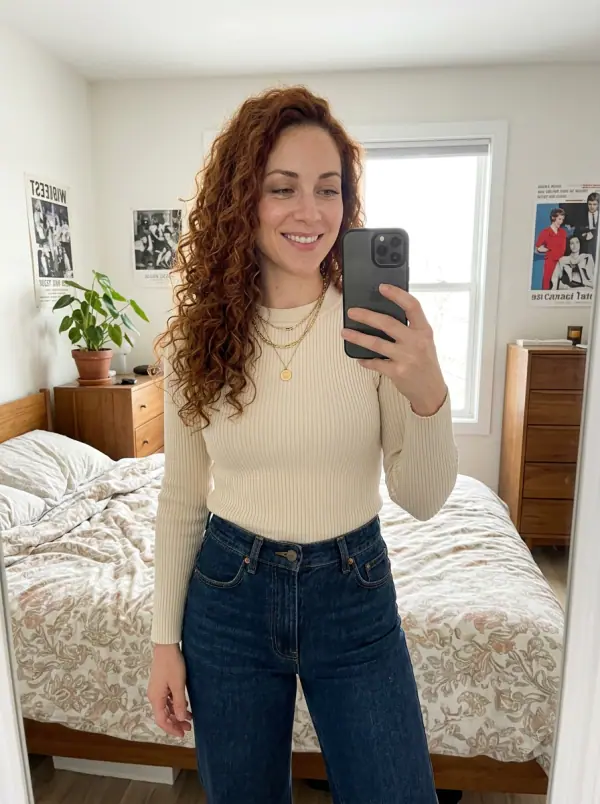
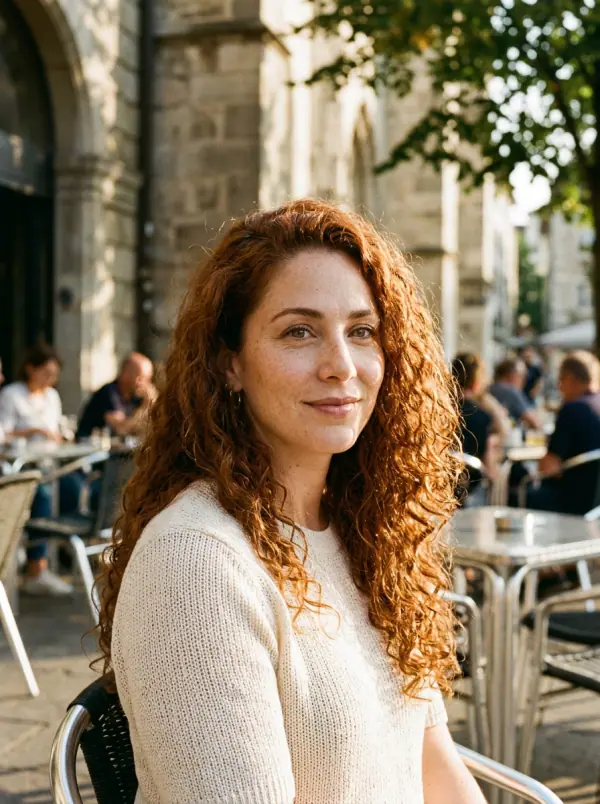
@Lena, ungestellte 35-mm-Porträts zu Hause, warmes Fensterlicht, feines Filmkorn
Eroq One · 3:4 · 4 Takes
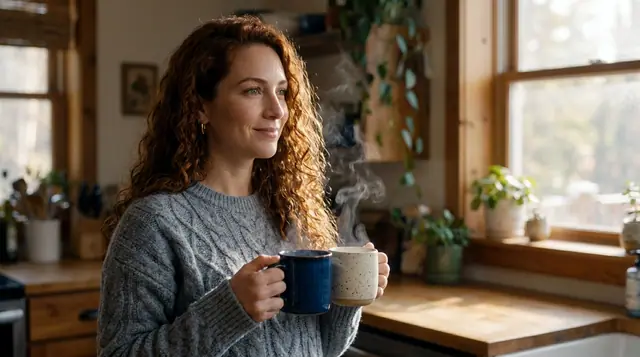
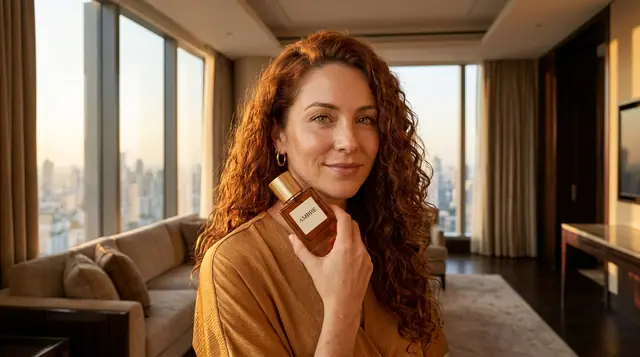
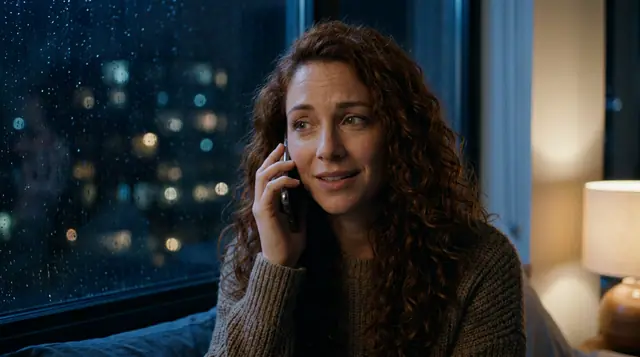
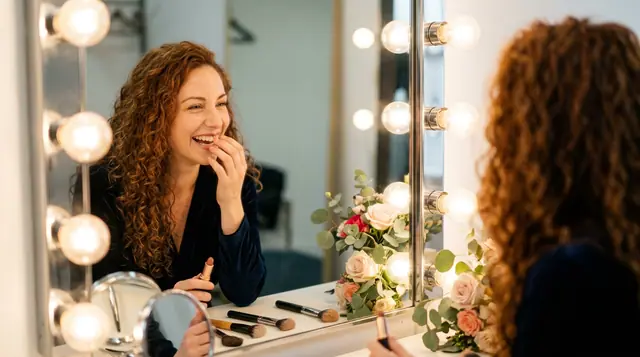
@Lena, ungestellte 35-mm-Porträts zu Hause, warmes Fensterlicht, feines Filmkorn
Privatsphäre
Privat und uneingeschränkt
There is no brush or mask: you name the part to change in words. It edits pictures you have the rights to, a real, identifiable person only with their consent, under one written policy: fiction only, nothing involving minors, no real identifiable people without their consent, nothing illegal.
Clap · KI-Agent
Beschreib das Ergebnis in Ask. Clap fragt, was es braucht, wählt die Engines, schreibt die Prompts und nennt den Preis des Plans. Sobald du zustimmst, rendert es alles in deine Bibliothek. Vollautomatisch, und nichts läuft, bevor du Ja sagst.
Ask · Clap
Clap · 6s nachgedacht
Drei Bilder, dasselbe Gesicht aus Lenas Sheet. Hier ist der Plan.
Produktion
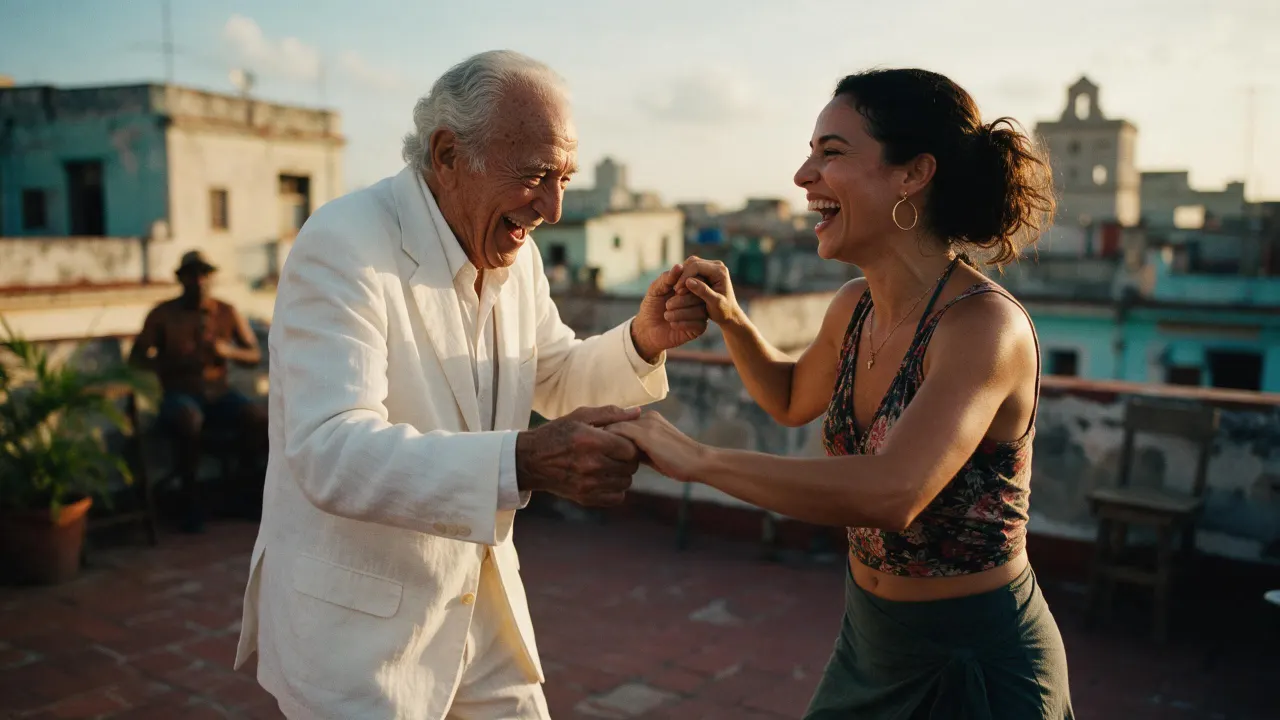
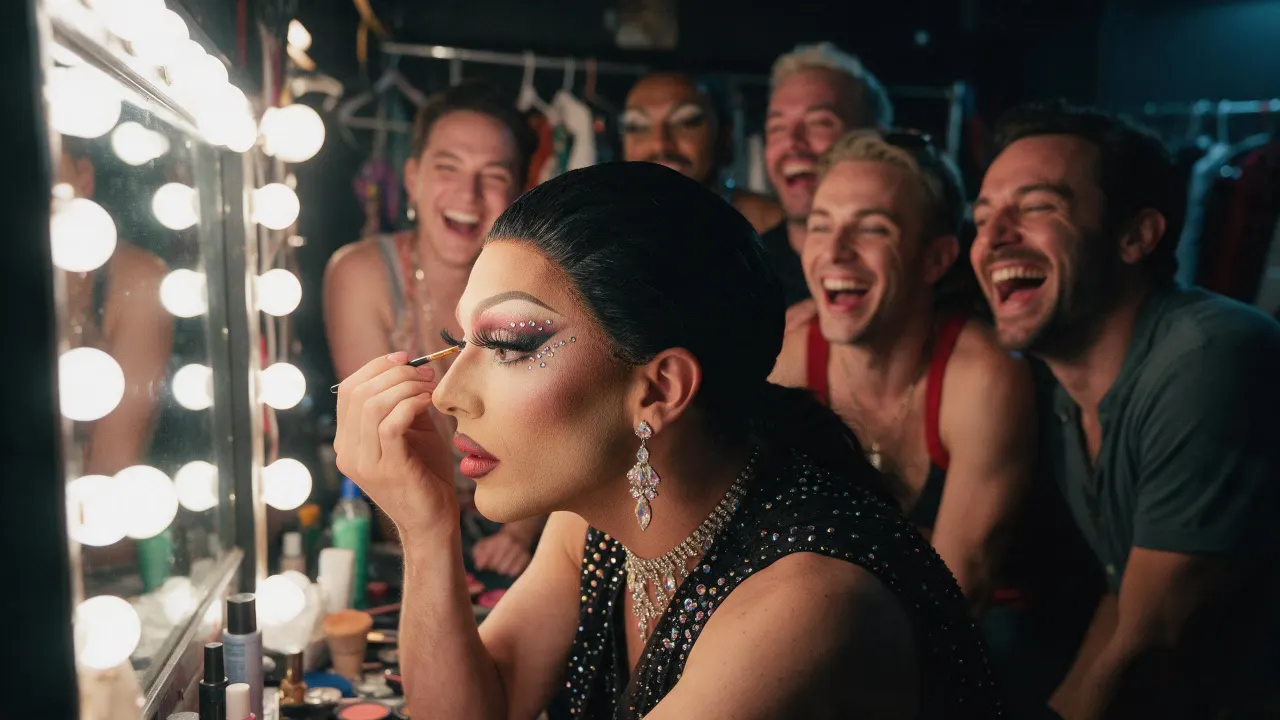
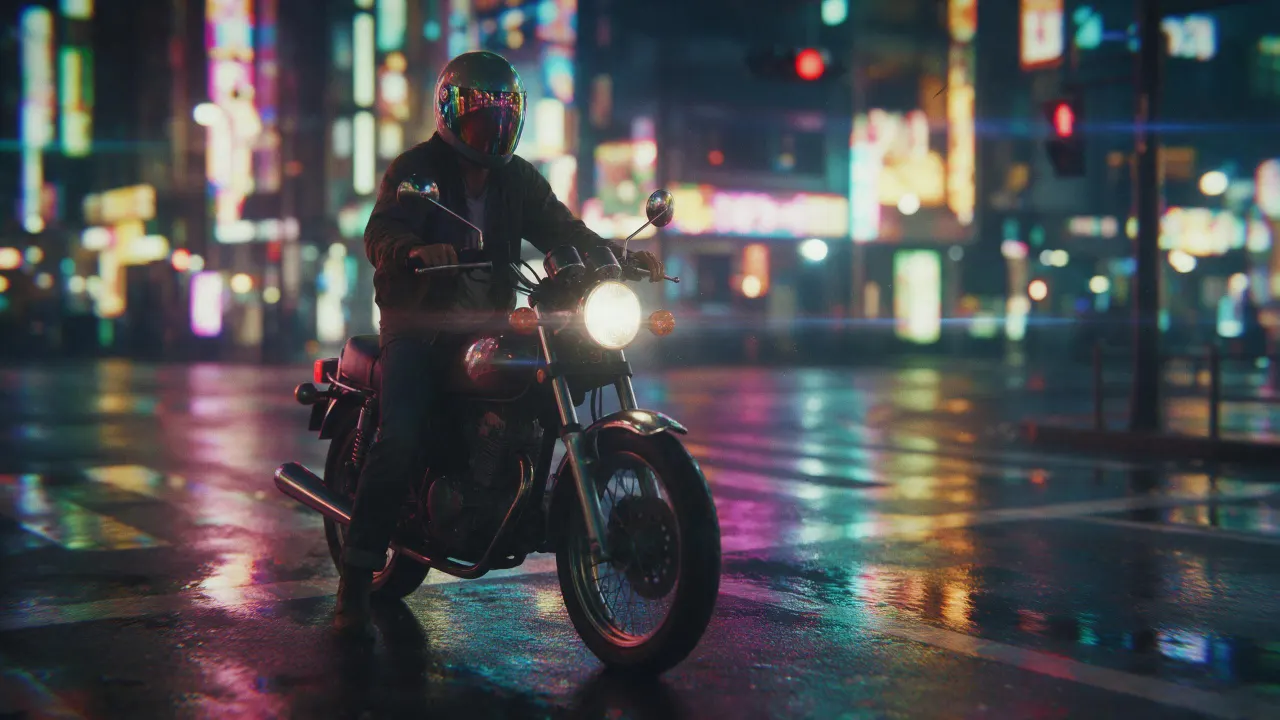
In deiner Bibliothek gespeichert
Jede Kachel öffnet ihren Trend im Studio, startklar.
Open Image › Edit, add the photo and write the change in plain words, as you would ask a retoucher: "make it night", "remove the cup", "give her a red coat". The editor renders the new picture and keeps what you did not mention.
Yes: name that part and say the rest stays the same ("replace only the sofa; keep everything else exactly the same"). There is no mask to draw; Eroq One holds the rest most faithfully.
Eroq One keeps the person as they are unless you ask otherwise. To keep one face across many pictures, save the person as a Character: their identity sheet holds the face in every render.
Eroq Uncensored and Eroq One edit with no provider filter, within the written policy (fiction only, nothing involving minors, no real identifiable people without their consent, nothing illegal). New web accounts start with a content filter on; the account holder can switch it off in Settings, confirming they are 18 or older.
The editors are run by eroq and keep nothing upstream. Turn on Private mode and your picture stays in your browser: the edit leaves no file and no Library entry.
Free to start: every new account gets 40 free credits with no card, enough for 4 edits at 10 credits each. More credits start with a $10 pack (1,000 credits) or a plan from $15/month.
40 Gratis-Credits · keine Kreditkarte · Privatmodus für jedes Konto
Weiter entdecken