

13 ต.ค. 01:39:36·พร้อมแล้ว · ใช้เวลา 31 sec · −10 เครดิต
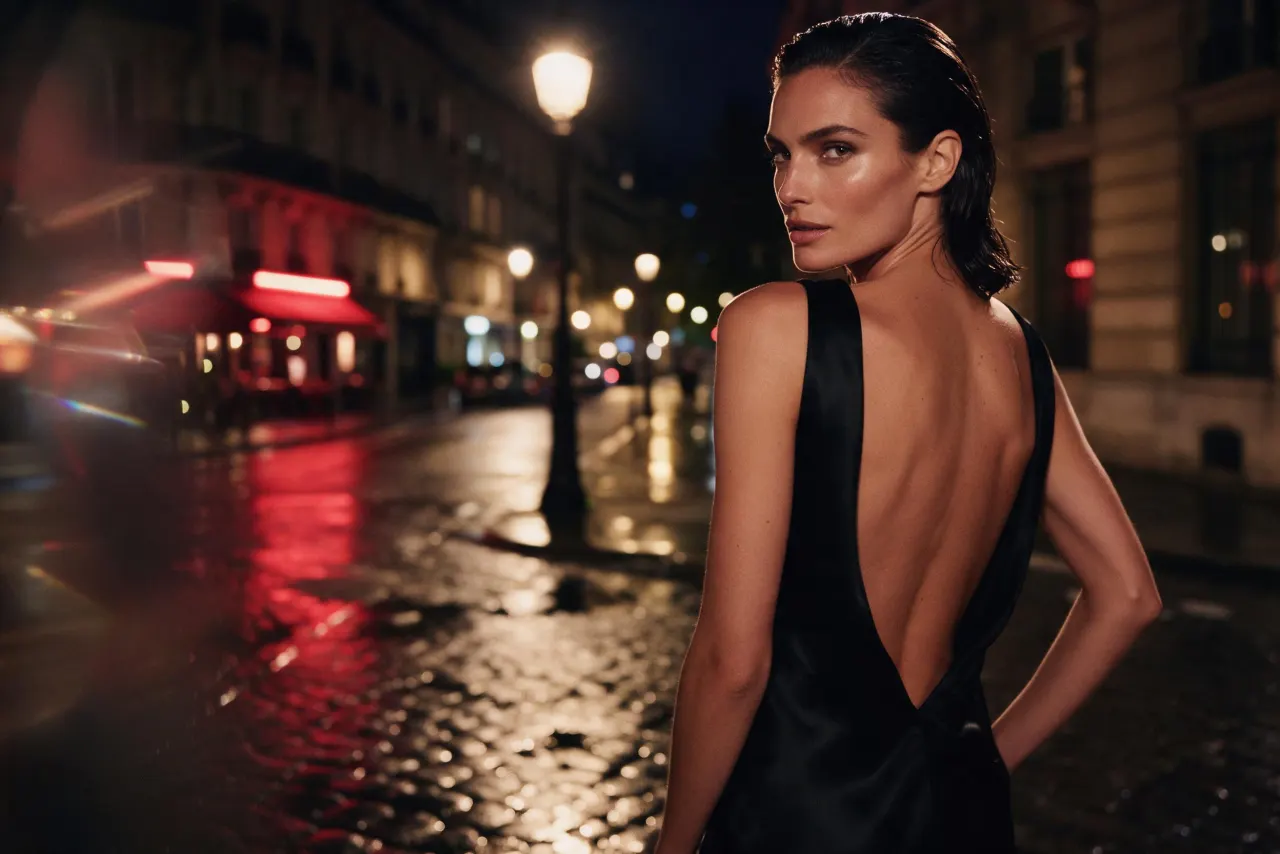
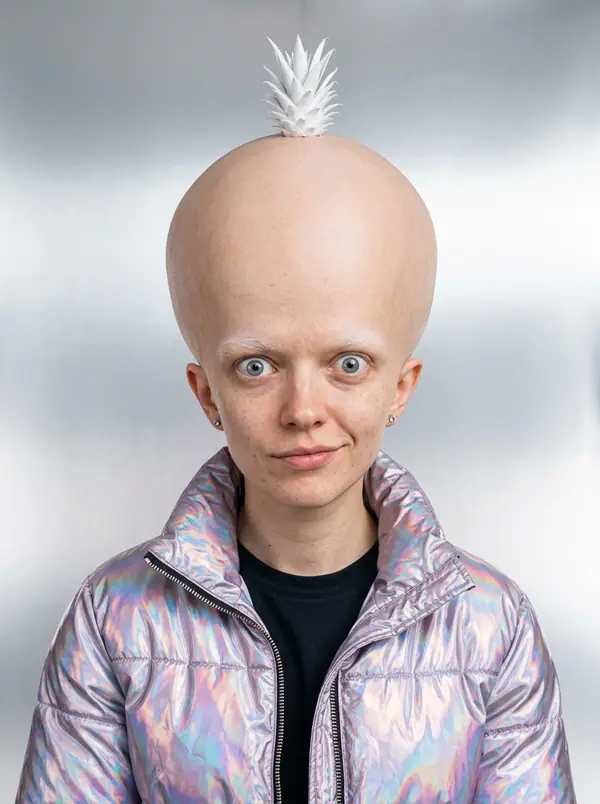
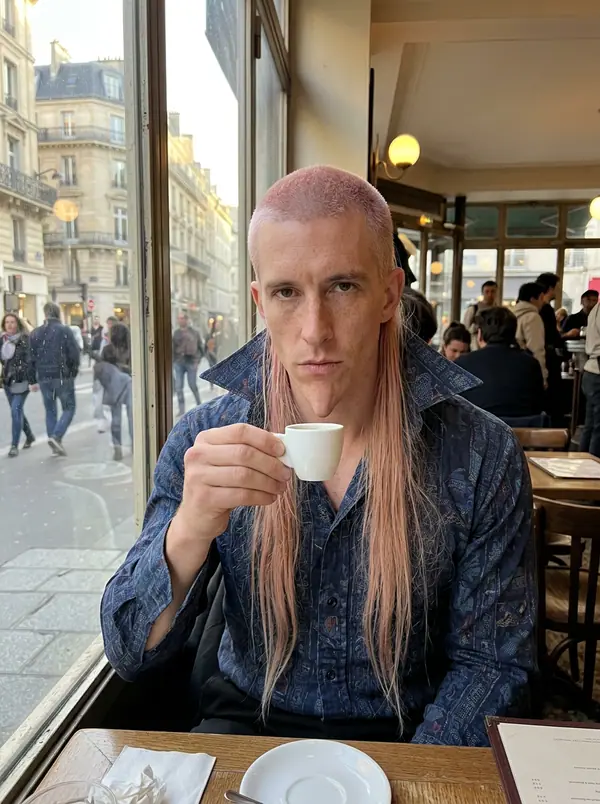
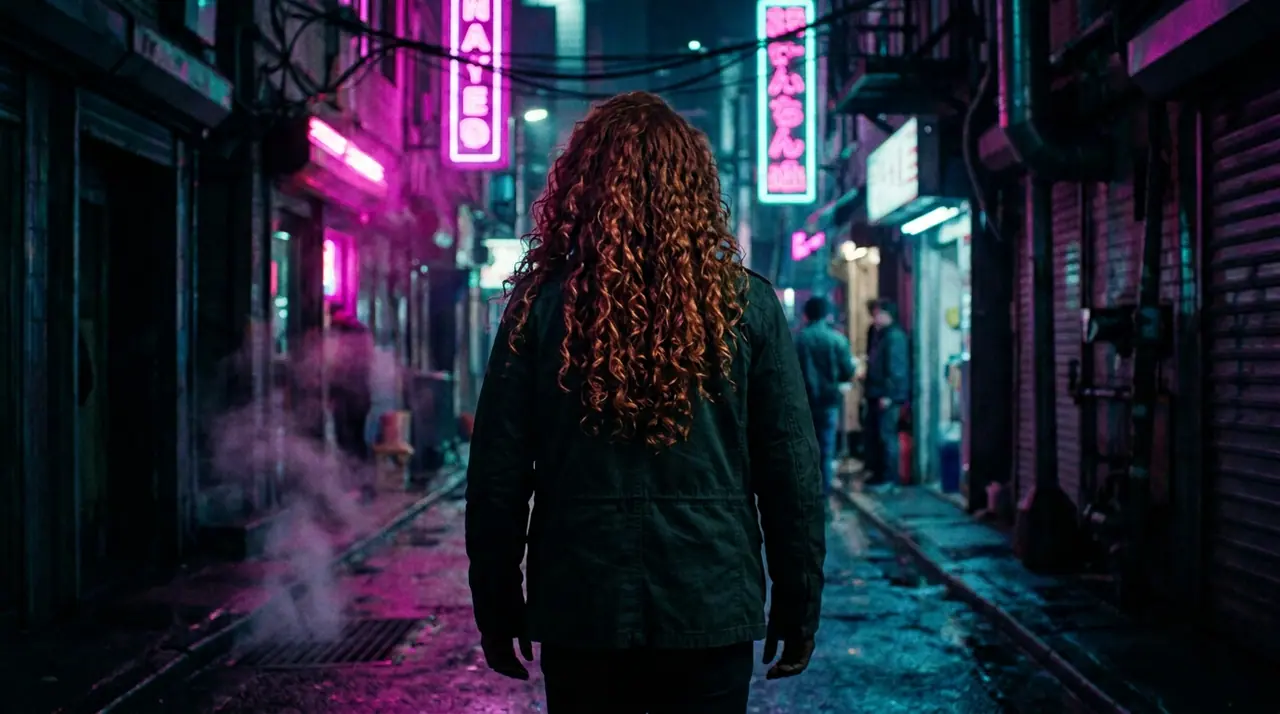
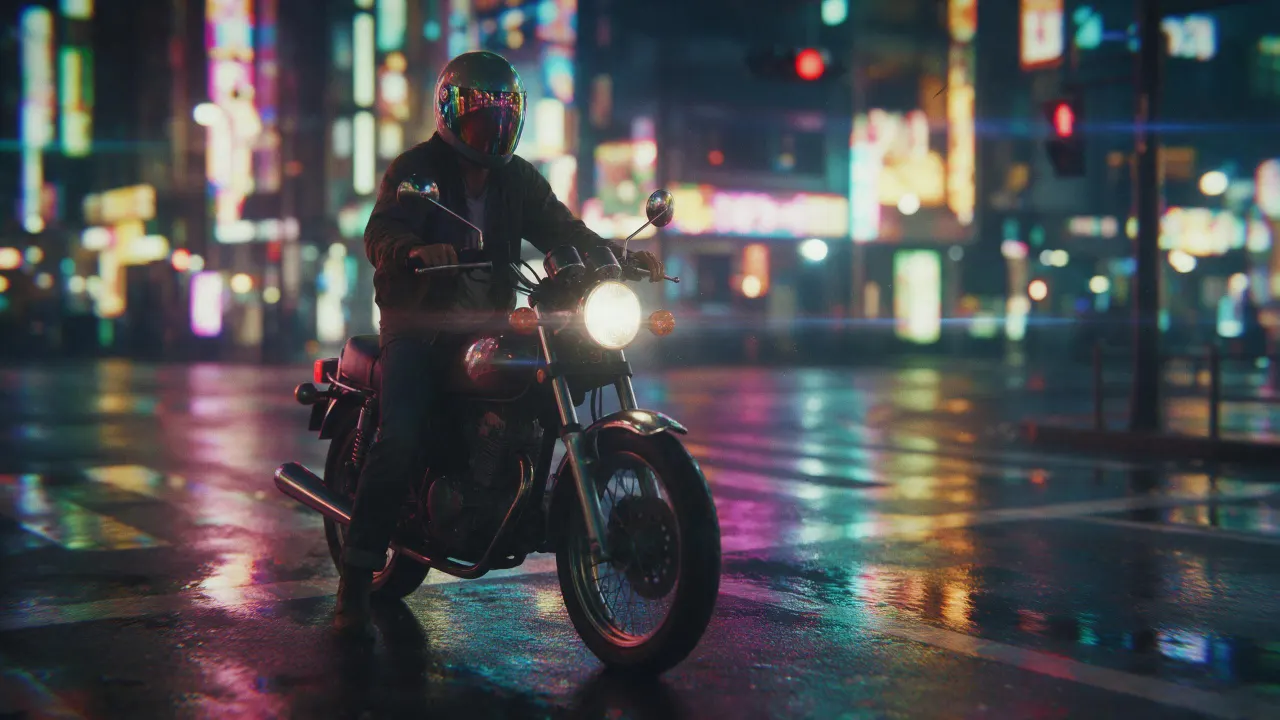
@Picture 1: เปลี่ยนผู้ชายเป็นผู้หญิงใน @Picture 2 ใส่แจ็กเก็ตตัวเดิม ตรอกเดิม นีออนเดิม
Eroq One · คงไว้ · 1 เทค
Tool
eroq extends a picture from a sentence: Image › Edit opens with "extend this picture beyond its edges: continue the scene naturally on every side", you add the picture and pick the new format. Eroq Uncensored and Krea2 render it to another ratio (a square into 16:9 or 9:16); Eroq One keeps your picture's frame, so the scene widens inside it.
40 เครดิตฟรี · ไม่ต้องใช้บัตร · โหมดส่วนตัวในทุกบัญชี
รูปภาพ · สร้าง
13 ต.ค. 01:39:36·พร้อมแล้ว · ใช้เวลา 31 sec · −10 เครดิต
@Picture 1: เปลี่ยนผู้ชายเป็นผู้หญิงใน @Picture 2 ใส่แจ็กเก็ตตัวเดิม ตรอกเดิม นีออนเดิม
Eroq One · คงไว้ · 1 เทค
13 ต.ค. 01:42:07·พร้อมแล้ว · ใช้เวลา 26 sec · −40 เครดิต
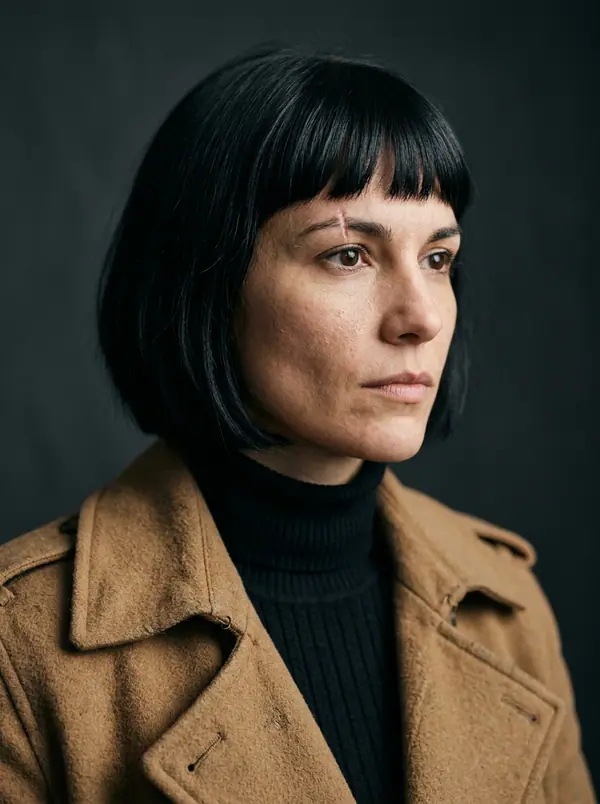
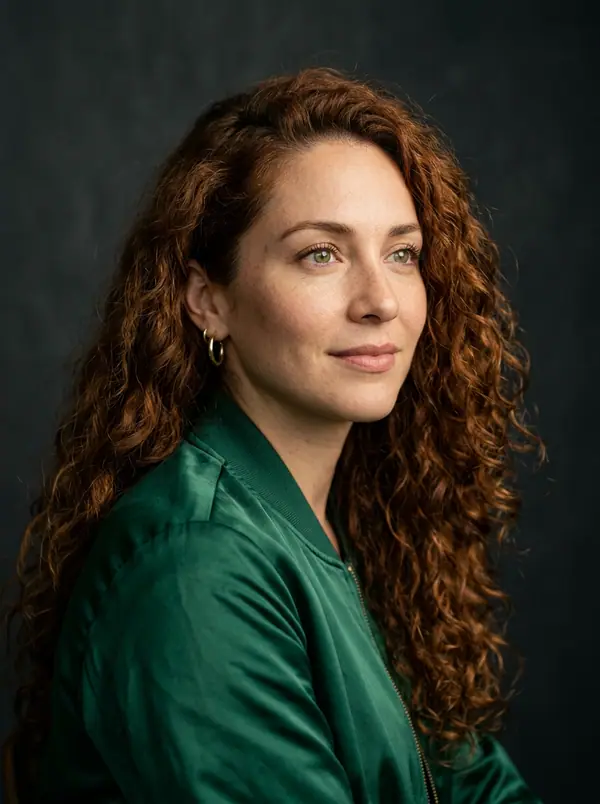
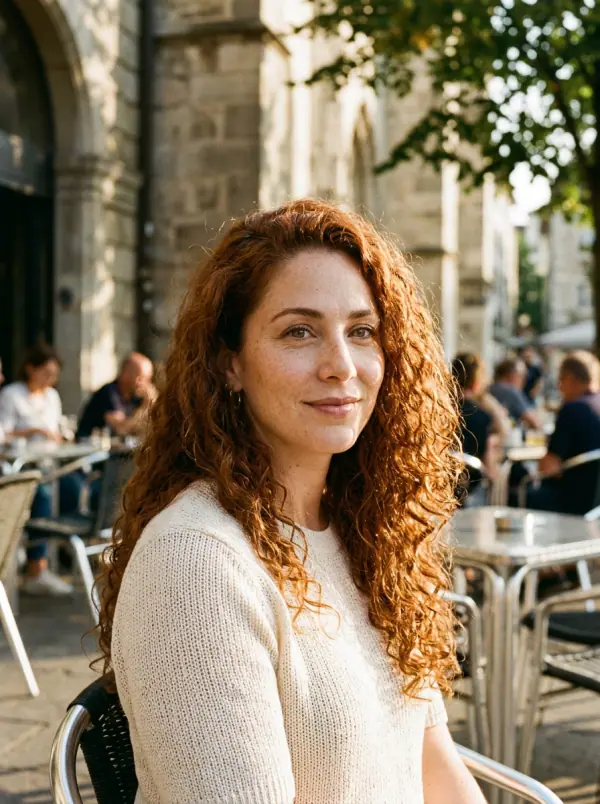
@Lena, ภาพพอร์ตเทรตสบายๆ ถ่ายด้วยฟิล์ม 35mm ที่บ้าน แสงอบอุ่นจากหน้าต่าง เกรนฟิล์มนุ่มๆ
Eroq One · 3:4 · 4 เทค
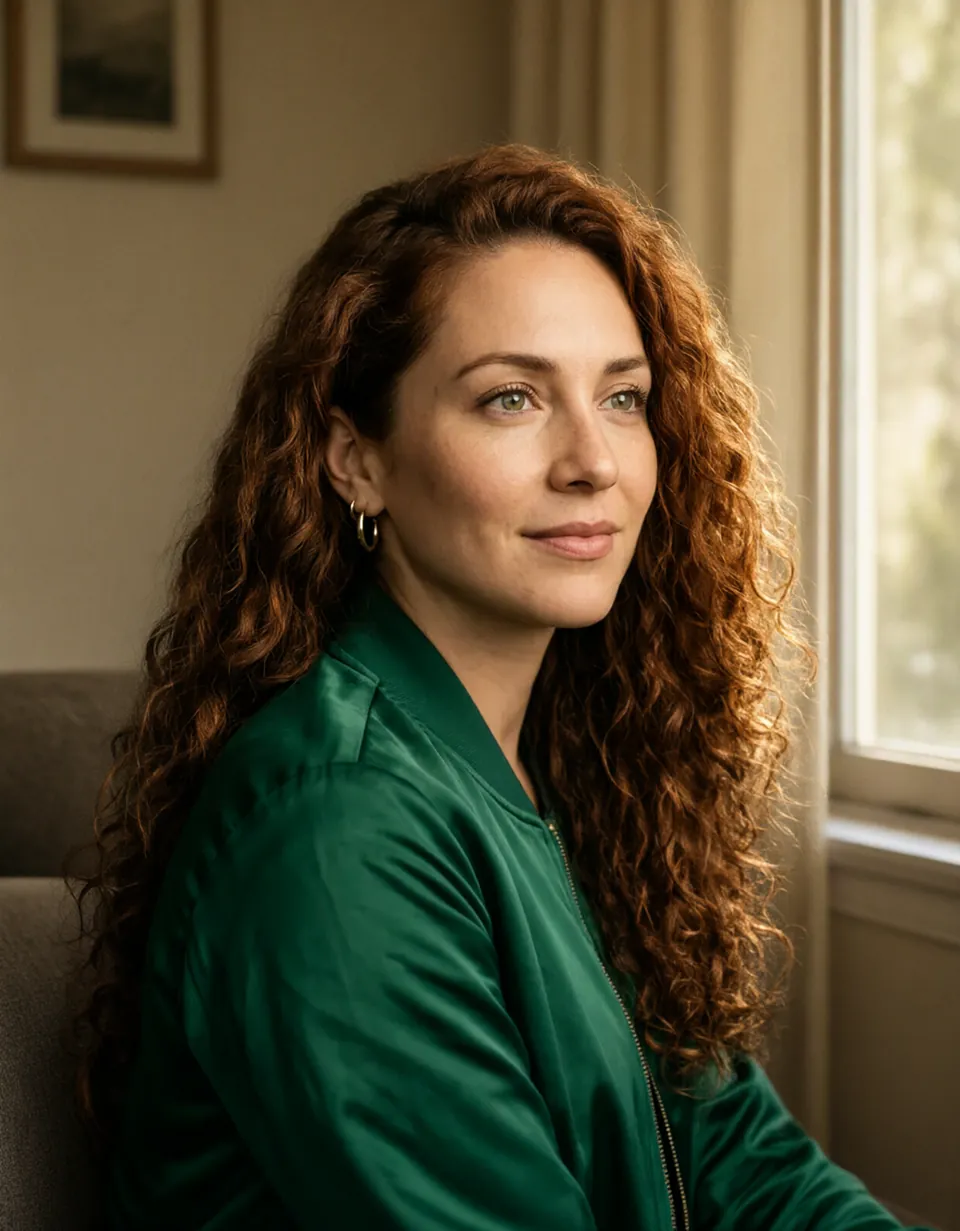
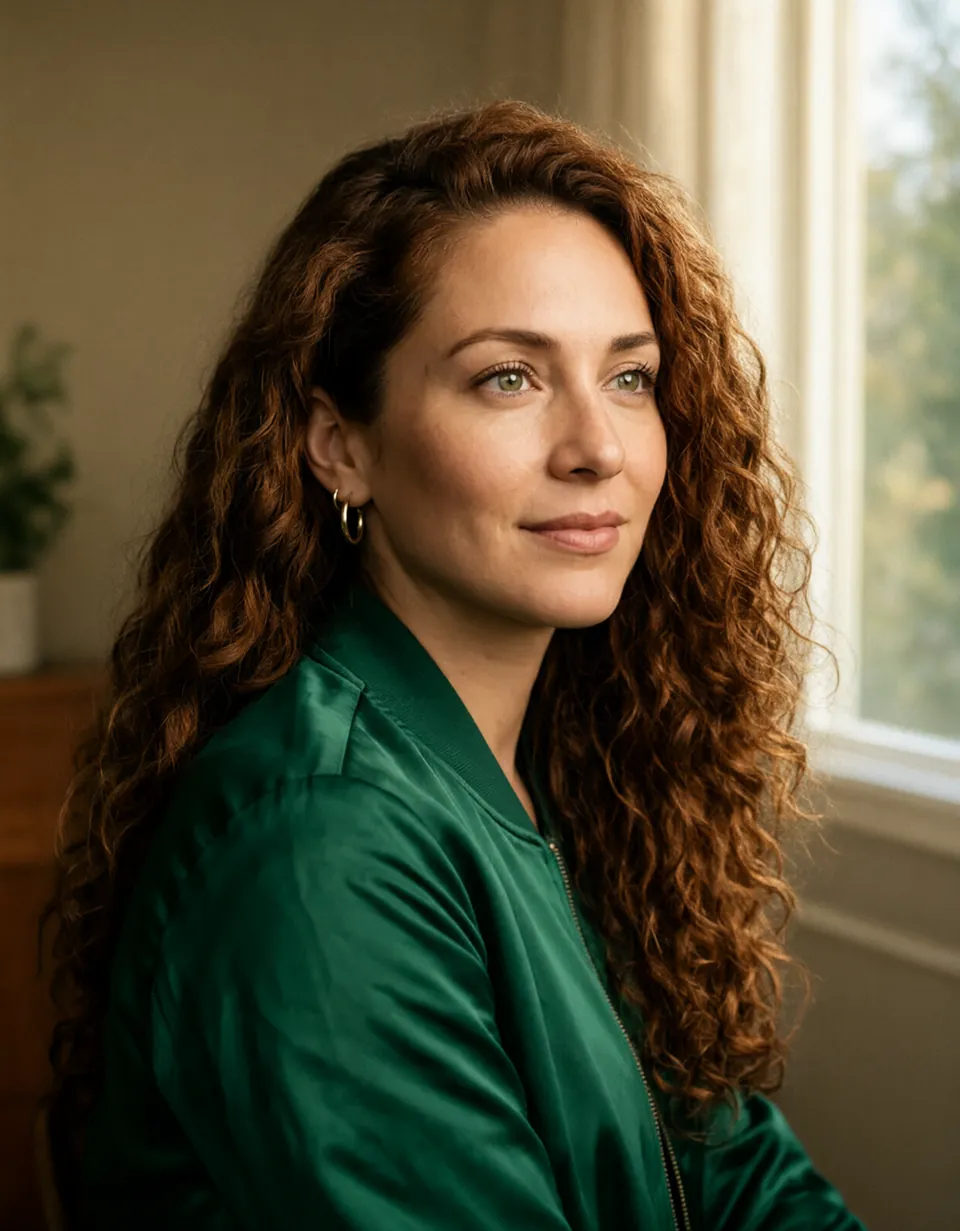
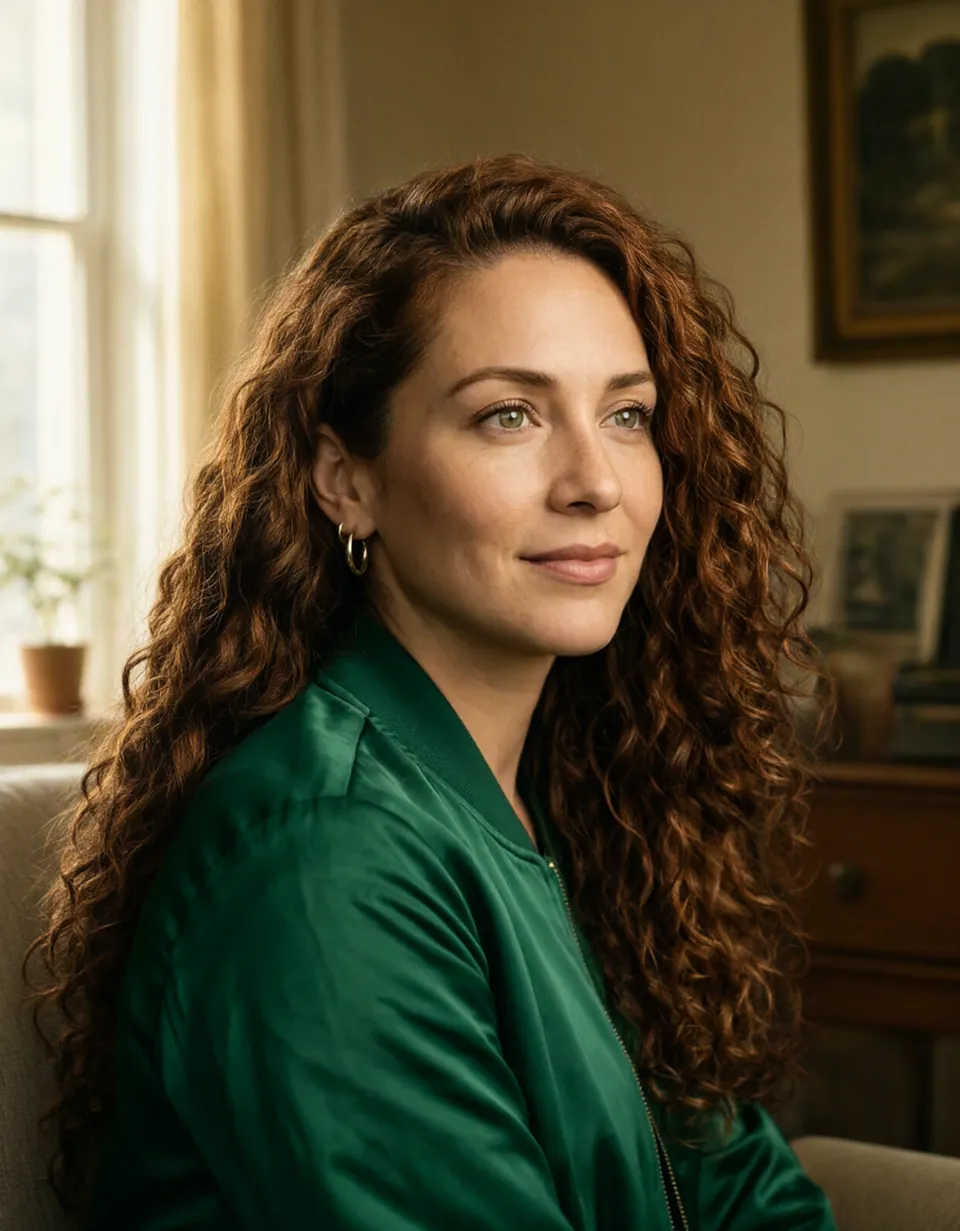
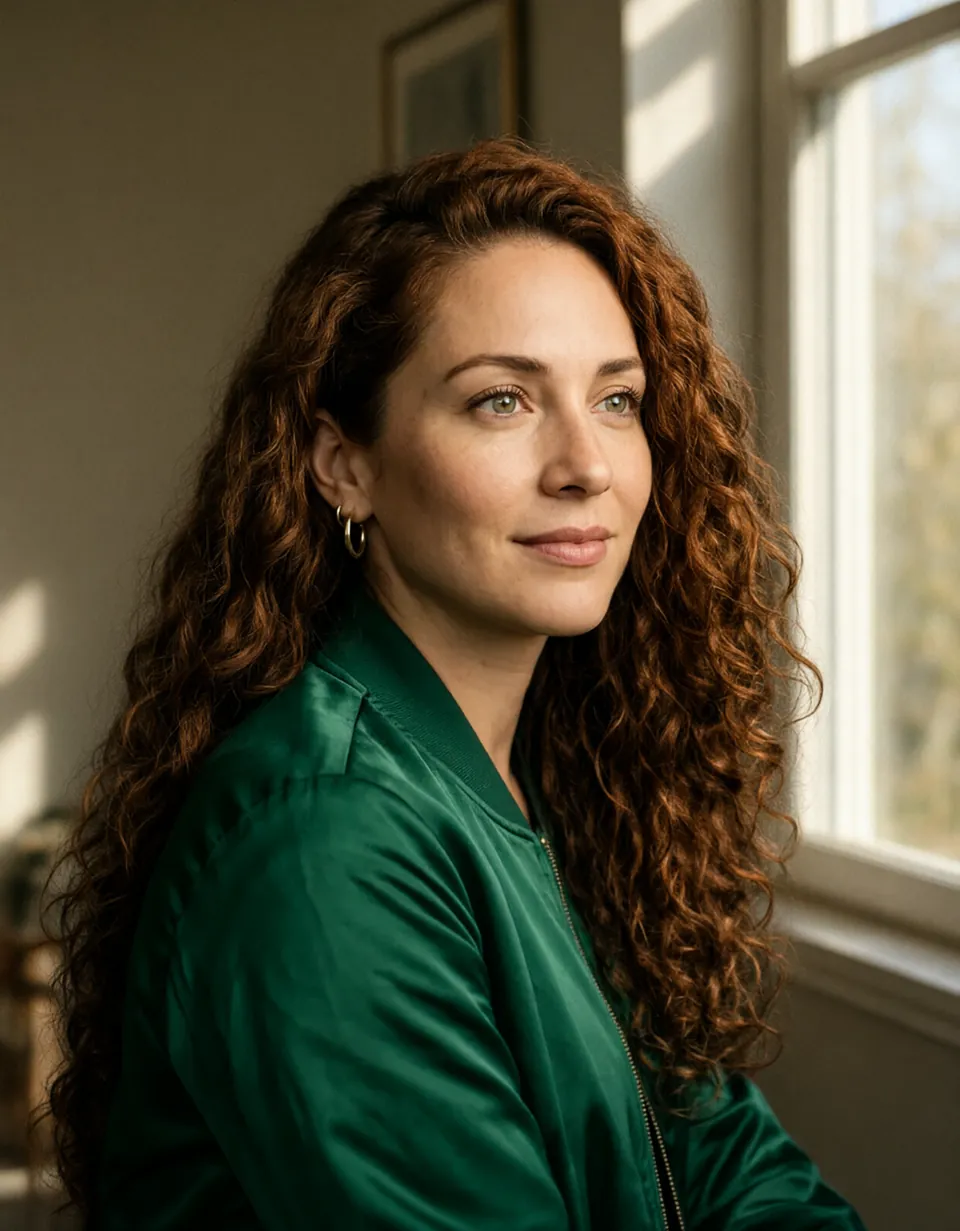
@Lena, ภาพพอร์ตเทรตสบายๆ ถ่ายด้วยฟิล์ม 35mm ที่บ้าน แสงอบอุ่นจากหน้าต่าง เกรนฟิล์มนุ่มๆ
ความเป็นส่วนตัว
เป็นส่วนตัวและไม่จำกัด
The whole picture is rendered again at the engine's size, with your picture as the guide: check that the original part still looks the way you want. It makes the scene wider, not the file larger: it is not an upscaler.
Clap · เอเจนต์ AI
อธิบายผลลัพธ์ที่ต้องการใน Ask แล้ว Clap จะถามสิ่งที่ต้องรู้ เลือกเอนจิน เขียนพรอมต์ และคิดราคาแผน เมื่อคุณอนุมัติ มันจะเรนเดอร์ทุกอย่างเข้าคลังผลงานของคุณ อัตโนมัติทั้งหมด และไม่มีอะไรรันก่อนที่คุณจะตอบตกลง
Ask · Clap
Clap · คิดอยู่ 6 วินาที
สามเฟรม ใบหน้าเดียวกันจากชีตของ Lena นี่คือแผน
โปรดักชัน
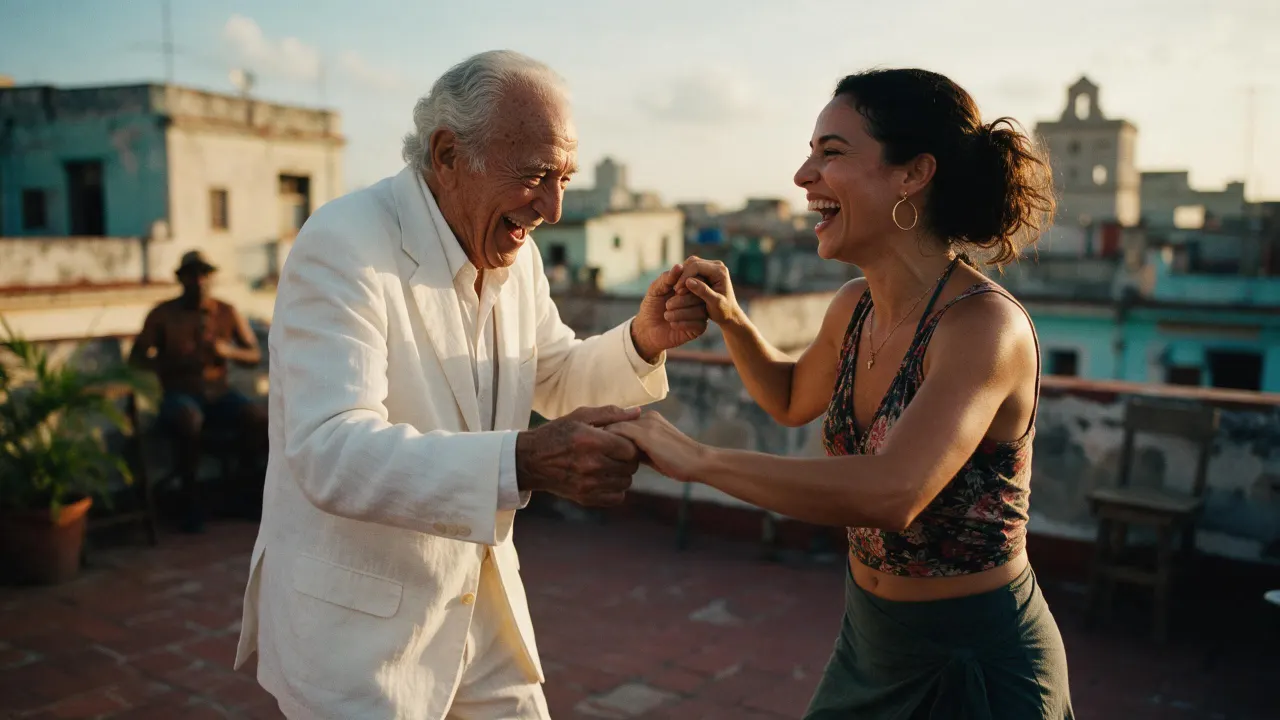
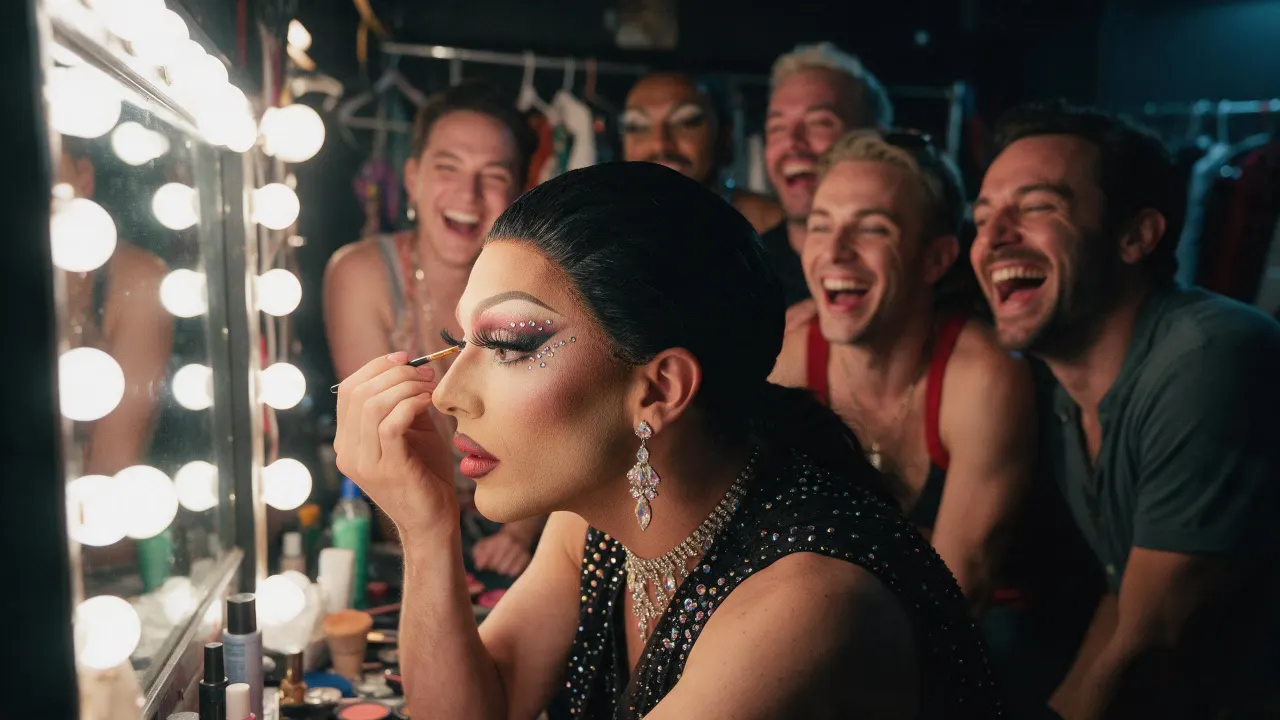
บันทึกในคลังผลงานแล้ว
Open the image extender recipe in Image › Edit, add the picture, pick Eroq Uncensored and Krea2 and a wider format, and generate. The editor continues the scene past the old edges.
Yes, on Eroq Uncensored and Krea2: pick 16:9 in Format and the scene is continued on the sides.
It keeps it close, not pixel for pixel: the whole frame is rendered again. Render a few takes and keep the one where the original reads best.
Free to start: every new account gets 40 free credits with no card, enough for 4 edits at 10 credits each. More credits start with a $10 pack (1,000 credits) or a plan from $15/month.
40 เครดิตฟรี · ไม่ต้องใช้บัตร · โหมดส่วนตัวในทุกบัญชี