13 ott, 01:39:36·Pronto · Ci sono voluti 31 sec · −10 crediti
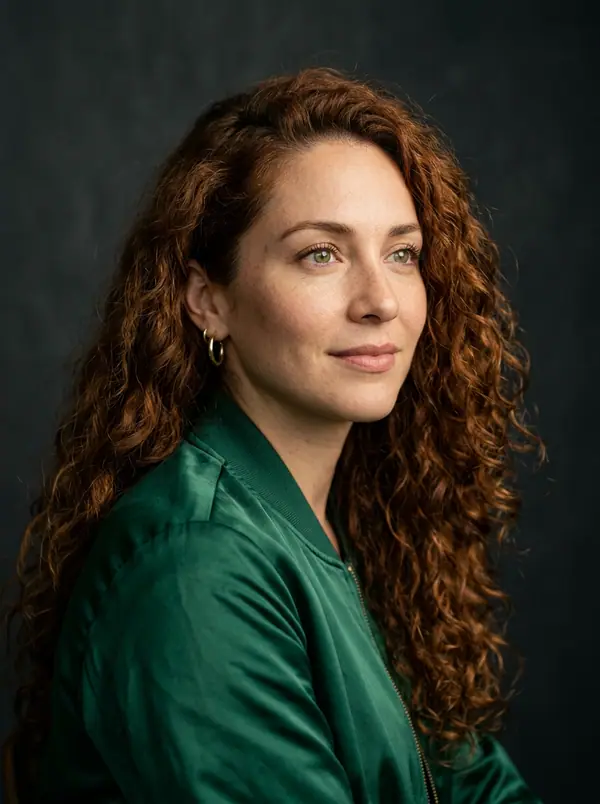
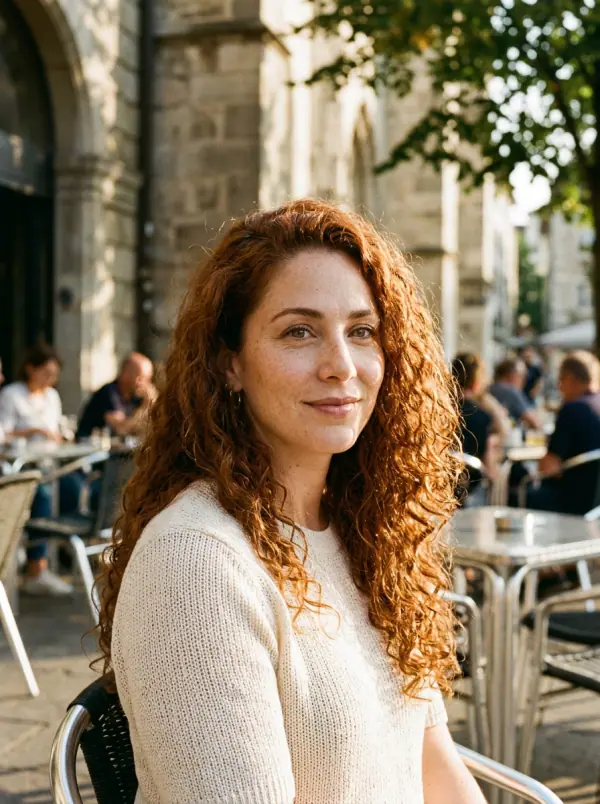
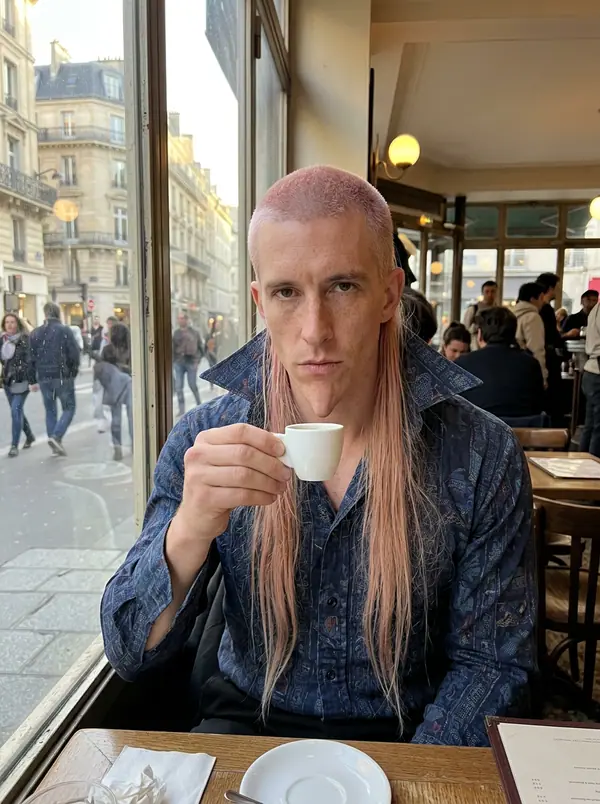
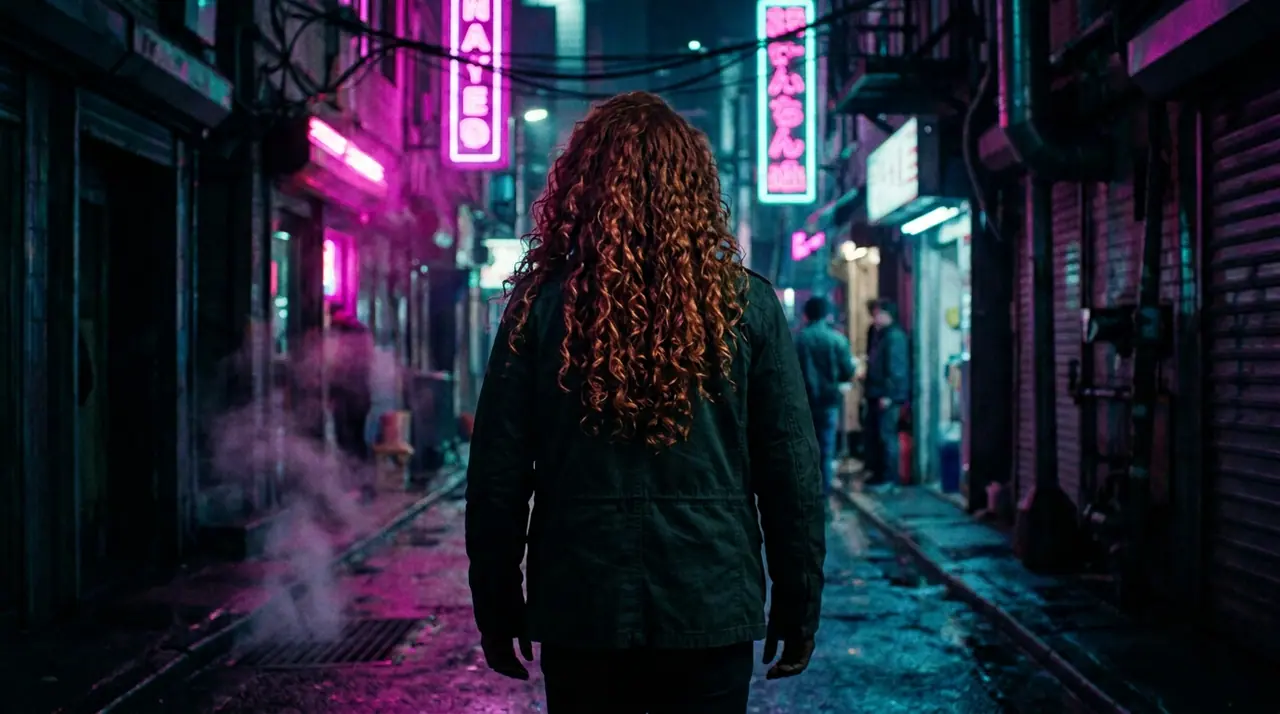
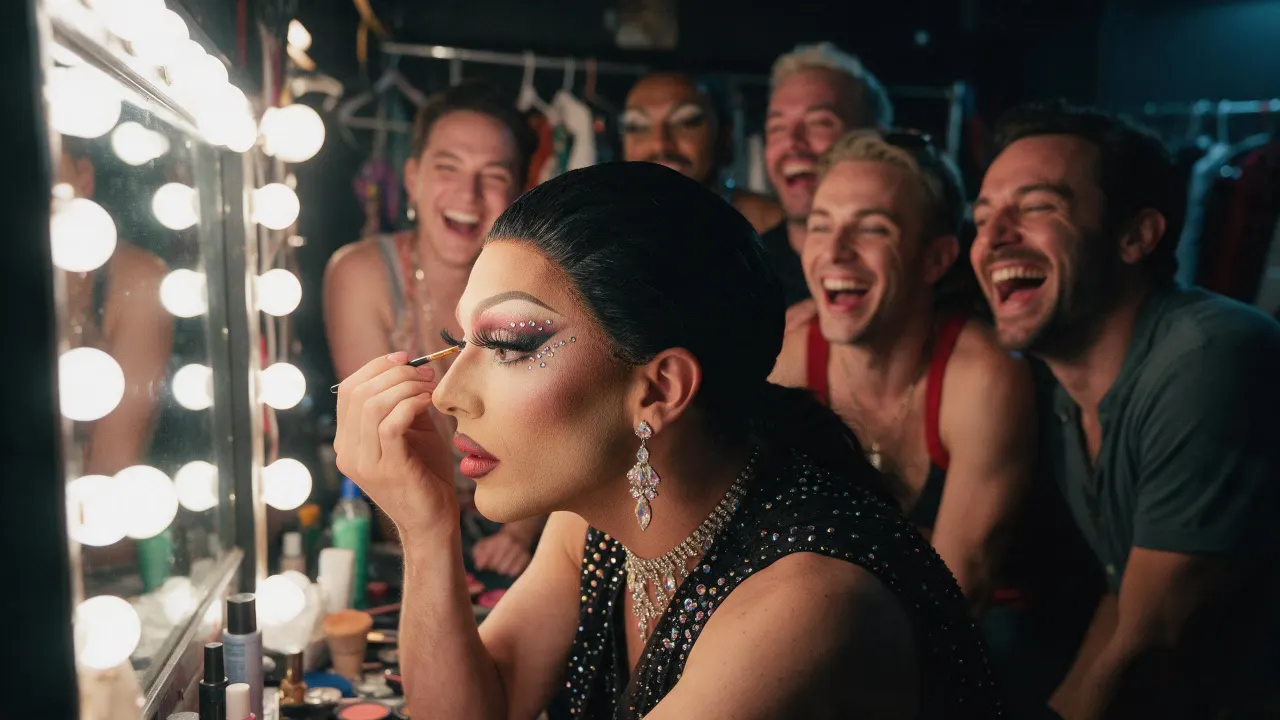
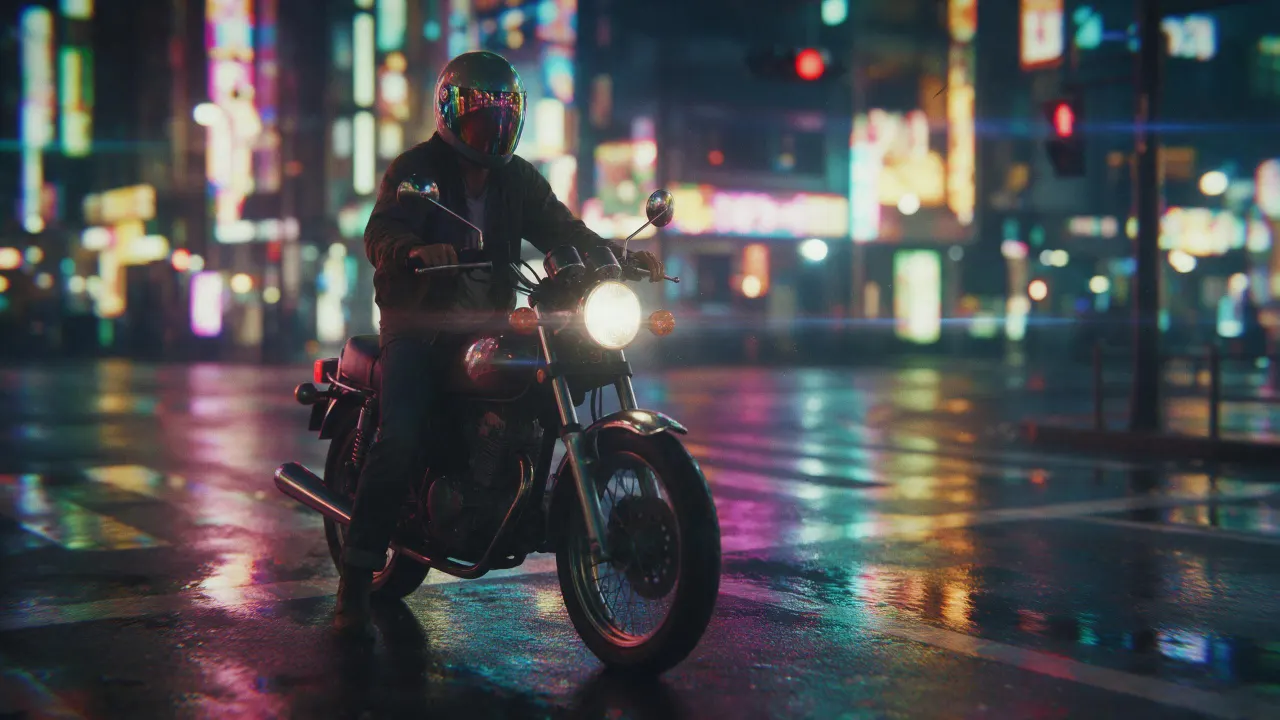
@Immagine 1: sostituisci l’uomo con la donna di @Immagine 2, stessa giacca, stesso vicolo, stesso neon
Eroq One · Mantieni · 1 ripresa
Tool
eroq extends a picture from a sentence: Image › Edit opens with "extend this picture beyond its edges: continue the scene naturally on every side", you add the picture and pick the new format. Eroq Uncensored and Krea2 render it to another ratio (a square into 16:9 or 9:16); Eroq One keeps your picture's frame, so the scene widens inside it.
40 crediti gratis · nessuna carta · modalità privata su ogni account
Immagine · Crea
13 ott, 01:39:36·Pronto · Ci sono voluti 31 sec · −10 crediti
@Immagine 1: sostituisci l’uomo con la donna di @Immagine 2, stessa giacca, stesso vicolo, stesso neon
Eroq One · Mantieni · 1 ripresa
13 ott, 01:42:07·Pronto · Ci sono voluti 26 sec · −40 crediti
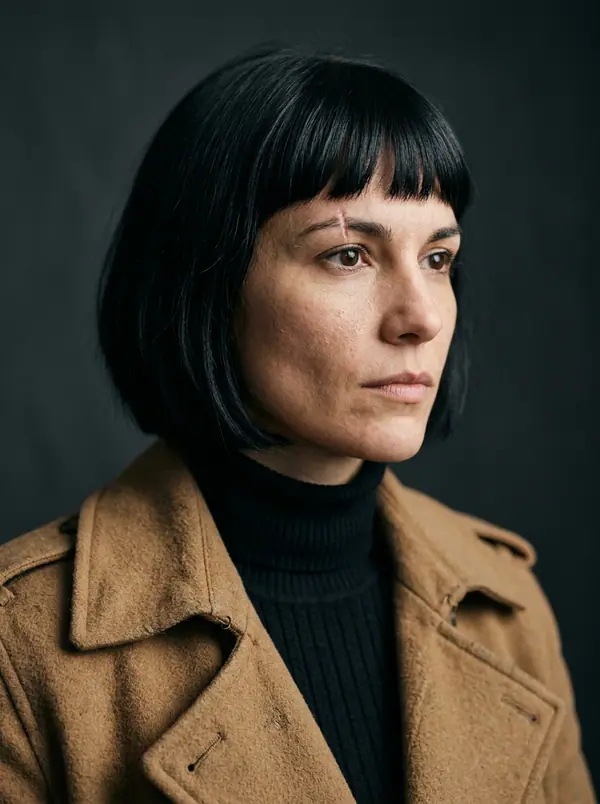
@Lena, ritratti spontanei in 35mm a casa, calda luce dalla finestra, leggera grana da pellicola
Eroq One · 3:4 · 4 riprese
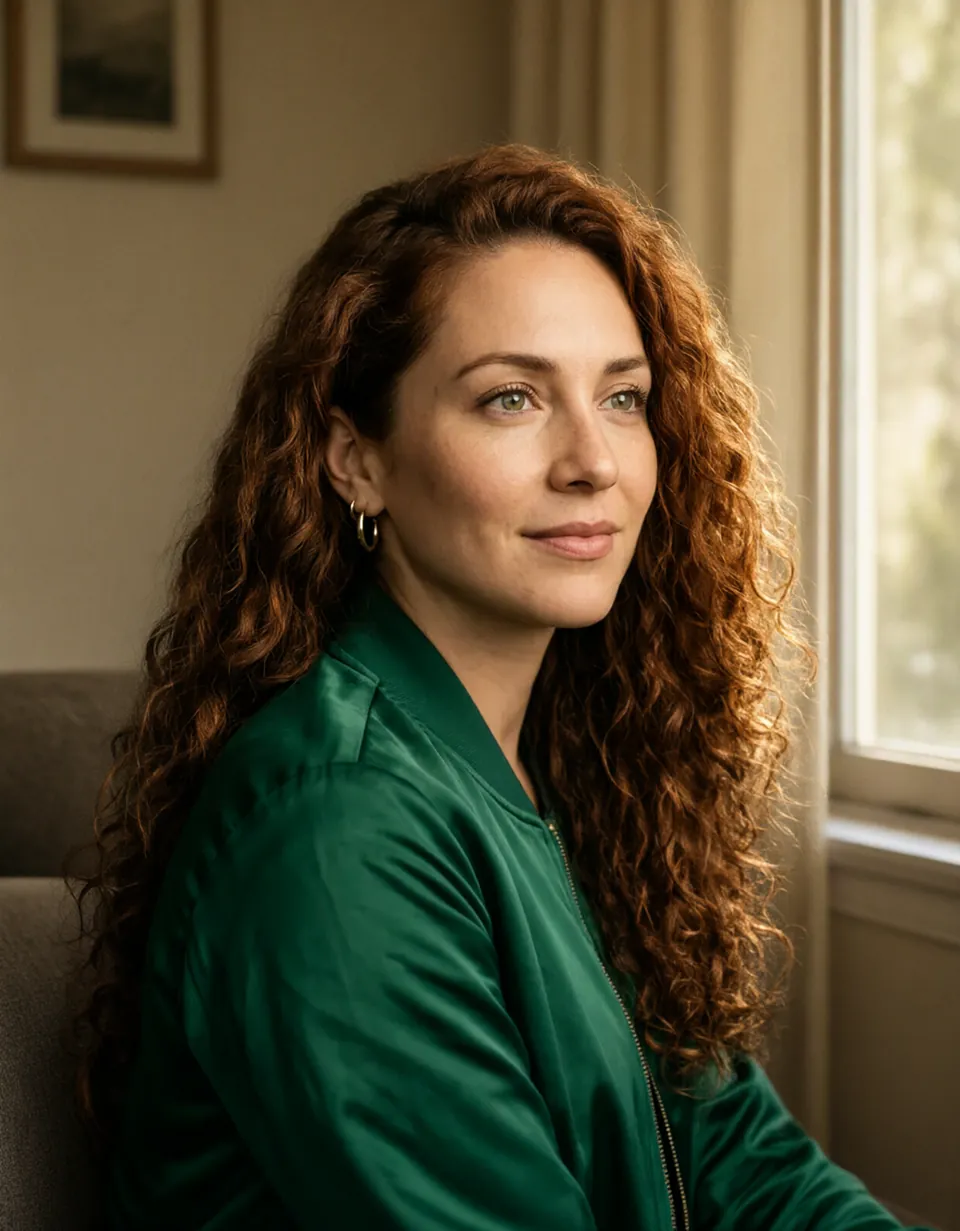
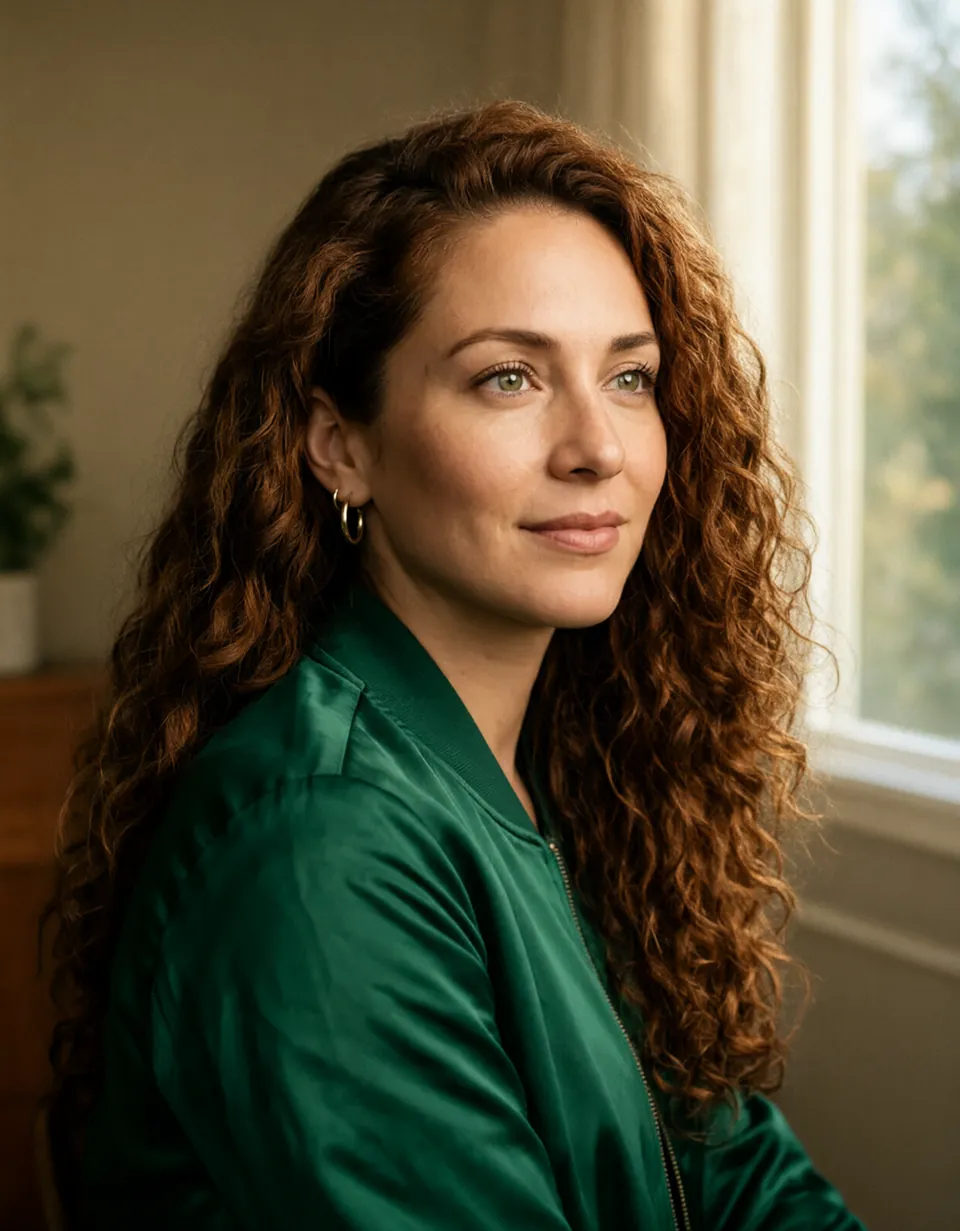
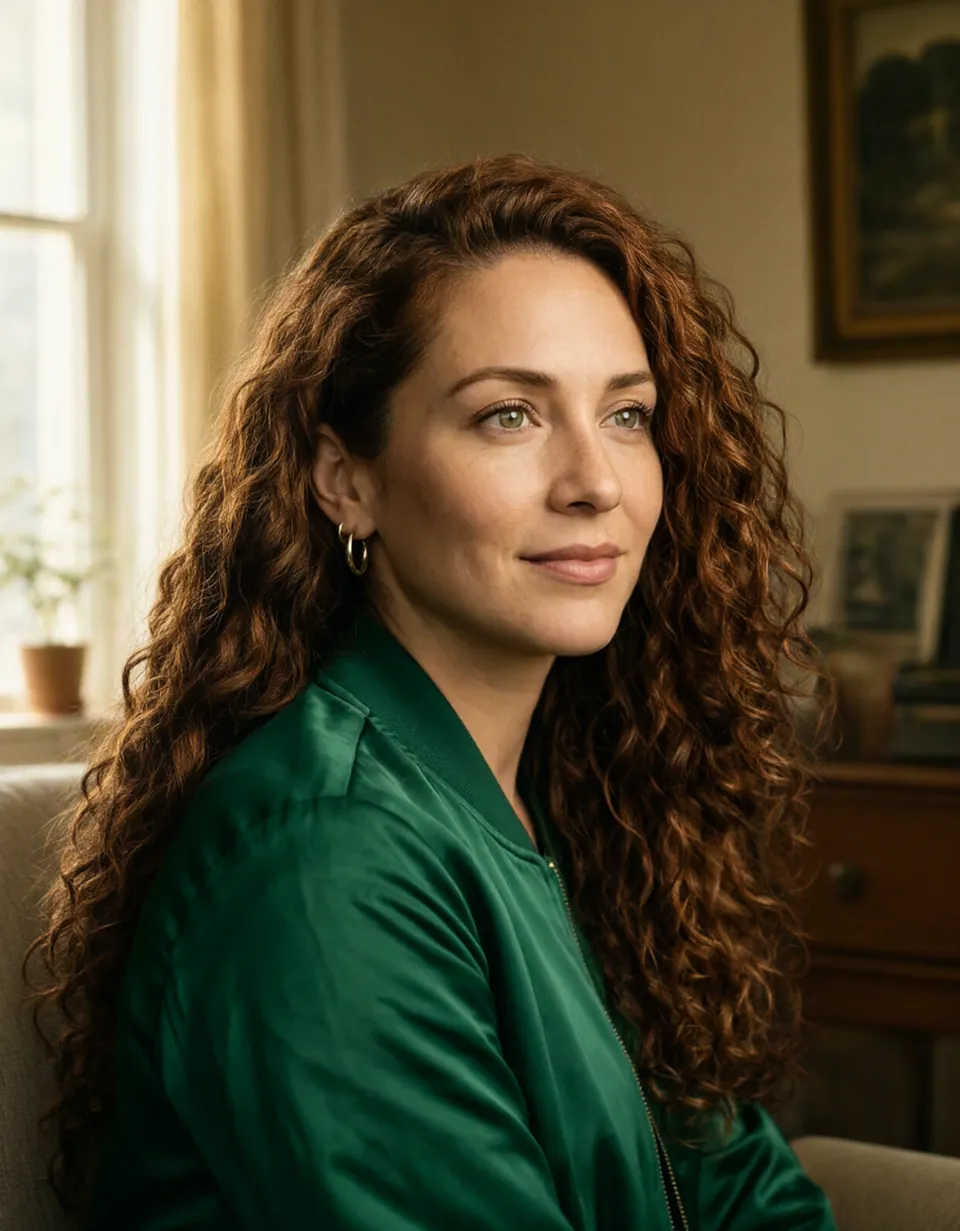
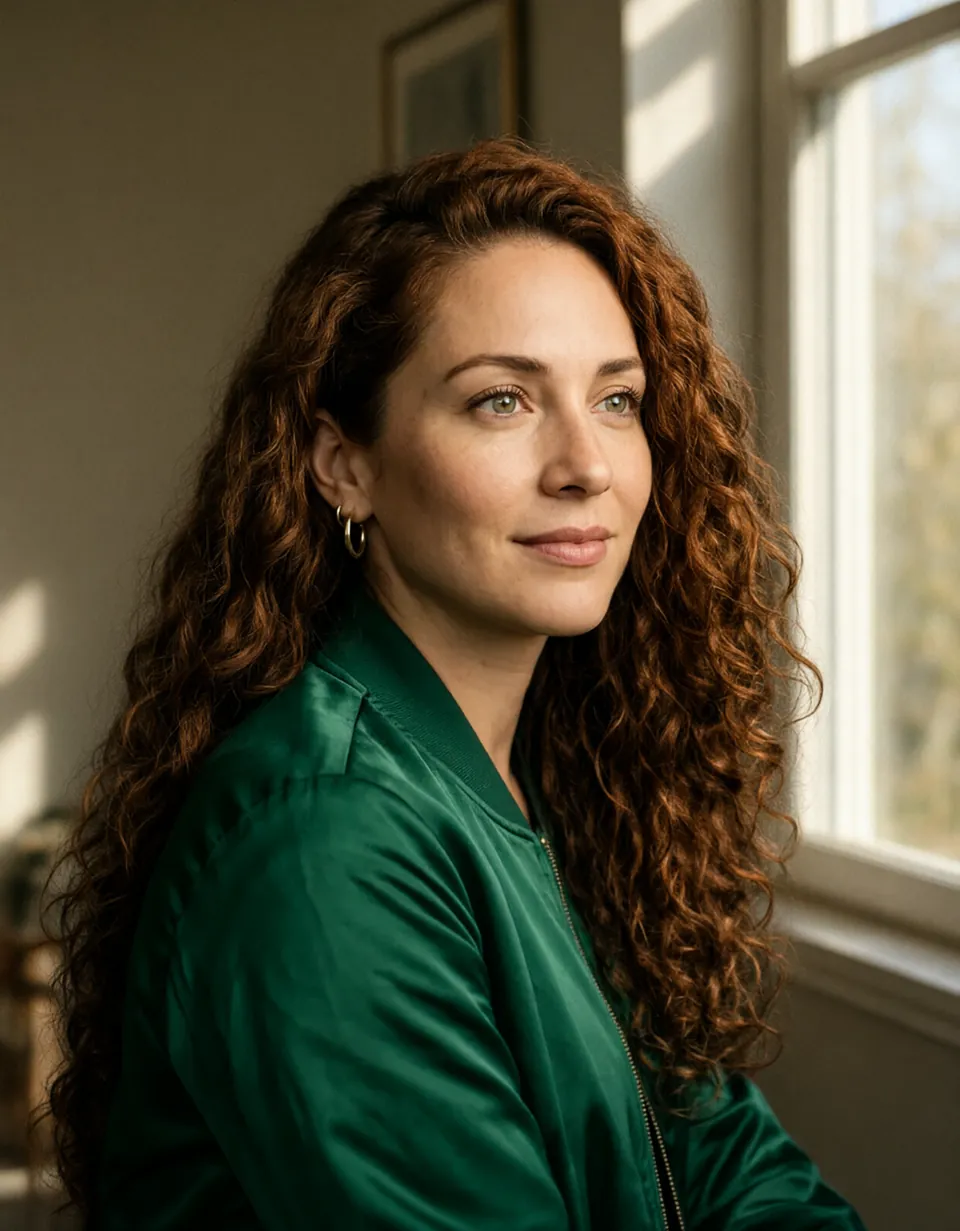
@Lena, ritratti spontanei in 35mm a casa, calda luce dalla finestra, leggera grana da pellicola
Privacy
Privato e senza restrizioni
The whole picture is rendered again at the engine's size, with your picture as the guide: check that the original part still looks the way you want. It makes the scene wider, not the file larger: it is not an upscaler.
Clap · agente IA
Descrivi il risultato in Ask. Clap ti chiede ciò che gli serve, sceglie i motori, scrive i prompt e calcola il costo del piano. Appena approvi, renderizza tutto nella tua libreria. Tutto automatico, e non parte nulla prima del tuo sì.
Ask · Clap
Clap · Ha pensato per 6s
Tre immagini, lo stesso volto della scheda di Lena. Ecco il piano.
Produzione
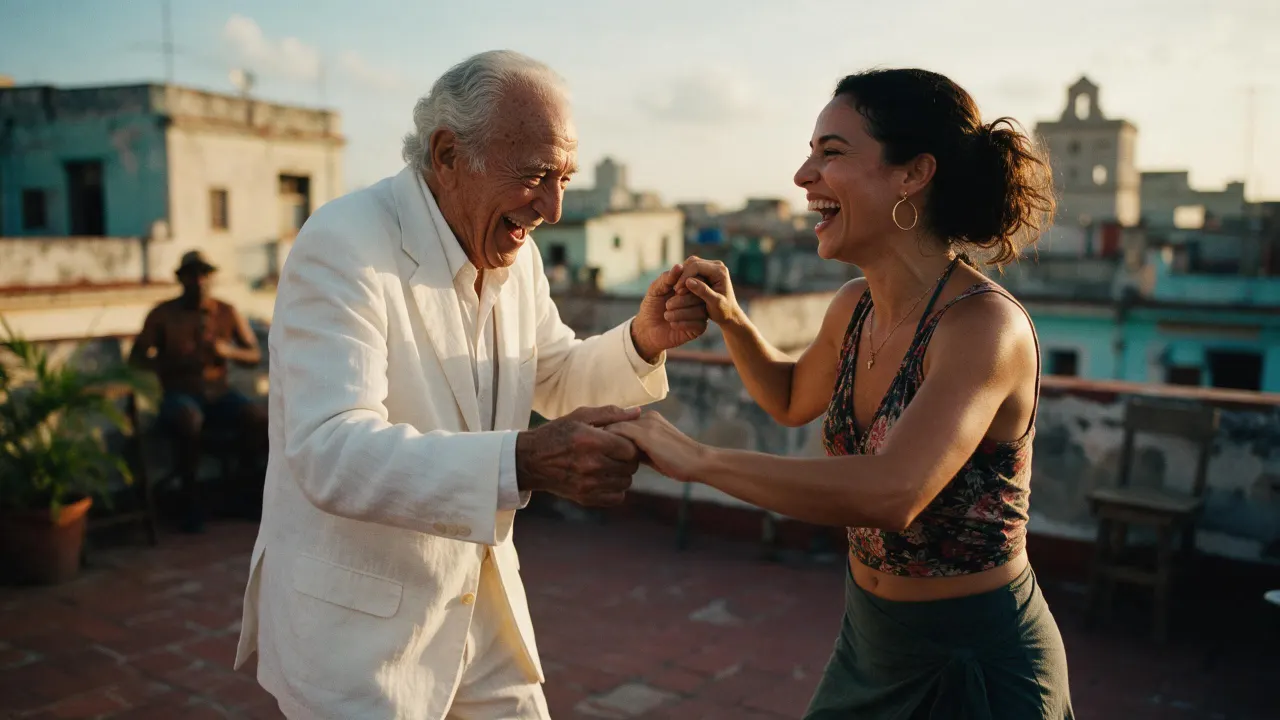
Salvato nella tua libreria
Open the image extender recipe in Image › Edit, add the picture, pick Eroq Uncensored and Krea2 and a wider format, and generate. The editor continues the scene past the old edges.
Yes, on Eroq Uncensored and Krea2: pick 16:9 in Format and the scene is continued on the sides.
It keeps it close, not pixel for pixel: the whole frame is rendered again. Render a few takes and keep the one where the original reads best.
Free to start: every new account gets 40 free credits with no card, enough for 4 edits at 10 credits each. More credits start with a $10 pack (1,000 credits) or a plan from $15/month.
40 crediti gratis · nessuna carta · modalità privata su ogni account
Continua a esplorare