13 Okt, 01.39.36·Siap · Butuh waktu 31 sec · −10 kredit
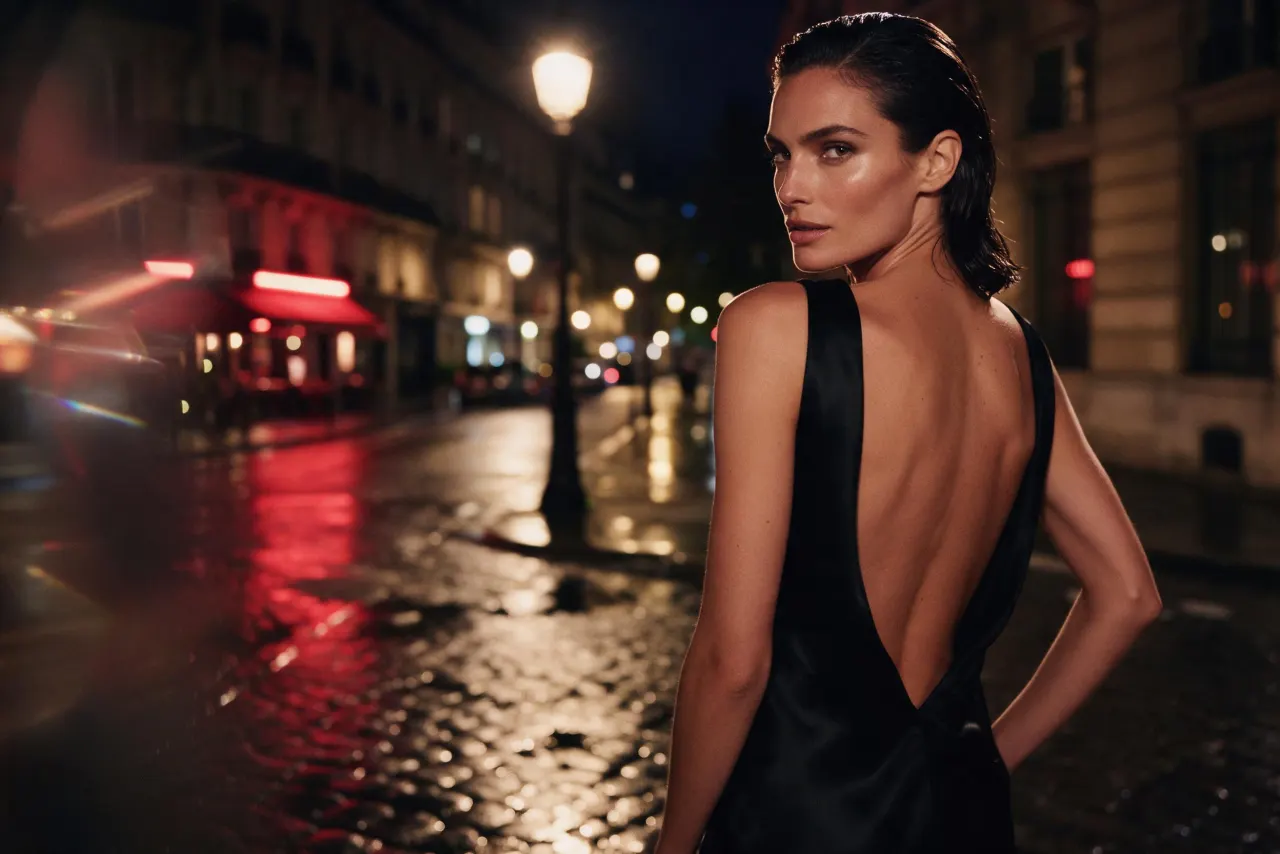
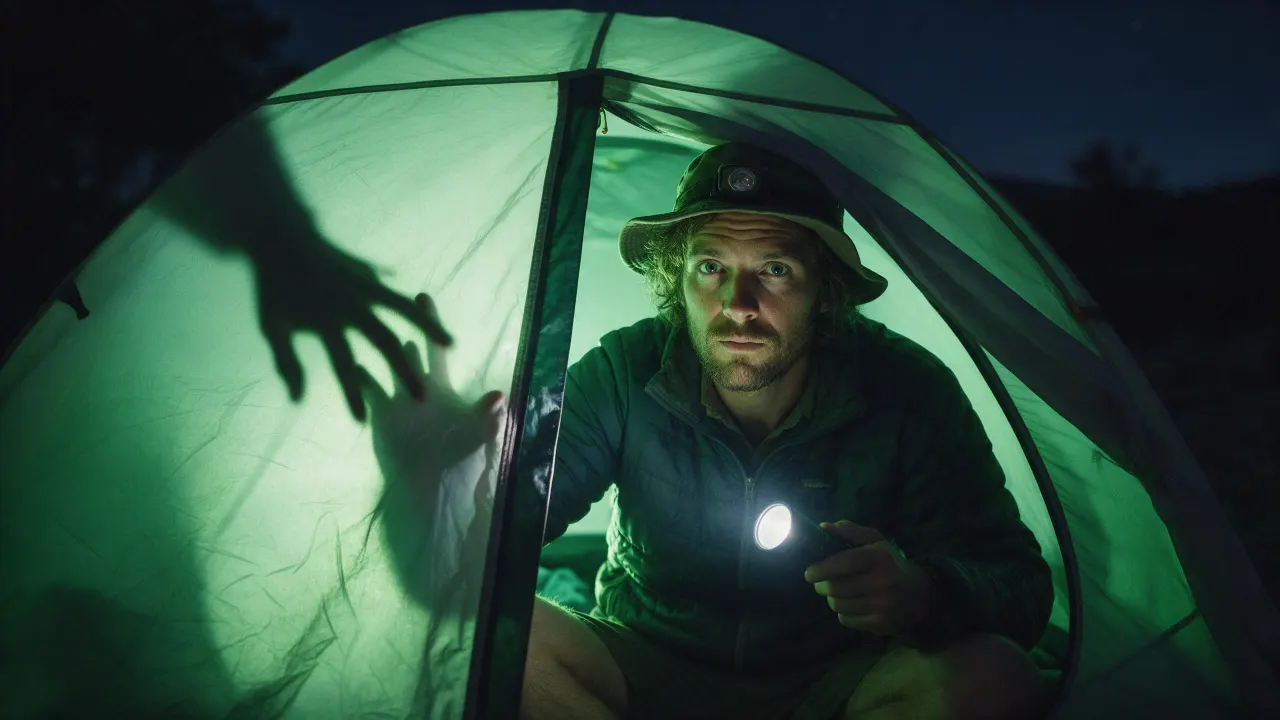
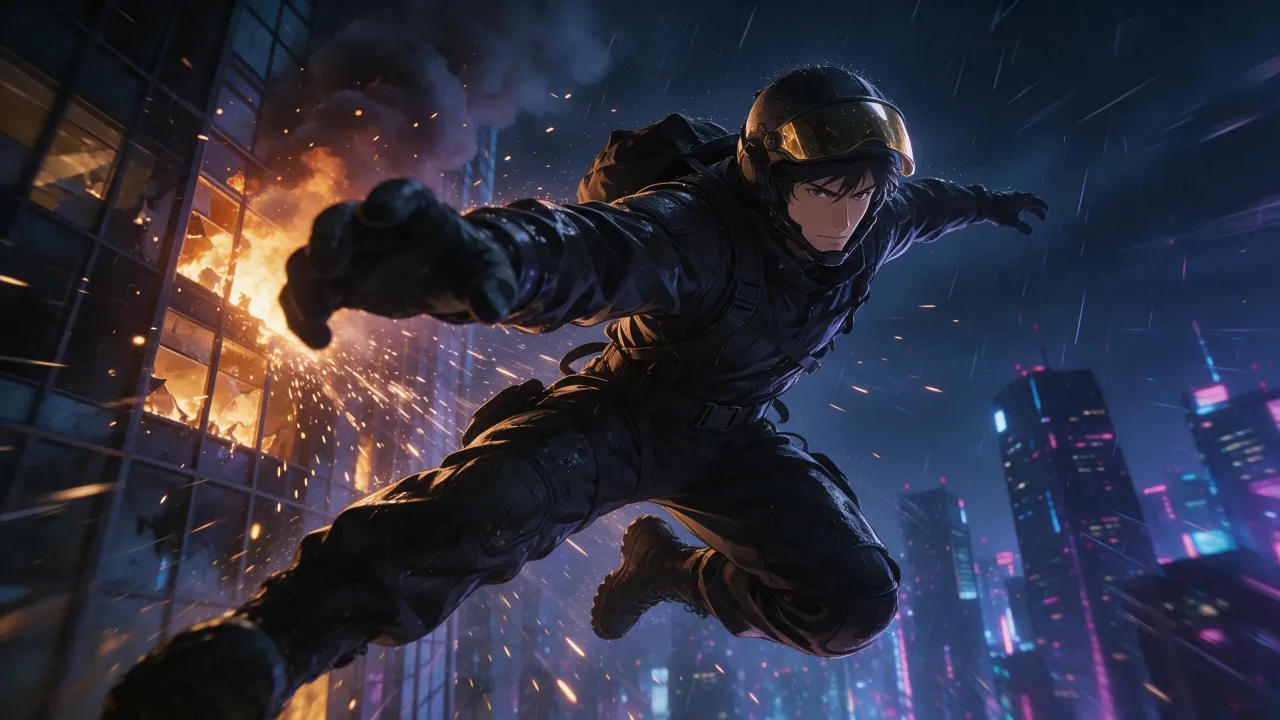
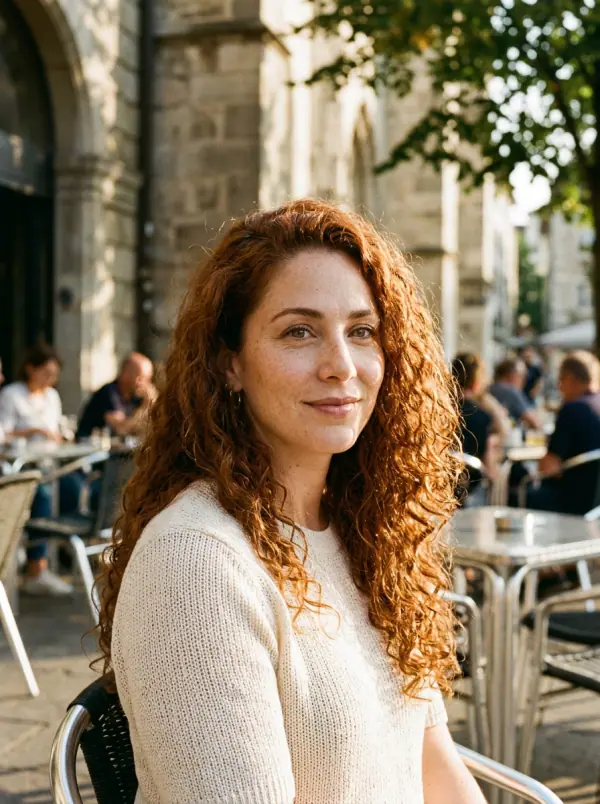
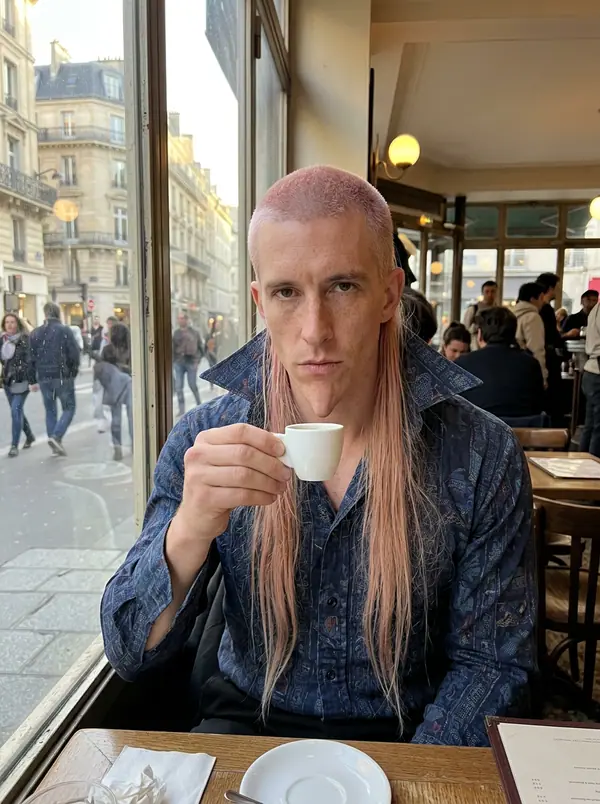
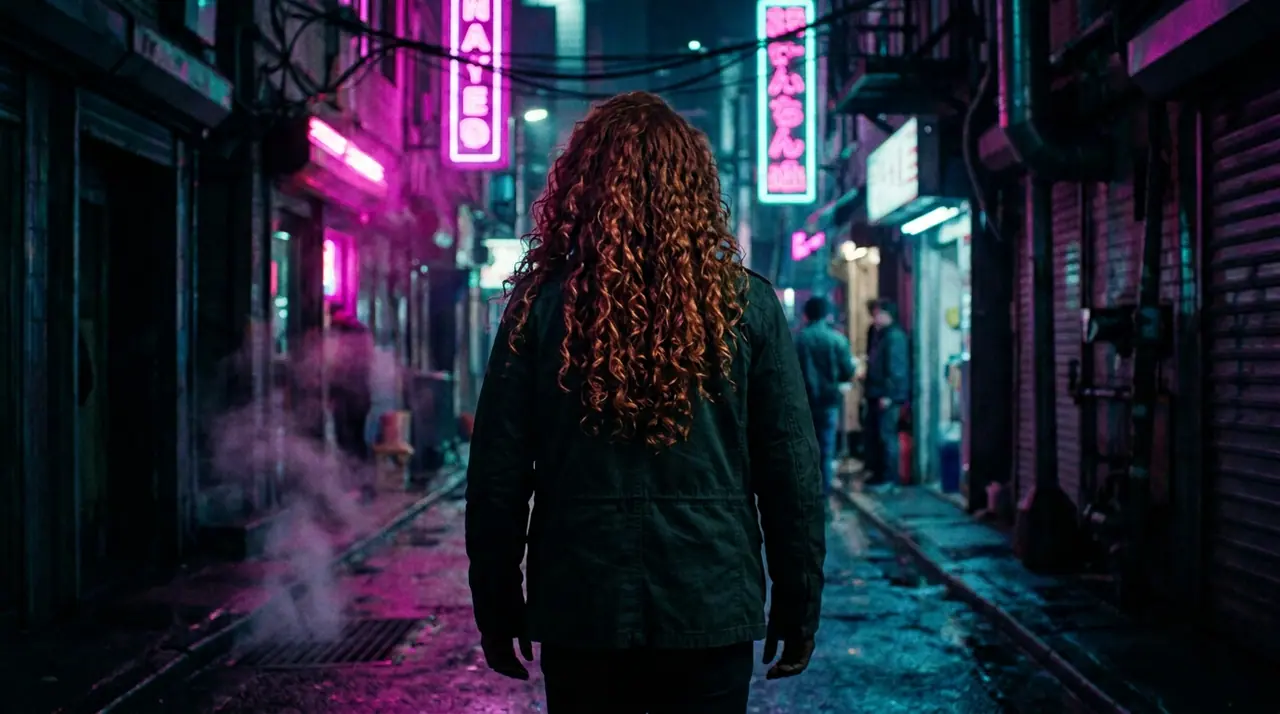
@Gambar 1: ganti pria itu dengan wanita di @Gambar 2, jaket yang sama, gang yang sama, neon yang sama
Eroq One · Pertahankan · 1 take
Tool
eroq extends a picture from a sentence: Image › Edit opens with "extend this picture beyond its edges: continue the scene naturally on every side", you add the picture and pick the new format. Eroq Uncensored and Krea2 render it to another ratio (a square into 16:9 or 9:16); Eroq One keeps your picture's frame, so the scene widens inside it.
40 kredit gratis · tanpa kartu · mode privat di setiap akun
Gambar · Buat
13 Okt, 01.39.36·Siap · Butuh waktu 31 sec · −10 kredit
@Gambar 1: ganti pria itu dengan wanita di @Gambar 2, jaket yang sama, gang yang sama, neon yang sama
Eroq One · Pertahankan · 1 take
13 Okt, 01.42.07·Siap · Butuh waktu 26 sec · −40 kredit
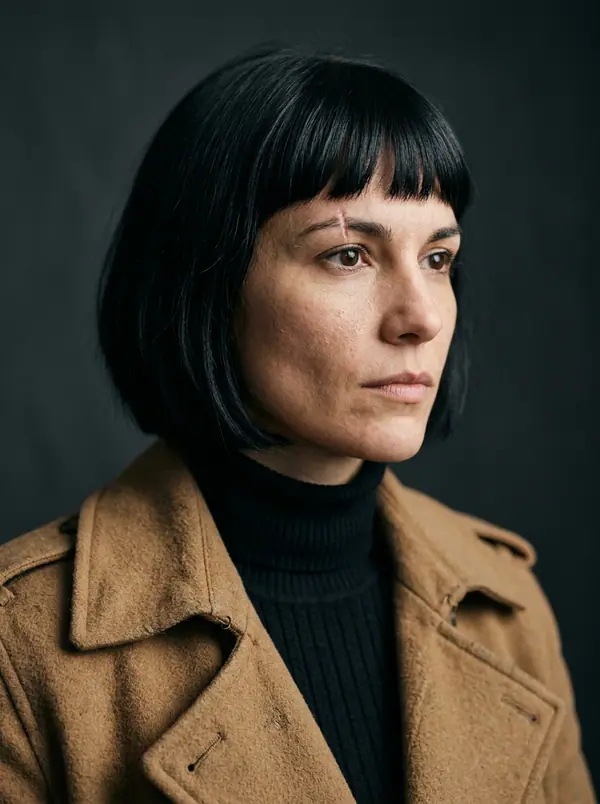
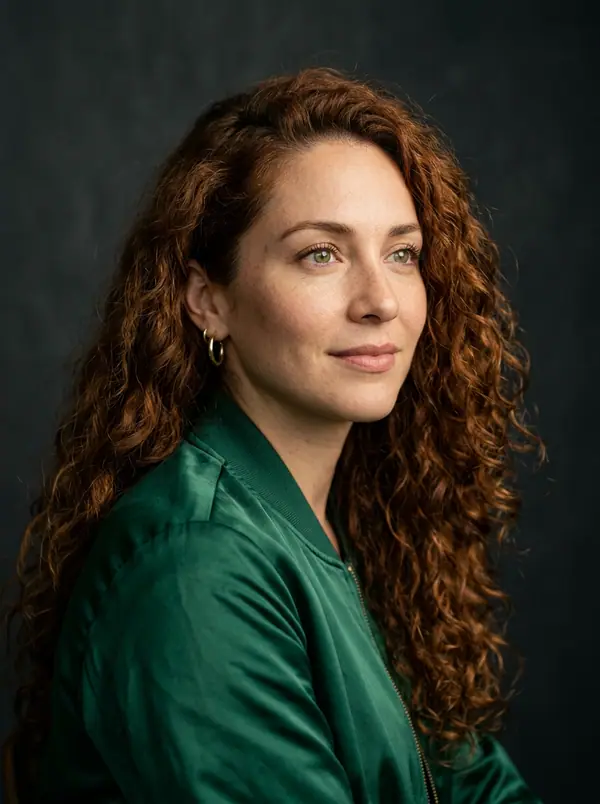
@Lena, potret candid 35mm di rumah, cahaya jendela yang hangat, grain film halus
Eroq One · 3:4 · 4 take
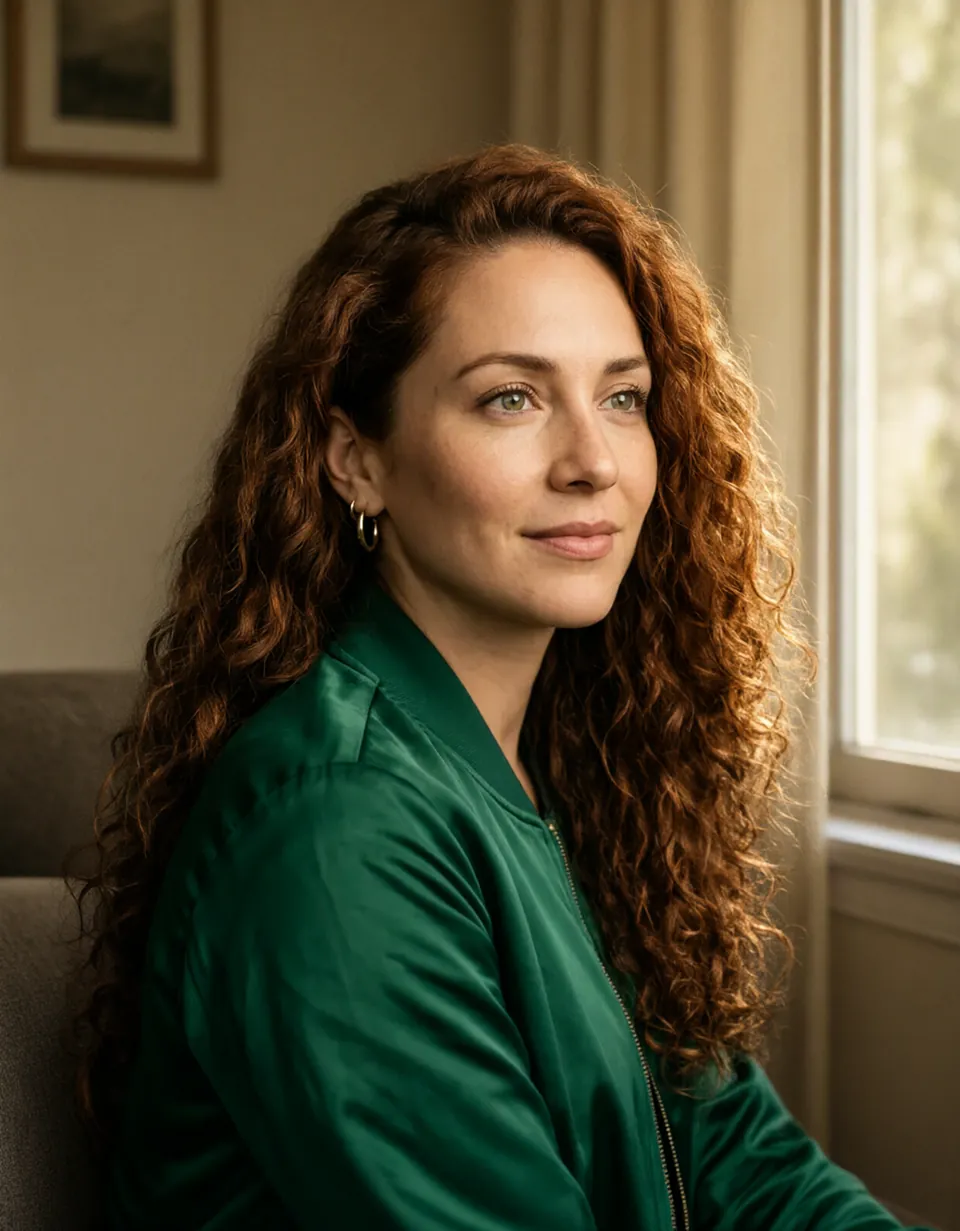
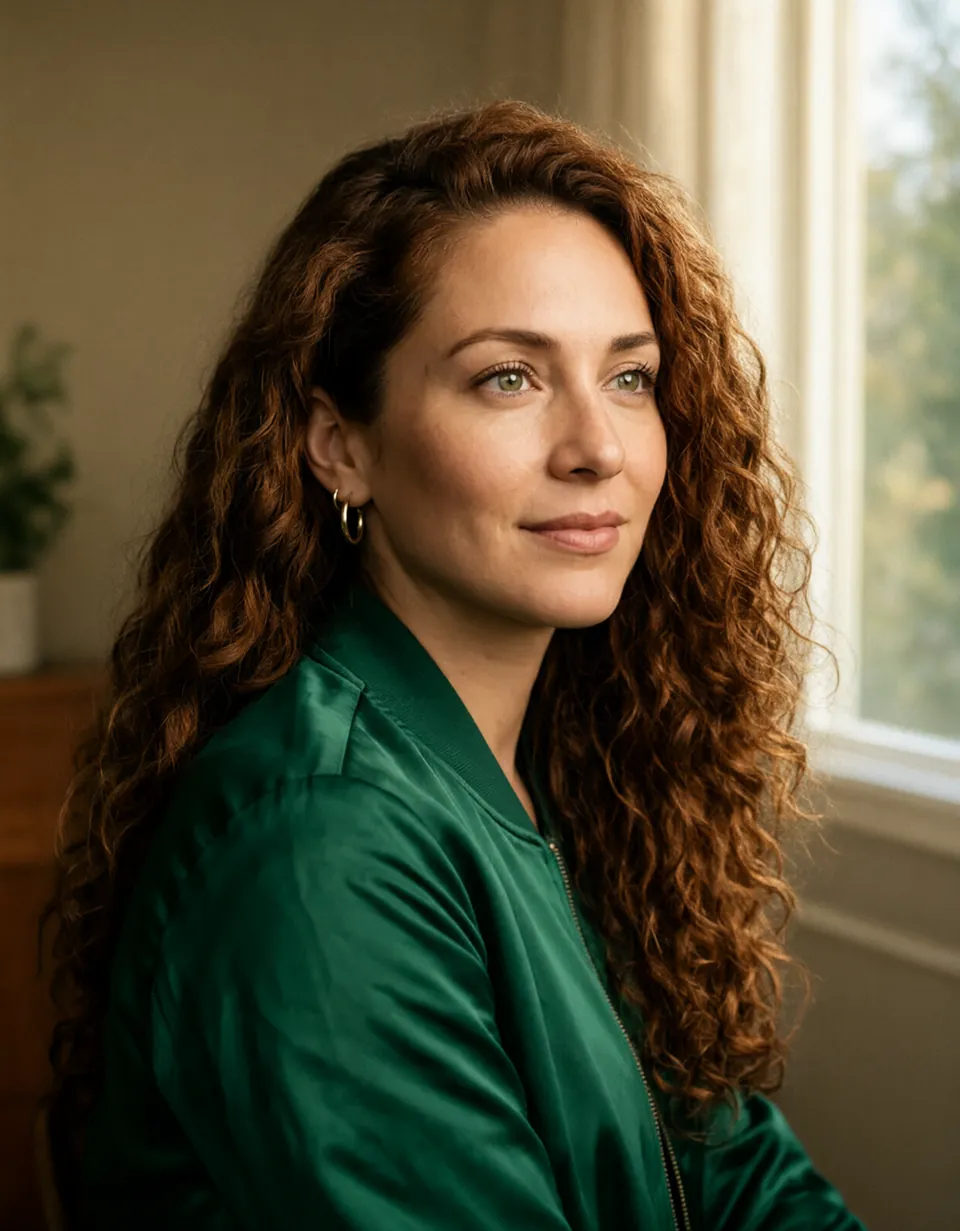
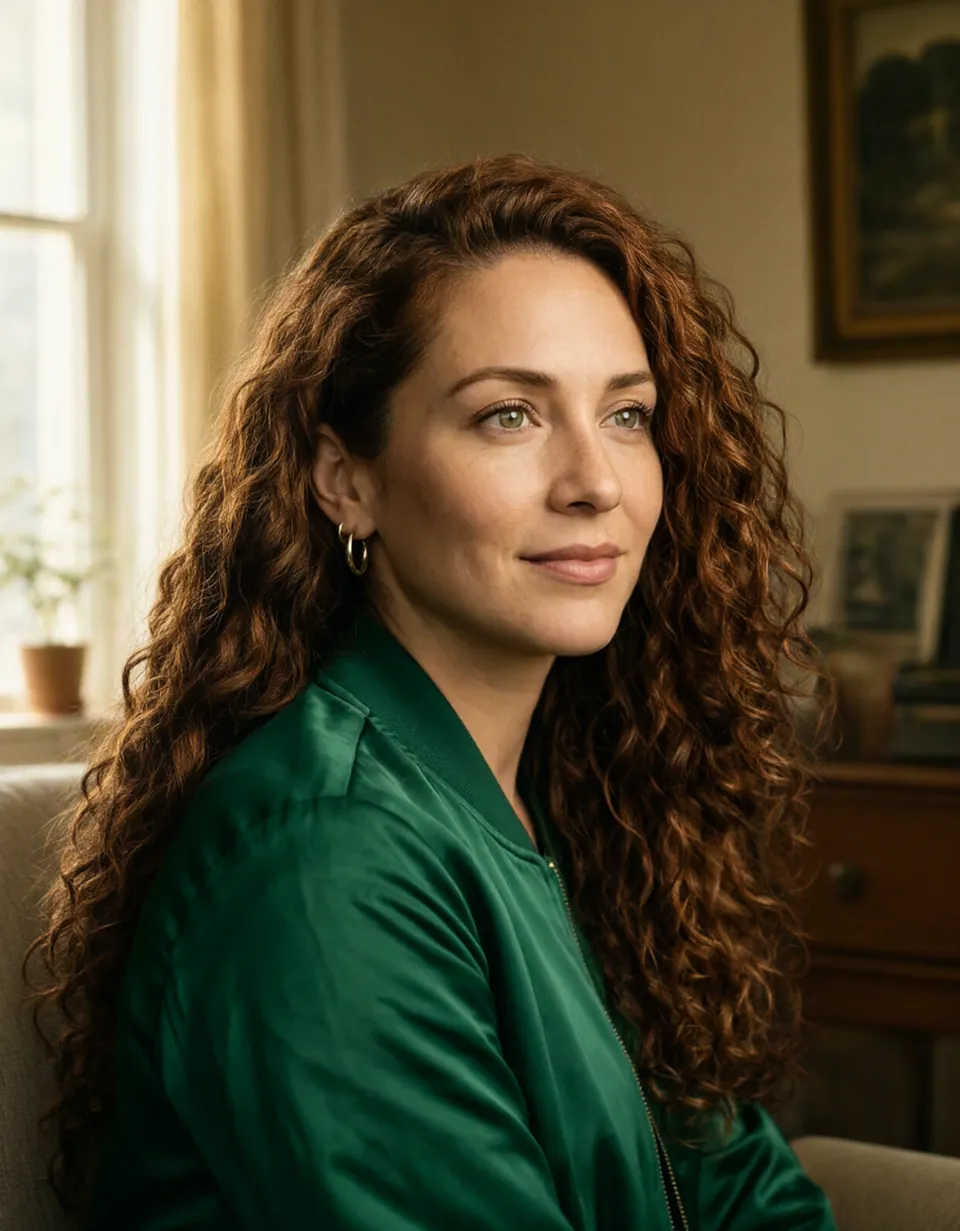
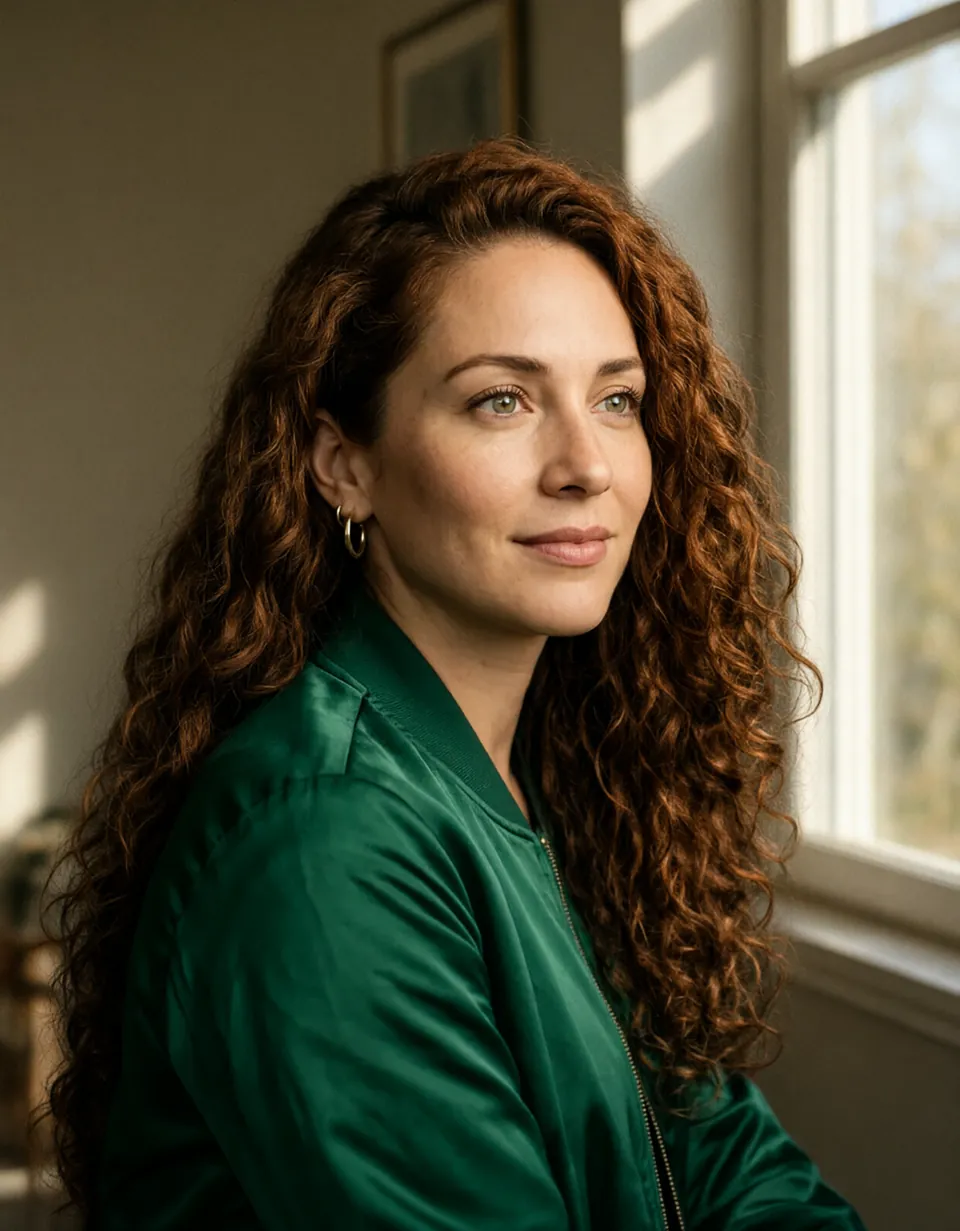
@Lena, potret candid 35mm di rumah, cahaya jendela yang hangat, grain film halus
Privasi
Privat dan tanpa batasan
The whole picture is rendered again at the engine's size, with your picture as the guide: check that the original part still looks the way you want. It makes the scene wider, not the file larger: it is not an upscaler.
Clap · agen AI
Deskripsikan hasilnya di Ask. Clap menanyakan apa yang dibutuhkan, memilih mesin, menulis prompt, dan menghitung harga rencananya. Setelah kamu setujui, semuanya dirender ke pustakamu. Sepenuhnya otomatis, dan tidak ada yang berjalan sebelum kamu bilang ya.
Ask · Clap
Clap · Berpikir selama 6s
Tiga frame, wajah yang sama dari lembar Lena. Ini rencananya.
Produksi
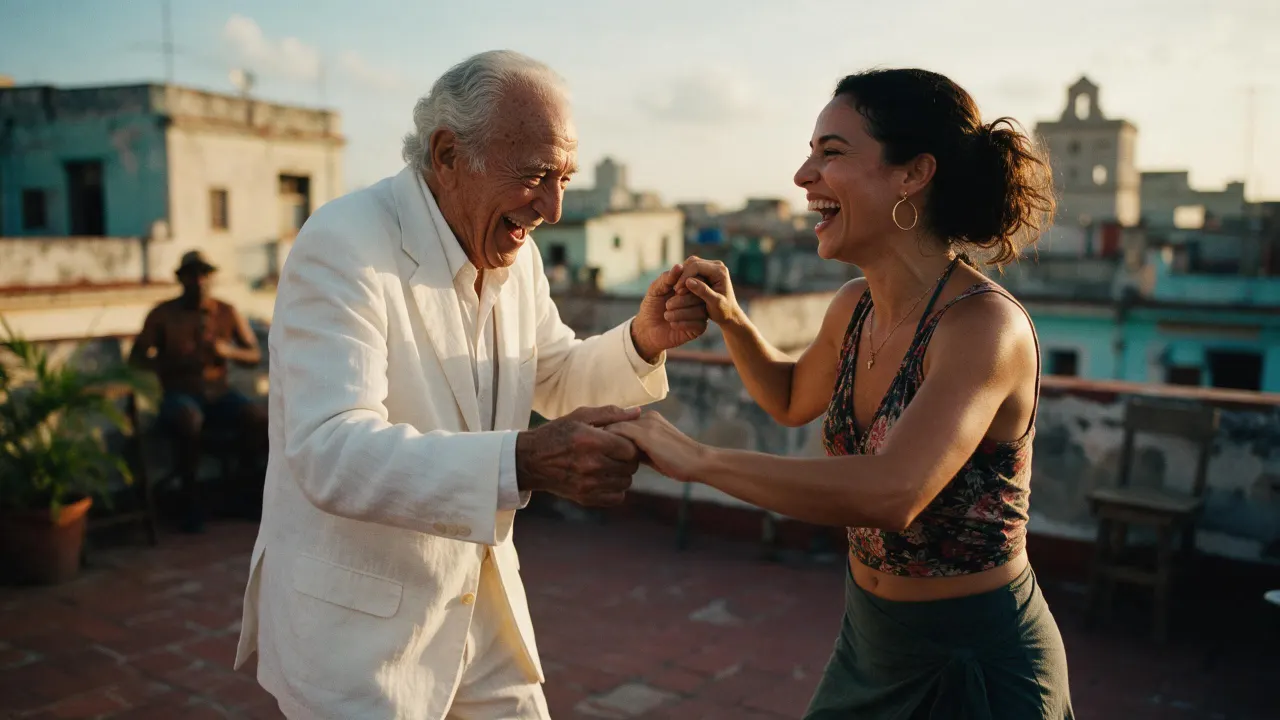
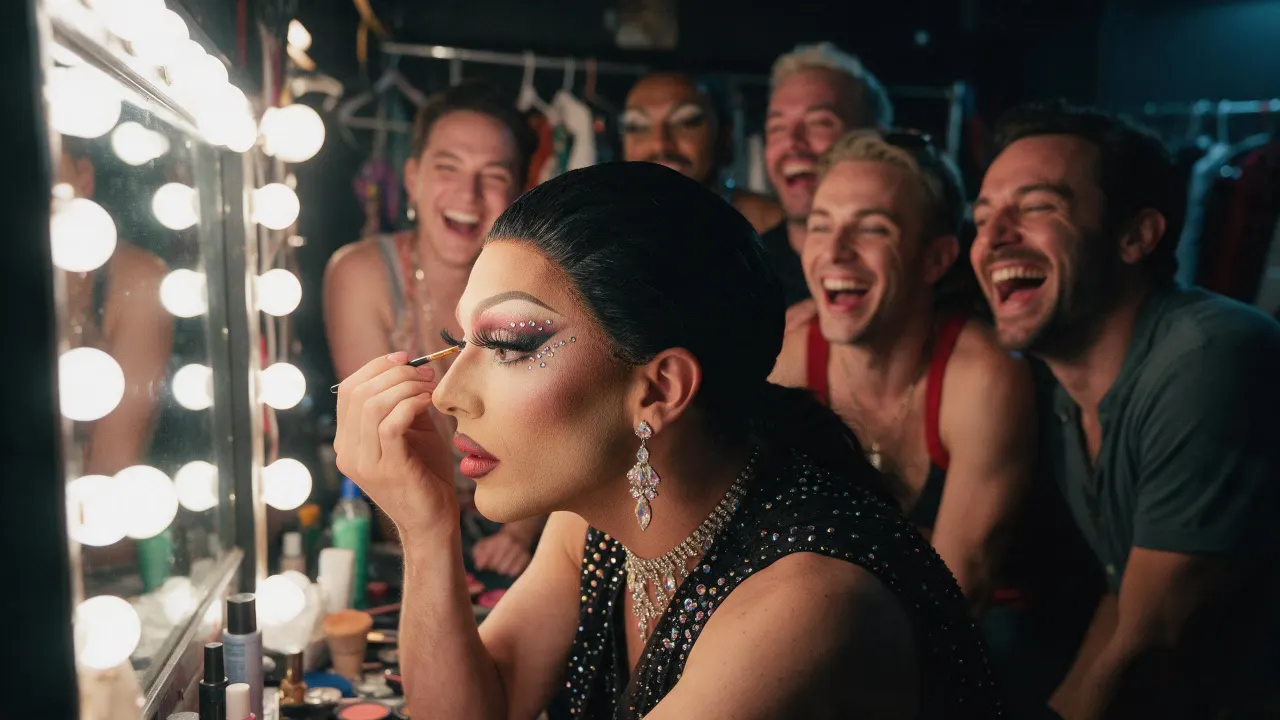
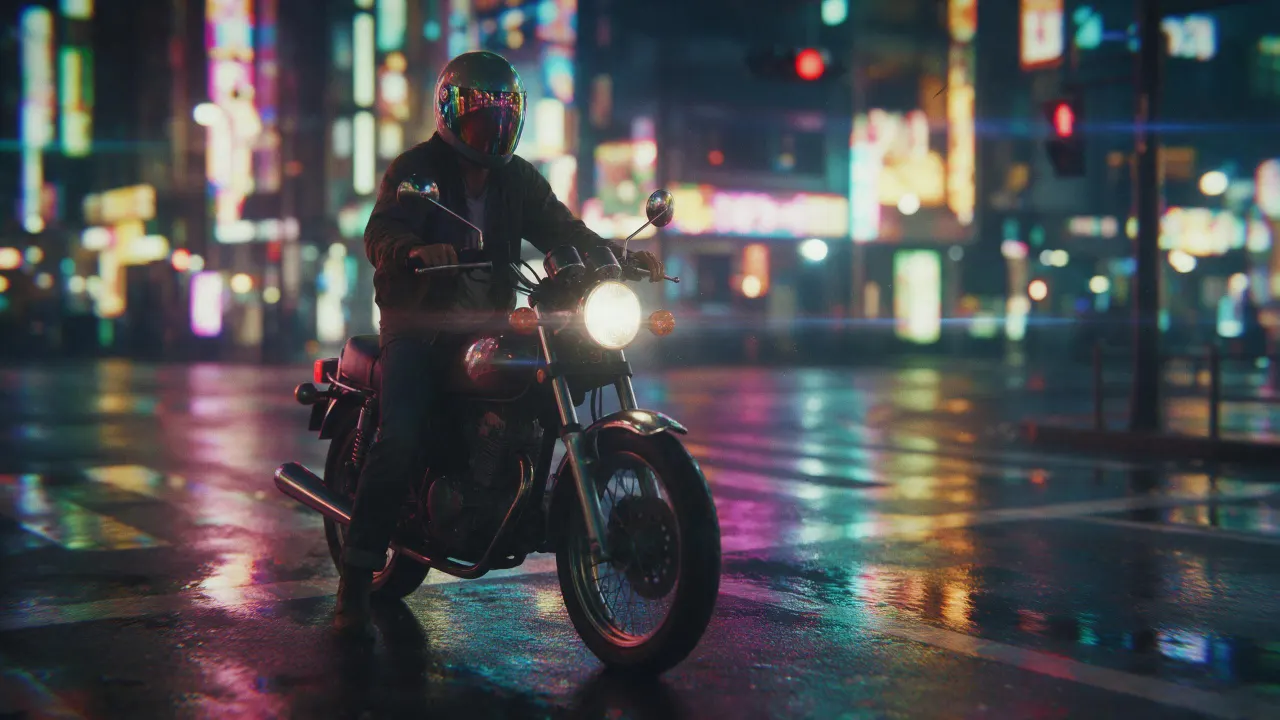
Disimpan di pustakamu
Open the image extender recipe in Image › Edit, add the picture, pick Eroq Uncensored and Krea2 and a wider format, and generate. The editor continues the scene past the old edges.
Yes, on Eroq Uncensored and Krea2: pick 16:9 in Format and the scene is continued on the sides.
It keeps it close, not pixel for pixel: the whole frame is rendered again. Render a few takes and keep the one where the original reads best.
Free to start: every new account gets 40 free credits with no card, enough for 4 edits at 10 credits each. More credits start with a $10 pack (1,000 credits) or a plan from $15/month.
40 kredit gratis · tanpa kartu · mode privat di setiap akun
Jelajahi lagi