13 ต.ค. 01:39:36·พร้อมแล้ว · ใช้เวลา 31 sec · −10 เครดิต
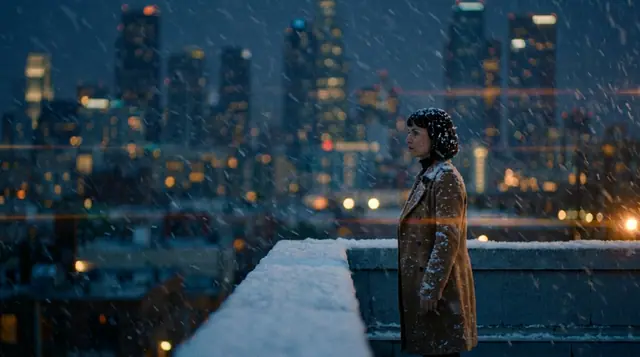
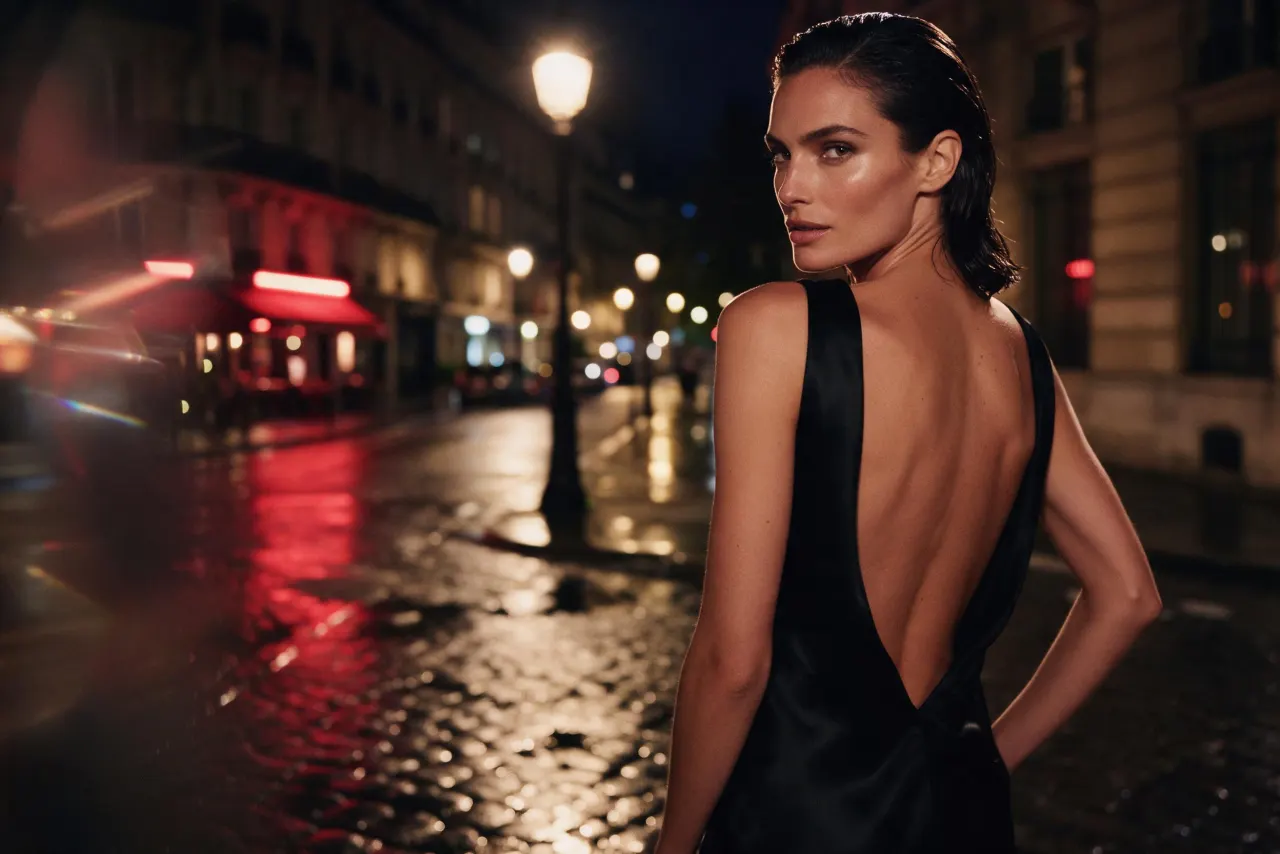
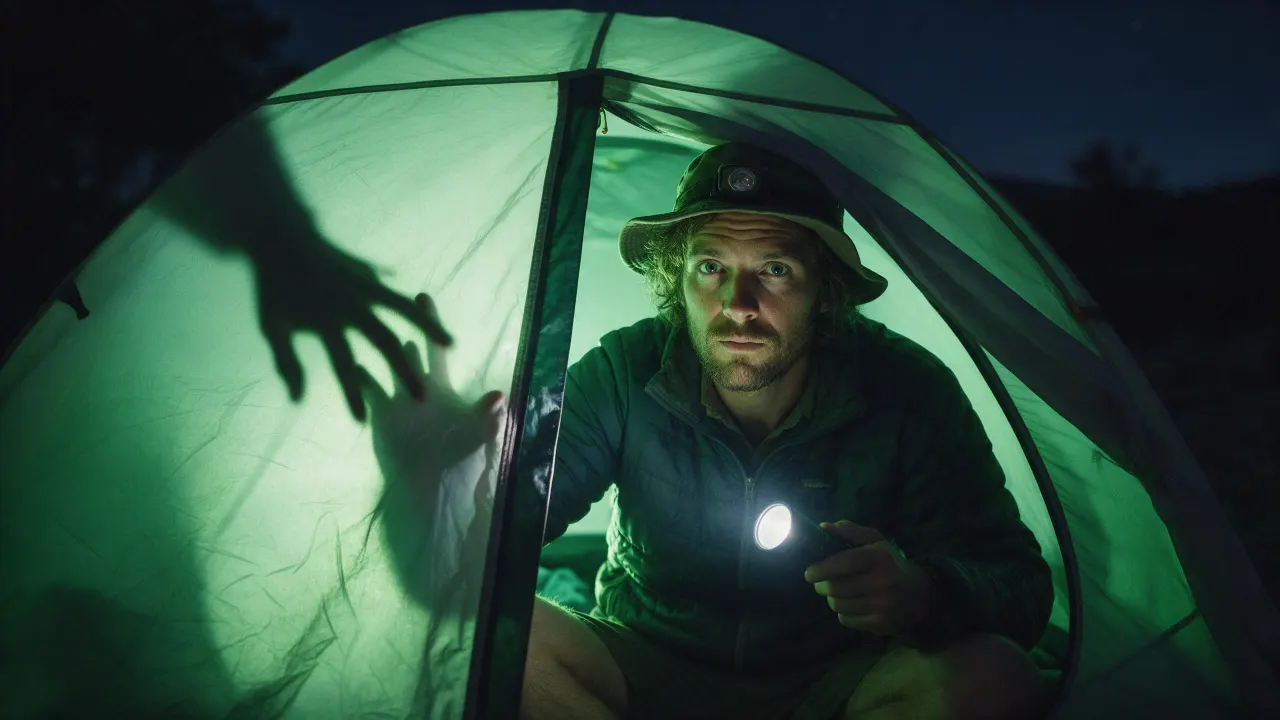
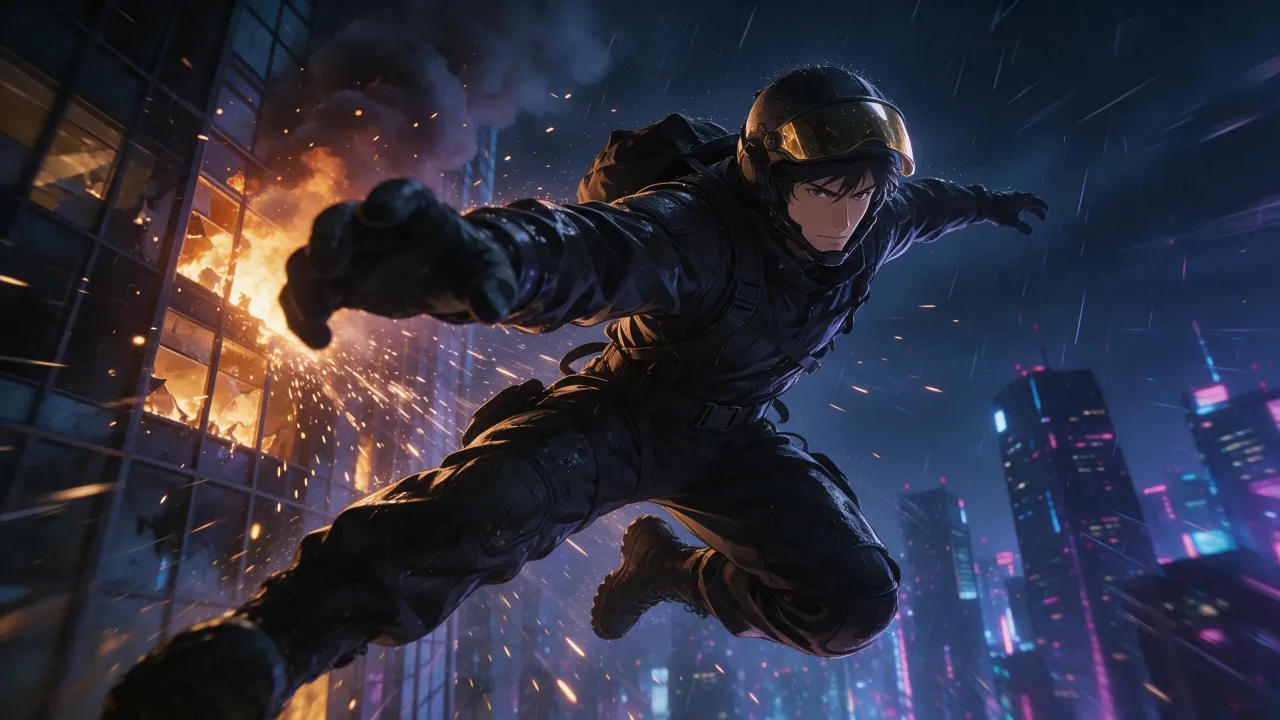
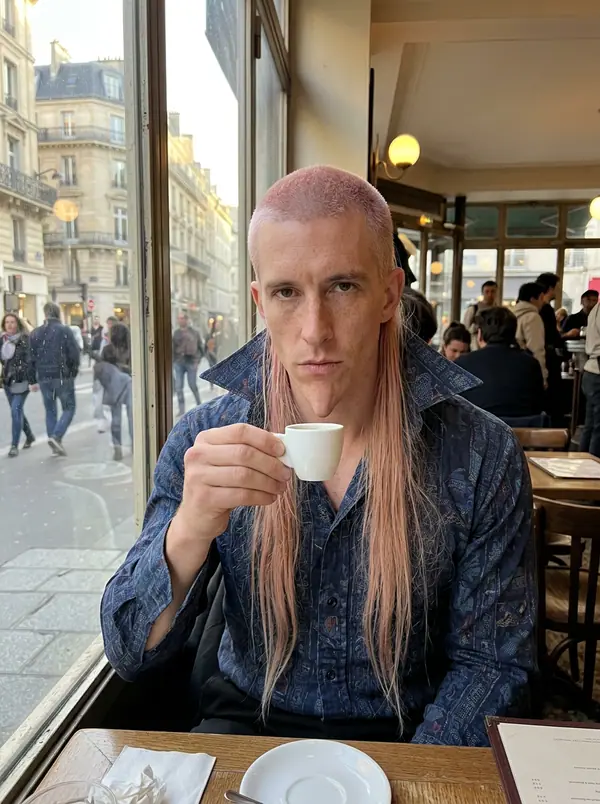
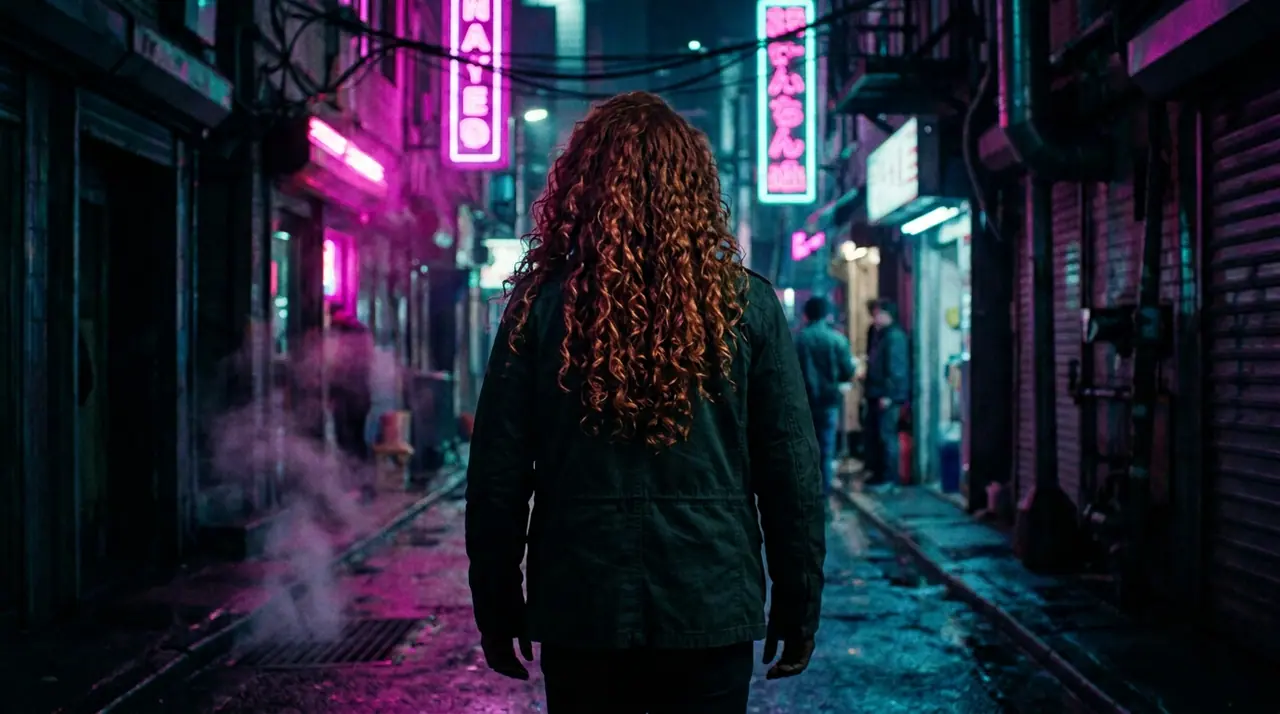
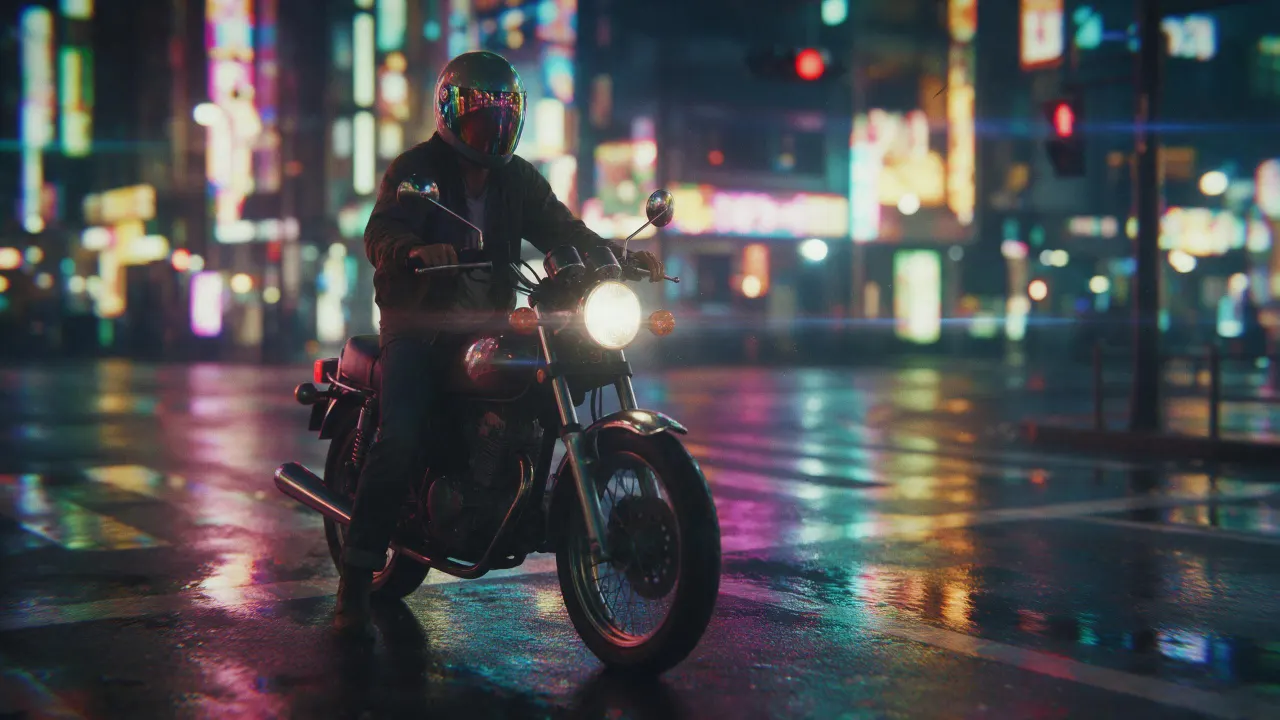
@Picture 1: เปลี่ยนผู้ชายเป็นผู้หญิงใน @Picture 2 ใส่แจ็กเก็ตตัวเดิม ตรอกเดิม นีออนเดิม
Eroq One · คงไว้ · 1 เทค
Tool
eroq edits a picture from a sentence: in Image › Edit, add your photo or a render, write what should change ("make it night", "give her a red coat"), and the editor renders the change while the rest holds. Eroq Uncensored, Krea2, Eroq One, Flash Image and Nano Banana Pro all edit, from 10 credits a picture, and Private mode keeps the picture in your browser only.
40 เครดิตฟรี · ไม่ต้องใช้บัตร · โหมดส่วนตัวในทุกบัญชี
รูปภาพ · สร้าง
13 ต.ค. 01:39:36·พร้อมแล้ว · ใช้เวลา 31 sec · −10 เครดิต
@Picture 1: เปลี่ยนผู้ชายเป็นผู้หญิงใน @Picture 2 ใส่แจ็กเก็ตตัวเดิม ตรอกเดิม นีออนเดิม
Eroq One · คงไว้ · 1 เทค
13 ต.ค. 01:42:07·พร้อมแล้ว · ใช้เวลา 26 sec · −40 เครดิต
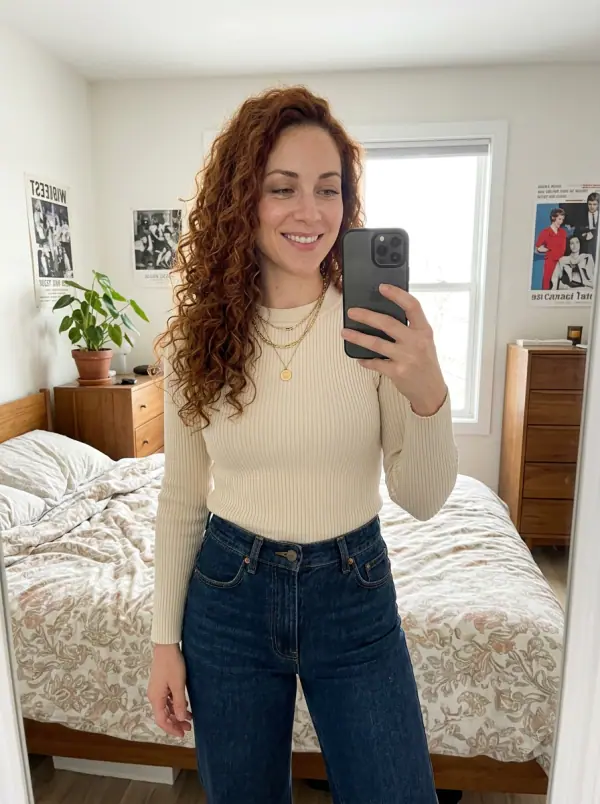
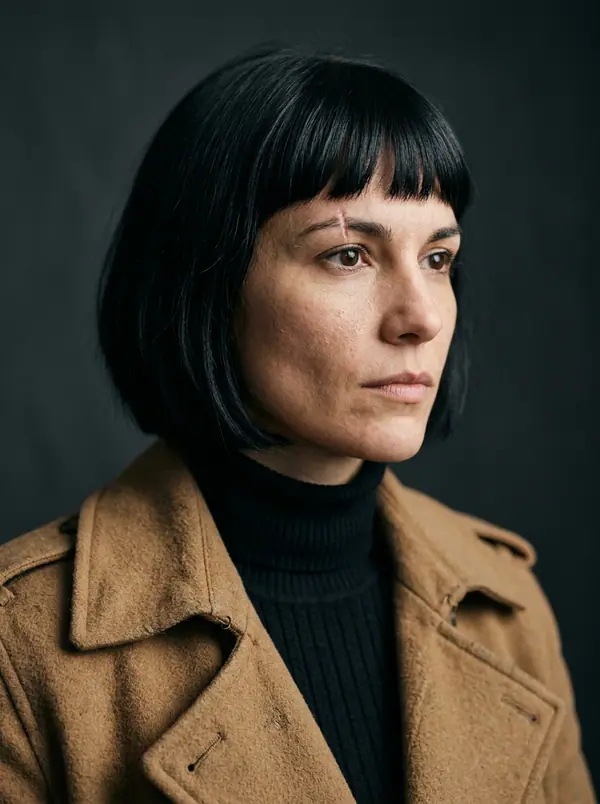
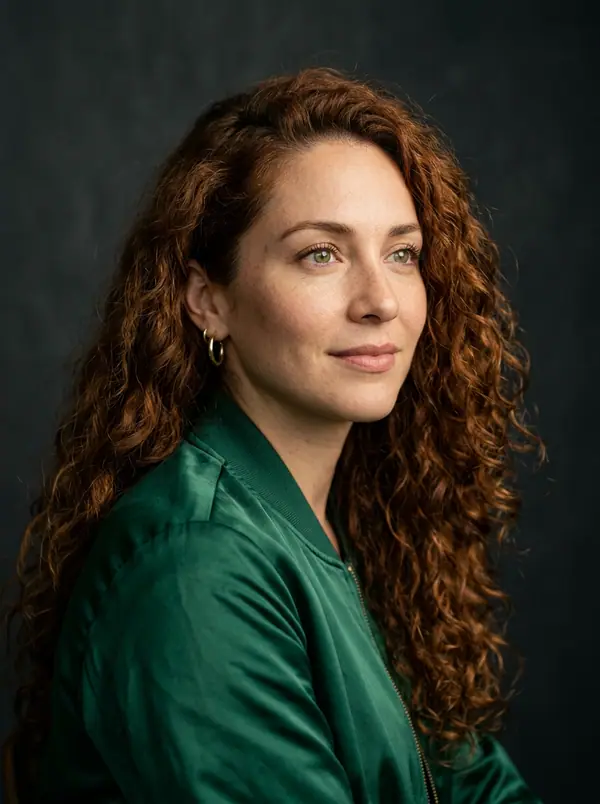
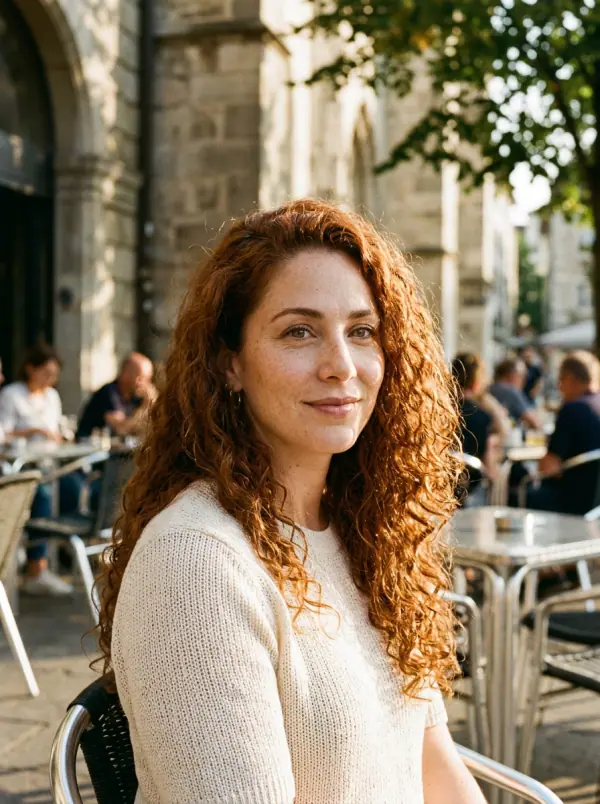
@Lena, ภาพพอร์ตเทรตสบายๆ ถ่ายด้วยฟิล์ม 35mm ที่บ้าน แสงอบอุ่นจากหน้าต่าง เกรนฟิล์มนุ่มๆ
Eroq One · 3:4 · 4 เทค
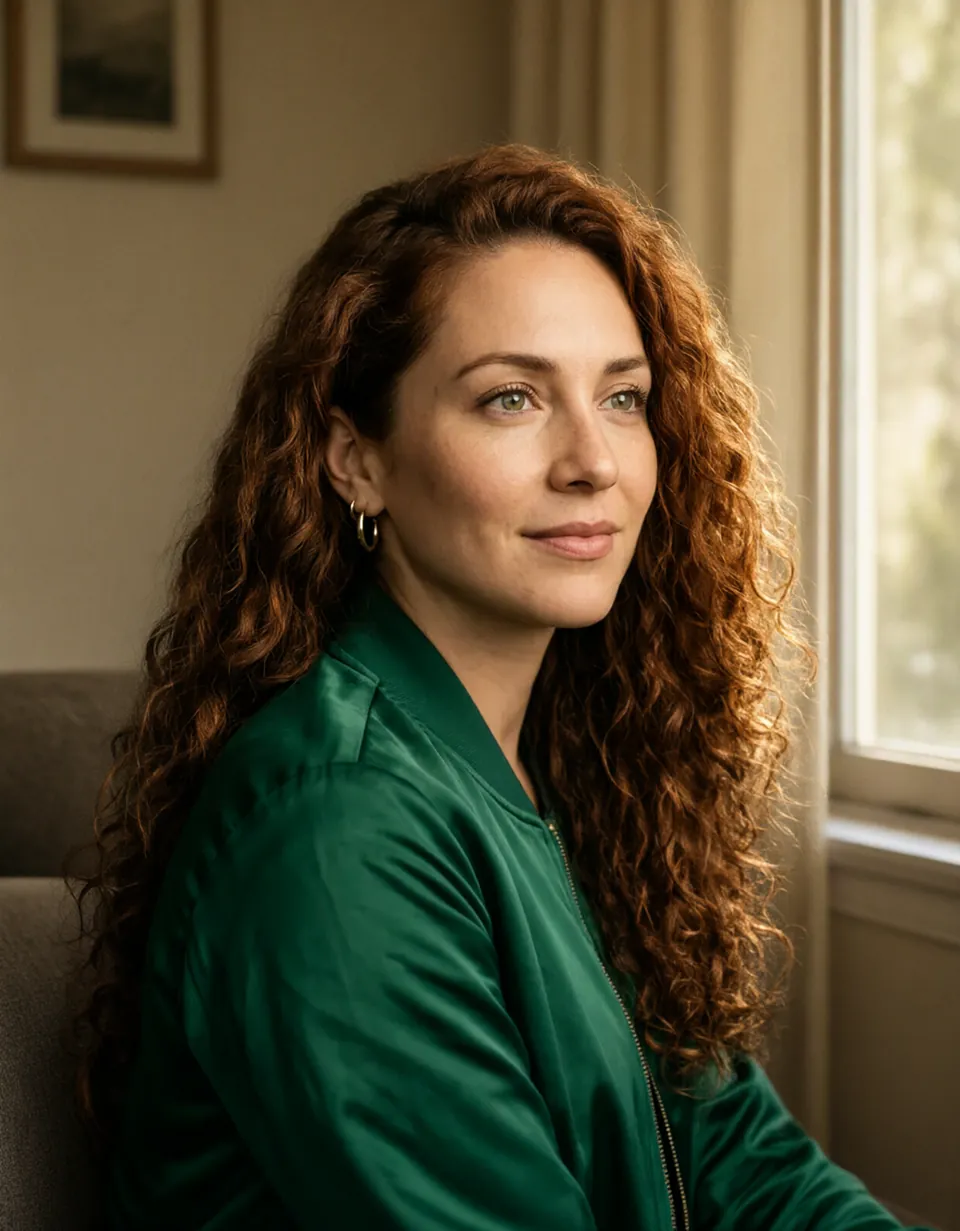
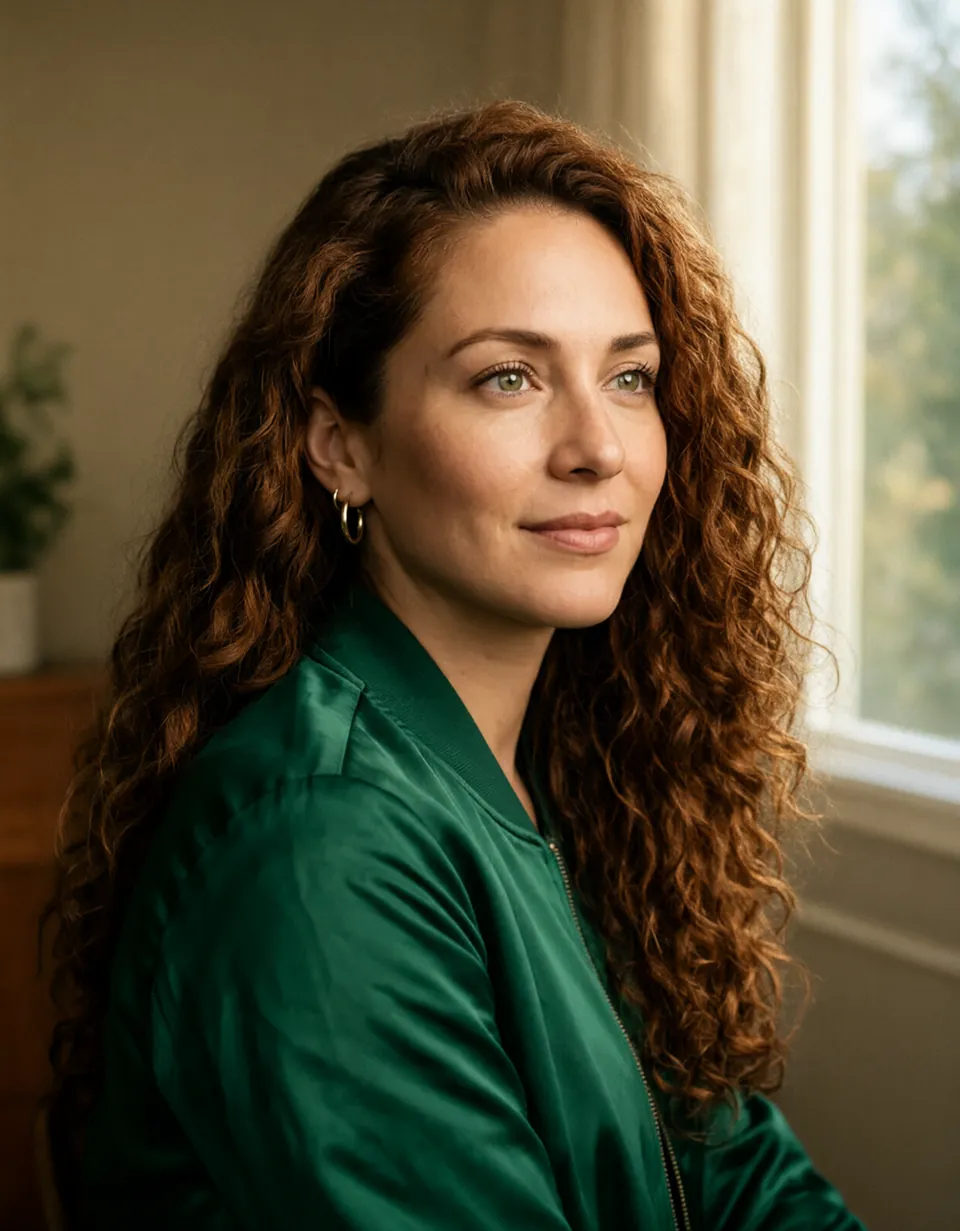
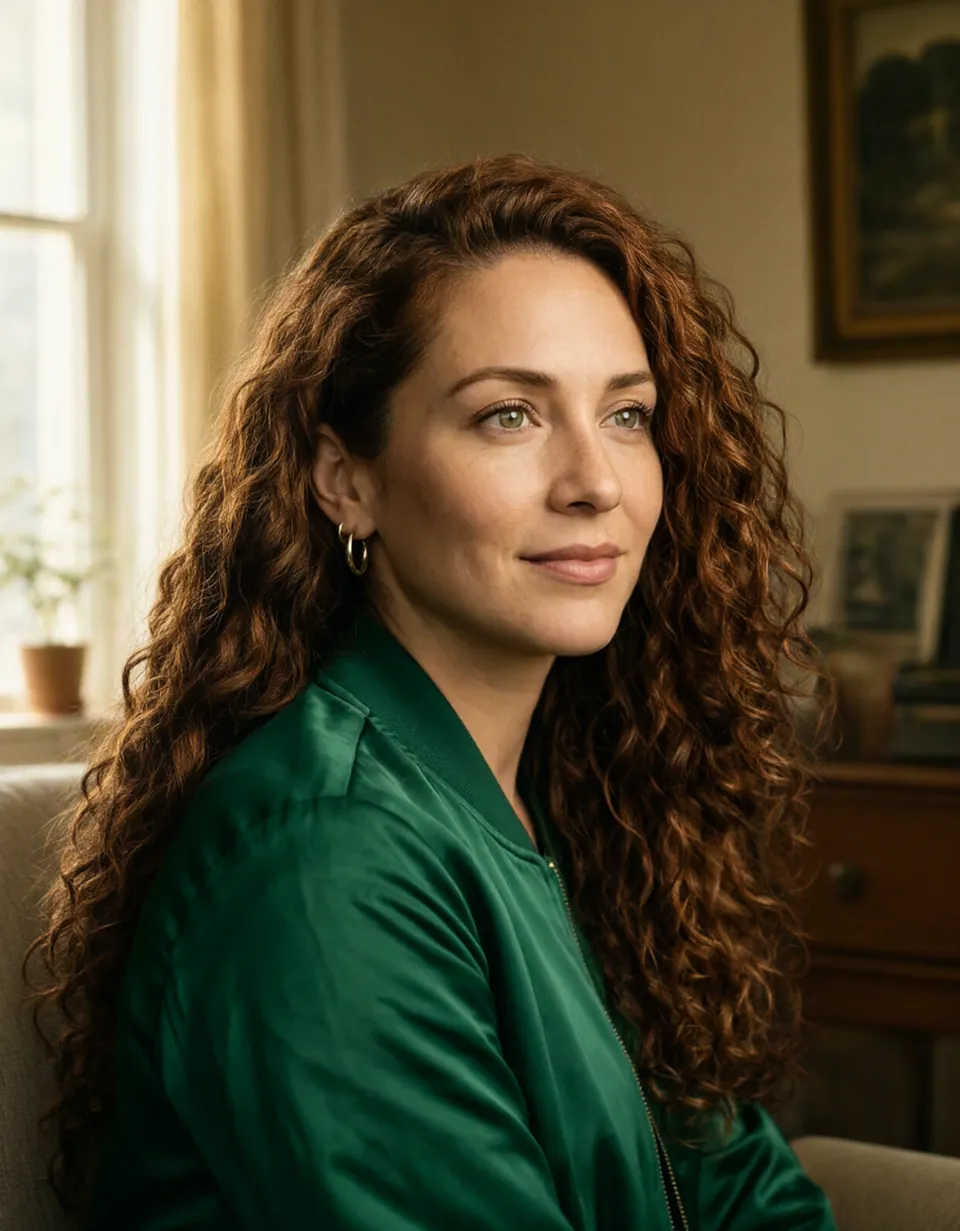
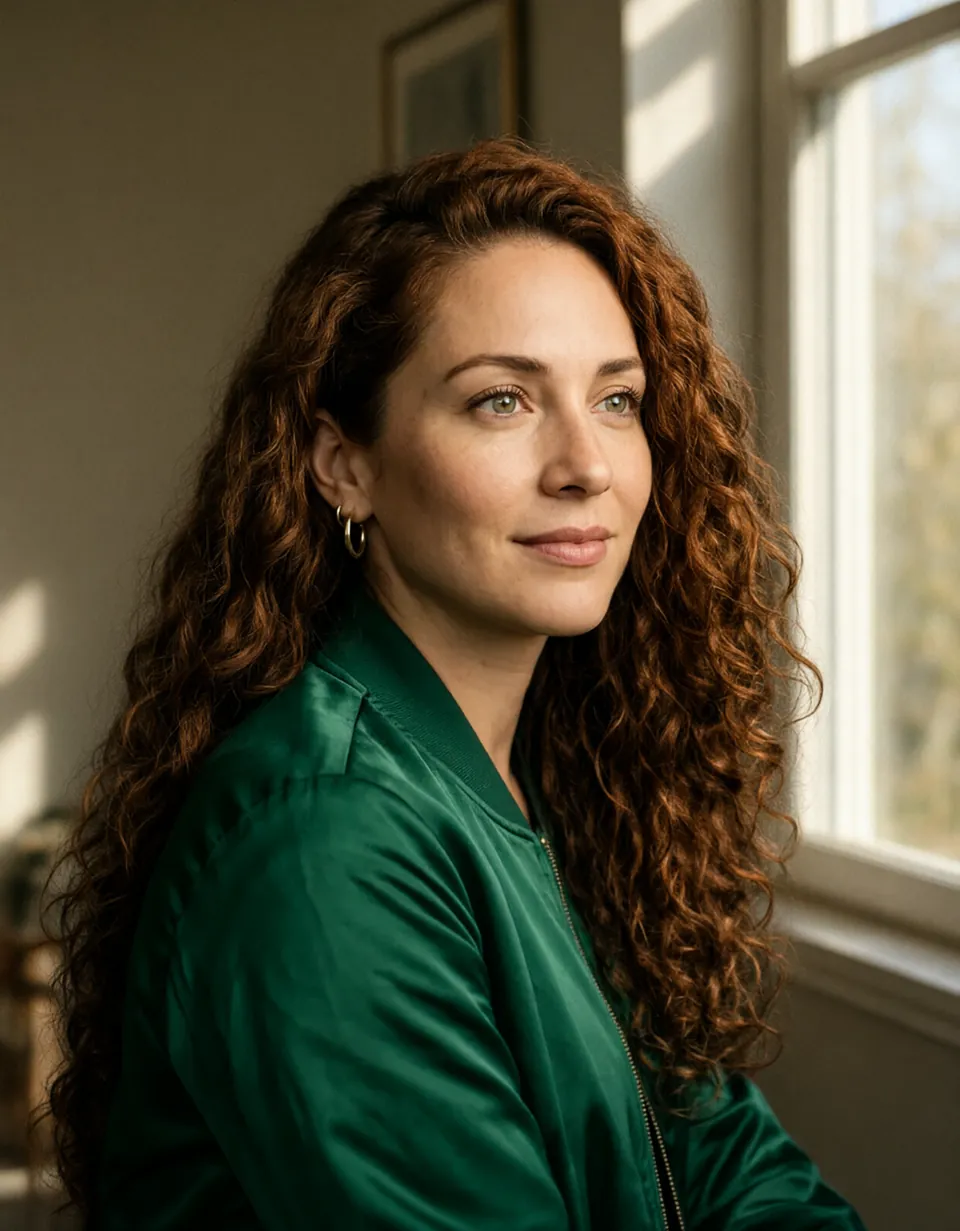
@Lena, ภาพพอร์ตเทรตสบายๆ ถ่ายด้วยฟิล์ม 35mm ที่บ้าน แสงอบอุ่นจากหน้าต่าง เกรนฟิล์มนุ่มๆ
ความเป็นส่วนตัว
เป็นส่วนตัวและไม่จำกัด
There is no brush or mask: you name the part to change in words. It edits pictures you have the rights to, a real, identifiable person only with their consent, under one written policy: fiction only, nothing involving minors, no real identifiable people without their consent, nothing illegal.
Clap · เอเจนต์ AI
อธิบายผลลัพธ์ที่ต้องการใน Ask แล้ว Clap จะถามสิ่งที่ต้องรู้ เลือกเอนจิน เขียนพรอมต์ และคิดราคาแผน เมื่อคุณอนุมัติ มันจะเรนเดอร์ทุกอย่างเข้าคลังผลงานของคุณ อัตโนมัติทั้งหมด และไม่มีอะไรรันก่อนที่คุณจะตอบตกลง
Ask · Clap
Clap · คิดอยู่ 6 วินาที
สามเฟรม ใบหน้าเดียวกันจากชีตของ Lena นี่คือแผน
โปรดักชัน
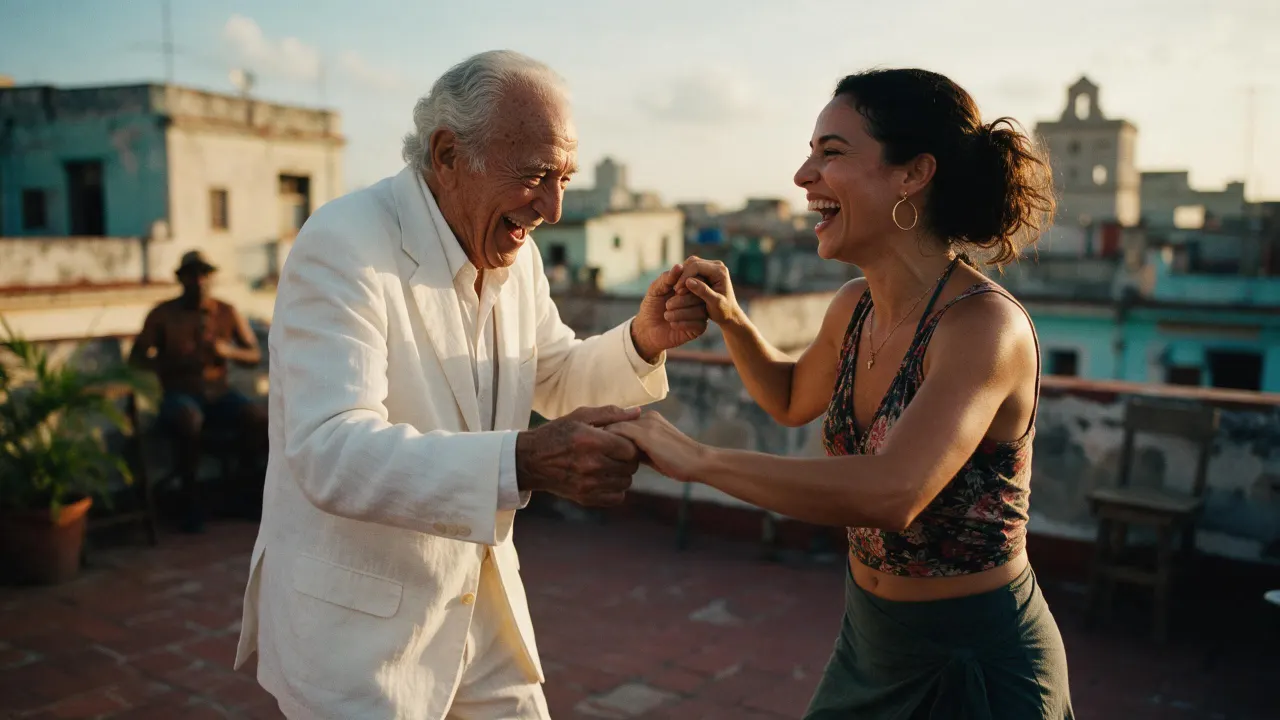
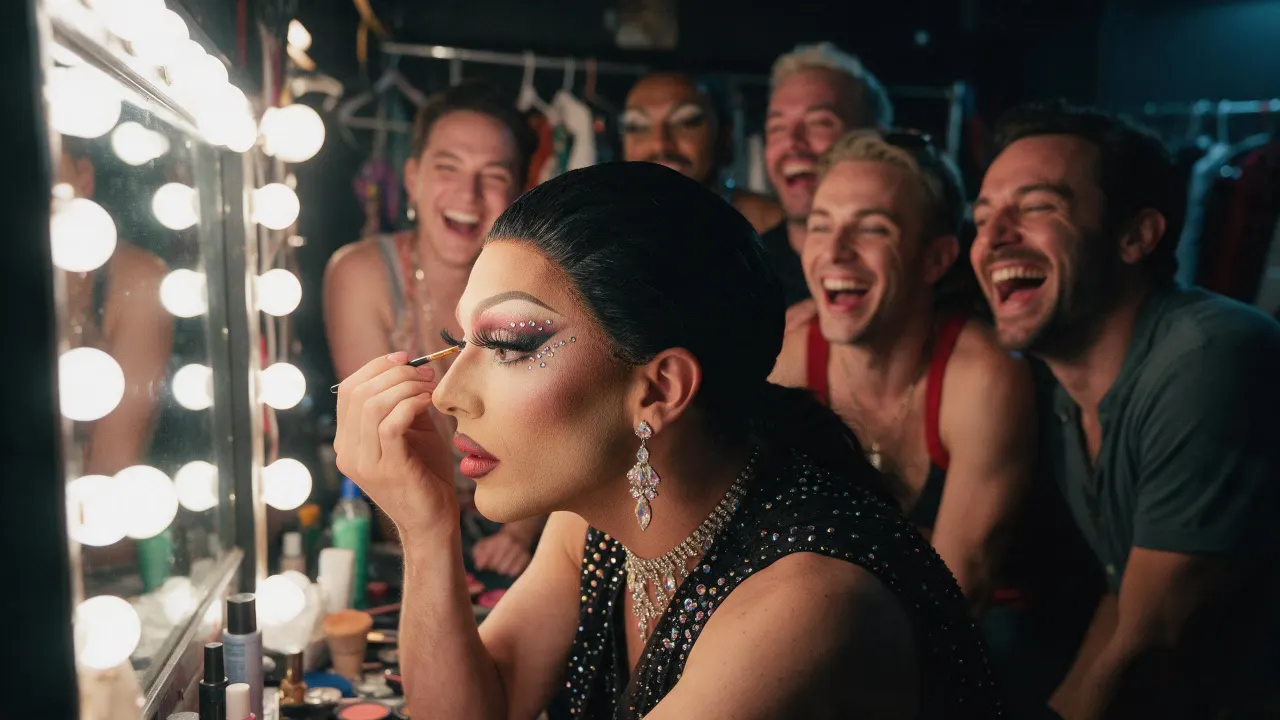
บันทึกในคลังผลงานแล้ว
แต่ละการ์ดเปิดเทรนด์นั้นในสตูดิโอ พร้อมใช้งานทันที
Open Image › Edit, add the photo and write the change in plain words, as you would ask a retoucher: "make it night", "remove the cup", "give her a red coat". The editor renders the new picture and keeps what you did not mention.
Yes: name that part and say the rest stays the same ("replace only the sofa; keep everything else exactly the same"). There is no mask to draw; Eroq One holds the rest most faithfully.
Eroq One keeps the person as they are unless you ask otherwise. To keep one face across many pictures, save the person as a Character: their identity sheet holds the face in every render.
Eroq Uncensored and Eroq One edit with no provider filter, within the written policy (fiction only, nothing involving minors, no real identifiable people without their consent, nothing illegal). New web accounts start with a content filter on; the account holder can switch it off in Settings, confirming they are 18 or older.
The editors are run by eroq and keep nothing upstream. Turn on Private mode and your picture stays in your browser: the edit leaves no file and no Library entry.
Free to start: every new account gets 40 free credits with no card, enough for 4 edits at 10 credits each. More credits start with a $10 pack (1,000 credits) or a plan from $15/month.
40 เครดิตฟรี · ไม่ต้องใช้บัตร · โหมดส่วนตัวในทุกบัญชี