13 de out., 01:39:36·Pronto · Levou 31 sec · −10 créditos
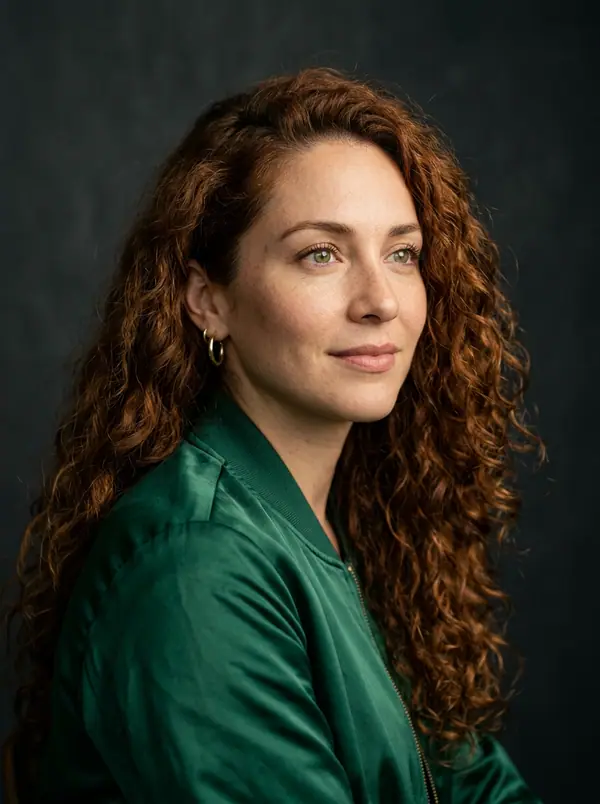
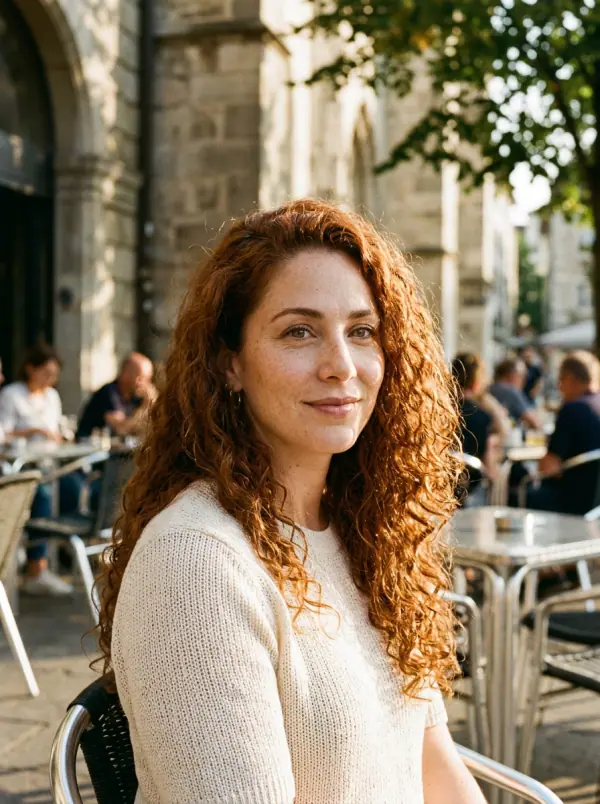
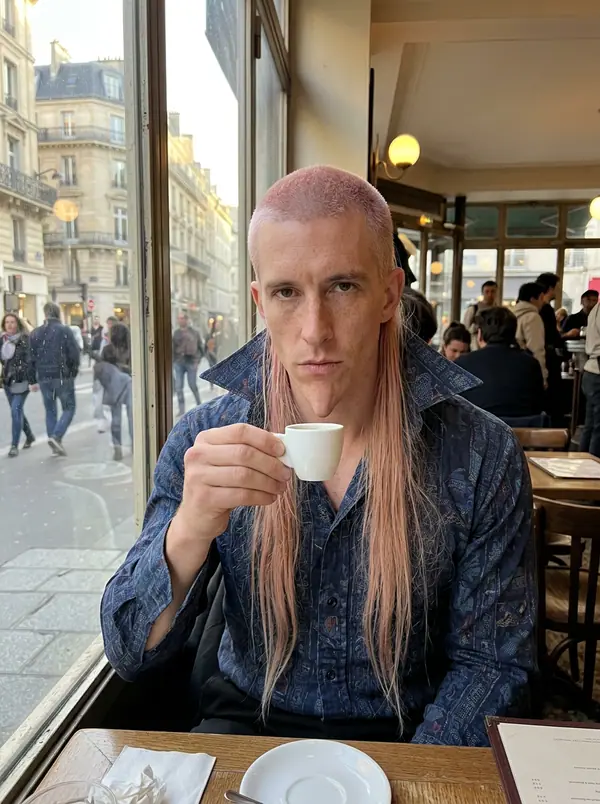
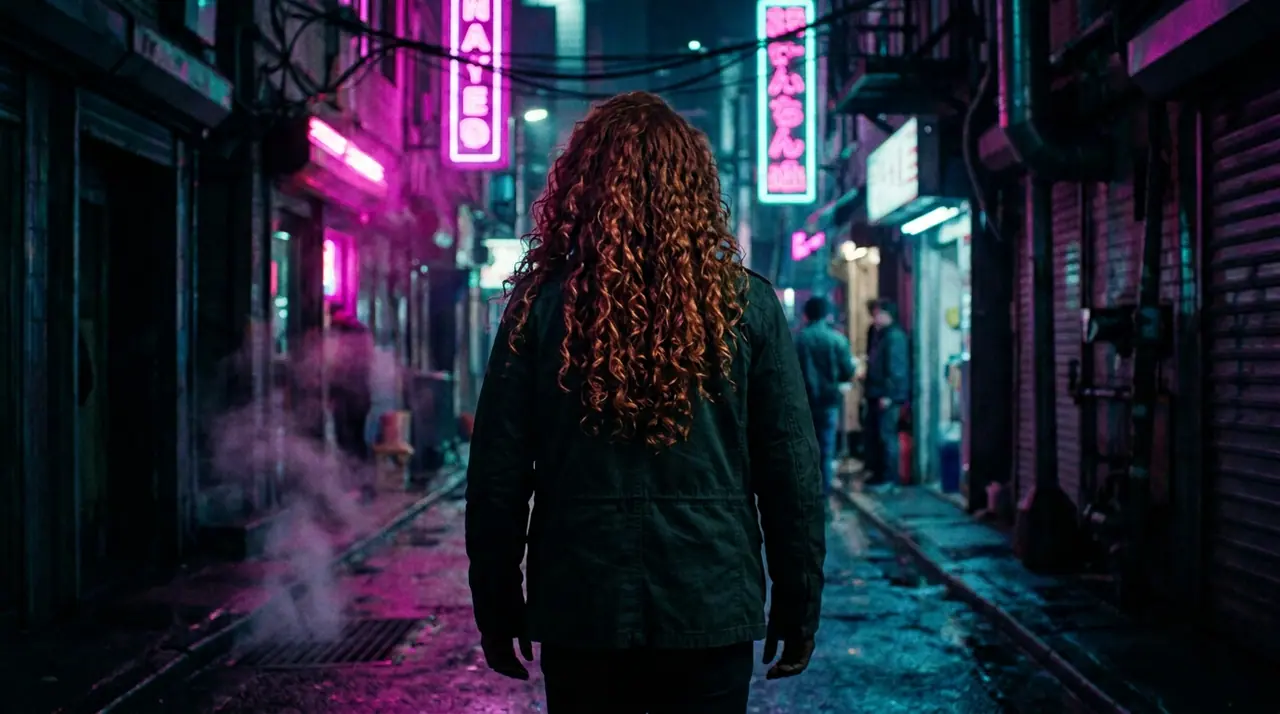
@Picture 1: troque o homem pela mulher da @Picture 2, mesma jaqueta, mesmo beco, mesmo neon
Eroq One · Manter · 1 tomada
Tool
eroq extends a picture from a sentence: Image › Edit opens with "extend this picture beyond its edges: continue the scene naturally on every side", you add the picture and pick the new format. Eroq Uncensored and Krea2 render it to another ratio (a square into 16:9 or 9:16); Eroq One keeps your picture's frame, so the scene widens inside it.
40 créditos grátis · sem cartão · modo privado em todas as contas
Imagem · Criar
13 de out., 01:39:36·Pronto · Levou 31 sec · −10 créditos
@Picture 1: troque o homem pela mulher da @Picture 2, mesma jaqueta, mesmo beco, mesmo neon
Eroq One · Manter · 1 tomada
13 de out., 01:42:07·Pronto · Levou 26 sec · −40 créditos
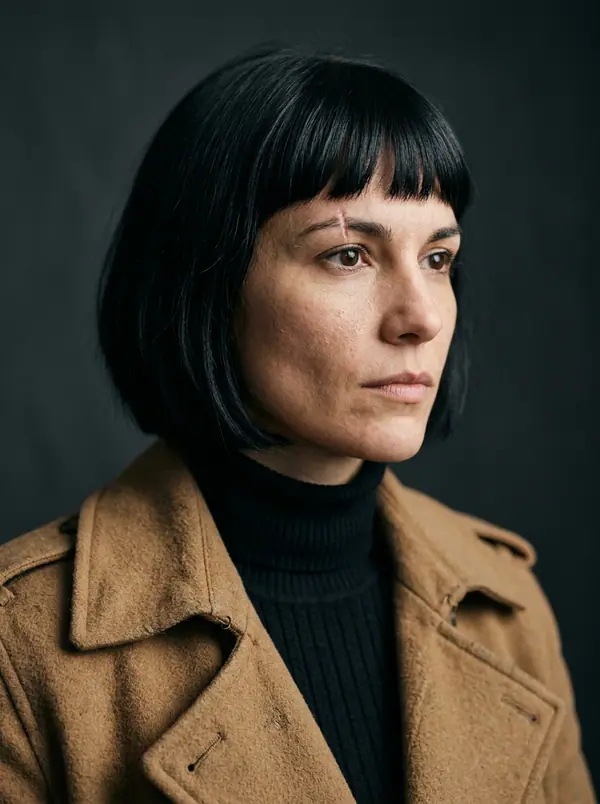
@Lena, retratos espontâneos em 35mm em casa, luz quente da janela, granulação suave de filme
Eroq One · 3:4 · 4 tomadas
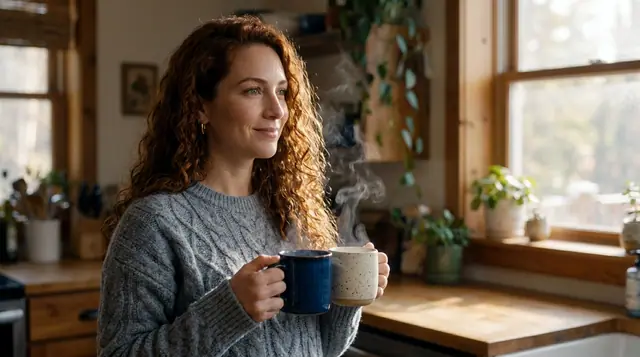
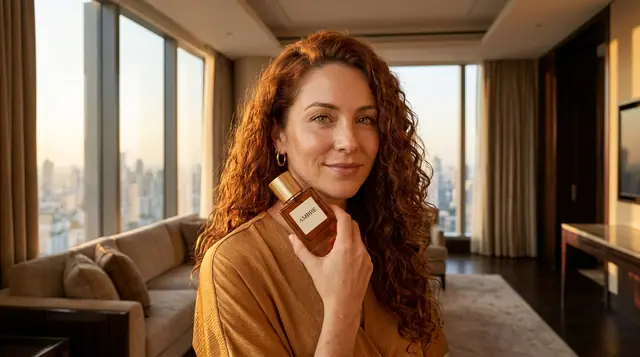
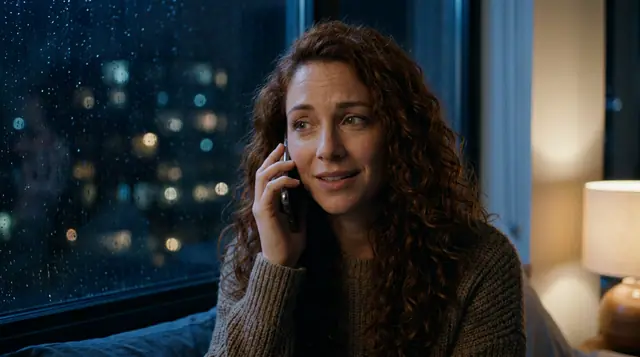
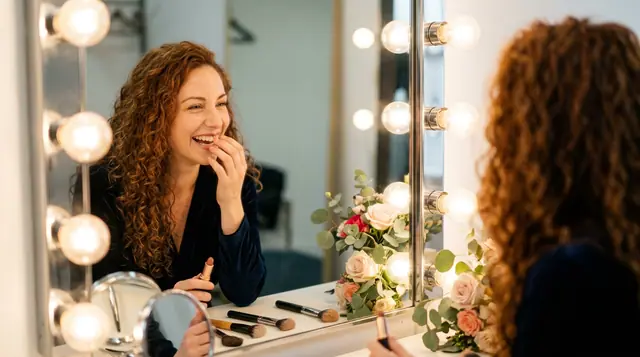
@Lena, retratos espontâneos em 35mm em casa, luz quente da janela, granulação suave de filme
Privacidade
Privado e sem restrições
The whole picture is rendered again at the engine's size, with your picture as the guide: check that the original part still looks the way you want. It makes the scene wider, not the file larger: it is not an upscaler.
Clap · agente de IA
Descreva o resultado no Ask. O Clap pergunta o que precisa, escolhe os motores, escreve os prompts e calcula o preço do plano. Quando você aprova, ele renderiza tudo na sua biblioteca. Tudo automático, e nada roda antes do seu sim.
Ask · Clap
Clap · Pensou por 6s
Três fotos, o mesmo rosto da ficha da Lena. Aqui está o plano.
Produção
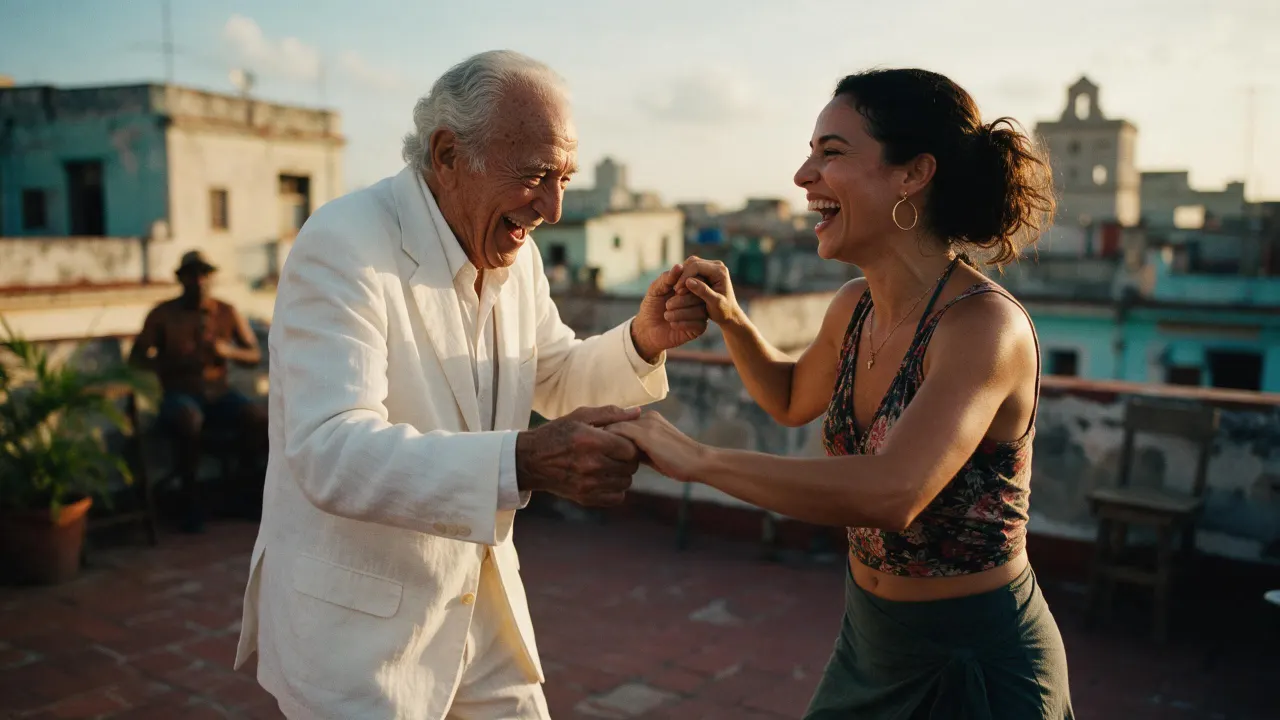
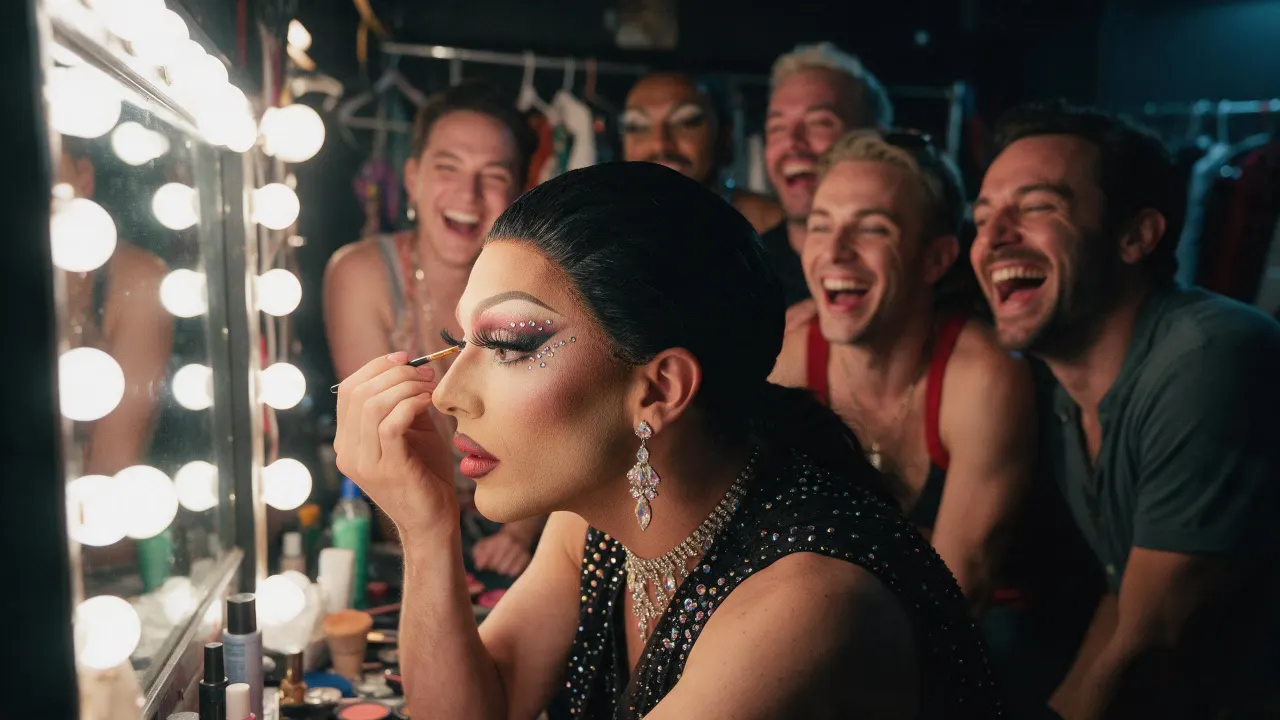
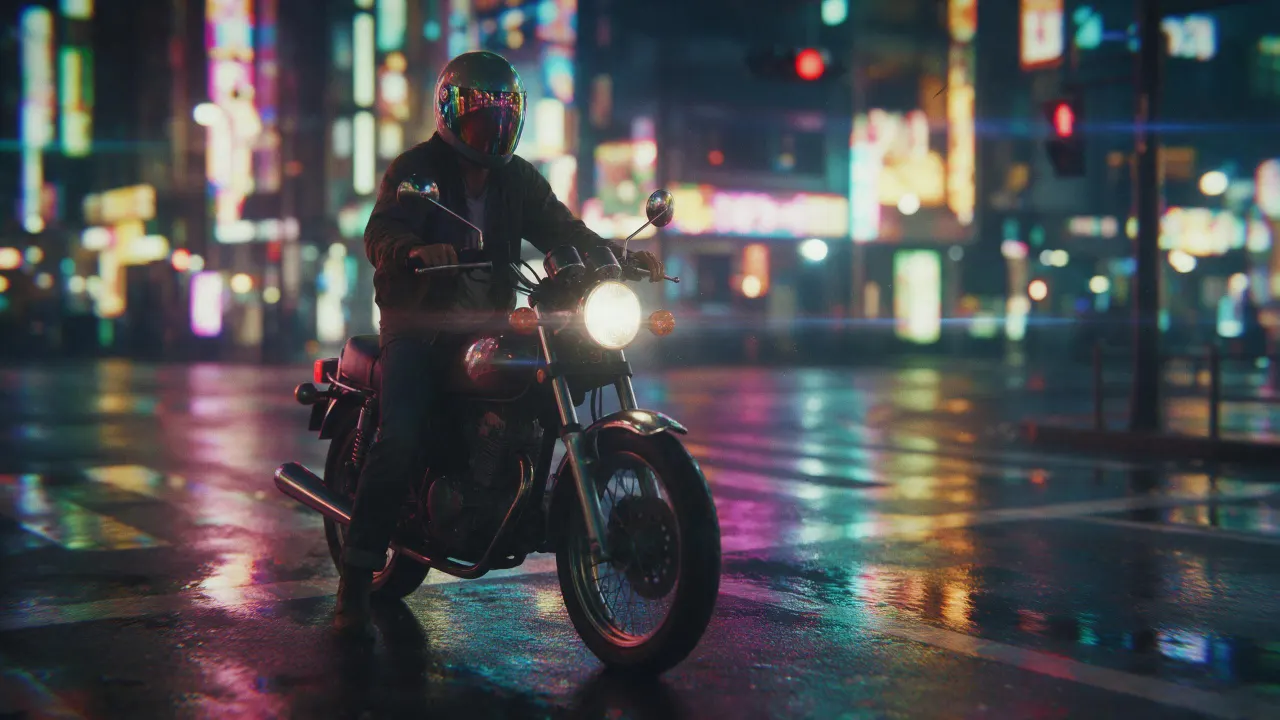
Salvo na sua biblioteca
Open the image extender recipe in Image › Edit, add the picture, pick Eroq Uncensored and Krea2 and a wider format, and generate. The editor continues the scene past the old edges.
Yes, on Eroq Uncensored and Krea2: pick 16:9 in Format and the scene is continued on the sides.
It keeps it close, not pixel for pixel: the whole frame is rendered again. Render a few takes and keep the one where the original reads best.
Free to start: every new account gets 40 free credits with no card, enough for 4 edits at 10 credits each. More credits start with a $10 pack (1,000 credits) or a plan from $15/month.
40 créditos grátis · sem cartão · modo privado em todas as contas
Continue explorando