Black Friday

50% di sconto su un anno intero di qualsiasi piano

Approfitta dell’offerta
eroq

Tool

AI video effects: your photo, in the trend

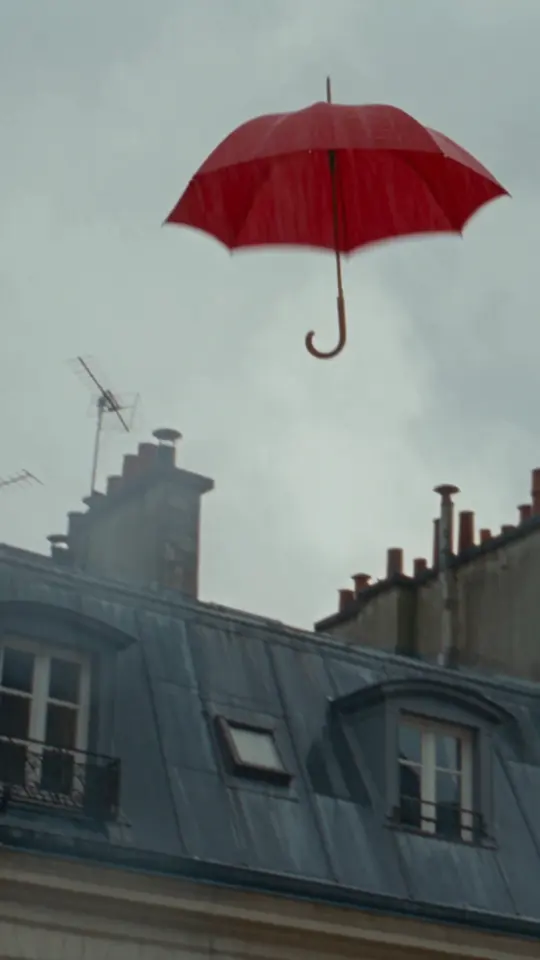
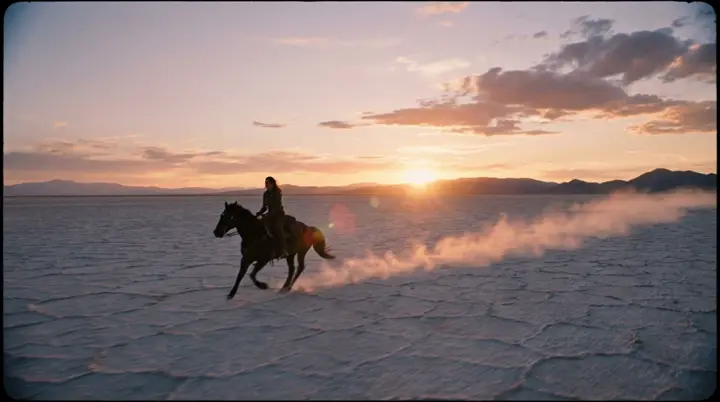
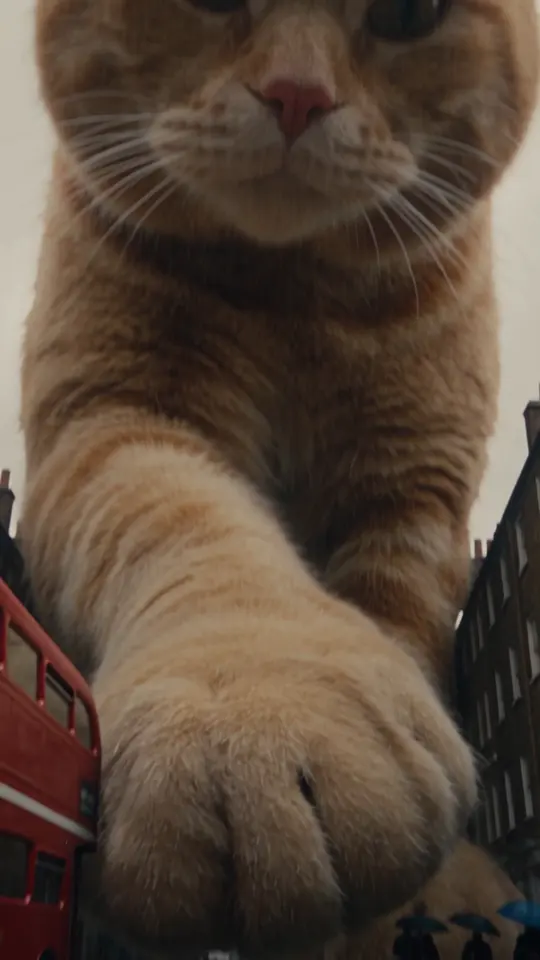
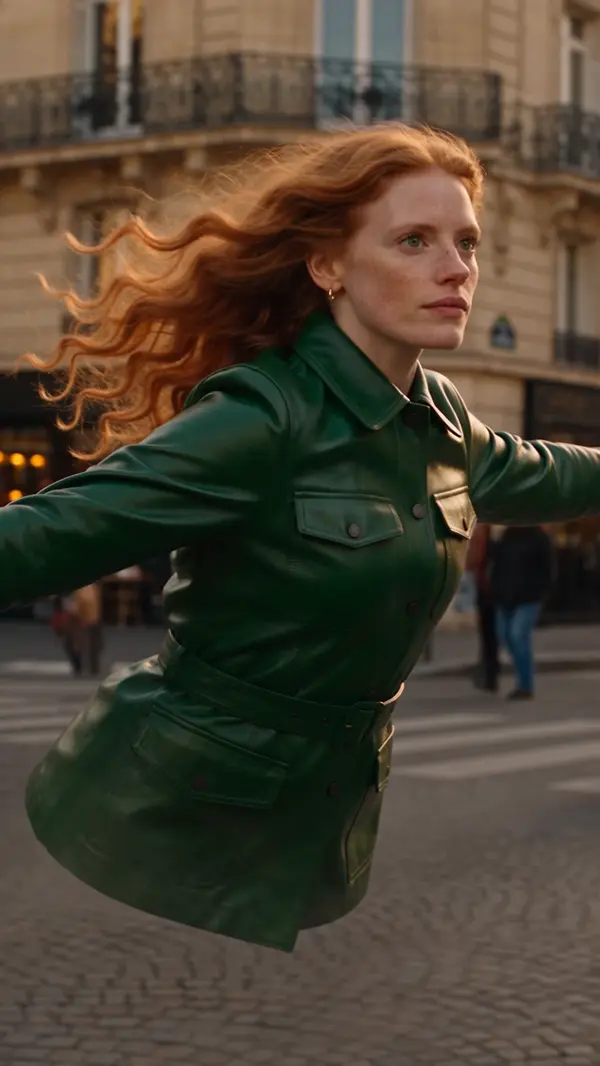
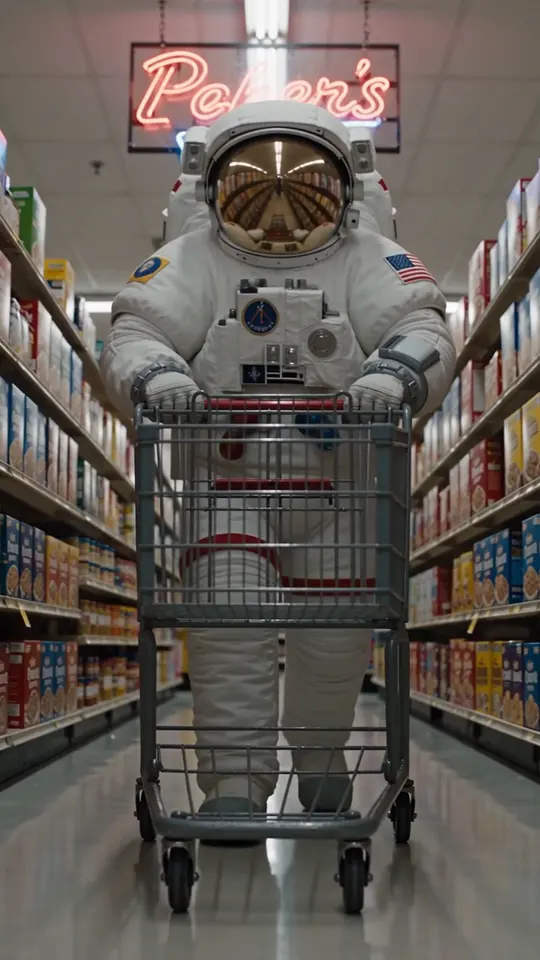
The effects that travel on TikTok and Reels start from a person and a trick: they fall in slow motion while their things float, they vanish and their clothes collapse, the camera dives through their eye into another world. The Effects tab of eroq Video holds 50 of them. Pick the effect first, bring one picture (a photo or one of your characters), add a few words if you like, and render it on the video engine you choose.

40 crediti gratis · nessuna carta · modalità privata su ogni account

Video · Crea

13 ott, 01:42:07·Pronto · Ci sono voluti 1 min 8 sec

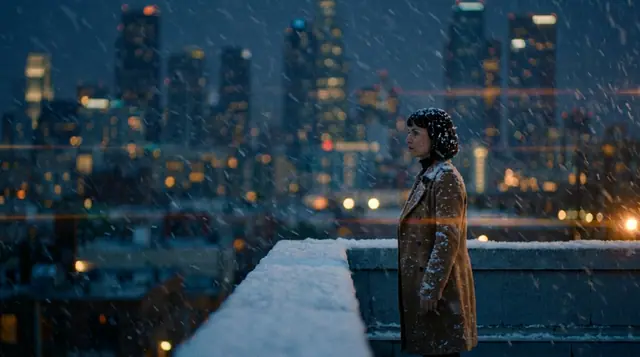
@Mara su un tetto al tramonto, il cappotto mosso dal vento, la città che si accende sotto di lei. anamorphic, 35mm. carrellata in avanti

Veo 3.1 Fast · 8s · 1080p · 16:9 · 2 riprese
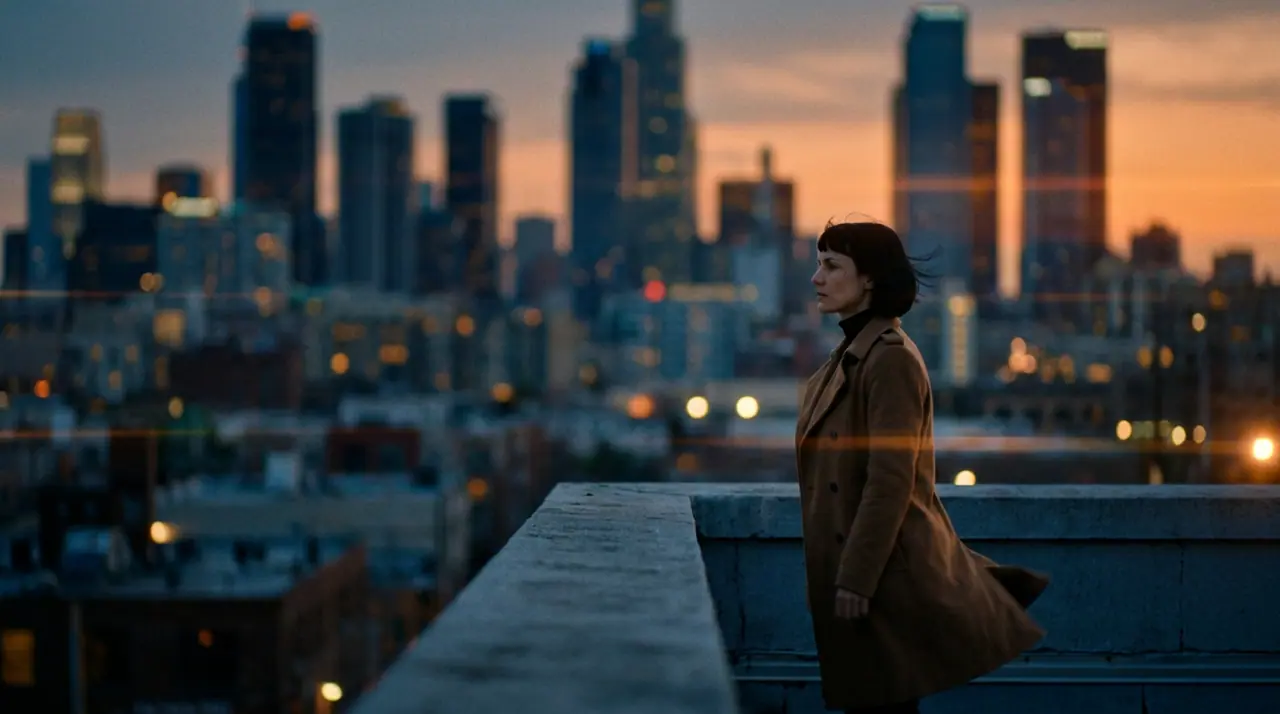
@Mara su un tetto al tramonto, il cappotto mosso dal vento, la città che si accende sotto di lei. anamorphic, 35mm. carrellata in avanti
Estendi Porta a
Crea Modifica Novità Replace Popolare Effetti
Aggiungi personaggio

@Mara su un tetto al tramonto, il cappotto mosso dal vento, la città che si accende sotto di lei. anamorphic, 35mm. carrellata in avanti

Veo 3.1 Fast Sintassi4s6s8s
Genera 816
Effects
50: 6 camera, 25 transform, 12 action, 7 for your clip
Input
One picture (a photo or a character) and a few words, or a clip for the restyles
Length
5 seconds, snapped to the engine
Price
The engine's own: 145 credits on Motion One, 270 on Kling 3.0

How it works

  • Pick an effect on the wall or in the picker:search it by name, filter Trending, Camera, Transform, Action or Your clip, or reopen one from Recent.
  • Bring one picture, or start from one of your characters. Each effect says what works best: a face close up, a person in frame, an object on its own.
  • Add a few words if you want:who they are, what they wear, where they are. The effect's own recipe writes the rest of the shot.
  • Pick the engine and render. Want to change the shot itself? The effect's full prompt opens in Create, your picture kept.

How your picture rides

  • As the first frame (18 effects):the effect happens to your picture, like GTA filter, GTA 6 vs real life or Floating fall.
  • As the star (24 effects):your picture says who stars and the effect builds its own scene around them, like Wild ride, Smash and grab or Infinite clones.
  • As the last frame:the clip lands on your picture, like Earth zoom, from orbit down to you in one move.
  • And 6 effects restyle a clip you bring instead (Comic, Particles, Canvas, Tracking, Windows, Palette): they open Edit › Ref-to-video with the effect's recipe, and a new clip comes back with your clip's motion and camera.

The effects, by family

6 camera tricks, 25 transformations, 12 action moments and 7 restyles of your own clip. Trending now: GTA filter, GTA 6 vs real life, Floating fall, Vanish, Eyes in, Cutout, Wild ride, Incline, Smash and grab, Clones, Lidar transition, Infinite clones.

Engines and price

An effect is a director's recipe, not a new engine: it renders on the video engine you pick, at that engine's price for the clip's length. A 5-second effect costs 145 credits on Motion One and 270 on Kling 3.0. Effects that start from your picture need an engine that takes a first frame; the ones that build a scene around you need one that reads reference pictures, like Kling 3.0. The studio says when the engine you picked cannot serve the effect and points to one that can. A failed render refunds itself.

Clap · agente IA

Oppure lascia che Clap faccia le clip

Descrivi il risultato in Ask. Clap ti chiede ciò che gli serve, sceglie i motori, scrive i prompt e calcola il costo del piano. Appena approvi, renderizza tutto nella tua libreria. Tutto automatico, e non parte nulla prima del tuo sì.

  • 1Clap fa una domanda alla volta e tiene aggiornati brief, cast e storyboard.
  • 2Il piano elenca ogni render e il suo prezzo prima che parta qualsiasi cosa.
  • 3Un clic su Approva e tutto viene renderizzato. Le riprese fallite si rimborsano da sole.

Ask · Clap

Tre clip cupe da 5 secondi di Kai che cammina sotto la pioggia al neon, 16:9.

Clap · Ha pensato per 6s

Tre versioni dello stesso movimento, ognuna una clip a sé. Ecco il piano.

Piano · 3 render435 cr
Clip · Scena 1 · eroq Motion One · 5s · 16:9145 cr
Clip · Scena 2 · eroq Motion One · 5s · 16:9145 cr
Clip · Scena 3 · eroq Motion One · 5s · 16:9145 cr
Fatto · è arrivato tutto

Produzione

Salvato nella tua libreria

Punti di partenza

Ogni riquadro apre lo studio con il prompt già scritto.

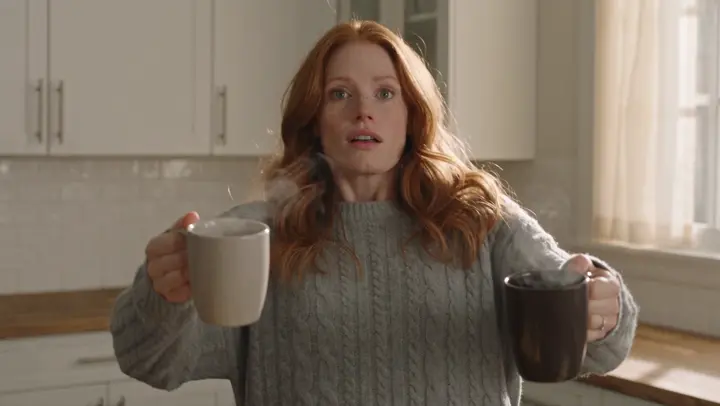
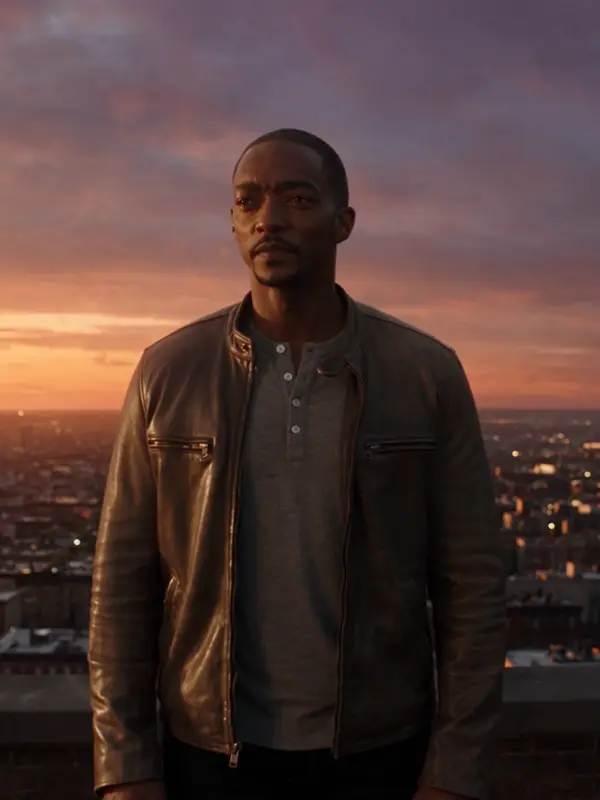
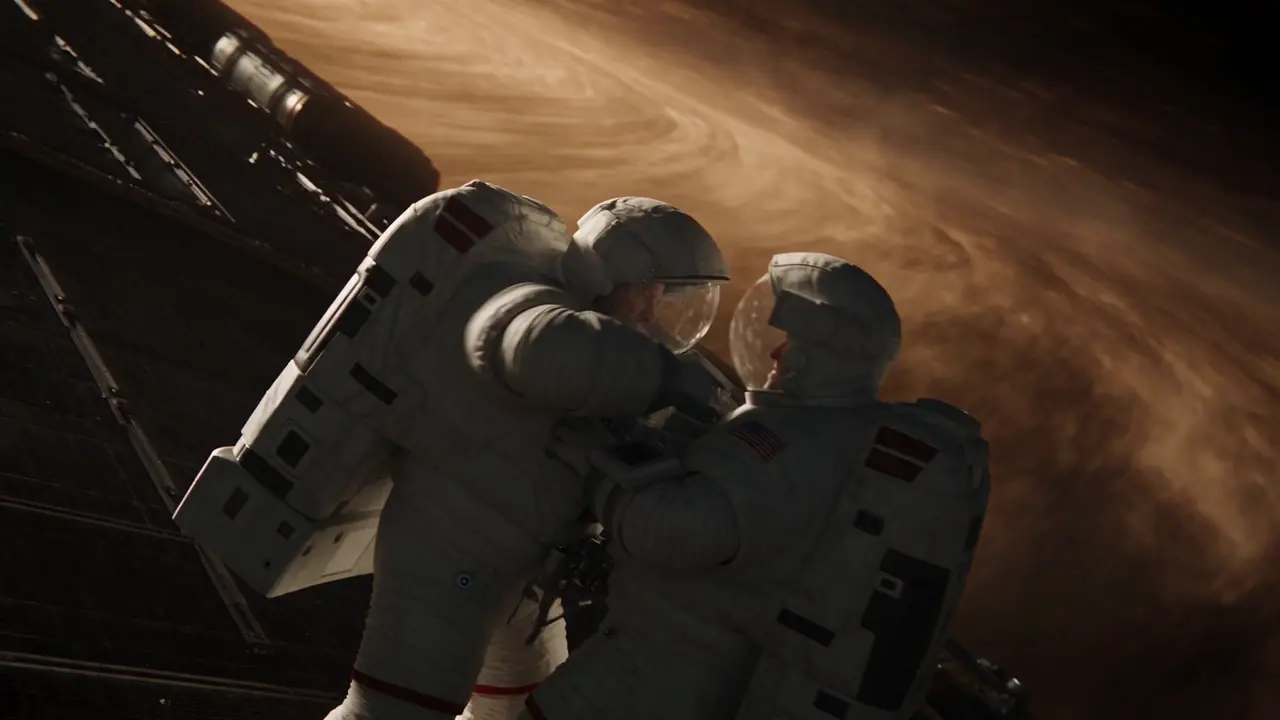
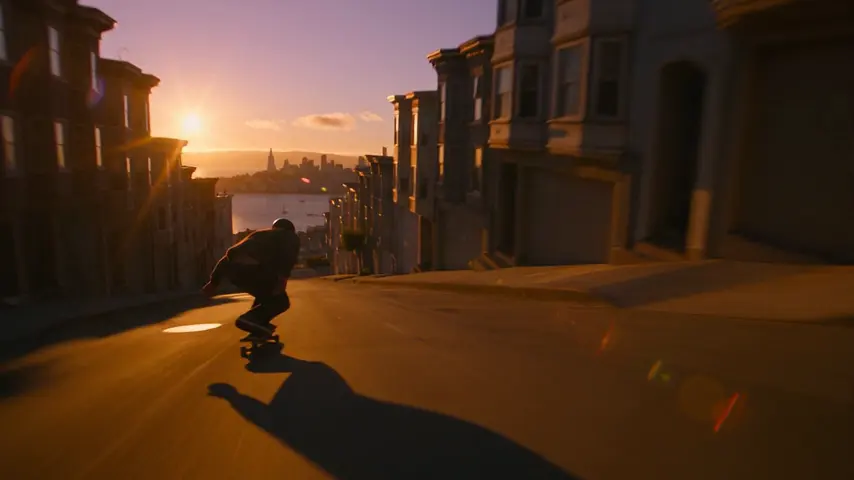
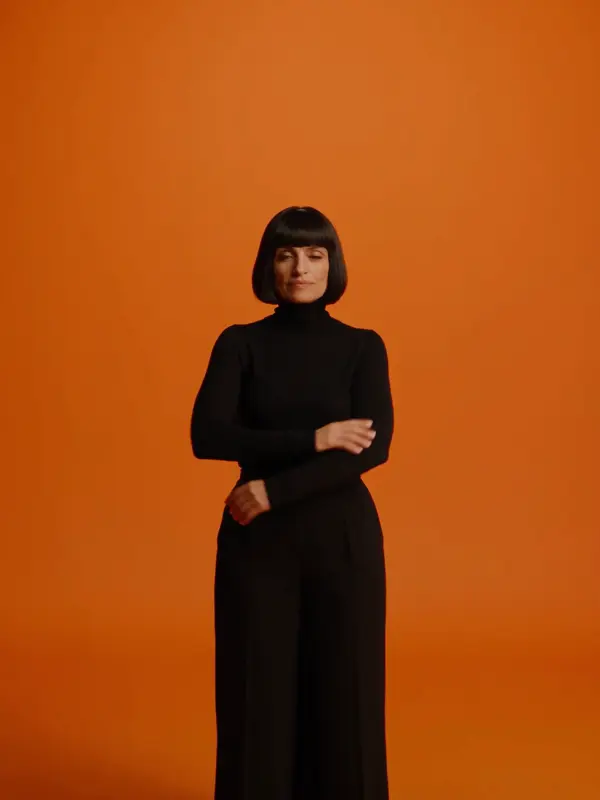
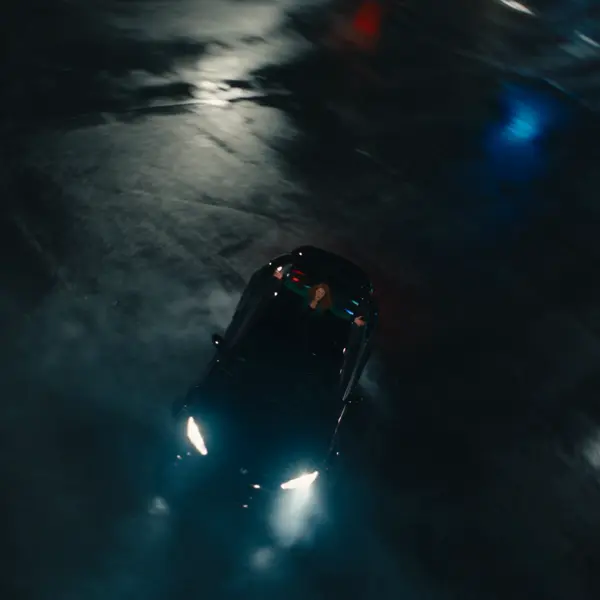
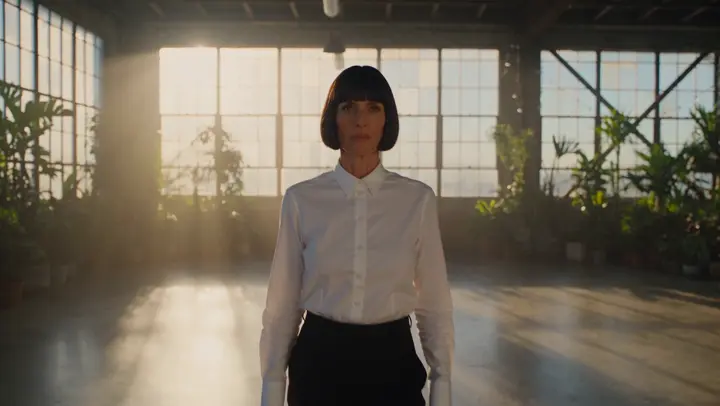
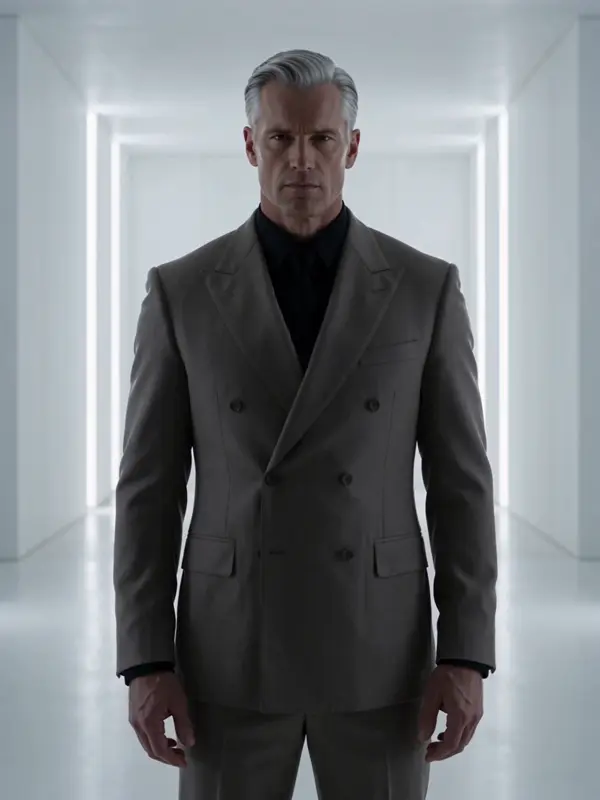
Floating fallA woman in her late twenties with long curly auburn hair, in a cozy grey sweater, holds two steaming coffee mugs in a sunlit kitchen; from the very first frame she tips backward into an extreme slow-motion fall, the mugs and her phone floating free around her, coffee hanging in droplets, the camera gliding past them in crisp close-upsApri nello studio → High flipA man in a worn brown leather jacket stands on a city rooftop at dusk; the camera rises above him and flips overhead in one continuous move, revealing on the other side a woman in an emerald bomber jacket walking through a neon-lit Tokyo alley in the rainApri nello studio → Studio slideAgainst a solid tangerine orange studio background, several copies of a woman with a sharp black bob in a black turtleneck appear at once at different sizes, angles and depths, and slide past one another in layered 3D motion, each one striking a different poseApri nello studio → Wild rideA woman with long curly auburn hair rides on the roof of a black sports car drifting in tight circles on an empty city street at night, laughing, arms out, while the camera sweeps around her in an aggressive orbit, tyre smoke and motion blurApri nello studio → ClonesIdentical clones of a woman with a black bob in a white shirt appear one after another throughout a sunlit loft, all mirroring her movements in perfect sync, while the original walks forward toward the camera, music-video energyApri nello studio → MeltingA man with swept-back silver hair in a charcoal double-breasted suit stands in a white gallery and slowly melts into a glossy black puddle, his suit stretching into shiny liquid trails until everything pools on the polished floorApri nello studio →

Privacy

Privato e senza restrizioni

  • Nessun filtro sui motori di eroq: una politica scritta al suo posto.
  • Non conservano nulla e nulla addestra sul tuo lavoro.
  • La modalità privata non conserva alcun file.

Domande frequenti

What are AI video effects?

Short trend shots built around one trick (a slow-motion fall, a vanishing body, a dive through an eye) made from a single picture. On eroq each effect is a director's recipe the video engine follows, so you get the trend with your own subject.

Can I use a photo of myself?

Use a picture you have the rights to: yourself, someone who agreed, or one of your characters. Real, identifiable people without their consent are banned by the acceptable-use policy. Seedance engines refuse photos of real-looking people; the studio offers an engine that takes them.

How much does an effect cost?

What a 5-second clip costs on the engine you pick: 145 credits on Motion One, 270 on Kling 3.0. New accounts get 40 free credits, and a failed render refunds itself.

Which engines run the effects?

Any engine that takes the picture the way the effect needs it: a first frame for the effects that happen to your picture, reference pictures for the ones that build a scene around you, a last frame for the ones that land on it. The studio tells you when the engine you picked cannot, and points to one that can.

Can I change what happens in the effect?

Add a few words (who, what they wear, where) and they go where the recipe expects them. For more, open the effect's full prompt in Create, your picture kept, and edit it freely.

Do effects work on a video I already have?

6 of them do: Comic, Particles, Canvas, Tracking, Windows and Palette restyle a clip you bring, through Edit › Ref-to-video: a new clip with its motion and camera. The others start from a picture.

Provalo gratis

40 crediti gratis · nessuna carta · modalità privata su ogni account