13 ott, 01:39:36·Pronto · Ci sono voluti 31 sec · −10 crediti
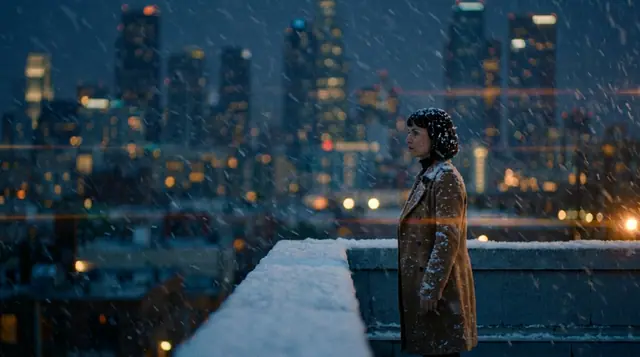
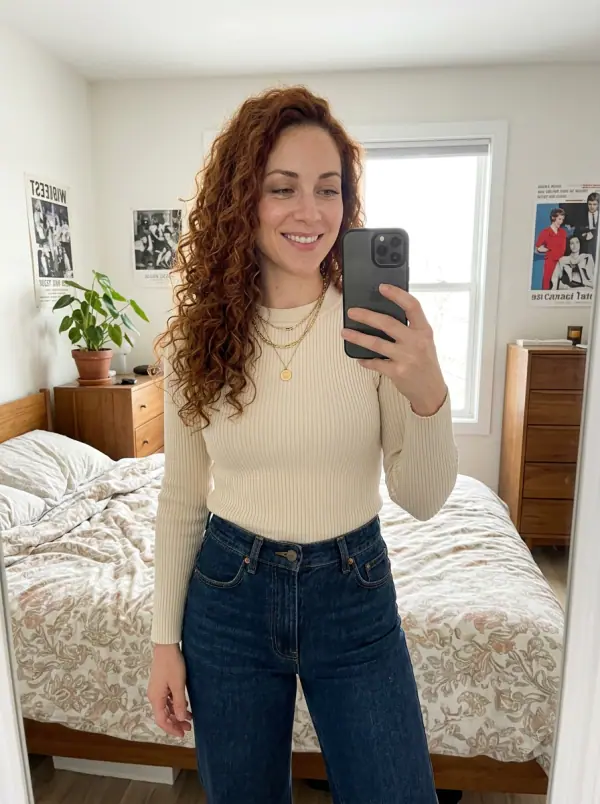
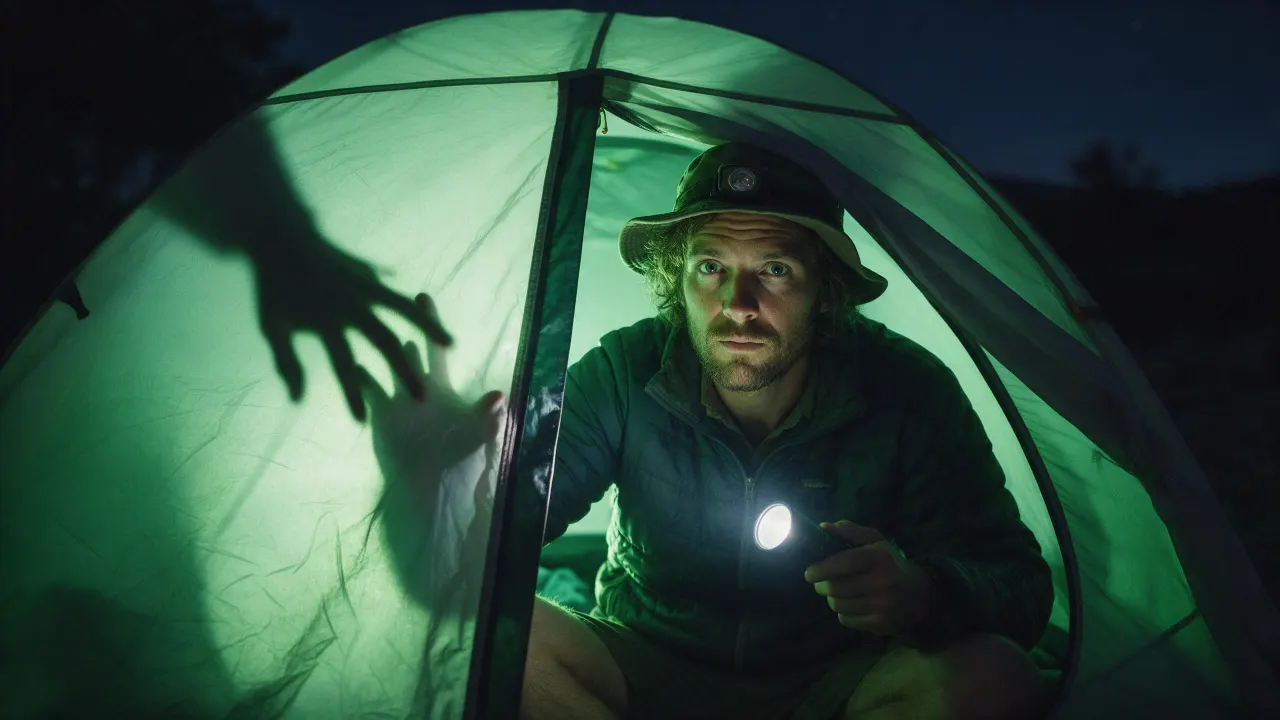
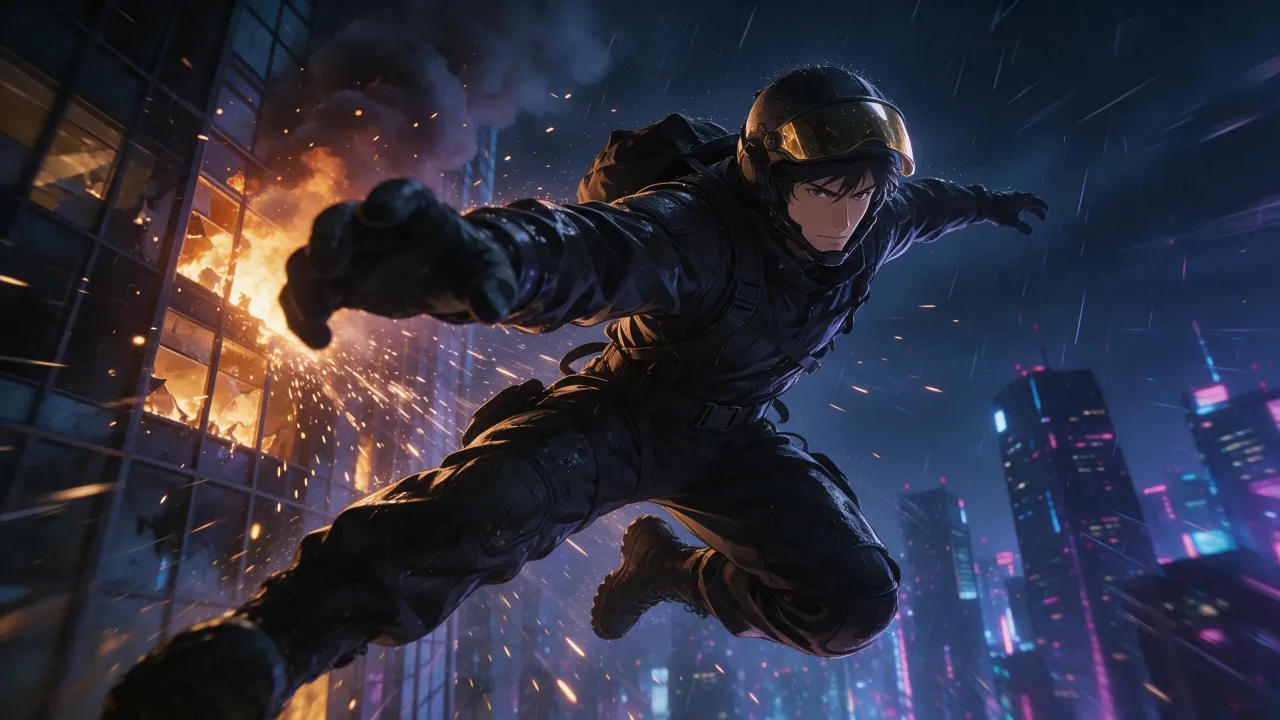
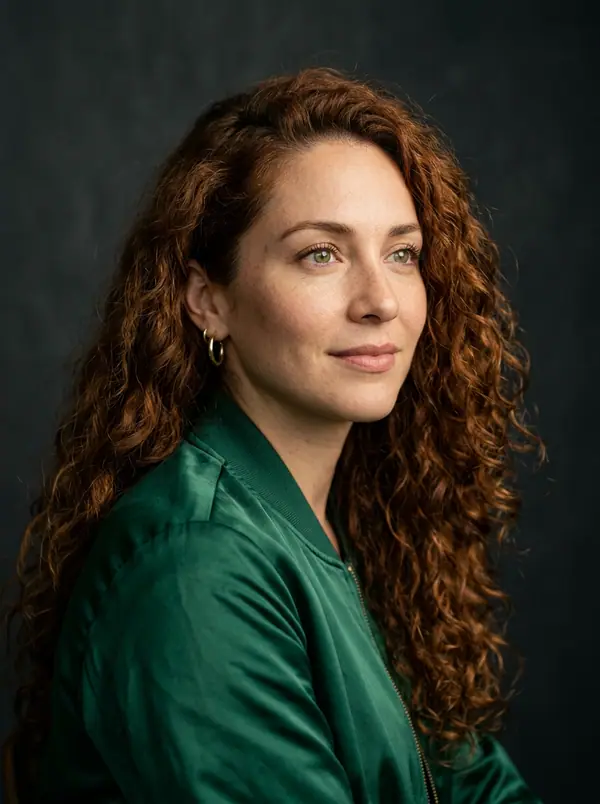
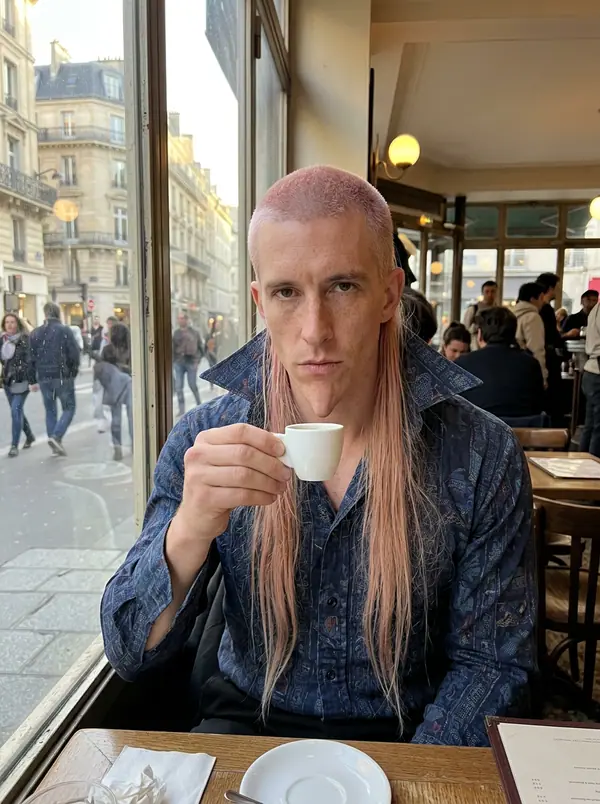
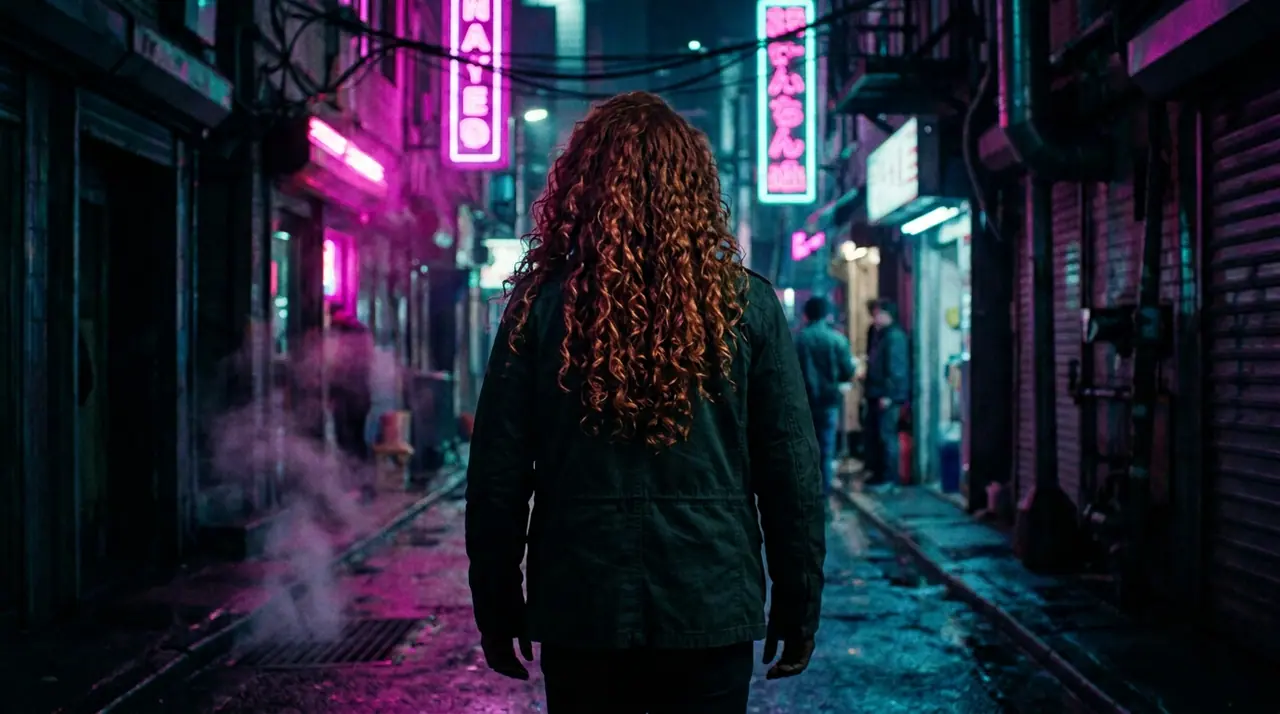
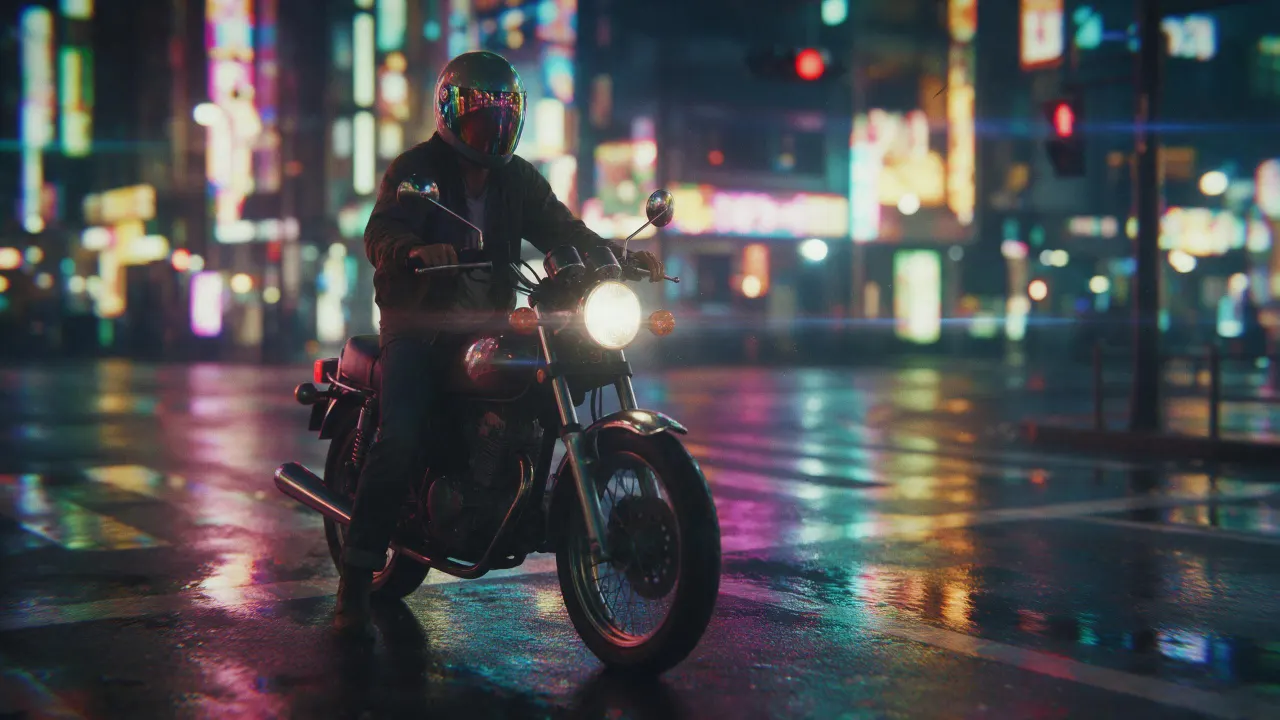
@Immagine 1: sostituisci l’uomo con la donna di @Immagine 2, stessa giacca, stesso vicolo, stesso neon
Eroq One · Mantieni · 1 ripresa
Tool
eroq edits a picture from a sentence: in Image › Edit, add your photo or a render, write what should change ("make it night", "give her a red coat"), and the editor renders the change while the rest holds. Eroq Uncensored, Krea2, Eroq One, Flash Image and Nano Banana Pro all edit, from 10 credits a picture, and Private mode keeps the picture in your browser only.
40 crediti gratis · nessuna carta · modalità privata su ogni account
Immagine · Crea
13 ott, 01:39:36·Pronto · Ci sono voluti 31 sec · −10 crediti
@Immagine 1: sostituisci l’uomo con la donna di @Immagine 2, stessa giacca, stesso vicolo, stesso neon
Eroq One · Mantieni · 1 ripresa
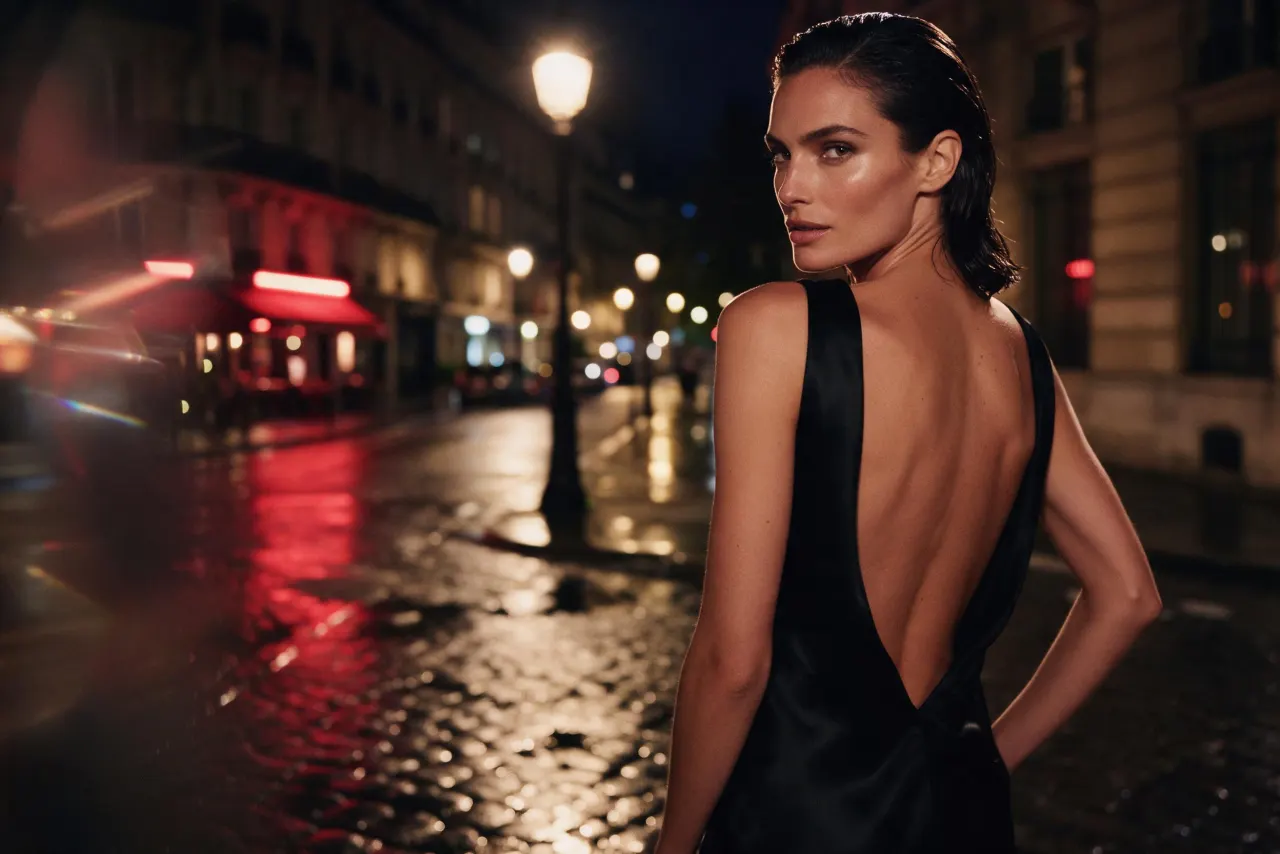
13 ott, 01:42:07·Pronto · Ci sono voluti 26 sec · −40 crediti
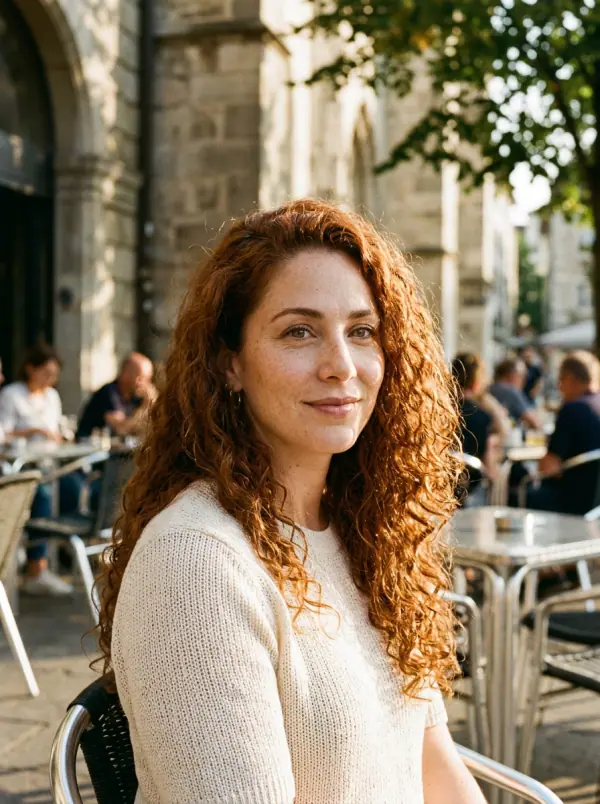
@Lena, ritratti spontanei in 35mm a casa, calda luce dalla finestra, leggera grana da pellicola
Eroq One · 3:4 · 4 riprese
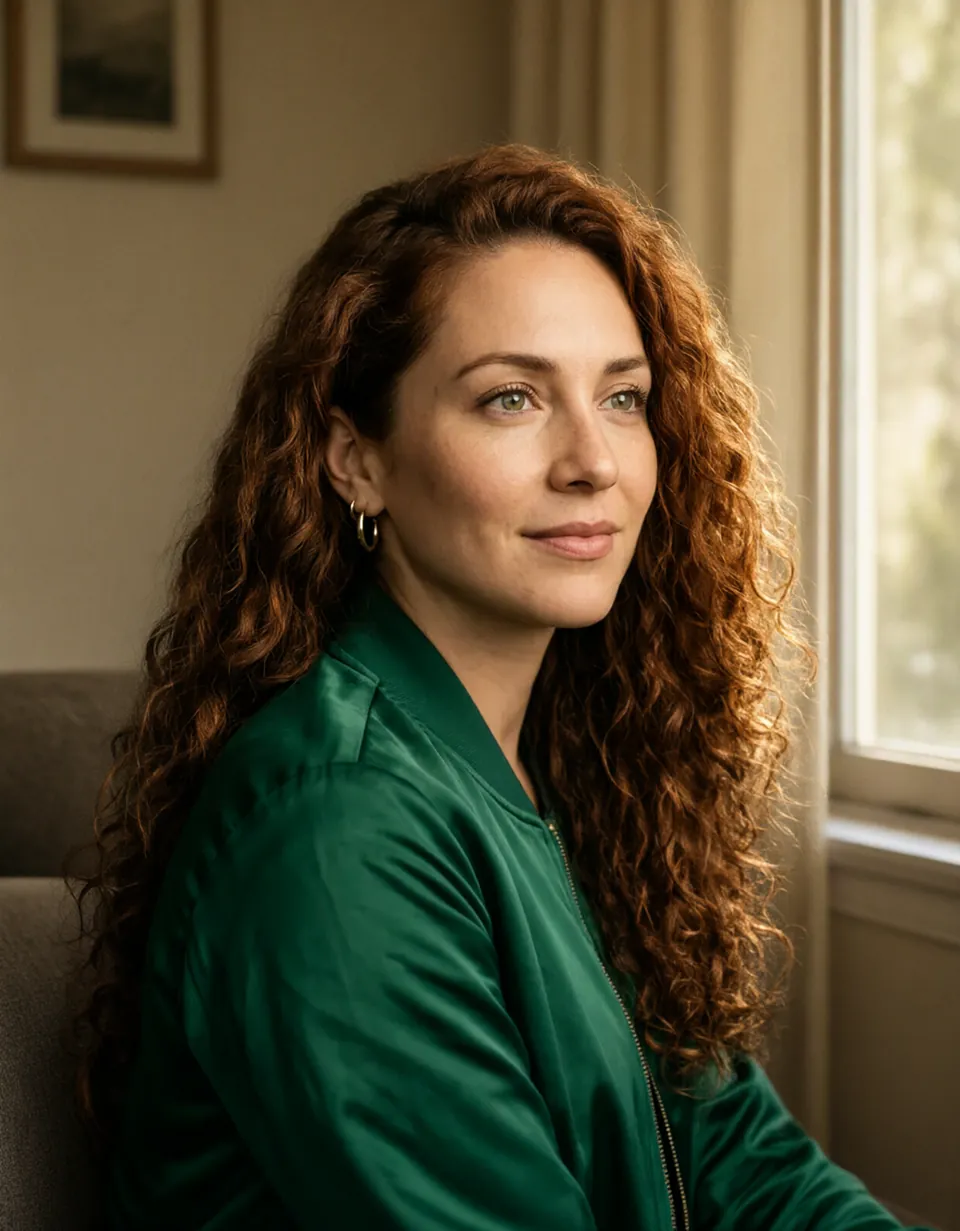
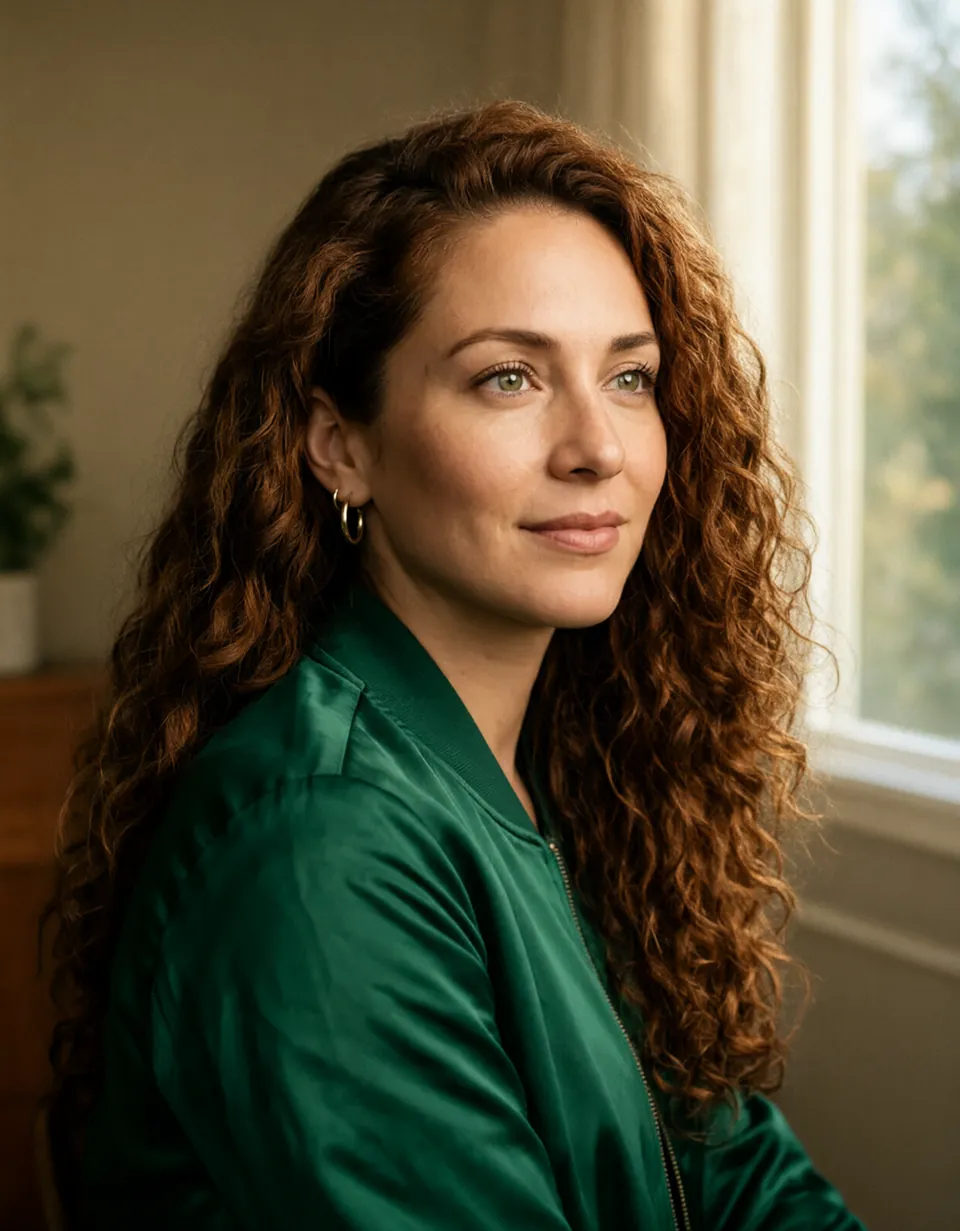
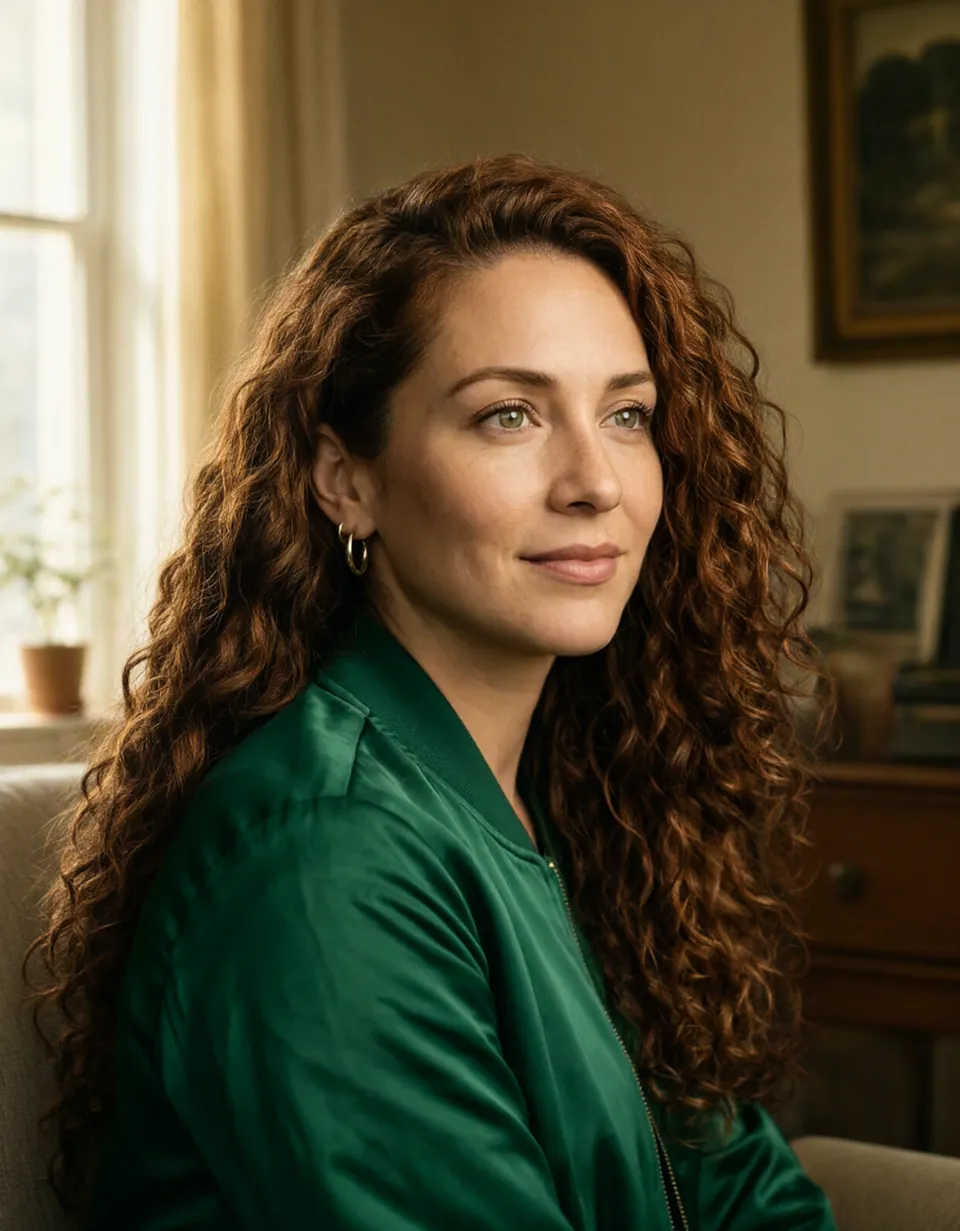
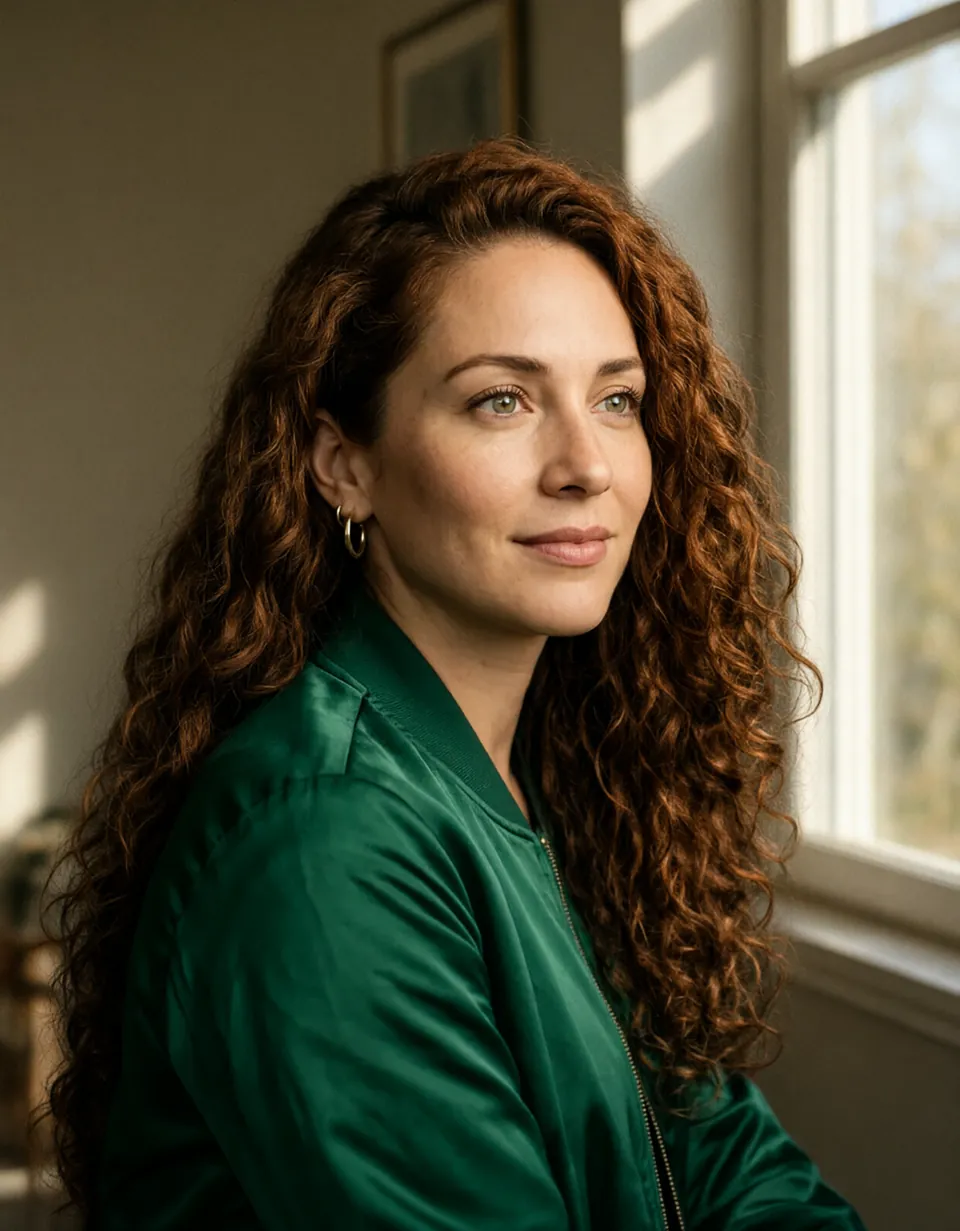
@Lena, ritratti spontanei in 35mm a casa, calda luce dalla finestra, leggera grana da pellicola
Privacy
Privato e senza restrizioni
There is no brush or mask: you name the part to change in words. It edits pictures you have the rights to, a real, identifiable person only with their consent, under one written policy: fiction only, nothing involving minors, no real identifiable people without their consent, nothing illegal.
Clap · agente IA
Descrivi il risultato in Ask. Clap ti chiede ciò che gli serve, sceglie i motori, scrive i prompt e calcola il costo del piano. Appena approvi, renderizza tutto nella tua libreria. Tutto automatico, e non parte nulla prima del tuo sì.
Ask · Clap
Clap · Ha pensato per 6s
Tre immagini, lo stesso volto della scheda di Lena. Ecco il piano.
Produzione
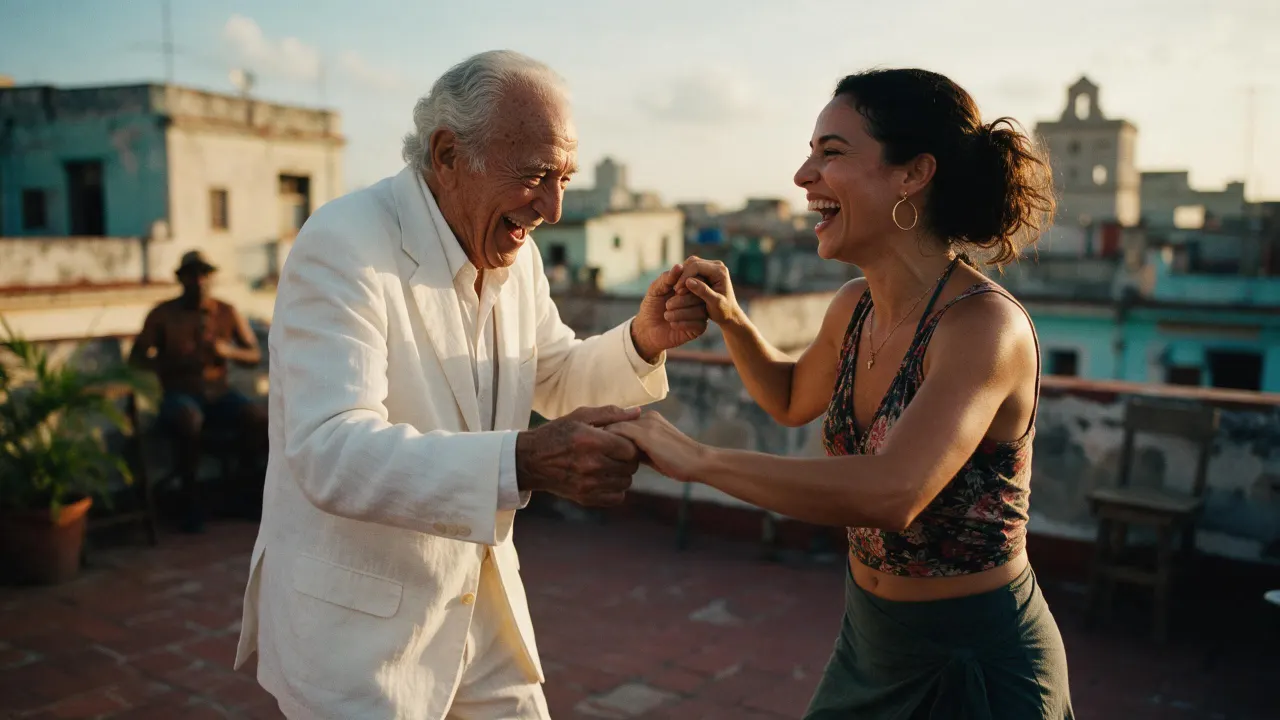
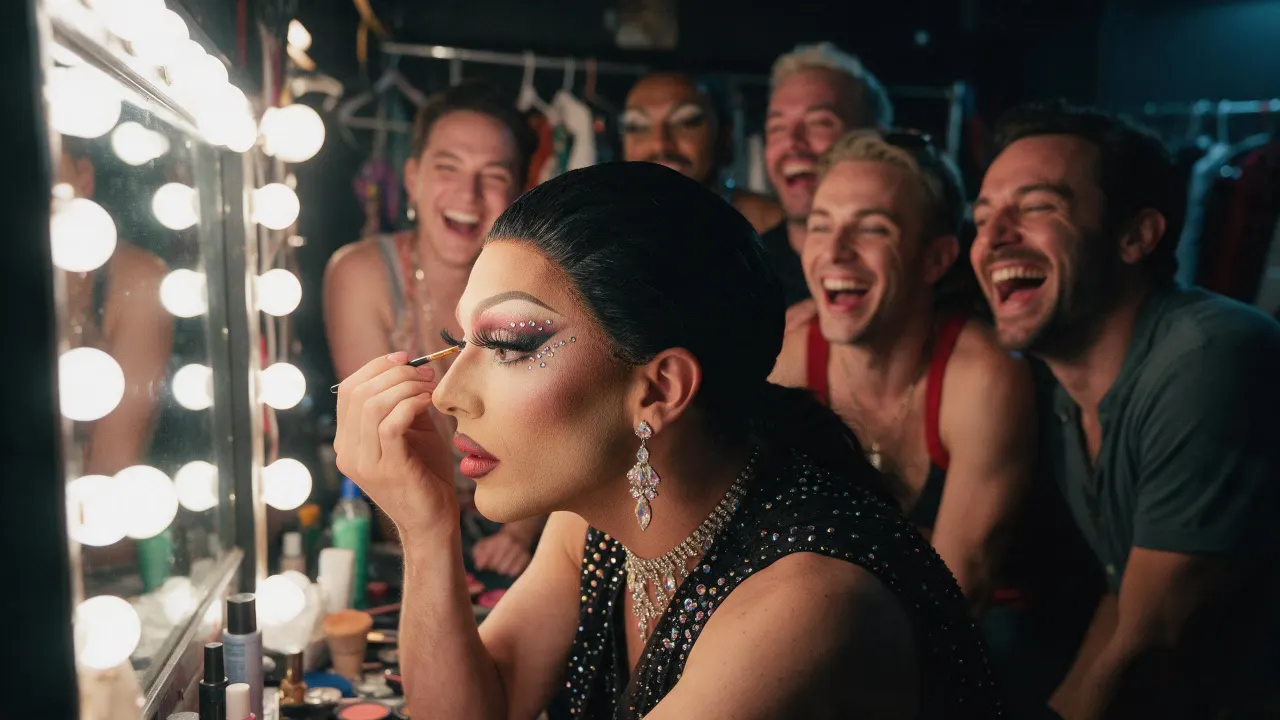
Salvato nella tua libreria
Ogni riquadro apre la sua tendenza nello studio, pronta da usare.
Open Image › Edit, add the photo and write the change in plain words, as you would ask a retoucher: "make it night", "remove the cup", "give her a red coat". The editor renders the new picture and keeps what you did not mention.
Yes: name that part and say the rest stays the same ("replace only the sofa; keep everything else exactly the same"). There is no mask to draw; Eroq One holds the rest most faithfully.
Eroq One keeps the person as they are unless you ask otherwise. To keep one face across many pictures, save the person as a Character: their identity sheet holds the face in every render.
Eroq Uncensored and Eroq One edit with no provider filter, within the written policy (fiction only, nothing involving minors, no real identifiable people without their consent, nothing illegal). New web accounts start with a content filter on; the account holder can switch it off in Settings, confirming they are 18 or older.
The editors are run by eroq and keep nothing upstream. Turn on Private mode and your picture stays in your browser: the edit leaves no file and no Library entry.
Free to start: every new account gets 40 free credits with no card, enough for 4 edits at 10 credits each. More credits start with a $10 pack (1,000 credits) or a plan from $15/month.
40 crediti gratis · nessuna carta · modalità privata su ogni account
Continua a esplorare