Academy
eroq Academy: pelajaran langkah demi langkah di studio
Pelajari studio satu pelajaran demi satu pelajaran: klip pertamamu, karakter dari fotomu, tren viral, film bersama Director, edit yang sinkron dengan beat, sebuah suara, sebuah chat, dan apa arti privat dan tanpa sensor.
10 artikel
Pelajaran 1 · 1 Sep 2026 · 6 mnt
AI video for beginners — your first clip in five minutes
Sign up, write one prompt, pick one engine and render your first AI video clip in the eroq studio. Length, format, the render queue and where it lands.
Pelajaran 2 · 21 Nov 2026 · 6 mnt
Create an AI character from your photos, step by step
Turn a few photos into an eroq character you can cast in Image, Video, Replace, Cinema and chat: the photos that work, the identity sheet, the persona.
Pelajaran 3 · 4 Sep 2026 · 6 mnt
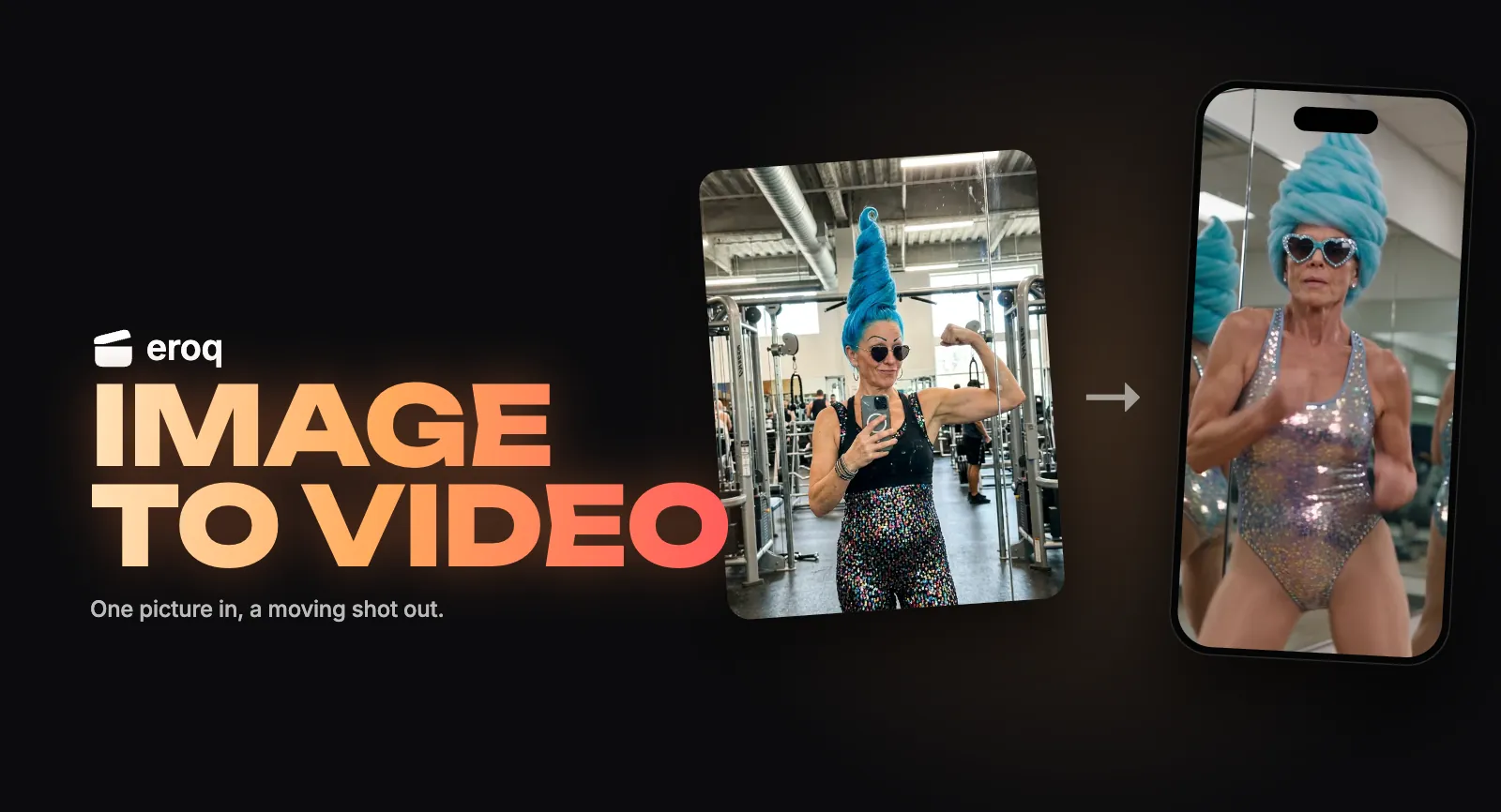
Image to video AI, step by step — animate a photo or a Character
Animate a reference photo or a Character in eroq — pick the right engine, use first and last frames on Seedance, write prompts that describe motion only.
Pelajaran 4 · 10 Okt 2026 · 7 mnt
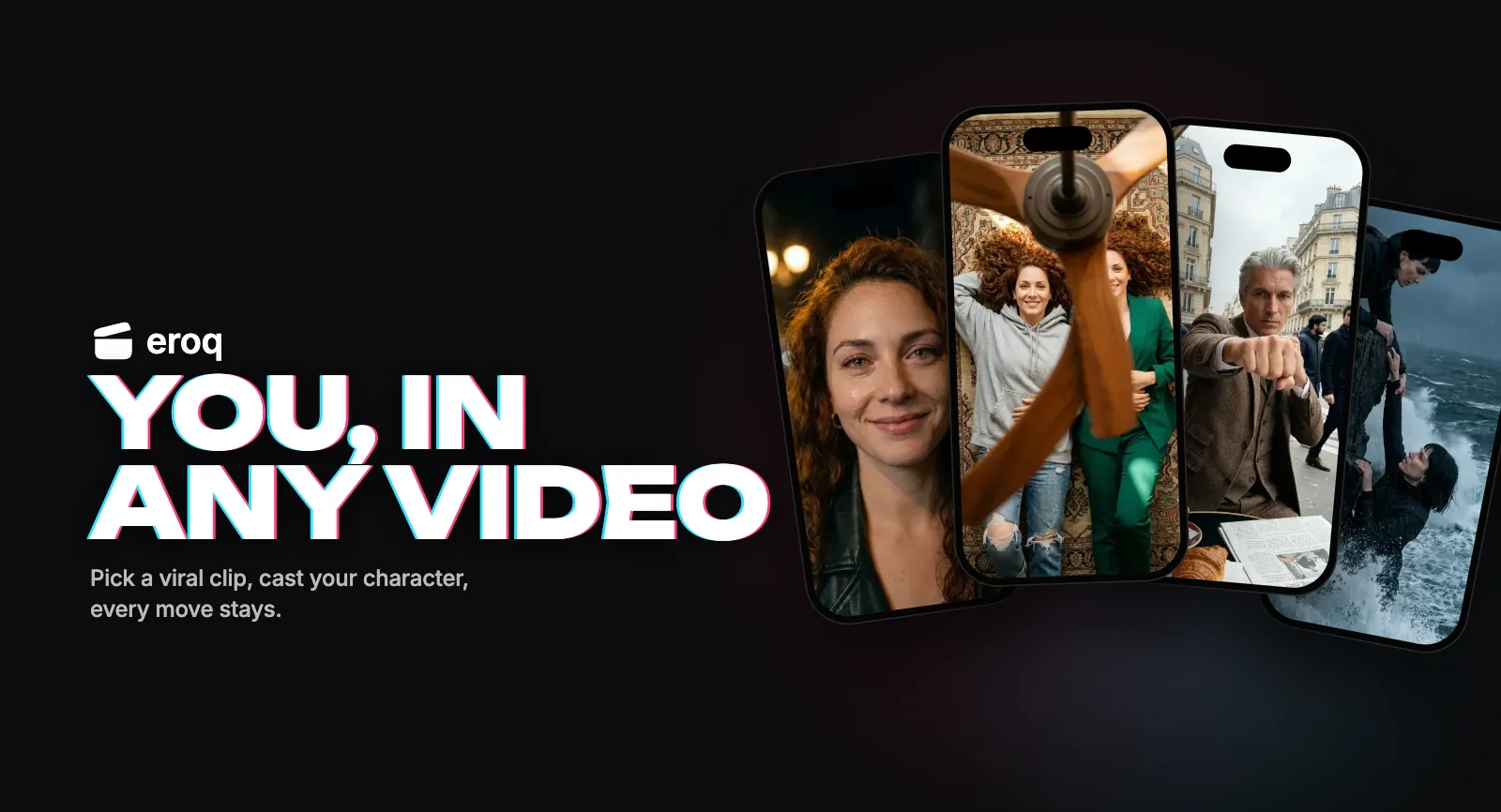
How to put yourself (or your character) into any viral video with AI
Video-to-video in practice — keep a clip's motion, cuts, lip-sync and sound, swap the people for your own character. What eroq Replace Pro does, what it costs, what is allowed, and the trends with a ready template.
Pelajaran 5 · 21 Nov 2026 · 6 mnt
Make a short film with the Cinema Director, step by step
Tell Clap, eroq's Director, your film in one sentence or start from a trend, cast the roles, change shots by asking, and shoot at the price on the button.
Pelajaran 6 · 21 Nov 2026 · 6 mnt
Cut your clips on the beat, step by step in the eroq Editor
Pick a style, your clips and a song: the Editor reads the beats and cuts on them, with flashes and punches on the drops. Made in your browser, no credits.
Pelajaran 7 · 8 Sep 2026 · 5 mnt
AI voice cloning guide — clone your voice and make characters speak
Clone your voice in the eroq studio and give it to your characters — clean audio tips, Voice One vs Voice Turbo, and punctuation that shapes the delivery.
Pelajaran 8 · 21 Nov 2026 · 5 mnt
Chat with your AI character and ask them for photos
Open Text, pick your character, and they answer in character from their persona and the scene you set. Ask for a photo and they send one of themselves.
Pelajaran 9 · 21 Nov 2026 · 5 mnt
Private mode explained — what eroq keeps, and what it does not
Private mode sends a render straight to your browser: no file, no Library entry, your prompt starred out in the ledger. What it changes, and what it can't.
Pelajaran 10 · 21 Nov 2026 · 6 mnt
Uncensored AI prompting, responsibly — what renders and the lines that never move
Uncensored on eroq: your fiction renders as written, under one written policy. The lines that never move, how they're enforced, how to write dark fiction.
Telusuri menurut kategori