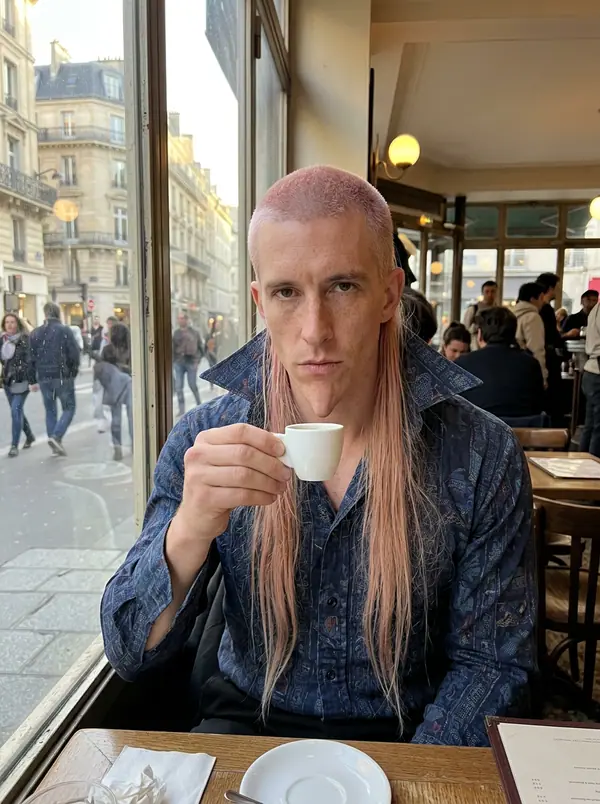
13 Okt, 01.39.36·Siap · Butuh waktu 31 sec · −10 kredit
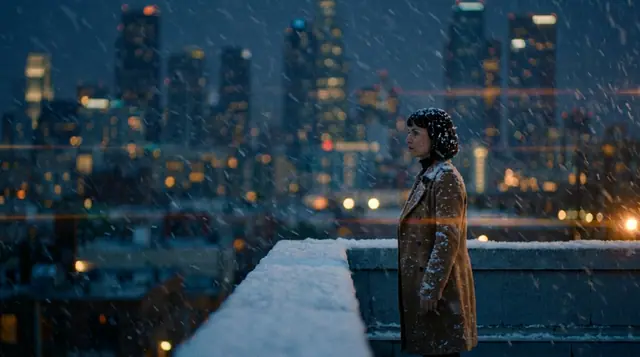
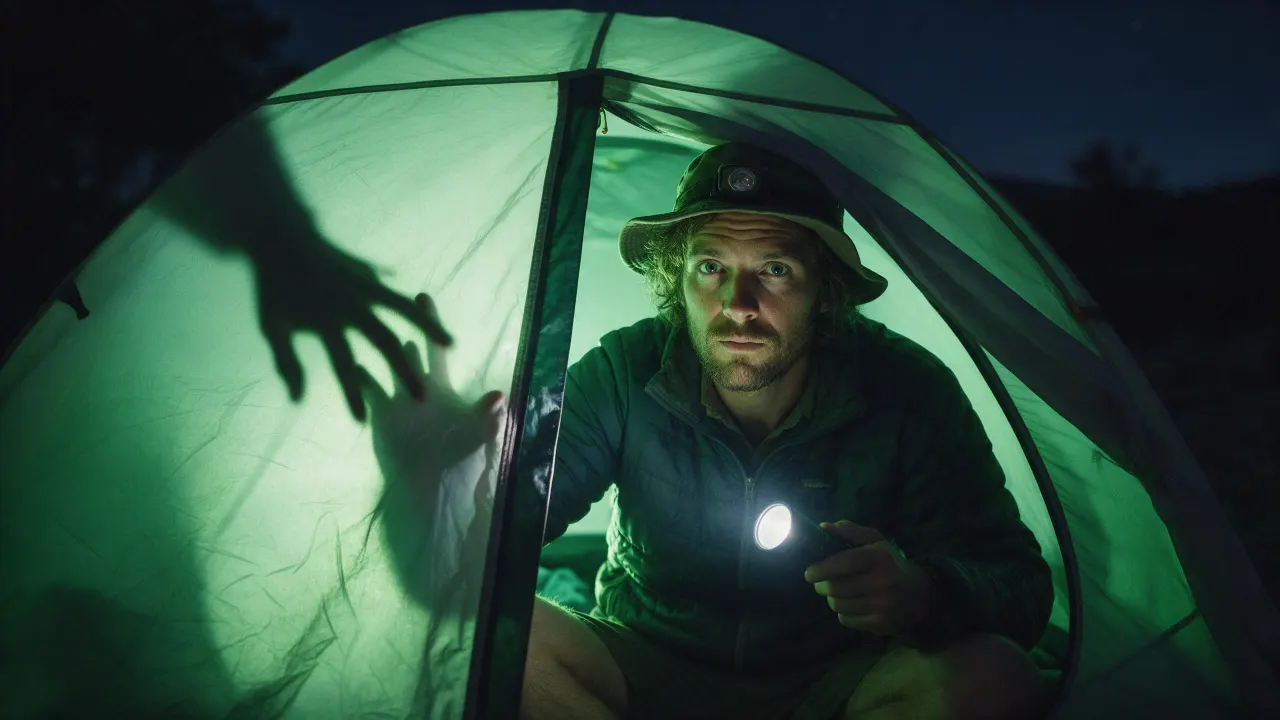
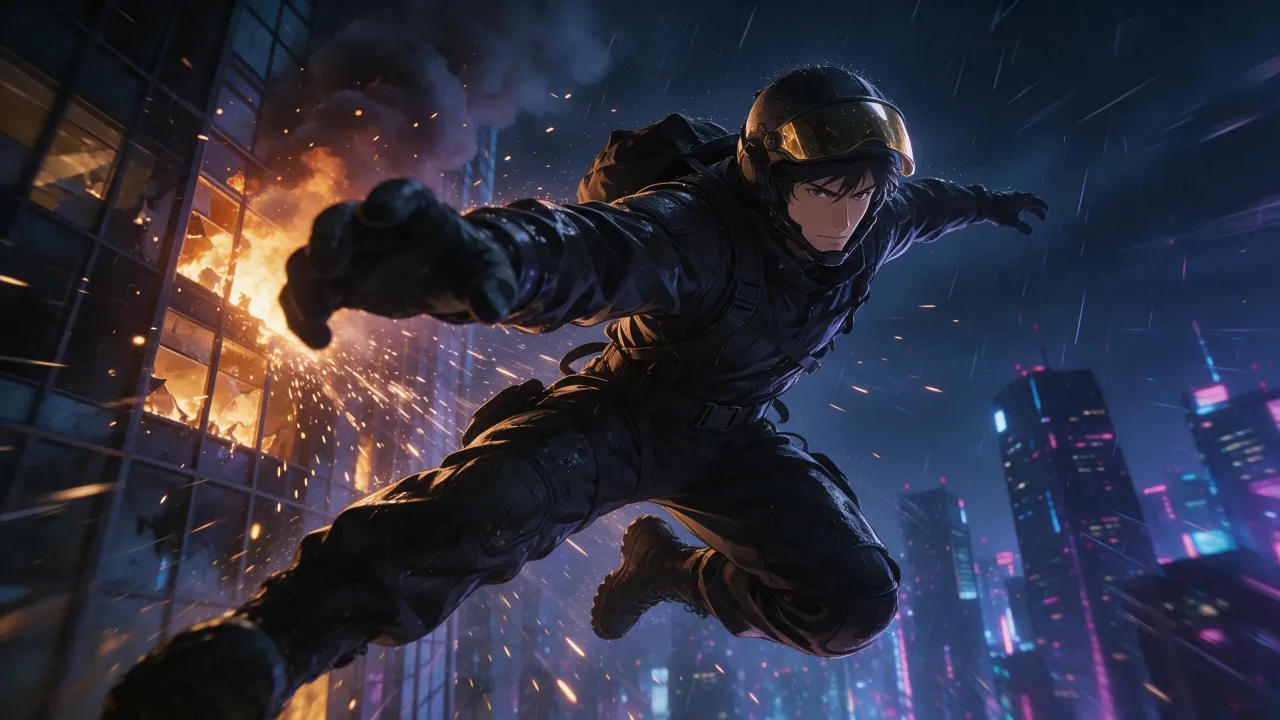
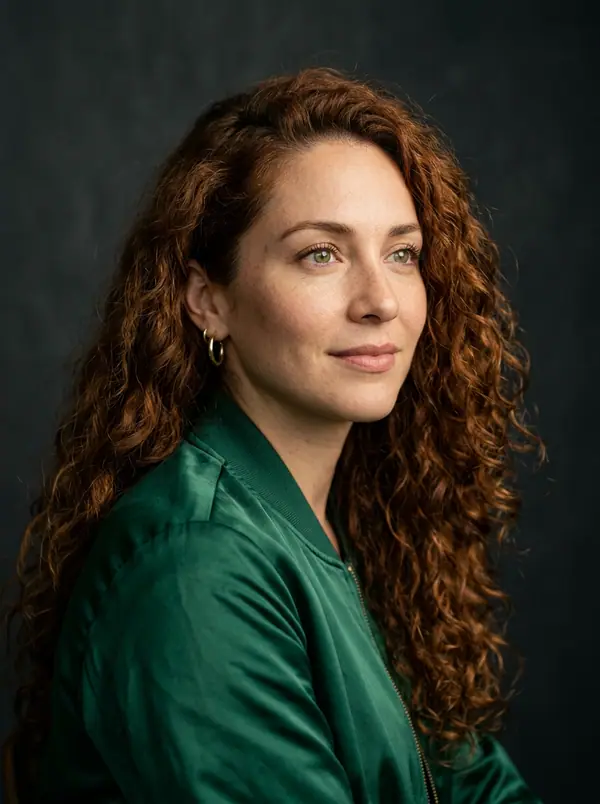
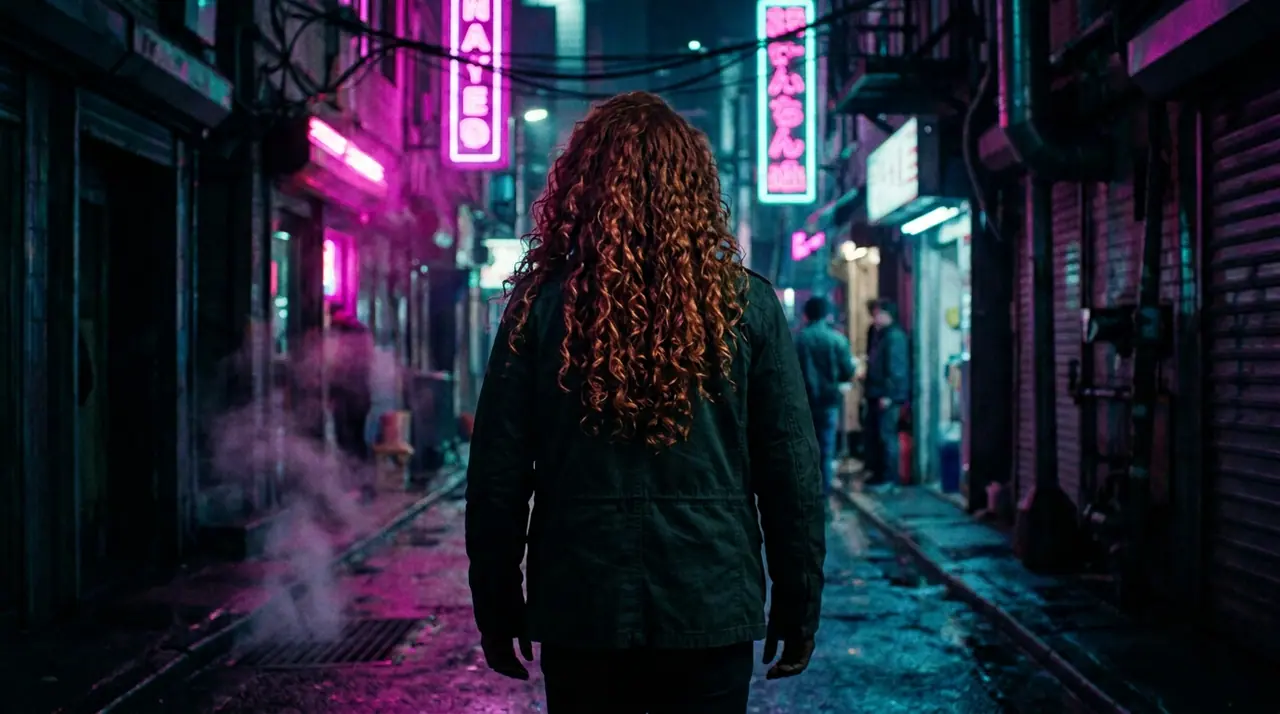
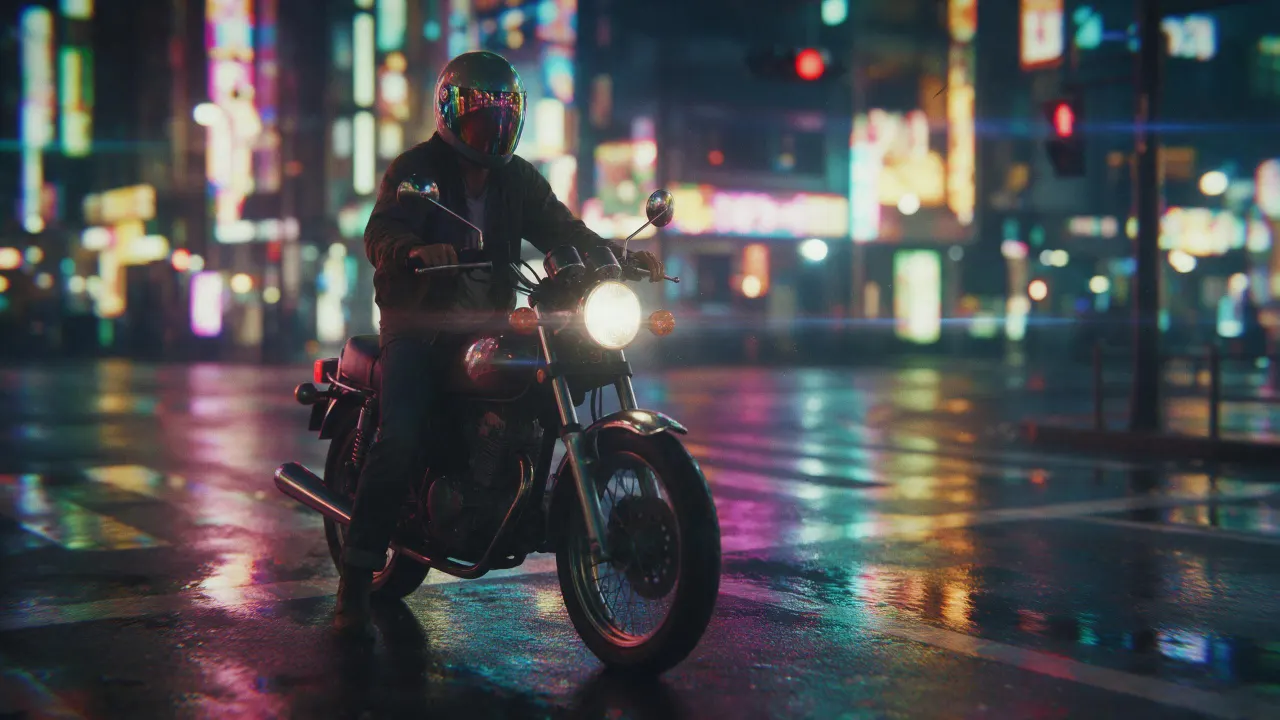
@Gambar 1: ganti pria itu dengan wanita di @Gambar 2, jaket yang sama, gang yang sama, neon yang sama
Eroq One · Pertahankan · 1 take
Tool
eroq edits a picture from a sentence: in Image › Edit, add your photo or a render, write what should change ("make it night", "give her a red coat"), and the editor renders the change while the rest holds. Eroq Uncensored, Krea2, Eroq One, Flash Image and Nano Banana Pro all edit, from 10 credits a picture, and Private mode keeps the picture in your browser only.
40 kredit gratis · tanpa kartu · mode privat di setiap akun
Gambar · Buat
13 Okt, 01.39.36·Siap · Butuh waktu 31 sec · −10 kredit
@Gambar 1: ganti pria itu dengan wanita di @Gambar 2, jaket yang sama, gang yang sama, neon yang sama
Eroq One · Pertahankan · 1 take
13 Okt, 01.42.07·Siap · Butuh waktu 26 sec · −40 kredit
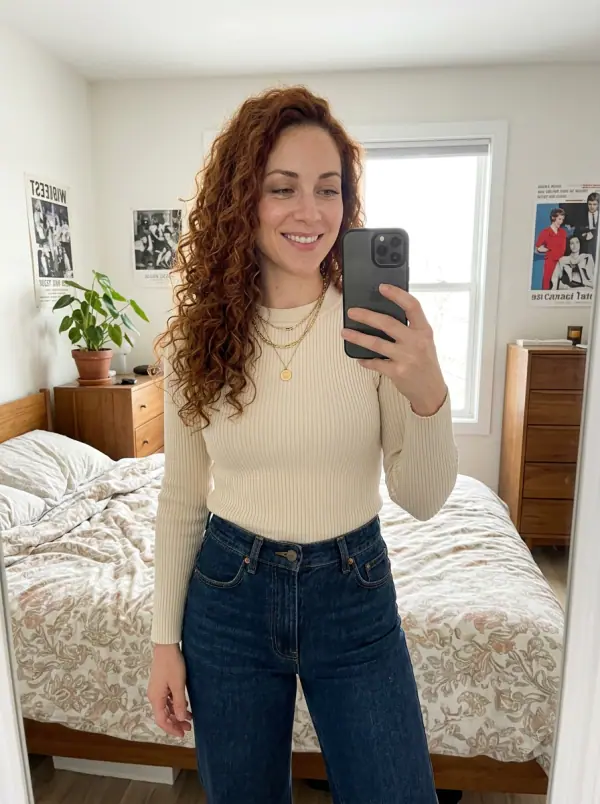
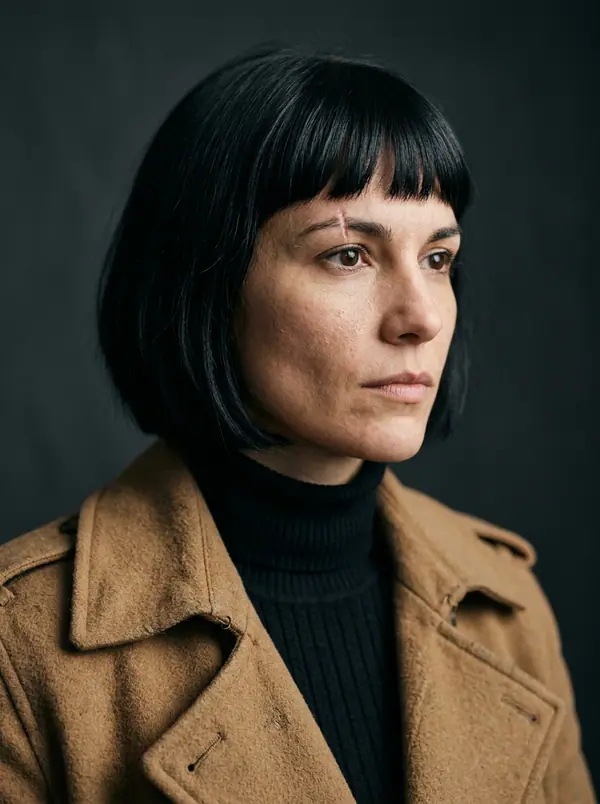
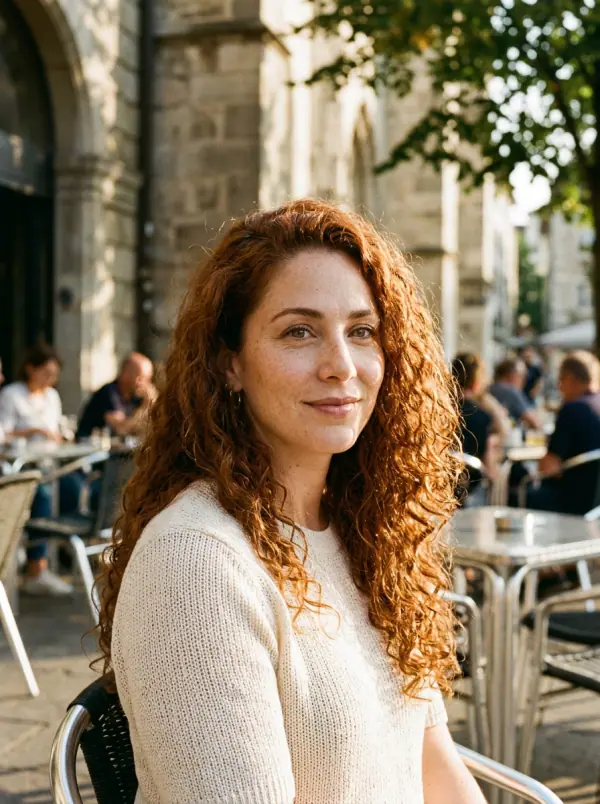
@Lena, potret candid 35mm di rumah, cahaya jendela yang hangat, grain film halus
Eroq One · 3:4 · 4 take
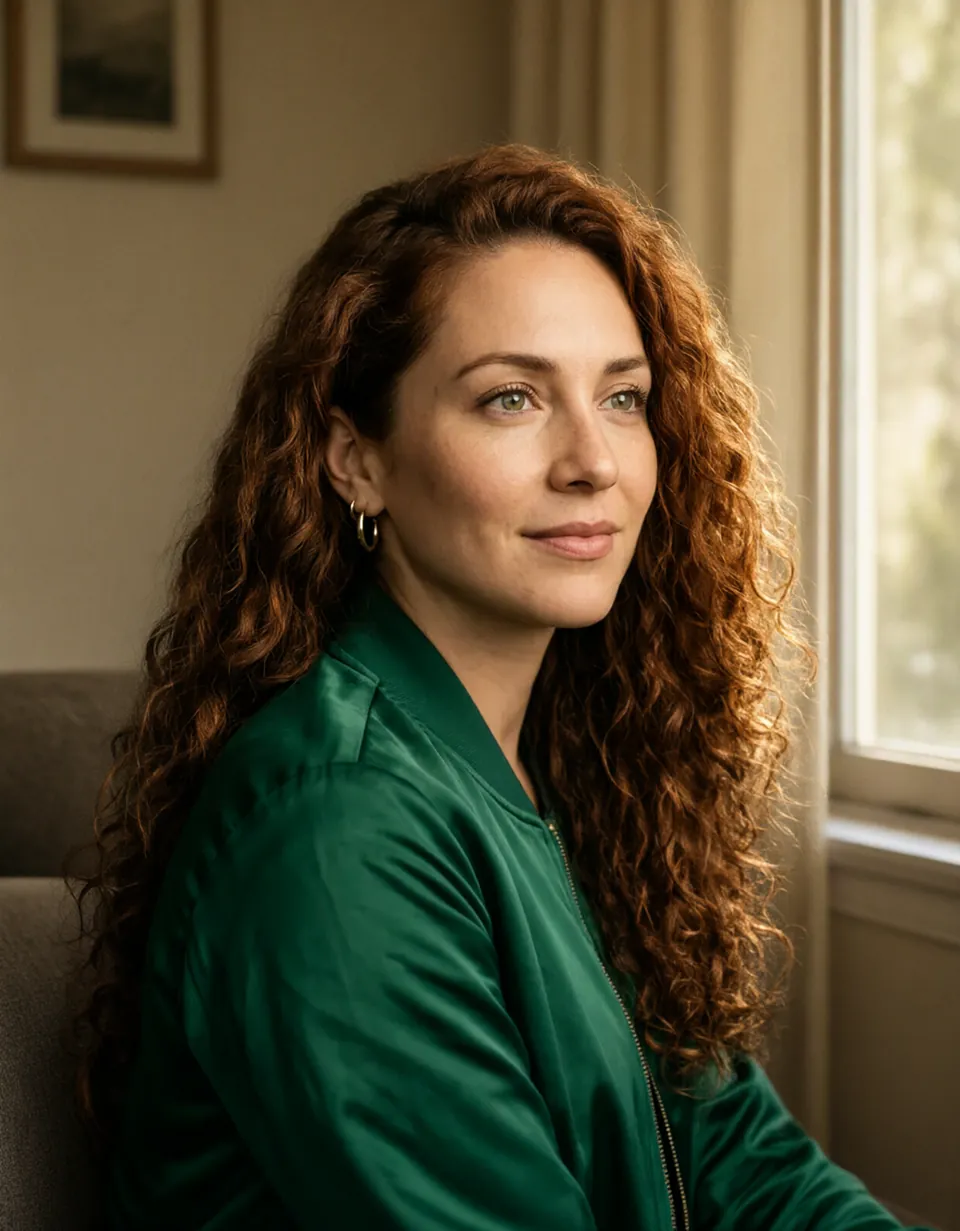
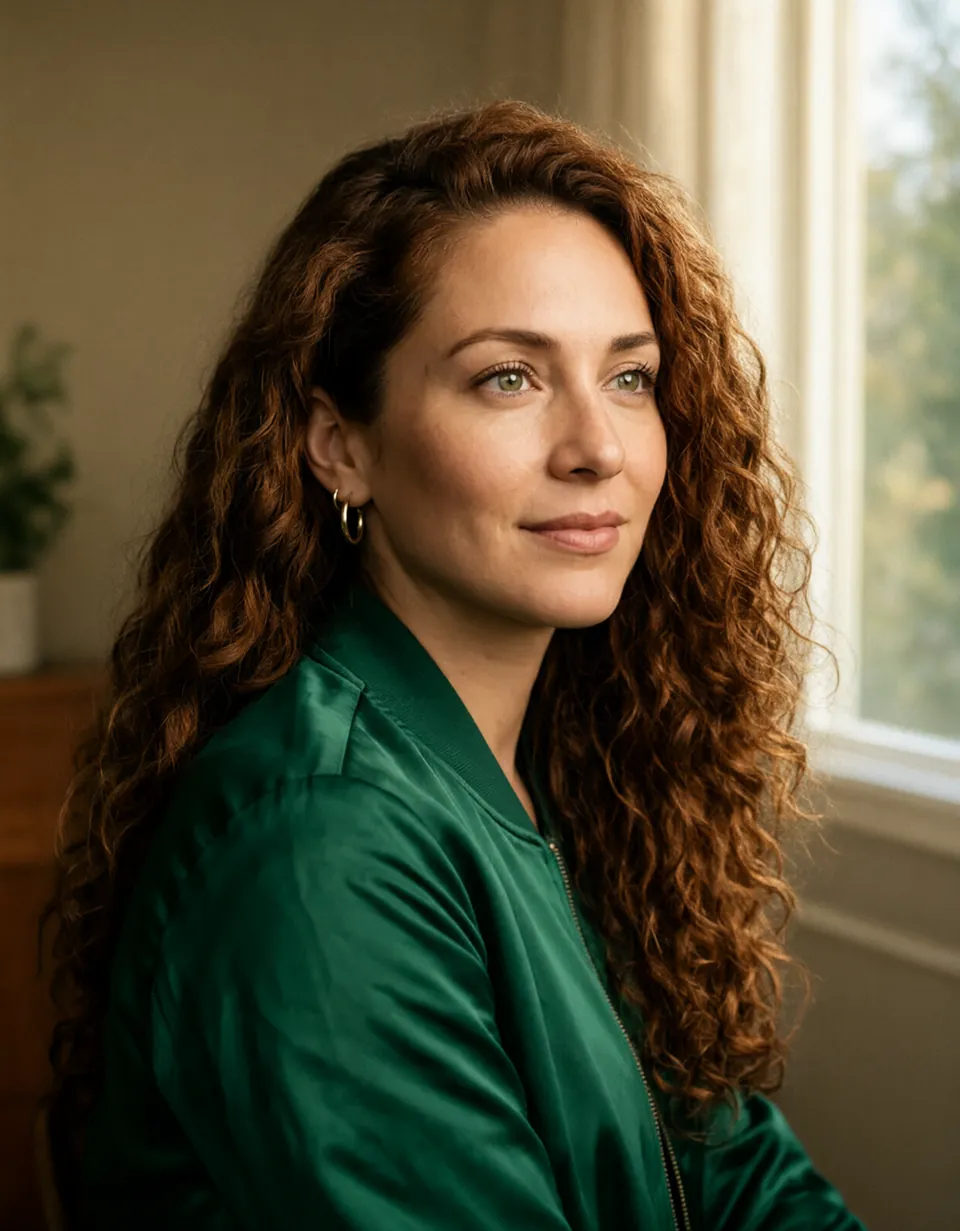
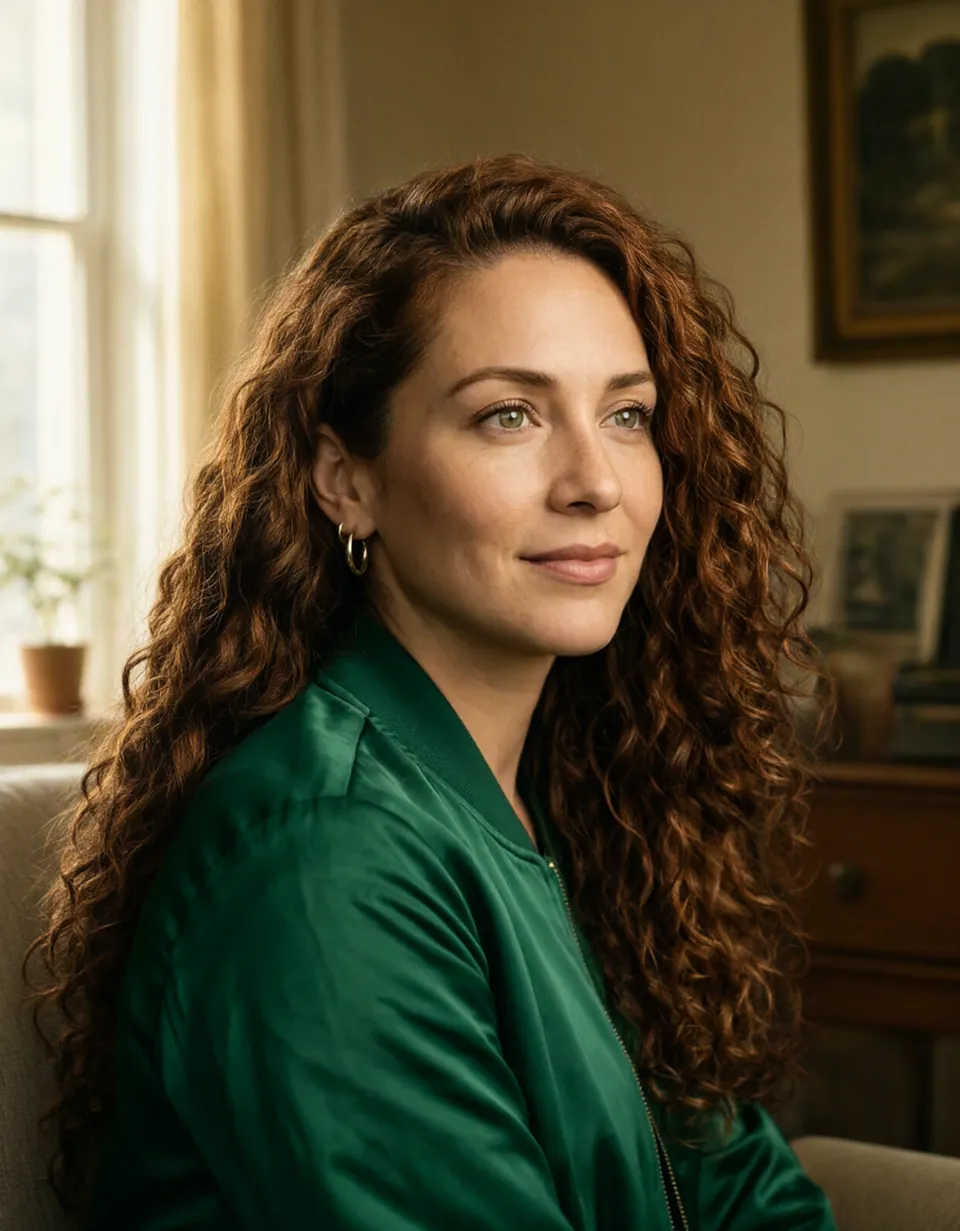
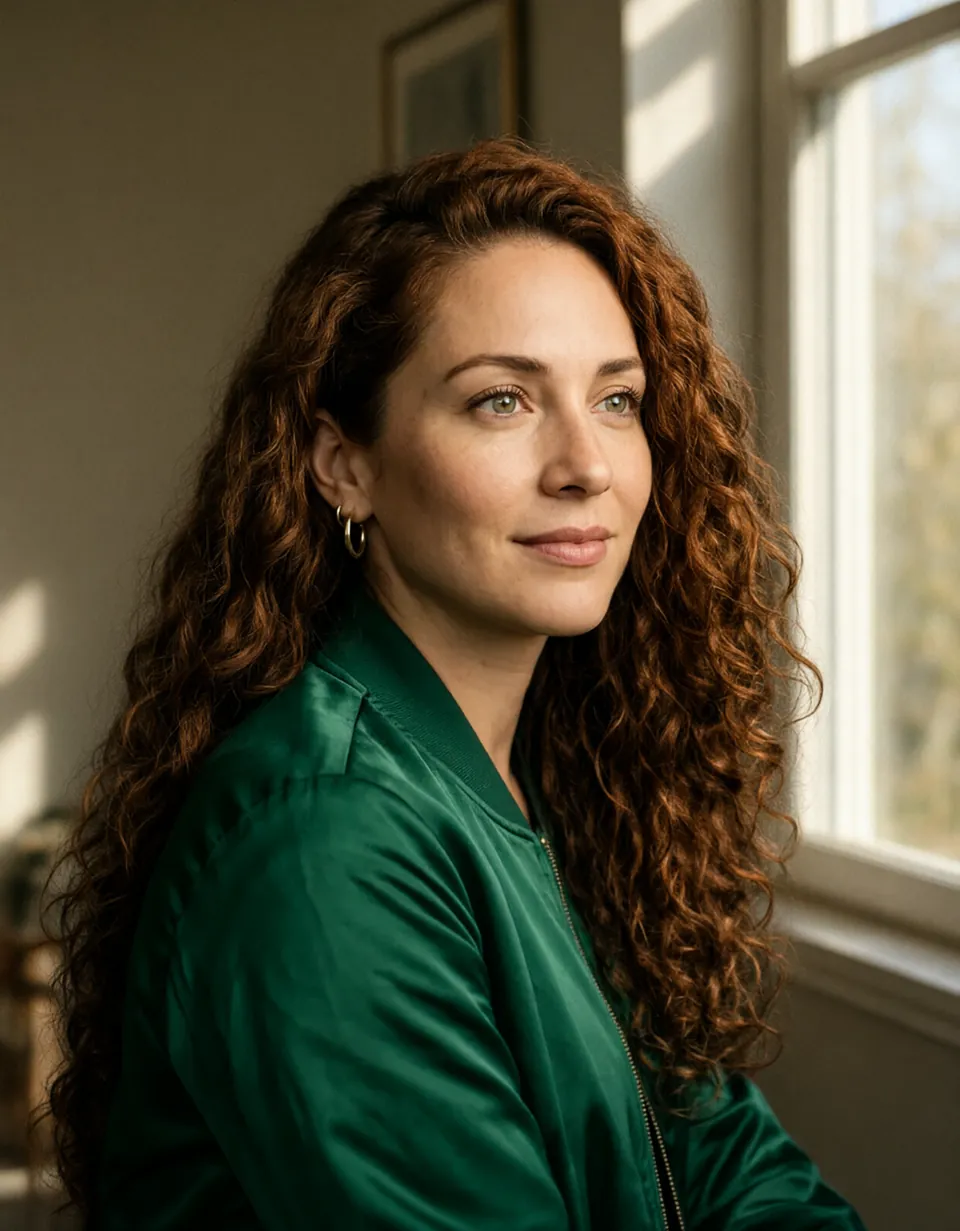
@Lena, potret candid 35mm di rumah, cahaya jendela yang hangat, grain film halus
Privasi
Privat dan tanpa batasan
There is no brush or mask: you name the part to change in words. It edits pictures you have the rights to, a real, identifiable person only with their consent, under one written policy: fiction only, nothing involving minors, no real identifiable people without their consent, nothing illegal.
Clap · agen AI
Deskripsikan hasilnya di Ask. Clap menanyakan apa yang dibutuhkan, memilih mesin, menulis prompt, dan menghitung harga rencananya. Setelah kamu setujui, semuanya dirender ke pustakamu. Sepenuhnya otomatis, dan tidak ada yang berjalan sebelum kamu bilang ya.
Ask · Clap
Clap · Berpikir selama 6s
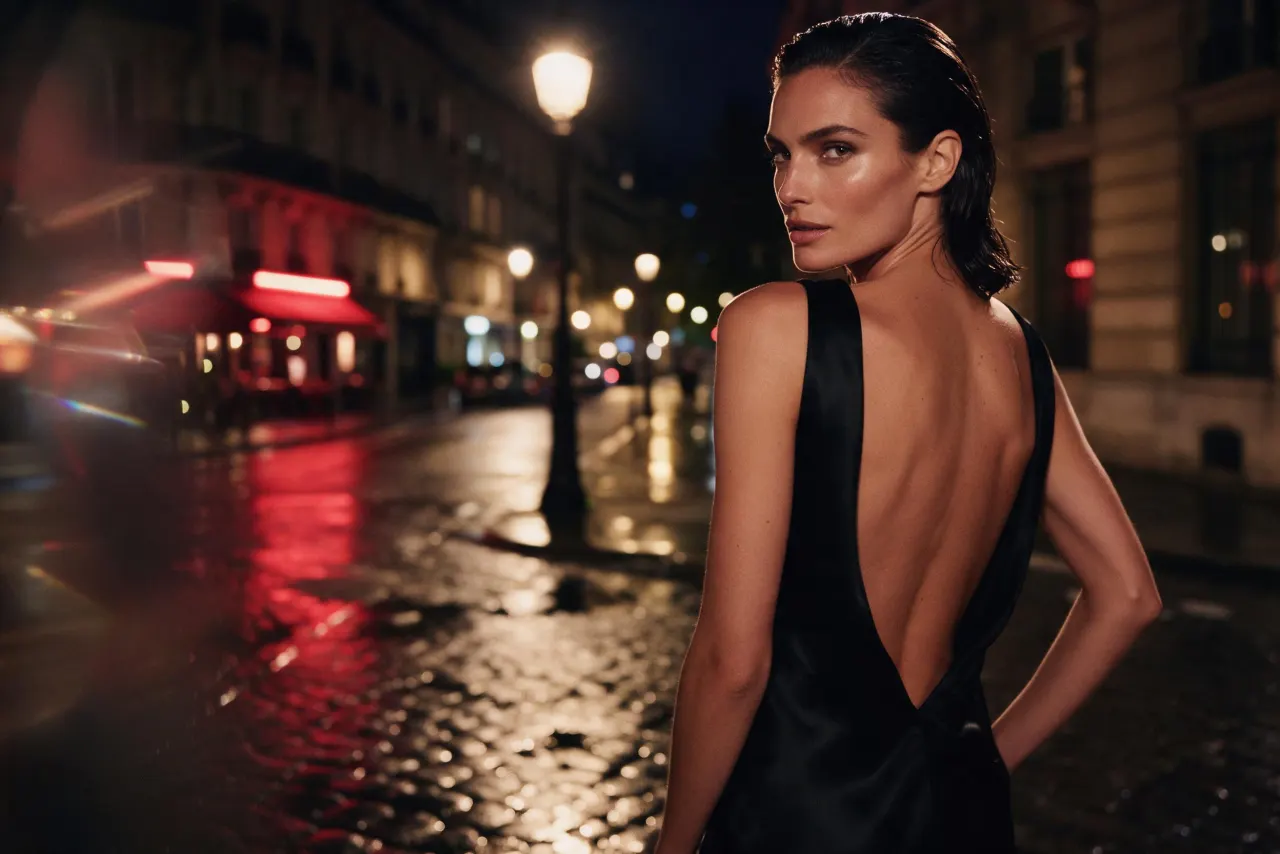
Tiga frame, wajah yang sama dari lembar Lena. Ini rencananya.
Produksi
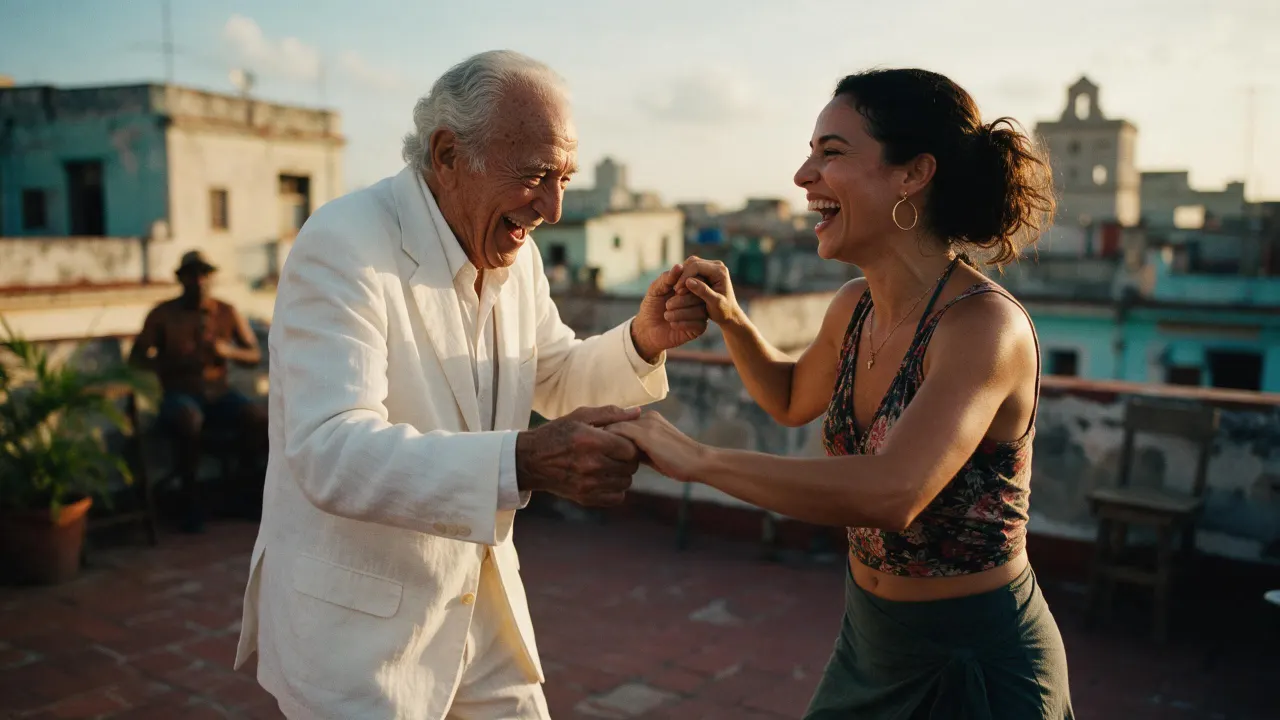
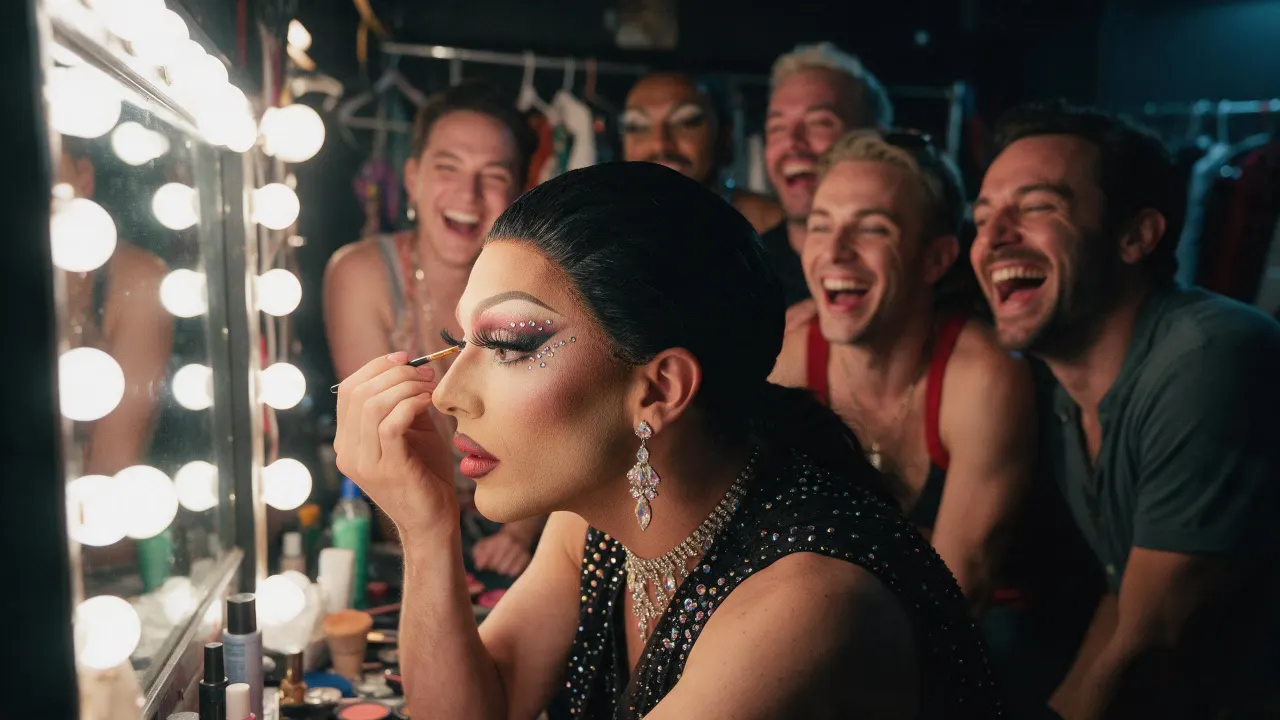
Disimpan di pustakamu
Setiap kartu membuka trennya di studio, siap dipakai.
Open Image › Edit, add the photo and write the change in plain words, as you would ask a retoucher: "make it night", "remove the cup", "give her a red coat". The editor renders the new picture and keeps what you did not mention.
Yes: name that part and say the rest stays the same ("replace only the sofa; keep everything else exactly the same"). There is no mask to draw; Eroq One holds the rest most faithfully.
Eroq One keeps the person as they are unless you ask otherwise. To keep one face across many pictures, save the person as a Character: their identity sheet holds the face in every render.
Eroq Uncensored and Eroq One edit with no provider filter, within the written policy (fiction only, nothing involving minors, no real identifiable people without their consent, nothing illegal). New web accounts start with a content filter on; the account holder can switch it off in Settings, confirming they are 18 or older.
The editors are run by eroq and keep nothing upstream. Turn on Private mode and your picture stays in your browser: the edit leaves no file and no Library entry.
Free to start: every new account gets 40 free credits with no card, enough for 4 edits at 10 credits each. More credits start with a $10 pack (1,000 credits) or a plan from $15/month.
40 kredit gratis · tanpa kartu · mode privat di setiap akun