13 oct., 01:39:36·Prêt · Durée : 31 sec · −10 crédits
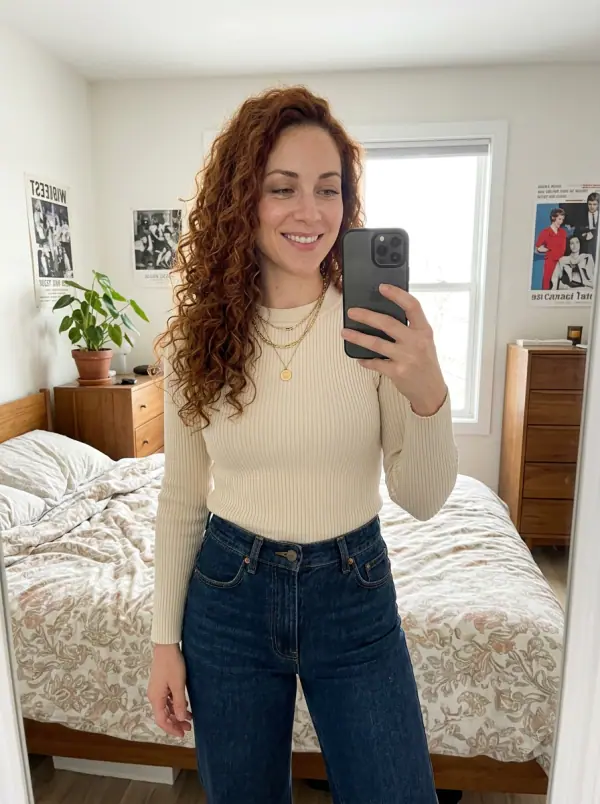
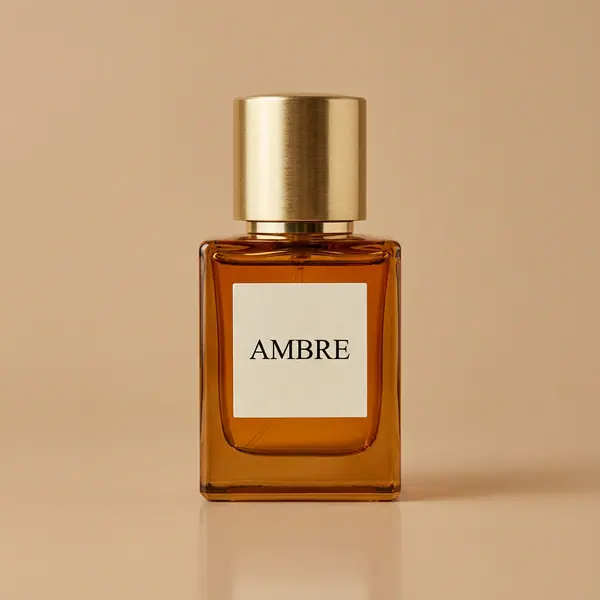
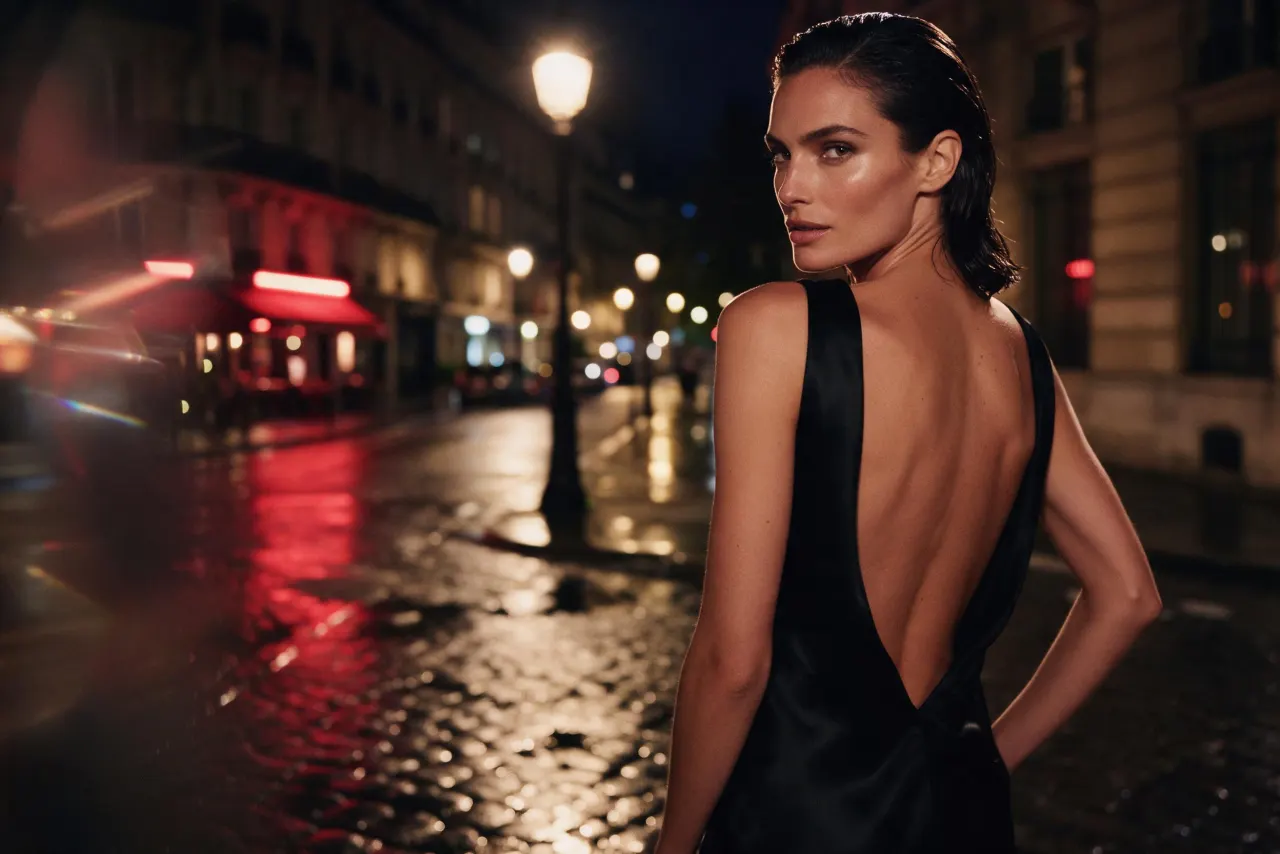
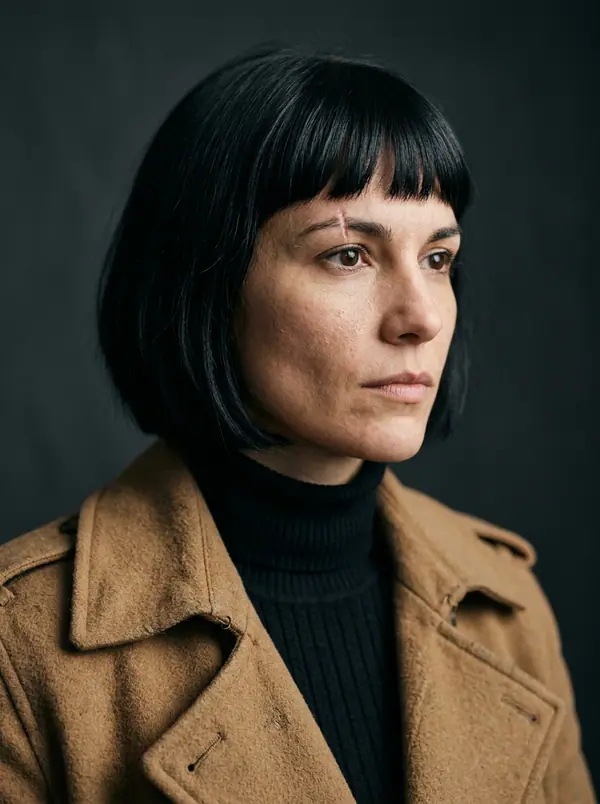
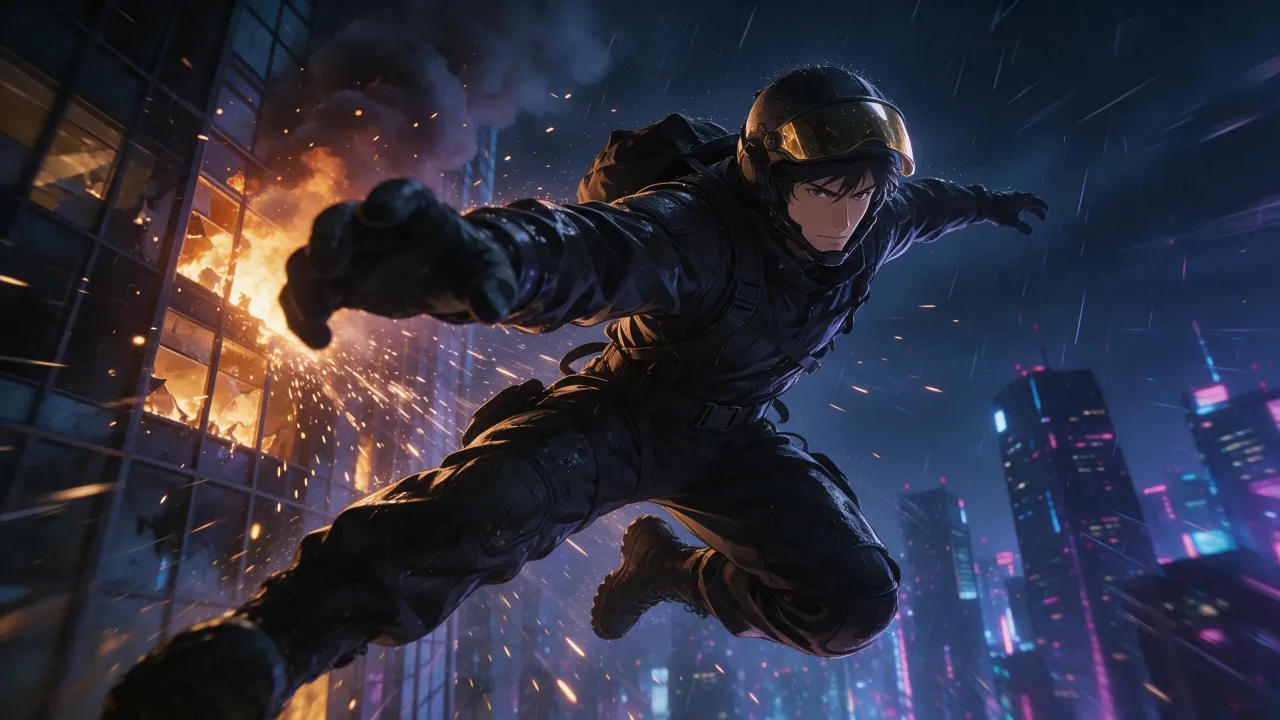
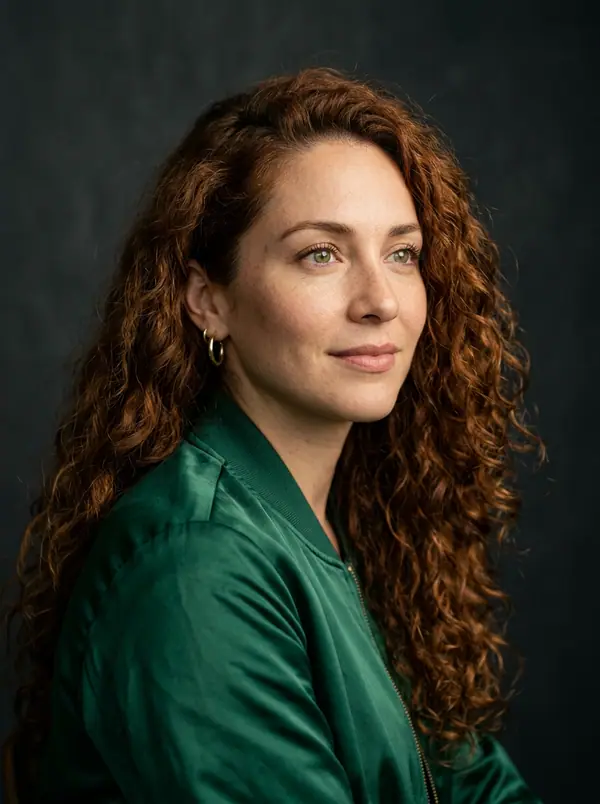
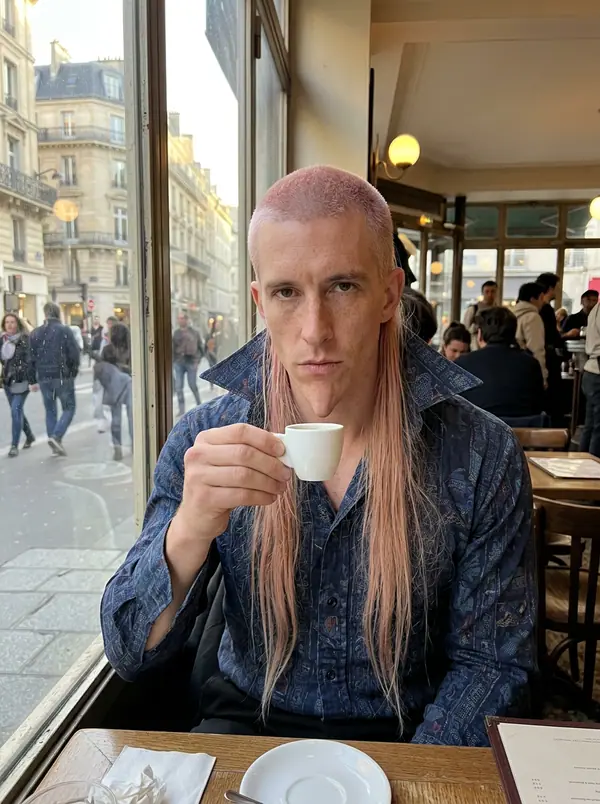
@Picture 1 : remplace l’homme par la femme de @Picture 2, même veste, même ruelle, mêmes néons
Eroq One · Conserver · 1 prise
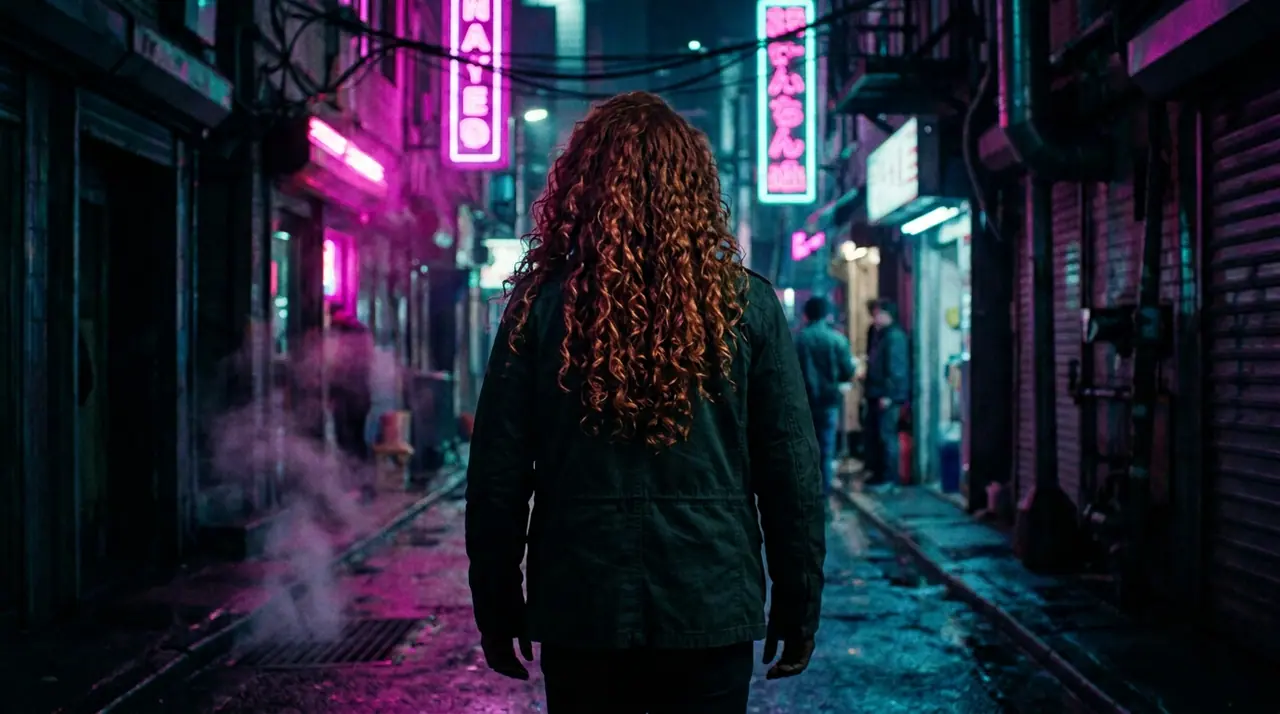
Tool
eroq edits a picture from a sentence: in Image › Edit, add your photo or a render, write what should change ("make it night", "give her a red coat"), and the editor renders the change while the rest holds. Eroq Uncensored, Krea2 and Eroq One all edit, from 10 credits a picture, and Private mode keeps the picture in your browser only.
40 crédits offerts · sans carte · mode privé sur chaque compte
Image · Créer
13 oct., 01:39:36·Prêt · Durée : 31 sec · −10 crédits
@Picture 1 : remplace l’homme par la femme de @Picture 2, même veste, même ruelle, mêmes néons
Eroq One · Conserver · 1 prise
13 oct., 01:42:07·Prêt · Durée : 26 sec · −40 crédits
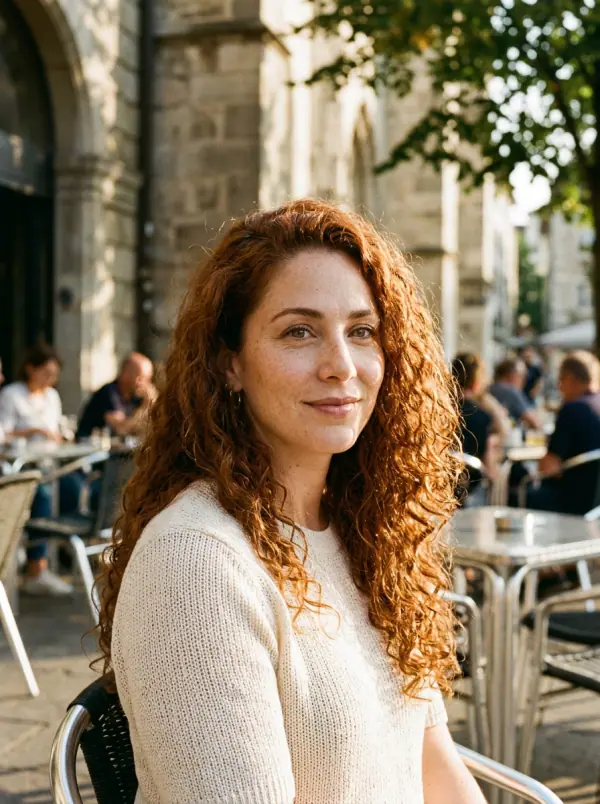
@Lena, portraits spontanés en 35mm à la maison, lumière chaude de fenêtre, grain argentique doux
Eroq One · 3:4 · 4 prises
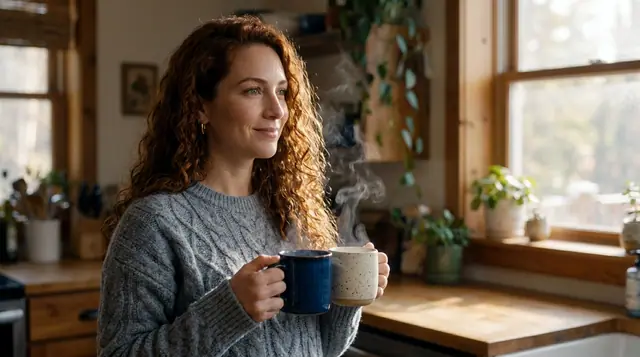
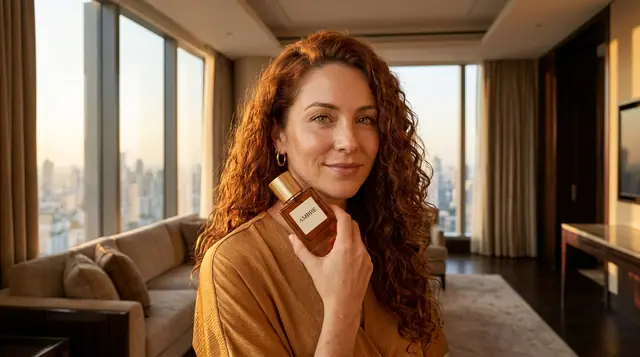
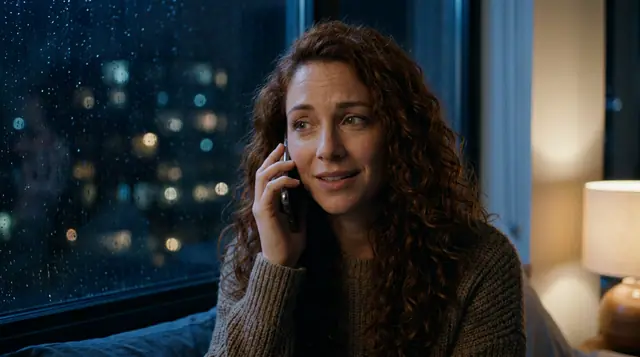
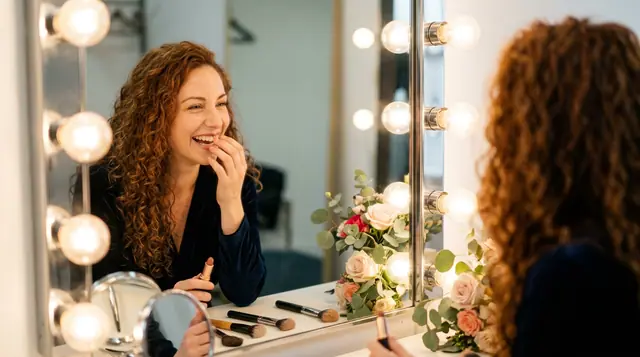
@Lena, portraits spontanés en 35mm à la maison, lumière chaude de fenêtre, grain argentique doux
Confidentialité
Privé et sans restrictions
There is no brush or mask: you name the part to change in words. It edits pictures you have the rights to, a real, identifiable person only with their consent, under one written policy: fiction only, nothing involving minors, no real identifiable people without their consent, nothing illegal.
Clap · agent IA
Décris le résultat dans Ask. Clap demande ce qu’il lui faut, choisit les moteurs, écrit les prompts et chiffre le programme. Dès que tu valides, il génère tout dans ta bibliothèque. Entièrement automatisé, et rien ne se lance avant ton feu vert.
Ask · Clap
Clap · Réflexion : 6s
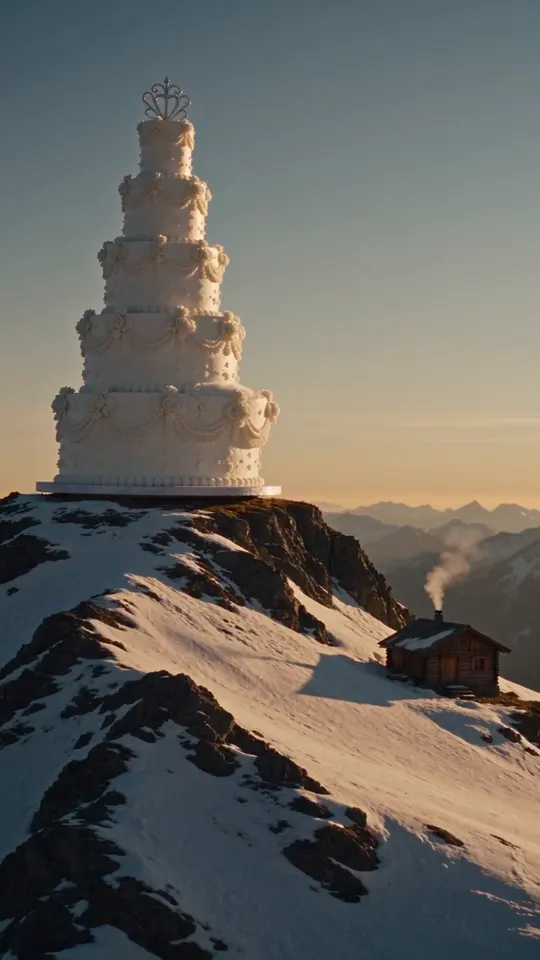
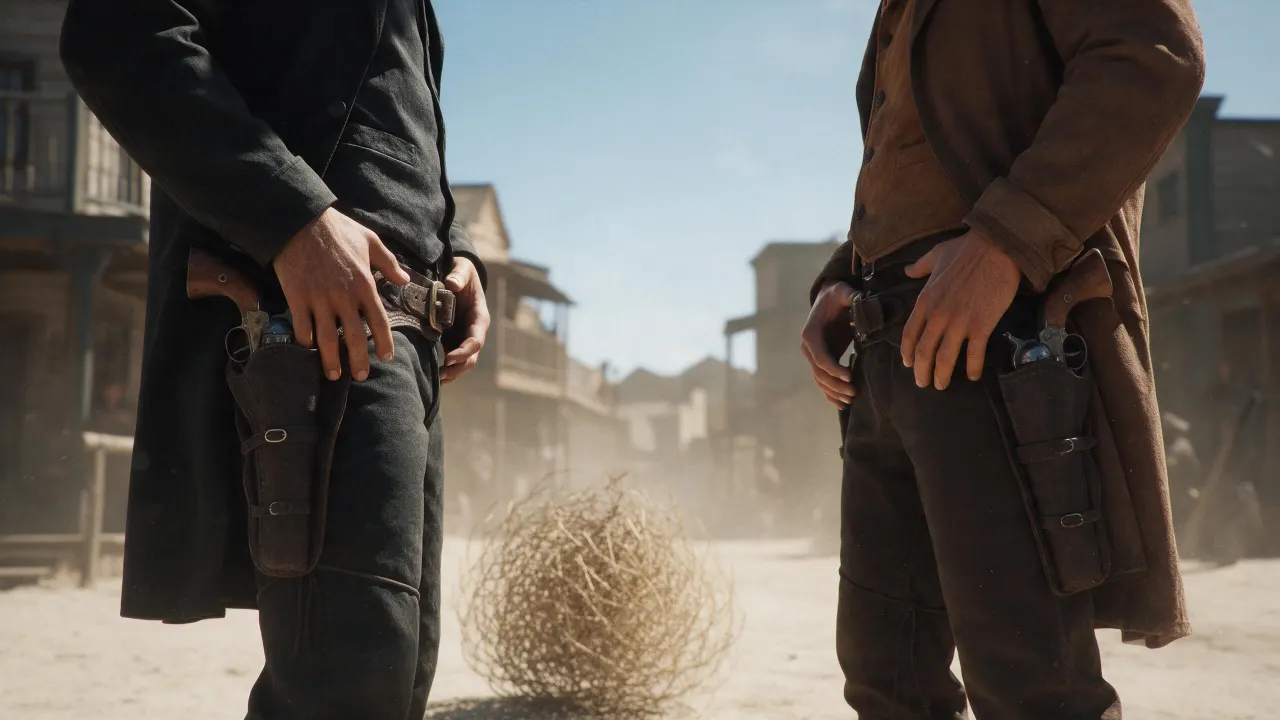
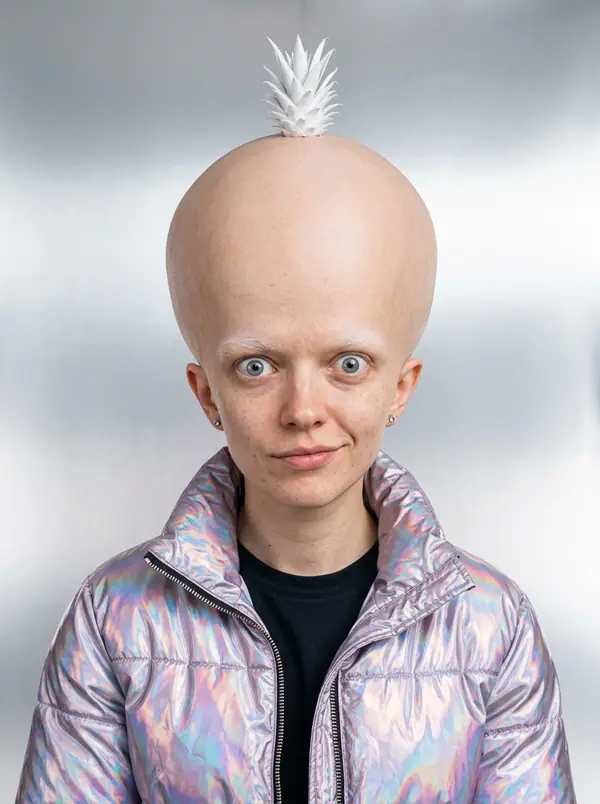
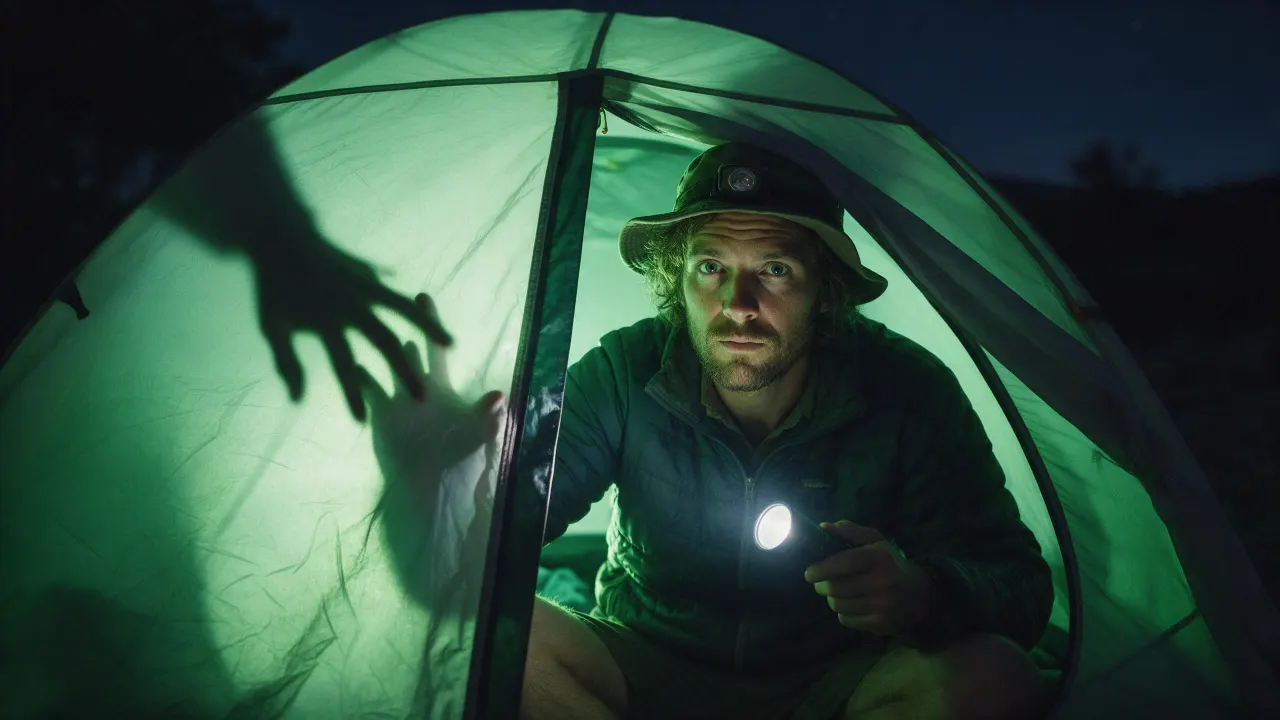
Trois images, le même visage tiré de la fiche de Lena. Voici le programme.
Production
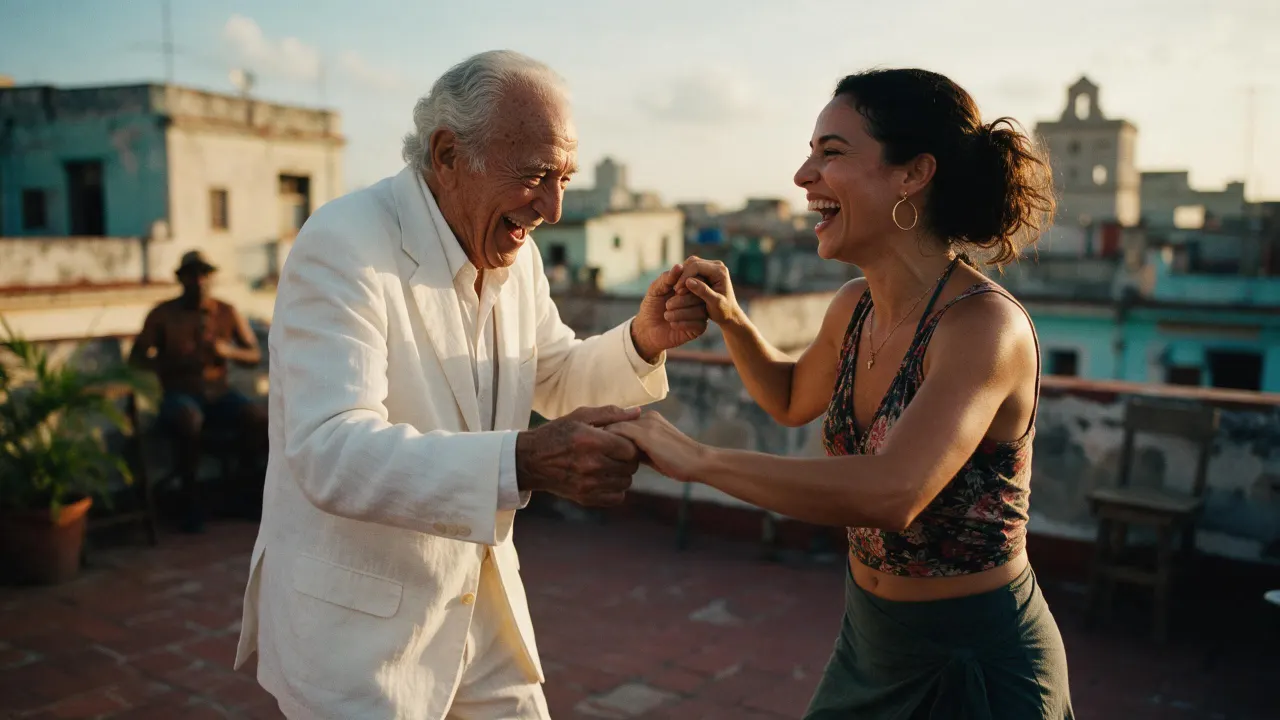
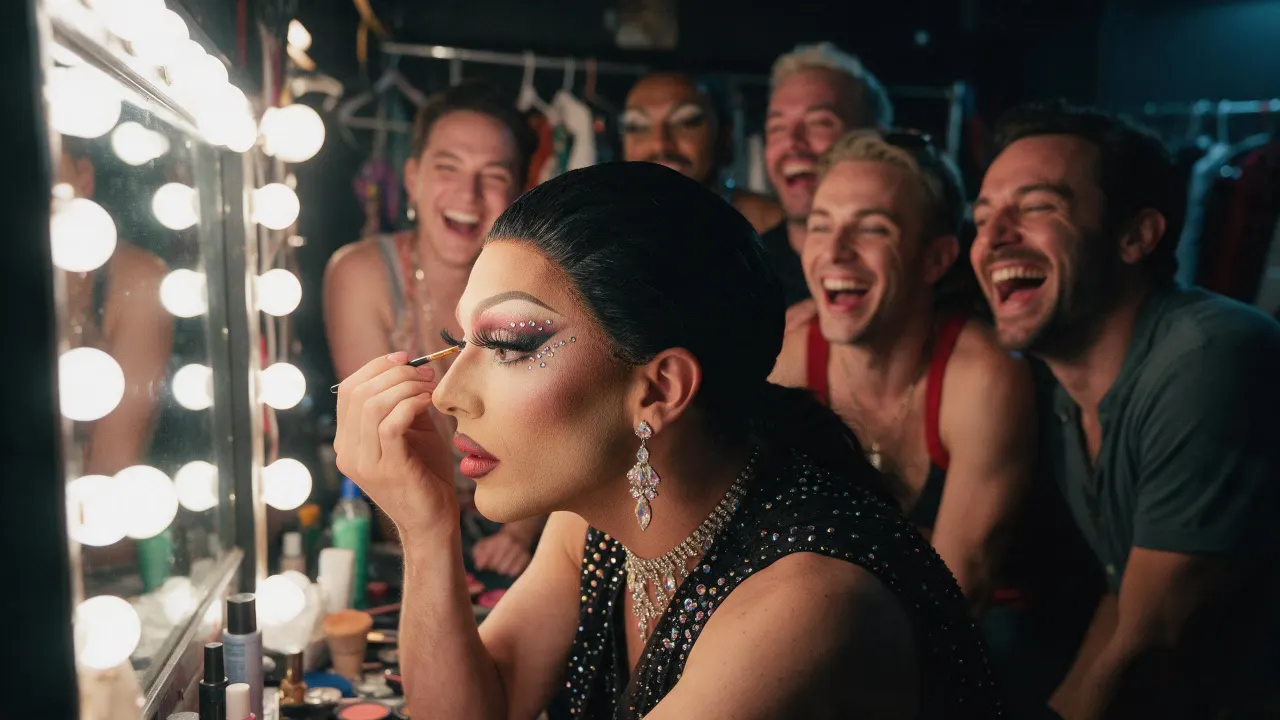
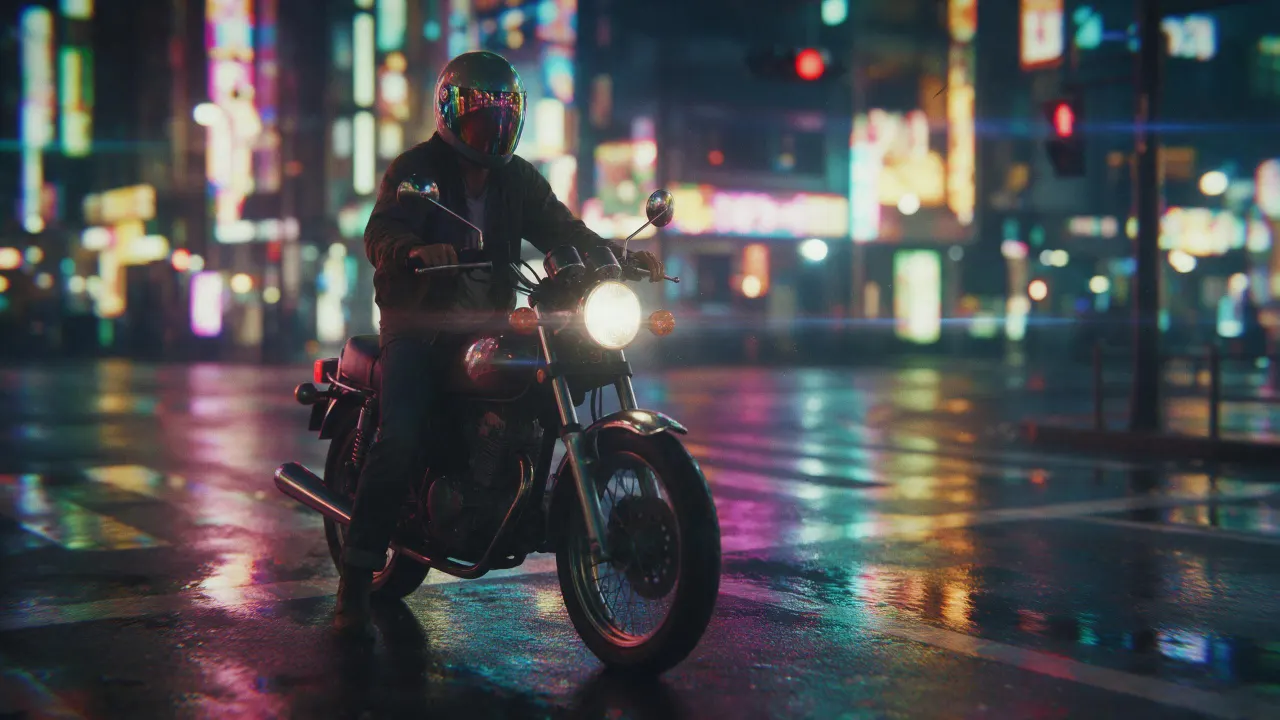
Enregistré dans ta bibliothèque
Chaque vignette ouvre sa trend dans le studio, prête à l’emploi.
Open Image › Edit, add the photo and write the change in plain words, as you would ask a retoucher: "make it night", "remove the cup", "give her a red coat". The editor renders the new picture and keeps what you did not mention.
Yes: name that part and say the rest stays the same ("replace only the sofa; keep everything else exactly the same"). There is no mask to draw; Eroq One holds the rest most faithfully.
Eroq One keeps the person as they are unless you ask otherwise. To keep one face across many pictures, save the person as a Character: their identity sheet holds the face in every render.
Eroq Uncensored and Eroq One edit with no provider filter, within the written policy (fiction only, nothing involving minors, no real identifiable people without their consent, nothing illegal). New web accounts start with a content filter on; the account holder can switch it off in Settings, confirming they are 18 or older.
The editors are run by eroq and keep nothing upstream. Turn on Private mode and your picture stays in your browser: the edit leaves no file and no Library entry.
Free to start: every new account gets 40 free credits with no card, enough for 4 edits at 10 credits each. More credits start with a $10 pack (1,000 credits) or a plan from $15/month.
40 crédits offerts · sans carte · mode privé sur chaque compte
Continue l’exploration